

Choose an LED screen by the viewing distance, required screen size, operating environment and installation method before comparing models or prices. These FAQs explain the main specification decisions and point to more detailed guides.
- Define active dimensions, nearest viewers and sample content.
- Confirm the cabinet grid, native resolution, controls and service access.
- Compare the same hardware, installation responsibilities and support scope.
Jump to a buying question

Buying a large display is rarely a choice between two competing "screen types." That is the first important point in UHD vs QLED. UHD describes image resolution; QLED describes a quantum-dot-enhanced display architecture, usually [...]
Buying a large display is rarely a choice between two competing "screen types." That is the first important point in UHD vs QLED. UHD [...]
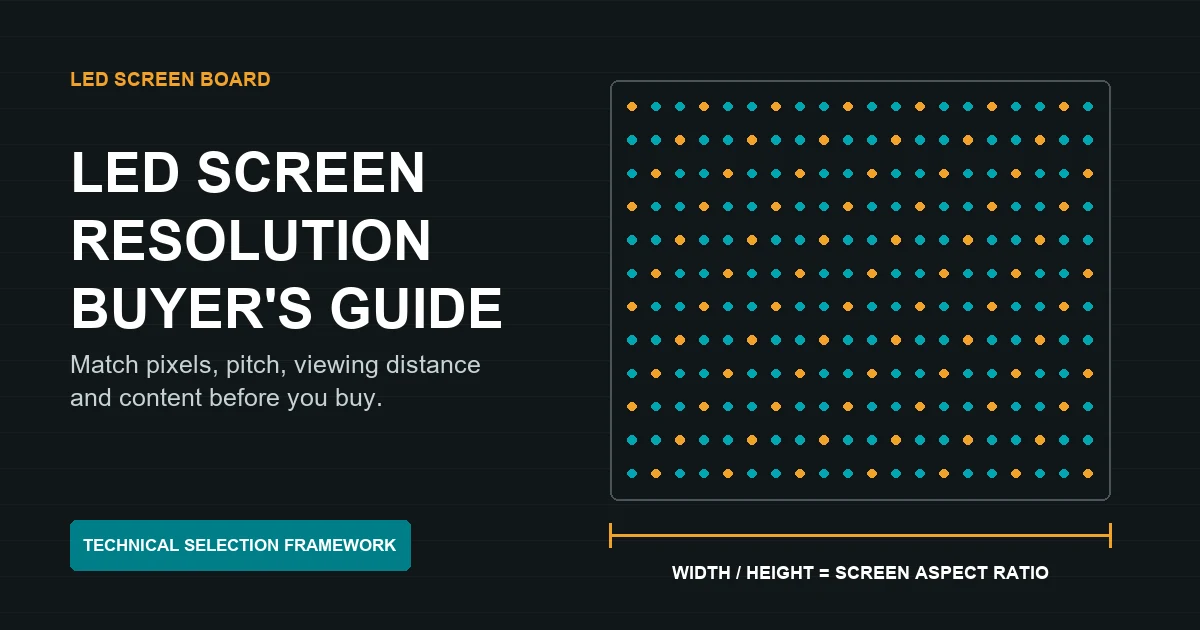
LED screen resolution does not increase simply because an LED wall is physically large. Native resolution comes from the number of real pixels built into the display, while its screen aspect ratio comes from the [...]
LED screen resolution does not increase simply because an LED wall is physically large. Native resolution comes from the number of real pixels built into [...]
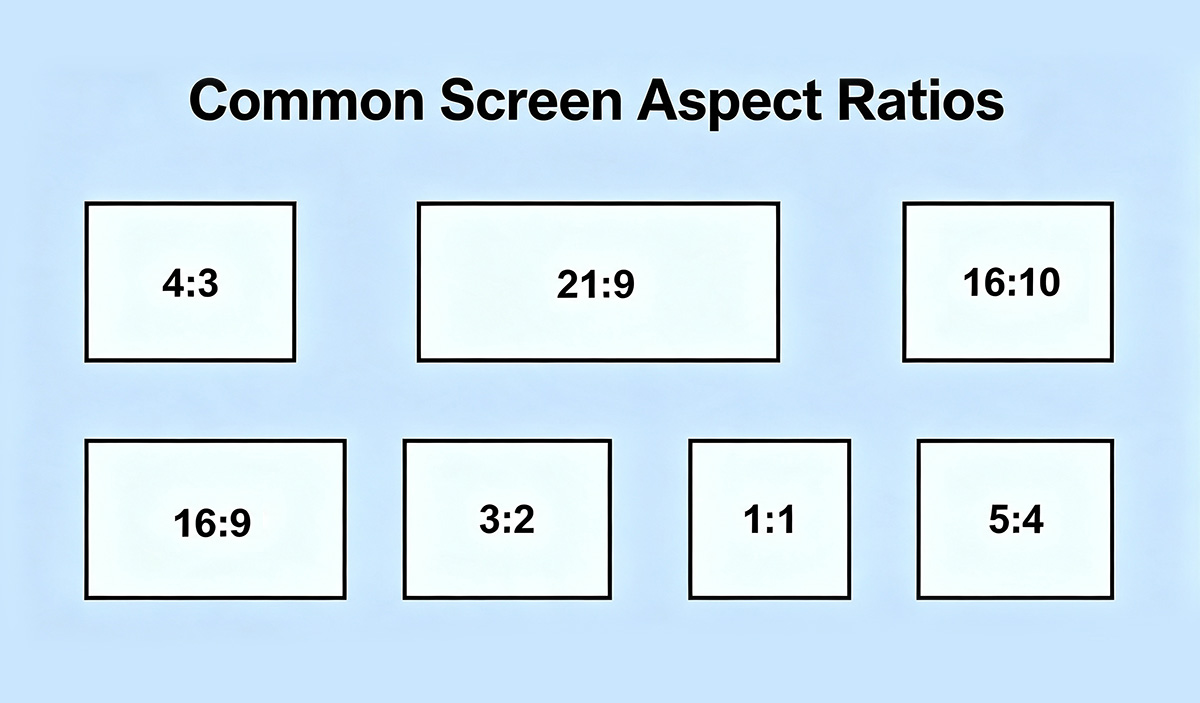
Quick answer: LED screen aspect ratio is active width divided by active height. Match the confirmed cabinet grid and native pixel canvas to the content before ordering. A 16:9 input does not make a custom [...]
Quick answer: LED screen aspect ratio is active width divided by active height. Match the confirmed cabinet grid and native pixel canvas to the content [...]
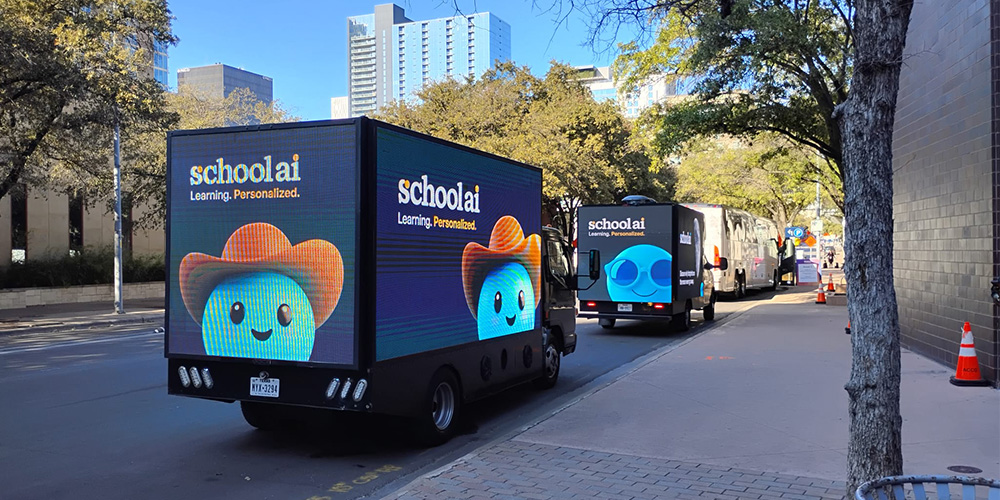
Quick answer for LED buyers: separate an advertising campaign booking from a screen-equipment purchase. A rental day rate buys a defined media service; an LED display quote must identify the screen faces, control system and [...]
Quick answer for LED buyers: separate an advertising campaign booking from a screen-equipment purchase. A rental day rate buys a defined media service; an LED [...]
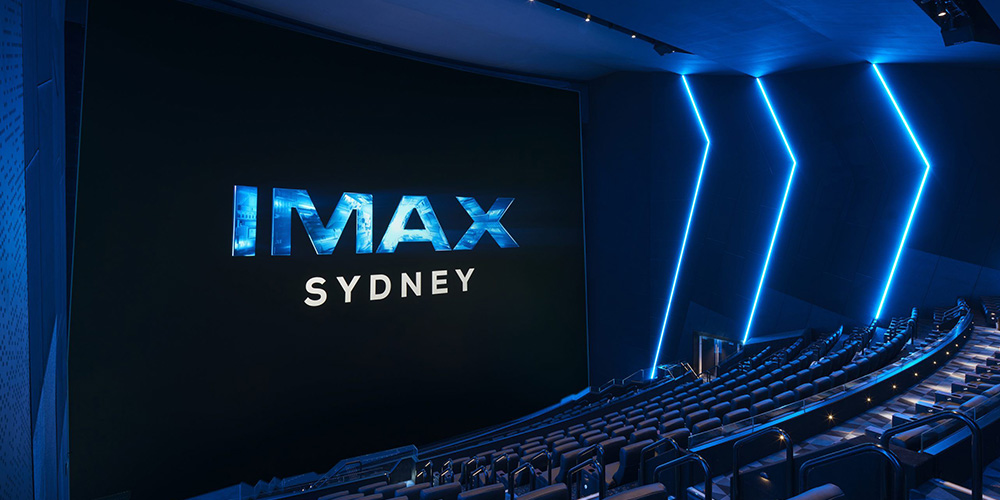
The best cinema screen depends on the film, the presentation system, and where you sit. IMAX Melbourne is a strong starting point for viewers seeking a giant, tall-format experience; Traumpalast Leonberg holds the published Guinness [...]
The best cinema screen depends on the film, the presentation system, and where you sit. IMAX Melbourne is a strong starting point for viewers seeking [...]
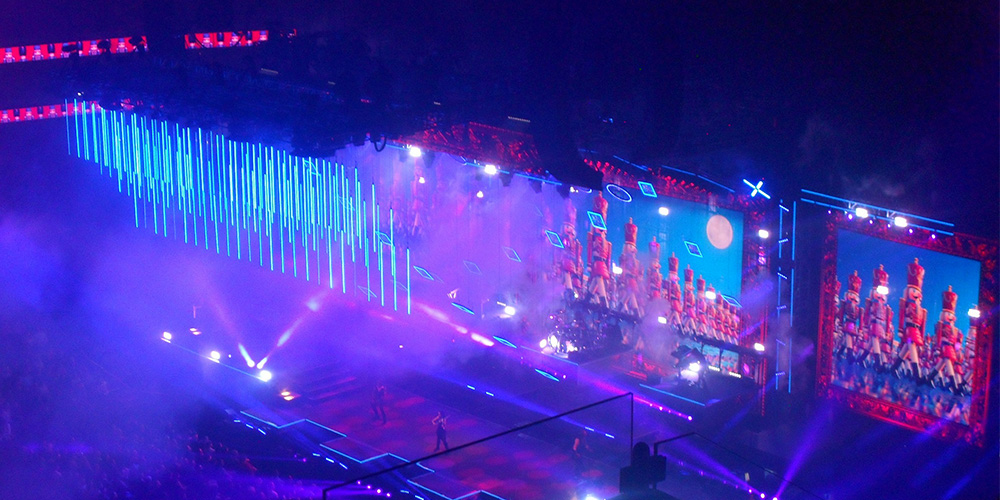
Choosing the right LED screen size starts with three measurements: the usable installation space, the nearest viewing distance, and the farthest seat that must read the content. Then match the screen to complete cabinets, [...]
Choosing the right LED screen size starts with three measurements: the usable installation space, the nearest viewing distance, and the farthest seat that must [...]
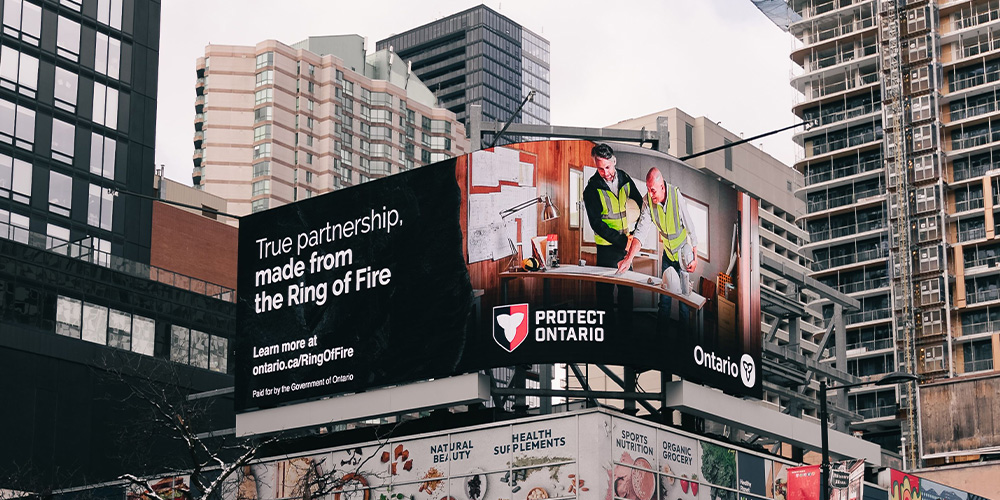
A black LED display uses dark packaging around its light-emitting chips to reduce reflected ambient light. A white LED display uses a lighter package that can support efficient light output but usually reflects more surrounding [...]
A black LED display uses dark packaging around its light-emitting chips to reduce reflected ambient light. A white LED display uses a lighter package that [...]
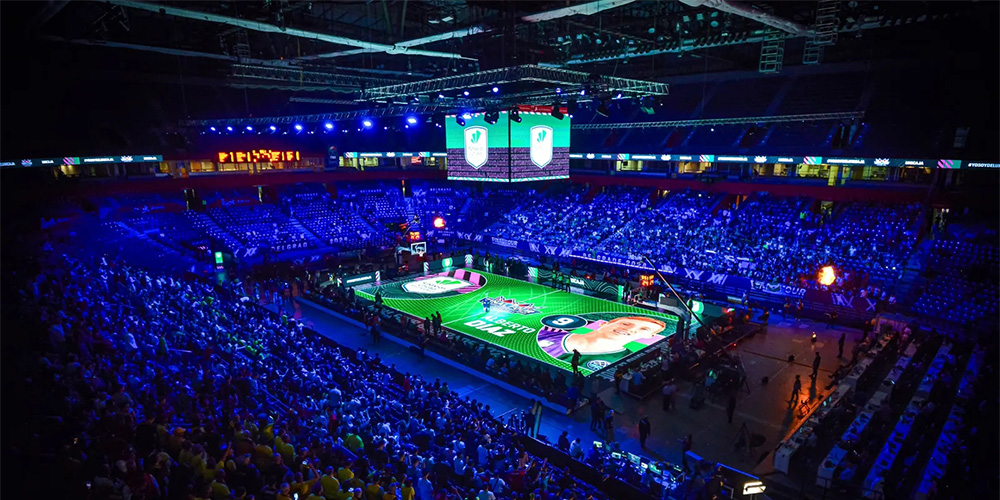
Quick answer: choose sports LED screens by the information the farthest seats must read and the live workflow the venue can operate. Compare scoreboards, video boards and perimeter displays separately; ask for a complete [...]
Quick answer: choose sports LED screens by the information the farthest seats must read and the live workflow the venue can operate. Compare scoreboards, [...]
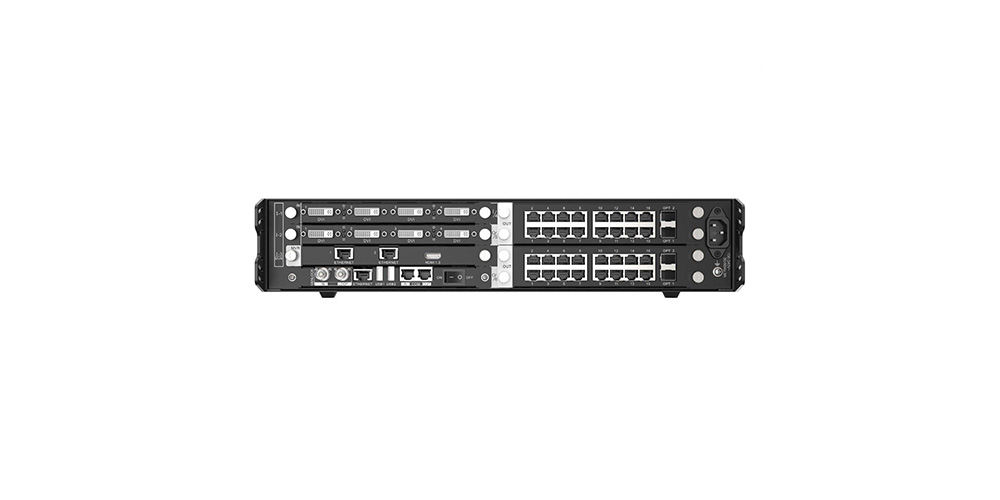
The NovaStar H2 video processor is a 2U modular video wall splicer for medium and large LED displays. It accepts up to four hot-swappable input cards and two output cards, supports multiple screens and [...]
The NovaStar H2 video processor is a 2U modular video wall splicer for medium and large LED displays. It accepts up to four hot-swappable [...]
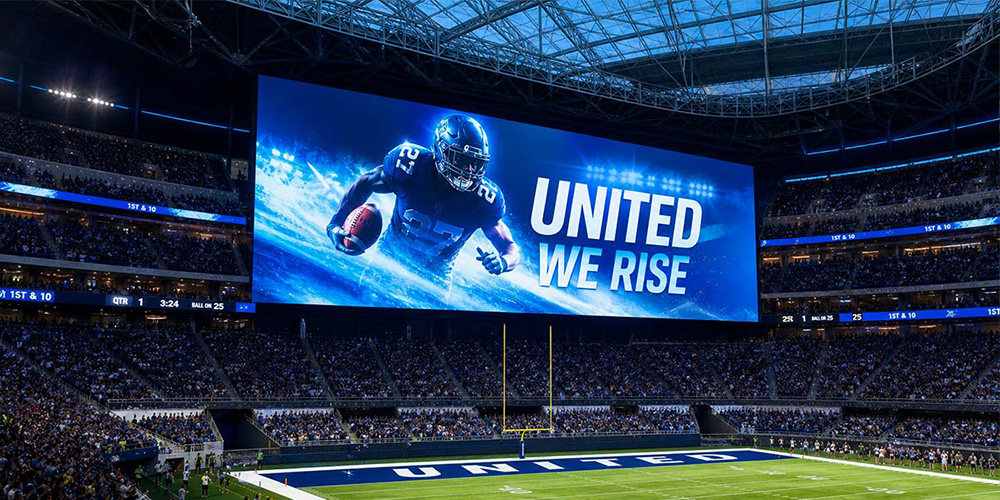
A 2026 Jumbotron price can start near $20,000 for a small indoor display and exceed $1 million for a permanent stadium system. Most school, church, event, and mid-size sports projects require roughly $50,000 to $300,000 [...]
A 2026 Jumbotron price can start near $20,000 for a small indoor display and exceed $1 million for a permanent stadium system. Most school, church, [...]
LED Screen FAQs: Quick Answers
LED screen FAQs help buyers compare pixel pitch, resolution, brightness, cabinet size, control systems, installation and maintenance before requesting a quote. Start with the installation environment and nearest viewing distance, then match the cabinet layout to the required aspect ratio and native resolution. Use the guides below for detailed answers or send EagerLED your project requirements for a recommended configuration.
Quick answer: A reliable LED screen specification starts with six inputs: indoor or outdoor use, screen dimensions, nearest viewing distance, content aspect ratio, installation method and on-camera requirements. Product model and price should be selected only after those constraints are clear.
Start with these six decisions
- Environment: Confirm indoor, outdoor or semi-outdoor use, ambient light, weather exposure and operating temperature.
- Viewing distance: Use the nearest regular viewer, not only the farthest seat, when comparing pixel pitch.
- Physical size: Fit the display to complete module and cabinet dimensions so the final wall can be built without cropped cabinets or improvised gaps.
- Content format: Match the cabinet grid to the source aspect ratio. A 16:9 canvas is often easier for standard video, while retail and architectural displays may require portrait or custom ratios.
- Control and camera needs: State the input format, required redundancy, playback method and whether the screen will be filmed or broadcast.
- Service access: Decide whether modules, power supplies and receiving cards must be maintained from the front, rear or both sides.
Browse the right guide
- Calculate pixel count with the LED screen resolution guide.
- Plan cabinets with the LED screen size guide.
- Compare LED screen aspect ratios.
- Learn how to choose LED pixel pitch.
- Match the environment with the LED display brightness guide.
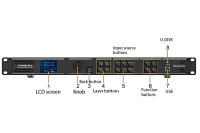
- Find setup help in the LED controller system guides.
Frequently Asked Questions About LED Screens
What specifications are needed to choose an LED screen?
Provide the installation location, visible screen width and height, nearest viewing distance, indoor or outdoor environment, content resolution, aspect ratio, mounting method, service-access direction and whether cameras will film the display. Also state the available power standard and preferred controller or input sources. These details allow a supplier to calculate the cabinet grid, native resolution, brightness class, control capacity and project scope before quoting.
How do I choose the right pixel pitch?
Pixel pitch is the center-to-center distance between adjacent LED pixels, measured in millimetres. A smaller pitch increases pixel density and can improve close-range detail, but it also changes cost, power density and service requirements. Choose it from the nearest normal viewing distance and the content detail that must be readable, then confirm the choice with a sample or viewing test when image quality is critical.
How is an LED screen’s native resolution calculated?
Divide the active width and height in millimetres by the pixel pitch in millimetres. For example, a 3,840 mm by 2,160 mm active area built at P3 has a native resolution of 1,280 by 720 pixels. The cabinet and module grid must divide evenly; otherwise, the final size or resolution needs to change. Do not assume that a physically large LED wall is automatically 4K.
What is the difference between indoor and outdoor LED screens?
Outdoor screens are engineered for higher ambient light, weather exposure, drainage, temperature changes and site-specific structural loads. Indoor screens usually prioritize close viewing, finer pixel pitches, lower brightness and quieter operation. For weather protection, specify the required front and rear IP code instead of relying on the word "waterproof." IP codes are defined by IEC 60529, and the required level depends on the installation.
What refresh rate should an LED screen have?
Refresh rate is measured in hertz, but the correct target depends on whether the display is viewed directly, photographed or used for live broadcast. For on-camera applications, request a high-refresh configuration and test it with the actual camera shutter speed and frame rate. A refresh-rate number alone does not guarantee a scan-line-free image because driver settings, PWM behaviour, grayscale performance and exposure also affect the result.
How much does an LED screen cost?
LED screen cost depends on display area, pixel pitch, LED package, cabinet design, control system, steel structure, power distribution, freight, installation, spare parts and service terms. Compare quotations by complete scope, not only price per square metre. A useful quote should separate display hardware from structure, control equipment, transport, installation and optional spares so alternatives can be compared fairly.
Compare Quotations on the Same Scope
| Quote item | Confirm in both proposals | Why it matters |
|---|---|---|
| Display hardware | Active dimensions, complete cabinet grid, exact model and configuration | A similar area or a shared pitch label does not establish equivalent equipment. |
| System and delivery | Processing, cables, packing, freight terms and spares | Missing system items can change the cost of a working display. |
| Local work and acceptance | Structure, electrical work, installation, commissioning and agreed acceptance records | Supplier and installer responsibilities should be explicit before purchase. |
If an item is excluded, ask who will supply it and include that cost when comparing alternatives. Use the specification downloads to identify documents to request, but confirm the revision and exact configuration against the quotation.
What information should I send EagerLED for a recommendation?
Send a site photo or drawing, visible screen dimensions, viewing distance, indoor or outdoor use, mounting location, content format, required inputs, camera or broadcast needs, service-access preference, destination country and project schedule. EagerLED can then recommend a cabinet layout, pixel pitch, native resolution, brightness class, controller capacity and bill of materials. Contact EagerLED with those details.
Last reviewed: October 16, 2026. Maintained by the EagerLED LED display content team. Product selection should be confirmed against the actual site, electrical design and local installation requirements.
