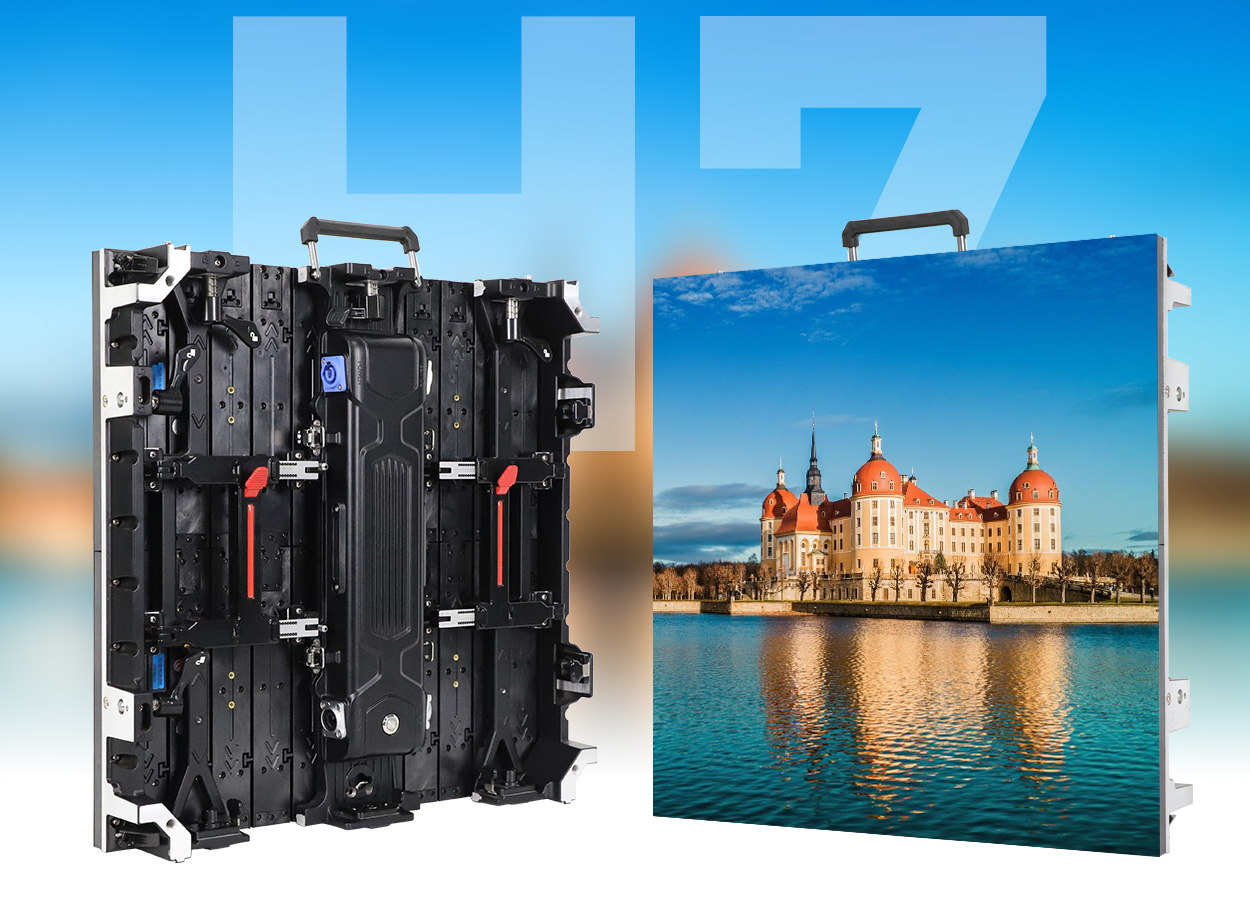
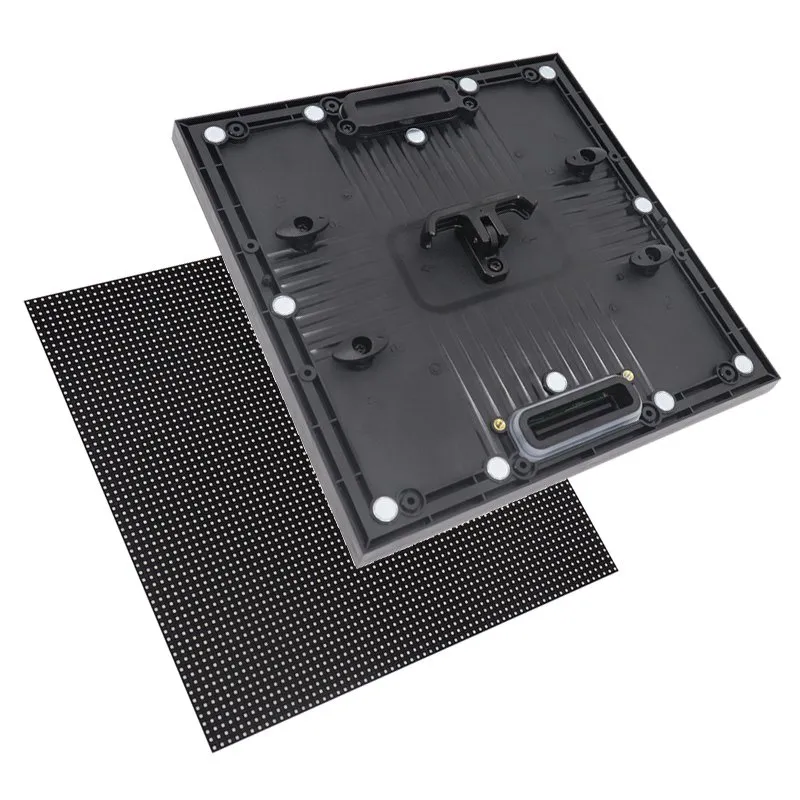
LED display brightness is measured in nits, where 1 nit equals 1 cd/m². For initial planning, many indoor video walls fall around 300–1,000 nits, while outdoor daylight installations commonly require 5,000–8,000 nits or more. These are selection ranges, not universal operating settings: direct sun, reflective glass, viewing angles, content and nighttime conditions determine the final requirement.
This LED display brightness guide explains how to choose a usable range, compare supplier specifications, measure the installed screen and control its output. It covers direct-view LED video walls and signage. Do not apply television HDR peak ratings, projector lumens or individual LED component ratings directly to a complete LED wall.
Quick buying rule: specify enough calibrated output for the brightest expected conditions, then verify that the screen can dim cleanly for its darkest operating conditions. A high maximum number alone does not establish readability, image quality or suitability.
1. What Is LED Display Brightness?
LED display brightness describes the luminance of the screen surface in a specified viewing direction. A specification of 800 cd/m² means 800 nits; it is not a measure of screen resolution, total electrical power or light falling onto the display. In purchasing discussions, ask whether the stated value is the uncalibrated maximum, calibrated white output, or a sustained value under defined test conditions.
01. Nits, lumens and lux: what each unit tells you
The units answer different questions. Use nits to compare LED screen brightness, lux to document ambient illumination, and lumens when discussing total luminous flux. There is no universal conversion from a site’s lux reading to the required screen nits. Surface reflection, screen orientation and the contrast needed for the content all matter.
| Measurement | Unit | What it describes | Buying implication |
|---|---|---|---|
| Screen luminance | Nits or cd/m² | Visible output per projected area in a direction | Compare with the same white point and test conditions |
| Ambient illuminance | Lux | Light arriving at a surface | Record at the installation during relevant hours |
| Luminous flux | Lumens | Total visible light output | Not a substitute for direct-view screen nits |
| Controller setting | Percent | A system-specific output command | Measure actual nits; percentages are not portable between screens |
02. Maximum brightness versus usable brightness
Two cabinets advertised at the same LED display brightness can look different after calibration. Matching red, green and blue output across modules may reduce available headroom. White-point selection and operating mode also affect the result. Ask for the specified luminance at the color temperature you will actually use, with calibration enabled.
For long-running advertising, request sustained full-screen white measurements and representative content tests. A brief peak measurement does not prove continuous output in a hot enclosure. Keep the test pattern, warm-up conditions and brightness mode with the result so another technician can repeat the comparison.
2. How Does LED Display Brightness Affect Performance?
01. Readability, contrast and viewing comfort
LED display brightness helps the image compete with ambient light, but contrast determines whether viewers can distinguish the message. Sunlight reflected from the screen raises the apparent black level. Increasing white output can help, yet a reflective surface or poor viewing angle can still make the picture look washed out.
Evaluate dark backgrounds, fine text and brand colors alongside white test patterns. For a lobby wall, large areas of white may feel much stronger than a dark promotional video at the same setting. Test from the nearest normal viewing position as well as the main audience area. Improve font size, layout and content contrast before assuming more output will solve every readability problem.
02. Power, heat and low-brightness image quality
Higher LED display brightness generally requires more electrical input, with the relationship depending on the panel, content and control method. The resulting heat must be managed by the complete cabinet and installation. Ventilation clearance, enclosure temperature and solar heating matter as much as the panel’s headline specification.
At the opposite end, deep dimming can expose banding, color casts and uneven dark shades. Brompton’s explanation of low-brightness reproduction describes why accurate dark imagery is difficult for LED driver systems. Specify acceptable performance at the intended nighttime or studio setting, rather than judging a sample only at maximum output.
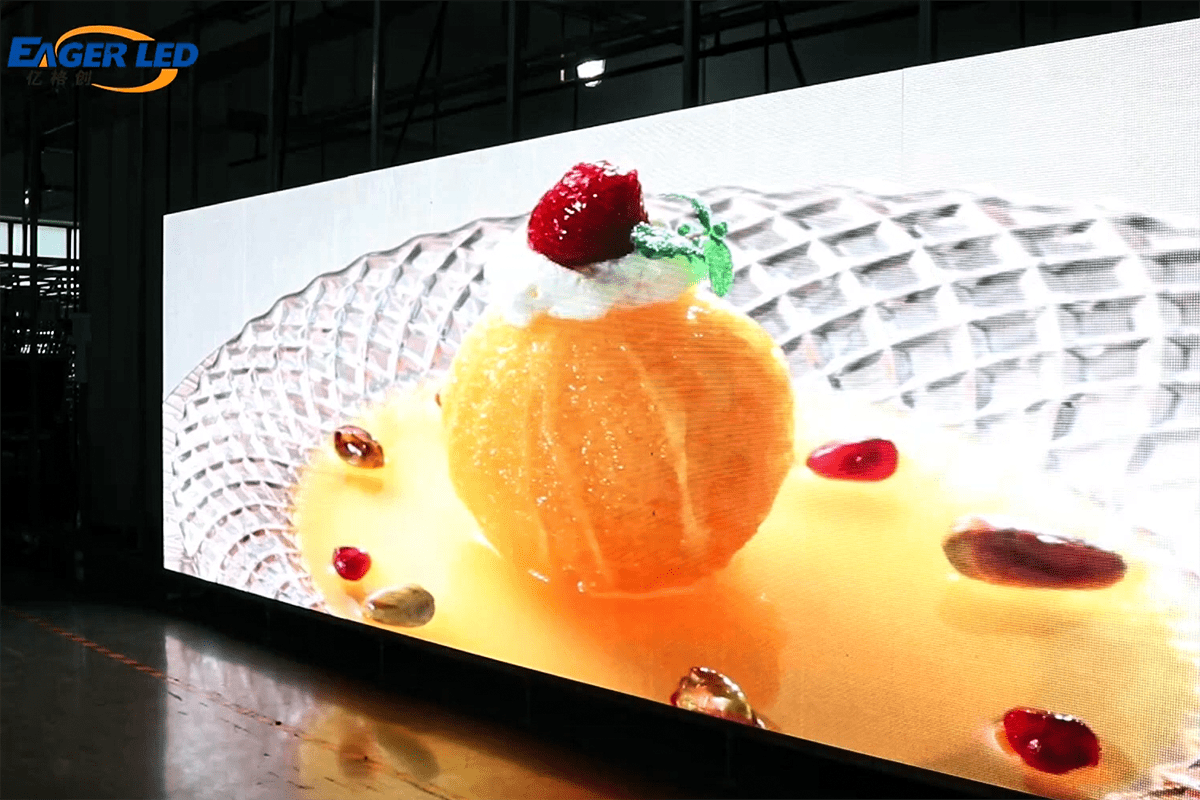
3. What Is the Best LED Display Brightness? Indoor and Outdoor Chart
The best LED display brightness is the lowest output that delivers the required readability and image quality under the actual conditions, with sufficient hardware headroom for brighter periods. The ranges below are preliminary planning guidance. They are not legal limits, guaranteed visibility thresholds or instructions to run every screen at maximum power.
| Application | Initial range | What to verify on site |
|---|---|---|
| Controlled indoor presentation room | 200–500 nits | White slides, nearest seats and room lighting |
| Typical indoor retail or lobby | 500–1,000 nits | Daylight variation and content contrast |
| Bright indoor area without direct sun | 800–1,500 nits | Reflections and the brightest operating period |
| Window-facing or semi-outdoor signage | 3,000–5,000 nits as an initial assessment range | Glass transmission, reflections, shade and solar heat |
| Outdoor daylight advertising | 5,000–8,000 nits | Sun on the screen face and off-axis readability |
| Demanding direct-sun exposure | 7,000–10,000+ nits where justified | Demonstrated need, sustained output and cooling |
| Outdoor operation after dark | Commission a substantially lower site-specific setting | Nearby viewers, applicable local requirements and dimming quality |
For context, LianTronics’ application guidance distinguishes indoor output below 1,000 nits, semi-outdoor installations around 3,000–5,000 nits and outdoor applications around 5,000–10,000 nits. The narrower project categories here are a selection framework; validate the final value with a sample and site assessment.
Indoor LED display brightness should match the room’s actual lighting. A window-facing wall may need a different configuration from a wall deeper inside the same building. Similarly, outdoor LED display brightness must respond to changing daylight. A screen capable of 8,000 nits should not automatically operate at 8,000 nits after sunset.
4. How to Choose LED Display Brightness for Your Site
01. Record the environment before requesting a quote
Start the LED display brightness selection process with a short site brief. Record screen dimensions, orientation, operating hours, nearest and farthest viewing positions, surrounding lighting and whether direct sunlight reaches the display. Add photographs taken during the brightest operating period; one photograph from an overcast morning can hide the real challenge.
For glass-fronted installations, assess the completed viewing path. Glass can reduce the light reaching the viewer and create reflections from the street. A high-output panel behind dark or reflective glazing may still disappoint. Test through the actual glass where possible, and include the temperature inside the window enclosure in the supplier’s assessment.
02. Match content and viewing geometry
LED display brightness cannot compensate for text that is too small or a pixel pitch that does not support the required detail. Check the message at the real viewing distance, using the planned font sizes and video content. Review side views and elevated or low positions, because on-axis specifications do not describe every audience position.
Consider two illustrative projects: a meeting room showing spreadsheets and a street-facing advertising wall. The meeting room needs comfortable white backgrounds and readable small text. The street display needs daylight contrast, large messages and automatic nighttime reduction. Giving both projects the same maximum-nit target would ignore their different jobs.
For a project brief, specify a target calibrated luminance, a minimum usable dimmed level and acceptance conditions. Avoid an arbitrary percentage margin: ask the supplier to explain how calibration, thermal operation and expected aging affect the proposed configuration. Document the decision so future replacement modules can be evaluated against the same requirement.
5. How to Measure and Verify LED Display Brightness
Verify LED display brightness with a suitable calibrated luminance meter or display color measurement instrument. A lux meter measures illumination arriving at its sensor; it does not directly replace a screen luminance measurement. A phone photograph is useful for documenting the setup, but automatic exposure makes it unsuitable as proof of a nit specification.
01. Use a repeatable acceptance procedure
- Agree the target luminance, white point, test pattern and permitted variation before ordering.
- Warm up the screen as required by the manufacturer and record ambient conditions.
- Load the agreed calibration and control settings. Record any power-limiting or thermal-protection mode.
- Position the instrument according to its manual, with a measurement area suitable for the pixel pitch.
- Measure the center and a documented grid across the screen, including areas near cabinet boundaries.
- Repeat at the intended lower operating settings, then inspect real content and gray ramps.
- Save the measurements, configuration and acceptance decision with the project records.
Follow the chosen instrument’s setup requirements. Konica Minolta’s display measurement manuals are examples of the model-specific documentation needed for reliable measurements. Test distance, measurement spot, instrument range and ambient-light control must suit the job.
02. Compare equivalent supplier evidence
| Ask for | Why it matters | Useful evidence |
|---|---|---|
| Exact module and cabinet configuration | Series names can include different brightness variants | Pixel pitch, LED package, driver and cabinet model |
| Calibrated luminance | Raw maximum output may overstate usable brightness | Nits, white point and calibration status |
| Sustained operating conditions | Heat and power limits can affect output | Ambient temperature, test duration and pattern |
| Uniformity measurements | A single center reading can hide patchiness | Measurement grid and agreed pass criteria |
| Minimum usable brightness | Nighttime image quality can differ from daytime quality | Gray-ramp and color tests at the proposed setting |
| Automatic control package | A sensor may be optional rather than included | Sensor, controller compatibility and failure behavior |
A useful LED display brightness acceptance record contains both numbers and viewing observations. If the measured output passes but key text remains unreadable in sun, investigate reflections, content design and viewing geometry before signing off the installation.
6. How to Adjust LED Display Brightness and Automatic Dimming
LED display brightness control normally sits in the sending controller, processor or associated software. Manual adjustment suits a stable environment; scheduled adjustment suits predictable hours; ambient-light control adapts to changing illumination. Confirm which functions the supplied hardware supports and which settings remain active when the control computer is disconnected.
01. Set a measured LED display brightness baseline
Begin with the supplier-approved panel configuration and calibration. Display representative content, adjust overall brightness, and record the measured luminance at useful settings. Do not assume that a 50% slider setting produces exactly half the advertised nits. Avoid changing LED current, scan parameters or receiving-card configuration merely to chase a brighter image.
For the control workflow, see the NovaLCT setup and brightness adjustment guide. For signal processing and system selection, use the LED video processor guide. Match instructions to the installed controller and software version.
02. Commission sensors, schedules and failure settings
A practical LED display brightness schedule should be checked at daytime, dusk and night. Place the ambient sensor where it represents the display environment without being dominated by the screen itself or a nearby lamp. Verify transitions, rather than assuming the factory mapping is correct for every installation.
The NovaStar NovaLCT V5.3.1 manual documents ambient-to-screen brightness mapping, sensor-failure behavior and nighttime maximum settings. Available controls differ by system and version. Include a suitable fallback and nighttime cap in commissioning, then test the sensor failure response and persistence after a restart.
Recheck LED display brightness after seasonal lighting changes or major content changes. A new campaign dominated by white backgrounds can change the apparent impact of a screen even when the controller setting is unchanged. Assign responsibility for these checks as part of normal operation.
7. Troubleshoot LED Display Brightness Problems
When LED display brightness seems wrong, identify whether the problem affects the entire screen, specific modules or only particular content. This simple distinction helps avoid unnecessary hardware changes. Compare the current configuration with the accepted baseline before adjusting multiple controls at once.
| Symptom | Possible cause | First check |
|---|---|---|
| Washed out only in daylight | Insufficient output, reflections or weak content contrast | Measure luminance and inspect the screen during the problem period |
| Uncomfortable after dark | Daytime setting remains active | Check schedule, sensor placement and nighttime limit |
| One cabinet is brighter | Configuration or calibration mismatch | Compare settings and calibration records with adjacent cabinets |
| Output falls after warming up | Thermal protection or another operating limit | Review temperatures, ventilation and system status |
| Dark shades look patchy | Low-level grayscale or calibration limitations | Test gray ramps at the required dimmed level |
| Camera shows bands | Timing interaction between camera and display | Check shutter, synchronization and refresh configuration |
Do not treat a brightness increase as a fix for overheating or camera banding. For outdoor installations, pair optical checks with the outdoor LED advertising board weatherproofing guide. Brightness capability alone says nothing about water protection, drainage or installation cooling.
8. Compare EagerLED LED Display Brightness by Configuration
Evaluate EagerLED LED display brightness at the exact model and pixel-pitch level. For example, the published EA640F2 indoor LED display specifications list 600–800 cd/m² for SMD configurations, depending on pixel pitch, and 600 cd/m² for the listed COB configurations. These are product ratings, not instructions for the final room setting.
Use the indoor LED screen range to compare cabinet format, service access and viewing requirements alongside brightness. For outdoor or rental projects, request the current configuration sheet instead of transferring an older series-level number to a new quotation. Indoor and outdoor versions of similarly named products can have different capabilities.
A useful request states: “Please propose a screen for this size, site orientation, viewing distance and operating schedule. Confirm calibrated LED display brightness, low-level image quality, sensor equipment, power demand and the measurement conditions.” Attach content samples and site photographs. This gives the supplier a basis for a technical recommendation and makes competing offers easier to compare.
Keep the optical and operating requirements together. A lower purchase price may exclude the sensor, commissioning or calibration needed to achieve the expected result. The strongest proposal explains how the complete system will deliver the required LED display brightness throughout its daily operating cycle.
9. LED Display Brightness FAQ
01. How many nits does an indoor LED display need?
For preliminary selection, many indoor installations fall around 300–1,000 nits. Controlled presentation rooms may operate lower, while bright lobbies need more headroom. Set indoor LED display brightness using the real room lighting and content, and verify that white backgrounds remain comfortable from the nearest seats.
02. How many nits are needed for an outdoor LED screen?
Outdoor daylight projects commonly start around 5,000–8,000 nits, with demanding direct-sun sites sometimes requiring 7,000–10,000 nits or more. Confirm outdoor LED display brightness with a site assessment and sample test. The daytime hardware rating should be paired with a substantially lower nighttime operating setting.
03. Is 1,000 nits bright enough for direct sunlight?
Usually it is not a suitable starting specification for a large direct-view LED advertising display exposed to direct sun. It may suit an indoor or shaded application. Reflections, surface treatment and content influence readability, so a claim of “sunlight readable” should be demonstrated in the intended environment.
04. Are nits and cd/m² the same?
Yes. One nit equals one candela per square meter. An LED display brightness specification of 6,000 nits is numerically the same as 6,000 cd/m². Lux and lumens describe different quantities and should not be substituted for this rating.
05. Does higher brightness mean better image quality?
No. Sufficient LED display brightness supports readability, but uniformity, contrast, color calibration and grayscale performance also matter. Excessive output can make indoor or nighttime viewing uncomfortable. Compare the screen at its actual operating level, including dark scenes and representative text, rather than judging only a white maximum-output pattern.
06. Can every LED display adjust brightness automatically?
No. Automatic LED display brightness adjustment depends on compatible controllers, software and, for ambient-light response, a connected sensor. A schedule can change output without measuring ambient light. Confirm the equipment included in the quote, the failure setting and whether control continues without the computer.
07. Does reducing brightness cut power consumption by the same percentage?
Not necessarily. LED display brightness, image content, driver behavior, power-supply losses and fixed system loads affect consumption. Measure average electrical demand with the planned playlist and settings. Estimate energy from measured average kilowatts multiplied by operating hours; do not use the brightness slider percentage as an energy meter.
08. Does a higher nit rating make a screen suitable outdoors?
No. Outdoor suitability also requires appropriate environmental protection, mechanical installation and thermal management. High LED display brightness does not establish those properties. A bright indoor panel behind a window and a weather-exposed outdoor cabinet have different requirements, even when their luminance ratings overlap.
10. LED Display Brightness Selection Checklist and Conclusion
Choose LED display brightness as an operating range, supported by evidence. Before accepting a quotation, confirm the exact cabinet configuration, calibrated daytime output, usable dimming level, measurement conditions and included control equipment. Before accepting the installation, verify readability at the relevant viewing positions and test the nighttime settings.
Keep a practical handover record: measured nits at key settings, calibration and configuration files, sensor location, schedule, failure response and the person responsible for future checks. This makes LED display brightness manageable after installation and gives maintenance teams a clear baseline when modules or content change.
For a project-specific selection, share your screen dimensions, indoor or outdoor location, sun exposure, viewing distances, operating hours and content requirements with EagerLED. Start with the environment and the message; use the verified brightness range to choose the hardware.
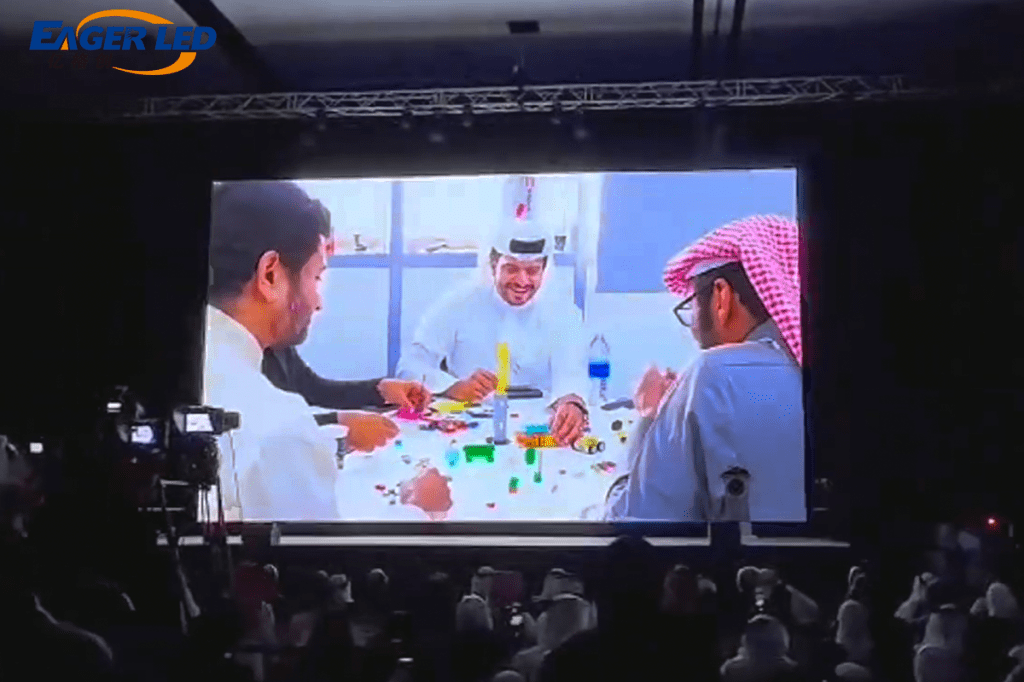 EA1000C3 LED Rental Display Has Been Well-Regarded By Bahrain Clients
 LED Cinema Screen vs Projector: Costs, Specs & Buying Guide