

LED Screens for Event Production Teams
LED screens for events are modular video walls for stage backdrops, presentations and live camera feeds. This guide helps event production teams, rental companies and venue buyers specify equipment for purchase. Match the cabinets, processing and spares to your audience distances, venue conditions and production workflow.
- Define the active screen size, closest and farthest viewers, and content format.
- Choose reusable rental cabinets for a production fleet or a suitable fixed system for a permanent venue.
- Check camera performance, assembly access, power and the complete equipment list.
- Separate equipment supply from local rigging, installation and event crew services.
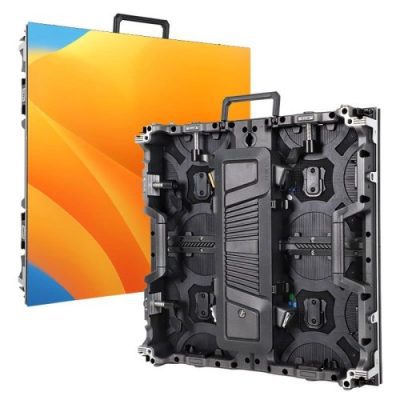
EA500C6 Rental LED Display
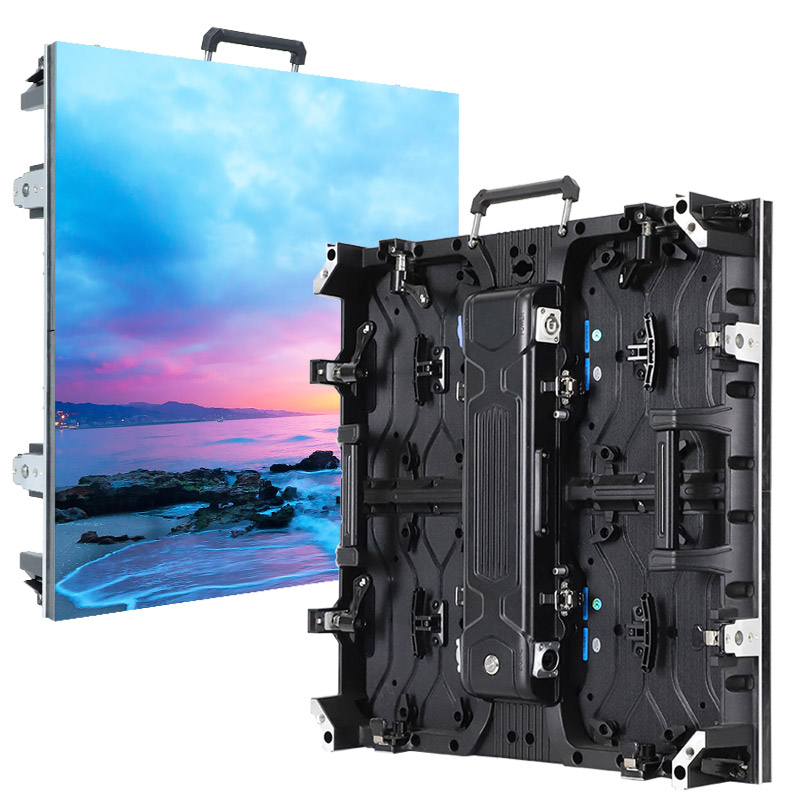
EA500H8 Rental LED Screen
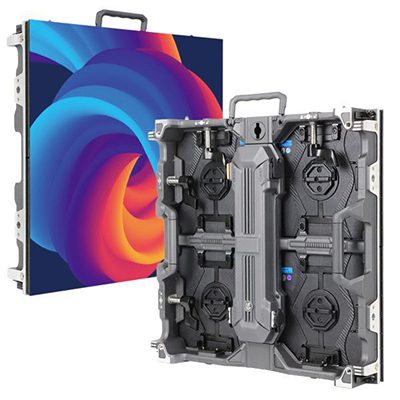
EA500H9 Rental LED Wall
Why Use LED Screens for Events?
Event LED screens combine modular sizing with bright, seamless images that remain readable across a venue. They are useful when the audience must see live video, presentations, scores, sponsor content or stage visuals from different distances.
- Flexible format: build flat, curved or corner layouts from standard cabinets.
- Fast deployment: rental cabinets and quick locks reduce setup and teardown time.
- Camera-ready output: a suitable refresh rate and processing chain reduce scan lines and flicker.
- Indoor or outdoor options: match brightness, weather protection and structure to the site.
Event LED Screen Ideas by Use Case
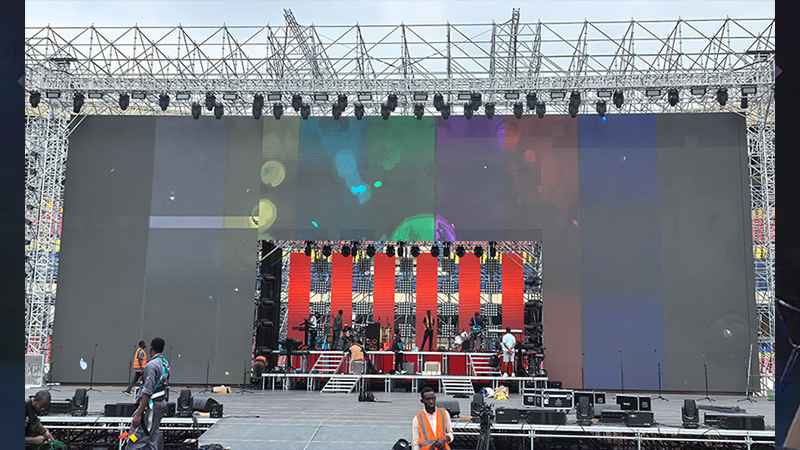
LED Screens for Stages and Concerts
A stage LED wall can carry live camera feeds, lyrics, motion graphics and sponsor content without changing the stage footprint. Confirm the native content ratio, camera frame rate, rigging plan and viewing distance before selecting the cabinet grid. See our LED screen on stage solutions for dedicated concert and performance layouts.
Wedding LED Screens
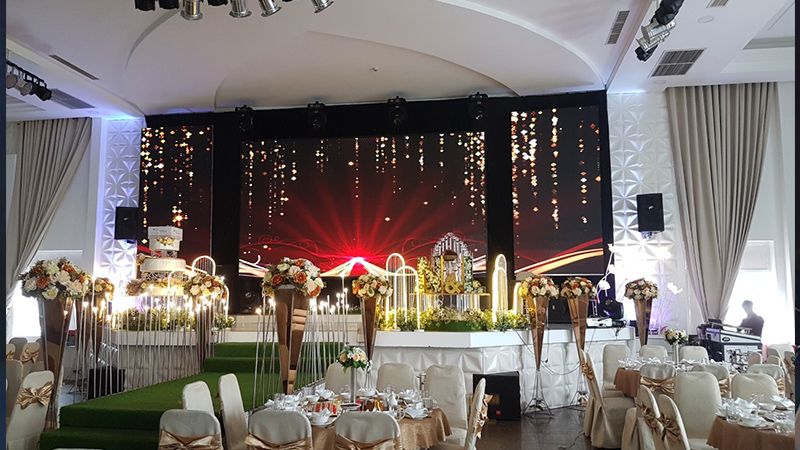
Wedding LED screens can show ceremony video, photo stories, remote messages and live reception feeds. A fine-pitch indoor screen works well when guests sit close; brighter outdoor cabinets are needed for daytime receptions. Review more venue ideas on our wedding LED display page.
DJ Booth LED Screens
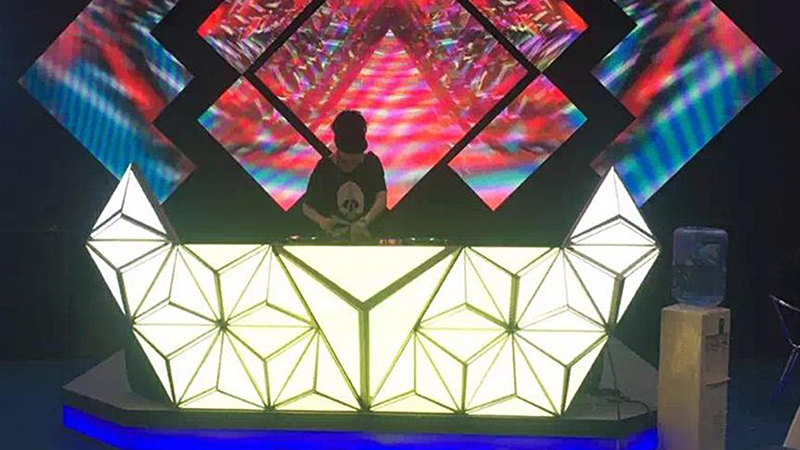
For DJ booths and clubs, LED panels can wrap the performance area, follow the set design and synchronize visual content with lighting. Prioritize a high refresh rate for cameras, quiet cooling for indoor venues and a cabinet size that supports curved or angled layouts without awkward gaps.
LED Trade Show Displays
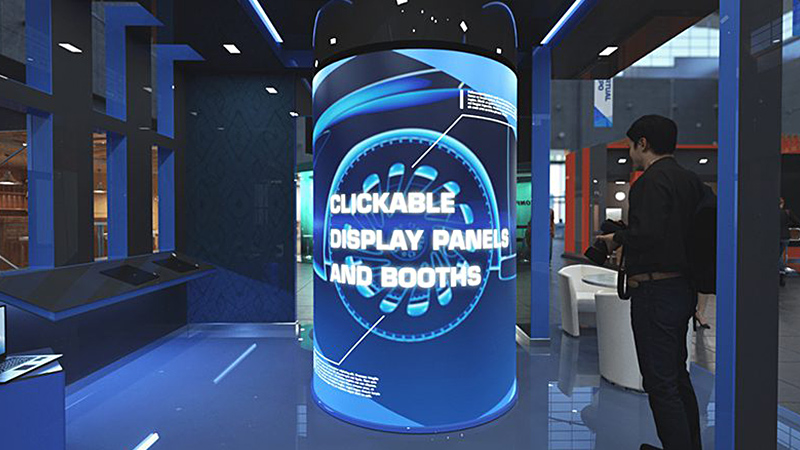
Trade show LED displays attract attention from across the aisle and present product video, demonstrations and schedules in one surface. Match brightness to exhibition lighting, specify front service where rear access is limited and design content for the actual viewing distance. Explore related advertising LED board options.
Interactive LED Displays
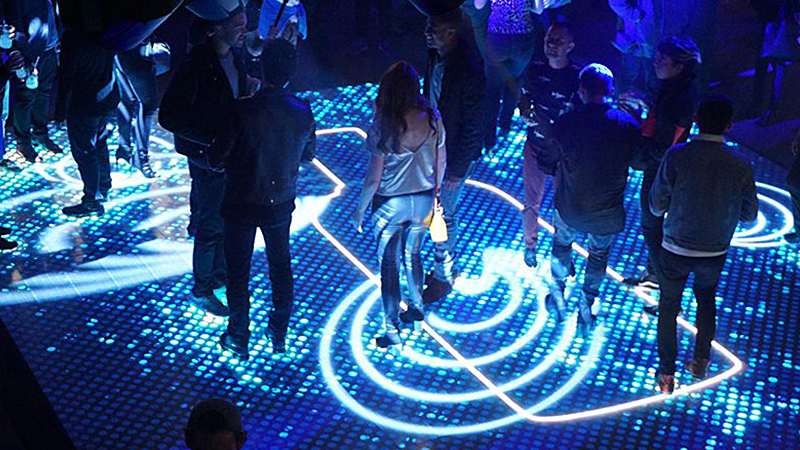
Interactive LED displays can combine a large-format LED wall with touch, motion, sensor or real-time data systems. Define the interaction method before choosing the screen because protective layers, latency, controller inputs and floor or wall mounting can change the final configuration.
LED Screens for Events: Planning Guide
Use this planning guide to compare event applications, equipment costs and ownership choices. Start with the audience layout and show content, then define the cabinet format, control system and installation requirements.
On this page: event LED screen buying guide
1. LED Screens for Corporate Events
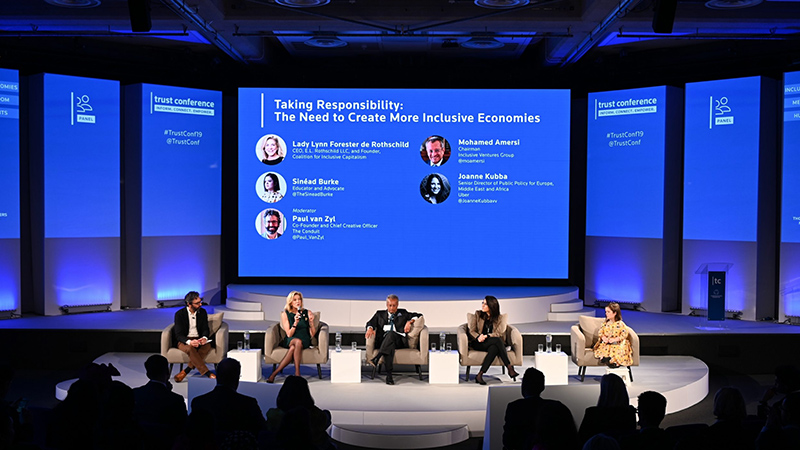
Corporate event LED screens support presentations, live video, agenda information and branded content on a single scalable surface. The right specification depends on audience distance, room lighting, camera use and whether the screen will be ground-supported, wall-mounted or flown.
1.1 Conference LED Screens
Conference screens need readable text, accurate color and quiet operation. For close audiences, use a finer pixel pitch and confirm that the native cabinet grid matches the presentation aspect ratio. If rear access is restricted, specify front maintenance. Review our conference room display solutions for related indoor applications.
1.2 Trade Show LED Displays
A trade show display should be visible from the aisle while remaining serviceable within a limited booth footprint. Confirm rigging permissions, maximum structure height, power availability and delivery access with the organizer before finalizing the LED wall. Content should use large type, short messages and high-contrast product visuals.
1.3 LED Displays for Product Launches and Brand Activations
For product launches and brand activations, use the LED wall for demonstrations, countdowns, social content and live feeds. Build the screen around the content ratio rather than stretching media after installation. A backup playback source and spare modules reduce show-day risk.
2. LED Screens for Live and Cultural Events
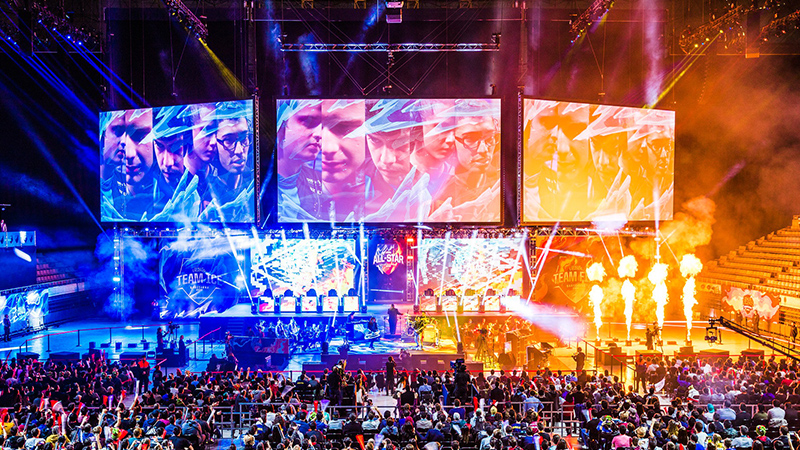
Concerts, festivals, ceremonies and sports events use LED screens to extend the main action to the whole audience. Large venues usually need brighter cabinets, wider viewing angles and carefully planned camera feeds; smaller indoor venues can prioritize closer viewing and lower operating noise.
2.1 Stage and Concert LED Screens
Stage and concert screens can form a main backdrop, side screens for live camera feeds, or supported creative surfaces. Confirm the final pixel map against processor capacity and test the complete camera-to-screen chain at the intended frame rates and shutter settings. Qualified local professionals must assess the structure, loads and installation method for each venue.
2.2 Wedding LED Displays
Wedding LED displays bring live ceremony video, photo stories and speeches to every guest. Indoor reception screens typically favor fine pixel pitch and controlled brightness, while outdoor daytime screens need higher brightness, weather protection and a verified support plan.
2.3 Sports Event LED Displays
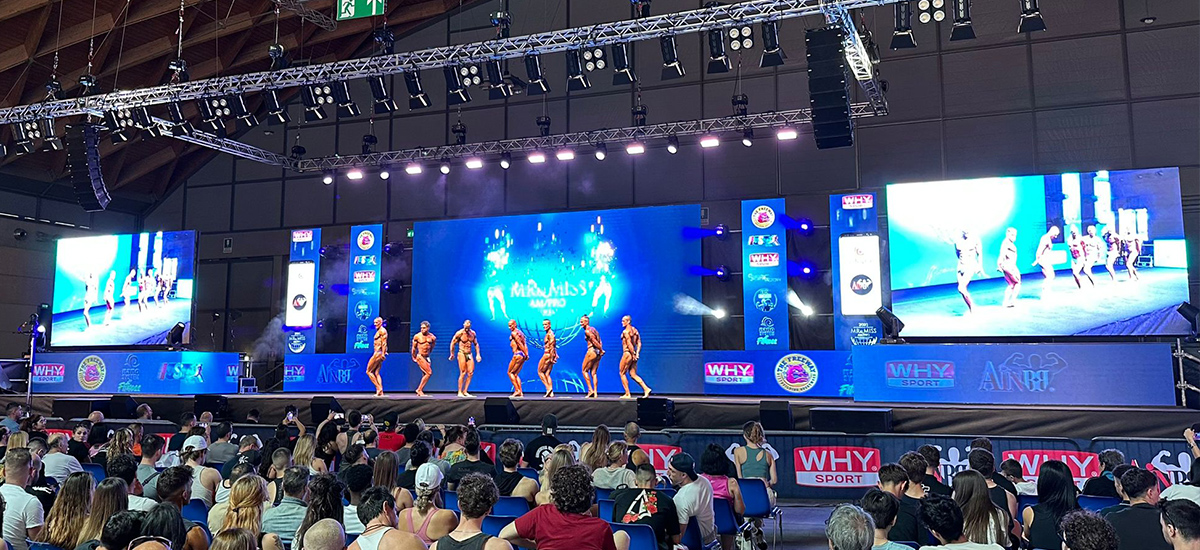
Sports event displays can show scores, replays, sponsor content and timing data. Confirm viewing distance, sunlight exposure, camera frame rate, impact protection and control-system integration. Outdoor installations also require drainage, wind loading and safe access for maintenance.
3. What Affects LED Screens for Events Pricing?
There is no reliable one-price answer for an event LED screen. Suppliers price the complete system, not only the panels. Compare quotes by screen area and pixel pitch, structure, control and power equipment, freight, labor and support. The table below shows the main cost groups to request as separate line items.
| Cost component | What changes the quote |
|---|---|
| LED panels | Active screen area, pixel pitch, cabinet model, quantity and spare modules |
| Structure, control and power | Ground support or rigging, processors, cabling, distribution and redundancy |
| Logistics and services | Freight, venue access, crew, setup, rehearsal, teardown and on-site support |
To compare LED screens for events pricing fairly, request an itemized bill of materials and scope of work. Check whether the quote includes the processor, receiving cards, power and data cables, mounting or rigging, flight cases, spare modules, calibration files, freight, installation and on-site support. A low panel-only price can become more expensive after these items are added.
4. Rent or Buy an Event LED Screen?
Rental cabinet design and hiring a screen are different decisions. A rental company may buy quick-assembly cabinets for repeated jobs; an event organizer may hire an assembled system and crew for one date. A permanent venue may purchase a fixed installation. Compare ownership, storage, maintenance and operating capability before choosing a supply model.
4.1 Rental LED Screens
Rental LED cabinets are designed for repeated assembly and transport. Production companies and equipment rental businesses can purchase these cabinets as reusable inventory. Specify the planned layouts, cabinet quantity, compatible processors, transport cases, cables and spare modules. Ask separately which items are included; equipment purchase does not automatically include local show operation or installation.
4.2 Fixed LED Screens
A fixed LED screen can suit a venue with a stable display position and regular use. Confirm front or rear maintenance access, ventilation, structure and cable routes before finalizing the cabinet choice. Purchase can also suit a mobile production fleet, provided the cabinets and accessories are designed for repeated handling.
4.3 Quick Selection Guide
- Single event without an equipment team: compare local screen-hire and crew services.
- Rental company or touring production: compare the purchase of reusable cabinets, transport cases and a consistent spares package.
- Permanent venue: assess a fixed installation with planned service access.
- Close viewers or small presentation text: check native resolution and pixel pitch using representative content.
- Outdoor production: verify cabinet protection, daylight performance and the local structure and weather plan.
5. Event LED Screen Buying Guide
A complete buying brief prevents under-specified quotes and last-minute substitutions. Define the event first, then match the screen, controller, structure, power and service scope to that brief. Do not choose pixel pitch or cabinet size in isolation.
Step 1: Define the Event and Venue
- Event type: conference, exhibition, concert, wedding, sports or outdoor promotion.
- Venue: indoor or outdoor, available width and height, rigging points, floor loading and access.
- Audience: closest and farthest viewing distances and expected sight lines.
- Content: presentations, live cameras, video playback, scores, data or interactive media.
- Schedule: delivery, setup, rehearsal, show and teardown windows.
Also state whether the project needs touch, sensors, AR/VR integration, real-time data or unusual screen shapes. These choices can affect protective layers, processing latency, cabinet geometry and testing time.
Step 2: Match the Technical Specifications
| Specification | Indoor events | Outdoor events |
|---|---|---|
| Pixel pitch | Choose from closest viewing distance and native content resolution | Choose from audience distance, screen size and cabinet availability |
| Brightness | Match room light and avoid unnecessary glare | Test readability under expected daylight conditions |
| Protection | Match the controlled venue and handling plan | Verify front and rear ingress ratings plus weather procedures |
| Refresh rate | Test with the production cameras and frame rates | Test with cameras, processors and live content workflow |
| Maintenance access | Select front or rear service for the available space | Provide safe, weather-aware access for inspection and service |
- Pixel pitch and resolution: use the nearest viewing position and the smallest text or detail in your content. Review a sample at the intended display size; do not select pitch from guest count alone.
- Brightness: match actual room light or outdoor daylight and provide suitable brightness control.
- Camera workflow: test processors, refresh settings, cameras, frame rates and shutter settings together.
- Protection and access: verify front and rear ingress ratings, handling protection and the required maintenance side.
- Control and power: confirm total pixels, signal inputs, cable distances, distribution and the agreed backup scope.
6. Why Choose EagerLED for Event LED Screens?
EagerLED supplies rental and fixed LED display equipment for production, venue and integrator projects. Use the cabinet options and existing project videos on this page to discuss a configuration for your own workflow.
- Provide the screen layouts and assembly frequency so the cabinet format can be assessed.
- Confirm whether indoor or outdoor use, curves or corners are required for the selected model.
- Request an itemized list of cabinets, processing, cables, transport items and spares.
- Agree the equipment supply scope and any requested support before placing an order.
7. Event LED Screen Project Examples
Congo(DRC) – 500m² EA500C3 Rental LED Display
Costa Rica – EA1000C3 DJ stage backdrop
Portugal – EA500C4 graduation ceremony backdrop.
United States – EA1000C6 indoor stage background
8. Frequently Asked Questions
9. Plan Your Event LED Screen
Send your active screen dimensions, seating plan, closest and farthest viewing positions, content examples and camera requirements. Include venue conditions, assembly method, power availability, delivery destination and required date. For a rental fleet, also describe typical layouts, transport needs and the spares you want included.
