Buying a large display is rarely a choice between two competing “screen types.” That is the first important point in UHD vs QLED. UHD describes image resolution; QLED describes a quantum-dot-enhanced display architecture, usually an LCD panel with an LED backlight. They answer different questions.

For an LED display buyer, the practical choice is between complete systems: a 4K canvas, a high-brightness direct-view LED wall, or a QLED LCD. The wrong label can lead to the wrong pixel pitch, processor, cabinet format, and maintenance plan.
This guide separates the technologies, then compares them from a buyer’s perspective. It explains the difference between QLED and UHD, where 4K UHD and 8K UHD fit, and how brightness, contrast, viewing distance, total cost of ownership, and application requirements should shape a specification. The goal is a defensible purchasing decision, not a universal winner.
Table of Contents
1. What Is UHD?
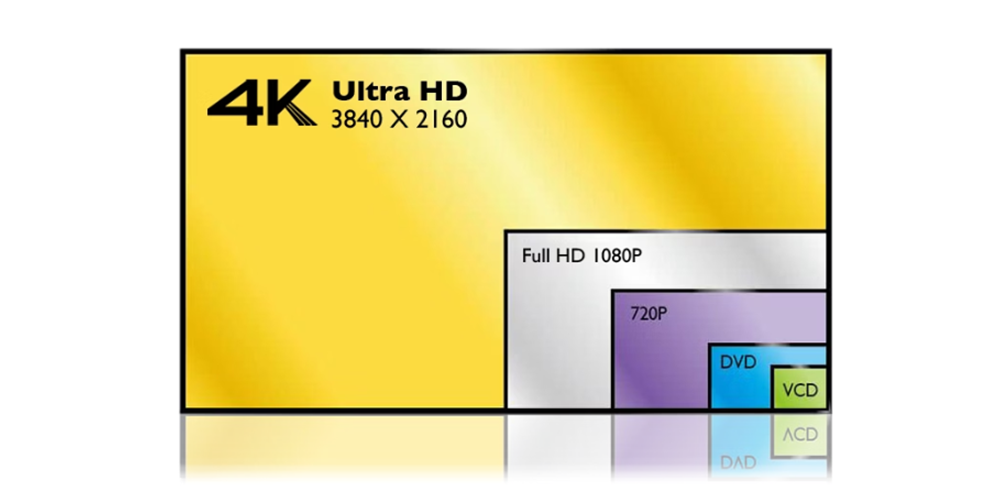
UHD, or Ultra High Definition, is a resolution family. In the consumer display market, 4K UHD normally means 3,840 x 2,160 pixels, while 8K UHD means 7,680 x 4,320 pixels. The term tells you how many image pixels a source or display can address; it does not tell you the backlight, color technology, cabinet construction, or brightness.
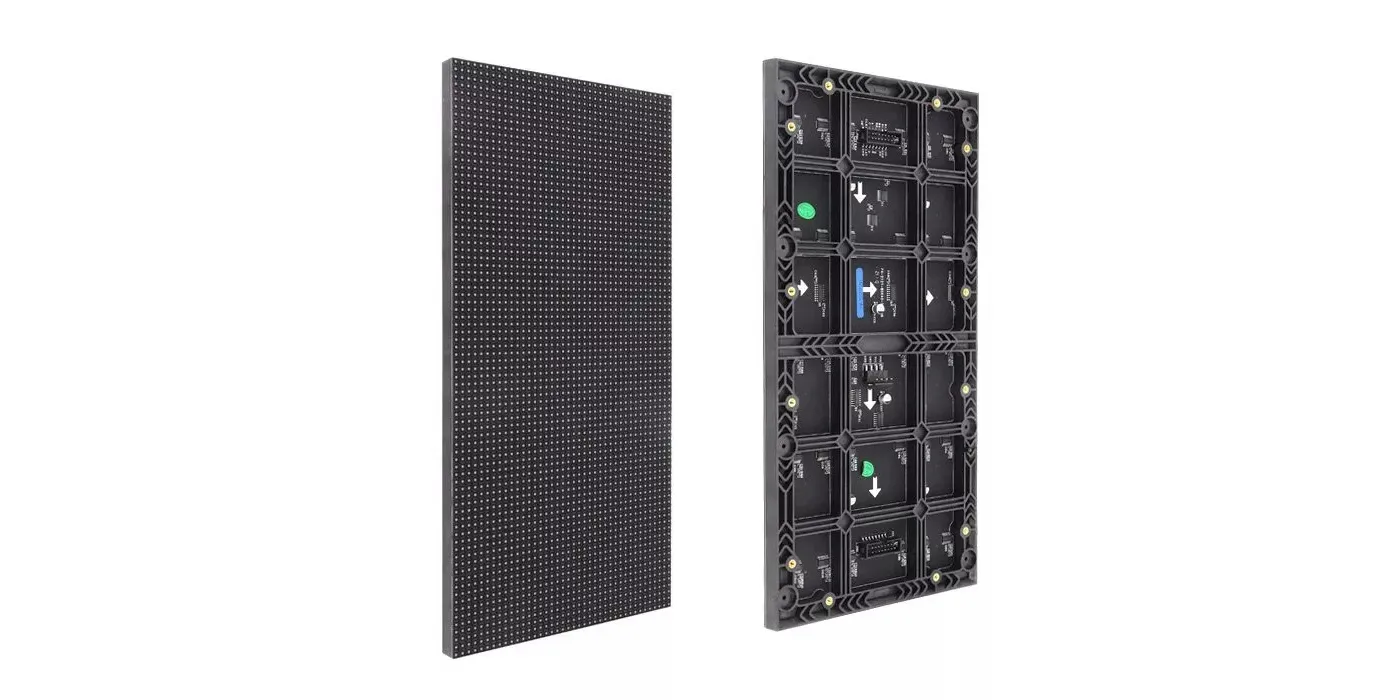
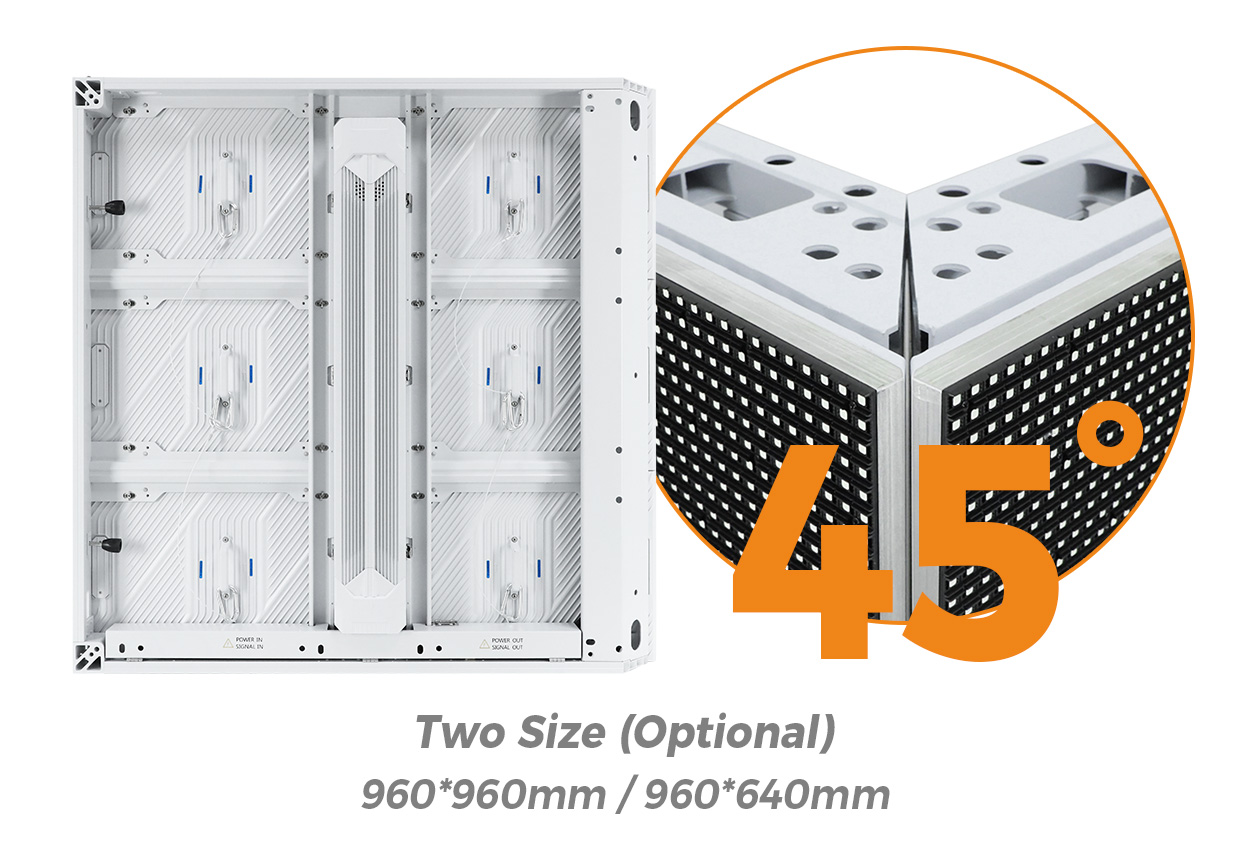
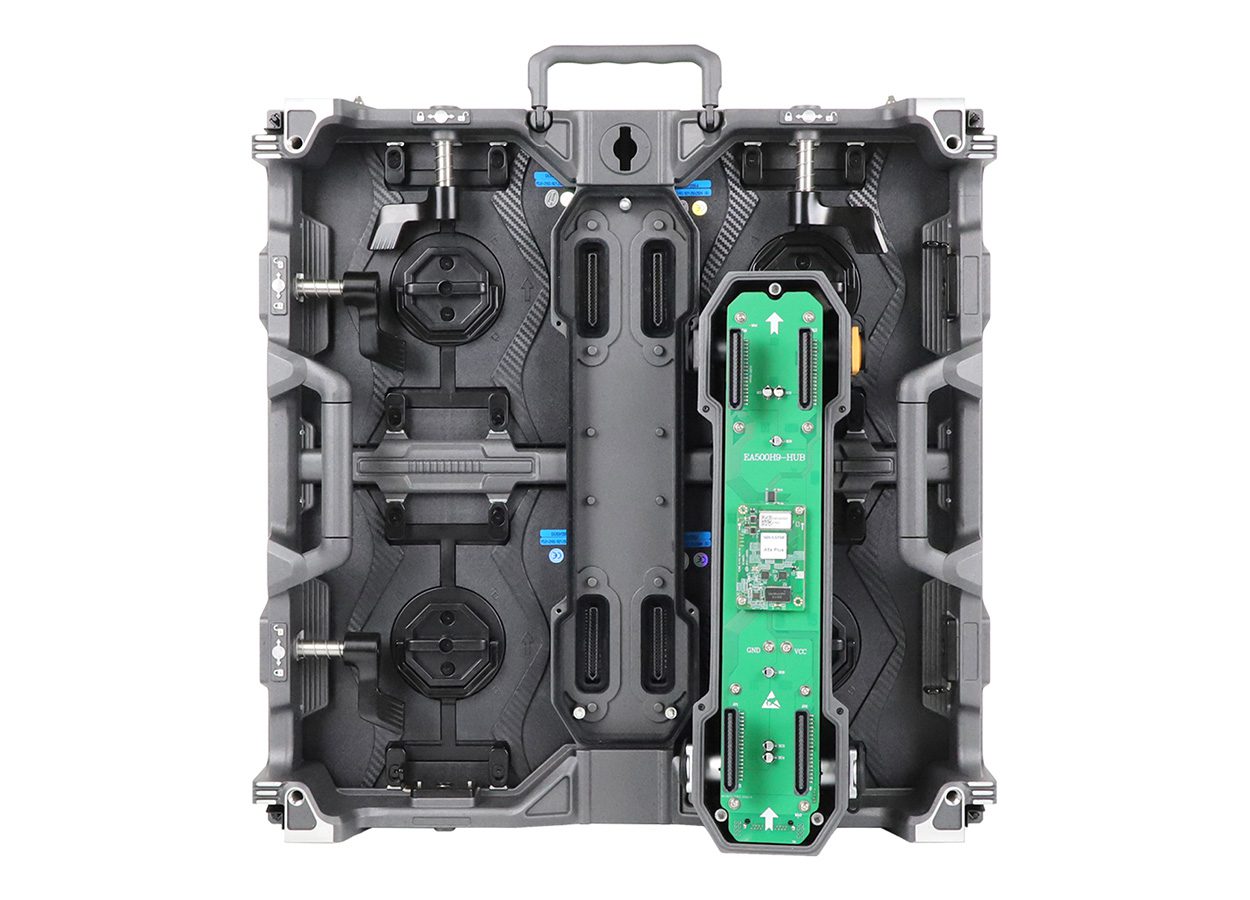
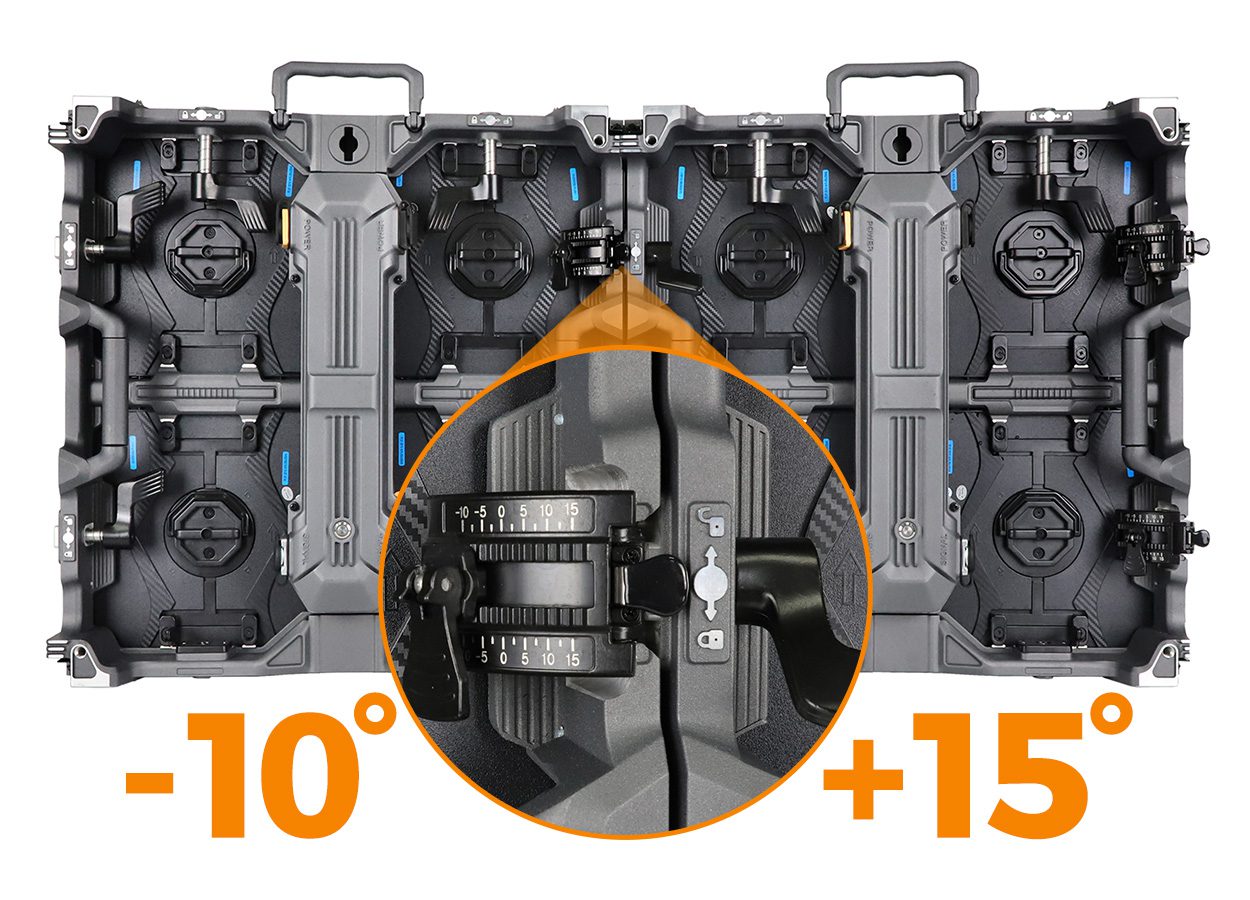
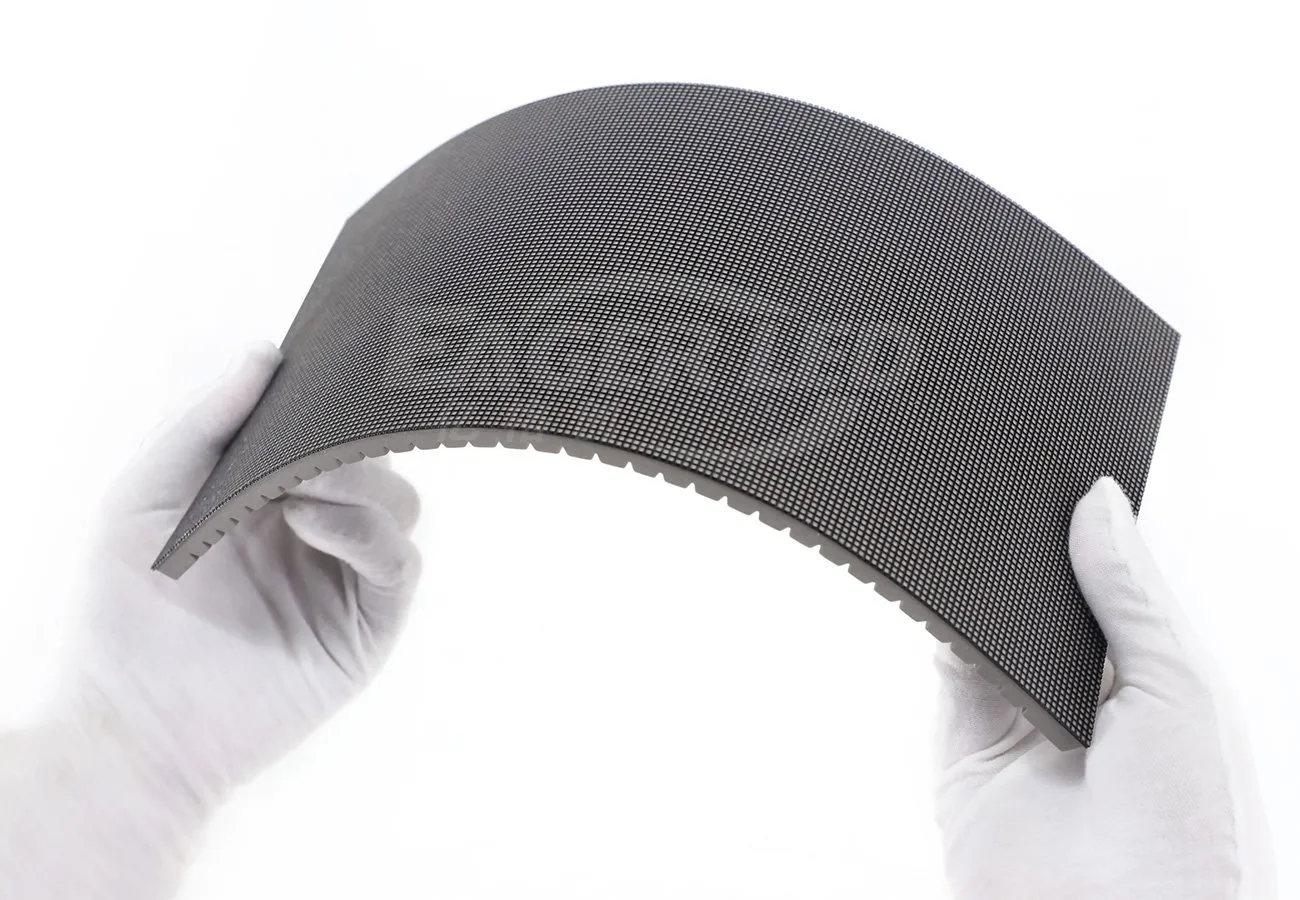
That distinction matters in an LED project. A direct-view LED wall is built from cabinets containing LED modules. Its effective resolution comes from the cabinet count and pixel pitch, not from a television-style panel label. A processor can accept a 4K UHD signal and map it to an LED wall, but the wall’s physical pixel matrix determines how much of that detail is actually reproduced.
01. UHD in direct-view LED systems
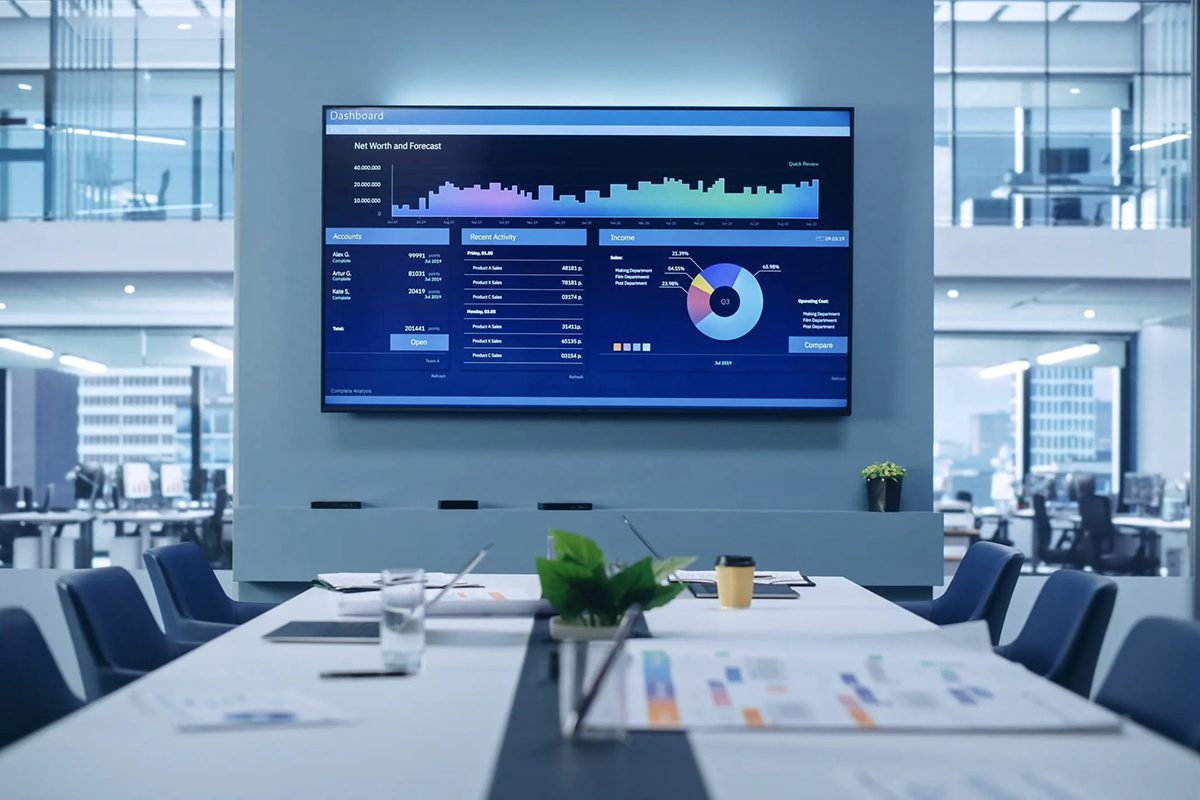
For a large conference-room wall, viewing distance, pixel pitch, aspect ratio, processor, and content canvas must be calculated together. Calling it “4K UHD” without documenting the pixel matrix can hide a gap between input and output: the wall may receive 4K while operating at a lower native canvas.
UHD is therefore best treated as a content and signal requirement. Ask for the native cabinet resolution, the processor’s input and output limits, scaling behavior, refresh behavior, and the distance at which viewers will inspect text. Those details are more useful than the UHD badge alone.
For UHD vs QLED procurement, this means resolution belongs in the signal specification, not as a substitute for display architecture.
2. What Is QLED?
QLED stands for quantum-dot light-emitting diode. In most products sold under that name today, quantum dots sit in an LCD display stack and refine the light produced by an LED backlight. The LCD layer still controls the image. QLED is not automatically OLED, and it is not the same thing as direct-view LED.
Quantum dots can refine portions of the backlight spectrum. That can support a wider color gamut or strong color at higher luminance, depending on the complete panel and its calibration. The result is a picture technology, not a resolution statement.
Clarify what a supplier means by QLED. “QLED video wall” may describe a commercial LCD wall, a large-format monitor, or loose marketing language. Ask for the panel data sheet, backlight type, color coverage, calibration method, viewing-angle behavior, and service strategy.
In an UHD vs QLED comparison, verify the quoted hardware before comparing performance claims.
01. QLED and LED display terminology
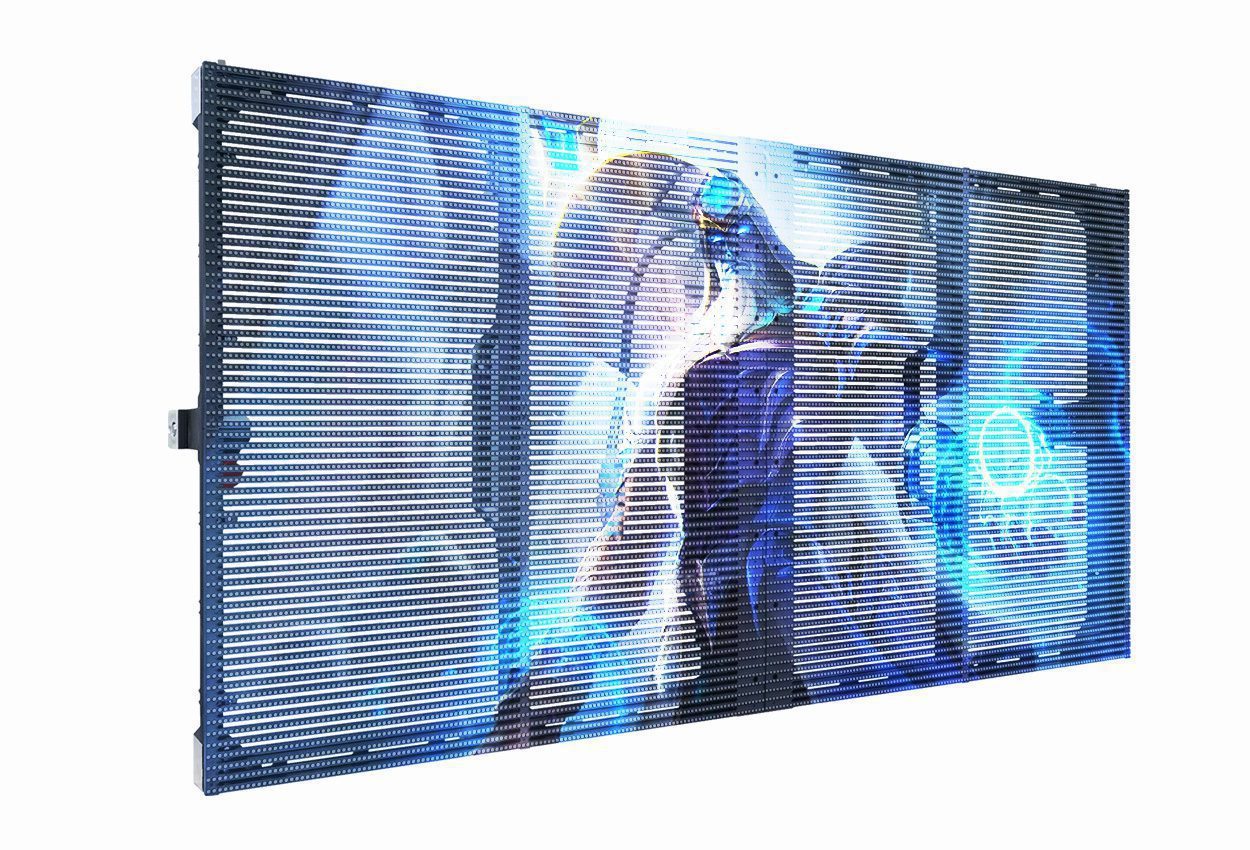
The word LED appears in both QLED and direct-view LED, but the construction is different. A QLED LCD uses LEDs behind an LCD panel. A direct-view LED display uses many light-emitting diodes as the pixels themselves. The latter is the category most LED display buyers mean when they discuss fine-pitch, outdoor, rental, or large-format modular LED walls.
| Architecture | Where light is generated | Typical strength | Procurement question |
|---|---|---|---|
| QLED LCD | LED backlight behind LCD, with quantum-dot layer | Refined color and high image quality in a panel format | Is this a panel wall or a modular direct-view system? |
| Direct-view LED | LEDs emit light at the pixel level | Seamless large canvases, scalable size, high luminance options | What pixel pitch, cabinet size, and service access are required? |
| OLED | Organic emissive pixels | Pixel-level black control and thin panels | Does the use case justify burn-in and brightness trade-offs? |
| Mini-LED LCD | Many smaller backlight zones behind LCD | Improved local dimming versus conventional LCD | How many zones, and how is blooming handled? |
The qled vs uhd search is therefore a terminology problem as much as a product comparison. QLED answers “how is the image illuminated and color-enhanced?” UHD answers “how many pixels are in the image?”
3. UHD vs QLED: Key Differences
The clearest way to understand UHD vs QLED is to place the terms on separate axes. UHD is a resolution label. QLED is a display construction and color-management label. A QLED display can be 4K UHD, and a direct-view LED wall can accept a 4K UHD signal without being QLED.
Separate signal, surface, and system requirements. Signal covers resolution, frame rate, color format, and switching. Surface covers pitch, brightness, contrast, viewing angle, and mechanics. System covers processing, power, thermal design, redundancy, installation, and service.
| Decision axis | UHD | QLED | Why it matters in an LED project |
|---|---|---|---|
| Category | Resolution | Quantum-dot-enhanced display architecture | Prevents apples-to-oranges specifications |
| Common implementation | 4K or 8K source/canvas | LCD panel with LED backlight and quantum dots | Confirms what hardware is actually being quoted |
| Native image detail | Defined by pixel matrix | Defined by panel resolution, often 4K UHD | Check physical resolution, not only input support |
| Brightness | No brightness promise by itself | Depends on backlight and panel design | Match luminance to ambient light and camera use |
| Color | Depends on source, LEDs, calibration, and processing | Quantum dots can improve spectral control | Require measured color performance and calibration process |
| Size scaling | UHD signal can feed many display types | QLED panel size is constrained by panel construction | Compare seamless canvas and maintenance access |
| Service model | Depends on display system | Panel replacement and electronics strategy | Ask for spare policy and downtime procedure |
01. A buyer’s rule of thumb
If a proposal says “4K QLED,” read it as two separate claims: the display supports a 4K UHD resolution, and its image stack uses quantum-dot enhancement. Then ask whether the project needs a panel-based solution at all. For a large, irregular, or frequently reconfigured canvas, direct-view LED may be the more relevant comparison than QLED LCD.
The UHD vs QLED takeaway is simple: compare resolution on one line of the specification and display construction on another.
4. UHD vs QLED: Picture Quality

Picture quality in UHD vs QLED discussions is often reduced to sharpness. Buyers should also evaluate motion, color consistency, black reproduction, viewing angle, uniformity, and real-content behavior.
01. Sharpness depends on viewing distance
4K UHD content contains more pixels than Full HD, but viewers only benefit when the display and viewing distance allow those pixels to be resolved. On a direct-view LED wall, pixel pitch is a practical proxy for image density. A fine pitch can make text and close-up graphics cleaner; a wider pitch may be appropriate for a distant stadium fascia or outdoor billboard.
Do not choose the smallest pitch by default. Smaller pixels can increase module count, processing demands, power planning, and service complexity. The right choice is the pitch that supports the intended content at the nearest credible viewing distance while meeting the budget and maintenance model.
02. Motion and camera capture
For broadcast studios, stages, and corporate events, camera compatibility matters as much as static detail. Refresh behavior, scan architecture, gray-scale handling, shutter interaction, and receiving-card configuration can influence visible lines or flicker. A QLED LCD may look excellent to the eye but still need camera testing. A direct-view LED wall also needs camera tests at the planned shutter angles and frame rates.
03. Uniformity and calibration
A high-resolution canvas cannot compensate for visible brightness or color variation between modules. Ask how the supplier calibrates modules, stores correction data, handles replacement modules, and rechecks the wall after service. In a multi-cabinet LED system, calibration workflow is a core picture-quality feature.
For UHD vs QLED picture-quality testing, insist on the same source file, viewing position, and room lighting.
5. UHD vs QLED: Brightness and Color
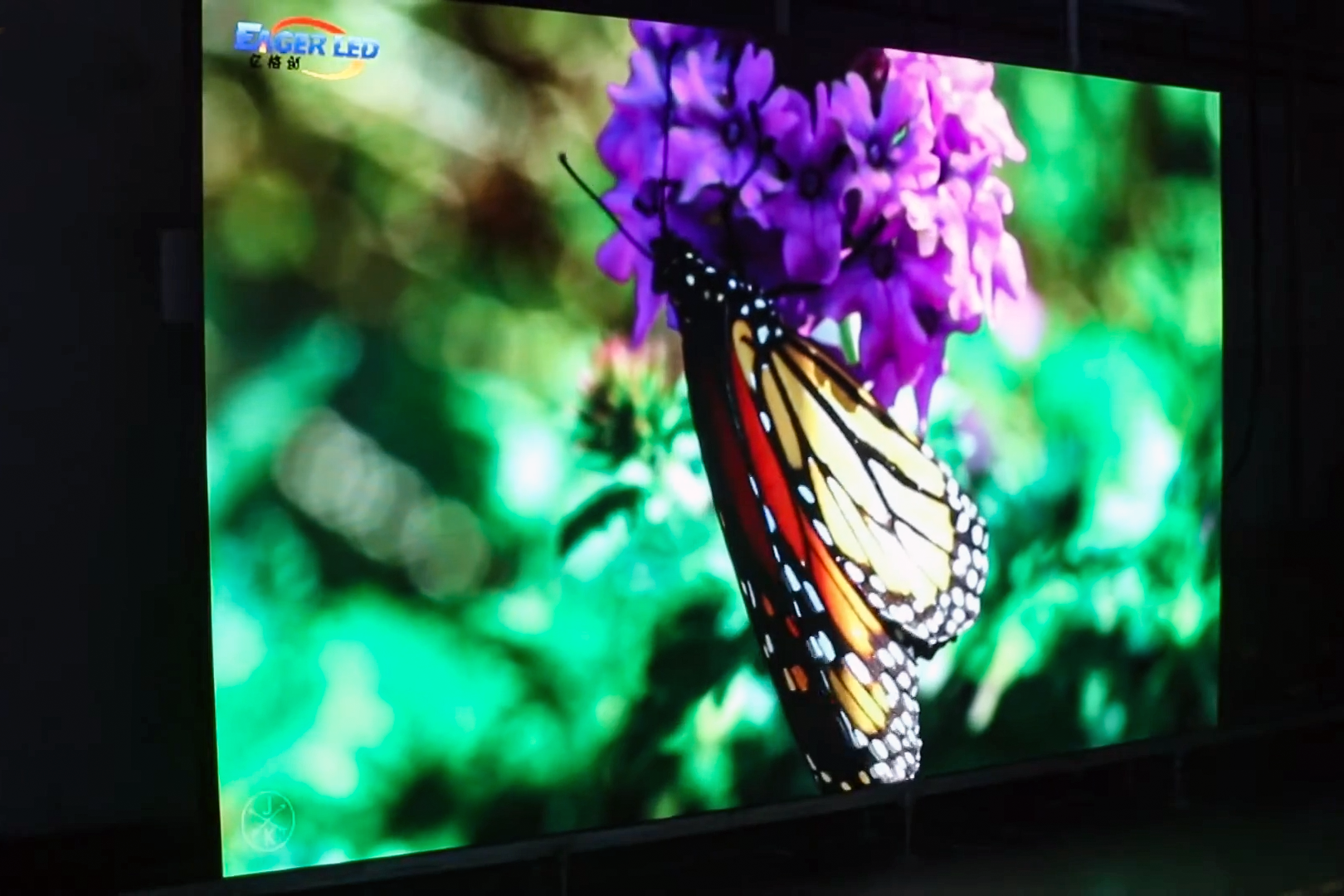
Brightness and color are where many UHD vs QLED comparisons become misleading. UHD does not make a display brighter or more colorful. QLED can support strong color volume, but the visible result depends on the backlight, optical stack, thermal controls, factory calibration, content pipeline, and ambient light.
01. Brightness is an application specification
An indoor boardroom, retail storefront, broadcast studio, and outdoor roadside display have different luminance needs. More brightness is not automatically better: excessive output can fatigue viewers, raise power and cooling requirements, and make dark content look washed out when contrast management is poor.
Proposals should document measurement conditions, control range, and whether brightness is a maximum or calibrated operating level. For QLED LCD, also ask about local dimming and reflections. A vivid showroom setting may be wrong for a glass-fronted store.
02. Color is a chain, not a badge
Quantum dots may improve a QLED backlight, but accuracy still depends on the panel and calibration. Direct-view LED color also depends on LED binning, package design, drivers, receiving cards, and color space. In both systems, source mastering can be the limiting factor.
For branded content, ask the vendor to demonstrate your own logo colors, product photography, and skin-tone footage. Request a documented calibration workflow rather than relying on phrases such as “cinematic color” or “billions of colors.”
The useful UHD vs QLED question is not which badge promises more color, but which calibrated system preserves the required colors at the intended operating brightness.
| Environment | Priority | Typical evaluation questions |
|---|---|---|
| Boardroom or control room | Text legibility, stable low brightness, wide viewing angle | Can operators read fine UI elements for long sessions? |
| Retail window | High ambient-light readability, reflection control, color consistency | How does the image look at the glass line and from the sidewalk? |
| Studio or stage | Camera compatibility, color control, low scan artifacts | Has the wall been tested with the production cameras? |
| Outdoor venue | Weather protection, sustained luminance, service access | What happens during heat, moisture, and partial module failure? |
| Rental/event | Fast rigging, repeatable calibration, transport durability | Can crews swap cabinets and restore calibration quickly? |
6. UHD vs QLED: Resolution and Contrast
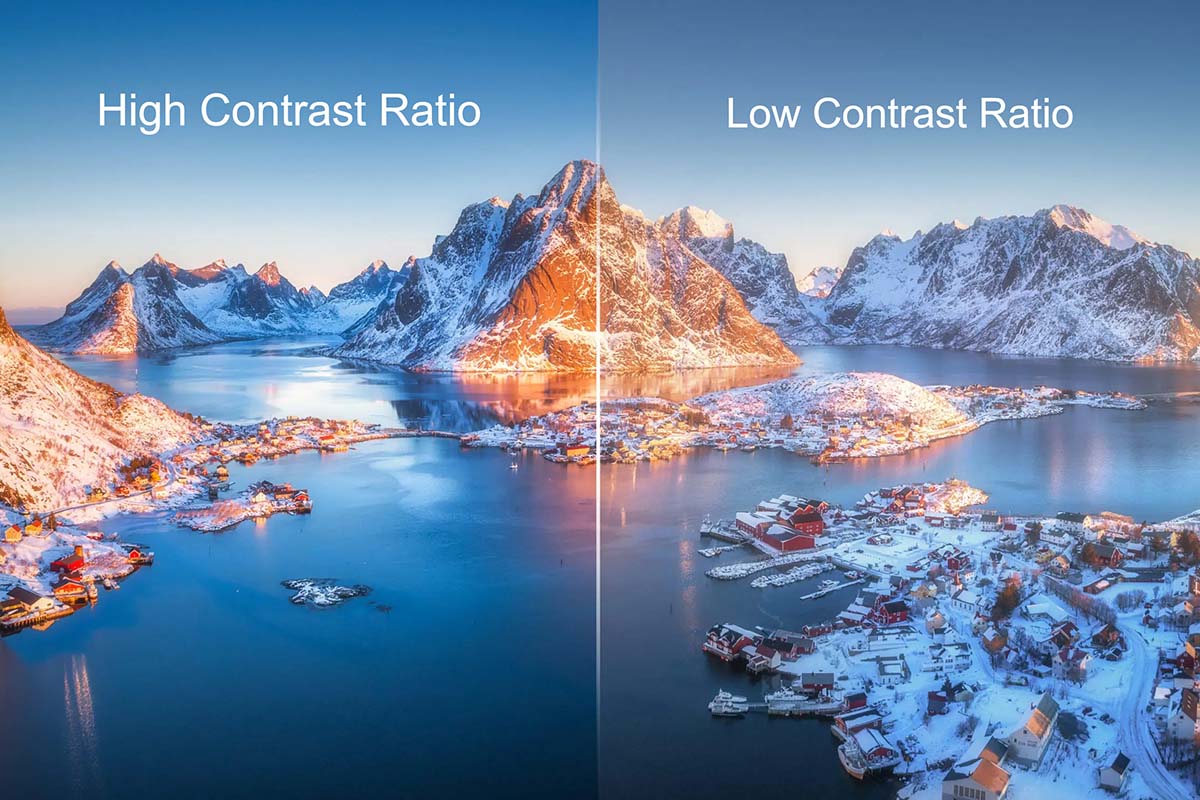
The difference between QLED and UHD becomes especially clear when buyers discuss resolution and contrast in the same sentence. UHD determines pixel count. Contrast is influenced by the display’s light-control method, black level, optical reflections, content, and room lighting.
01. Resolution: source versus installed canvas
An 8K UHD source carries more detail than 4K UHD, but that detail is useful only when the content, processor bandwidth, display matrix, and viewing distance support it. Large LED walls may use a custom aspect ratio or multiple processors, so specify exact pixel dimensions and the signal path.
02. Contrast: local control and surroundings
QLED LCD contrast is shaped by native contrast, local dimming, black uniformity, and reflections. Direct-view LED contrast is shaped by LED packages, black masking, calibration, and room light. A dark studio exposes different limitations than a bright lobby.
When comparing samples, use the same content, same signal, same color-management settings, and a controlled light level. A showroom demo that changes four variables at once cannot answer UHD vs QLED reliably.
In UHD vs QLED evaluation, native pixels establish detail while light control and the viewing environment establish perceived contrast.
| Specification question | Why it matters | Buyer action |
|---|---|---|
| What is the native pixel matrix? | Confirms real detail on the installed wall | Put width, height, cabinet count, and pitch in the quotation |
| Is 4K UHD input supported end-to-end? | Avoids a high-resolution source being downscaled unexpectedly | Request an input-to-output block diagram |
| Is 8K UHD actually required? | Adds content, processing, and infrastructure complexity | Validate content availability and viewing distance |
| How is black level controlled? | Explains perceived contrast in dark scenes | Test dark content in the real room |
| What happens after module replacement? | Incorrect correction data can create visible seams | Require calibration-data and acceptance procedures |
7. UHD vs QLED: Price and Lifespan
Price comparisons in UHD vs QLED are incomplete unless they cover the whole system. A panel quote may exclude mounts, processors, installation, spares, and service. An LED quote may still exclude structural work, power distribution, and commissioning.
01. Build a total-cost model
TCO should include acquisition, installation, energy, control hardware, calibration, maintenance, replacement parts, logistics, and downtime. A low purchase price becomes expensive when every failure requires a specialist visit or no spares are available.
Do not assign a universal lifespan to either system. Service life depends on temperature, duty cycle, brightness, power quality, ventilation, components, and maintenance. Ask for warranty terms and the process for handling color or brightness drift.
A credible UHD vs QLED cost comparison therefore uses the same operating period and includes downtime, spares, and maintenance.
| TCO line item | QLED LCD wall | Direct-view LED wall | Questions for the quote |
|---|---|---|---|
| Display hardware | Panels, bezels, wall structure | Cabinets, modules, receiving cards | What is included and what is a recommended spare? |
| Processing | Video wall controller and sources | LED processor, sending/receiving cards | Are inputs, scaling, redundancy, and licenses included? |
| Installation | Mounting rails and alignment | Structure, power, data, cabinet alignment | Who owns site survey and commissioning? |
| Maintenance | Panel/electronics replacement | Module, power supply, card, and calibration service | Front or rear access? Expected response time? |
| Downtime exposure | Panel wall segment or controller failure | Cabinet/module or processor failure | Is there bypass, redundancy, or a spare pool? |
| End-of-life | Panel recycling and replacement cycle | Module and electronics replacement cycle | Can the system be expanded or repaired in place? |
02. Lifespan is a management outcome
The most useful lifespan question is not “How many years?” but “What will the image and service process look like over the planned operating period?” A buyer should receive preventive-maintenance intervals, thermal and cleaning guidance, firmware policy, calibration records, and a clear escalation path. These documents are stronger E-E-A-T signals than an unqualified lifetime number.
8. UHD vs QLED: Which Is Better for Your Application?
There is no responsible one-word answer to UHD vs QLED without an application. The better option is the one that satisfies the content, environment, physical size, service access, and operating model with the fewest compromises.
01. Choose around the use case
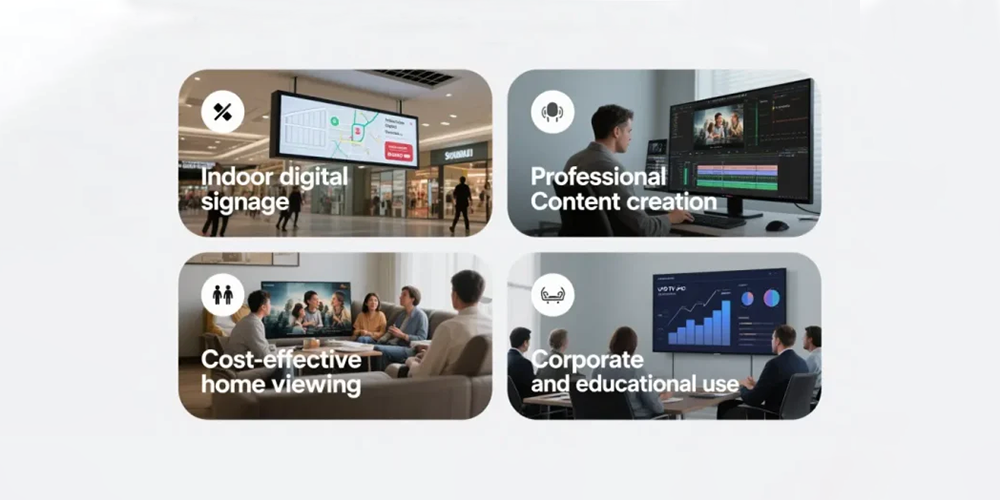
Boardrooms. Prioritize readable text, quiet operation, low-brightness uniformity, and wide viewing angles. QLED LCD fits standard panel layouts; fine-pitch direct-view LED fits larger seamless or custom canvases.
Retail. Start with ambient light, reflections, color consistency, and content scheduling. Compare calibrated samples with actual creative assets; a 4K UHD source alone cannot guarantee window-facing readability.
Broadcast, XR, and events. Camera behavior, refresh, synchronization, and fast configuration changes outweigh labels. Direct-view LED often serves the canvas, while QLED LCD can suit monitoring; require a real-camera test.
Sports and outdoor venues. Weather protection, viewing distance, impact resistance, and service access dominate. UHD may define the incoming content, while direct-view LED defines the installed surface.
Rental and touring. Weight, rigging, quick locks, serviceability, spares, and repeatable calibration are decisive. Crews must be able to deploy and repair the system under time pressure.
Across these scenarios, UHD vs QLED is only the opening comparison; the winning specification comes from application testing.
| Application | Strong starting point | Why | Critical validation |
|---|---|---|---|
| Indoor boardroom | QLED LCD or fine-pitch direct-view LED | Both can deliver detailed, professional content | Text, low-brightness uniformity, acoustic and service checks |
| Retail window | High-brightness LCD/QLED or outdoor-rated LED | Ambient light drives readability | Reflection, color, thermal and content tests |
| Broadcast/stage | Production-grade direct-view LED or QLED monitor | Camera and motion behavior matter | Full camera, shutter, synchronization test |
| Stadium/outdoor | Outdoor direct-view LED | Scalable size and distance-appropriate pitch | Weather, structure, power, maintenance plan |
| Rental fleet | Rental direct-view LED | Modular transport and fast service | Rigging, swap, calibration and spare workflow |
02. A practical specification sequence
- Define the nearest and farthest viewing positions, content type, aspect ratio, and ambient light.
- Set a pixel-pitch range and native canvas target; then verify whether 4K UHD or 8K UHD input is actually needed.
- Compare direct-view LED and QLED LCD proposals using the same content and calibrated conditions.
- Review processor compatibility, control, power, thermal design, installation, spare parts, and service access.
- Run an acceptance test with your own text, brand colors, video, and camera workflow before signing off.
9. FAQs
01Is QLED better than 4K UHD?
The UHD vs QLED comparison is not technically equivalent. QLED describes an architecture; 4K UHD describes a 3,840 x 2,160 resolution. A QLED display can be 4K UHD. Compare the complete system, including pitch, brightness, processing, calibration, service, and TCO.
02What is the difference between QLED and UHD for an LED video wall?
In UHD vs QLED, one term concerns display architecture and the other concerns resolution. A direct-view LED wall can receive UHD without using QLED. Confirm whether the quote covers QLED LCD or direct-view LED.
03Does UHD mean 4K?
In most AV conversations, 4K UHD means 3,840 x 2,160 pixels. UHD also includes 8K UHD, commonly 7,680 x 4,320. Put exact pixel dimensions in the purchase specification.
04Is 8K UHD worth it for a large LED display?
For UHD vs QLED projects, 8K UHD is worthwhile only when content, processing, physical pixels, and viewing distance reveal the detail. Otherwise, pitch, calibration, brightness control, or service may add more value.
05Is QLED the same as direct-view LED?
No. In UHD vs QLED research, QLED usually means an LCD with an LED backlight and quantum dots. Direct-view LED uses LED emitters as pixels in a modular display.
06Which is brighter, QLED or UHD?
UHD has no inherent brightness because it is a resolution term. In UHD vs QLED, brightness comes from the display hardware and settings. Compare measured performance under installation conditions.
07Does QLED last longer than an LED display?
There is no universal answer. Lifespan depends on temperature, duty cycle, brightness, power quality, components, and maintenance. Request warranty scope, service procedures, spares, and documented assumptions.
08Can a 4K UHD source run an LED wall that is not 4K?
Usually, a processor can scale a 4K UHD source to the wall’s native canvas, but scaling does not create missing detail. In UHD vs QLED planning, confirm the processor limits, scaling quality, aspect-ratio behavior, and small-text rendering on the actual pitch.
09What should an LED display buyer ask a QLED supplier?
Ask for the exact panel architecture, native resolution, measured brightness conditions, color-space and calibration information, viewing-angle data, controller compatibility, panel replacement process, warranty, spare plan, and a demonstration using your own content. These questions reveal the difference between QLED marketing language and a deliverable system.
10. Conclusion
The best answer to UHD vs QLED starts by correcting the category mistake: UHD is resolution, while QLED is a display architecture. A 4K UHD signal can feed a QLED LCD, a direct-view LED wall, or another compatible display. The visible result depends on the installed pixel matrix, optical and electrical design, calibration, processing, environment, and content.
For LED display buyers, specify the application first. Document viewing distance, ambient light, content, camera needs, pixel pitch, native canvas, brightness conditions, contrast expectations, processor path, mechanical access, maintenance, and TCO. Use qled vs uhd and difference between qled and uhd as research questions, but make the final decision from measured samples and a complete system quotation.
That is the durable UHD vs QLED conclusion: buy the verified system performance, not the label.
EagerLED can help buyers translate a 4K UHD or 8K UHD content requirement into a practical direct-view LED specification, including pixel pitch, cabinet configuration, processing, calibration, and service planning. The right comparison is not which label sounds better; it is which architecture delivers the required image and operating confidence in the real installation.
 LED Screen Resolution Guide: How to Choose the Right Display Resolution
 How to Choose an LED Display Module Supplier