

LED Poster Displays for Indoor and Outdoor Use
LED poster displays are freestanding digital signs for retail entrances, exhibitions and recurring promotions. EagerLED offers indoor foldable GOB, outdoor foldable and four-sided display formats. Choose the deployment format before comparing pixel pitch and controller options in the product cards.
- Choose indoor, outdoor or multi-direction poster equipment by deployment site.
- Confirm viewing distance, content source, control mode and number of units.
- Compare the open footprint, service access, protection and spare-parts scope.
On this page
Which LED Poster Display Format Fits Your Project?
- Indoor campaigns: shortlist an indoor poster when the unit will operate in a protected space. Check viewing distance, open footprint, front service and the publishing workflow.
- Outdoor promotions: review the outdoor model and confirm front and rear protection, cable connections, site stability and the permitted operating conditions.
- Multi-direction viewing: compare a four-sided format when visitors approach from several directions. Confirm the content canvas and how each face will be controlled.
What must be confirmed for several poster units?
Define whether units run independent campaigns or a synchronized layout, which controller and software are included, and how content will be updated at each site. Confirm the combined canvas, interconnection cables, packing and spare-parts scope before comparing quotes.
For an indoor foldable option, review the EA1920iP5; for outdoor deployment, review the EA1920OP2. Send quantity, display mode, viewing distance, site photos and destination through our poster display quotation enquiry.
Categories
2026 New LED Screen Price for You
An LED poster display is a narrow, direct-view LED screen designed to replace a printed poster with scheduled video, animation and information content. The right model depends on viewing distance, ambient light, indoor or outdoor exposure, content workflow, mobility and service access. This guide compares EagerLED poster formats and explains what to confirm before requesting a quotation.
Table of Contents
1. What Is an LED Poster Display?
An LED poster display combines LED modules, power supplies, a controller and a slim cabinet into a vertical digital-signage format. It can stand on the floor, move on integrated wheels or use another approved installation method, depending on the model. Unlike a printed poster, it can play motion graphics, video, schedules and changing promotions without replacing physical media.
01 Modular Direct-View Display
Each module forms part of one continuous image. Pixel pitch, expressed in millimeters, is the center-to-center distance between adjacent pixels. A smaller pitch increases pixel density for close viewing, while a wider pitch can be practical when viewers stand farther away.
02 Where the Poster Format Fits
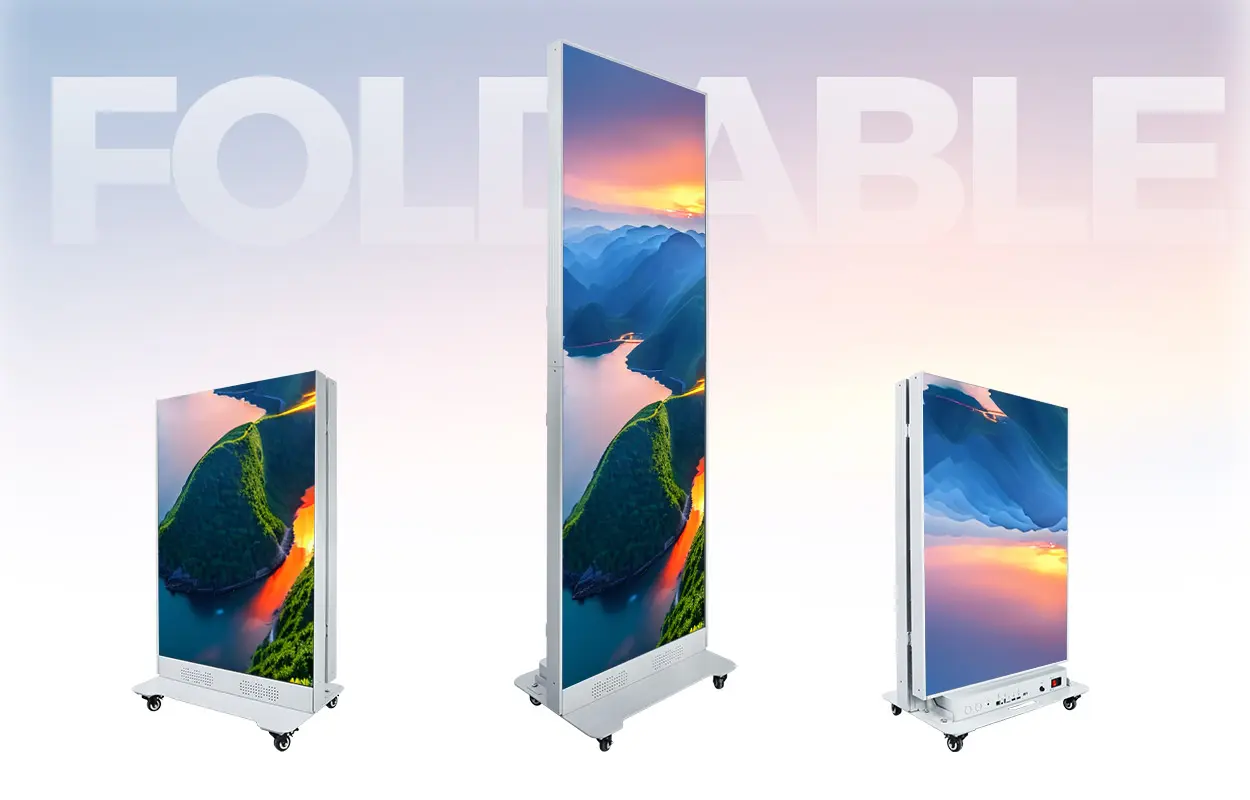
The tall 640 × 1,920 mm display format used by the EA1920iP5 and EA1920OP2 suits portrait creative at entrances, beside products and along customer routes. Several compatible units can also be joined when a wider canvas is required.
2. LED Poster Display Types
LED poster screens are best grouped by environment, physical format and display construction. Start with the installation environment, then decide whether the campaign needs one face, two faces, a multi-sided presentation or a larger spliced canvas.
01 Indoor Foldable LED Posters
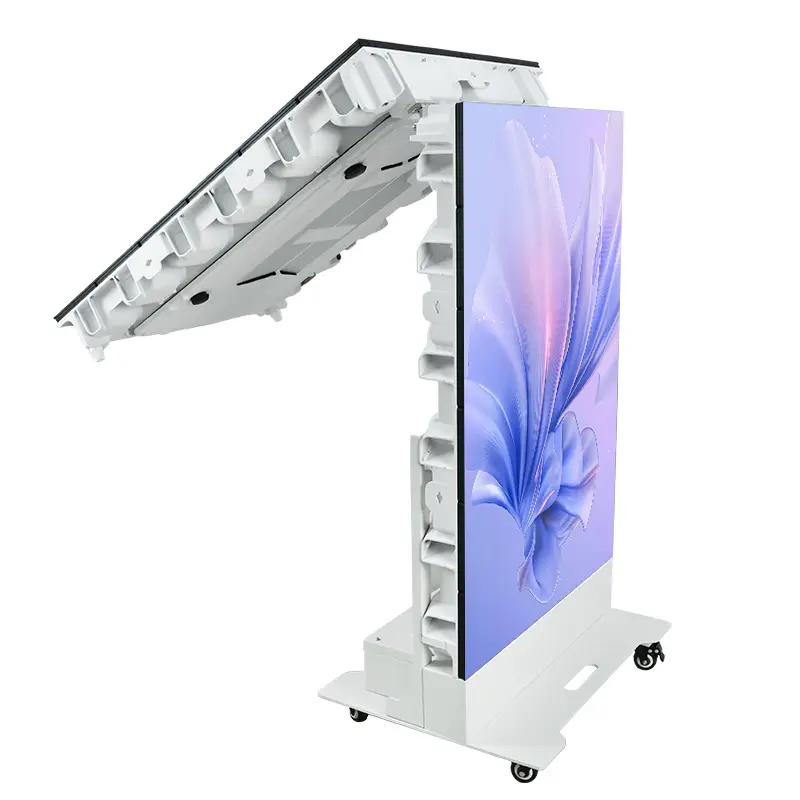
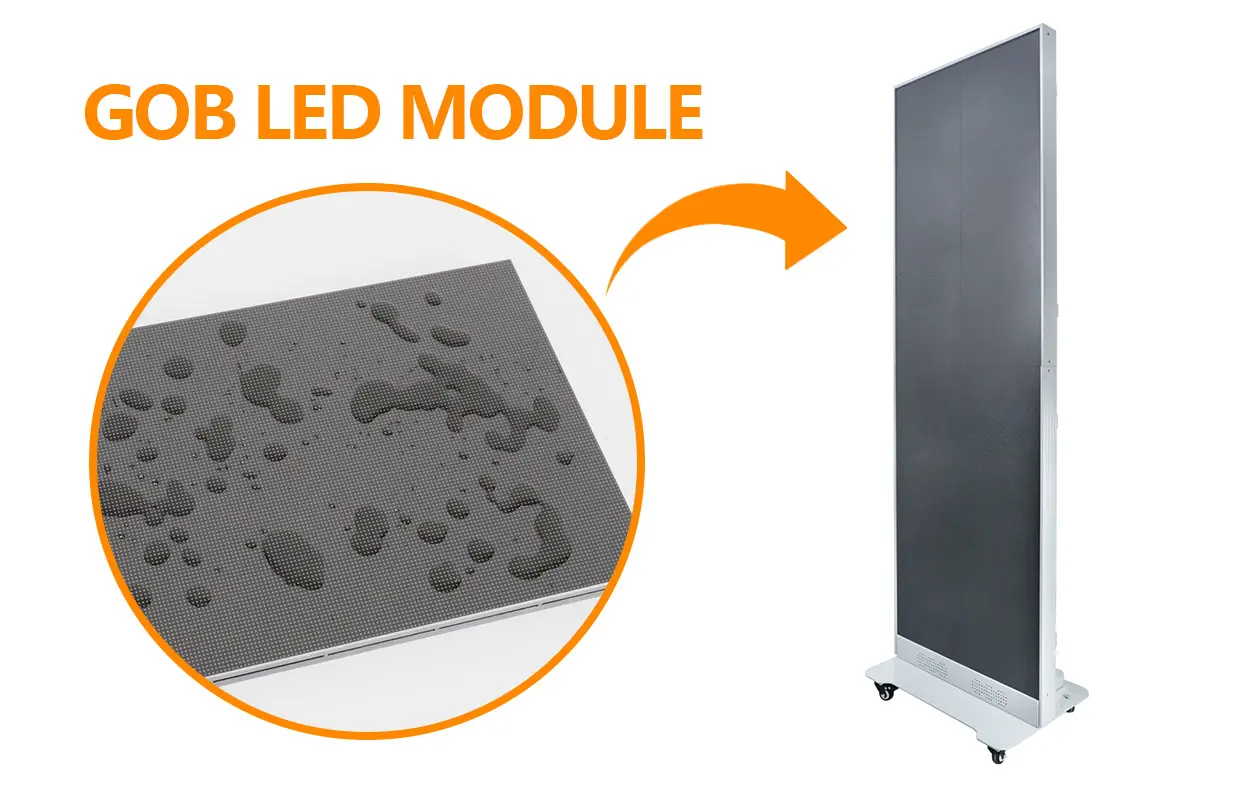
An indoor poster prioritizes close-range image detail, a slim cabinet and convenient movement between controlled spaces. The EA1920iP5 foldable LED display supports P1.25-P2.5 SMD options and fine-pitch flip-chip COB options. Its 65 mm cabinet depth, central hinge and front-service design suit retail, exhibition and event workflows.
02 Outdoor LED Posters
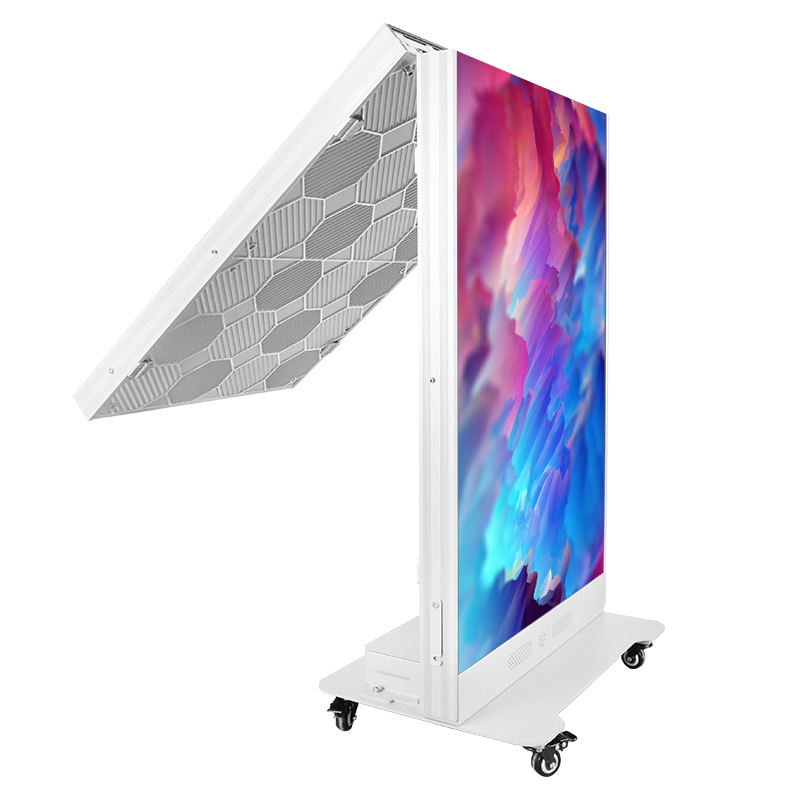
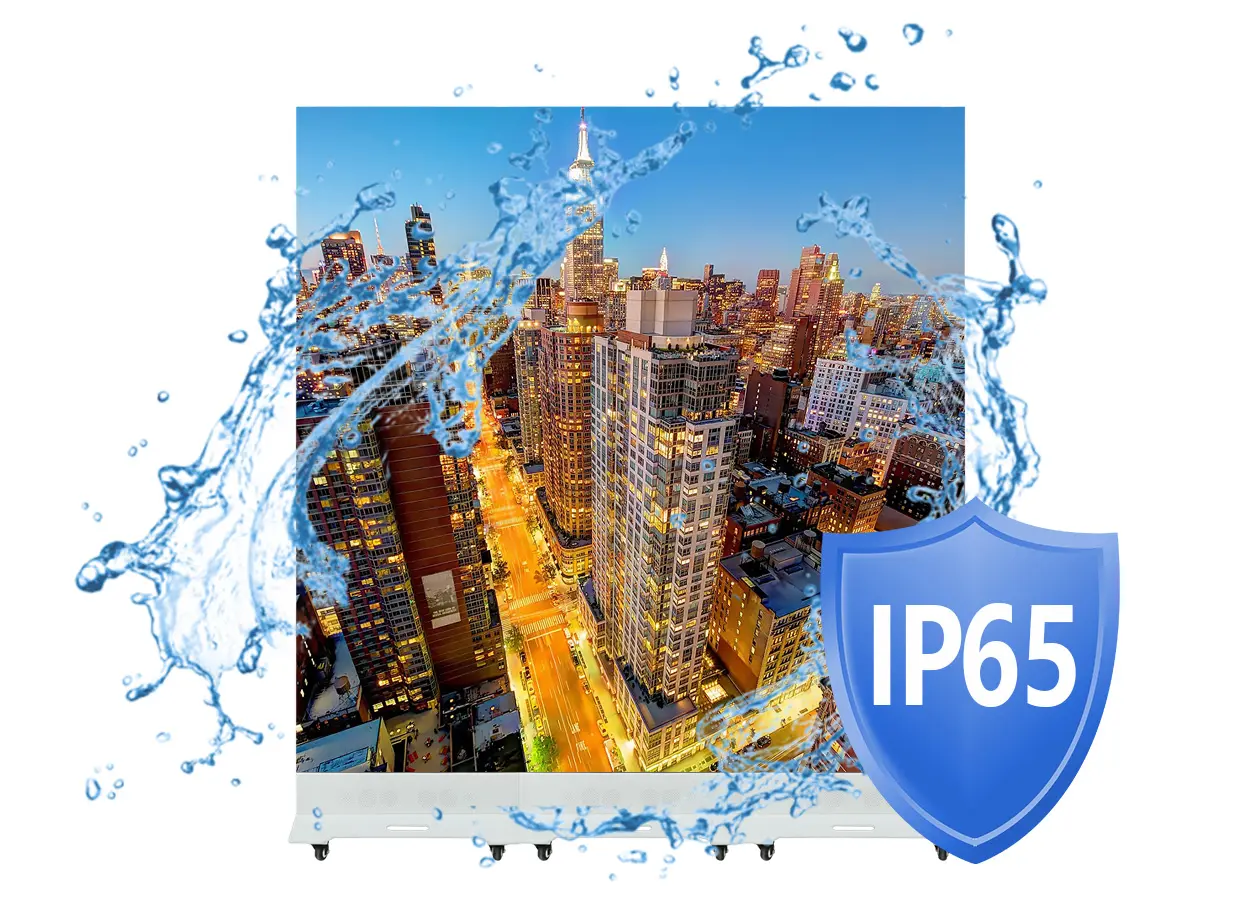
Outdoor use requires brightness and ingress protection appropriate to the actual exposure. The EA1920OP2 outdoor LED poster display is specified at 5,000 cd/m² brightness with IP65 protection on the display face. The rear, connections, power distribution, wind conditions and drainage still need project-level review.
03 Four-Sided 3D Poster Displays
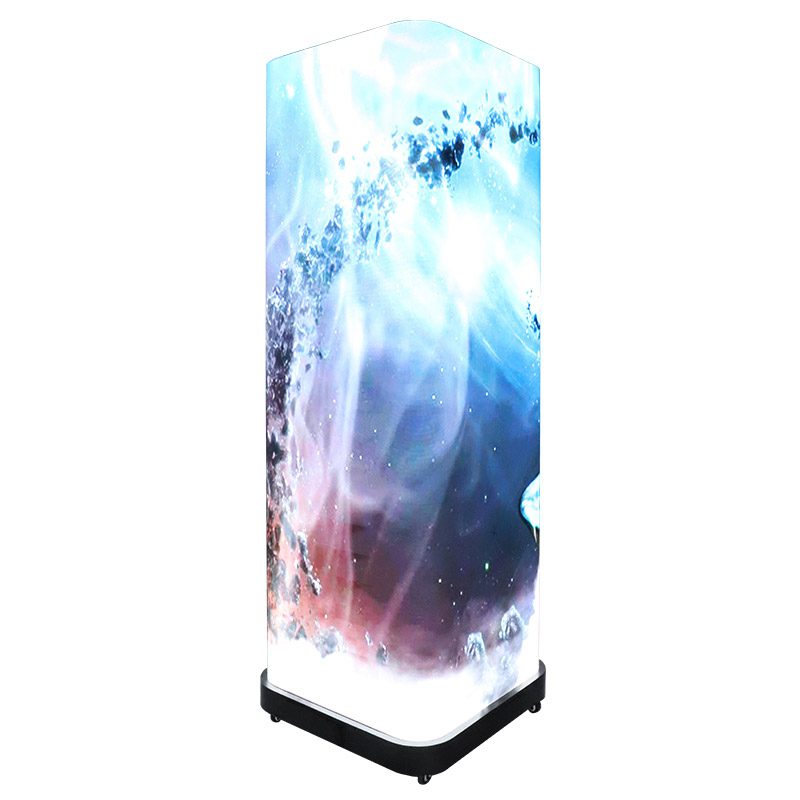
A multi-sided poster can present content to viewers approaching from several directions. The EA3DiP1 3D LED poster screen combines four indoor display faces with synchronous or independent playback and glasses-free 3D content presentation.
3. EagerLED LED Poster Display Models
These three models solve different placement problems. Use the table as a shortlist, then confirm the complete specification for the selected pixel pitch and project conditions.
| Model | Best-fit environment | Verified key specifications | Service and control |
|---|---|---|---|
| EA1920iP5 | Indoor retail, exhibitions, hotels and events | 640 × 1,920 mm display; 65 mm depth; P1.25-P2.5 SMD plus fine-pitch flip-chip COB options; ≥3,840 Hz refresh | Front service; Wi-Fi, SIM, Ethernet, HDMI and USB |
| EA1920OP2 | Outdoor and semi-outdoor promotions | 640 × 1,920 mm foldable display; P1.86/P2/P2.5; 5,000 cd/m²; ≥3,840 Hz; IP65 front | Quick-access rear service; USB 3.0, HDMI, Ethernet and built-in audio |
| EA3DiP1 | Indoor multi-direction retail and exhibition use | Four 680 × 1,920 mm faces; P1.25/P1.56/P1.86; ≥600 cd/m²; 3,840 Hz; 16-bit grayscale | Front service; mobile, tablet and computer control |
01 Choose by Environment First
Do not select an indoor cabinet for exposed outdoor use because the image looks suitable in a showroom. Confirm rain, dust, direct sun, operating temperature and whether the product rating applies to the front only or the complete enclosure.
02 Choose by Audience Direction
A single portrait face suits a wall line or one-way entrance. A foldable dual face can address traffic from two directions. A four-sided format works where visitors circulate around the display.
4. Specifications to Compare
A useful quotation connects every specification to a site condition. Maximum values alone do not show whether a display will be comfortable to view, simple to maintain or compatible with the content system.
| Specification | Question to answer | Why it matters |
|---|---|---|
| Pixel pitch | How close is the nearest regular viewer? | Controls perceived detail and native resolution. |
| Brightness | Is the screen indoors, in a bright window or outdoors? | Too little reduces visibility; unnecessary output can be uncomfortable indoors. |
| Refresh rate | Will visitors film the display? | A suitable high refresh rate helps reduce scan lines and flicker on camera. |
| Viewing angle | Will people approach from the side? | Shows how far off-axis the image remains usable. |
| Protection rating | Which faces are protected from dust and water? | Front-only protection does not describe every side of the cabinet. |
| Service access | Can technicians reach the front, rear or both? | Changes clearance, downtime and maintenance procedure. |
| Control interfaces | Will content be local, networked, live or scheduled? | Determines the player, controller and connectivity required. |
01 Read IP Ratings Precisely
Ingress-protection codes are defined by IEC 60529. Confirm the rated face and installation limits instead of treating “IP65” as a blanket guarantee for every connection and operating condition.
02 Compare Complete Systems
Ask each supplier to itemize display units, controller, playback device, power and signal accessories, spare modules, transport packaging, mounting hardware, freight and technical support. This prevents a low panel-only price from being compared with a complete project quotation.
5. LED Poster Display Applications
01 Retail and Shopping Centers
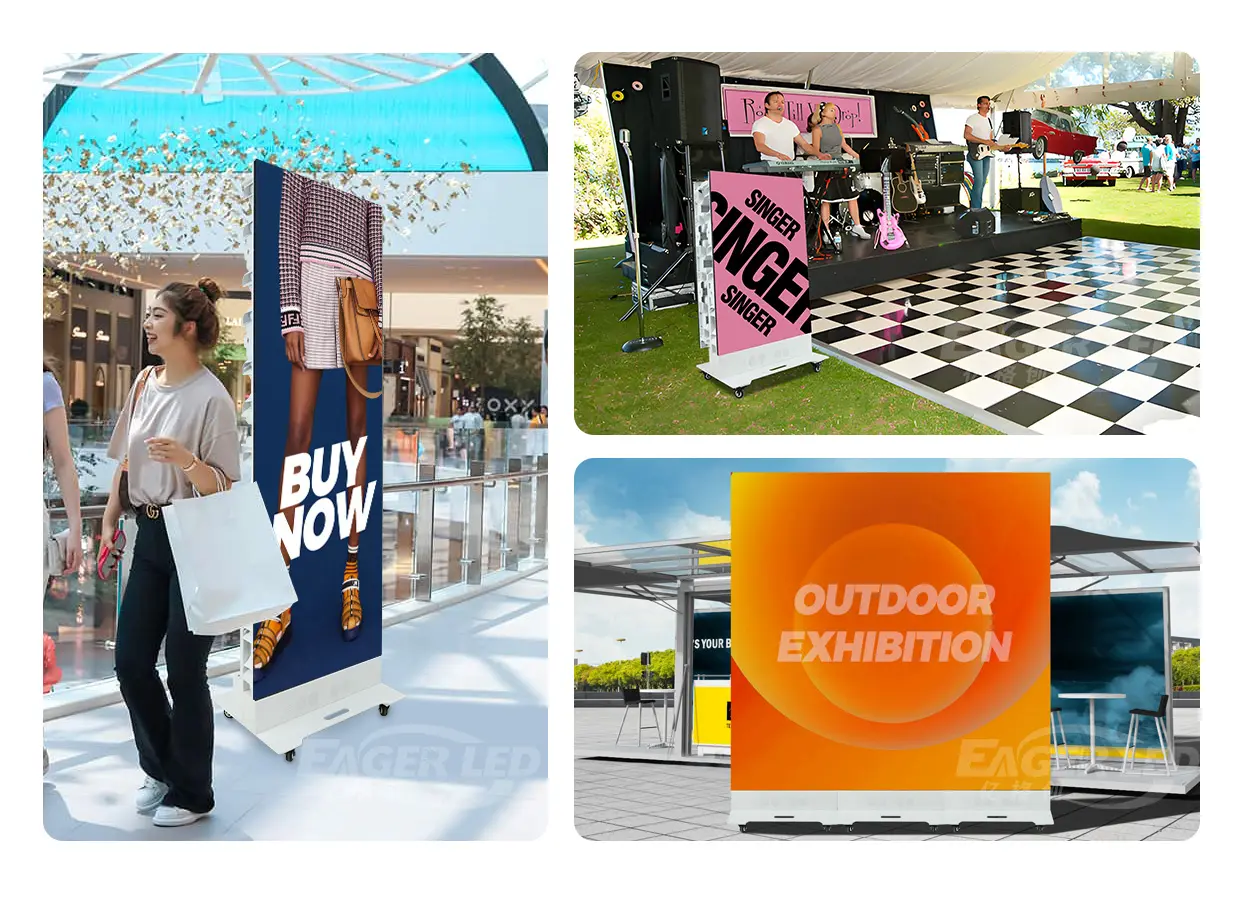
Place a poster at an entrance, storefront or product zone for launches, prices, wayfinding and scheduled campaigns. For other store formats, compare an advertising LED board or a larger indoor LED screen.
02 Exhibitions, Hotels and Events
Movable poster displays support registration, agendas, sponsor content and product demonstrations. Foldable cabinets reduce the storage footprint, but transport cases, loading routes, floor level and setup time should be confirmed before the event.
03 Airports and Public Information
Portrait displays can present directions, schedules and alerts where a tall footprint fits the traffic flow. Confirm local approvals, emergency-message procedures and content-system integration for public projects.
6. How to Choose an LED Poster Display
- Document the site. Record indoor or outdoor exposure, nearest viewing distance, ambient light, available floor area, access route and local voltage.
- Define the content. State portrait resolution, live or scheduled playback, audio, camera use, update frequency and network availability.
- Shortlist the format. Choose single-face, foldable dual-face, four-sided or multi-unit splicing based on audience direction.
- Compare verified specifications. Review pixel pitch, brightness, refresh, grayscale, viewing angle, protection and service access for the exact variant.
- Approve the complete scope. Confirm controller, software, spare parts, packaging, structure, freight, training, warranty and support.
01 Information Needed for a Quote
Send room or site photos, intended display position, viewing distance, project schedule, delivery country, content source and preferred installation method. Use the EagerLED contact page when drawings or attachments are needed.
02 Avoid One-Number Decisions
The smallest pixel pitch or highest brightness is not automatically the best choice. A balanced system meets the viewing and content requirement while controlling cost, power, heat and maintenance complexity.
7. Content, Control and Installation
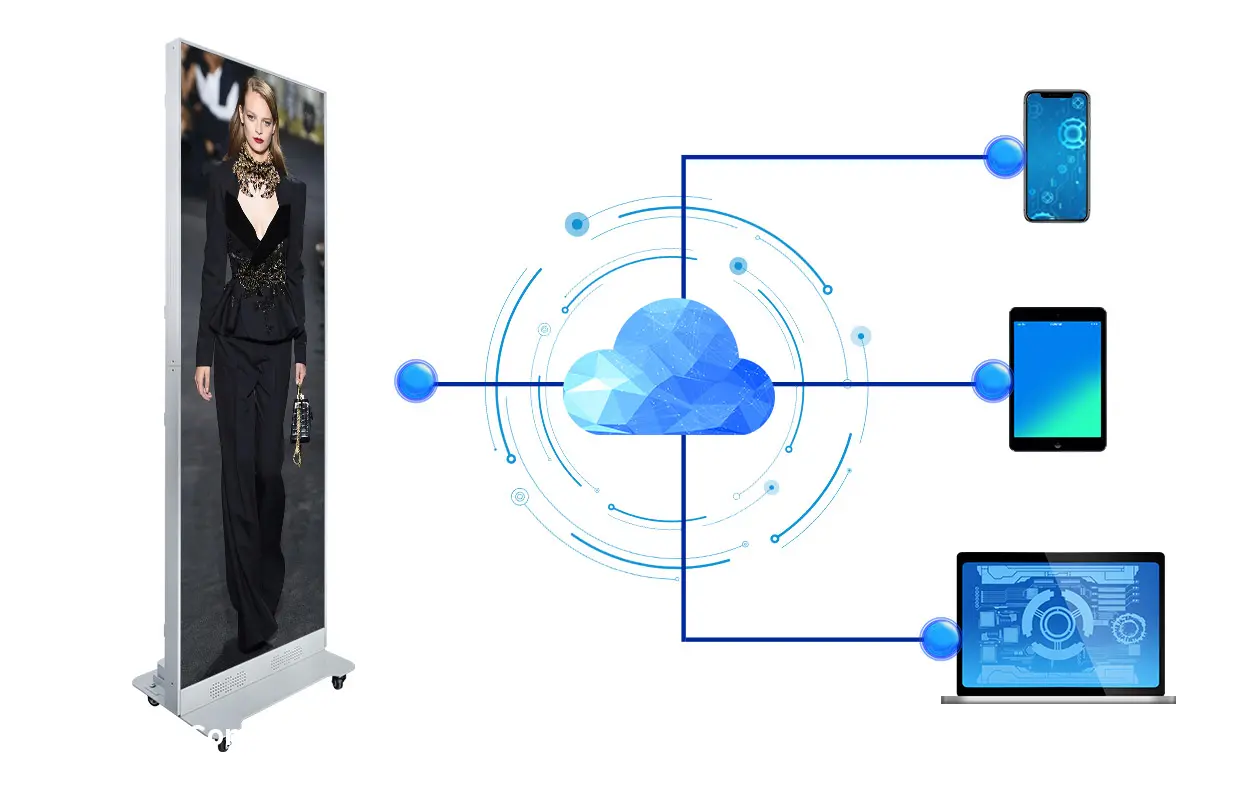
01 Plan the Playback Workflow
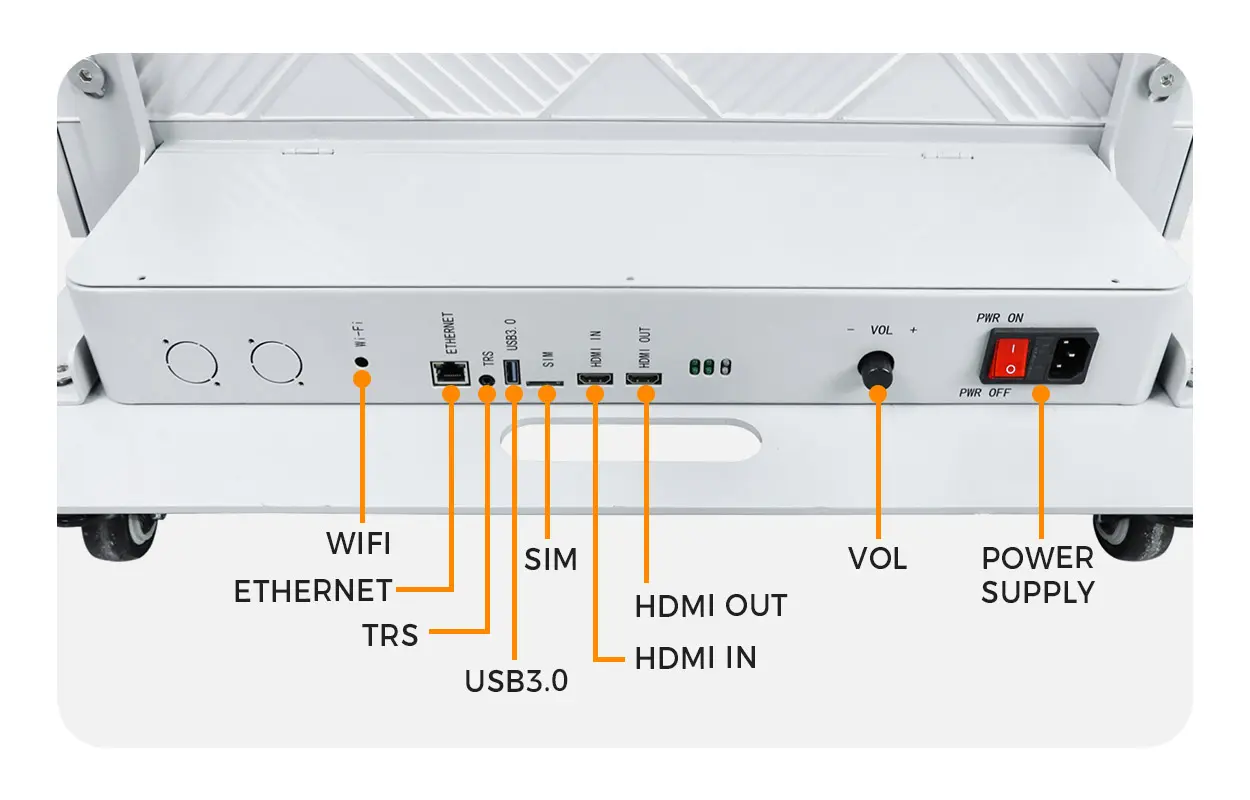
Decide who creates, approves, schedules and updates content. EA1920iP5 supports Wi-Fi, SIM, Ethernet, HDMI and USB workflows, while EA1920OP2 supports USB 3.0, HDMI and Ethernet. Confirm the exact control package included in the quotation.
02 Match Content to the Canvas
Prepare portrait creative at the native screen resolution. Keep critical text away from edges, use large type for walking audiences and test motion speed from the real viewing distance. Multi-unit displays need a combined canvas mapped to the installed arrangement.
03 Approve Placement and Power
Verify floor loading, stability, pedestrian clearance, cable routing, ventilation and a safe power-distribution plan. Outdoor installations also need weather, wind, drainage and connection protection appropriate to the site.
8. Maintenance and Protection
01 Keep Service Access Clear
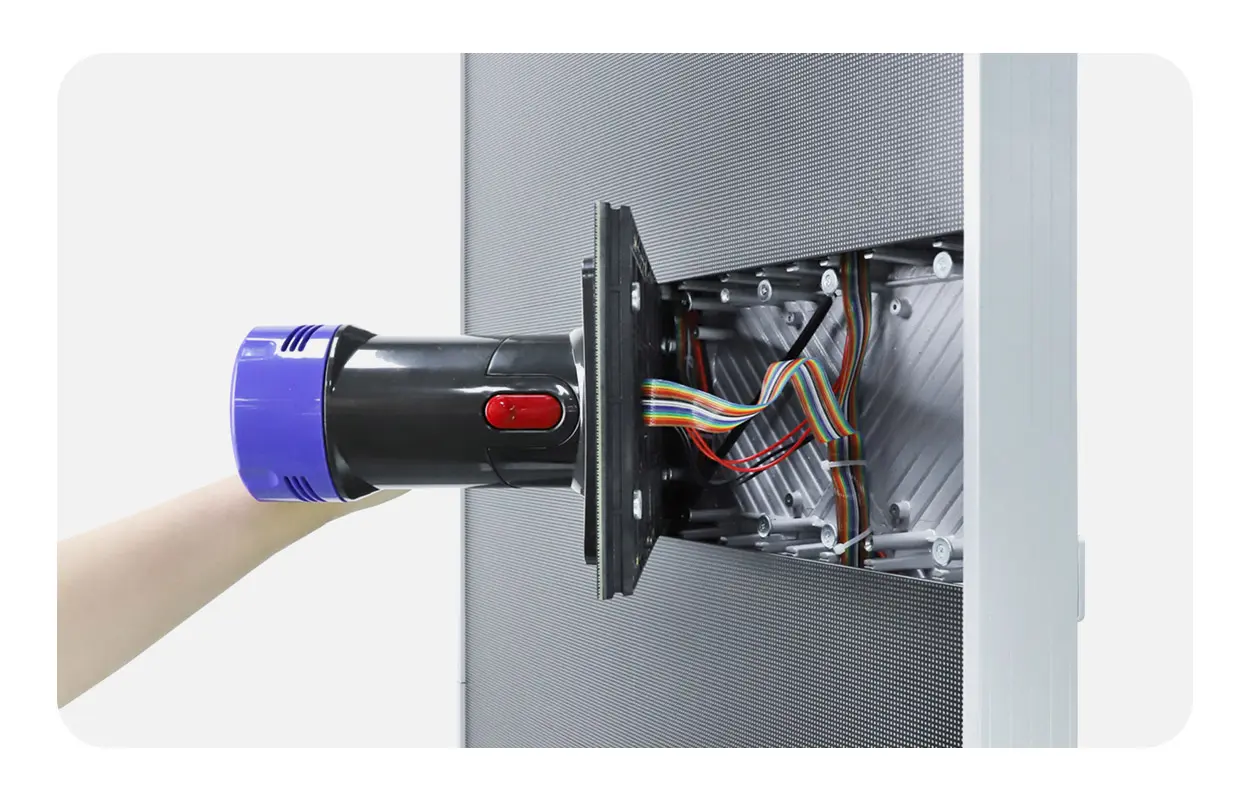
Do not block the front-service path or rear quick-access cover. Record module positions, controller configuration and spare-part locations so a technician can isolate a fault without unnecessary disassembly.
02 Clean by the Product Procedure
Switch off and isolate power before service. Use the cleaning method approved for the exact LED surface and cabinet. Avoid liquid entering connectors, abrasive tools and unsupported chemicals.
03 Inspect Power, Signal and Cooling
Schedule checks for cable strain, connector security, ventilation paths, fans where fitted, cabinet alignment and visible moisture or dust. Review the model-specific operating limits and maintenance instructions with the technical team.
9. LED Poster Display FAQs
01 What is the best pixel pitch for an LED poster display?
The best pitch depends on the nearest regular viewing distance and the detail in the creative. Compare two suitable pitches using the intended content at the real viewing distance before ordering.
02 Can an LED poster display be used outdoors?
Use a model specified for the exposure. EA1920OP2 has IP65 protection on the display face and 5,000 cd/m² brightness, but the rear, connections, wind, drainage and operating conditions still require project review.
03 Can several LED posters form one larger screen?
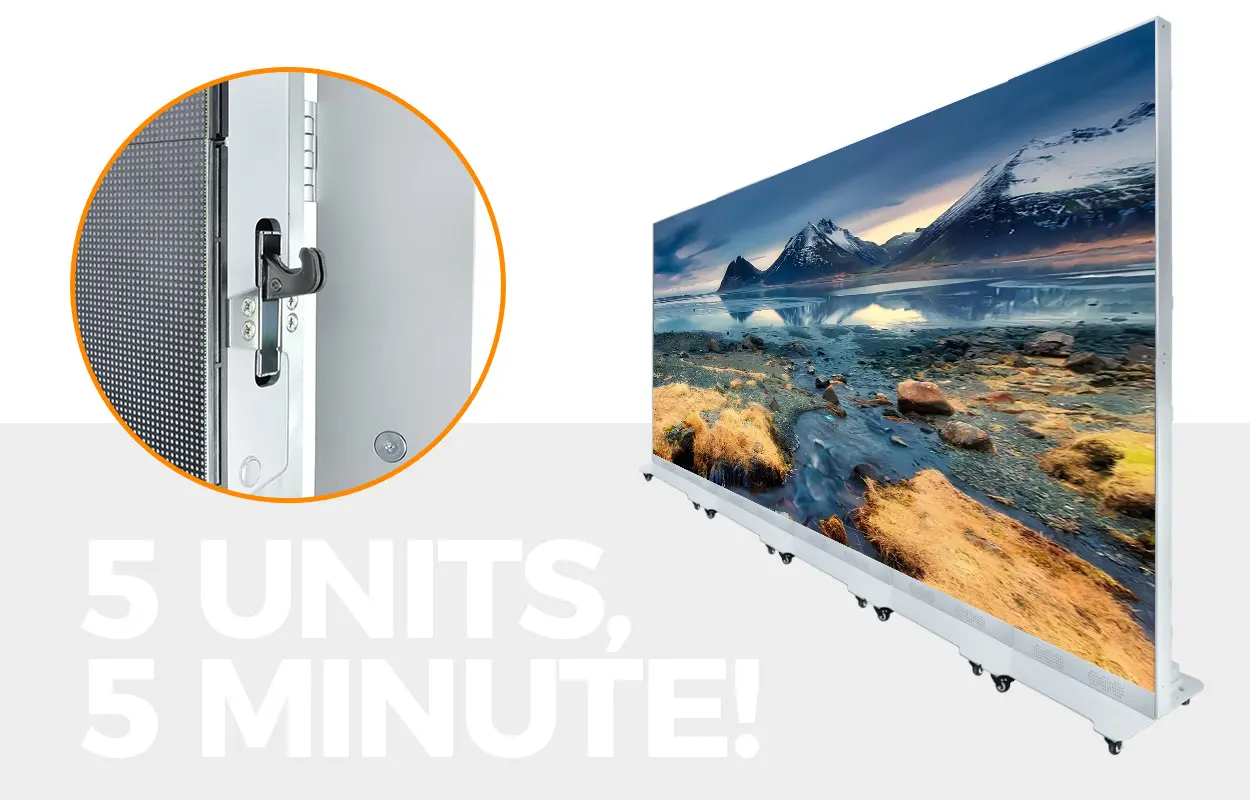
Compatible EA1920iP5 and EA1920OP2 units can be arranged for a wider canvas. Confirm the locking method, physical alignment, controller mapping and combined content resolution.
04 How is content updated?
Available workflows depend on the model and controller. Options across the range include Wi-Fi, SIM, Ethernet, HDMI and USB, with local, networked, synchronous or scheduled playback configurations.
05 Is front maintenance available?
EA1920iP5 and EA3DiP1 provide front-service access. EA1920OP2 uses a quick-access rear service design. Keep the specified access side clear in the installation plan.
06 What details are needed for an accurate quotation?
Provide the environment, display position, nearest viewing distance, site photos, content source, network availability, local voltage, delivery country, project schedule and any mobility or weather requirements.
For broader buying and maintenance questions, visit the LED screen FAQ center.
10. Conclusion
Choose an LED poster display by matching environment, audience direction, viewing distance, content workflow and service access. EA1920iP5 is the indoor foldable option, EA1920OP2 addresses brighter outdoor and semi-outdoor placements, and EA3DiP1 creates a four-sided indoor 3D presentation. Compare the exact variant and request a complete, project-specific bill of materials before ordering.
