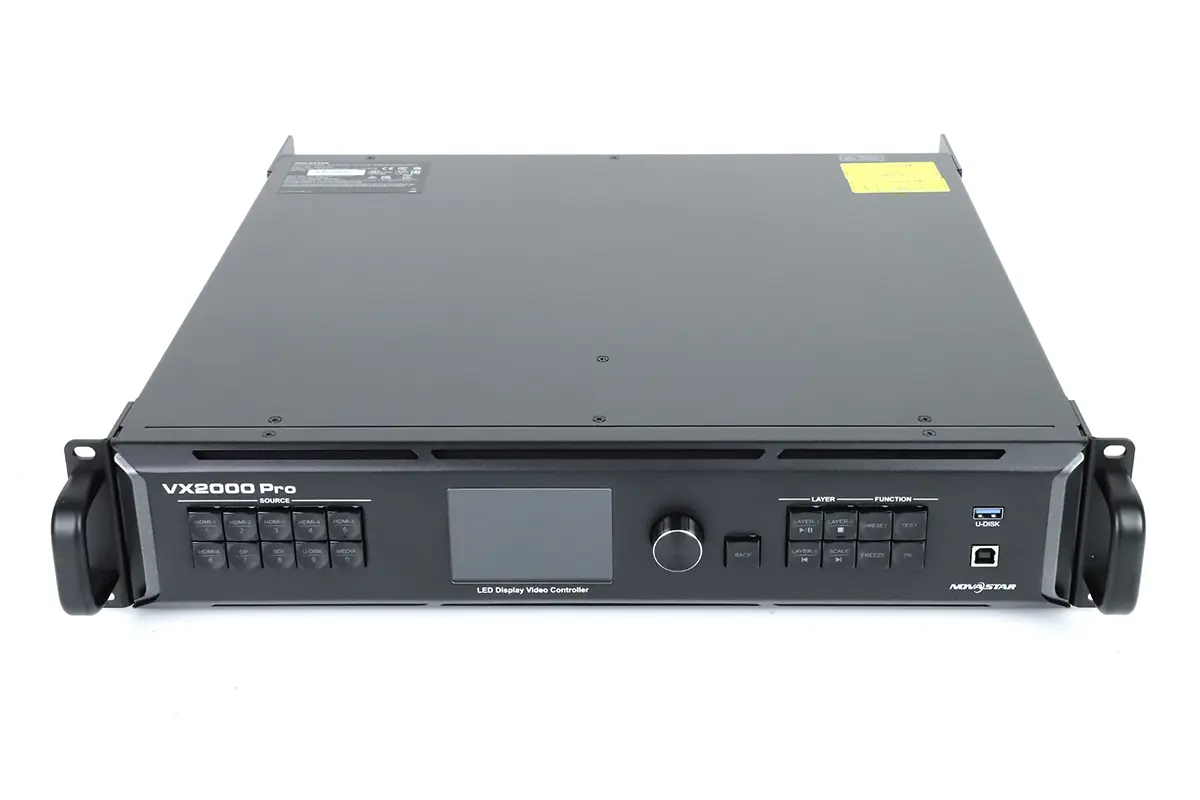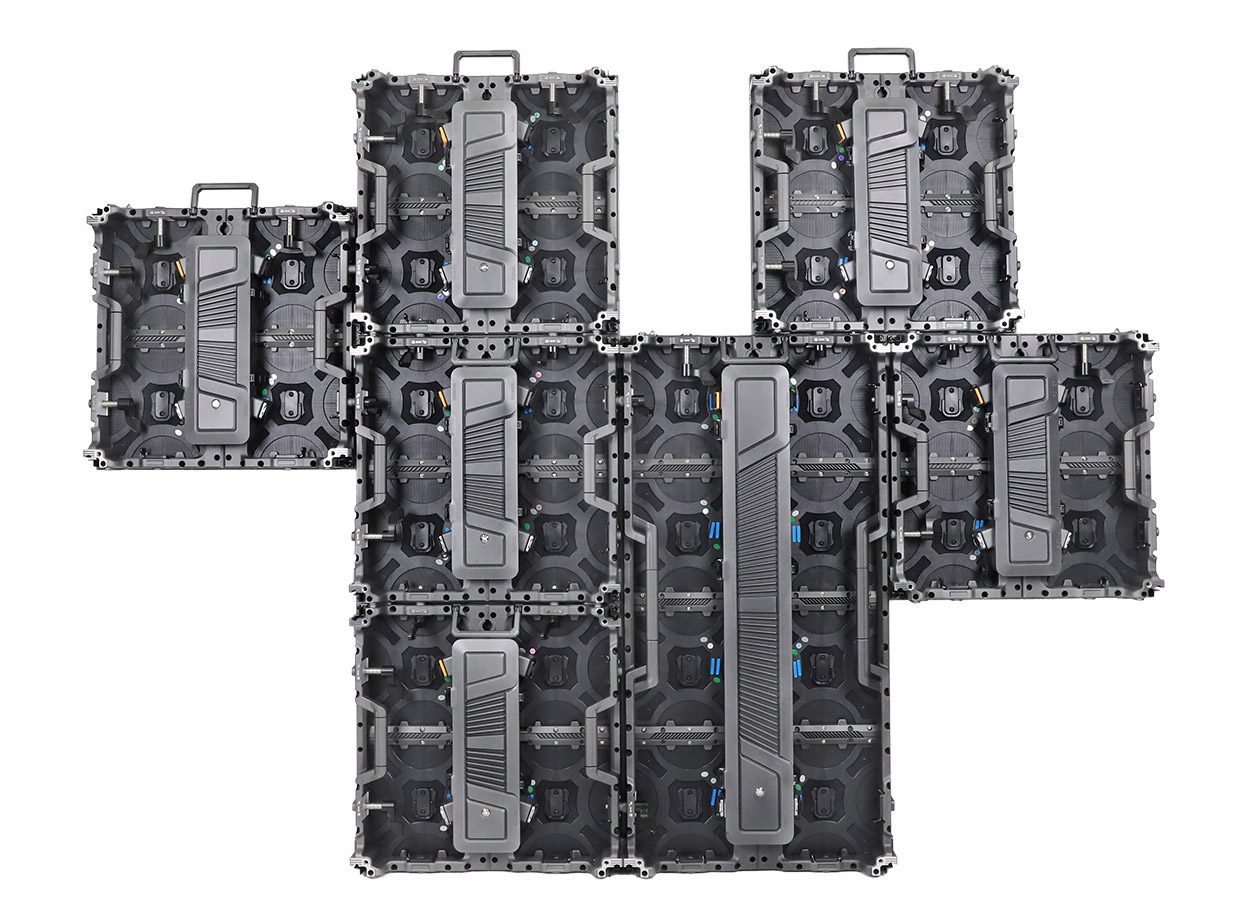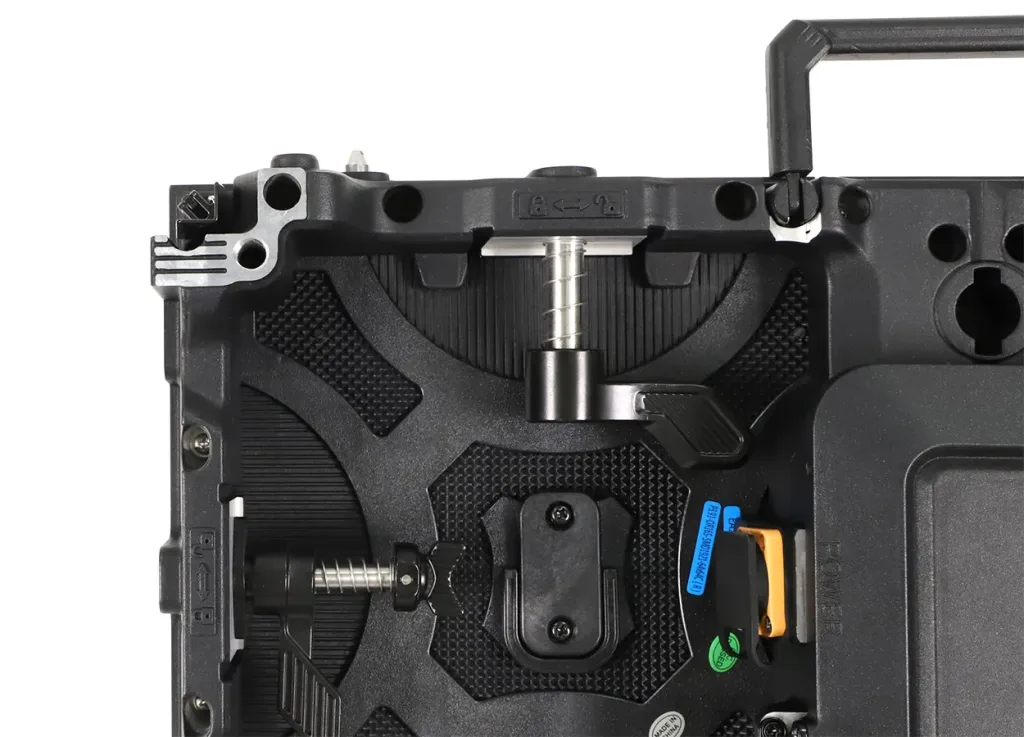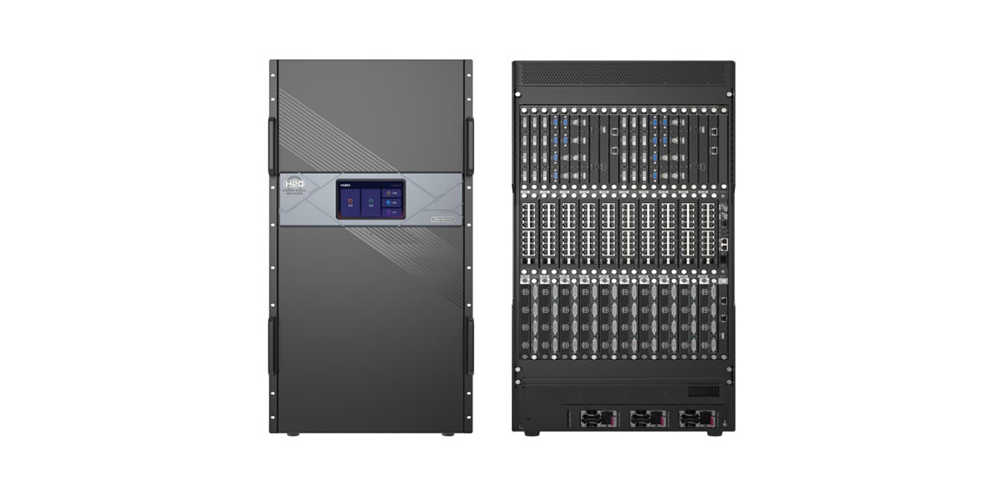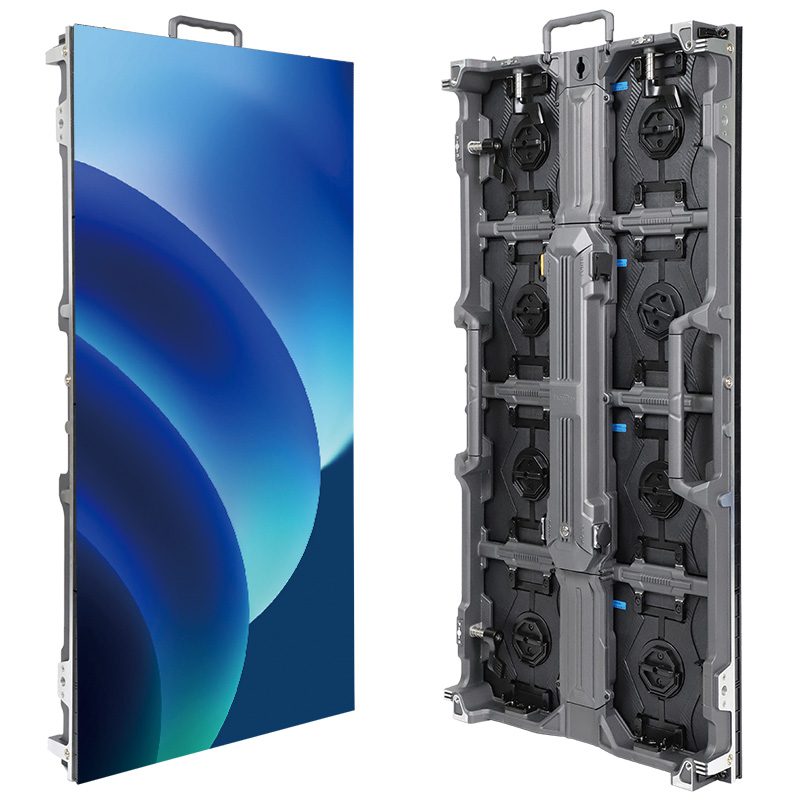
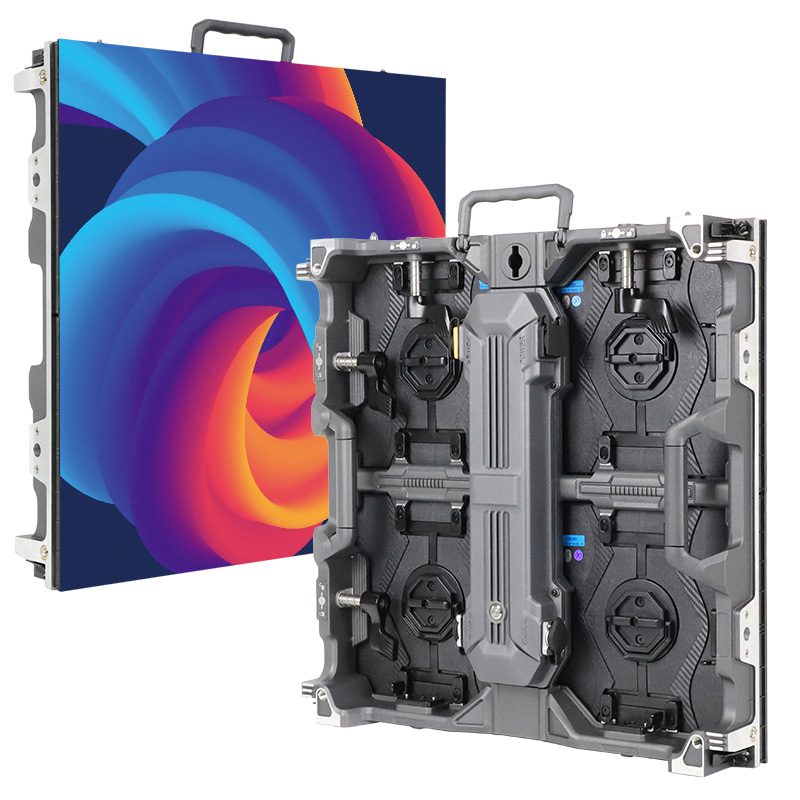
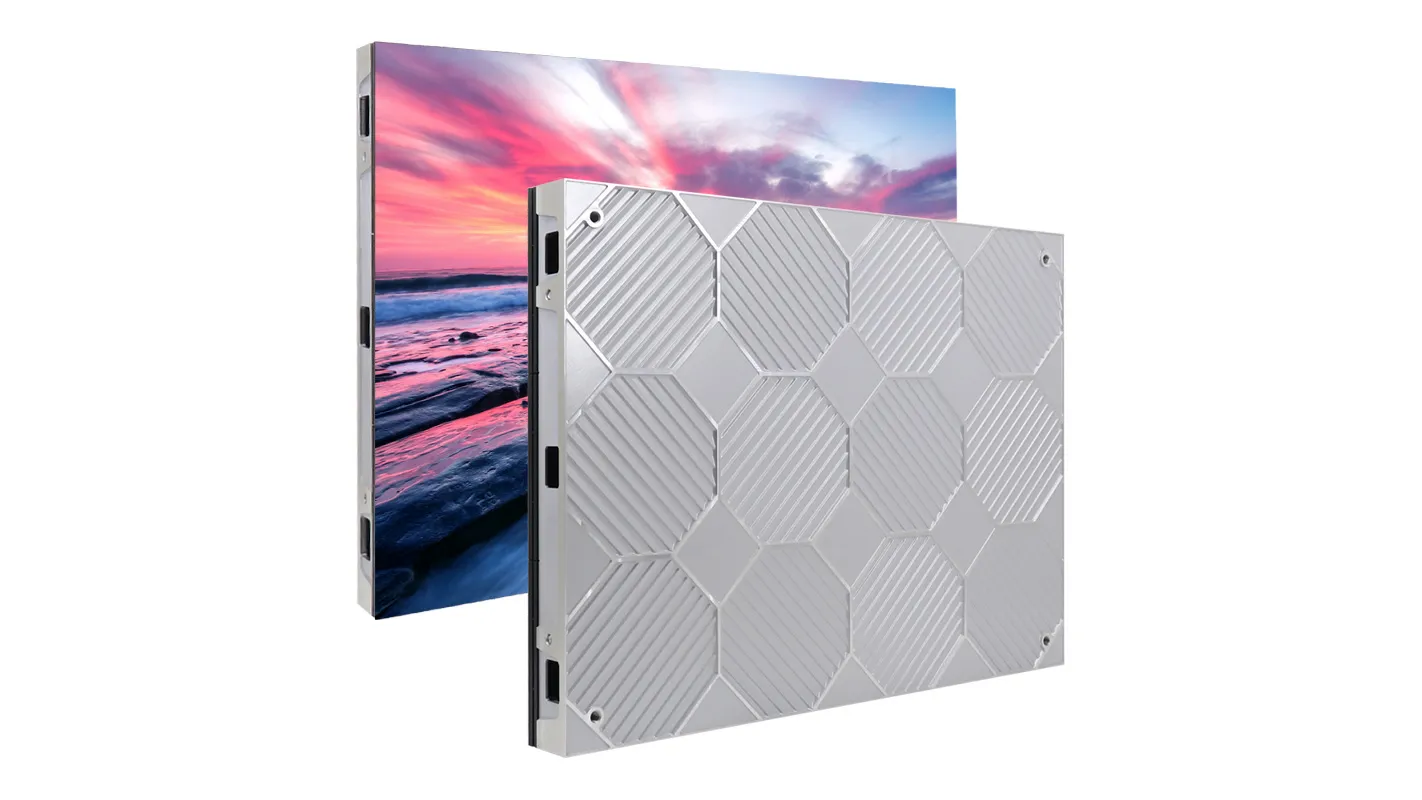
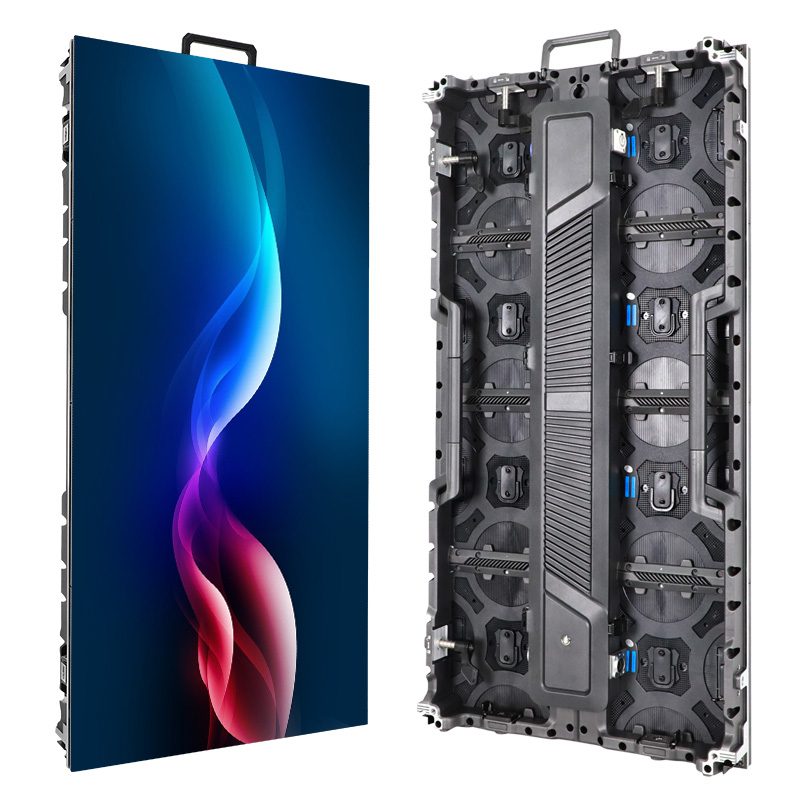
A stadium perimeter LED display is a row of direct-view LED cabinets beside a playing area, used for scheduled advertising and venue messages. Buyers should specify the complete installed system: approved pitch-side layout, camera performance, protected cabinet edges, power and signal paths, service access and operator workflow. A pixel pitch or refresh-rate number alone does not establish suitability.
Contents: buying and acceptance checks
This guide is for venue engineers, LED contractors and rental equipment buyers comparing hardware for permanent or repeatedly assembled pitch-side use. It distinguishes buying movable cabinets from hiring a local event-screen service. Define the intended competition and broadcast production before requesting a quotation.
Use the existing sections below to compare cabinet formats, technical evidence, installation scope and handover responsibilities. The practical goal is a screen that the venue can operate and maintain; no universal sponsorship return or selling price is assumed.
1.Why Stadium Perimeter LED Displays Matter Now?
Digital perimeter boards let an operator change messages without replacing printed panels. That flexibility is useful only when the playing-area layout, artwork workflow and visible image have been agreed. Start with the operational requirement rather than a promise of additional advertising income.
Treat content scheduling and equipment acceptance as separate purchasing decisions.
1.1 From Static Boards to Digital Systems
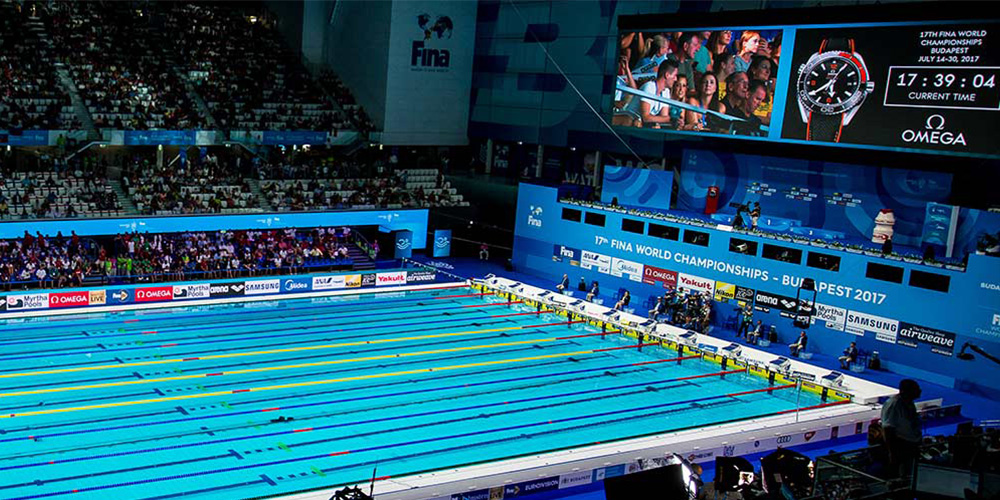
A printed board carries a fixed message. A digital system can rotate approved artwork, but its value depends on audience, rights, match schedule and sales arrangements. Compare the actual operating costs and commercial plan instead of assuming that every digital upgrade increases revenue.
Specify the native canvas and artwork zones across straight runs and corners. A continuous visual message may cross several cabinet chains and output ports; the controller mapping and creative template must agree.
1.2 What a Stadium Perimeter LED Display Does
Identify the people responsible for artwork approval, scheduling, match operation and technical recovery. Spectator readability and the recorded broadcast image are separate acceptance checks. Confirm both with representative content.
For equipment procurement, keep the sponsor-sales assumptions in the business case and the measurable system requirements in the technical brief.
1.3 The Commercial Side
This guide does not report audited sponsorship uplift, per-match advertising rates or a payback period. Request those figures from the venue’s commercial team and label assumptions clearly when comparing ownership and event-hire options.
1.4 Where Stadiums Are Headed in 2026
If perimeter boards must work with scoreboards, ribbon displays or other venue screens, identify the control interfaces and supported actions. Synchronised content is a system-integration task, not an automatic feature of every cabinet. Agree a demonstration before acceptance.
2.What Is Stadium Perimeter LED Display ?
2.1 The Basic Structure
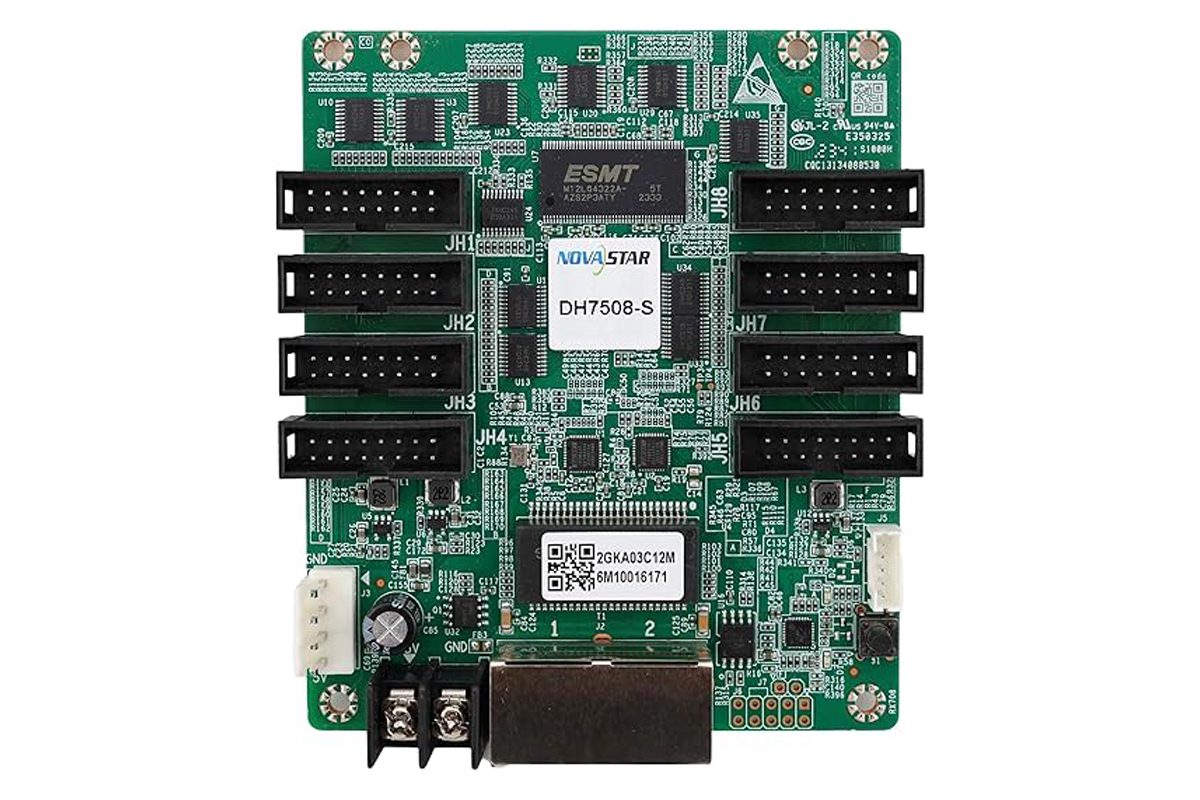
Each perimeter cabinet combines LED modules, power supplies, receiving electronics and mechanical support. The installed run also needs interconnections, control hardware and an appropriate mounting arrangement. Ask whether a quotation covers loose cabinets or a complete operating system.
Pitch-side equipment can be close to athletes, crew and spectators. Cabinet padding is one design feature; safe placement, support, cable routing and clear access require a site-specific review by the responsible venue and installation team.
2.2 How It Differs from the Main Screen
A main video board may serve different camera angles and viewing distances. Do not transfer its mounting, brightness or pixel-pitch selection directly to a pitch-side run. Record the actual positions for each application.
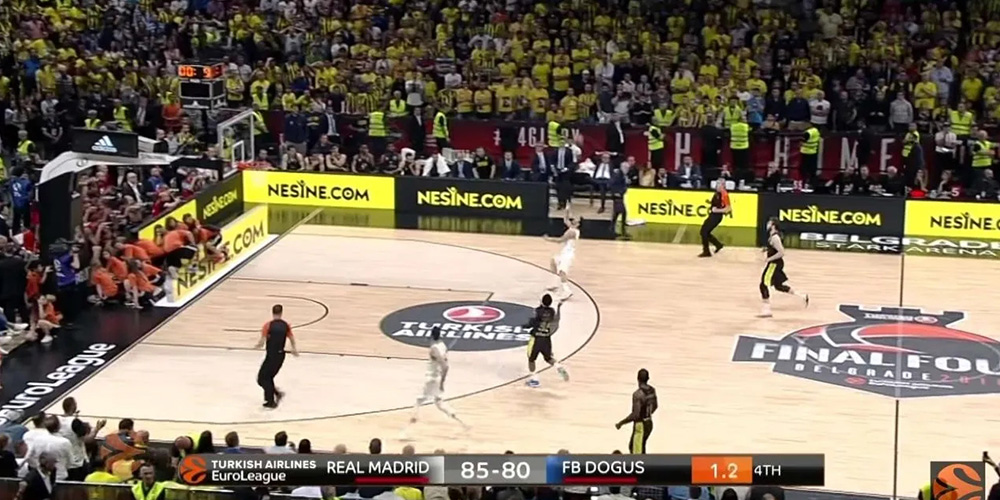
Perimeter boards are evaluated from seating positions and camera locations. Lens choice, framing and shutter settings can change the apparent image. Compare proposed cabinets with the intended production conditions rather than selecting solely by the closest spectator.
2.3 Where You See It
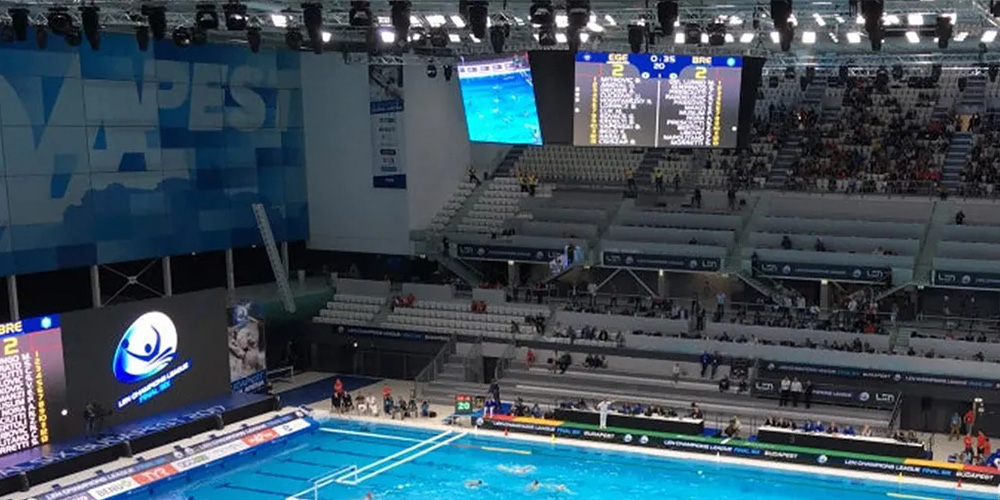
Football touchline and goal-line advertising are common applications. Other sports and multipurpose venues have different layouts and operating restrictions. Confirm which configurations must be supported by the same inventory.
Requirements are competition-specific. UEFA’s published LED technical specifications for the 2024–2027 club cycle use different criteria for different competitions, and its 2026/27 Champions League rules require technical assessment of the installed system. A manufacturer’s “broadcast-ready” label is not proof of acceptance. Obtain the applicable current requirements from the organiser before purchase.
For non-match events, check whether the same cabinets, supports and control arrangement are permitted. A concert reconfiguration should have its own layout and acceptance checks.
2.4 Why Broadcast Visibility Is the Whole Point
Ask the broadcaster to identify the relevant cameras and artwork framing. A board visible to spectators can be partly obscured or poorly exposed in the programme picture. Demonstrate the agreed locations and content before signing off the installation.
3.Types of Stadium Perimeter LED Displays
3.1 Fixed Installation
For a permanent installation, compare anchoring, drainage, environmental protection and maintenance access. Fixed use does not guarantee that rear space is available or that heavier cabinets are suitable. Review the actual drawing and service route.
A permanent venue may benefit from avoiding repeated transport and assembly. Confirm that the proposed mounting arrangement also accommodates pitch maintenance, emergency access and any seasonal reconfiguration.
3.2 Rental Systems
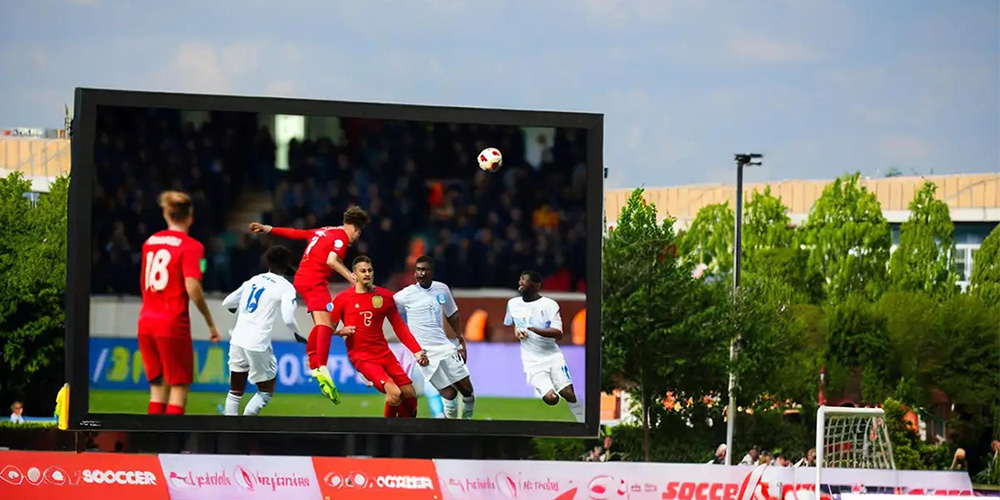
For movable systems, compare cabinet handling, supported connections, protective cases and repeatable assembly. Quick locks do not remove the need for an approved support arrangement, alignment checks and trained crew.
For a short competition or a venue that frequently changes configuration, compare two different scopes: hiring an operated system for the event, or buying reusable equipment for your own fleet. Include the responsible staff and logistics in either comparison.
Do not assume a fixed percentage premium for rental cabinets. Compare current itemised quotations for the same active area, required performance and included accessories. Utilisation, transport, labour and storage determine the ownership case.
3.3 Front-Service vs Rear-Service
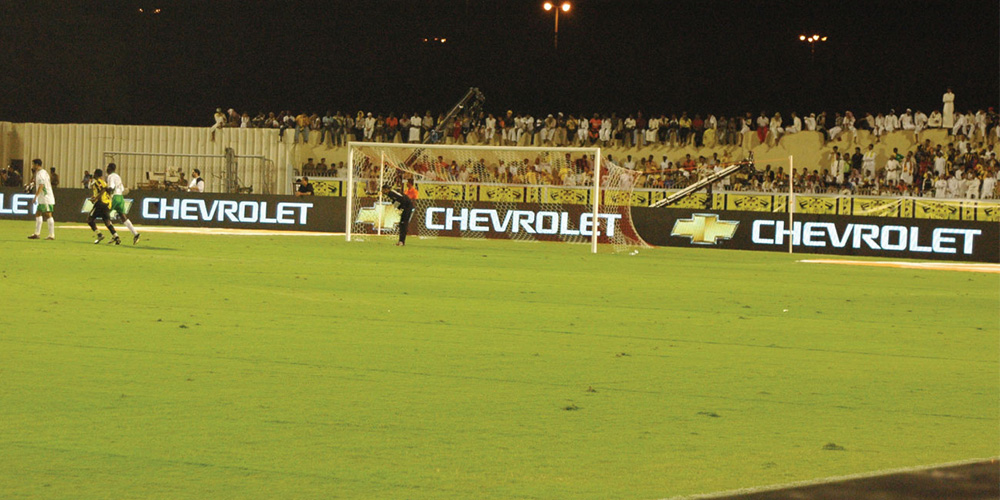
Front service can reduce the rear clearance required for certain repairs, but not every component is accessible from the front. Ask for the exact module, power-supply and receiving-card replacement procedures and the working space they need.
Rear access must be verified on the installed drawing, including covers, supports and cable bends. Demonstrate how a technician isolates and exchanges a component without obstructing an agreed venue route.
4.What to Look at Before You Buy ?
4.1 Pixel Pitch and Who Is Watching
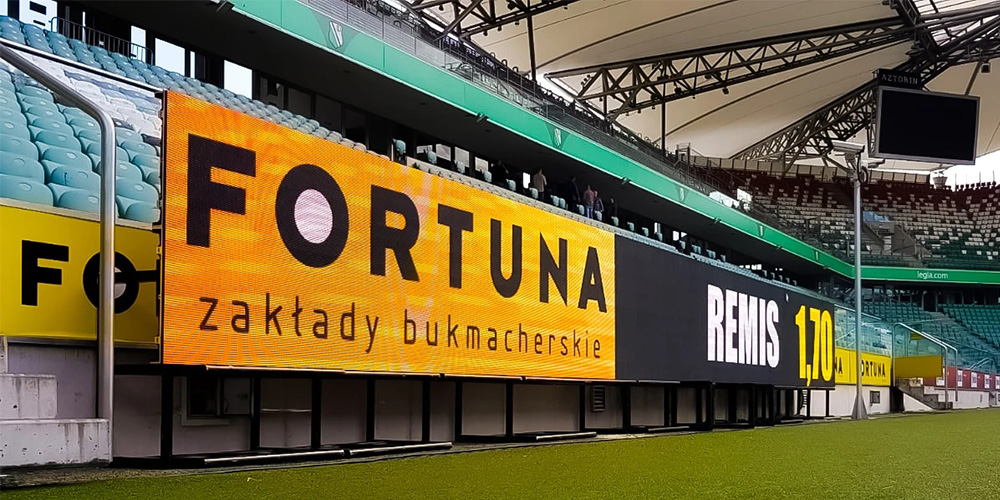
Pixel pitch is the centre-to-centre pixel spacing in millimetres. Compare the product’s native pixel dimensions and camera image, not just a pitch label. Keep the organiser’s requirements and the proposed cabinet specification together in the quotation.
A finer pitch provides more pixels per unit area, but does not by itself guarantee readable logos or clean camera images. Compare the actual artwork, lenses, viewing angles and operating brightness on a representative sample.
For a long run, calculate each cabinet’s pixel width and height, then map all cabinet groups and corners. Check both the controller’s total load and each output path. There is no universal P8 choice for every professional venue.
Ask for a controlled comparison if two pitches are shortlisted. Record the same artwork, camera settings and brightness for both samples; otherwise the demonstration does not isolate the effect of pitch.
4.2 Brightness That Works in Sunlight
Evaluate brightness under the actual daytime and floodlight conditions. High maximum luminance does not replace low-brightness image quality, uniformity or controllable output. Agree the usable operating range and record the settings used for acceptance.
A fixed 5,000–7,000-nit rule is not an acceptance standard for every venue. Specify the applicable requirement and verify the proposed product at the required setting. Avoid assuming that a higher maximum always improves the camera picture.
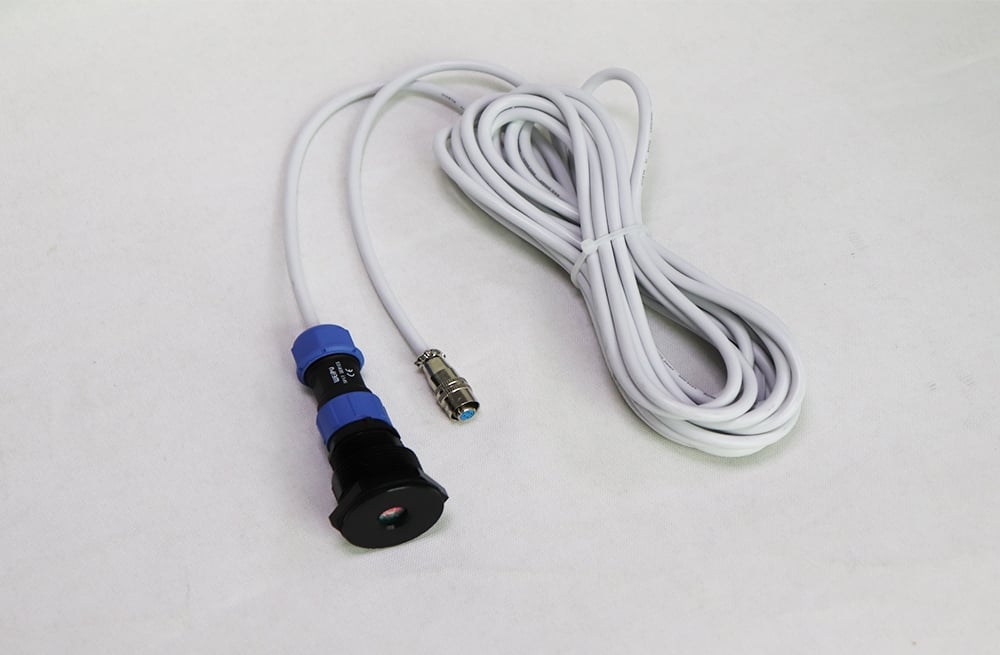
Where automatic brightness control is proposed, demonstrate its sensor position, adjustment behaviour and manual override. Agree who may change operating brightness during a match and how settings are restored after a restart.
4.3 Refresh Rate and Why Cutting Corners Here Is Expensive
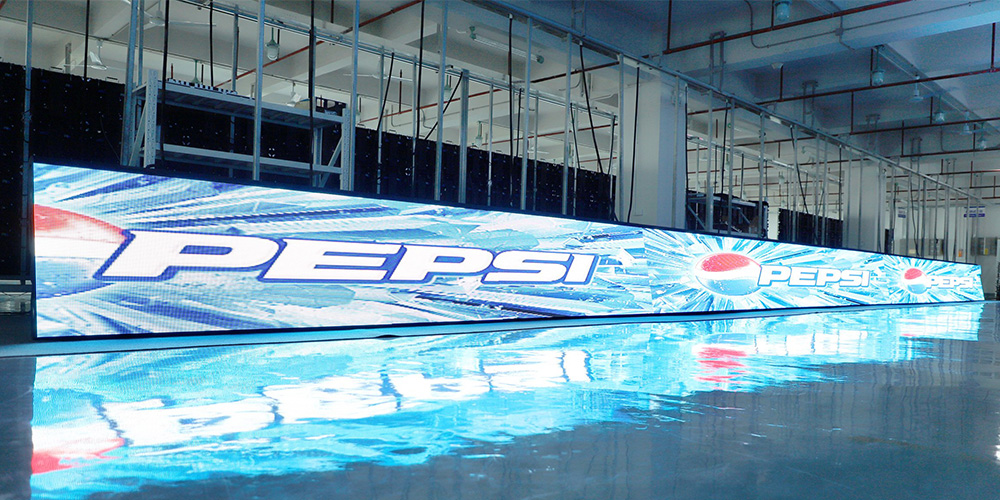
Refresh rate must meet the relevant specification, but 3,840 Hz is not a universal competition minimum or a guarantee of flicker-free capture. Use a camera acceptance test with the real operating brightness, frame rates and shutter conditions.
Camera banding depends on the display drive behaviour and the capture workflow. Check moving artwork, solid colours and low-brightness operation with the production team. Include slow-motion or still-photography conditions when they are part of the event requirement.
UEFA’s stadium lighting guidance calls for installation assessment and testing before broadcast events, including the effect on camera balance and exposure. Keep the resulting camera test record with the approved configuration. This is distinct from accepting a brochure refresh-rate value.
4.4 Cabinet Design and What Happens When a Player Hits It
Review exposed edges, upper protection, support stability and cable routes with the responsible venue team. No padding design can make every collision harmless. Obtain product-specific documentation and the required site assessment.
Inspect how protective parts are fixed, replaced and kept clear of service access. Ask whether the demonstrated protection is included in the quotation and supported in every proposed cabinet orientation.
Verify the sightline and support geometry from the approved layout. Do not assume a generic tilt angle suits every camera, seating rake or playing-area clearance. The installed angle must remain mechanically supported and accessible.
4.5 Weatherproofing and IP Rating
For outdoor use, list rain exposure, dust, temperature, sunlight, cleaning and storage conditions. A movable outdoor system also needs protection during transport and while connectors are exposed during assembly.
Ask which cabinet faces and connectors an IP rating covers and under what installed conditions. An IP label alone does not establish suitability for flooding, pressure washing or every pitch-side sprinkler arrangement. Follow the product documentation and venue requirements.
Check seal inspection, connector protection, drainage and corrosion-related maintenance in the operating plan. Keep the specified environmental limits with the handover record rather than treating weather resistance as a permanent maintenance-free property.
5.Fixed vs Rental: The Decision That Depends on Your Business Model
5.1 The Comparison
For a stable layout, compare permanent installation with the cost of repeated assembly. Use the actual event calendar, storage needs and service access; a particular match count does not automatically decide the result.
For a temporary event, compare a complete operated hire package with equipment ownership and installation costs. The event duration alone does not determine the best commercial option.
A multipurpose venue can evaluate a mixed inventory as a planning option: fixed boards for one layout and movable stock for others. Price and test each configuration. This is an illustrative purchasing approach, not a claimed customer case.
5.2 Long-Term Operation vs Event-Based Use
For long-term operation, include maintenance access, weather exposure, control support and documented replacement matching. Permanent mounting does not eliminate the need for service and periodic configuration checks.
For repeated events, include packing, handling, assembly labour, transport, storage and spare inventory. A cabinet used at several venues needs a controlled record of its supported configurations and condition.
5.3 Cost and Flexibility Trade-offs
Using movable cabinets in a permanent installation is possible only where the product and mounting system support that use. Compare the actual design and warranty scope instead of assuming that either cabinet category is always better value.
Use the comparison below to define the evidence each supplier must provide. It describes purchasing questions, not universal construction rules or fixed cost differences.
| Decision | Permanent installation | Repeated assembly / movable equipment |
|---|---|---|
| Support | Approved anchoring and long-term site layout | Supported stands or mounting arrangement for each layout |
| Service access | Verify actual front/rear component access | Prove exchange procedure after assembly |
| Handling | Document installed protection and maintenance access | Include packing, lifting, transport and condition checks |
| Price scope | Cabinets, structure, local works and commissioning | Cabinets, cases, accessories, crew and logistics |
| Lifetime | Written service and spare-matching plan | Written service plan including transport wear |
| Event hire | Compare ownership against a complete operated package | Distinguish buying fleet equipment from booking a service |
Select the option with a documented operating and maintenance plan that fits the venue. Compare equivalent system scope before deciding that a lower cabinet price means a lower project cost.
6.What a Perimeter LED Display Actually Costs ?
6.1 Pixel Pitch Drives the Price
For equal screen area, pixel count varies with the inverse square of pitch. Moving from P10 to P6 gives approximately (10 ÷ 6)² = 2.78 times as many pixels, not a direct price multiplier. Electronics, cabinet design and supply scope also affect the quotation.
Use the actual camera and organiser requirements to justify a pitch change. A lower pitch should solve a demonstrated image requirement, rather than replace testing or consume budget needed for control, protection and service.
6.2 Screen Area and Budget
Calculate active area from the specified board lengths and visible height, excluding intentional gaps. For example, an illustrative 200 m run at 0.9 m height has 180 m² of active display area. This is arithmetic for a hypothetical layout, not a competition-compliant design.
Controller and output requirements also depend on total pixels, cable paths, redundancy and source format. Do not assume the same processor or software package serves every run length. Ask for a cabinet-to-output plan.
6.3 Installation and Everything After
Request separate lines for display cabinets, support and protection, control equipment, power distribution, signal paths, spares, freight and commissioning. State which party supplies local engineering and installation.
Add an operating budget based on agreed service tasks, warranty exclusions, replacement-part matching and staff responsibilities. Do not convert an LED component lifetime figure into a guaranteed service life for the complete system.
7.A Practical Buying Approach for 2026
7.1 Match the Spec to the Competition Level
Ask the venue to provide the applicable competition and broadcast requirements before suppliers finalise their offers. Record the document version and the person responsible for acceptance. Recheck requirements when the event programme changes.
A community venue and an internationally televised event can have different needs, but both require an appropriate safety and installation review. Avoid assigning a universal pitch or refresh-rate tier solely from the venue label.
The table below turns the buying brief into an evidence checklist. It does not certify any product or claim that a generic specification meets FIFA, UEFA or every local competition rule.
Use a requirement-and-response sheet so that every supplier states the proposed value, supporting document and acceptance method. Record deviations explicitly before a purchase order is approved.
| Check | Supplier response | Acceptance evidence |
|---|---|---|
| Layout and active area | Cabinet count, visible height, corners and gaps | Approved drawing and cabinet-to-output map |
| Camera performance | Actual operating settings and supported capture workflow | Representative artwork on the intended cameras |
| Protection and support | Exact protective parts, supports and limitations | Product documents and responsible site review |
| Power and signal | Distribution, chain paths and agreed fallback | Commissioning records for the specified failure paths |
| Operation and service | Scheduling, restart, spare matching and component access | Operator demonstration and delivered files |
For international events, involve the organiser and broadcaster early. Approval depends on the proposed system and installed arrangement; a particular pitch or luminance value does not prove eligibility.
7.2 Broadcast Quality Affects What Sponsors Pay
Before handover, demonstrate representative content, camera capture, configuration recovery and the agreed service procedure. Keep the cabinet identities, software versions and operating settings with the test record.
A reliable image supports the delivery of an advertising agreement, but hardware alone does not determine sponsorship rates. Keep commercial forecasts separate from technical acceptance and avoid promising a revenue uplift.
7.3 Buy Something You Can Maintain
Agree matching spares and an availability policy in writing. Record module revision, calibration requirements and replacement procedures. A visually similar module may not match the existing batch.
If future additions or mixed pitches are planned, request a supported configuration and source-mapping demonstration. Pixel budgets, calibration and separate content regions must be checked; compatibility should not be assumed.
7.4 Working with Manufacturers
Define the supplier’s responsibility for configuration files, training, remote assistance and on-site work. Confirm the service location, response arrangements and exclusions in the quotation instead of inferring them from general after-sales wording.
Request verifiable references and relevant product documents. Where possible, inspect the proposed cabinet and a comparable operating installation. Ask which evidence applies to the exact revision being offered, rather than a different family model.
8.FAQs
8.1 What pixel pitch should I choose for a stadium perimeter LED display?
Choose pitch from the organiser’s requirements, native canvas and an actual camera/viewing test. P6, P8 and P10 can be comparison candidates where offered, but none is the automatic choice for every stadium.
8.2 Are these displays safe when players collide with them?
Safety depends on product design and the installed layout. Ask for protection and support documentation and a site-specific review. Do not treat soft edges or a marketing safety label as a guarantee against injury.
8.3 Can a stadium perimeter LED display work in bad weather?
Use the cabinet’s documented environmental limits and installation instructions. Verify seals, connectors and the required maintenance plan. An IP rating does not make every outdoor operating or storage condition acceptable.
8.4 How long does a stadium perimeter LED display last?
Complete-system life depends on operating conditions, service and replacement support. Request warranty terms and a maintenance plan; no universal six-to-eight-year life or 100,000-hour system guarantee is established by this guide.
8.5 Fixed or rental stadium perimeter LED display?
Choose fixed equipment for an appropriate permanent layout, movable equipment for supported repeated configurations, or an operated hire package for a defined event. Compare complete scope and responsibilities rather than cabinet labels alone.
9.Conclusion
Specify a stadium perimeter LED display as an operating system, with a documented layout, camera acceptance, protection, power and signal plan, matched spares and operator handover. Send EagerLED the project country, board lengths and height, intended events, camera requirements and service constraints for a model-matched quotation. This guide does not assert a universal selling price or competition approval.
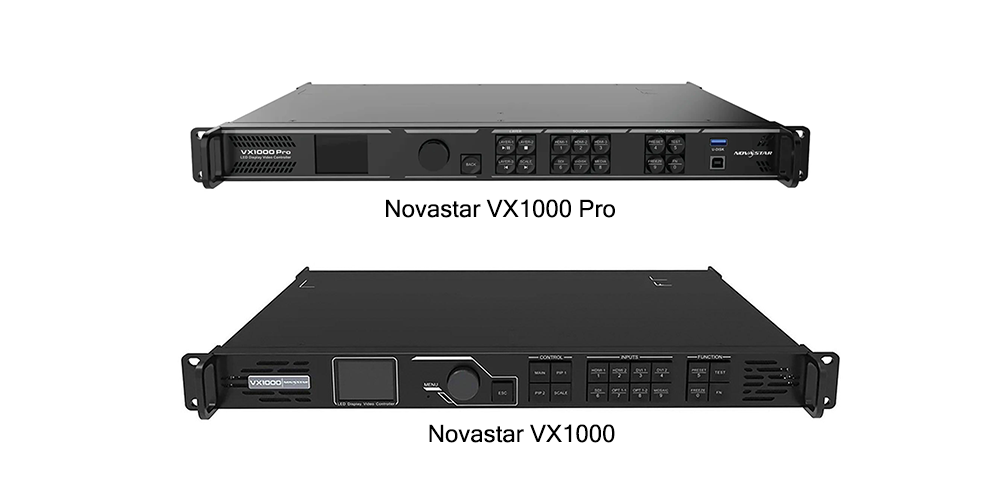 Novastar VX1000 Pro VS VX1000: Everything You Need to Know Before Buying
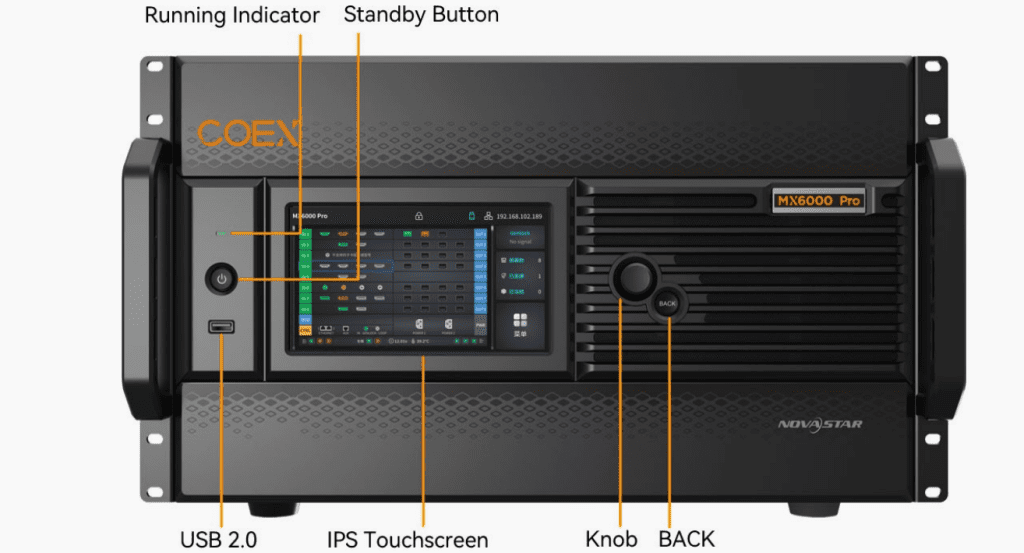 NovaStar MX6000 Pro Review & Complete Guide