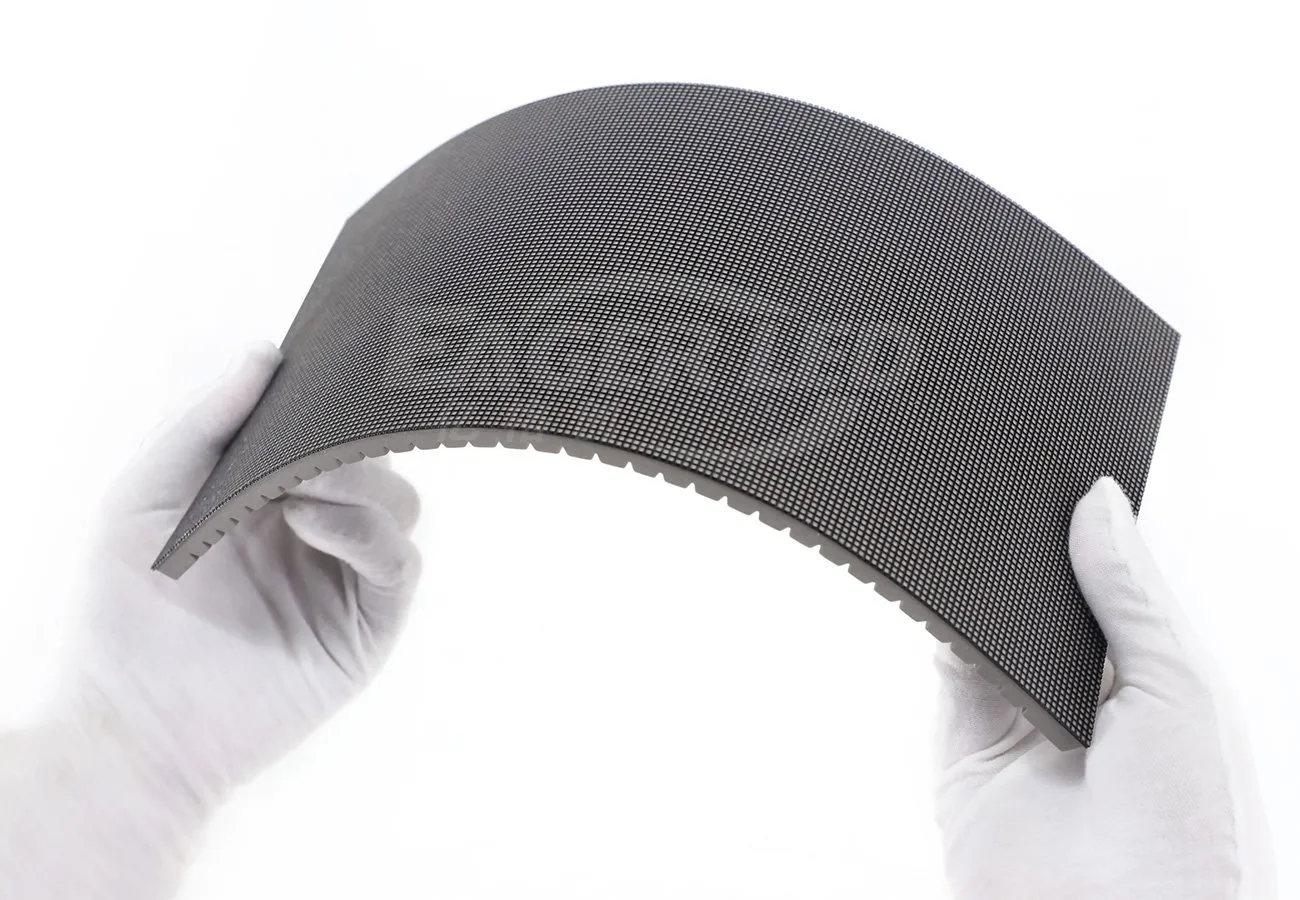
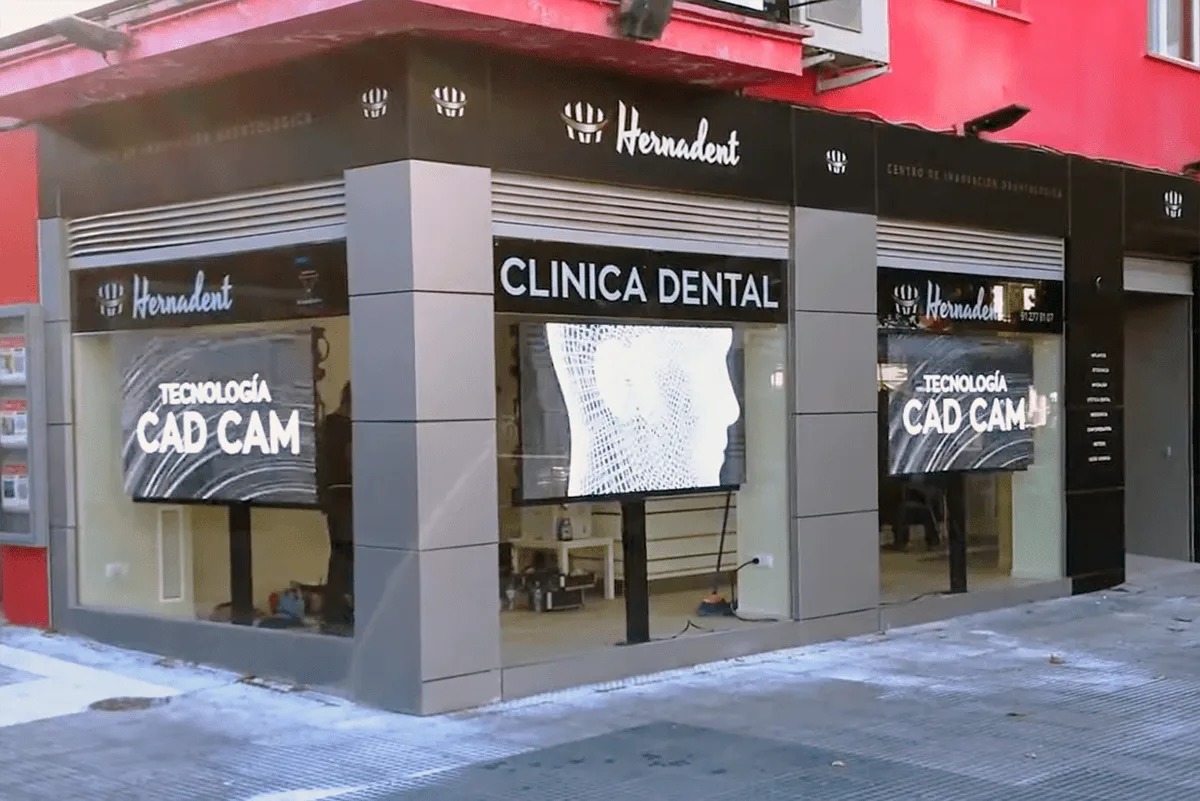
A 90-degree LED display can use two beveled flat faces or a rounded arc section. Choose the corner geometry before requesting a price: the edge hardware, screen dimensions, pixel map, maintenance access and content layout all depend on that decision.
For an outdoor building corner or an L-shaped advertising wall, “90°” alone is an incomplete specification. This guide compares the two approaches and shows what to put in a purchase brief, using EagerLED EA960F4 product options as examples.
1. Sharp or rounded: two different corner designs
Beveled cabinets for a sharp right-angle join
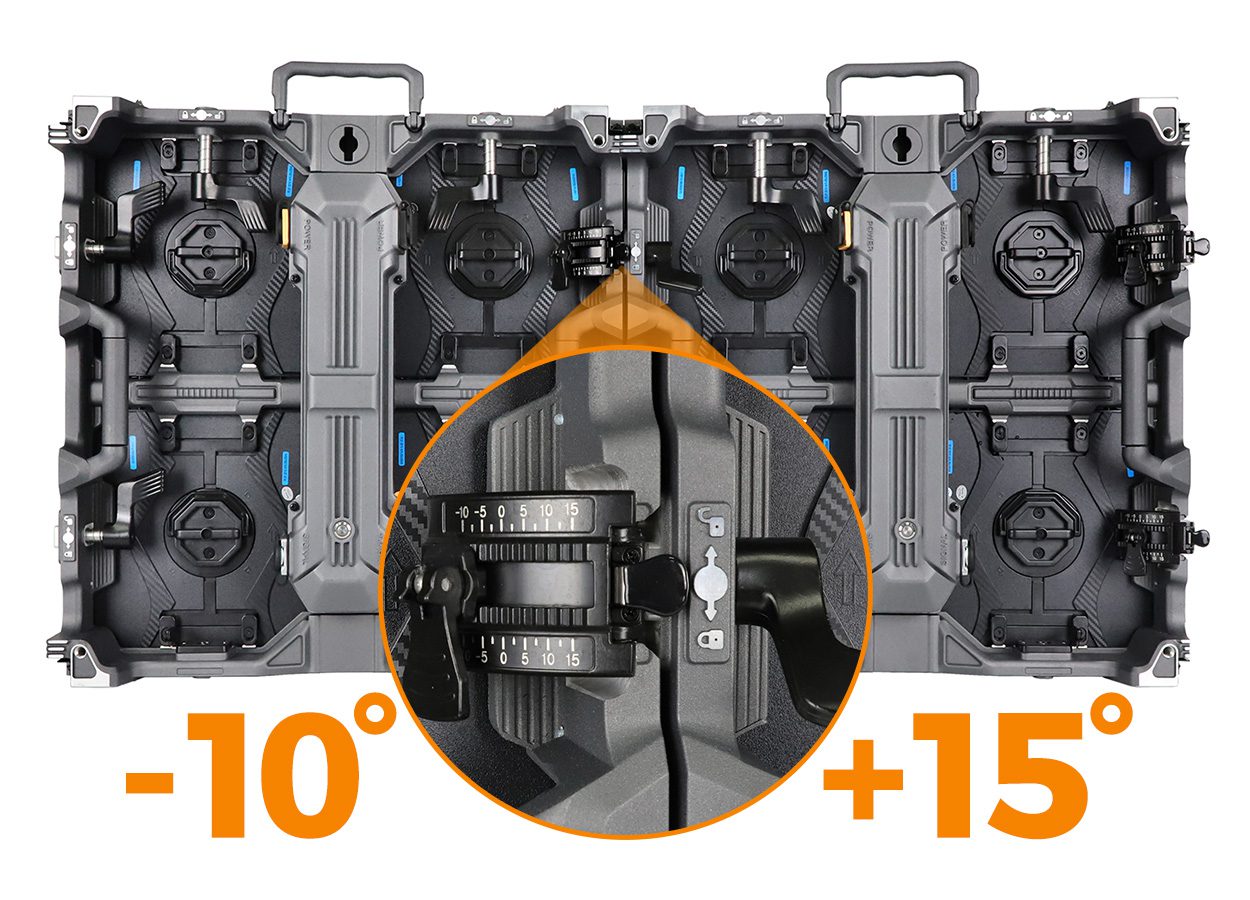
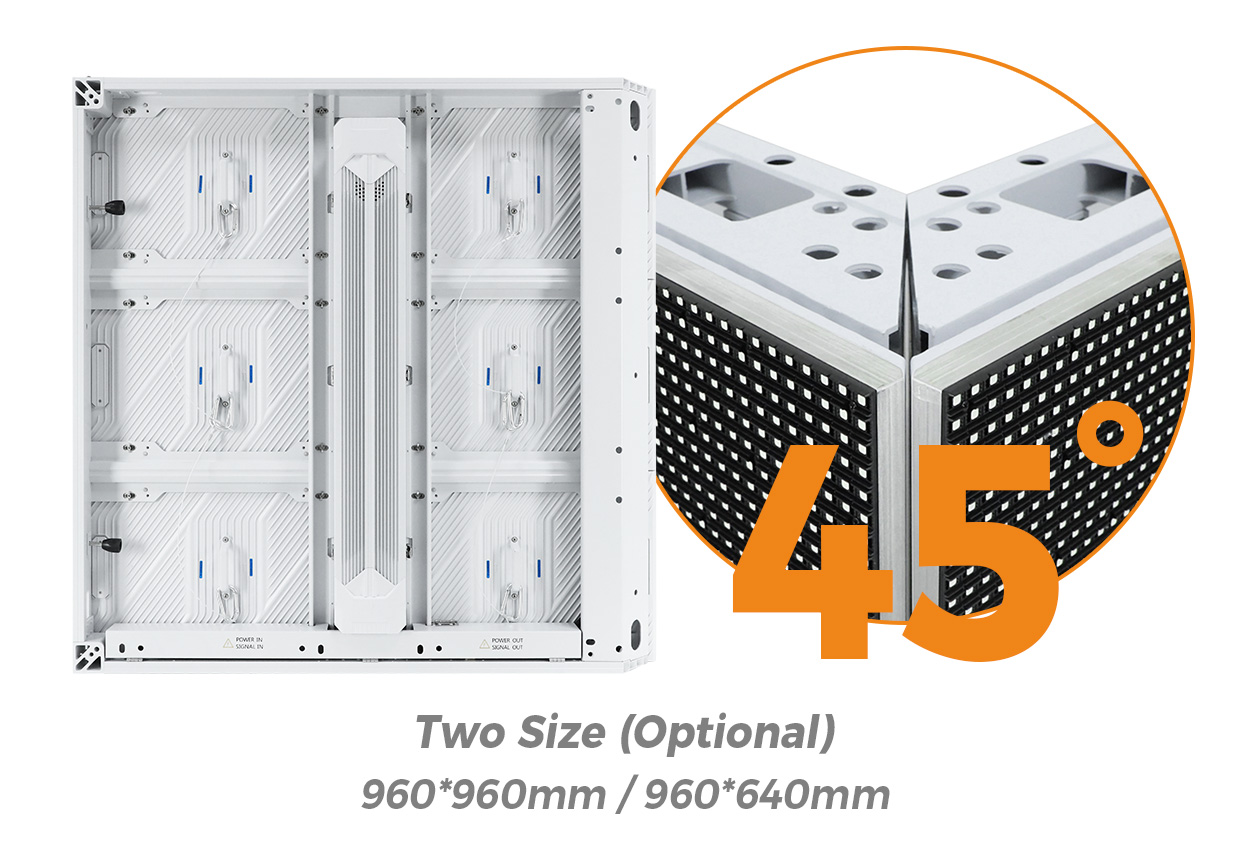
A beveled edge is a cabinet design detail that allows two display faces to meet at a corner. Confirm the orientation of the supplied edge units, the intended included angle and the supported module arrangement. Two ordinary flat cabinets should not be assumed to form the same finished join.
EagerLED lists optional 45° beveled EA960F4 cabinets in 960 × 960 mm and 960 × 640 mm formats for right-angle layouts. Treat these as selectable configurations, rather than features included in every standard cabinet.
An arc cabinet for a rounded transition
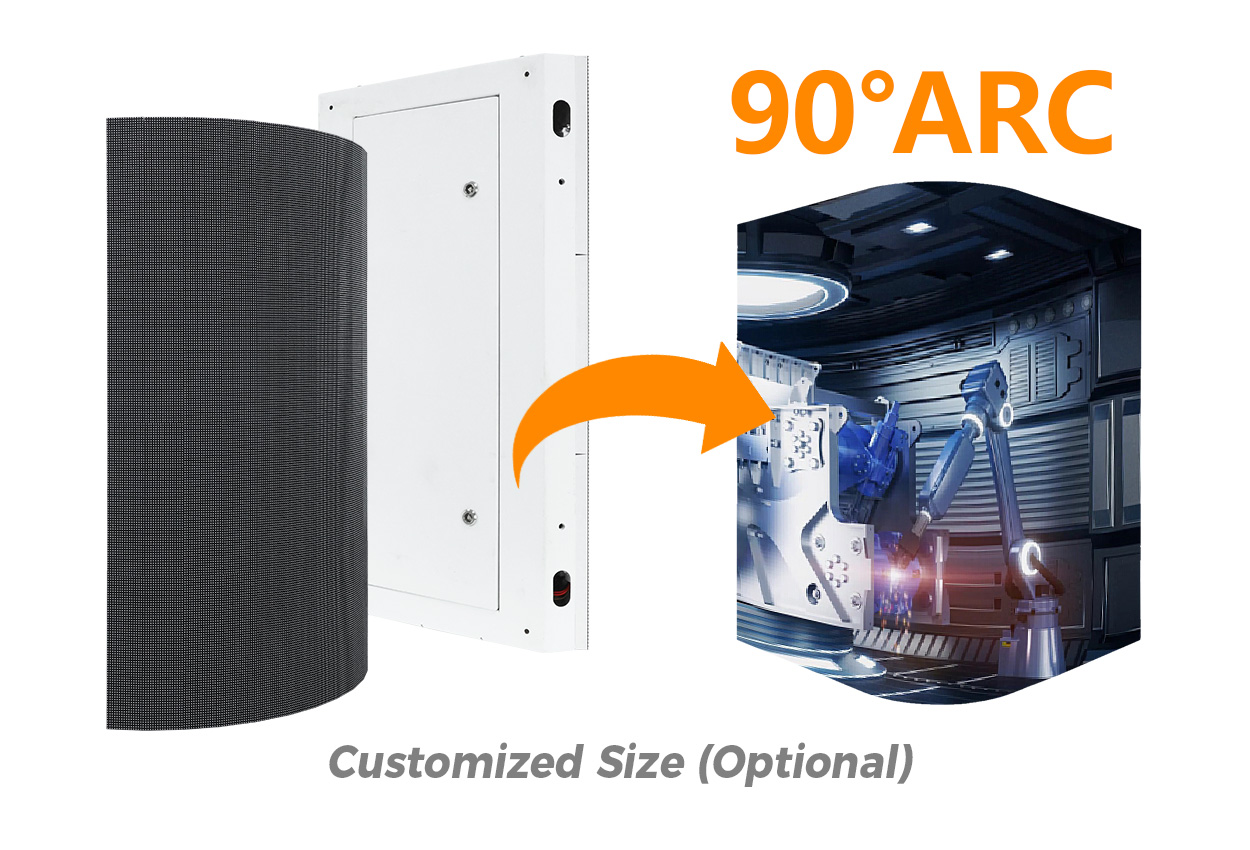
A rounded corner places a curved image strip between the adjacent faces. It needs a defined radius and a corresponding pixel layout; it is not interchangeable with a sharp join simply because both layouts turn through 90 degrees.
The EA960F4 range also lists an optional 90° arc cabinet with customized dimensions. Request the actual configuration drawing and the matching flat-to-curve transitions before calculating the finished wall.
On phones, swipe inside the table to see all columns.
| Decision | Sharp corner with beveled edges | Rounded corner with an arc cabinet |
|---|---|---|
| Visible geometry | Two flat display faces meet along a defined edge | A curved image surface connects the faces |
| Critical drawing | Edge detail, face angle and alignment | Radius, arc length and tangent points |
| Content handoff | Two-face pixel map and location of the join | Curved-strip pixel map plus the adjacent faces |
| Acceptance focus | Edge alignment, image continuity and service access | Curve continuity, transitions and service access |
| Quotation scope | Matched left/right edge hardware and supported modules | Specified arc units, transitions and compatible replacement parts |
Neither shape is universally better. Select the form that fits the architecture, intended viewing route, content plan and service arrangement. For a broader comparison of smooth curves and angled flat segments, see our curved LED wall geometry guide.
2. Four details a 90-degree LED display drawing needs
- Both active faces. Label the visible width and height of each face, the common height and where each dimension begins and ends. Keep the screen image separate from trim and supporting structure.
- The corner itself. For a sharp join, show the edge detail and included angle. For a rounded join, state the radius, arc dimensions and tangent points where the flat faces begin.
- The cabinet and pixel grid. Identify each cabinet type, its position and its exact pixel matrix. A nominal pitch or a processor’s “4K input” label is insufficient for a content canvas.
- The installed envelope. Include mounting depth, cable routes, ventilation and the access required to remove corner components. Confirm the installation interface with the responsible local professionals.
On a curved section, arc length and straight-line chord width are different measurements. Ask which one appears in the quotation. Otherwise, a building measurement, a screen drawing and a creative-production brief can all describe different surfaces while using the same “width.”
3. A two-face area example for comparing quotes
Consider a hypothetical sharp-corner image with one face 4.80 m wide, the other 2.88 m wide, and both 2.88 m high. The calculation below counts the two active faces once each.
| Image zone | Width × height | Calculated area |
|---|---|---|
| Face A | 4.80 × 2.88 m | 13.824 m² |
| Face B | 2.88 × 2.88 m | 8.2944 m² |
| Total flat-face reference | (4.80 + 2.88) × 2.88 m | 22.1184 m², approximately 22.12 m² |
This is a geometry example, not an approved EA960F4 configuration or a price. The cabinet grid, join detail and final active dimensions must still be confirmed. For a rounded design, calculate each flat section and the arc surface from the approved drawing; do not add an arc to already inclusive face dimensions and count the same area twice.
A price per square meter is only one comparison item. Separate the corner hardware, control system, structure, installation, freight, spares and creative deliverables. Two quotations with the same stated area may cover different equipment and responsibilities.
4. Watch the cabinet before approving the corner
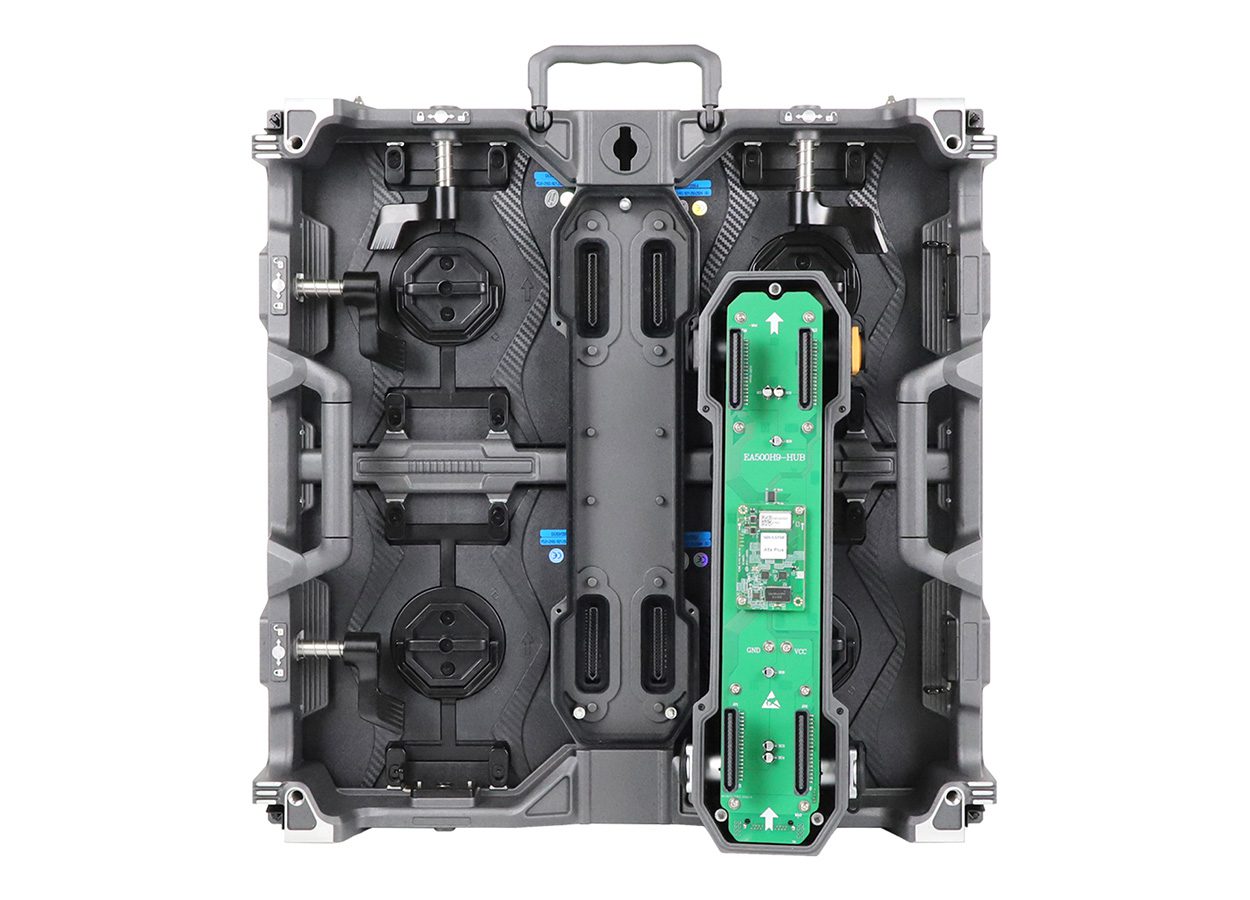
The official EagerLED channel video below introduces the EA960F4 cabinet and its service construction. Use it to understand the product family, then request a demonstration of the exact corner assembly being offered.
For purchasing evidence, ask the supplier to show the corner from the front, side and service position. Request a slow camera pass across the join with grid lines, flat colour fields and representative advertising content. A fast promotional edit cannot establish the seam quality or service access of a different configuration.
5. A corner screen does not automatically create 3D
A right-angle or curved display provides a physical canvas. An anamorphic effect also needs content prepared for that geometry and an intended viewing position. A normal video does not become a convincing 3D advertisement just because it crosses a corner.
Give the creative team the final pixel map and measured geometry before producing content. Agree on the main viewpoint, face orientation, corner coordinates and treatment of important text. Test ordinary 2D campaigns as well as any perspective-based creative.
A sharp join and a rounded strip need different mapping treatment. Reusing a render prepared for one shape on the other can move the apparent object or break the transition. Request a geometry-matched preview and a final playback check from the agreed viewing locations.
For the broader system and content budget, see our 3D billboard buying guide. For signal and canvas terminology, see LED display signal flow and pixel mapping.
6. Compare the complete corner-screen scope
Ask each supplier to price the same drawing and viewing requirements. The goal is to make the proposed hardware, content responsibilities and acceptance conditions reviewable before ordering.
| Line item | What the supplier should identify |
|---|---|
| Geometry and cabinets | Each face, corner type, angle or radius, cabinet arrangement and exact image dimensions |
| Control and content | Native pixel map, processor outputs, content canvas, corner coordinates and playback scope |
| Installation interface | Support concept, cable entry, access route, ventilation and installation responsibilities |
| Service and spares | Removal method at the corner, supported replacement parts, matched spares and documentation |
| Acceptance deliverables | Test patterns, agreed viewing locations, approved content and sign-off record |
At handover, inspect the image from the intended viewing positions with a grid, full-colour fields and the approved campaign. Check continuity across the edge or curve, obvious alignment differences and the transition to each flat face. Confirm that the documented service procedure is practical in the installed location.
Keep the final drawing, cabinet identifiers, pixel map, control settings and spare-part list together. Corner units can have different mechanical parts from the flat cabinets; agree on compatible replacements rather than assuming a standard module or enclosure will fit.
Request a corner LED display configuration
Send both face dimensions, a site photograph or drawing, sharp or rounded preference, indoor/outdoor conditions, viewing distance, country and purchase timing. Ask for an itemized proposal and a demonstration of the exact corner option.
Start with the EA960F4 outdoor advertising screen to review the product family, then confirm the current corner configuration in the quotation.
7. Corner LED display FAQs
Can two standard flat cabinets make a 90-degree LED display?
Do not assume so. The cabinet edges, modules, connectors and alignment hardware must support the proposed join. Ask for the approved corner configuration rather than treating a mounting angle as proof of compatibility.
Is a 45-degree cabinet the same as a 90-degree screen?
The terms can describe different things: a beveled cabinet edge versus the finished included angle between two faces. Request a drawing that labels both so that buyer and supplier are specifying the same assembly.
Does a rounded corner remove every visible seam?
No universal seam-free result follows from the shape. The supplied modules, alignment, calibration, transitions, content and viewing conditions all matter. Inspect the proposed configuration with agreed test material.
How do I compare prices for a corner LED wall?
Match the geometry, active area, pixel configuration, control scope and installation responsibilities first. Then compare corner hardware, spares, creative deliverables and acceptance terms separately from any area-based screen price.
Which corner is best for a 3D billboard?
Choose the architecture and content design together. Both sharp and rounded forms can be used in perspective-based displays, but the physical geometry, pixel map and intended viewpoint must match the creative.
 LED Screen Weight: Cabinet Mass and Installed Scope
 LED Screen Module Price: Compare Replacement Batches