
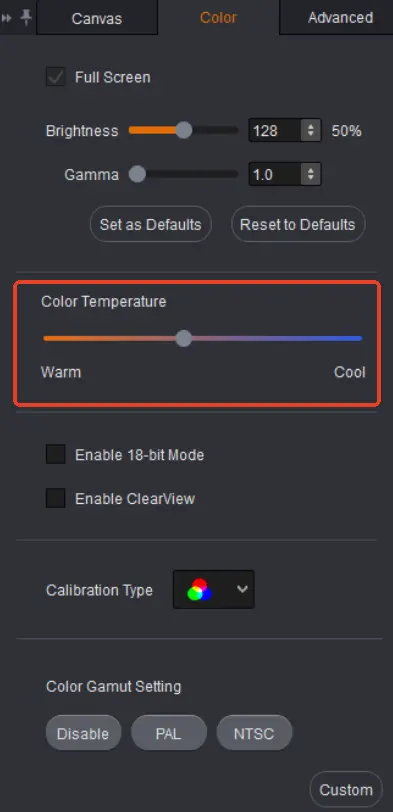
LED wall color temperature describes whether the screen’s white looks warmer or cooler. A setting near 6500 K is a useful starting point for video intended for a D65 white point, but it is not proof of accurate color. The content standard, room lighting, camera workflow, and measured screen output determine whether that setting is appropriate.
For an AV integrator approving an indoor display, the practical decision is which white point to specify and how to verify it. A customer may prefer a warm-looking showroom, while the content team expects its graphics to match a reference monitor. Agree on that priority before adjusting the display.
1. What LED Wall Color Temperature Actually Changes
A lower Kelvin setting generally makes white appear warmer, with more yellow or red relative to blue. A higher setting generally makes it look cooler or bluer. These terms describe appearance, not the physical operating temperature of the cabinets. Raising the setting does not mean that the screen becomes thermally hotter.
A direct-view display produces white by combining red, green, and blue light. Changing their relative output changes the white balance. However, the result depends on the installed LEDs, calibration data, processing, and operating conditions. Two screens showing the same menu value can still look different.
LED wall color temperature is therefore a convenient description, not a complete color specification. Correlated color temperature reduces a color location to one number. A greenish white and a pinkish white can have similar reported Kelvin values. When matching displays matters, request measured white-point coordinates as well as the nominal setting.
Keep the customer’s reference clear. A sheet of white paper under warm ceiling lights is a different reference from a calibrated video monitor. Neither a phone photograph nor a memory of yesterday’s demonstration establishes the screen’s actual white point.
2. When 6500 K Makes Sense
For a video system following ITU-R BT.709, D65 is the reference white. The recommendation specifies chromaticity coordinates x = 0.3127 and y = 0.3290. A controller preset labeled 6500 K is commonly used as a starting point, but selecting that label alone does not verify the coordinates on the finished wall.
Choose LED wall color temperature in the context of the signal workflow. Ask which color space the media was prepared for, which processing conversions are active, and which monitor the creative team uses for approval. A white-point adjustment cannot compensate for every mismatch between those elements.
Room lighting also affects perception. White graphics can seem cool beside warm decorative lighting. That may be acceptable for faithful video reproduction, or the project may deliberately prioritize a different visual balance. Record the chosen compromise instead of calling either appearance universally correct.
For camera work, involve the camera and lighting teams before approval. They need to evaluate the screen and subjects together through the intended recording chain. Changing camera white balance affects the captured scene, while changing the wall affects the emitted image. Treating these as interchangeable adjustments can create another mismatch elsewhere in the shot.
| Project requirement | Reference to agree | Evidence to request |
|---|---|---|
| BT.709 video presentation | D65 white and the intended content workflow | Measured white coordinates with operating brightness recorded |
| Matching a nearby display | An approved, measured reference display | Side-by-side comparison under the same room lighting |
| Filmed stage or presentation | The camera team’s approved image | A recorded test using the production camera settings |
| Decorative retail content | A deliberately approved visual treatment | Named preset, sample content, and customer sign-off |
Consider a hypothetical showroom with an LED wall beside a desktop monitor. Both menus say 6500 K, yet the wall appears pink. First establish whether the monitor is an approved reference and whether both devices receive the same unmodified file. Then compare measured white coordinates. Turning the wall toward a warmer or cooler preset without those checks may move the error rather than resolve it. This is a planning example, not a measured EagerLED installation.
The useful purchasing question is therefore not simply whether color temperature is adjustable. Ask whether the supplied system can reach the agreed target at the required brightness, retain the necessary calibration behavior, and reproduce the approved result after normal operation. Those conditions make competing demonstrations more comparable.
3. Keep Color Temperature Separate from Other Controls
LED wall color temperature changes the balance of white. Brightness changes light output; gamma or the applicable transfer-function controls affect how signal levels become visible tones. Gamut controls concern the range and mapping of colors. Adjusting one setting to hide a problem belonging to another can make the demonstration harder to evaluate.
For example, a dark gray background that loses detail may involve level handling, transfer settings, or the display’s low-gray performance. Making the image cooler is not a reliable correction. Likewise, an oversaturated logo needs investigation of the content and color mapping, not an automatic change to the white point.
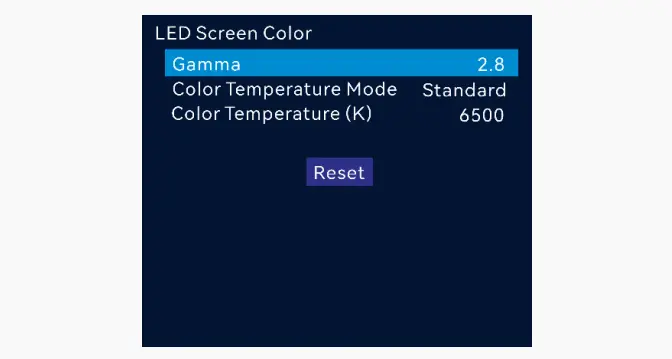
Software interactions matter too. NovaStar’s SmartLCT V3.5.13 manual states that its color-temperature adjustment and calibration effect cannot operate simultaneously. Check the documentation for the actual system before moving a slider. This version-specific limitation should not be assumed to apply identically to every NovaStar product or newer workflow.
Our SmartLCT configuration guide explains the distinction between software projects and saved hardware settings. Have the integrator preserve the working configuration and confirm the intended calibration state after adjustment. A pleasing temporary preview is not a substitute for a repeatable operating preset.
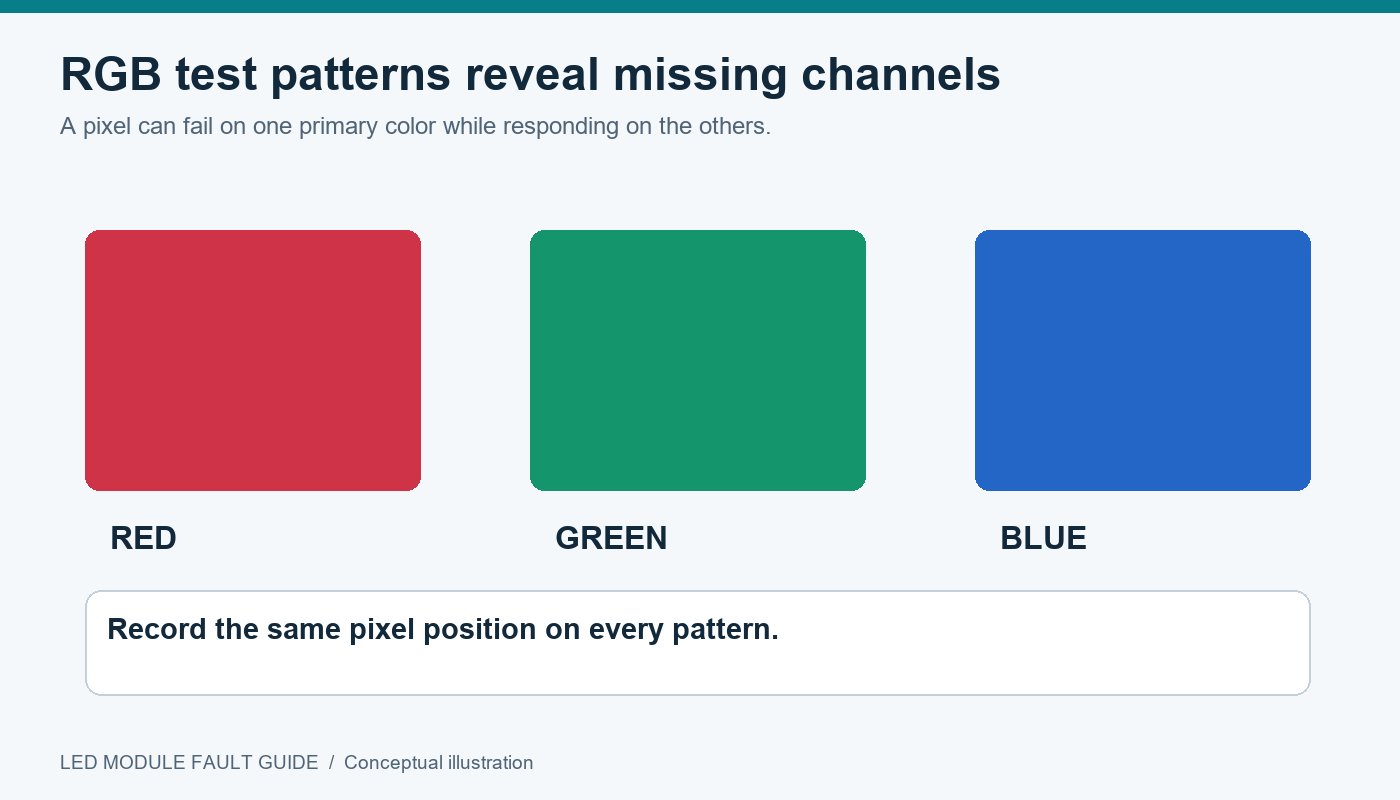
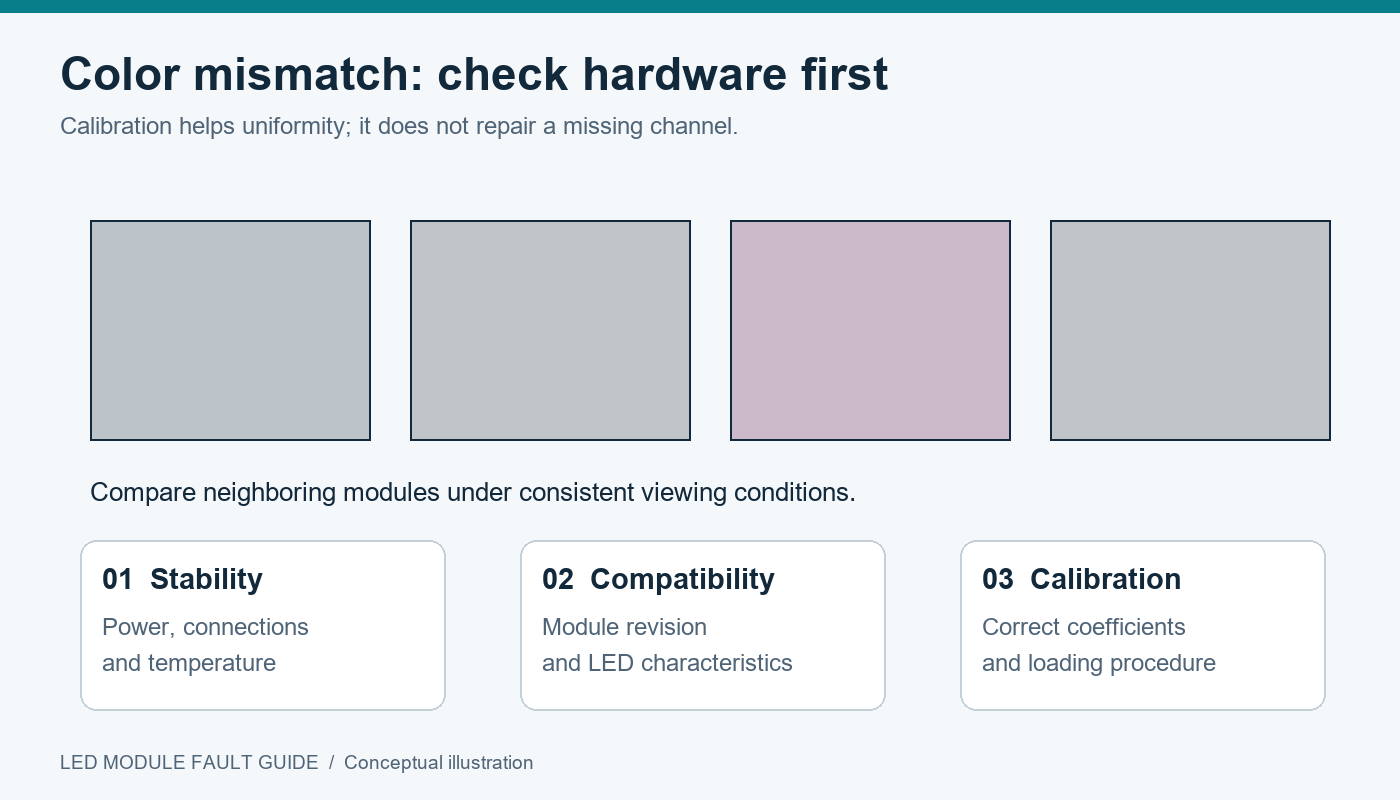
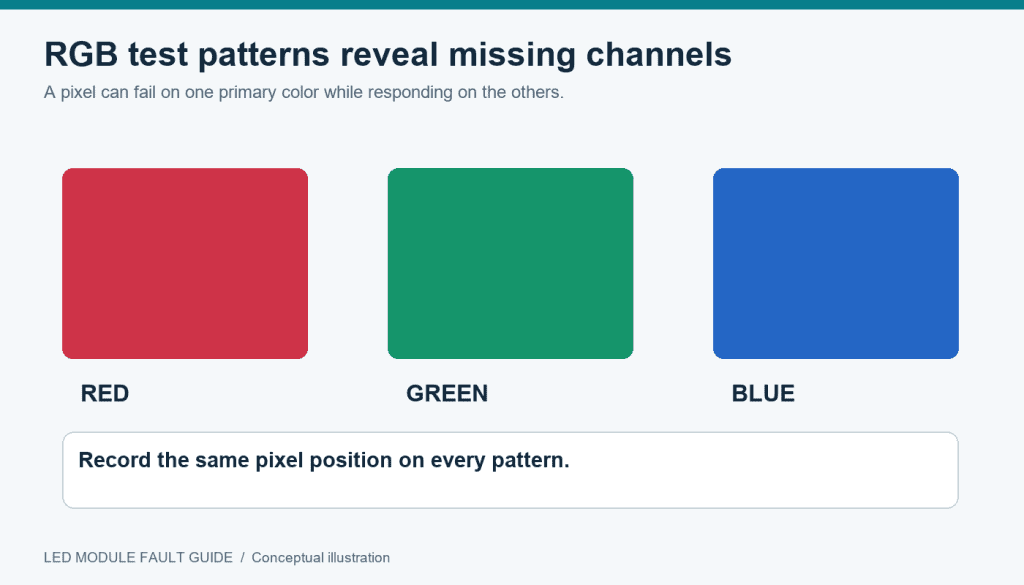
A localized pink or green rectangle also deserves separate attention. If surrounding modules remain neutral, changing the whole wall can shift healthy areas while leaving the mismatch. Use the LED module fault guide to investigate compatibility, channel behavior, and calibration before deciding that a global color setting is responsible.
4. Approve the White Point with a Repeatable Check
Approve LED wall color temperature under documented conditions. Begin with the intended operating brightness, a stable signal source, and the room lighting that the audience will actually encounter. Let the display reach the manufacturer’s recommended stable operating condition before comparing readings.
Use neutral white and several gray levels, followed by representative photographs, brand graphics, and skin tones where relevant. Neutral patterns expose a tint without the distraction of colorful content. Real content then shows whether the agreed setup serves the presentation. Inspect multiple positions across the screen and the normal audience viewing area.
Ask the commissioning team to record the instrument, measurement location, white-point coordinates, brightness, preset, and calibration state. Agree on acceptance tolerances with the supplier before the test. A number written after the demonstration is less useful if nobody defined the target or the measuring conditions beforehand.
When comparing two LED wall color temperature presets, change only the intended variable and retain a way to restore the baseline. If brightness changes as a consequence of white balancing, record that too. Compare the useful light output at the approved white point, rather than treating an unrelated peak-brightness figure as the delivered result.
Finally, save the configuration through the documented workflow and verify it after a restart. Give the operator a clearly named approved preset and retain a backup. If a future content supplier requests a different look, that baseline makes the discussion specific and reversible.
Include a small record in the handover package: source filename, playback device, input format, controller model and firmware, preset name, and measurement report. Also identify who may change the operating preset. This avoids a common service ambiguity in which the screen, laptop, and media file have all changed since approval, but only the screen is blamed for a different appearance.
If the client needs both a reference video mode and a warmer decorative mode, ask for separate demonstrations and clearly named presets where supported. Specify which mode is the default after restart. Do not assume that a preset captures every relevant setting; the commissioning team should verify exactly what it stores. A written operating note should explain when each mode is intended to be used and which reference was used to approve it.
Frequently Asked Questions
Can a phone photograph prove that the white point is correct?
No. Automatic white balance, exposure, processing, and the screen used to view the photograph all influence its appearance. A photograph can document a visible problem, but it does not replace a suitable instrument reading and recorded test conditions.
Does selecting 6500 K guarantee consistent brand colors?
No. White point is only one part of color reproduction. The source file, signal interpretation, gamut mapping, display capabilities, and viewing conditions also matter. Approve representative brand graphics through the complete playback chain.
Should the white-point setting change automatically throughout the day?
Only when the project calls for that behavior and the system supports an approved schedule. Brightness scheduling and white-point scheduling are separate decisions. For a reference video workflow, unexpected color changes can undermine consistency even when they look comfortable in the room.
Must replacement modules be checked again?
Yes. Confirm the replacement is compatible and review the screen under the approved preset. Retain the relevant calibration records and ask the supplier how replacement coefficients are handled. Matching the pixel pitch alone does not establish an optical match.
Specify the White Point in Your Project Brief
For an LED wall color temperature discussion, send the content standard, screen dimensions, viewing conditions, operating brightness target, and any camera requirements. Include the reference monitor or sample content used for approval. Contact EagerLED about your display requirements and request confirmation of the supported white-point controls, calibration workflow, and measurements to include in handover.
 LED Wall Test Pattern: Which One Shows the Fault?