
An LED menu screen is a digital display that shows items, prices, and offers at a restaurant counter. The term can mean either a direct-view LED display, where light-emitting pixels form the image, or an LCD signage panel with an LED backlight. Both can show the same menu, but the difference matters when customers must read small text or when the board must span an unusually wide opening.
Start with the menu your team needs to show during a rush. A bright screen that makes a burger photo look good may still make a price hard to read from the queue. For a restaurant operations manager comparing formats, the first decision is whether the screen mainly needs to communicate a complete menu or draw attention to a few offers.
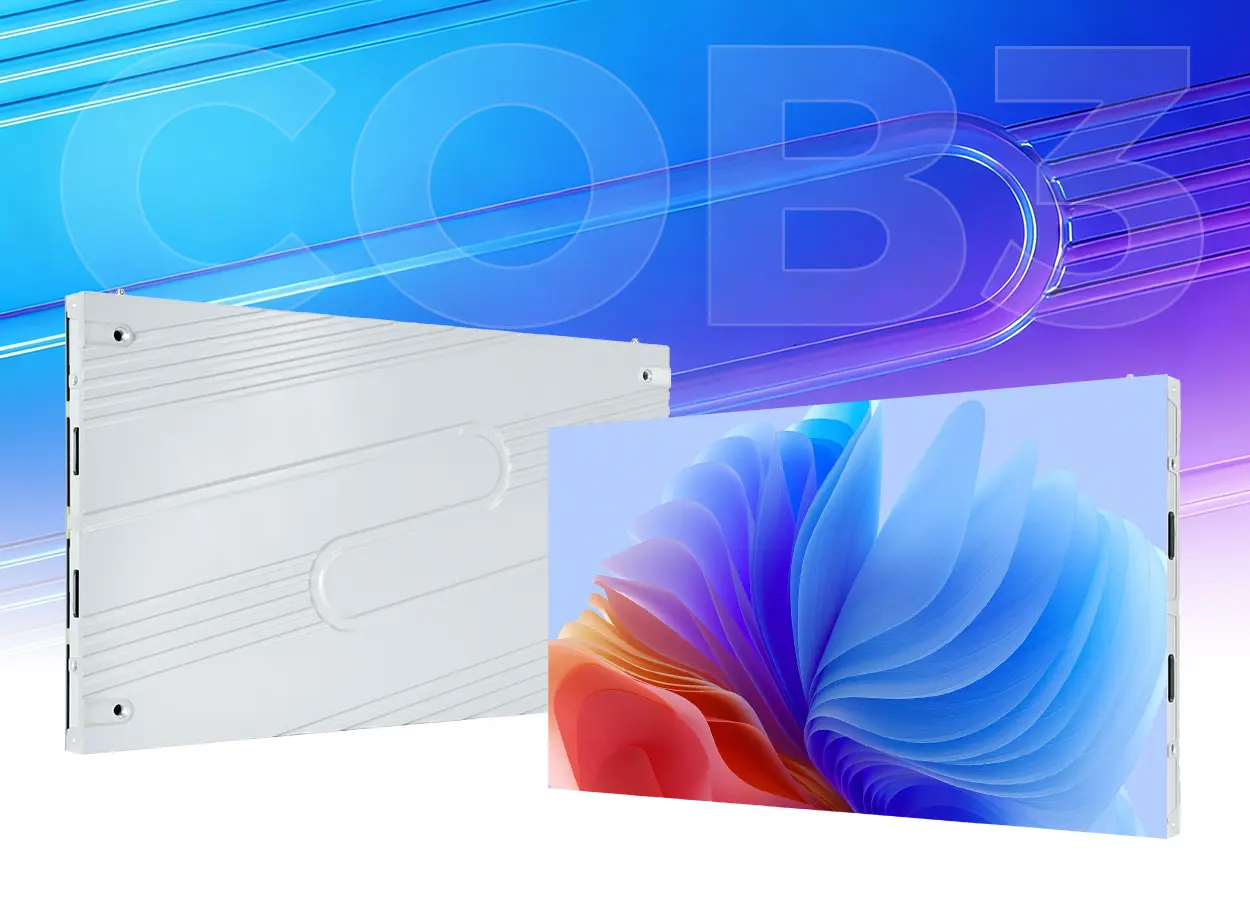
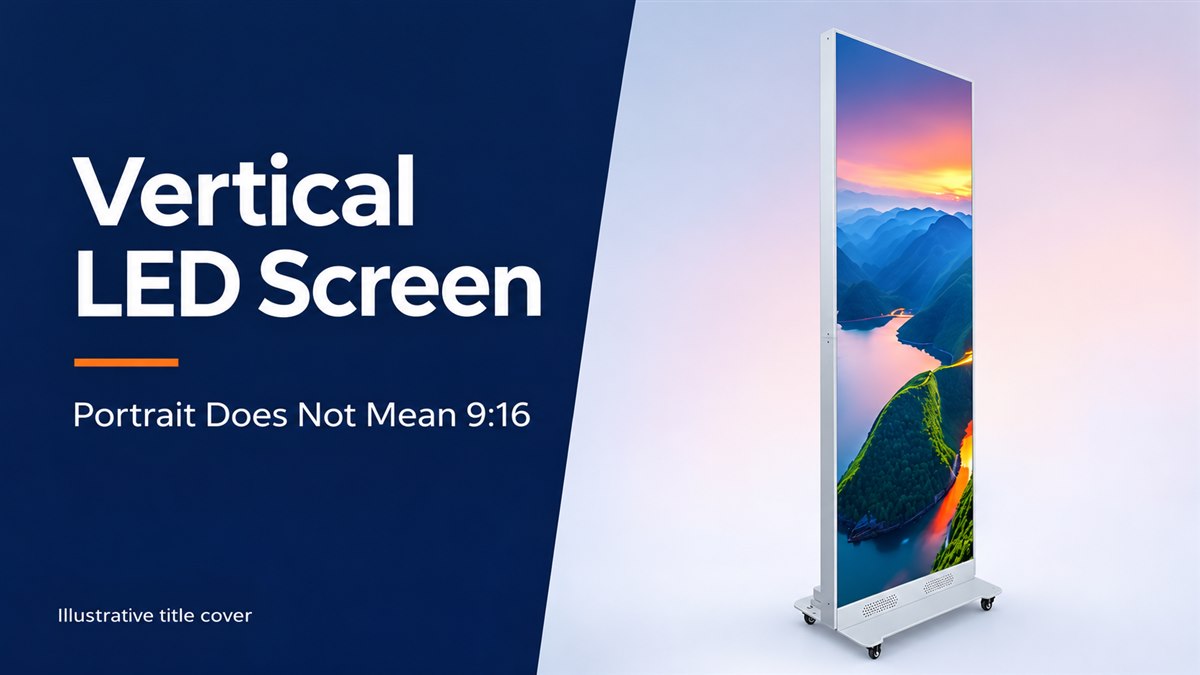
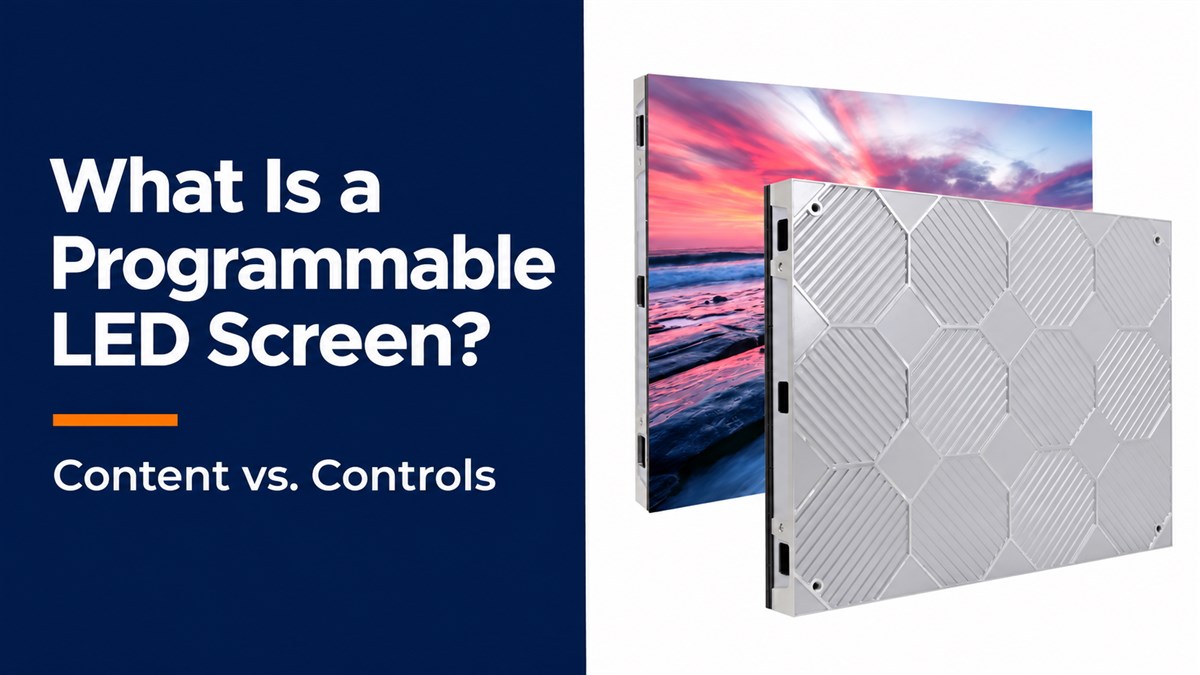
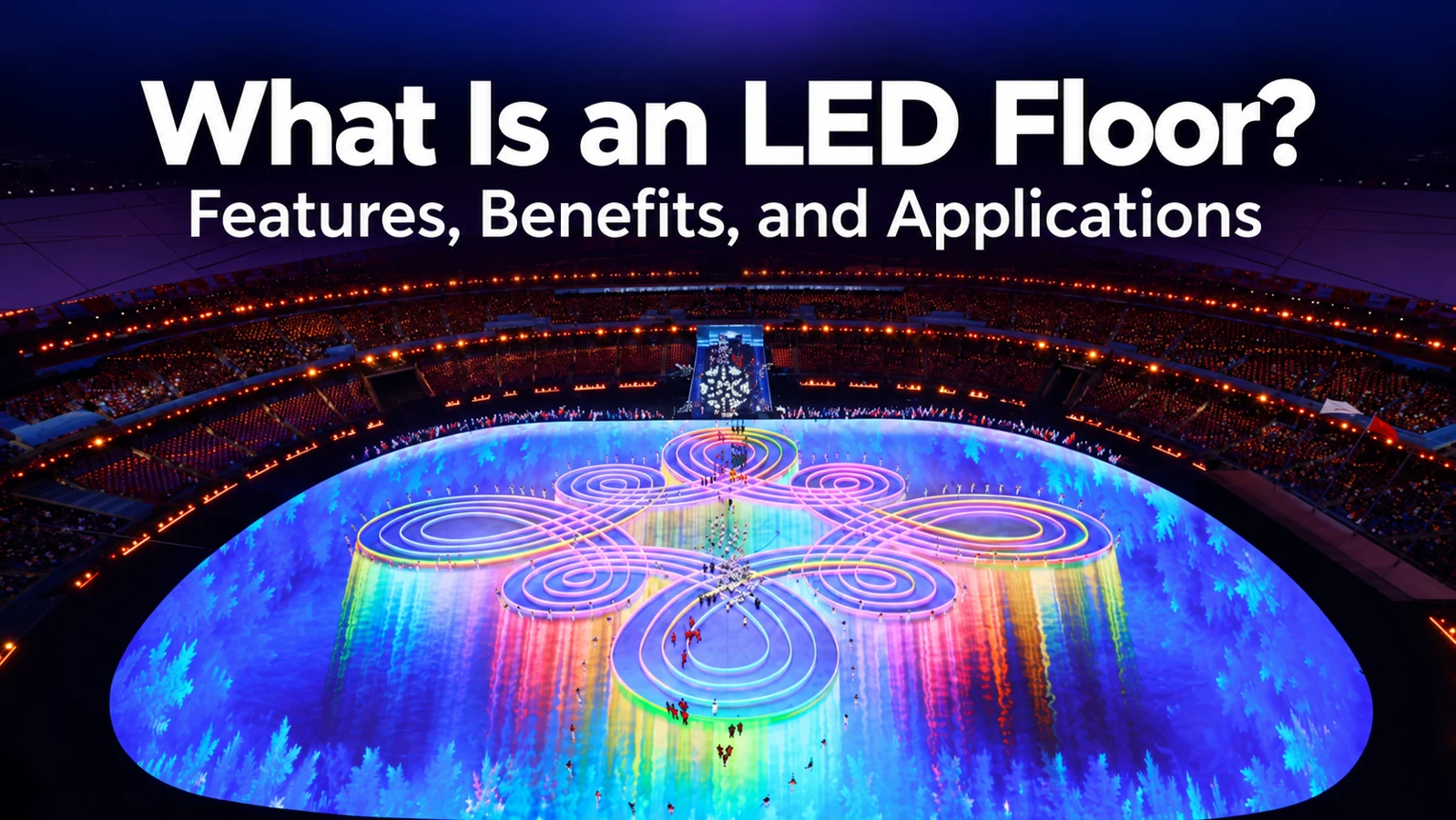
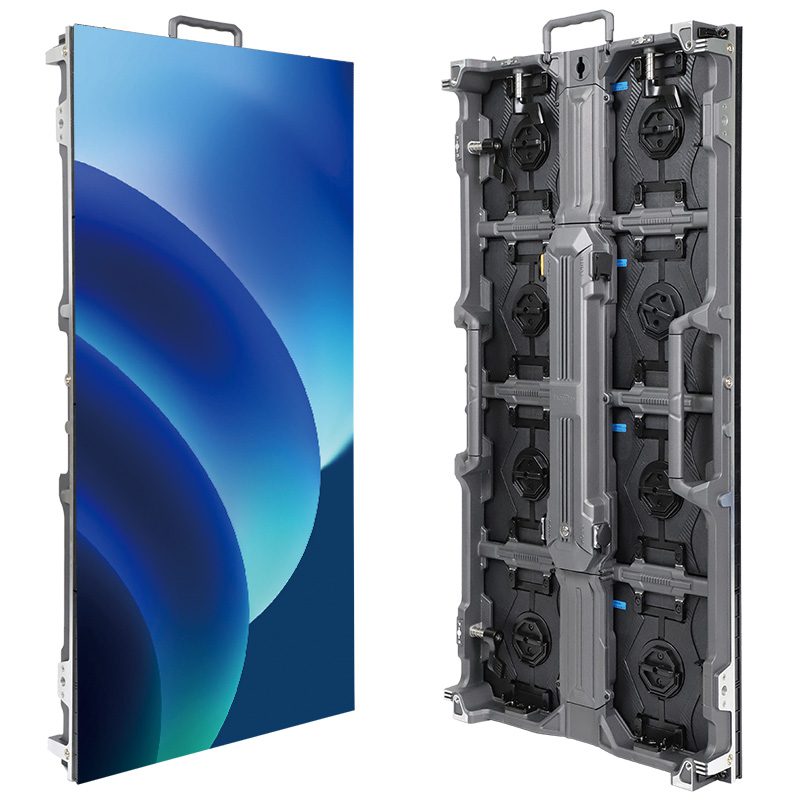
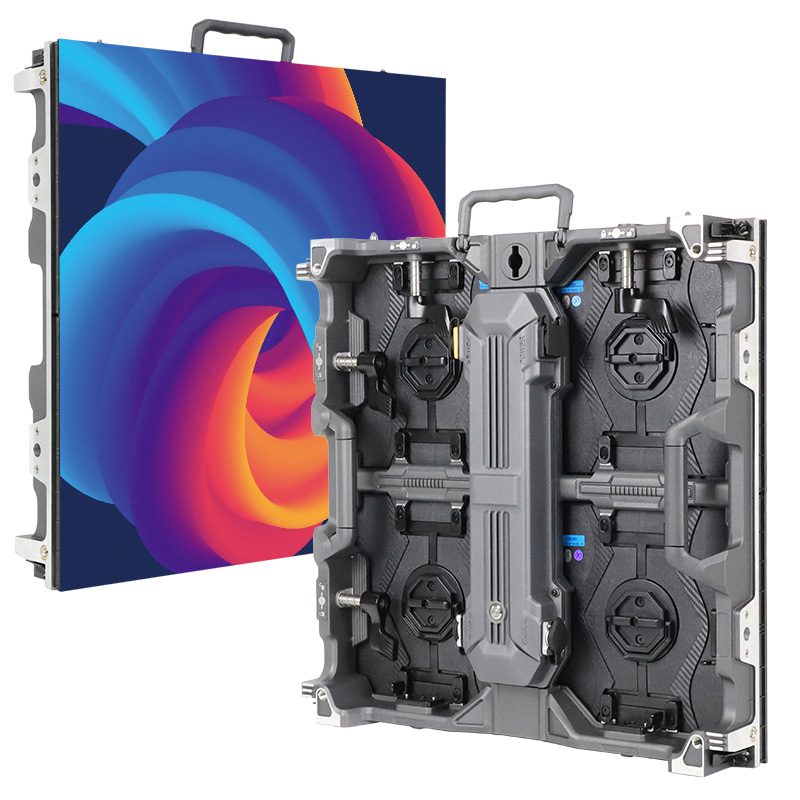
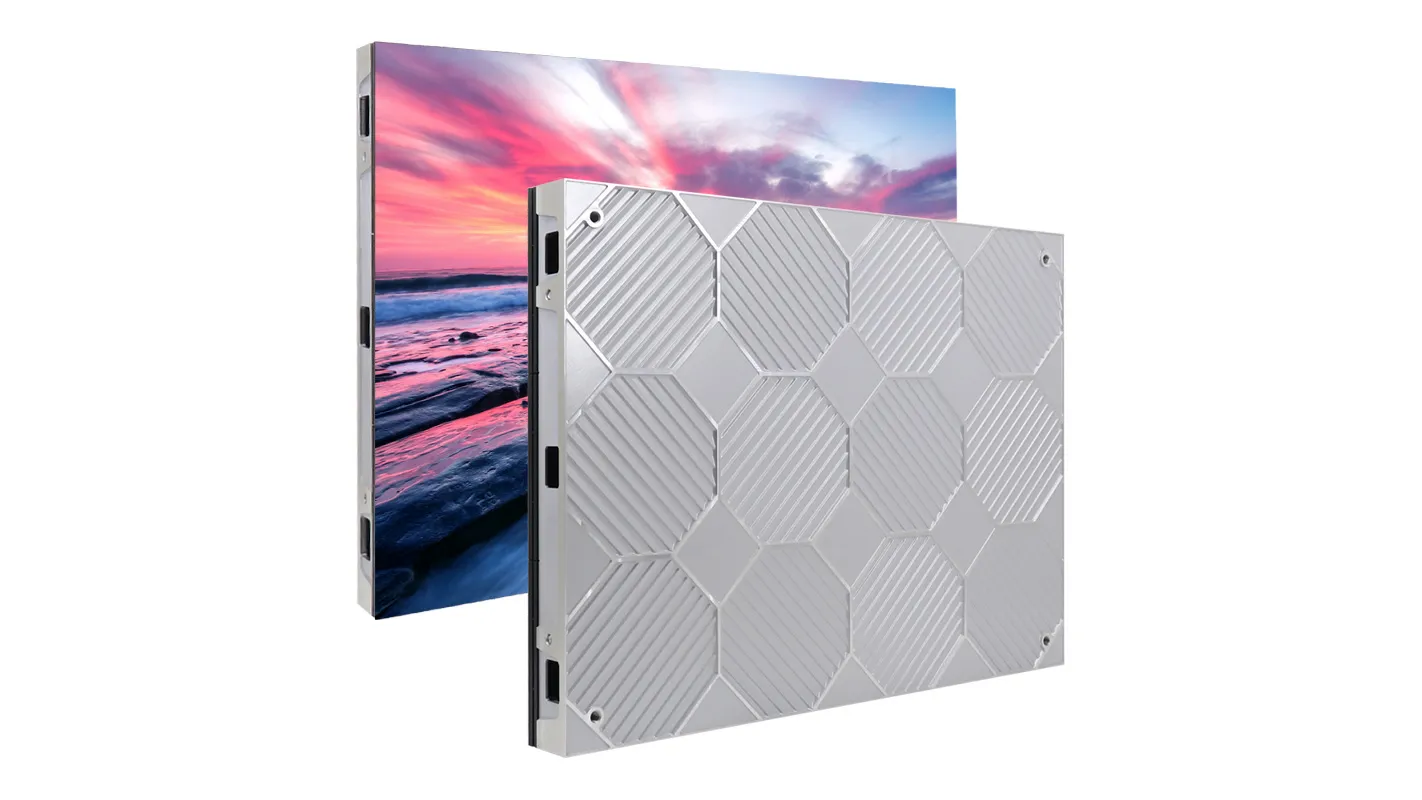
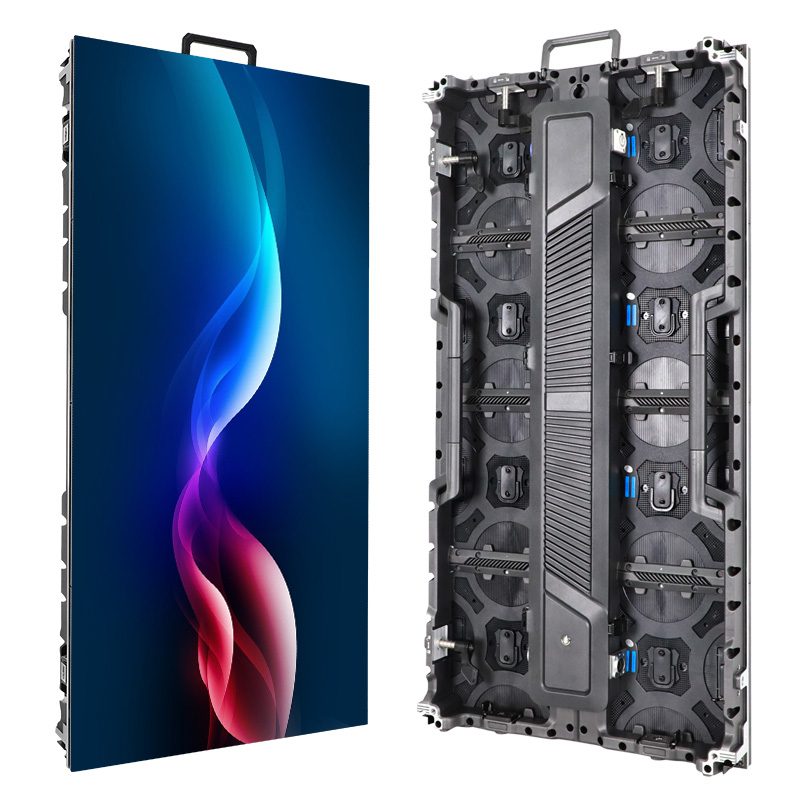
Use the distinctions below to compare the display formats before asking for a quote. The images show an example of food promotion signage, a modular cabinet layout, and front service access.
1. What the Term LED Menu Screen Means
Ask the supplier whether the proposed LED menu screen uses direct-view LED cabinets or LED-backlit LCD panels. In a direct-view LED cabinet, the LED pixels make the visible image. Cabinets can be assembled into a canvas that fits a long opening, subject to the available cabinet sizes and supporting structure. An LCD signage panel creates its image in a liquid crystal layer lit by a separate backlight. Its image area, pixel count, and bezel come with the panel.
A row of LCD panels can put categories on separate boards with a physical border between them. Modular LED gives a designer a continuous canvas across cabinet boundaries when the wall is assembled and aligned correctly. That distinction matters if the design needs to stretch an image across the whole counter. When each category fits on its own board, the border may coincide with a natural break in the menu.
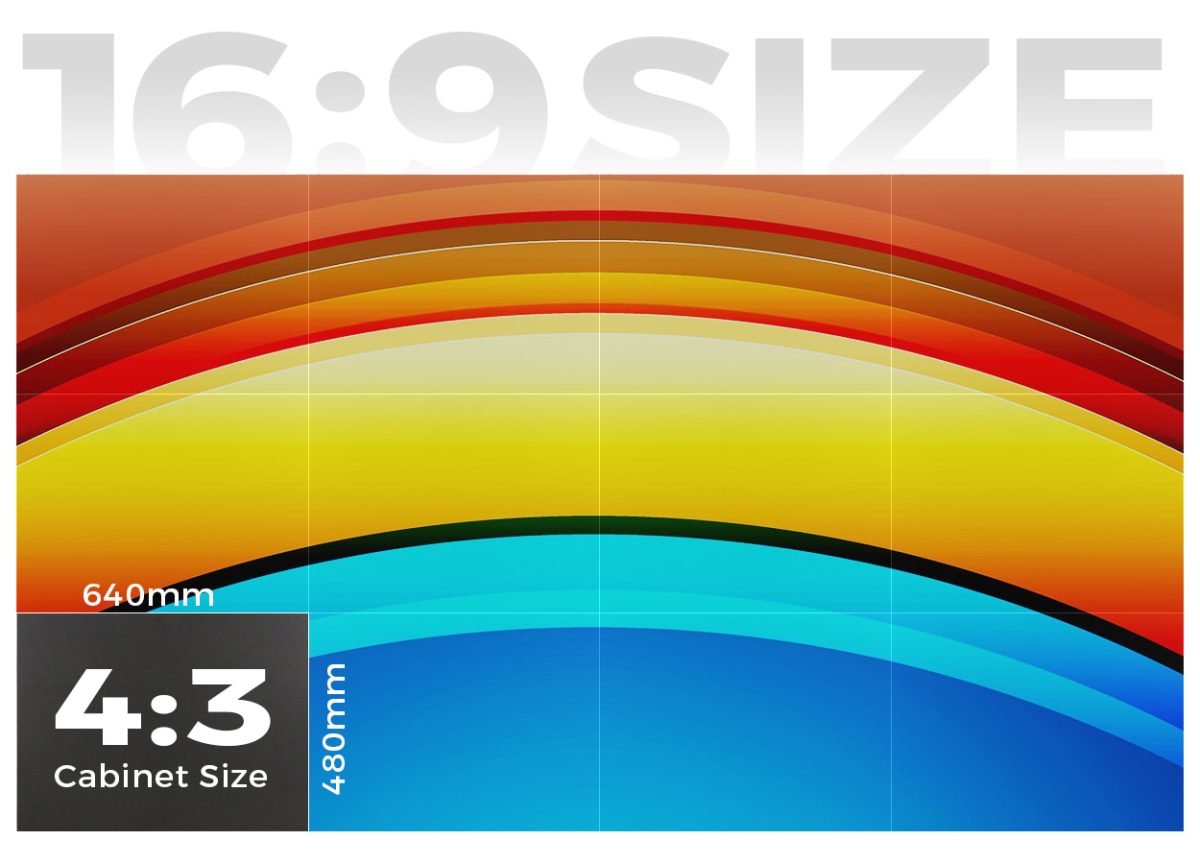
For an example of cabinet construction, see the EA640H1 indoor display. Its cabinet dimensions help determine which finished shapes can fit above a counter. The proposed restaurant installation still needs its own mounting, display layout, and operating conditions reviewed.
If the quote calls the unit an LED menu screen but specifies a diagonal in inches and a fixed native resolution, ask for the exact model and display technology. Use the active picture dimensions in your drawing. Cabinet depth, bezels, and gaps between mounted units can make the overall assembly larger than the area where text appears.
2. What Customers Need to Read
01. Match the Artwork to the Native Canvas
The smallest line that affects an order should drive the readability check for an LED menu screen. Test the longest item name and modifier, along with the smallest text used for prices or dietary labels, before choosing a canvas. Ask for its native pixel dimensions and place the artwork at that size. A player that accepts a high-resolution file can still scale that file to a display with fewer physical pixels.
For an illustrative calculation, a direct-view LED canvas measuring 2.4 m by 675 mm (7.9 ft by 26.6 in) at a 1.5 mm pixel pitch would have about 1,600 by 450 pixels. A designer who lays out five lines of dense text in a narrow strip within that 450-pixel height leaves little room for the letters. The calculation is a starting point. The actual cabinet matrix determines the native dimensions, and a sample of the final artwork shows whether the design is readable.
02. Read Prices From the Queue
At a sample demonstration, stand where customers choose what to order, including the side of the queue where the display looks narrower. Ask someone unfamiliar with the menu to read a price and its modifier without moving closer. Repeat the check with the counter lighting and other nearby lights on. A photo-only demo leaves out the letter edges, spacing, and contrast that determine whether the board does its job.
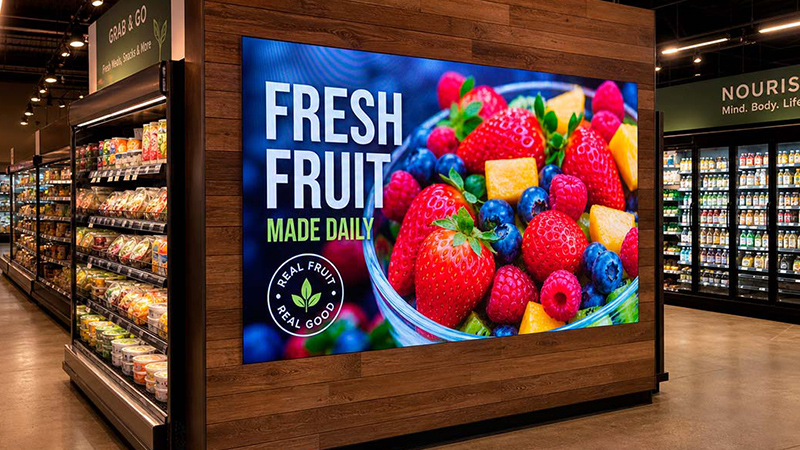
Check the prices that sit at the edge of the LED menu screen as well as those near the center. Try the worst case, such as a long item name beside a price with two decimals. Give both fields enough space to remain distinct. If the text needs to shrink to fit, shorten the label or change the layout before deciding that a brighter screen will solve the problem.
3. Where Each Screen Format Fits
For a short ordering distance and a dense list of prices, compare a commercial LCD panel first. Consider a direct-view LED menu screen where a wide continuous canvas or a particular aspect ratio changes how the menu works. A separate portrait poster can carry a few promotions so the ordering board stays readable during a busy period.
| Counter layout | Format to compare | Ask the supplier to show |
|---|---|---|
| Three distinct menu categories with frequent price changes | Separate LCD panels | One price edit in the middle panel with the adjoining panels still showing the intended categories. |
| A long opening with a featured item spanning the center | Modular direct-view LED | The actual artwork on the proposed pixel map, including a category label beside a cabinet join. |
| A separate entrance or pickup area with a short offer | Portrait promotion display | How a tall asset fits the canvas and where the stand and cables sit outside the customer route. |
The EA1920iP5 portrait display illustrates why the artwork and the screen orientation need to be considered together. A tall, narrow canvas suits a single offer with a short headline and price. A full counter menu usually needs enough width for distinct categories and predictable reading order.
Compare both options with the same menu file and picture dimensions. If one LED menu screen proposal uses an image that spans the counter, ask the LCD vendor to demonstrate the same composition across the panel boundaries. If a group of panels uses a separate file on each unit, have the vendor show what happens when one file has to be replaced on short notice.
4. What Changes After Installation
01. Give Staff a Clear Way to Update the Menu
An LED menu screen still needs a player and a way to update its content. Decide who can change prices, who approves the changes, and how staff handle a sold-out item before the evening shift. Ask the supplier to demonstrate an ordinary change using the proposed player. Then check what the board shows if the connection drops during an update. The behavior depends on the playback setup and should be confirmed on that equipment.
02. Leave Room for Service
A screen above an ordering counter may share space with a soffit, lighting, or overhead equipment. Confirm how a technician reaches the components when the restaurant is closed. For front-service LED, ask what can be removed from the front and what working space is needed. A front-removable module still requires a clear approach, which should be checked with the proposed trim and counter in place.

If steam, grease, or cleaning spray could reach the screen, tell the supplier where those exposures occur and how staff clean the area. Ask for the approved placement and cleaning method for the exact model. Have the installer confirm the supporting structure, electrical provisions, and access for the actual site.
For a useful handover, ask the supplier to record how to restore the last approved menu on the LED menu screen after a player restart or content error. Save the artwork, the screen layout, and the playback instructions somewhere staff can access. Include the person to call if the display is on but the menu is missing.
5. Frequently Asked Questions
Can one screen show breakfast and lunch menus?
Yes, if the player or signage software supports scheduled layouts. Check what clock and time zone drive the change, and test whether staff can override the schedule for a holiday without changing the normal weekly plan.
Can a restaurant connect its menu to the point of sale?
That depends on the menu software and point-of-sale platform. Ask the provider which fields sync, how soon updates appear, and what staff should do if a price changes in the register but the board still shows the old price.
Does an LED menu screen need motion graphics?
No. Prices and modifiers can stay fixed while a separate panel or clearly defined area shows rotating offers. If a category rotates, measure how long a customer must wait for it to return before approving the sequence.
What should staff show during a screen outage?
Keep a current printed or local backup menu where the counter team can reach it. Give one person responsibility for updating the backup when items or prices change so staff have an accurate version during service.
6. Bring a Real Menu to the Display Review
Share the available width and height, a counter photo, the nearest and farthest order positions, and a menu file with actual prices. Include the smallest text that must remain readable and indicate whether the screen will show a full menu or a short promotion. Send the layout to EagerLED for a display review and ask for the proposed native pixel dimensions and service approach.
 What Is an LED Touch Screen? Display vs. Touch Input