
LED video wall packages bundle the screen cabinets with the equipment needed to run them: a controller or video processor, power and signal cabling, mounting hardware, transport cases and spare parts. A package is only complete when every one of those items is listed by model and quantity for one defined screen size, so the real job for a buyer is to check the list, not the headline price.
This guide is written for event production companies buying their first owned LED wall, typically after years of renting from others. It explains what belongs in a complete package, how to size the cabinet count and control system, which mechanical and transport items are often left out, and how to compare two proposals line by line before you commit to a reusable rental inventory.
The examples use EagerLED’s published EA500C6 and EA250H8 rental cabinet data. Where a specification is not published, we say so and list it as a question to confirm in the quote.
1. What LED Video Wall Packages Include
Complete LED video wall packages cover five groups of equipment: display cabinets, control, power and signal distribution, mounting and rigging, and logistics items such as cases and spares. If any group is missing, the screen cannot be built and run on site without extra purchases, so the first check on any quote is whether all five appear with quantities.
01. The display cabinets and modules
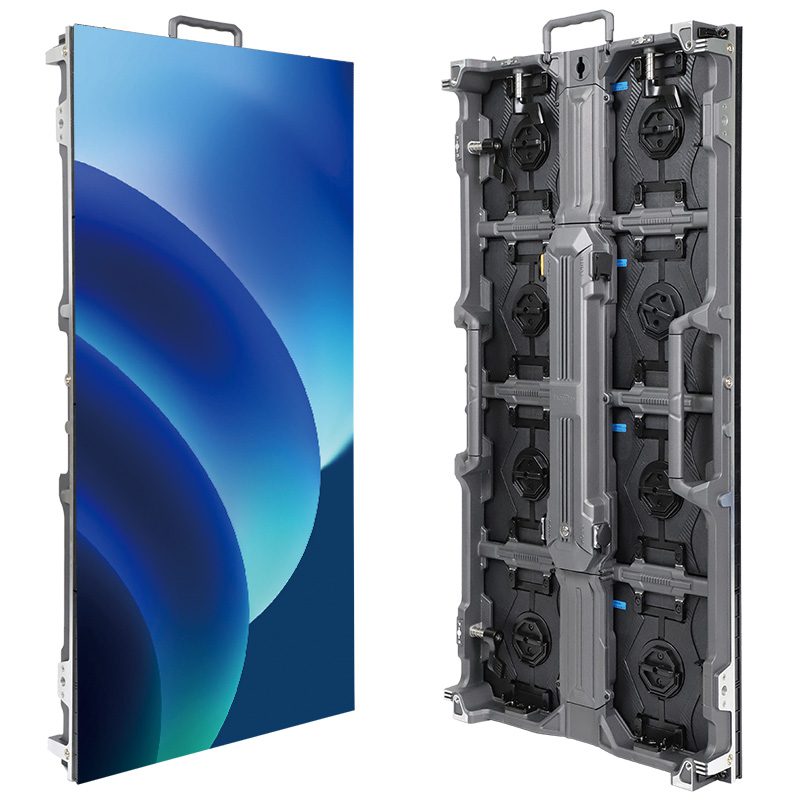
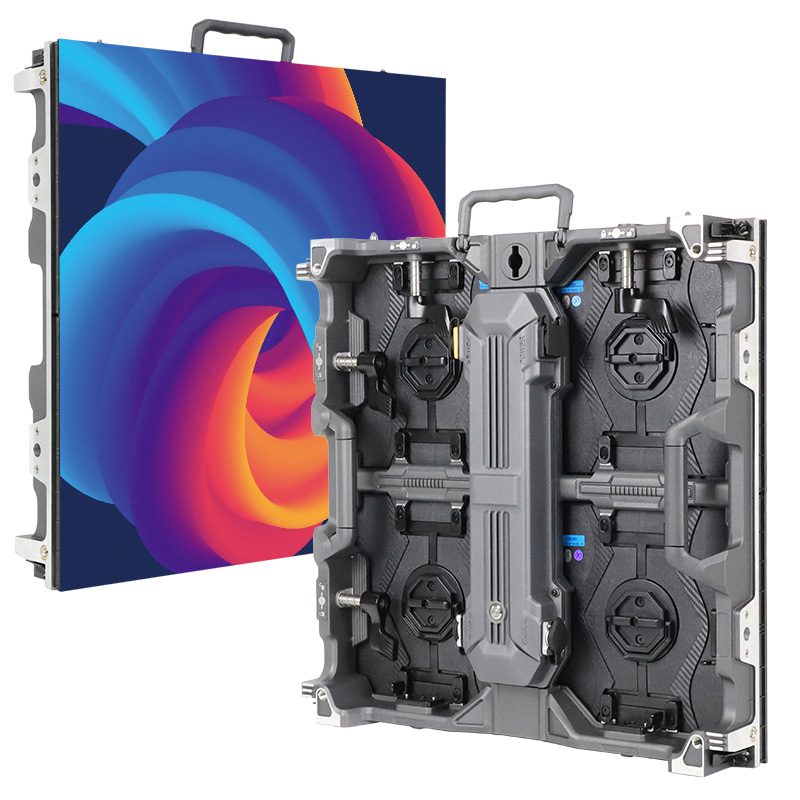
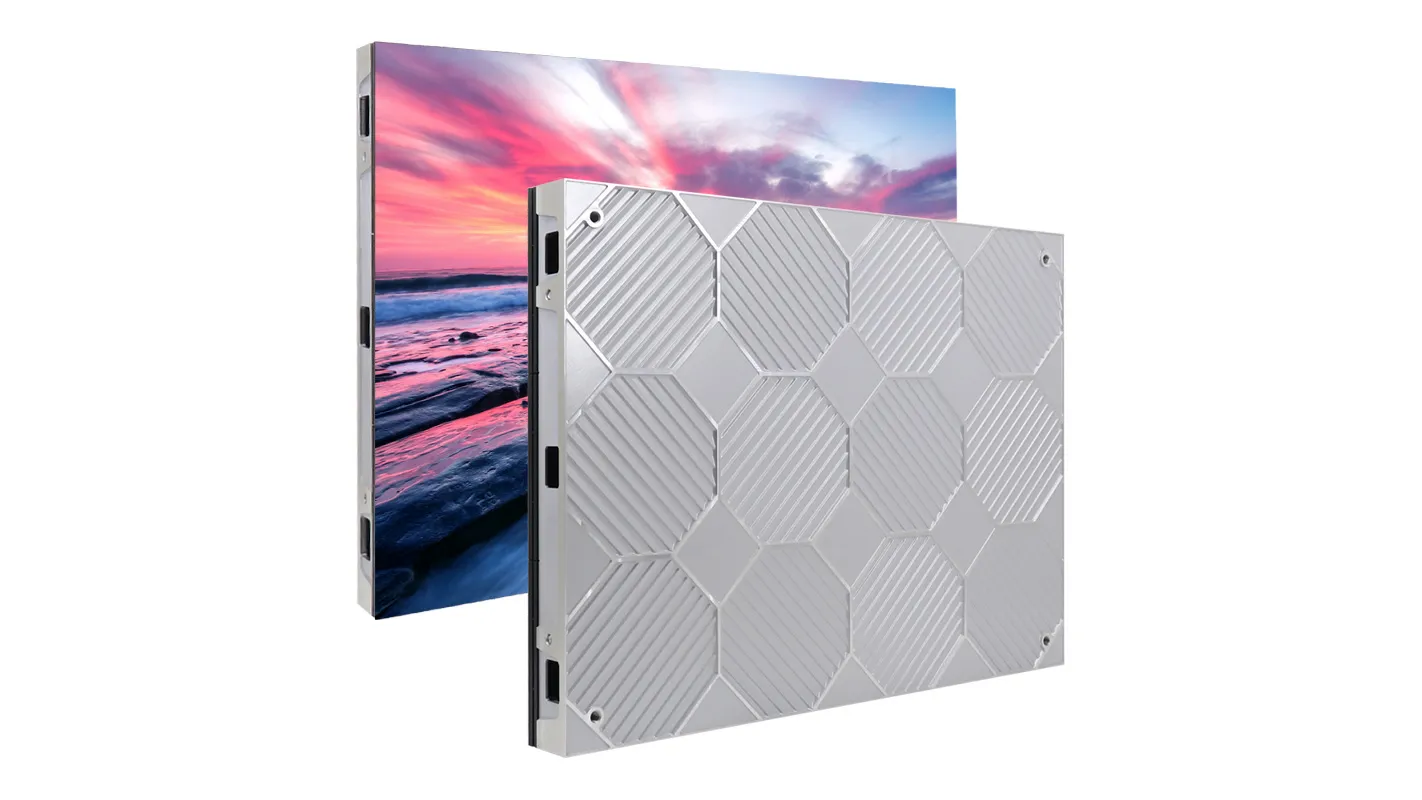
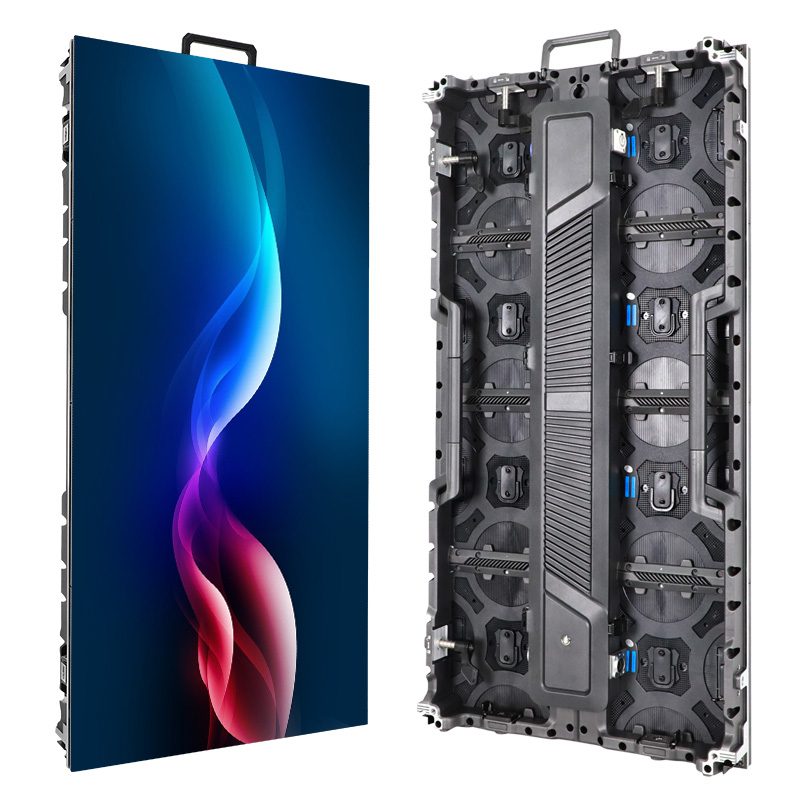
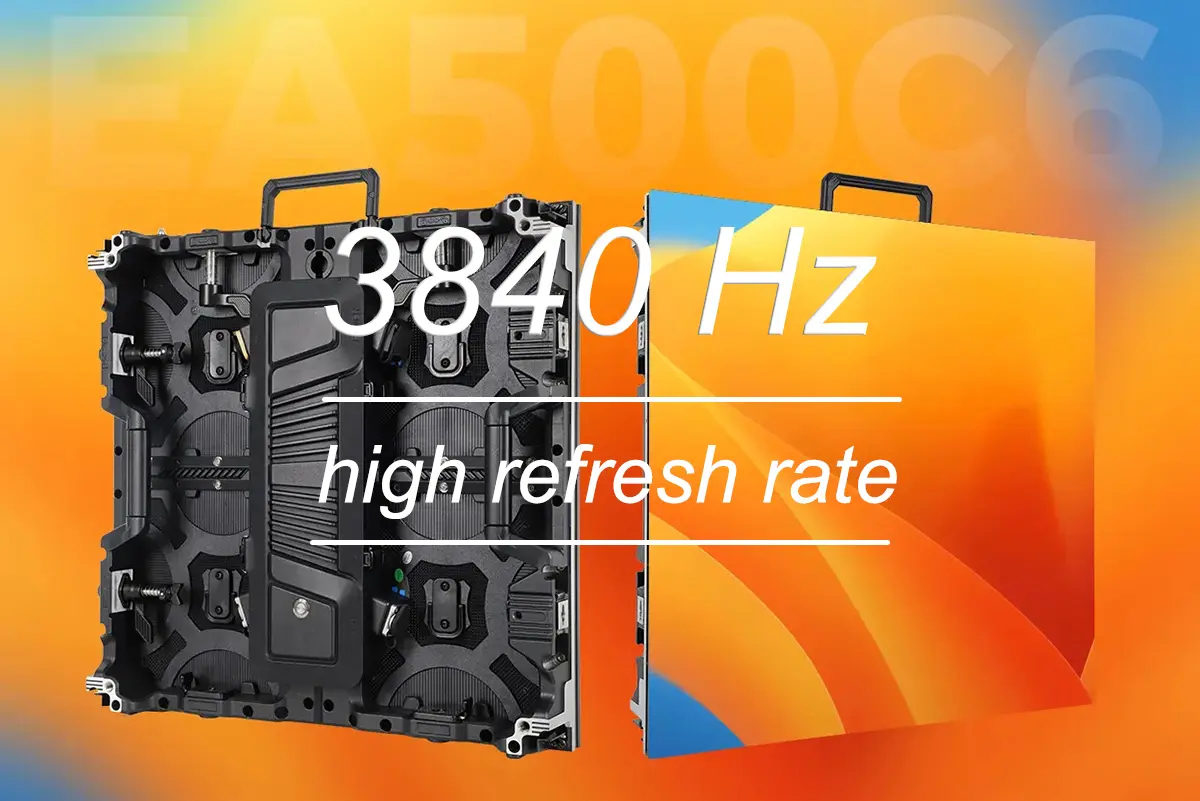
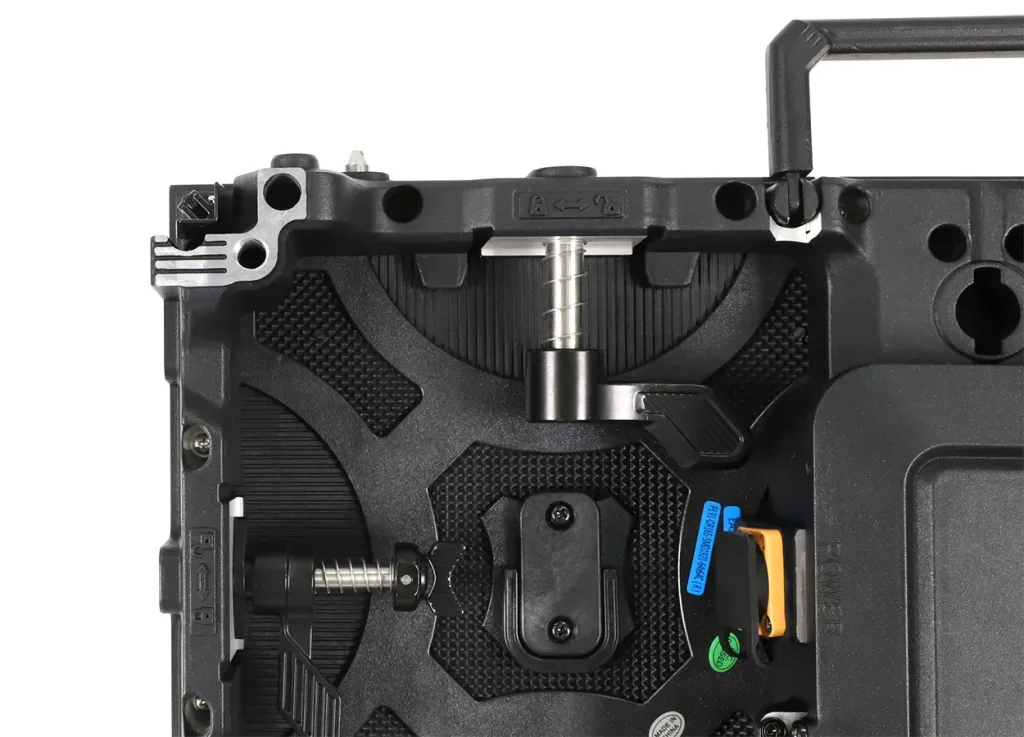
The cabinets are the largest cost line and the part buyers compare first. For rental work, the cabinet frame, locks and service access matter as much as the pixel pitch. EagerLED’s EA500C6 rental LED video wall uses a 500 x 500 mm (19.7 x 19.7 in) die-cast aluminum cabinet built from 250 x 250 mm modules, with two stainless-steel fast locks, four corner guards and an openable rear cover for service. The published weight is 6.5 kg (14.3 lb) for indoor cabinets and 7.3 kg (16.1 lb) for outdoor cabinets.
A quote should name the exact cabinet model, the pixel pitch, the LED type (for example, GOB or standard SMD), the indoor or outdoor version and the cabinet count. “P2.6 LED screen, 20 m²” is not enough to compare two offers.
02. The equipment that makes the cabinets work
Every package also needs receiving cards inside the cabinets, a sending controller or video processor, cabling between cabinets, power distribution, and the mechanical parts that hold the wall together. Many low headline prices leave one or more of these out. The cabinets then arrive on time, but the screen cannot be shown until the missing items are sourced locally.
03. Why fleet buyers choose packages over separate purchases
Buying cabinets from one source and control, cases and rigging from others can work for an experienced crew, but it moves the compatibility risk onto you. LED video wall packages put the receiving cards, sending system, locks and cases under one supplier’s responsibility, which matters when a part fails during a show. Packages also make it easier to repeat the same build: the same cabinet count, cable set and case layout go out on every job, so the crew learns one system instead of several. The trade-off is less freedom to pick each component, so check that LED video wall packages still let you specify the controller and accessories your shows need.
2. Size the Wall Before Counting Cabinets
Suppliers quote LED video wall packages from a cabinet count, so start with the largest screen you expect to build repeatedly, then convert it into a cabinet grid. The cabinet count, not the square meters, drives the controller loading, power planning and the number of cases you need.
01. Convert the target size into a cabinet grid
With 500 x 500 mm cabinets, a 4 m x 2.5 m (13.1 x 8.2 ft) wall is a grid of 8 x 5, or 40 cabinets. The EA500C6 can also be spliced vertically with the 500 x 1000 mm EA1000C6 cabinet, which reduces the number of pieces to handle on taller walls. If your shows often need narrow columns, corners or small cylinders, a smaller format such as the EA250H8 rental LED wall (250 x 500 mm, published weight 3.5 kg / 7.7 lb) supports 90° corner splicing and a four-cabinet cylinder.
Plan for the configurations you will actually sell. A rental fleet that is sized only for one wall loses jobs that need two side screens, and a fleet sized for every possible layout ties up capital in cabinets that rarely leave the warehouse.
02. Choose pixel pitch by viewing distance and content
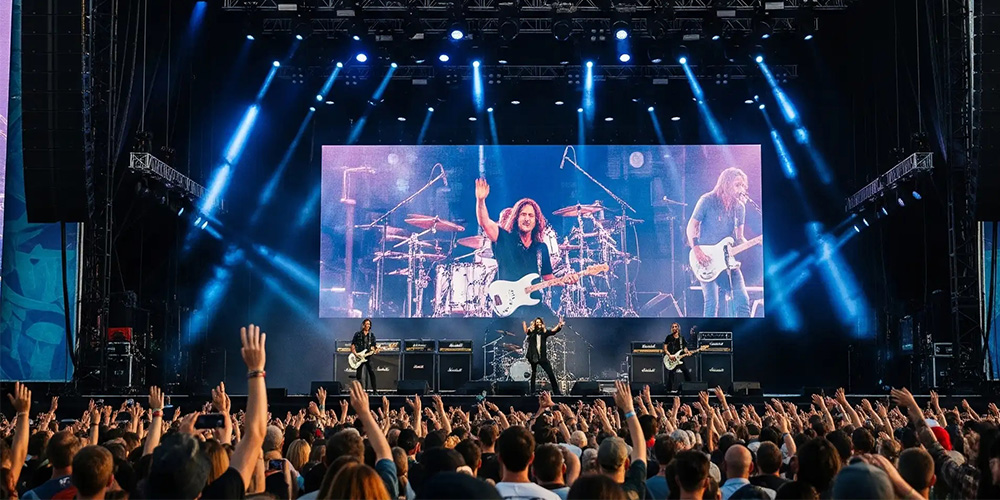
Pixel pitch decides how close the audience can sit before the image looks grainy, and it changes the price per cabinet more than any other variable. The EA500C6 is listed with indoor options from P1.56 GOB to P4.81 and outdoor options from P2.6 to P3.91. Corporate events with small text and close seating usually push toward finer pitches; concert stages and outdoor festivals with distant audiences can use coarser ones.
Brightness should match the setting, not the highest number on the sheet. The published EA500C6 values are 700 to 800 nits (cd/m²) indoors and 4,000 to 6,000 nits outdoors. Indoor cabinets are rated IP31; outdoor versions list IP54 at the rear, and several outdoor options are listed with IP65 fronts, which varies by model.
| Wall size | Cabinet grid | Cabinets | Indoor cabinet weight only | What to confirm in the quote |
|---|---|---|---|---|
| 3 x 2 m (9.8 x 6.6 ft) | 6 x 4 | 24 | 156 kg (344 lb) | Whether one controller and one hanging bar set cover the width |
| 4 x 2.5 m (13.1 x 8.2 ft) | 8 x 5 | 40 | 260 kg (573 lb) | Ethernet port loading and number of power circuits |
| 6 x 3.5 m (19.7 x 11.5 ft) | 12 x 7 | 84 | 546 kg (1,204 lb) | Rigging points, processor inputs and case count |
| Two 3 x 2 m side screens | 2 x (6 x 4) | 48 | 312 kg (688 lb) | Separate outputs or a second controller for each screen |
Weights in the table are cabinet weight only, calculated from the published 6.5 kg indoor figure. Hanging bars, cables, cases and any truss are extra, and the full load must be checked by a qualified rigger for each venue.
3. Match the Control System to the Pixel Count
The control system is the part of LED video wall packages most often undersized. The sending controller or processor must handle the total pixel count of the wall, provide the inputs your shows need and leave room for the next, larger booking.
01. Calculate the pixel load
Divide the cabinet width by the pixel pitch to estimate the pixels per cabinet edge. At P2.6, a 500 mm cabinet is roughly 192 pixels wide, so a 40-cabinet wall of 8 x 5 is about 1,536 x 960 pixels. Use the exact matrix from the model table when you finalize the order, because rounding changes port loading. Each Ethernet output on a sending device has a published pixel limit, and the cabinet runs must be split so no port is overloaded.
02. Decide between a controller and a processor
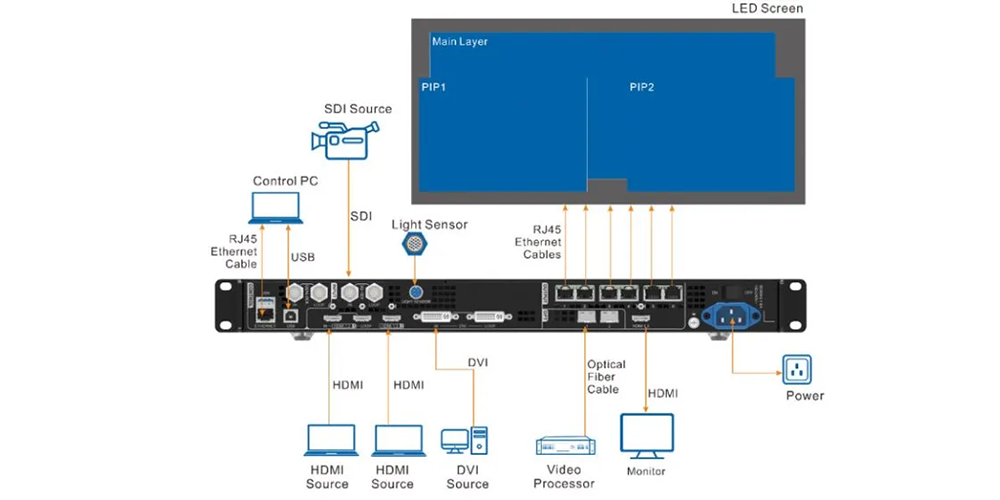
Most LED video wall packages for rental use include one of two control options. A sending controller converts the video signal for the LED wall; a video processor adds scaling, switching between sources and often multiple layers. Small, fixed-content jobs can run on a controller alone. Live events that switch between presentation laptops, cameras and playback usually need a processor. Our guide to video wall processor vs. controller explains the difference in more detail. Whichever you choose, the receiving card model in the cabinets must match the sending system you buy.
03. Plan for backup and spare outputs
For shows where a blank screen is not acceptable, the package should include a backup path, such as redundant Ethernet loops or a second sending device. This adds cost, so decide which jobs need it. Our article on LED controller backup planning describes how to test failover before you depend on it.
4. Power, Cabling, and Rigging
Power distribution, signal cables and mounting hardware are lower-cost items, but they decide whether the screen can be built safely and quickly. In many LED video wall packages, they are also the items listed as “optional” or left out entirely.
01. Power distribution and cables
Ask for the maximum and typical power per cabinet for the exact model and pitch. EagerLED publishes a maximum of 350 W/m² for the indoor EA250H8 and 550 to 580 W/m² for its outdoor versions; the EA500C6 page does not list a power figure, so that value must be requested. Maximum power is a sizing figure for circuits and distribution, not an operating average. Also confirm the input voltage range, because European venues typically supply 220 to 240 V and North American venues often supply 110 to 120 V, which changes how many cabinets each circuit can carry.
The cable list should give the number and length of power jumpers, signal jumpers between cabinets, main power feeds and the Ethernet or fiber runs from the controller position. Long distances from front-of-house to the stage may need fiber converters.
02. Hanging, ground stacking and curved builds
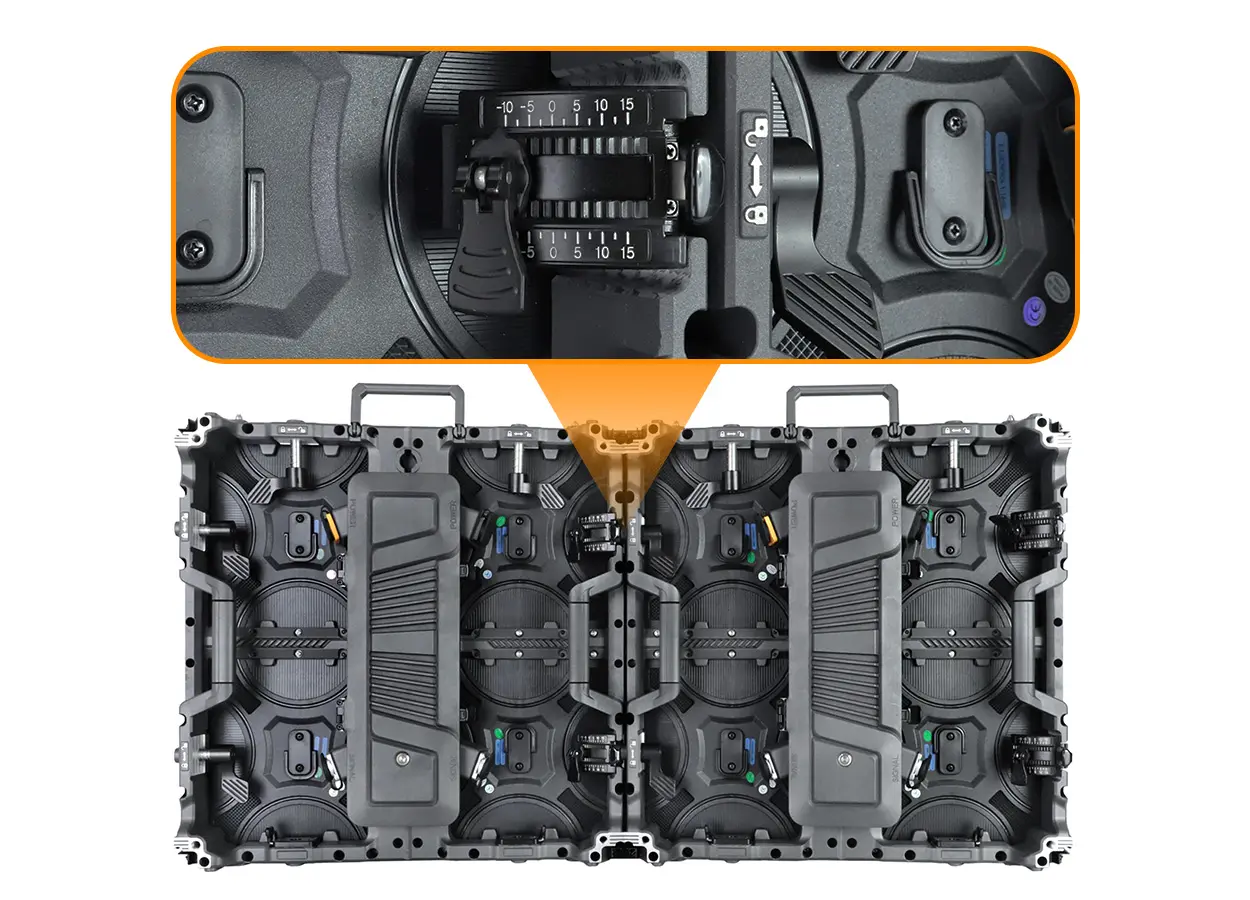
Rental walls are either hung from truss with hanging bars or stacked on the ground with a support structure. Each method needs its own hardware, and the quote should state which one is included and how many sets. Our hanging bar compatibility guide lists the documents to request for your cabinet model and layout.
For curved walls, the EA500C6 offers optional arc locks; the supported angle range is not published, so confirm it for your design. Arc locks are often priced separately from the cabinets.
5. Transport Cases, Spares, and Documentation
A rental package is moved, built and packed many times a year. Cases, spares and records protect the investment between shows, and they belong in LED video wall packages from the start rather than in a second order.
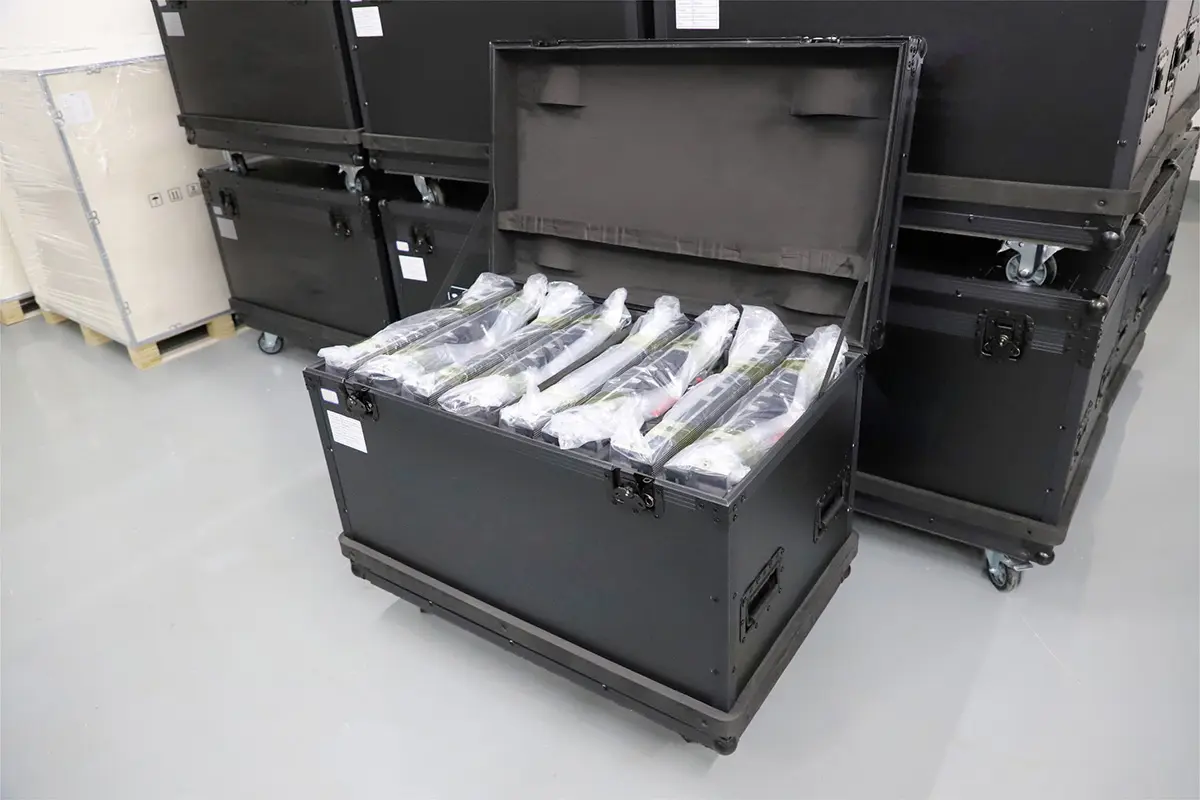
01. Flight cases
Flight cases protect cabinets during trucking and reduce load-in time. The quote should state how many cabinets each case holds, whether the cases are wheeled, and the packed dimensions and weight, so you can plan truck space. EagerLED’s EA500C6 page asks buyers to agree the flight-case quantity in the order rather than assume it.
02. Spare modules, cards and power supplies
Spares let a crew fix a dead module or power supply on site instead of canceling part of a show. EagerLED offers spare modules, receiving cards and power supplies for the EA500C6 as a separately listed package, so ask for the quantities and whether they come from the same production batch as the cabinets. Modules from a different batch can show visible color differences on the wall.
03. Configuration files and delivery records
Ask for the receiving card configuration files, calibration data where it applies, the wiring diagram and a packing list. These records let your team rebuild the wall correctly after a card replacement. When the shipment arrives, check it against the packing list using a delivery inspection checklist, and run a full test before the first paid event. EagerLED’s sister site has a useful indoor commissioning and handover checklist for that step.
6. Compare LED Video Wall Packages Line by Line
Two LED video wall packages with the same screen size can differ widely in price because they include different items. Normalize them before comparing totals: put both quotes into one list, mark what each includes, and price the missing items so the totals cover the same scope.
01. Use one checklist for every quote
The table below is a practical way to line up proposals. Any row marked “not included” becomes a cost you add yourself or a question for the supplier.
| Item | What the quote should state | Common gap |
|---|---|---|
| Cabinets | Model, pitch, LED type, indoor or outdoor version, count | Pitch listed without model or LED type |
| Control | Controller or processor model, inputs, outputs, pixel capacity | Controller sized for current wall only |
| Receiving cards | Card model, installed per cabinet, spare count | No spare cards listed |
| Power | Max and typical power per cabinet, voltage range, distribution | Power figure missing for the quoted pitch |
| Cables | Jumper and feed counts and lengths, signal runs | Only cabinet-to-cabinet jumpers included |
| Mounting | Hanging bars or ground stack frame, quantity, load documents | Hardware for one method only |
| Cases | Cabinets per case, wheels, packed size and weight | Cases quoted later as an extra |
| Spares | Modules, power supplies and cards, batch matching | Spares from a different batch |
| Documents | Configuration files, wiring diagram, packing list | Files not supplied until requested |
02. Ask about lead time and support
Once the scope matches, compare production lead time, shipping terms, testing before shipment and how technical questions are handled after delivery. A slightly higher package price with complete accessories and clear support is often cheaper than a low price that needs local purchases in the week before your first event. When LED video wall packages look similar on paper, the support terms are frequently the deciding difference. For overall budgeting by pitch and type, see this LED wall price breakdown from EagerLED.
Rental fleets often grow in stages. If you plan to add cabinets next season, confirm that the same model and pitch will still be available and that the new batch can be matched in color to your existing panels.
03. Watch for warning signs in low-priced LED video wall packages
Some LED video wall packages reach a low price by quoting a controller with no spare capacity, a single cable set with no spares, or cases priced only after the order is placed. Others list a pixel pitch without the cabinet model, which makes it impossible to check weight, power or splicing compatibility. Be cautious when a supplier cannot provide a power figure for the quoted pitch, a packing list or configuration files. These gaps rarely show up in the first quote, but they appear as extra costs or delays once the screen is in production. Asking for every item by model and quantity in writing is the simplest protection.
FAQ
01. How many cabinets should a first rental package include?
Size it for the screen you will build most often, plus enough cabinets to cover one common alternative layout, such as two side screens. Buying for the largest possible show usually leaves cabinets idle, and most first-time LED video wall packages are expanded later anyway. Start with the grid in Table 1 and adjust it to your bookings.
02. Can I mix two cabinet sizes in one wall?
Only when the manufacturer lists them as compatible. The EA500C6 is listed for mixed vertical splicing with the 500 x 1000 mm EA1000C6, and the EA250H8 for cross-model splicing with the EA500H7, EA500H8, EA500H8V and EA1000H8. Mixing unlisted models can cause alignment, lock and color problems.
03. Do indoor and outdoor shows need separate packages?
Usually, yes. Outdoor cabinets need higher brightness and front protection, and the EA500C6 lists different pitches and IP ratings for each version. Indoor cabinets are rated IP31 and are not meant for rain or direct weather exposure.
04. What should I test when the package arrives?
Check the packing list, inspect the cases and cabinets for transport damage, then build the full wall and run test patterns on every cabinet. Confirm the controller loads the supplied configuration files and that all spares power up. Do this before the first paid event, not on site.
05. Is software included with the controller?
Configuration software for the sending and receiving system is normally supplied by the control system maker, but licensing, versions and any playback or media server software differ. Ask the supplier to list which software is included, which version the cabinets are configured with, and which files you will receive.
06. How do I budget a package without a fixed price list?
Send the target wall size, pitch, indoor or outdoor use, mounting method and the number of shows per year. A supplier can then quote the complete scope. Compare LED video wall packages with Table 2 so each total covers the same items.
Request a Package Built Around Your Wall
LED video wall packages are easiest to compare when they are built from your own requirements. The fastest way to get a usable quote is to send the details that define the package: the screen sizes you build most often, the pixel pitch you are considering, indoor or outdoor use, hanging or ground stacking, the video sources your shows use, the destination country and voltage, and your target delivery date. With that information, our team can list every cabinet, controller, cable, case and spare by model and quantity. Send your package requirements to EagerLED to start the comparison.
 Bar LED Display: How to Choose the Right Screen for Your Venue