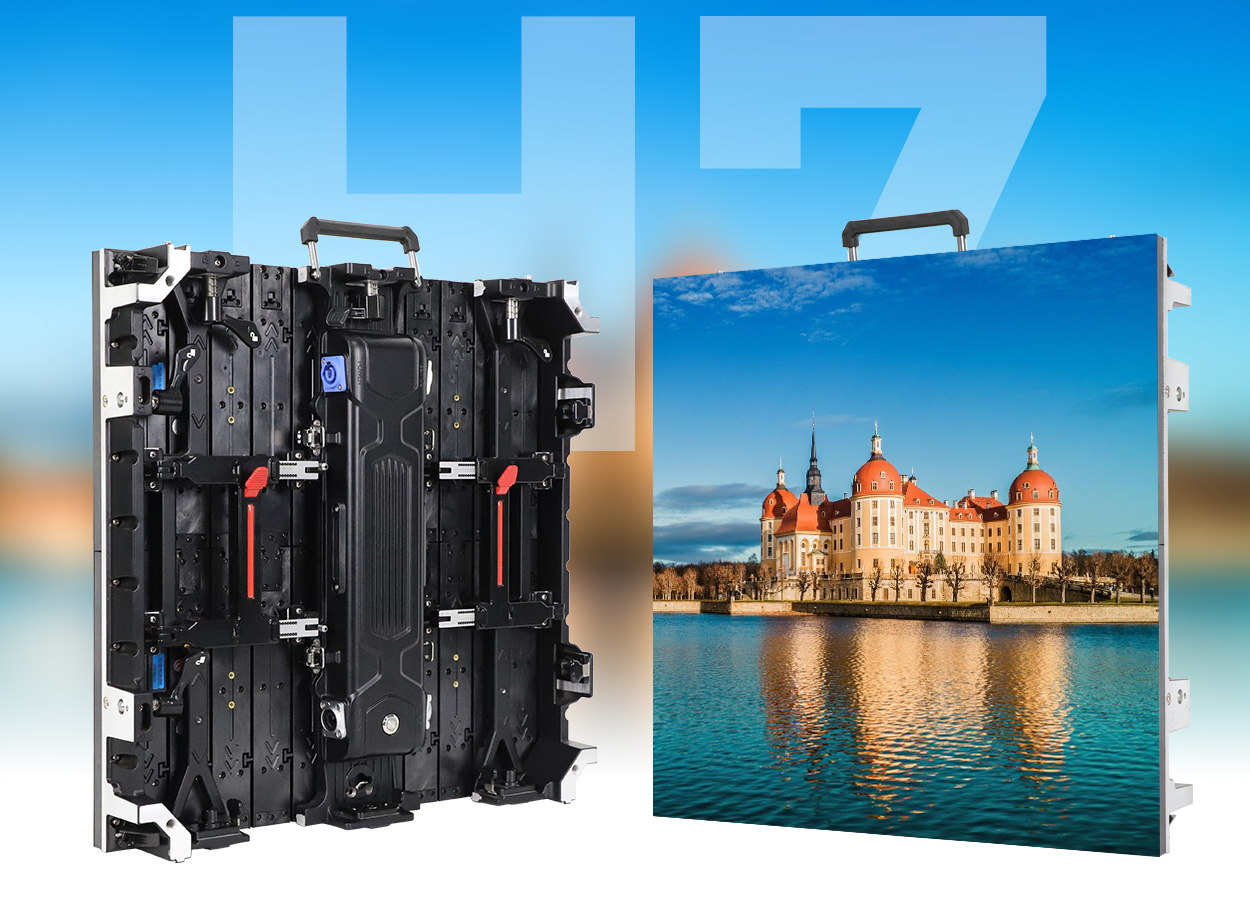
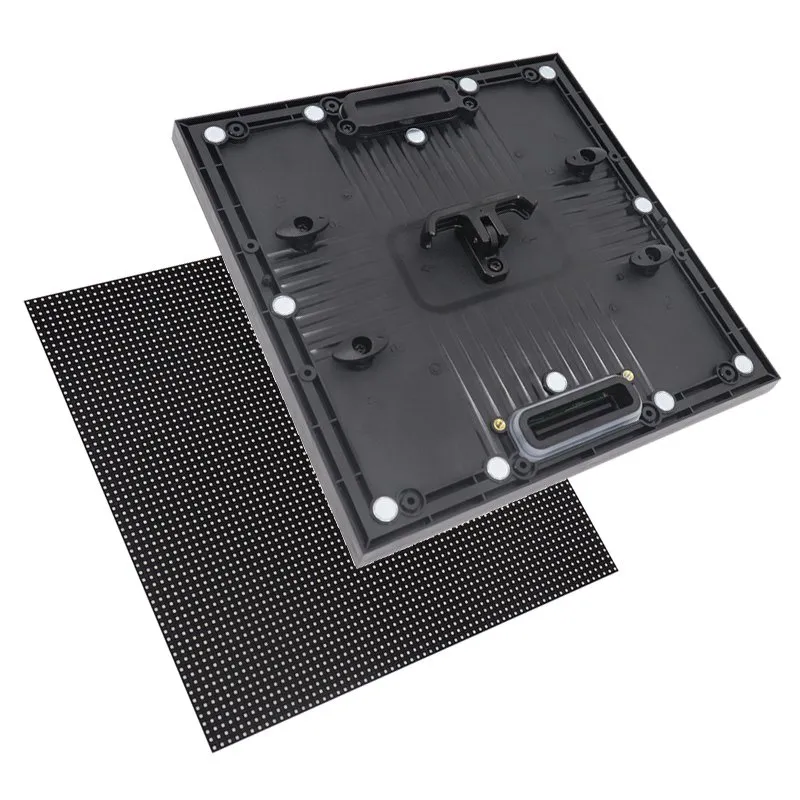
Choose LED display size in width × height, then confirm the whole-cabinet layout and native pixel resolution. Diagonal inches are useful for comparison, but they do not tell an installer how much space the complete wall needs.
For example, a calculated 4.80 × 2.70 m image is 16:9. At exactly 2.50 mm pixel pitch it contains 1,920 × 1,080 pixels; at 1.25 mm it contains 3,840 × 2,160. The physical size stays the same. The cabinet family determines whether that layout is actually available.
This guide is for commercial direct-view LED walls, rather than household LED-backlit LCD televisions. Use the charts as planning references, not fixed recommendations for every room or quotations for a particular project.
1. How to measure LED display size
Measure the active image horizontally and vertically. Multiply width by height for area, and calculate the diagonal separately. Keep millimeters in the installation drawing to avoid rounding errors between suppliers.
- Area in m²: width in meters × height in meters.
- Diagonal in meters: √(width² + height²).
- Diagonal in inches: diagonal in meters ÷ 0.0254.
- Meters to feet: divide by 0.3048.
A 4 × 3 m wall has a 5 m diagonal, approximately 197 inches. It is a 4:3 image. It has different width and height from a 197-inch 16:9 screen, so a quoted diagonal always needs an aspect ratio.
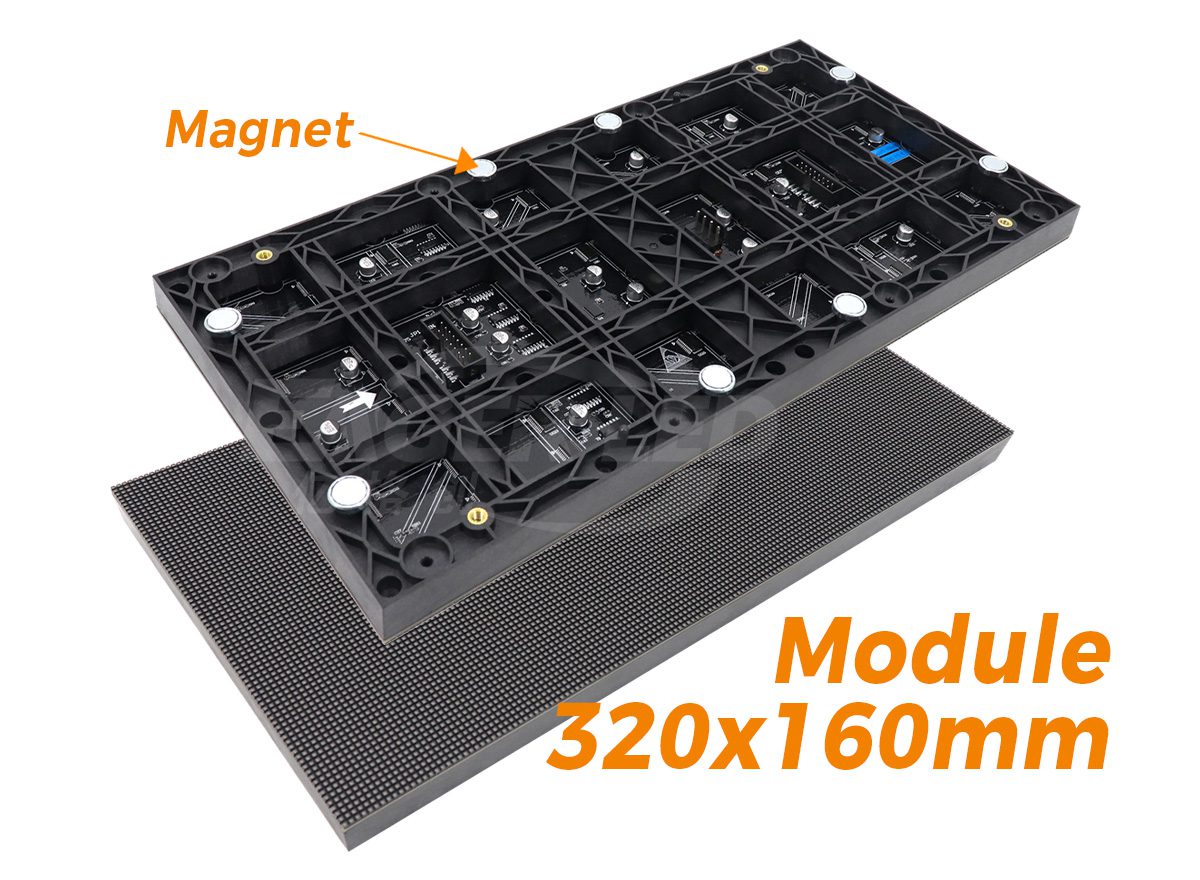
Also distinguish the LED module from the cabinet. A module is a replaceable pixel-bearing component; a cabinet combines modules and supporting parts into an installation unit. “Panel size” can refer to either, so request a labeled drawing.
2. LED screen size chart: inches to meters
For a 16:9 rectangle, width = diagonal × 16 ÷ √337 and height = diagonal × 9 ÷ √337. One inch equals 25.4 mm. The table below rounds the resulting dimensions; it does not imply that each diagonal is a stocked modular LED wall.
On phones, swipe inside each table to view all columns.
| Diagonal | Width × height | Area |
|---|---|---|
| 110 in | 2.435 × 1.370 m | 3.34 m² |
| 135 in | 2.989 × 1.681 m | 5.02 m² |
| 165 in | 3.653 × 2.055 m | 7.51 m² |
| 220 in | 4.870 × 2.740 m | 13.34 m² |
Use this chart to translate an initial “135-inch” or “220-inch” request into a physical outline. Next, adjust it to the chosen cabinet grid. Do not round the width to fit a sales label and assume the cabinets will still fit.
3. Calculate a buildable cabinet layout
Wall width = cabinet width × columns. Wall height = cabinet height × rows. Use whole cabinets unless the supplier explicitly offers an engineered alternative. Standard cabinets can create a custom overall wall size without custom cabinet hardware.
| Cabinet format | Columns × rows | Wall width × height | Cabinets / ratio |
|---|---|---|---|
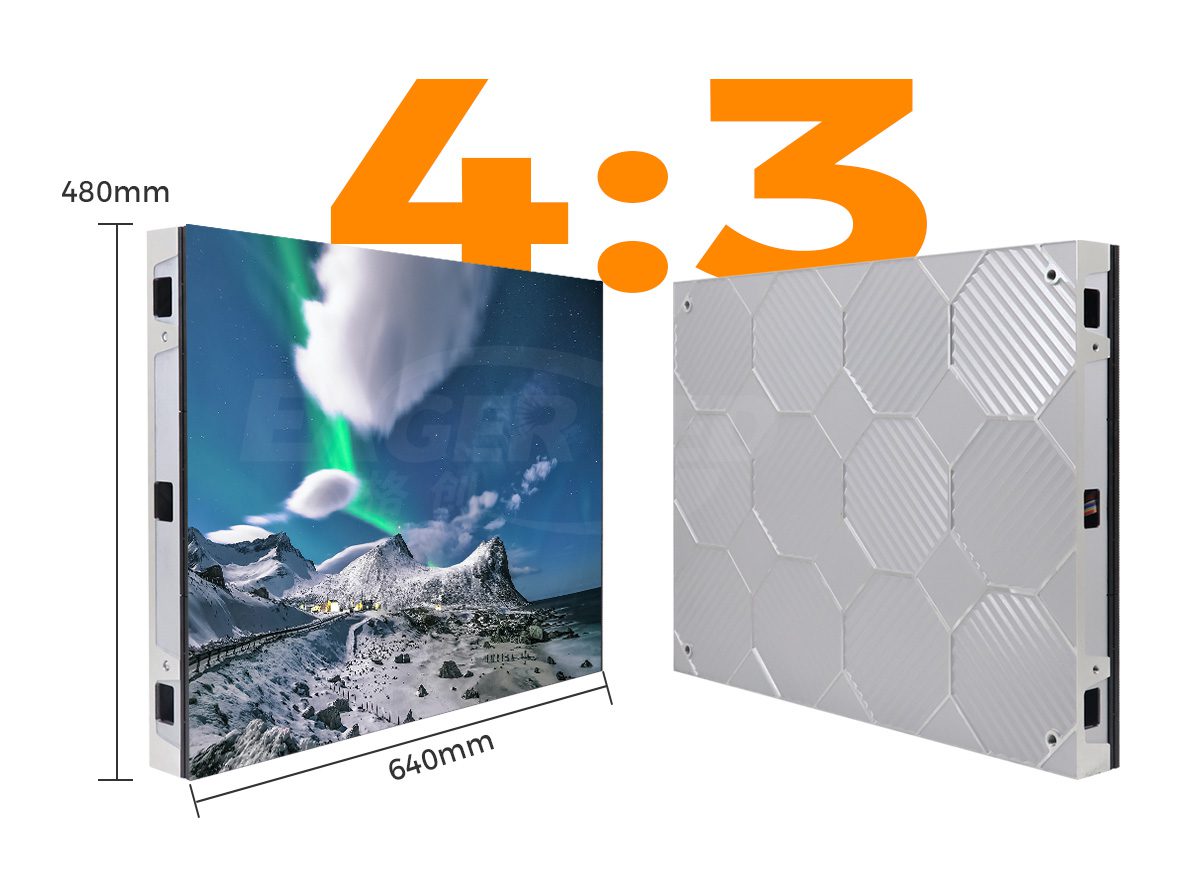
| 640 × 480 mm | 4 × 3 | 2.56 × 1.44 m | 12 / 16:9 |
| 640 × 480 mm | 8 × 6 | 5.12 × 2.88 m | 48 / 16:9 |
| 600 × 337.5 mm | 4 × 4 | 2.40 × 1.35 m | 16 / 16:9 |
| 600 × 337.5 mm | 8 × 8 | 4.80 × 2.70 m | 64 / 16:9 |
| 500 × 500 mm | 8 × 4 | 4.00 × 2.00 m | 32 / 2:1 |
| 500 × 1,000 mm | 12 × 3 | 6.00 × 3.00 m | 36 / 2:1 |
The EA640F2 provides the 640 × 480 mm reference, while the EA600COB3 uses a 600 × 337.5 mm cabinet. Rental-format references include EA500H9 and EA1000H9. These examples calculate geometry; confirm the selected pitch, hardware compatibility and drawing before ordering.
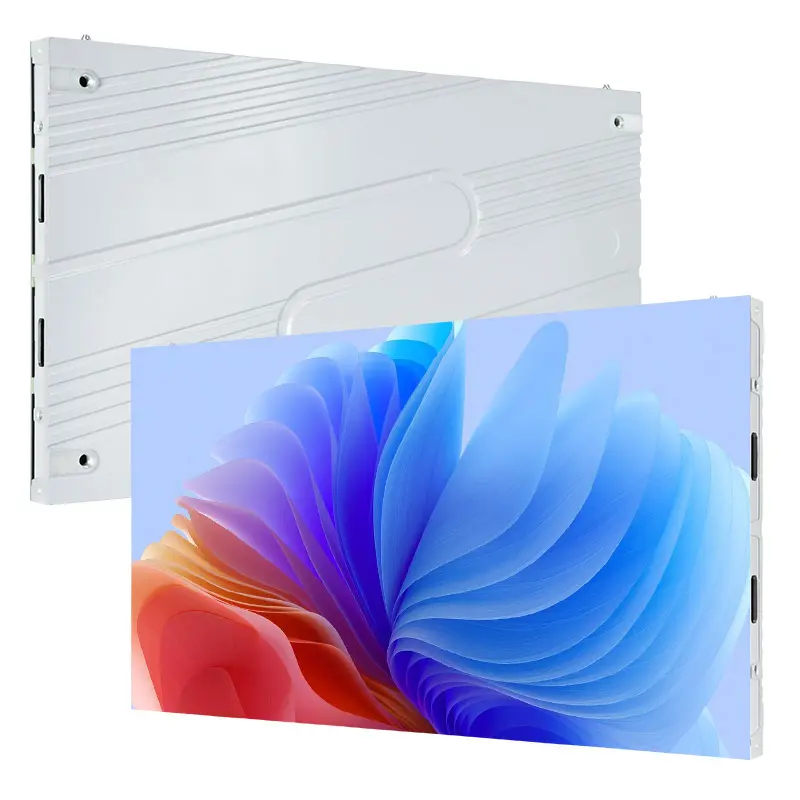
Worked fit check: a 5 m wide opening
Eight 640 mm cabinets need 5.12 m and exceed a 5 m opening before trim or clearance. Seven need 4.48 m, leaving 0.52 m of total horizontal space. That is not automatically 0.26 m of usable service clearance on each side: the mounting and maintenance design must allocate it.
An alternative 600 mm grid could be 4.80 m wide. For a 16:9 wall in that cabinet family, eight columns and eight rows calculate to 4.80 × 2.70 m. Check the opening height, installed depth and service requirements as well as width.
4. LED screen size in pixels: check native resolution
Pixel pitch is the center-to-center spacing between adjacent pixels, measured in millimeters. For a regular grid, calculated pixel width = active width in mm ÷ exact pitch in mm; calculate height the same way.
| Active width × height | Exact pitch assumed | Calculated pixel matrix | Total pixels |
|---|---|---|---|
| 4,800 × 2,700 mm | 2.50 mm | 1,920 × 1,080 | 2,073,600 |
| 4,800 × 2,700 mm | 1.25 mm | 3,840 × 2,160 | 8,294,400 |
These are mathematical examples, not a statement that every cabinet family offers both configurations. For an actual order, use the cabinet’s documented pixel matrix multiplied by columns and rows. A rounded pitch name such as P3.91 can produce misleading results if treated as the exact manufacturing dimension.
“Accepts 4K” describes an input capability, not necessarily a 4K wall. Confirm native pixels and processor mapping separately. The LED screen resolution guide explains the related signal and mapping decisions.
5. Match the LED display aspect ratio to the content
Aspect ratio is width divided by height. It determines the canvas shape, not the pixel count. A 16:9 wall may be Full HD, 4K or another native resolution.
| Ratio | Example image size | How a 16:9 source fits |
|---|---|---|
| 16:9 | 4.80 × 2.70 m | Same shape; scaling still depends on pixel matrix |
| 4:3 | 4.00 × 3.00 m | Uncropped widescreen video leaves unused height |
| 1:1 | 3.00 × 3.00 m | Create square artwork or allow unused height |
| 2:1 | 6.00 × 3.00 m | Uncropped widescreen video leaves unused width |
| 3:1 | 9.00 × 3.00 m | Plan a panoramic or multi-zone layout |
Agree whether each source will be scaled, cropped, letterboxed or placed in a separate zone. Stretching a video to fill a mismatched canvas distorts people and logos. A multi-window layout also reduces the space available to each slide or camera feed, even when the total wall size is unchanged.
For dedicated widescreen design, continue to our 16:9 LED display guide. This article focuses on physical dimensions and buildable layouts.
6. Size the wall for viewers and the environment
Choose physical size using the farthest reader’s task, and evaluate pitch and image quality from the nearest viewer. There is no universal screen width or pitch-to-distance multiplier that settles both decisions.
- Meeting rooms: test the smallest spreadsheet cell or diagram label, including layouts with a speaker window.
- Retail: check walking routes, viewing time, reflections and the actual daylight conditions.
- Events and worship: assess side seats, sightline obstructions and camera framing; coordinate supported layouts with the installer.
- Outdoor advertising: evaluate message length, approach direction, sun exposure and nighttime brightness control alongside the structure.
A 24-pixel-high graphic on an exact P2.5 wall is approximately 60 mm high. This describes physical size, not guaranteed readability: font, contrast, eyesight and viewing distance still matter. Test representative content at its intended scale.
A larger screen is not automatically sharper, and finer pitch cannot fix text that is physically too small for the back row. For the room-survey workflow, see choosing LED screen size for your venue.
7. Check the full installed footprint
Measure the available opening after accounting for trim, mounting tolerances, cable entry, ventilation and the approved service method. Cabinet thickness is only one part of the complete installed depth.
Front service changes the access method, but does not automatically remove ventilation or cable-clearance requirements. Check that the intended modules, supplies and control parts can be reached safely in the final location.
For suspended and outdoor walls, have the responsible qualified professionals verify the supporting structure, loading and applicable local requirements. Do not derive installed weight, support design or electrical capacity from screen area alone.
If a shape is custom, distinguish standard cabinets arranged differently from newly engineered hardware. Curved walls also need a defined radius and a distinction between arc length and straight-line width. A single diagonal cannot describe those requirements.
8. Turn the dimensions into a useful quotation brief
Send the same sizing brief to each supplier so that the offers can be compared. Request a drawing showing the active image and the overall assembly separately, rather than a diagonal and an area-only price.
| Item | What to send or request |
|---|---|
| Available space | Measured opening width, height and depth; photos and obstructions |
| Audience and content | Closest and farthest readers, side seats, sample slides or campaign files |
| Environment | Indoor/outdoor, daylight exposure, operating hours and destination |
| Proposed screen | Active dimensions, cabinet family, columns × rows, exact pixel matrix |
| Installed envelope | Structure, trim, cable routes, ventilation and maintenance access |
| Equipment scope | Processor, receiving cards, power distribution, cables and compatible spares |
| Commercial scope | Installation responsibilities, freight, destination and purchase timing |
Where the opening is flexible, ask for the nearest standard-grid alternative. Compare the lost or gained image area, native resolution, service access and complete installed scope. If future expansion matters, agree on compatible spares, calibration, processor capacity and installation provisions before purchasing.
Request a cabinet layout for your LED wall
Send available width × height, indoor/outdoor location, nearest and farthest viewers, sample content, country and target purchase date. Ask for the proposed cabinet grid, native resolution, installed dimensions and itemized equipment scope.
9. LED display size FAQs
What are the standard LED screen sizes?
Cabinets and modules have standardized formats within product families; the overall wall is normally a whole-number grid. There is no single universal list of finished LED wall diagonals. Confirm width, height and the selected cabinet layout.
Can a 640 × 480 mm cabinet make a 16:9 wall?
Yes. Four columns and three rows calculate to 2,560 × 1,440 mm, or 16:9. The single cabinet is 4:3; the grid changes the finished wall’s shape.
How do I calculate LED screen size in inches?
Calculate √(width² + height²) in millimeters, then divide by 25.4. A 4,800 × 2,700 mm screen has a diagonal of approximately 216.8 inches. Specify width and height alongside the diagonal.
What size is a 4K LED wall?
4K UHD describes a 3,840 × 2,160 pixel matrix, not one physical size. At exactly 1.25 mm pitch that matrix is 4.80 × 2.70 m; a different pitch changes the dimensions. Confirm a supported whole-cabinet configuration.
Is there a maximum LED display size?
No single dimension applies to every project. Practical limits include the site, structure, cabinet system, power distribution, control capacity and service access. Large walls need an engineered configuration rather than an assumption of unlimited expansion.
Can I use a TV size chart for a modular LED wall?
A diagonal conversion chart can help check geometry, but TV mounting dimensions and viewing recommendations do not establish a modular LED layout. Use active dimensions, cabinet counts, native resolution and project-specific access requirements.
10. What to approve before ordering
Approve a drawing that states active width × height, cabinet columns × rows, exact pixel matrix and complete installed footprint. Check the smallest required content from the intended viewing positions, then confirm the equipment and installation scope in the quotation.
The charts above make the calculations repeatable. A supplier’s current drawings and your site conditions determine the final configuration.
 Jumbotron Screen: Specs, Costs & Buying Guide
 Top 15 LED Screen Suppliers in Chile (2026 Guide)