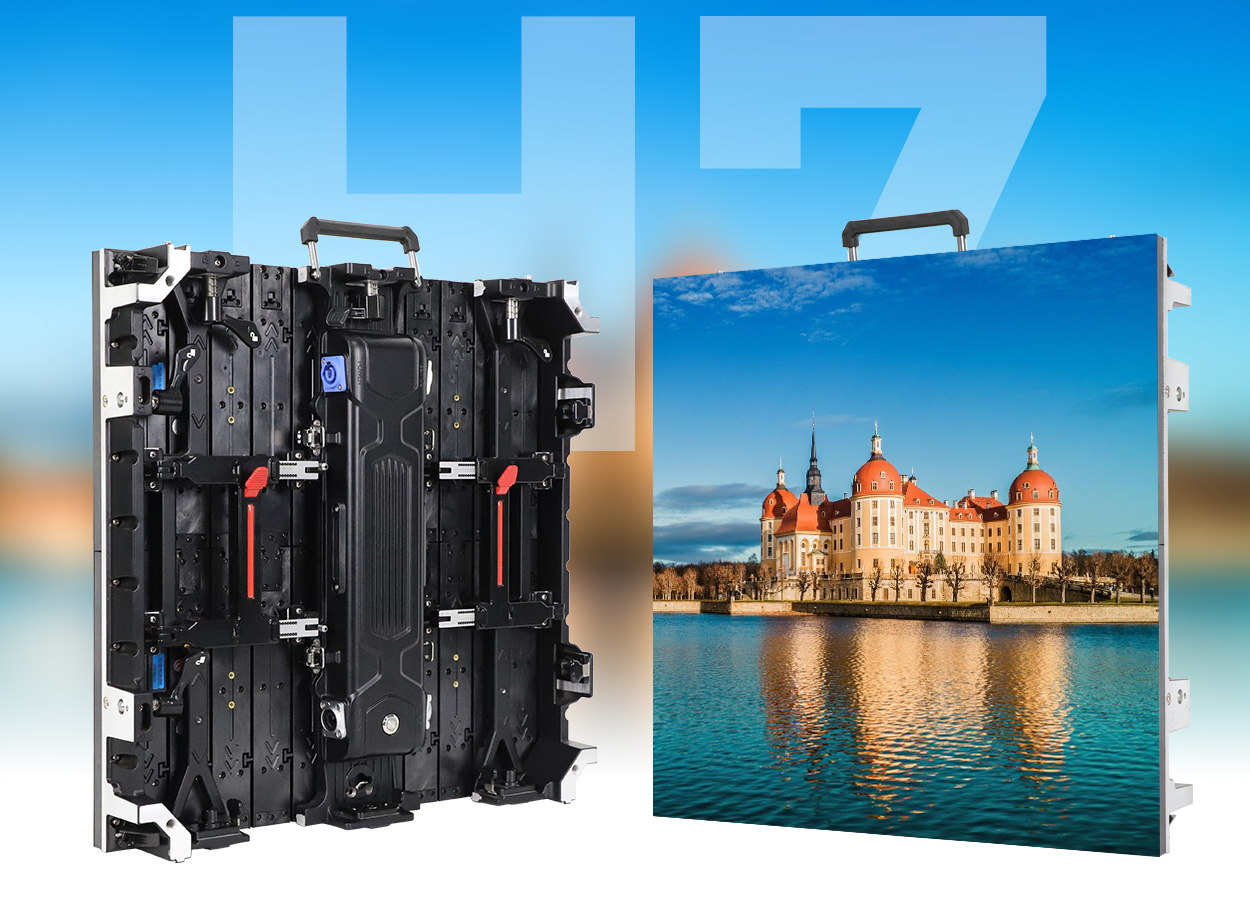
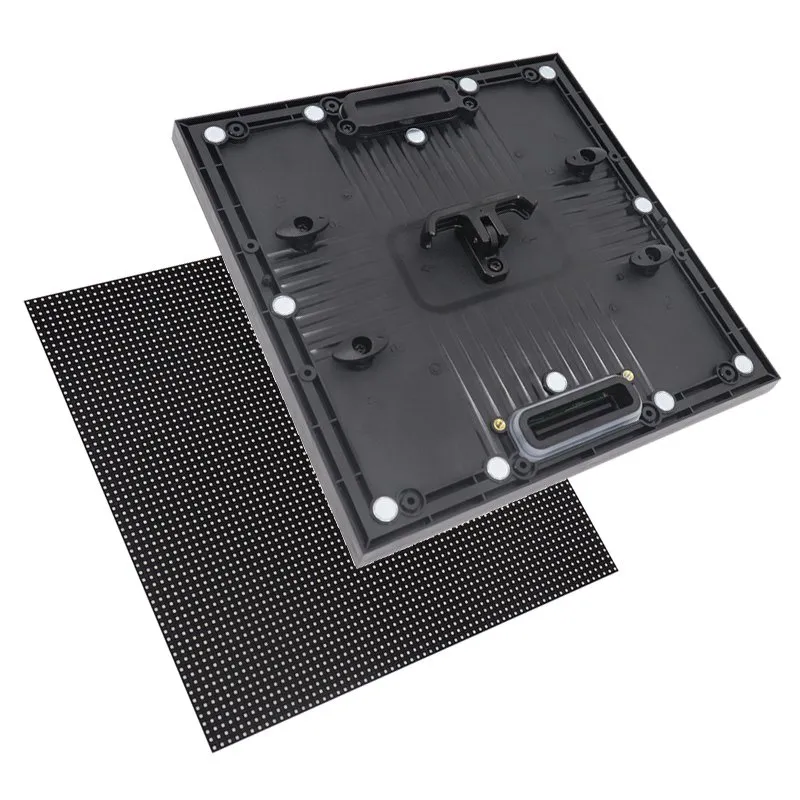
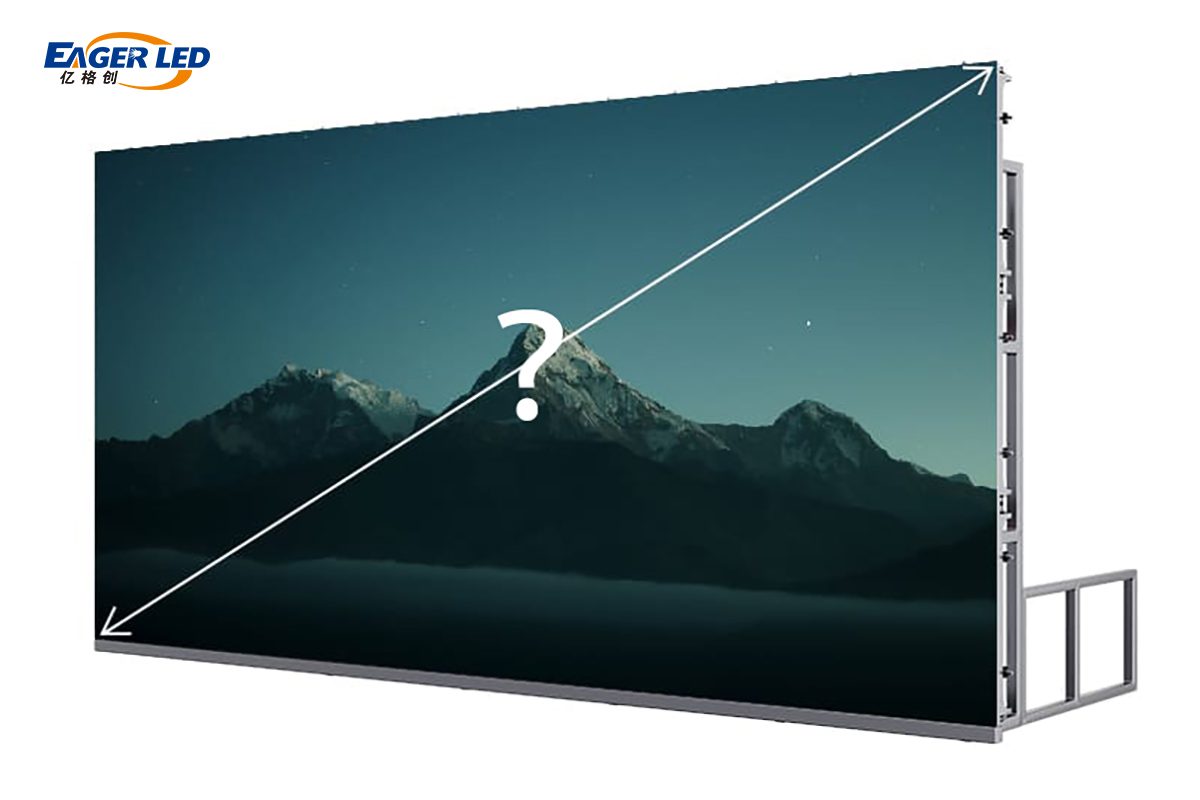
The right LED screen size is the buildable width and height that let your farthest viewer read the required content, while the pixel pitch suits your nearest viewer. Start with audience positions and content, calculate the display dimensions, and then adjust the result to whole cabinets. A larger wall does not automatically provide sharper images, and a finer pixel pitch does not make small text readable from every seat.
This guide covers commercial direct-view LED walls for meeting rooms, shops, stages, and outdoor advertising. These displays assemble from modules and cabinets. They differ from LED-backlit LCD televisions, which are usually sold by diagonal inches. For an LED wall, specify active width × height, cabinet layout, pixel pitch, and native resolution together.
Below, you can calculate LED screen size in meters, feet, inches, and pixels; compare cabinet formats; and prepare a practical quotation brief. All worked layouts are planning examples, not universal venue recommendations. Final dimensions depend on the chosen product, service access, structure, and the content you need people to see.
1. Why choosing the right LED screen size matters
LED screen size controls the physical space available for your message. Resolution controls how many pixels represent that message. Brightness and contrast affect visibility under the actual lighting. Treat these as separate requirements before comparing prices.
01. Match the screen to the viewing task
A person identifying a logo needs less detail than someone reading spreadsheet labels. A stage audience watching a speaker needs a different composition from control-room operators inspecting several data windows. Begin with representative content, including the smallest text, rather than choosing a screen from a venue photograph.
For example, a full-width presentation and a four-window dashboard use the same LED screen size differently. Each dashboard window occupies only part of the canvas, so its labels become smaller. Test the most demanding layout, not only a full-screen promotional video.
02. Balance readability, budget, and installation space
Increasing width and height by 20% increases display area by 44%. That can affect cabinet quantity, mounting weight, electrical demand, cooling, transport, and installation labor. A modest dimensional change may therefore have a larger project impact than the width alone suggests.
If the required LED screen size will not fit the wall, consider simplifying the content, enlarging text, changing the seating layout, or adding a secondary display. Buying finer pixels helps represent detail but does not enlarge the physical letters. Similarly, more brightness cannot correct an obstructed sightline.
Use the site survey to establish the maximum installation envelope and the content test to establish the minimum useful image size. A workable design must satisfy both. This avoids selecting a visually impressive wall that still fails its everyday purpose.
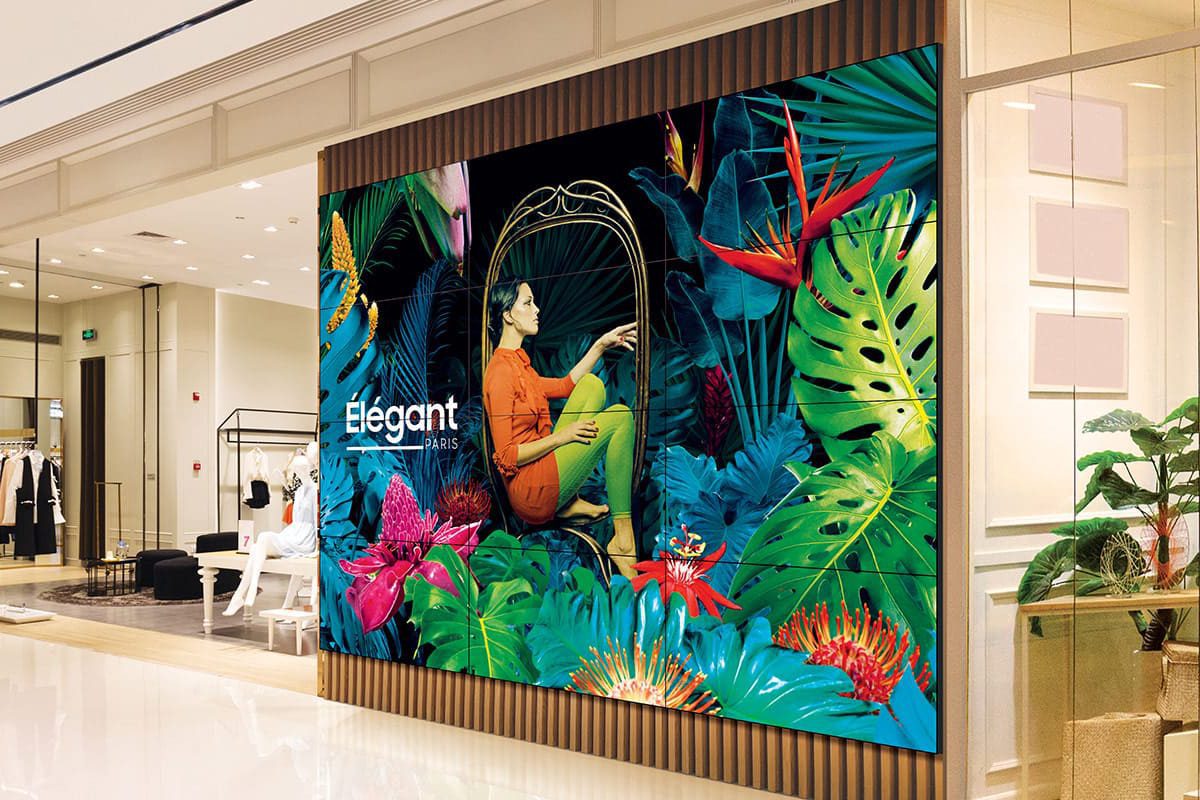
2. How to measure and calculate LED screen size
For a rectangular LED wall, record the illuminated width and height first. Keep the supporting frame, trim, mounting brackets, and maintenance clearance on a separate installation drawing. A quoted LED screen size may describe the active image, cabinet envelope, or complete assembly; ask the supplier to identify which measurement is being used.
01. Convert dimensions without mixing units
Use millimeters for cabinet drawings and pixel-pitch calculations. Convert to meters for room planning and square meters for area. One inch equals 25.4 mm, and one foot equals 304.8 mm. Keep full precision during calculation, then round dimensions only for presentation.
| Required result | Formula | Example |
|---|---|---|
| Active area | Width (m) × height (m) | 4 × 2.5 = 10 m² |
| Width and height in feet | Millimeters ÷ 304.8 | 4,000 × 2,500 mm ≈ 13.12 × 8.20 ft |
| Diagonal in inches | √(width² + height²) ÷ 25.4, using mm | 4,000 × 2,500 mm ≈ 185.7 inches |
| Native resolution | Width (mm) ÷ pitch; height (mm) ÷ pitch | 4,000 × 2,500 mm at exact P2.5 = 1,600 × 1,000 pixels |
| Dimensions from resolution | Horizontal pixels × pitch; vertical pixels × pitch | 1,920 × 1,080 at exact P2.5 = 4,800 × 2,700 mm |
These formulas describe geometry. The manufacturer’s module and cabinet pixel counts determine whether the calculated arrangement is available. For irregular or curved screens, specify the developed display width as well as the front-view span. Arc length and straight-line width are different measurements.
02. Calculate diagonal and aspect ratio correctly
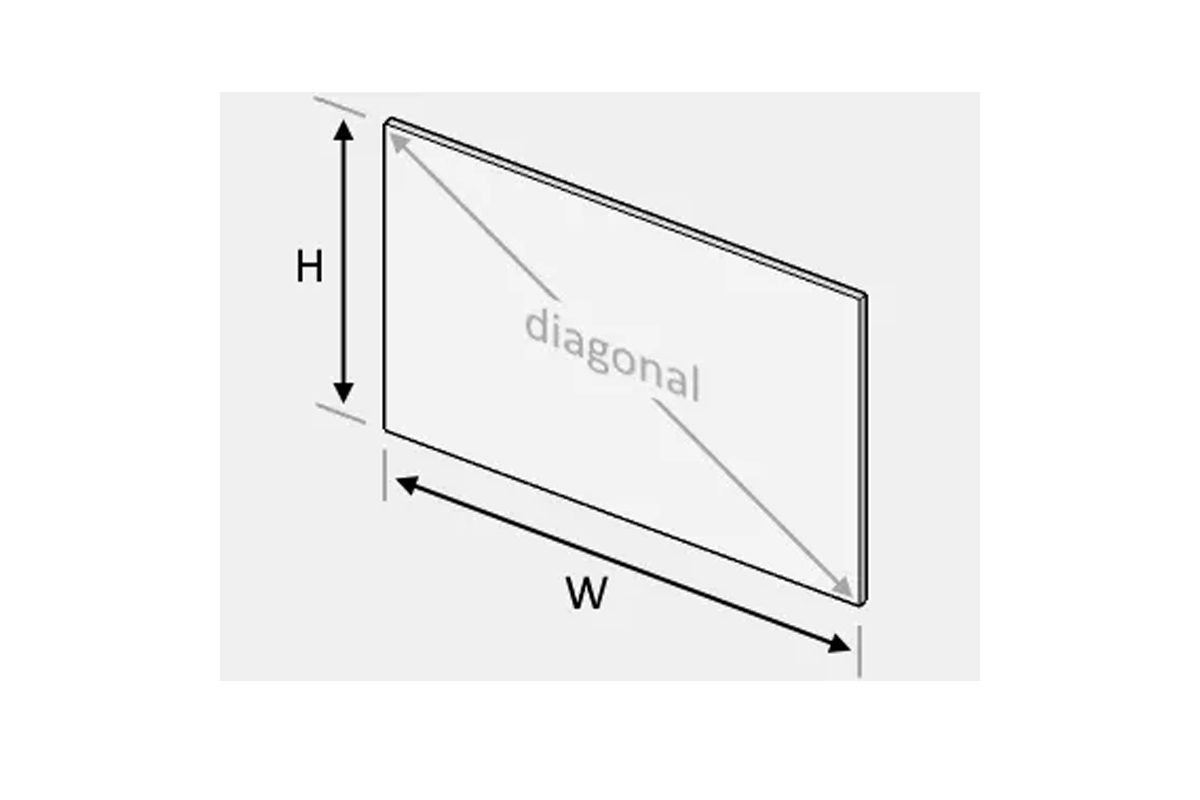
Diagonal alone does not define LED screen size. Two screens with the same diagonal can have different widths and heights if their aspect ratios differ. For a 16:9 image, width is approximately diagonal × 0.8716 and height is diagonal × 0.4903, with all three dimensions in the same unit.
A nominal 200-inch 16:9 image is approximately 4.43 m wide and 2.49 m high. That is a geometric target, not a promise that a cabinet system can achieve those dimensions exactly. A 4.5 × 2.5 m cabinet layout would instead have a 1.8:1 ratio and an approximately 202.7-inch diagonal.
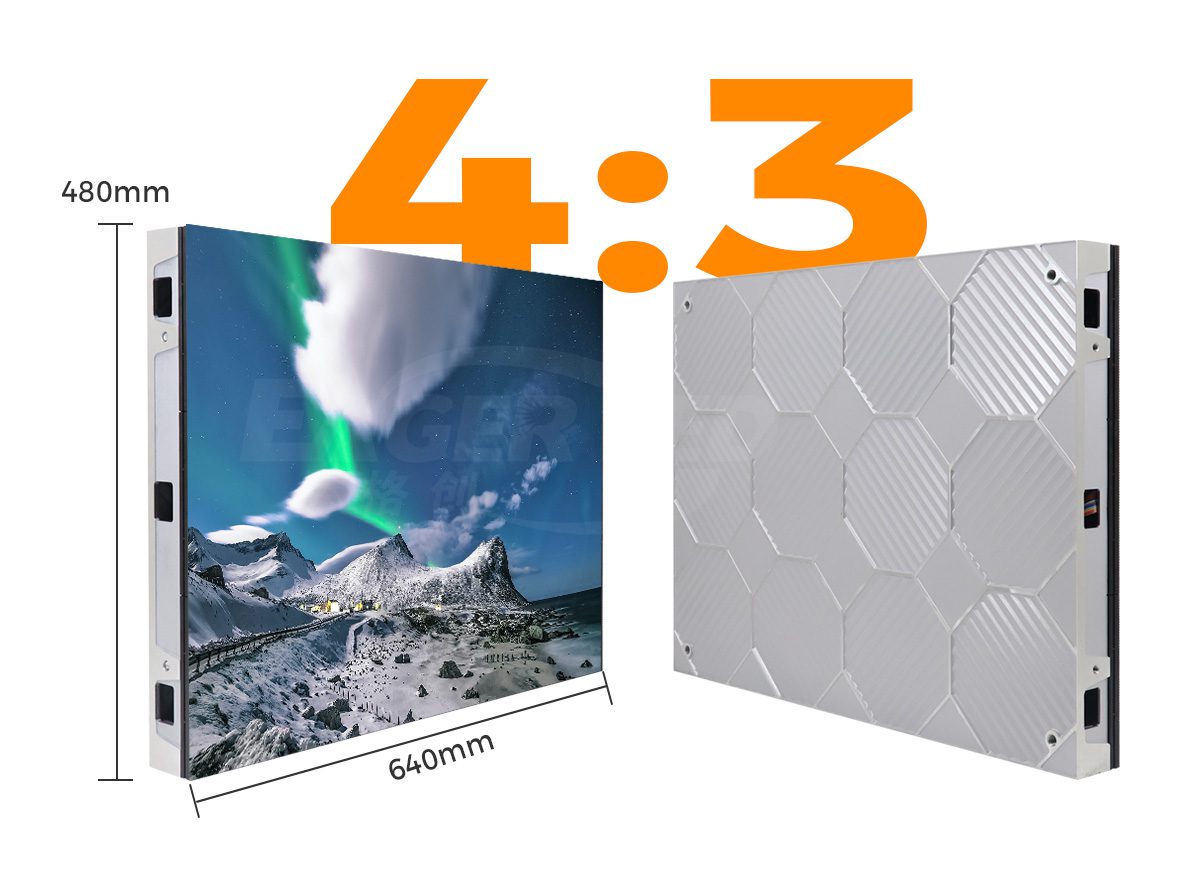
Use width ÷ height to check aspect ratio. A 640 × 480 mm cabinet is 4:3. Four such cabinets across and three down produce 2,560 × 1,440 mm, which is 16:9. The cabinet ratio and the completed wall ratio do not have to match.
03. Distinguish native pixels from accepted video input
A processor accepting 4K does not make an LED wall native 4K. Native resolution is the number of physical pixels across and down the assembled display. Scaling can fit a source onto the wall, but it cannot create missing physical pixels or preserve every small source detail.
For an LED screen size calculation using nominal P3.91, 1,920 × 3.91 gives 7,507.2 mm and 1,080 × 3.91 gives 4,222.8 mm. Those values are about 295.6 × 166.3 inches, not roughly 30 × 17 inches. They also do not automatically describe a buildable cabinet grid.
Many 500 mm P3.91 cabinets actually contain 128 pixels across, implying an exact pitch of 3.90625 mm. A wall 15 cabinets across and eight down then measures 7.5 × 4 m and provides 1,920 × 1,024 pixels. Always calculate the final native resolution from the confirmed cabinet matrix.
3. What are standard LED display cabinet sizes?
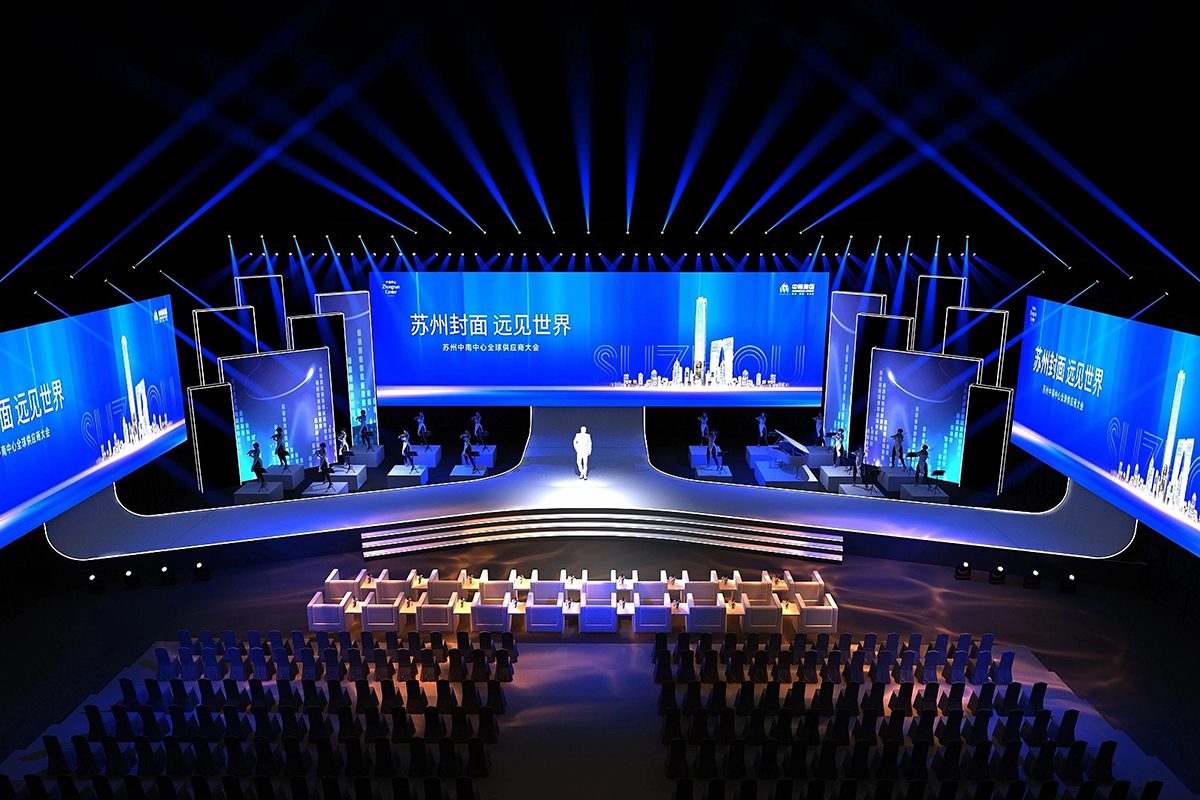
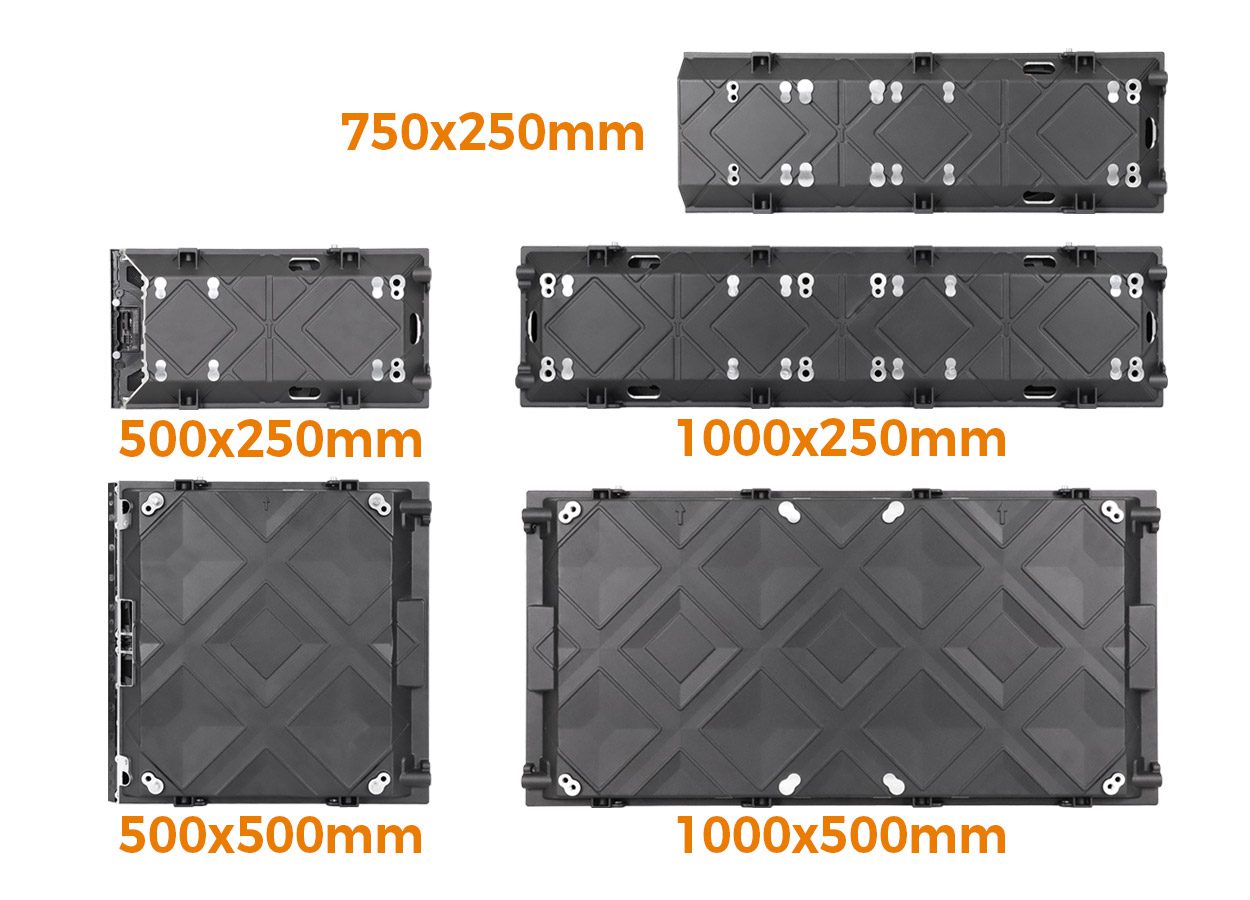
There is no single standard complete LED screen size. Manufacturers offer repeatable cabinet formats that combine into larger walls. A module is the smaller LED assembly within a cabinet; a cabinet also provides mechanical support and accommodates power and control components.
01. Compare common cabinet formats
The formats below are useful planning references. Matching outside dimensions does not establish compatibility between different models or manufacturers. Confirm the locking system, module layout, receiving cards, scan configuration, brightness, and calibration before combining cabinets.
| Cabinet width × height | Ratio | Typical planning use | Layout implication |
|---|---|---|---|
| 500 × 500 mm | 1:1 | Rental stages and event walls | Width and height change in 0.5 m steps |
| 500 × 1,000 mm | 1:2 | Larger rental installations | Width changes by 0.5 m; height by 1 m |
| 640 × 480 mm | 4:3 | Fixed indoor installations | A 4 × 3 cabinet grid produces a 16:9 wall |
| 600 × 337.5 mm | 16:9 | Fine-pitch indoor systems | Equal numbers of rows and columns retain 16:9 |
| 960 × 960 mm | 1:1 | Outdoor fixed displays | Both dimensions change in 0.96 m steps |
02. Round the layout to whole cabinets
If a 4.2 m wide recess can accept only 500 mm wide cabinets, eight cabinets occupy 4 m and nine occupy 4.5 m. Round down to fit a hard space limit. Round up only when the specification is a minimum image size and the larger installation has sufficient clearance.
For a 4 × 2.5 m wall using 500 × 500 mm cabinets, the grid is eight across and five down: 40 cabinets and 10 m². At exact P2.5 with 200 × 200 pixels per cabinet, the wall is 1,600 × 1,000 pixels. This is a 16:10 canvas, so a 16:9 video requires a defined fitting strategy.
Mixed-height cabinets can offer more layout flexibility within a compatible product family. Obtain a numbered cabinet drawing and total bill of materials before ordering. Include spare modules separately: spares do not increase the operating LED screen size.
4. How to choose the right LED screen size for your venue
Choose LED screen size through a sequence: content requirements, audience positions, available space, cabinet layout, pixel pitch, then system capacity. Revisit earlier decisions when a later constraint changes the result.
01. Check the nearest and farthest viewers separately
The nearest viewer influences pixel visibility. The farthest viewer influences the physical size of text and important image details. Do not use one viewing-distance formula to answer both questions.
Planar’s direct-view LED viewing-distance guide describes a visual-acuity calculation based on approximately one arcminute for 20/20 vision. Converted to meters, this is approximately pixel pitch in millimeters × 3.438. For P2.5, the result is about 8.6 m. It estimates individual-pixel discrimination under that model, not the maximum readable distance or a mandatory minimum viewing distance.
Someone closer may still find the display acceptable for moving images. Conversely, a person farther away may be unable to read small text despite seeing no individual pixels. Confirm the proposed LED screen size and pitch with a representative demonstration at both audience extremes.
For an initial room sketch, testing a screen height around one-sixth of the farthest viewing distance can provide a starting point for general presentation content. At 12 m, that means investigating about 2 m of image height. This is a screening heuristic, not an assurance of readability; dense data can require substantially larger text or a different layout.
02. Test content, sightlines, and aspect ratio
Ask the content team for actual slides, captions, logos, and dashboards. Display them at the proposed native resolution and check the smallest essential element. A text height of 40 pixels at P2.5 occupies approximately 100 mm vertically in its pixel box; the visible letter height depends on the font. That converts an abstract font choice into a physical dimension you can assess.
Check side seats, standing viewers, pillars, camera platforms, and the height of people in front. The lower edge of the active image must remain visible where important captions appear. A manufacturer’s viewing-angle specification describes optical performance, not freedom from physical obstructions.
Decide whether a source will be letterboxed, cropped, or redesigned when its aspect ratio differs from the wall. Avoid stretching faces and logos to fill unused pixels. For panoramic stages, design a custom content canvas and keep live camera windows in the correct proportions.
| Application | Example active size | Example cabinet grid | Key acceptance check |
|---|---|---|---|
| Meeting room | 2.56 × 1.44 m | 4 × 3 of 640 × 480 mm | Read the smallest slide labels from the back seat |
| Retail wall | 3 × 2 m | 6 × 4 of 500 × 500 mm | Legibility through glass and under shop lighting |
| Event stage | 6 × 3.5 m | 12 × 7 of 500 × 500 mm | Caption visibility and camera framing |
| Outdoor advertising | 5.76 × 2.88 m | 6 × 3 of 960 × 960 mm | Message recognition from actual approach positions |
These examples demonstrate cabinet arithmetic only. They are not recommended sizes for every meeting room, shop, stage, or billboard. The cabinet must also be available in a suitable indoor or outdoor specification.
03. Check brightness, maintenance, and structure
Indoor LED screen size planning should include front or rear service access, ventilation, wall depth, and reflections from windows. Compare the indoor LED screen options only after documenting those conditions.
For outdoor installations, examine sunlight direction, nighttime dimming, rain exposure, drainage, wind loading, and the maintenance route. Front and rear protection ratings can differ. An advertising LED board must suit its environment as well as its viewing distance.
Have qualified installers verify the supporting structure, rigging, electrical distribution, and local requirements. Cabinet dimensions alone cannot establish safe hanging limits. Leave room to replace components without blocking exits or dismantling unrelated building finishes.
04. Calculate power and processor requirements
Estimate display demand as area × the specified watts per square meter. For illustration, a 10 m² display rated at 600 W/m² maximum represents 6 kW of maximum display load. If measured operation averages 200 W/m² for eight hours, display energy is approximately 16 kWh per day. These are hypothetical inputs, not product guarantees.
Size electrical infrastructure from the manufacturer’s requirements, including maximum load and startup behavior, rather than the illustrative average. Include processors, cooling, and other equipment in the project budget. Ask how average consumption was measured.
A 1,600 × 1,000 wall contains 1.6 million pixels. Confirm processor capacity at the intended frame rate, bit depth, output mapping, and any redundancy setting. Larger LED screen size at the same pitch means more pixels; finer pitch on the same area also increases pixel count.
5. How Mini LED and Micro LED affect LED display size
Mini LED and Micro LED terminology does not define the overall LED screen size. For buying decisions, establish whether the product is an LCD with an LED backlight or a direct-view display whose pixels emit the image themselves.
01. Separate backlighting from direct-view pixels
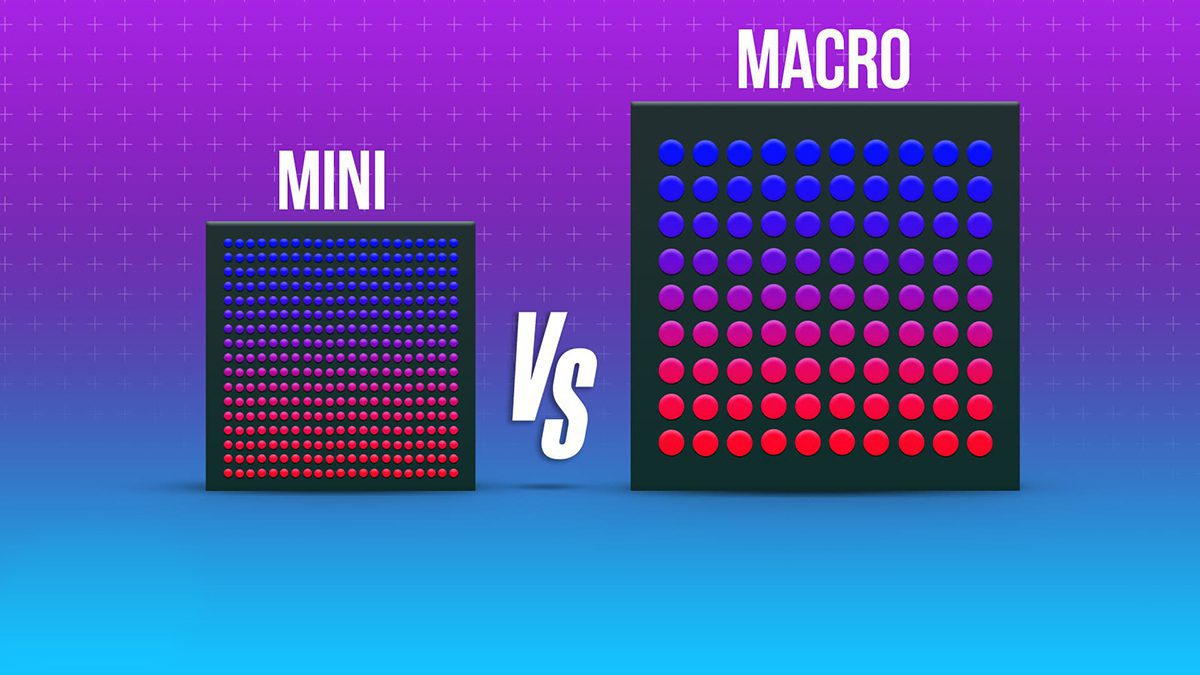
A Mini LED-backlit television still uses an LCD panel to form the picture. Its backlight zones help control illumination, but they are not the same as the image’s pixel count. The television’s panel dimensions therefore remain a different sizing problem from building a modular commercial LED wall.
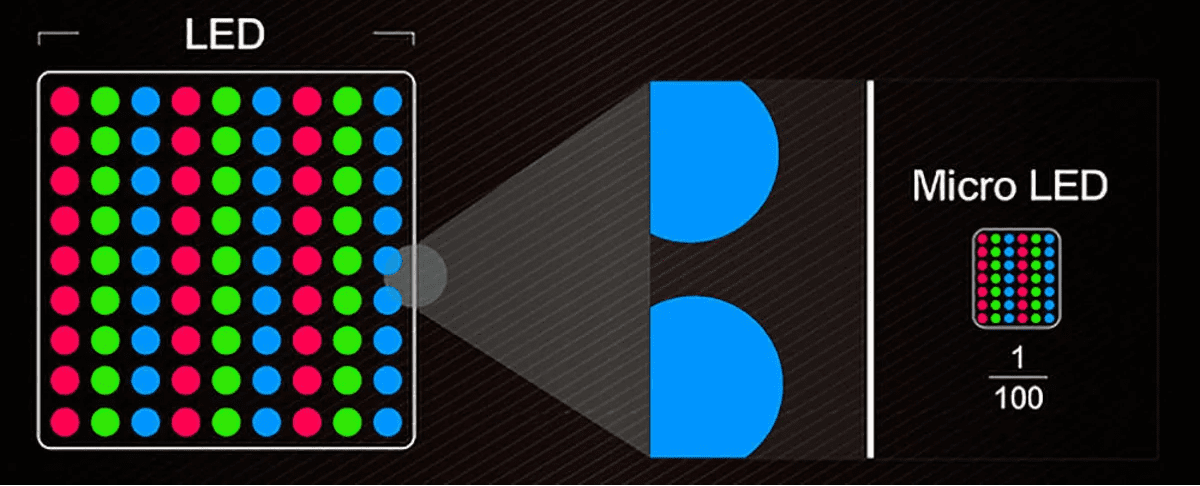
Micro LED direct-view systems use self-emitting pixels and may support modular large-format installations. Packaging terms such as SMD, COB, GOB, and MIP describe other aspects of LED construction or protection. None of these labels alone establishes the final image dimensions, native resolution, or suitability for your viewing position.
02. Calculate the physical size required for Full HD or 4K
Finer pitch allows a specified pixel count to fit into a smaller physical area. The following calculated dimensions assume square pixels and the exact stated pitch. A supplier must still confirm a compatible module and cabinet configuration.
| Exact pitch | 1,920 × 1,080 pixels | 3,840 × 2,160 pixels |
|---|---|---|
| 1.25 mm | 2.40 × 1.35 m | 4.80 × 2.70 m |
| 1.50 mm | 2.88 × 1.62 m | 5.76 × 3.24 m |
| 2.00 mm | 3.84 × 2.16 m | 7.68 × 4.32 m |
| 2.50 mm | 4.80 × 2.70 m | 9.60 × 5.40 m |
Use these numbers to test an LED screen size brief, not to assume that every listed rectangle is an off-the-shelf product. For background on the technologies, see the Mini LED versus Micro LED comparison. Choose from verified dimensions and performance requirements rather than technology labels alone.
6. EagerLED cabinet options and your sizing brief
Compare product families after defining the required LED screen size. The examples below use the cabinet dimensions stated on EagerLED’s product pages. Confirm the exact pitch, pixel matrix, indoor or outdoor version, accessories, and installation limitations in the written quotation.
01. EA500C6 rental LED video wall
The EA500C6 rental LED video wall uses a 500 × 500 mm cabinet format. This allows a simple grid calculation for temporary event layouts. A 10 × 6 arrangement would occupy 5 × 3 m and use 60 cabinets, excluding spares.
Before selecting this LED screen size for a filmed event, test the actual camera settings and content. A high refresh-rate specification can help camera performance, but it does not by itself guarantee freedom from banding, moiré, or other capture artifacts.
02. EA640F2 fixed indoor display
The EA640F2 indoor LED display uses 640 × 480 mm cabinets with front-service access. A four-across, three-high grid produces a 2.56 × 1.44 m, 16:9 wall. That describes the physical format; native resolution still depends on the chosen pixel matrix.
Check the service procedure before setting the finished wall depth. Front maintenance reduces the need for a rear service corridor, but the installation still needs the clearances and ventilation specified for the selected system.
03. EA500H9 rental LED board
The EA500H9 rental LED board also uses 500 × 500 mm cabinets. It should not be specified as a 500 × 1,000 mm cabinet. Its product page describes optional curved configurations; confirm the required locks and allowable geometry before developing a curved LED screen size proposal.
For a curved wall, share the radius, developed width, height, and available floor depth. A cabinet count that works for a flat wall does not settle the viewing span or support arrangement of a curved installation.
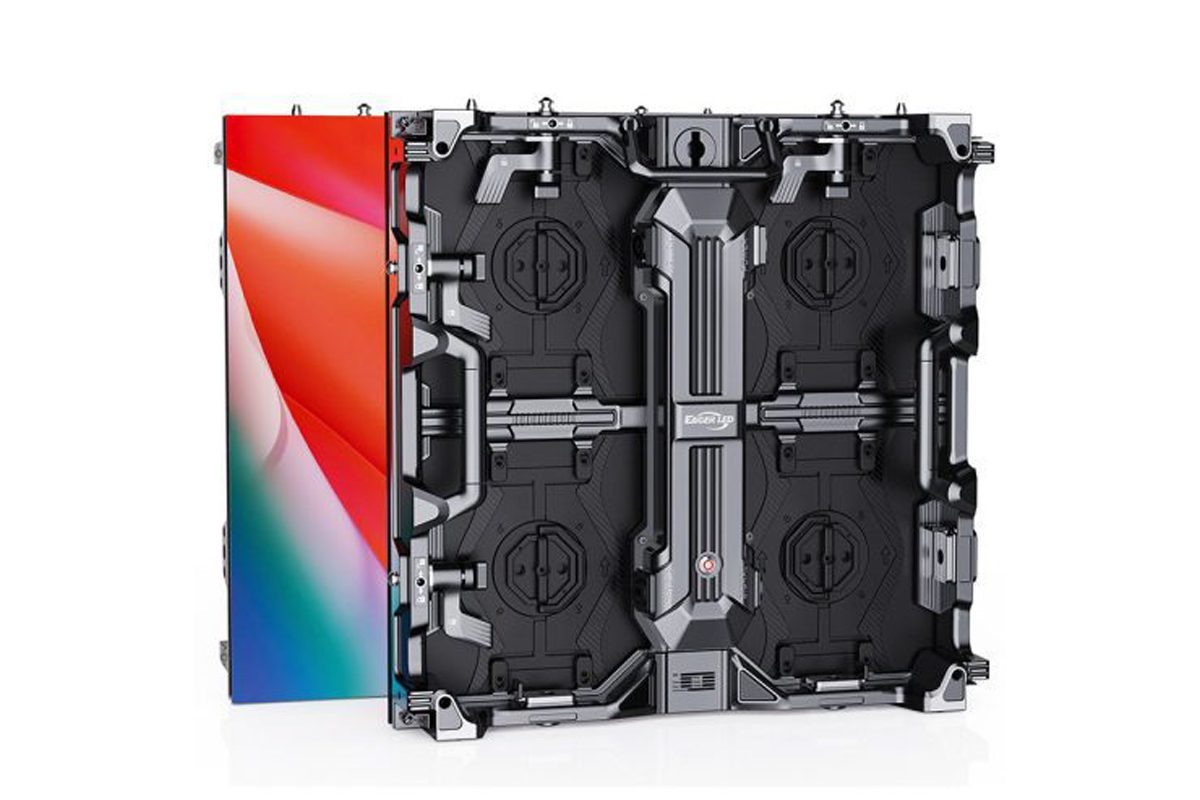
04. Send a complete quotation brief
Provide the target active width and height, maximum installation envelope, nearest and farthest viewing positions, essential content, operating hours, lighting conditions, maintenance direction, and fixed or rental use. State whether 16:9 is mandatory and whether the requirement is native Full HD, native 4K, or simply compatibility with those input signals.
Request a cabinet layout drawing, native pixel map, maximum power requirement, display weight, supporting-structure scope, processor specification, spare-parts list, and acceptance test. For event projects, compare rental LED screen systems using the same brief. This makes quotations comparable and prevents a cheaper option from silently reducing image size or resolution.
7. LED screen size FAQ
01. What LED screen size do I need for my room?
Measure the available wall and the nearest and farthest viewing positions, then test the smallest essential text at the proposed image height. Convert the chosen width and height into a whole-cabinet layout. Room area or seating capacity alone cannot determine LED screen size because content, sightlines, and seating geometry differ.
02. How do I calculate LED screen size from cabinet quantity?
Multiply cabinet width by the number of columns and cabinet height by the number of rows. Eight columns and five rows of 500 × 500 mm cabinets create a 4 × 2.5 m LED wall. Multiply rows by columns to obtain the 40 operating cabinets; add spares separately.
03. What are standard LED screen sizes in feet?
Commercial LED walls normally start from metric cabinet dimensions. A 500 × 500 mm cabinet is approximately 1.64 × 1.64 ft, while a 960 × 960 mm cabinet is approximately 3.15 × 3.15 ft. Convert the completed metric grid to feet instead of rounding each cabinet before multiplication.
04. What LED screen size is 1920 × 1080?
1,920 × 1,080 specifies resolution, not physical dimensions. At exact P2.5, that pixel count corresponds to 4.8 × 2.7 m; at exact P1.25, it corresponds to 2.4 × 1.35 m. Both calculations require confirmation against the product’s actual module and cabinet matrix before ordering.
05. Is a bigger LED screen always clearer?
No. Increasing LED screen size at the same pitch adds pixels and can enlarge content. Increasing size while keeping the same pixel count makes the pixels farther apart. Clarity depends on viewing distance, content scaling, contrast, and pixel pitch as well as the physical dimensions of the display.
06. Can a 4:3 cabinet create a 16:9 LED wall?
Yes. A cabinet’s ratio differs from the ratio of the assembled grid. Four 640 × 480 mm cabinets across and three down create 2,560 × 1,440 mm, which is 16:9. Square 500 mm cabinets need 16 columns and nine rows, or a proportional whole-number grid, for exact 16:9.
07. Can I use an indoor LED wall outdoors if it is large enough?
LED screen size does not determine outdoor suitability. The chosen system must meet the required brightness, weather protection, temperature, structural, and electrical conditions. A sheltered location can still expose equipment to moisture and condensation. Confirm the complete cabinet configuration and installation method for the actual environment.
08. Should I choose screen size or pixel pitch first?
Develop them together, starting with content and audience positions. Choose enough physical image height for the farthest viewer, then select pitch and native resolution for the closest viewer and smallest required detail. Check cabinet availability, processor capacity, and budget before fixing the final LED screen size.
8. Conclusion: confirm a buildable LED screen size
The best LED screen size is the one that meets the viewing task and can be installed, powered, controlled, and maintained reliably. Define the active image dimensions, round them to compatible cabinets, calculate the actual native pixel count, and test representative content from the nearest and farthest audience positions.
Keep the specification precise: active width × height, cabinet columns × rows, exact pixel matrix, aspect ratio, and installation envelope. Label calculated examples as examples and distinguish native resolution from accepted input signals. These details help everyone involved work from the same design.
To discuss a project, send EagerLED your sizing brief with venue measurements and sample content. Ask for the proposed LED screen size, cabinet drawing, system requirements, and acceptance checks together before approving the final configuration.
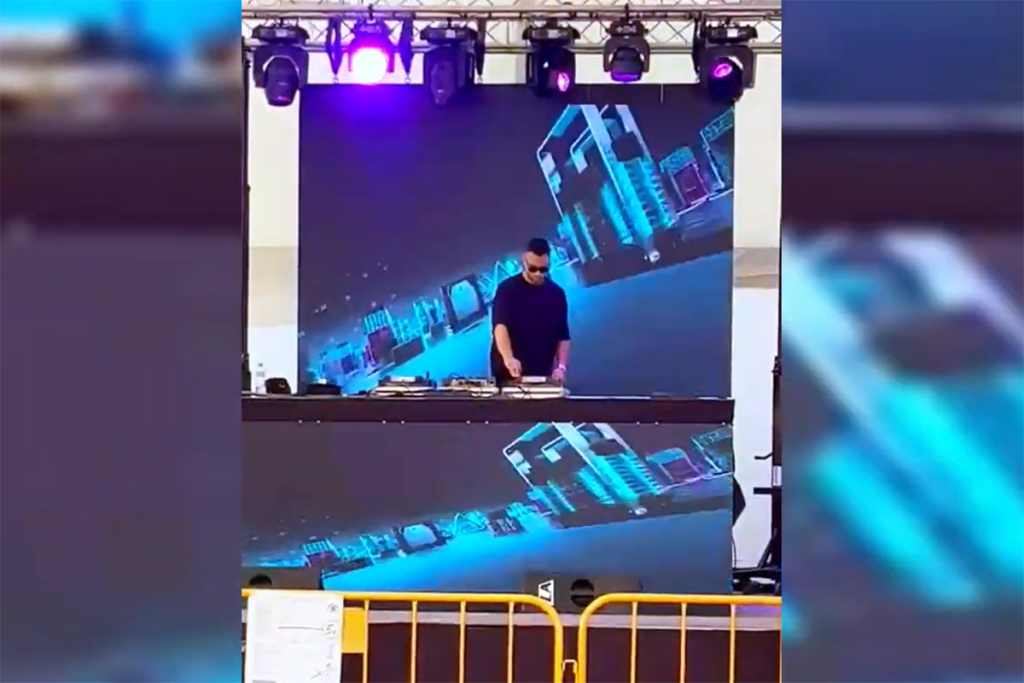 Feedback From Spanish Clients On EA500C3 Rental LED Display Screen
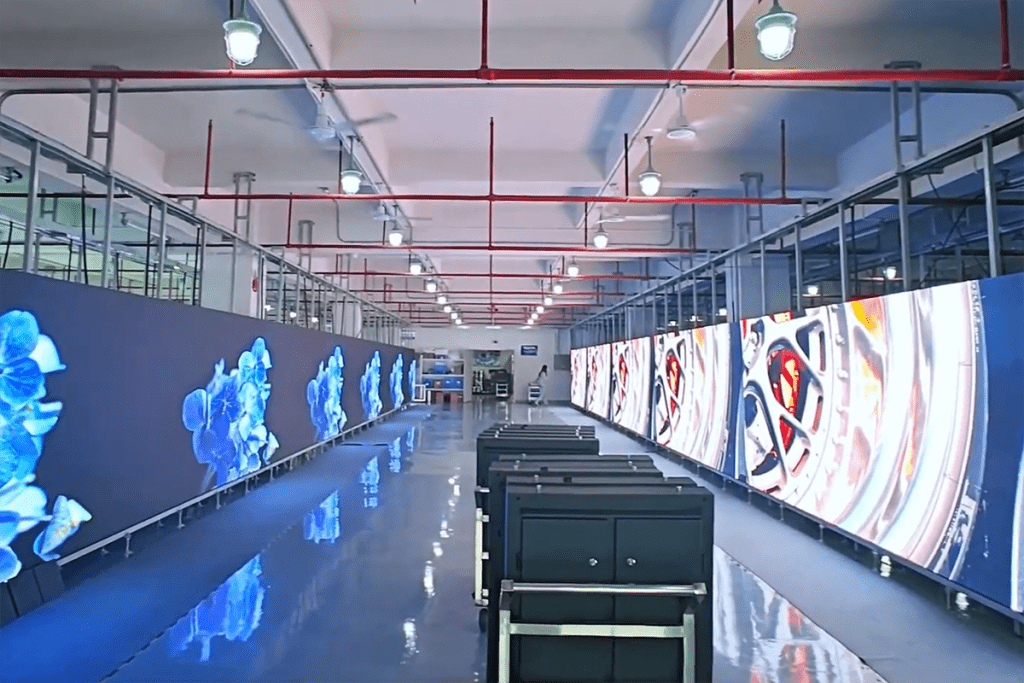 Thailand Customers Visited EagerLED LED Display Factory