Two LED walls can be the same size, fed by the same 1080p video, and still look like two different products: one razor sharp, the other a visible mosaic. The difference is LED screen resolution — the number of real pixels the display builds with its own cabinets, not the number of pixels in the signal you send it.
This guide covers what LED screen resolution is, how to calculate it from pixel pitch and cabinet dimensions, how viewing distance changes what an audience actually sees, and what the best resolution is for meeting rooms, retail walls, control rooms and outdoor billboards. It also shows how to expose the “fake 4K” claims that still appear in LED quotations, and how resolution drives processor load, bandwidth and cost.
Quick answers
- LED screen resolution is horizontal pixels × vertical pixels as built by the cabinets. A 4,800 × 2,700 mm wall at P1.25 delivers 3,840 × 2,160 — native 4K.
- Pixel pitch sets the ceiling. At the same physical size, a smaller pitch always produces more pixels.
- There is no single best resolution. Viewing distance, content type and budget decide it, in that order.
- More pixels do not automatically look better. Past a certain distance the eye cannot resolve them, and every extra pixel costs money, bandwidth and processing power.
Table of Contents
1. What Is LED Screen Resolution?
LED screen resolution is the total number of physical pixels a display can show, written as horizontal pixels × vertical pixels. A display rated 1920 × 1080 has 1,920 pixels across and 1,080 down — 2,073,600 pixels in total, which the industry calls Full HD or 1080p.
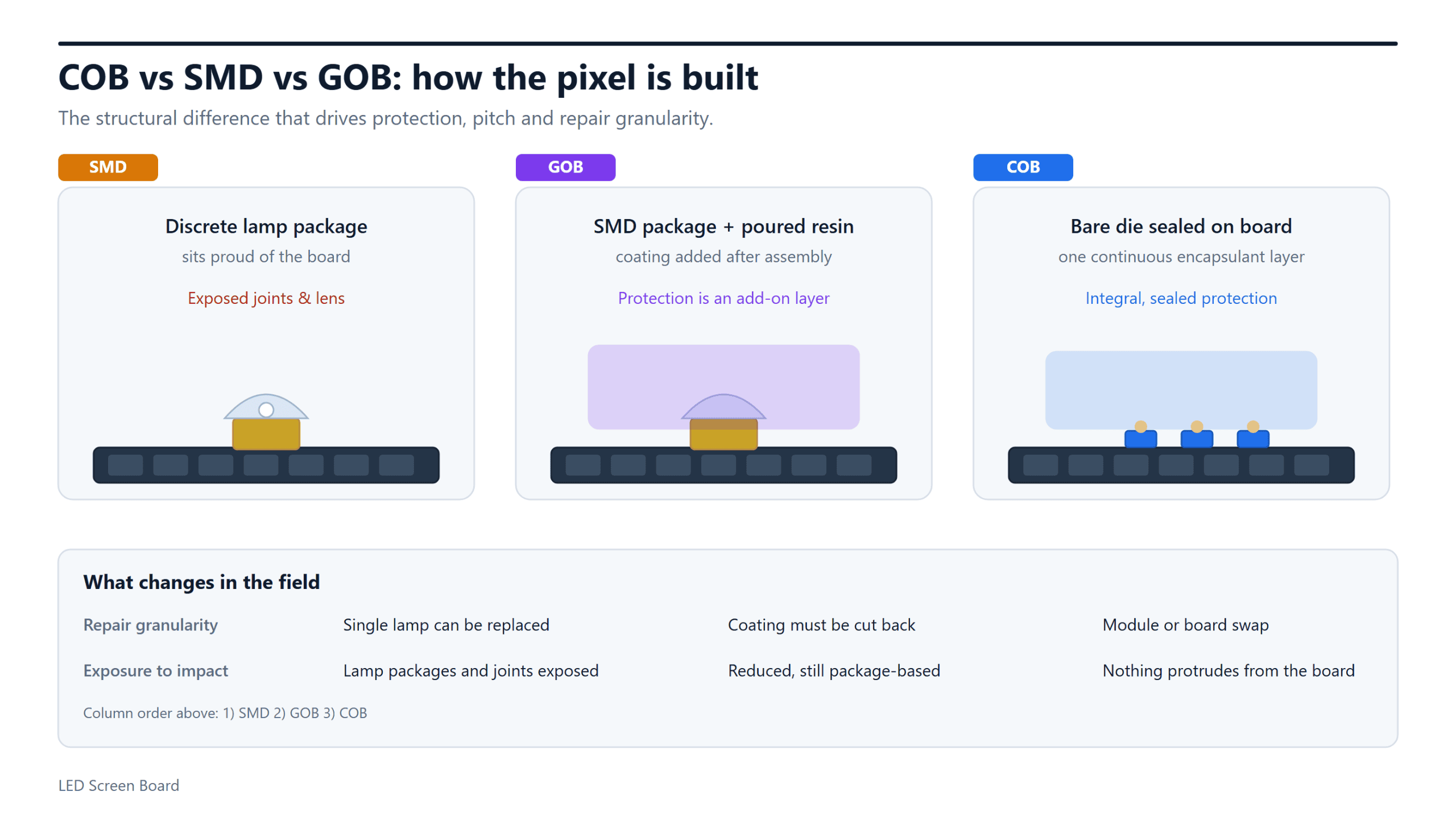
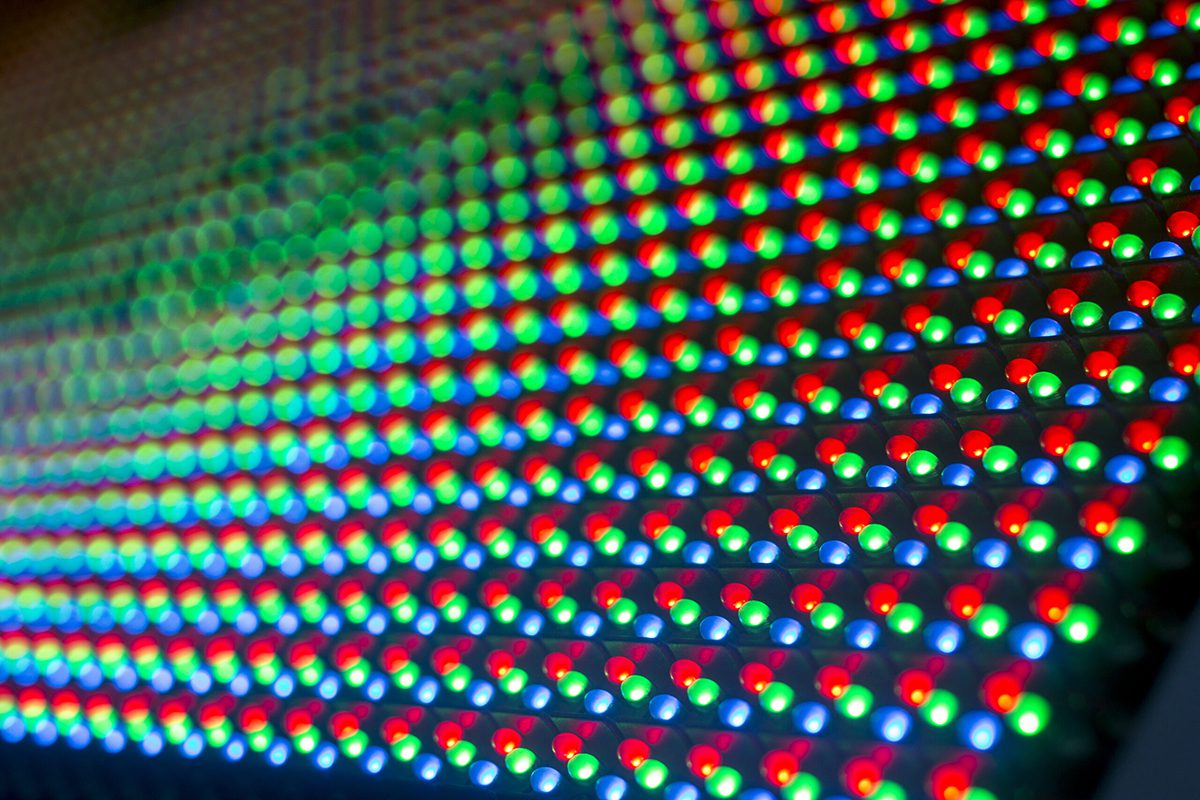
Every pixel is a small cluster of red, green and blue LED chips whose brightness is mixed to create colour. In a standard SMD display one pixel equals one three-in-one lamp bead; in high-density COB or MIP displays it is built from separate chips sealed under a protective layer. Either way, the pixel is the unit that counts — never the lamp bead, never the video frame.
One distinction matters from the first page of a quotation: resolution describes the display, not the source. The wall has a fixed pixel matrix, and every signal fed to it is either shown 1:1 or scaled to fit.
01. How LED Screen Resolution Relates to Pixel Pitch
Pixel pitch — the “P” value in P1.25, P2.5 or P6.67 — is the centre-to-centre distance between neighbouring pixels in millimetres. It is the one input that converts physical size into pixel count:
horizontal pixels = screen width (mm) ÷ pixel pitch (mm)
vertical pixels = screen height (mm) ÷ pixel pitch (mm)
A 6,000 × 3,375 mm 16:9 wall therefore has three completely different results depending on pitch: 2,400 × 1,350 at P2.5, 3,840 × 2,160 at P1.5625, and 6,000 × 3,375 at P1. Pitch and pixels are locked together, so every pitch decision is also a cost, processing and viewing-distance decision.
02. Native Resolution vs Scaled Resolution: How “Fake 4K” Happens
Two very different numbers are both called “resolution” in LED sales documents, and confusing them is the most expensive mistake buyers make.
- Native resolution — the physical pixel matrix the cabinets build.
- Accepted input resolution — the largest signal the video processor can receive and scale.
A wall with a native 1,920 × 1,080 LED screen resolution will accept a 3,840 × 2,160 signal, downscale it to 1080p and still be a 1080p display. Marketing may call that “4K ready” or “4K compatible”; it is not a 4K LED screen resolution.
You can verify any claim in thirty seconds. Ask for three numbers — the cabinet array, the pixels per cabinet, and the resulting native matrix — then multiply the first two and compare with the third. Those figures cannot be faked, and they also reveal when the processor, not the panel, is the real bottleneck.
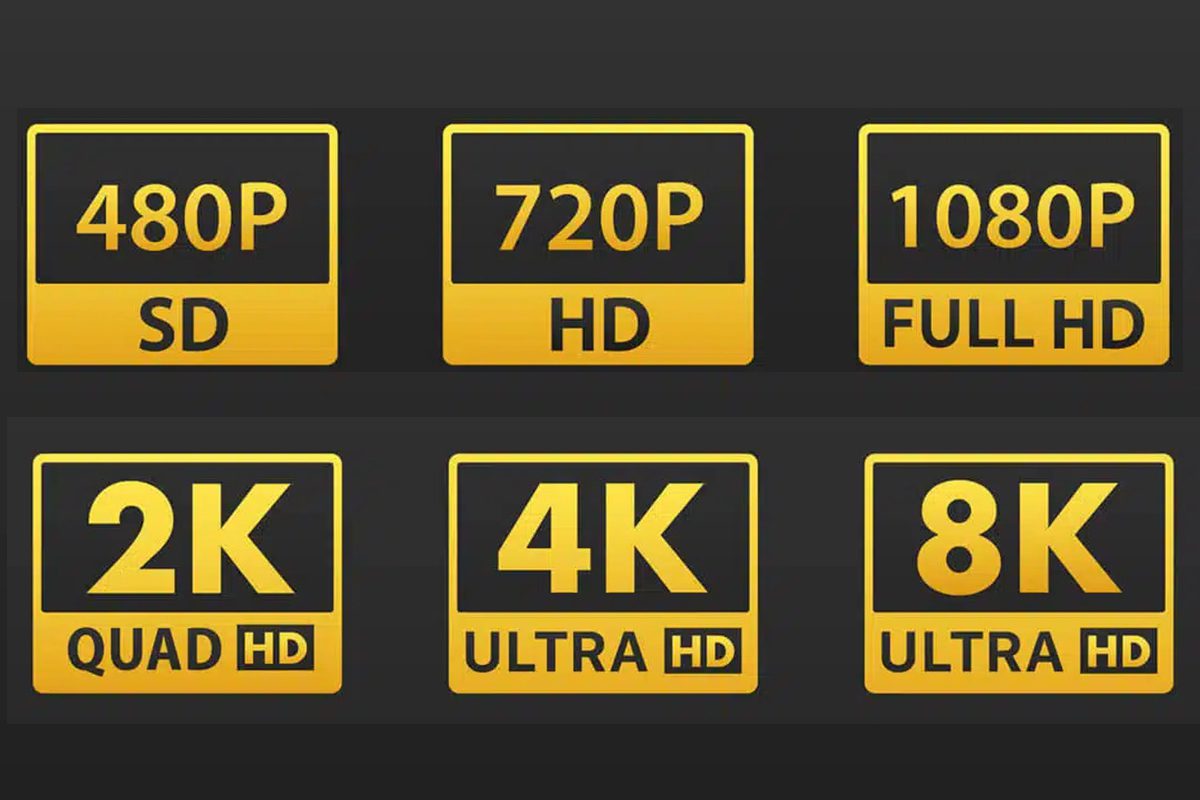
| Standard | Pixel matrix | Total pixels | Aspect | Typical pitch used | Where it fits best |
|---|---|---|---|---|---|
| 720p (HD) | 1280 × 720 | 921,600 | 16:9 | P3.9 – P6.67 | Digital signage, control-room walls, long-view outdoor |
| 1080p (Full HD) | 1920 × 1080 | 2,073,600 | 16:9 | P2.5 – P2.6 | Meeting rooms, retail, indoor advertising |
| 1440p (2K / QHD) | 2560 × 1440 | 3,686,400 | 16:9 | P1.9 – P2.5 | Premium meeting rooms, broadcast, design review |
| 4K UHD | 3840 × 2160 | 8,294,400 | 16:9 | P1.25 – P1.56 | Boardrooms, studios, virtual production, flagship retail |
| 8K UHD | 7680 × 4320 | 33,177,600 | 16:9 | P0.6 – P0.9 | Immersive rooms, film, medical imaging |
2. How to Calculate LED Screen Resolution
Three methods cover every real project: from finished size, from cabinet numbers, and backwards from a target raster. All three use the same relationship between physical size, pixel pitch and LED screen resolution.
01. Method 1: From Finished Screen Size and Pixel Pitch
Divide the active display area by the pitch, then round down to whole cabinets or modules.
Worked example. For a wall 5,000 mm wide and 3,000 mm high, comparing P2.5 with P1.5625:
- P2.5: 5,000 ÷ 2.5 = 2,000 px wide; 3,000 ÷ 2.5 = 1,200 px high → 2,000 × 1,200, slightly above 1080p.
- P1.5625: 5,000 ÷ 1.5625 = 3,200 px; 3,000 ÷ 1.5625 = 1,920 px → 3,200 × 1,920, wider than 4K UHD but shorter.
The walls are physically identical, yet the second carries 2.56 times the pixels. That single change multiplies the cabinet count, doubles processor channels in most designs, and pushes the LED screen resolution into a bracket where the content itself must be 4K to look its best.
02. Method 2: From Cabinets and Modules
Cabinets, not millimetres, are the real constraint in LED design. A 500 × 500 mm cabinet built from 250 × 250 mm modules produces the pixel counts below — and this is where the most common misreading happens.
| Pixel pitch | Module resolution (250 × 250 mm) | Cabinet resolution (500 × 500 mm) | Pixels per cabinet |
|---|---|---|---|
| P1.5625 | 160 × 160 | 320 × 320 | 102,400 |
| P1.9531 | 128 × 128 | 256 × 256 | 65,536 |
| P2.5 | 100 × 100 | 200 × 200 | 40,000 |
| P2.604 | 96 × 96 | 192 × 192 | 36,864 |
| P2.976 | 84 × 84 | 168 × 168 | 28,224 |
| P3.906 | 64 × 64 | 128 × 128 | 16,384 |
A single module at P2.5 shows only 100 × 100 pixels, which is why buyers sometimes assume the display is low resolution. Module resolution is not the resolution of the finished wall — it is one building block of it.
Worked example. Using 500 × 500 mm cabinets, how large a P2.5 wall is needed for a true 1080p raster?
- Width: 1,920 ÷ 200 = 9.6 cabinets → round up to 10 = 5,000 mm, 2,000 px.
- Height: 1,080 ÷ 200 = 5.4 cabinets → round up to 6 = 3,000 mm, 1,200 px.
- Result: 5,000 × 3,000 mm with a native matrix of 2,000 × 1,200.
The same exercise at P1.5625 (320 × 320 px per cabinet) reaches 1,920 px in exactly six cabinets, so the wall is smaller for the same pixel count — precisely what a finer pitch buys you.
03. Method 3: Working Backwards from a Target Raster
When the content is fixed — a 1080p studio feed, a 4K corporate template, a native 8K camera — start from the raster and solve for size:
required width (mm) = target horizontal pixels × pixel pitch (mm)
To reach a true 4K UHD raster of 3,840 px you need 4,800 mm at P1.25, 6,000 mm at P1.5625, or 9,600 mm at P2.5. If the room cannot take a wall that wide, scaling will not create real 4K LED screen resolution; the only honest options are a finer pitch or a lower target.
| Pixel pitch | 4.8 × 2.7 m wall | 6.4 × 3.6 m wall | 8.0 × 4.5 m wall |
|---|---|---|---|
| P1.25 | 3840 × 2160 | 5120 × 2880 | 6400 × 3600 |
| P1.5625 | 3072 × 1728 | 4096 × 2304 | 5120 × 2880 |
| P1.86 | 2580 × 1451 | 3441 × 1935 | 4301 × 2419 |
| P2.5 | 1920 × 1080 | 2560 × 1440 | 3200 × 1800 |
| P3.91 | 1227 × 690 | 1636 × 920 | 2046 × 1150 |
| P6.67 | 719 × 404 | 959 × 539 | 1199 × 674 |
3. How LED Screen Resolution Affects the Viewing Experience
Resolution is not an abstract spec. It decides whether a viewer reads a headline comfortably or squints at jagged edges, and two effects dominate every installation.
01. Sharpness, Text Legibility and Colour
The more pixels sit inside each square centimetre, the closer the rendered image comes to a continuous surface. Thin strokes in fonts, hair, fine map lines and small numerals survive; colour gradients stop banding into visible steps; moving logos stop shimmering at the edges.
Colour benefits indirectly but genuinely: denser pixels let the drive electronics place smoother transitions between hues, so skin tones and product photography keep their gradation instead of breaking into flat patches. Data-heavy content — dashboards, KPI walls, departure boards — shows the benefit fastest, because small text is the hardest test any display faces — and the point at which buyers usually discover that LED screen resolution matters more than raw brightness.
02. Viewing Distance and Eye Comfort
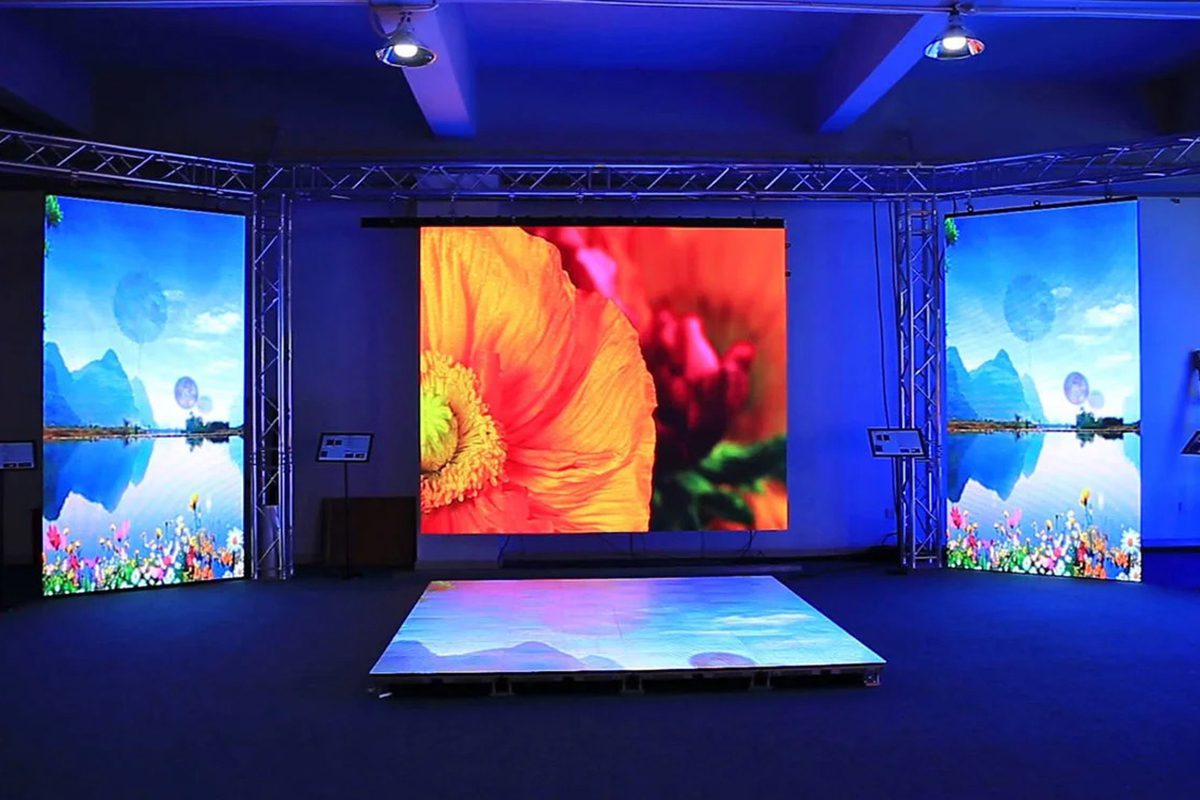
Two walls can share an identical LED screen resolution and still earn completely different reviews, because resolution only matters relative to viewing distance. Three practical rules cover most projects:
- Minimum viewing distance (m) ≈ pixel pitch (mm). Closer than that, individual pixels become visible and the image looks grainy.
- Comfortable viewing distance (m) ≈ 3 × pixel pitch (mm). Where most content looks smooth and effortless.
- Pixel-free distance (m) ≈ pitch (mm) ÷ 0.291. Here a viewer with 20/20 vision can no longer resolve individual pixels — the practical definition of a “retina” display.
Below the minimum distance the viewer studies pixels instead of the message. Far beyond the pixel-free distance the extra resolution is invisible and simply adds cost, heat and bandwidth. That trade-off is the whole basis of choosing a resolution.
| Pixel pitch | Minimum viewing distance | Comfortable viewing distance | Pixel-free distance (20/20 vision) | Typical use |
|---|---|---|---|---|
| P0.9 | 0.9 m | 2.7 m | 3.1 m | Boardrooms, control rooms, close-up retail |
| P1.25 | 1.25 m | 3.8 m | 4.3 m | Flagship retail, studios, premium meeting rooms |
| P1.5625 | 1.6 m | 4.7 m | 5.4 m | Conference rooms, showrooms, lobbies |
| P1.86 | 1.9 m | 5.6 m | 6.4 m | Corporate lobbies, retail walls, small stages |
| P2.5 | 2.5 m | 7.5 m | 8.6 m | Malls, meeting rooms, indoor advertising |
| P3.91 | 3.9 m | 11.7 m | 13.4 m | Large indoor venues, exhibition halls |
| P6.67 | 6.7 m | 20 m | 22.9 m | Outdoor advertising, building facades |
| P10 | 10 m | 30 m | 34.4 m | Stadiums, gantries, very large outdoor screens |
4. What Is the Best Resolution for an LED Screen?
The honest answer is uncomfortable for anyone hoping for one number: the best LED screen resolution is the lowest one that still looks flawless at your closest realistic viewing distance, while displaying your content without scaling.
That definition does three jobs at once. It protects image quality, it stops you paying for pixels nobody can see, and it forces the two questions every project should answer first — how close do viewers and cameras actually get, and at what resolution is the content really produced?
01. Meeting Rooms, Control Rooms and Boardrooms
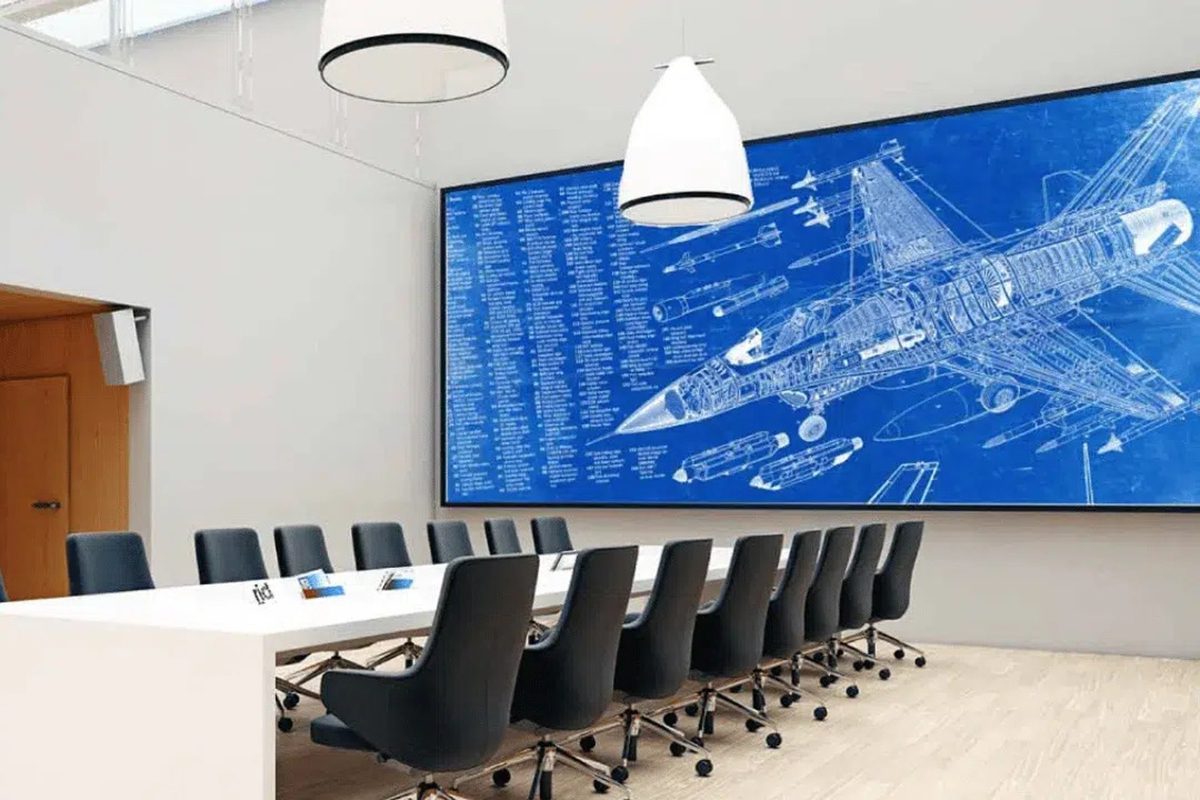
These are the hardest indoor rooms, because viewers sit 2–5 m away and read dense text, spreadsheets and labels. A P1.5625 wall reaches pixel-free viewing at 5.4 m, so a 1080p or 1440p target at P1.25–P1.86 is the sweet spot. Move to P0.9 only when the closest row is under 3 m, or when the wall must match a 4K video-conference codec pixel for pixel.
02. Retail, Malls and Advertising Displays
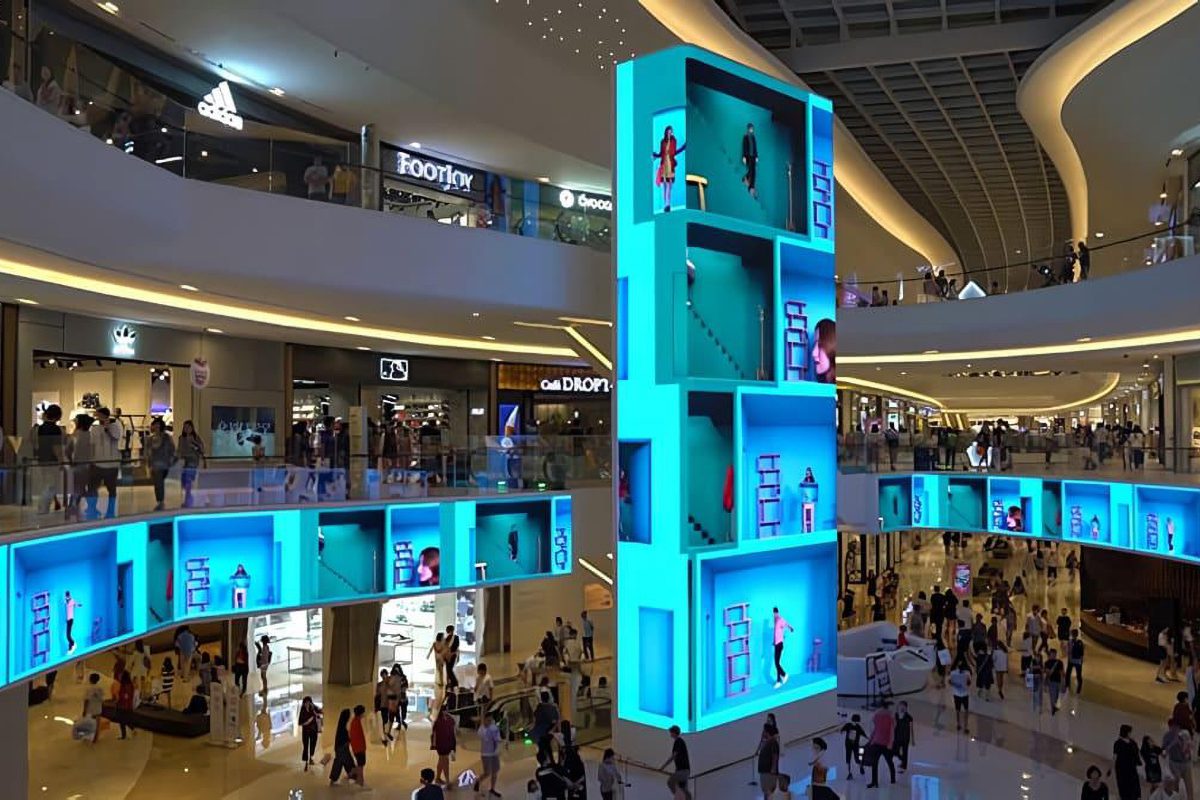
Retail screens are watched from 3–10 m while people walk past, so motion and colour impact matter more than pixel density. A 1920 × 1080 matrix at P2.5–P2.97 is usually the best value: high brightness, smooth video, and pixel structure that disappears well before a shopper reaches the screen. Step up to P1.86 or finer only for close-up product showcases and interactive walls where customers stand within 2 m.
03. Outdoor Billboards, Stadiums and Large Venues
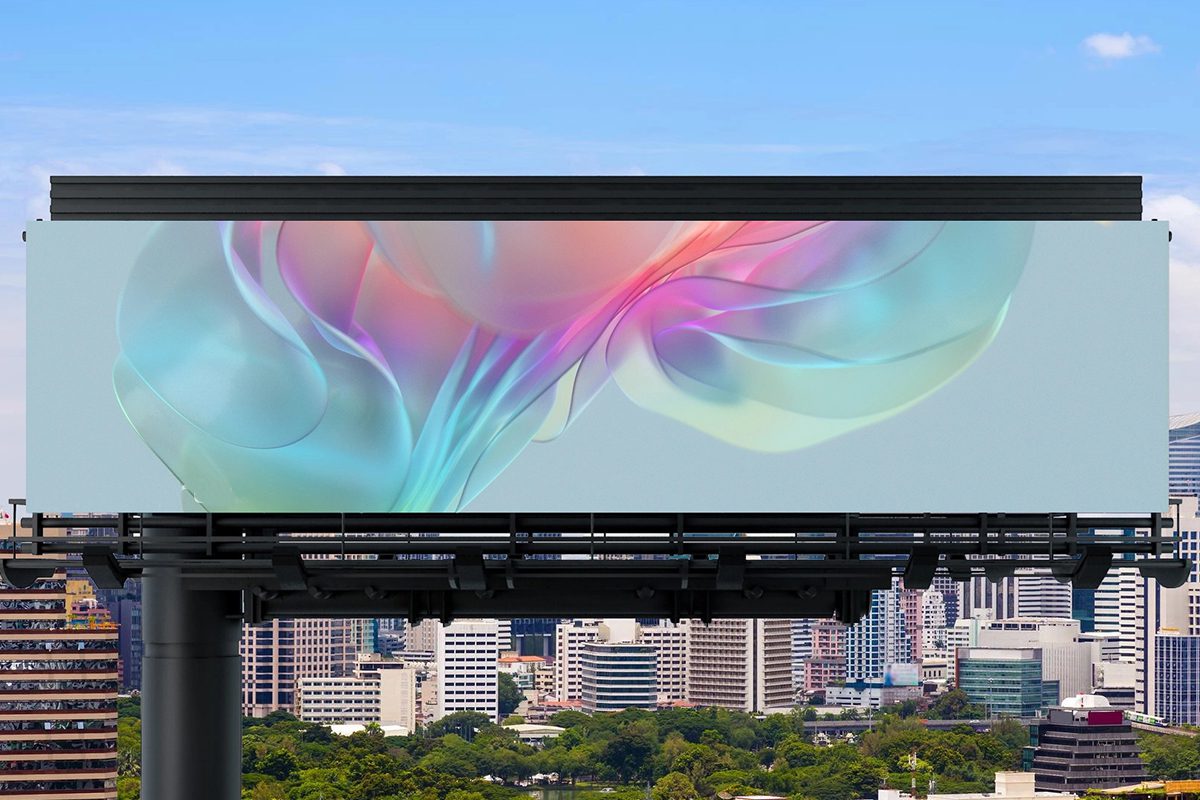
Outdoor screens are read from 10 m to more than 100 m, where the eye cannot resolve fine detail. The practical target is a 720p-class matrix at P6.67–P10: text stays large and bold, brightness holds above 5,000 nits, and the cabinet count — and therefore the price — stays realistic. Buying 4K LED screen resolution for a billboard seen from 40 m wastes most of the budget on pixels nobody can see.
The small-pitch example below is a real indoor COB LED wall parameter set. Note how module resolution, cabinet resolution and full-screen LED screen resolution are three different numbers in the same document.
Budget as a decision variable. Cabinet count scales almost linearly with pixel count, so resolution is where LED budgets are won or lost. The right order is: fix the viewing distance, fix the content format, then buy the finest pitch you can afford inside that envelope — not the finest pitch available.
| Application | Closest viewing distance | Recommended matrix | Practical pixel pitch | Budget tier |
|---|---|---|---|---|
| Boardroom / control room | 1.5 – 3 m | 1080p – 4K UHD | P0.9 – P1.56 | High |
| Conference room / showroom | 3 – 6 m | 1080p – 1440p | P1.25 – P1.86 | Medium – high |
| Retail wall / mall advertising | 3 – 10 m | 1080p | P2.5 – P2.97 | Medium |
| Exhibition hall / stage backdrop | 5 – 15 m | 720p – 1080p | P2.97 – P3.91 | Medium |
| Outdoor advertising / facade | 10 – 50 m | 720p | P6.67 – P10 | Value |
| Stadium / arena perimeter | 30 – 150 m | 720p or below | P10 – P16 | Value |
5. 4K LED vs 4K LCD: What Actually Differs
Both technologies can display a 3,840 × 2,160 image, which is why a “4K” label alone says nothing about picture quality or about achievable LED screen resolution. The difference is how the light is created, and that changes brightness, contrast, size limits and price.
An LCD panel is a fixed-size product: a backlight illuminates liquid-crystal cells behind a colour filter, and the panel arrives in the sizes the factory makes. An LED display is self-emissive and modular: each pixel emits its own light, and the wall can be built to almost any size or shape by adding cabinets. That modularity is why LED screen resolution can be tailored to a room instead of the room being tailored to the screen.
| Feature | 4K LCD (Liquid Crystal Display) | 4K LED display |
|---|---|---|
| Light generation | Backlight illuminates liquid-crystal cells | Self-emissive — every pixel is an LED |
| Pixel structure | Liquid-crystal layer, colour filter, backlight module | RGB LED chips form the pixel directly |
| Contrast | Typically 1,000:1 – 3,000:1 | Up to 1,000,000:1, with true black |
| Brightness | 300 – 1,000 nits | 1,000 – 10,000+ nits |
| Size and shape | Fixed panel sizes; tiling creates visible seams | Modular cabinets; any size, curved or custom |
| Cabinet depth | Very thin | Thicker, and usually needs service access |
| Energy efficiency | Moderate | High, though high-brightness models draw more power |
| Typical price | Lower for a given diagonal | Higher, and scales with pixel count |
| Best for | Desk work, colour-critical stills, home cinema | Large screens, high ambient light, outdoor, events |
01. Where 4K LED Wins
LED wins whenever the environment is bright, the screen is large, or the shape is not a rectangle. Because pixels emit their own light there is no backlight bleed, so black stays black and contrast holds even in a sunlit atrium. Brightness headroom keeps the image readable behind glazing and in daylight. Modular cabinets allow a true 4K LED screen resolution at any physical size, which a fixed LCD panel cannot do, and they allow concave curves, pillars and non-standard aspect ratios.
02. Where LCD Still Makes Sense
LCD remains the better answer for a colour-accurate desktop monitor, a small screen viewed from 60 cm, or a low-cost fixed-size display. Panel uniformity is easy to control in the factory, prices are lower, and consumer panels already offer the fine pixel structures close viewing needs. For a single 55-inch control-room display an LCD is usually the rational purchase — the argument for a high LED screen resolution starts when the required image grows beyond roughly 100 inches or must be seen in daylight.
6. Signal Bandwidth: What Each Resolution Demands
Resolution is not only a panel specification — it is a data rate. Once the matrix is fixed, the required bandwidth follows from refresh rate and colour depth, and it decides which processors, cables and sources can actually drive the wall — and it is the reason two walls with the same panel technology behave differently.
01. The Bandwidth Calculation
The uncompressed data rate is horizontal pixels × vertical pixels × refresh rate × bits per pixel. For 8-bit RGB (4:4:4) that is 24 bits per pixel:
- 1080p at 60 Hz → 1920 × 1080 × 60 × 24 ≈ 3.0 Gbit/s
- 4K UHD at 60 Hz → ≈ 11.9 Gbit/s
- 8K UHD at 60 Hz → ≈ 47.8 Gbit/s
Real links add encoding overhead and blanking, so plan with headroom rather than theoretical figures. This is also why doubling the matrix does not double the processor cost — it multiplies the pixel load, and the processor must be specified against that load, not the resolution label.
02. Matching Processors, Cables and Sources
Four rules prevent most on-site surprises:
- Specify the video processor by pixel load, not by label. A processor limited to 2.6 million pixels cannot drive an 8.3 million-pixel wall, even though both may be marketed as “4K”.
- Match the cable to the data rate. HDMI 1.4 covers 1080p but not 4K60; HDMI 2.0 and DisplayPort 1.2 cover 4K60 at 8 bit; 10–12 bit, high refresh and 8K need HDMI 2.1, DisplayPort 1.4 with DSC, or 12G-SDI.
- Budget receiving-card bandwidth per cabinet, not per screen. Each cabinet carries a fixed pixel load, so a finer pitch usually means more Ethernet runs and more sending ports.
- Plan the source, not only the wall. A 1080p camera does not deliver 4K LED screen resolution because the wall is fine-pitched; upscaling only enlarges what the processor received.
| Signal | Uncompressed data rate (8-bit) | Typical compatible interface | Notes |
|---|---|---|---|
| 1080p60 | ≈ 3.0 Gbit/s | HDMI 1.4, DisplayPort 1.1 | Comfortable on almost any modern processor |
| 1440p60 | ≈ 5.3 Gbit/s | HDMI 1.4 / 2.0, DisplayPort 1.2 | Fine on HDMI 2.0 with 8-bit colour |
| 4K60 8-bit | ≈ 11.9 Gbit/s | HDMI 2.0, DisplayPort 1.2 | The standard 4K entry point |
| 4K60 10-bit | ≈ 14.9 Gbit/s | HDMI 2.0, DisplayPort 1.4 | Needs a properly rated cable |
| 4K120 | ≈ 23.9 Gbit/s | HDMI 2.1, DisplayPort 1.4 with DSC | Virtual production and high-frame-rate sport |
| 8K60 8-bit | ≈ 47.8 Gbit/s | HDMI 2.1 (48 Gbps), DP 1.4 with DSC | Often split across multiple processors |
7. Future Trends in LED Screen Resolution
Three shifts are changing what resolution means in practice.
Pitch keeps falling. COB (chip-on-board) and MIP (micro LED in package) packaging push reliable pitch below P0.6, moving LED displays into markets LCD panels used to own. Because COB seals the chips under resin, it also improves contrast and impact resistance, so higher LED screen resolution no longer means a fragile screen.
Delivery is becoming packet-based. As pixel counts climb, single-cable links run out of headroom. Distributed and networked interfaces carry video over Ethernet-like links and scale by adding ports, which makes very high pixel counts practical on very large walls.
The definition of “enough” keeps rising. 4K is now routine in boardrooms and studios, 8K is entering immersive rooms, film and medical imaging, and virtual production stages treat pixel density and refresh rate as production specifications rather than display specifications. For most commercial projects the useful assumption is that 1080p stays the indoor workhorse, 4K becomes standard wherever content is produced in 4K, and outdoor screens remain in the 720p class — but specify pitch with room to spare, because the reference point only moves one way.
8. LED Screen Resolution FAQs
The questions buyers ask most often about LED screen resolution, answered with the same numbers used in the tables above.
9. Conclusion
LED screen resolution is not a specification to maximise — it is a specification to match. Work out how close the audience really gets, decide what they will actually watch, then choose the pitch that delivers the required LED screen resolution without wasting pixels nobody can see.
Three checks keep a project honest. Confirm the native matrix by multiplying the cabinet array by the pixels per cabinet, so no “4K ready” label can mislead you. Confirm the viewing distance against the pixel-free rule in Table 4, so the LED screen resolution you pay for is resolution your audience can perceive. Confirm the signal chain against Table 7, so the processor, cables and source can genuinely drive the pixel load you have specified.
Get those right and resolution stops being a marketing number and becomes an engineering decision. If you want help calculating the best resolution for a specific room, send us the wall dimensions, the closest viewing distance and the content you plan to run, and our engineers will return a pixel map, a recommended pitch and a full signal-chain plan. You can also read our buyer’s guide to LED screen resolution and aspect ratio, check how pixel pitch affects display quality, or browse rental LED screens and 500 × 500 mm indoor cabinets for reference specifications.