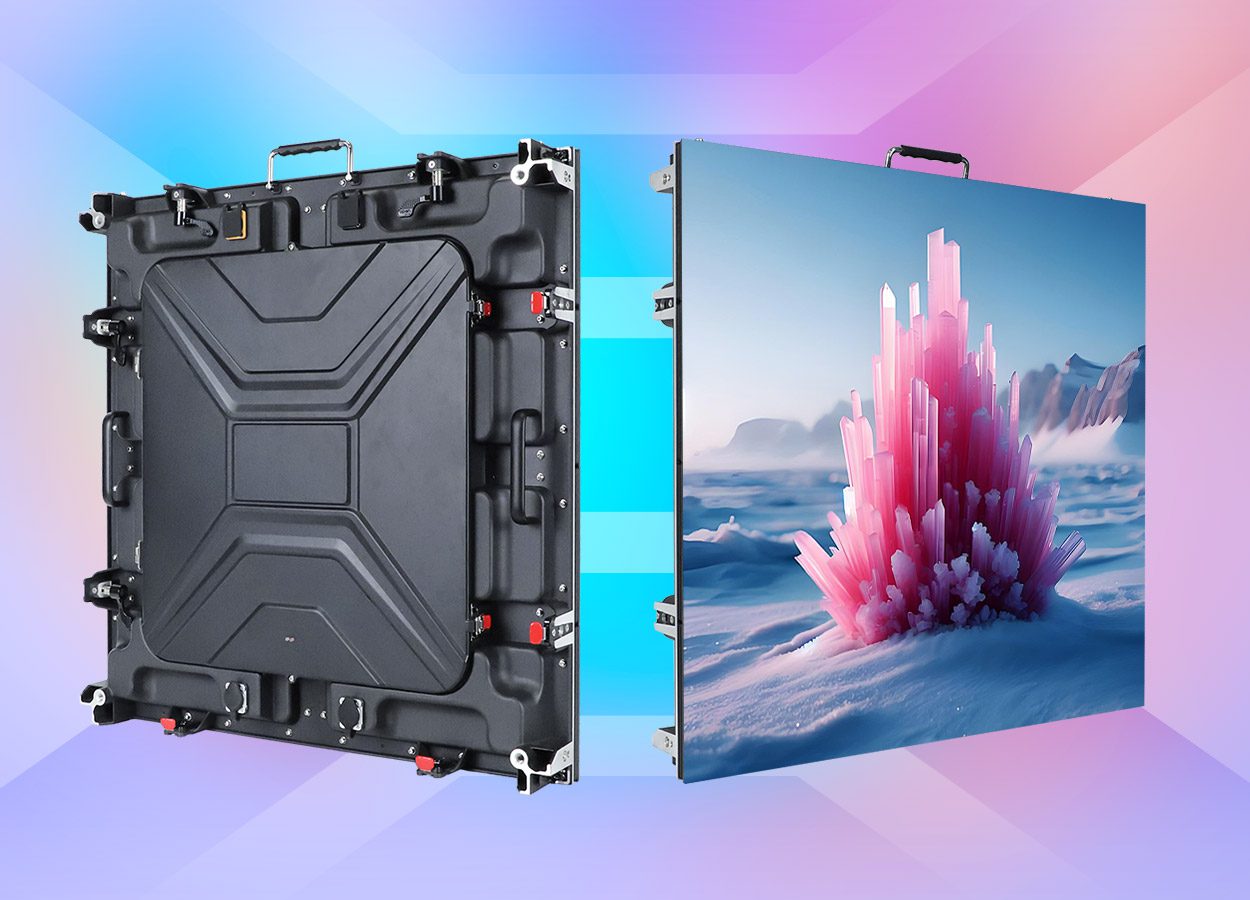
For a rental LED display, shortlist P2.6 for detailed content and closer audiences, P3.91 for mixed event work, and P4.81 for large imagery viewed farther away. These are starting points for testing, not fixed viewing-distance rules. Compare each option at the same wall size using real content, then confirm camera behavior, environmental suitability and the complete deployment cost.
For rental businesses, the decision affects more than one event. You are buying inventory that crews will transport, assemble, troubleshoot and combine repeatedly. Cabinet mechanics, compatible spares, packing and control configuration can be as consequential as the pitch on a quotation.
This rental LED display buying guide compares P2.6, P3.91 and P4.81 using native resolution, viewing requirements and complete fleet cost. It includes worked pixel calculations, application tradeoffs and a test plan for rental companies, AV integrators and event contractors preparing to purchase a fleet.
Reading the examples: Pixel calculations below use explicitly stated cabinet resolutions or idealized geometry. They are planning examples, not specifications for every product with the same pitch label. EagerLED product references use manufacturer-published information reviewed on October 15, 2026; confirm the exact configuration in the quotation.
1. What P2.6, P3.91 and P4.81 Mean for Rental LED Displays
Pixel pitch is the center-to-center distance between neighboring pixels, usually expressed in millimeters. The “P” label identifies that spacing approximately. It is not the cabinet size, LED package dimension, video frame rate or protection rating of a rental LED display.
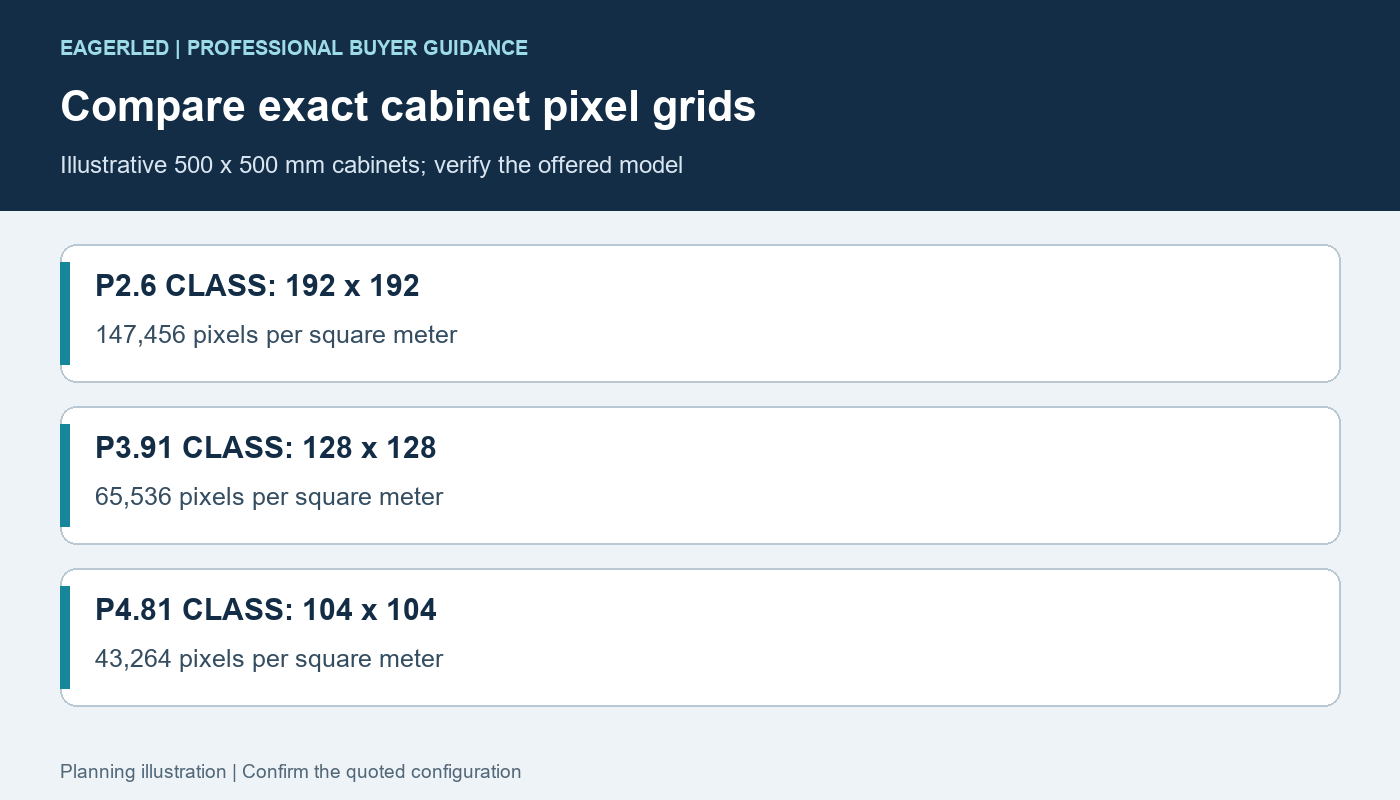
Pitch labels can be rounded. A 500 mm cabinet with 192 pixels across has an effective pitch of 500 ÷ 192, or about 2.604 mm. A 128-pixel cabinet of the same width gives about 3.906 mm; a 104-pixel cabinet gives about 4.808 mm. These are common planning relationships, but the actual quoted pixel count must confirm them.
For a rental LED display using a square pixel grid, approximate density is one million divided by pitch squared when pitch is in millimeters. Use the exact spacing or native cabinet resolution for calculations. Calculating from rounded brochure pitch labels can introduce small errors that become noticeable across a large canvas.
| Pitch class | Assumed cabinet pixels | Pitch from this grid | Pixels per m² |
|---|---|---|---|
| P2.6 | 192 × 192 | Approximately 2.604 mm | 147,456 |
| P3.91 | 128 × 128 | Approximately 3.906 mm | 65,536 |
| P4.81 | 104 × 104 | Approximately 4.808 mm | 43,264 |
Those densities are calculated from four assumed cabinets per square meter, not borrowed product claims. The P2.6 example contains 2.25 times as many pixels per area as the P3.91 example, and about 3.41 times as many as P4.81. More pixels provide more spatial samples; they do not independently prove better color, brightness, reliability or camera performance.
Ask the supplier to show cabinet width, height and native resolution together. A rental LED display comparison should begin with those values, then proceed to the module design, processing and operating conditions. “Same pitch” is too broad to establish equivalence between two products.
2. Compare Pixel Detail and Practical Tradeoffs
The finer rental LED display in a comparable cabinet family offers more pixels within the same footprint. That can help with presentation detail, smaller graphics and closer viewing. It also increases the number of pixels that need mapping and processing. The benefit should be demonstrated with the jobs your company actually serves.
| Pitch class | Reason to evaluate it | Limitation to test | Purchasing question |
|---|---|---|---|
| P2.6 | More native detail for compact walls and close audience positions | Higher pixel loading; real benefit depends on content and image quality | Does the actual content justify the additional resolution and complete system cost? |
| P3.91 | Intermediate pixel canvas for many mixed event requirements | Less detail than the P2.6 example at identical physical size | Can the closest viewers read the smallest required information? |
| P4.81 | Lower pixel loading for large imagery and sufficiently distant audiences | Coarser sampling can restrict small text and near viewing | Will the wall serve detailed presentations or mainly large visual content? |
A P4.81 rental LED display is not automatically an outdoor product, and a P2.6 model is not automatically an indoor product. Environmental suitability belongs to the complete configuration. Likewise, pitch alone does not determine the refresh frequency, grayscale behavior or quality of mechanical alignment.
Smaller pitch often changes the equipment quotation, but there is no reliable universal price multiplier between these three classes. Compare actual offers with matching cabinet construction, control hardware, accessories and support scope. Premium mechanics or a specialized processing system can change the cost more than a pitch difference.
Weight and power also need model-level comparison. Do not infer that a finer rental LED display always weighs more or consumes a fixed percentage more energy. Cabinet structure, LED efficiency, brightness settings and electronics influence those values. Obtain the actual cabinet weights and power assumptions for each proposal.
If suppliers propose different product families, separate the pitch decision from the family decision. Otherwise a buyer may attribute better locks or easier repair to P2.6 when those advantages come from a newer cabinet design. Evaluate the proposed rental LED display as both an image system and reusable equipment.
3. Match Pitch to Viewing Distance and Event Content
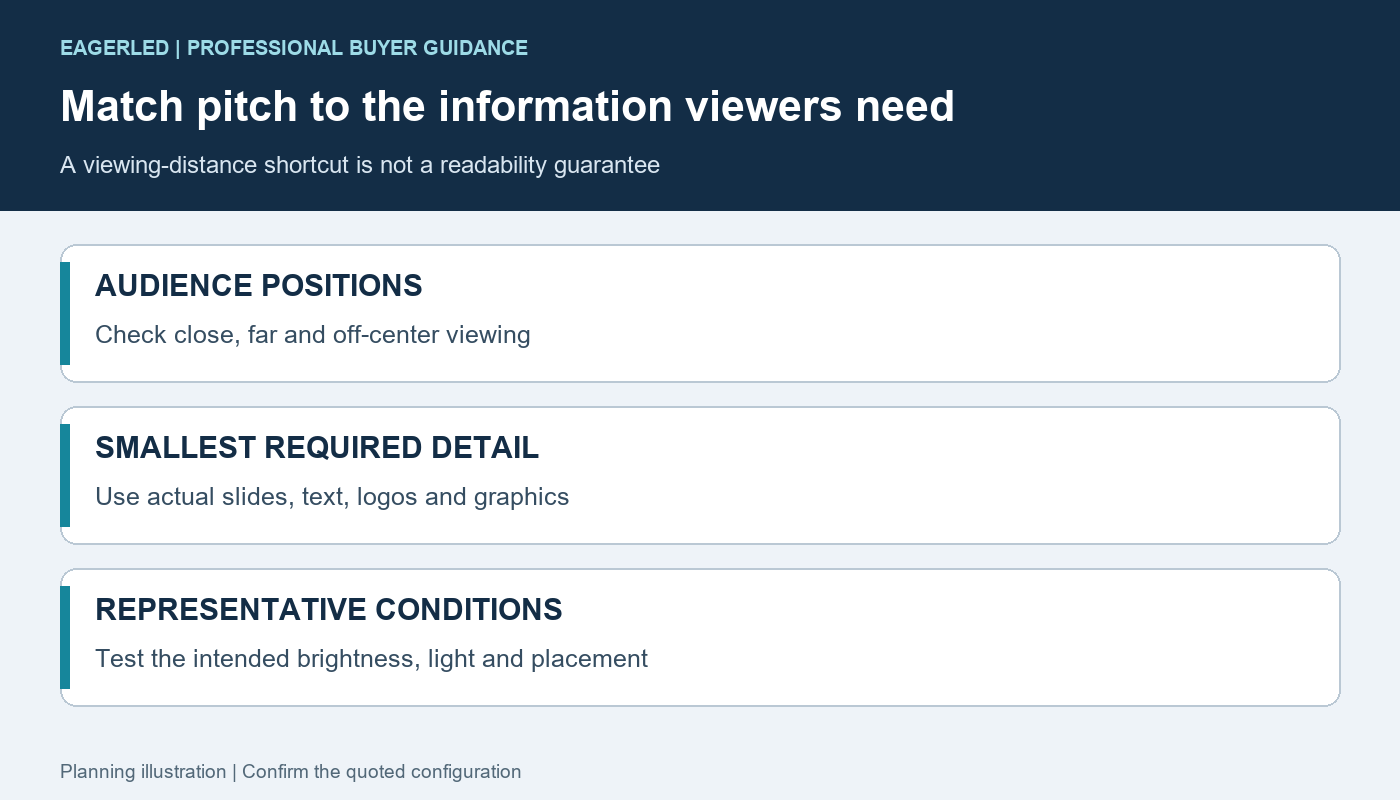
Start with the closest meaningful audience position, then identify what those viewers need to see. A rental LED display showing large stage graphics can tolerate a different pixel canvas from a conference wall displaying spreadsheets. The nearest seat is useful information, but it does not by itself establish a pitch.
A common shortcut links a pitch number in millimeters to a similar viewing distance in meters. Treat that as a rough screening convention, not a guaranteed point where pixels disappear or text becomes readable. Visual acuity, ambient light, content design and viewing angle change the result.
Test real content at representative distances. Include the smallest required text, fine lines, logos and critical data. Have the content team confirm the native canvas before promising font sizes. Scaling a detailed slide deck into a coarser rental LED display may preserve the general image while losing the information the client cares about.
| Event requirement | Selection priority | Useful demonstration |
|---|---|---|
| Conference presentations | Readable detail at the nearest and farthest working seats | Actual slides, small captions and data graphics at native resolution |
| Concert stage backdrop | Large imagery, effects and camera compatibility | Show content, motion and dark scenes at intended brightness |
| Exhibition booth | Close visitors, branding and physical protection | Logo edges, product graphics and expected interaction distance |
| Outdoor audience screen | Daylight visibility, exposure and audience scale | Daytime content and service access in the specified environment |
| Streaming or broadcast | Camera behavior and complete signal timing | Intended cameras, lenses, shutter settings and processor configuration |
Consider viewing angle and wall placement as well as distance. Side seating may see different reflections or a restricted view of content. A finer rental LED display cannot correct a blocked sightline or an undersized physical screen. Establish the canvas and mounting geometry together.
Content design can make a constrained canvas more useful: simplify dense slides, increase text size and retain strong contrast. Agree who adapts the material. A pitch decision should not quietly transfer an impossible readability requirement to the event operator on show day.
4. Calculate the Native Canvas Before Choosing a Processor
Count cabinet columns and rows, then multiply by the native cabinet width and height in pixels. This gives the actual rental LED display canvas. Keep active physical dimensions separate from the source-video resolution and any surrounding frame or structure.
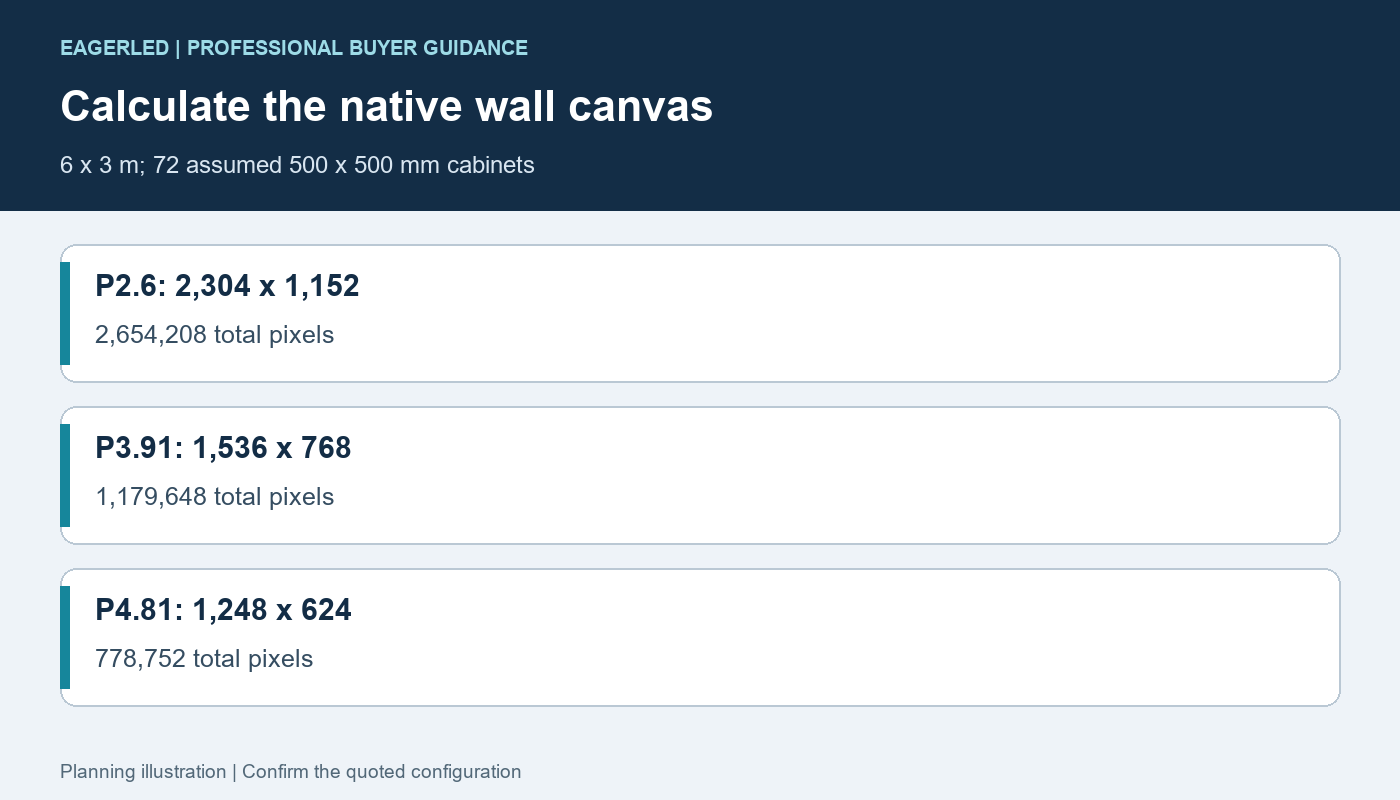
The example below assumes a 6 × 3 m wall assembled from 12 columns and six rows of 500 × 500 mm cabinets. All three layouts contain 72 cabinets. Only the assumed native grid changes. These numbers illustrate a purchasing calculation and do not state specifications for a named product.
| Pitch class | Assumed pixels per cabinet | Native wall resolution | Total wall pixels |
|---|---|---|---|
| P2.6 | 192 × 192 | 2,304 × 1,152 | 2,654,208 |
| P3.91 | 128 × 128 | 1,536 × 768 | 1,179,648 |
| P4.81 | 104 × 104 | 1,248 × 624 | 778,752 |
The resulting wall has a 2:1 physical and pixel aspect ratio in all three examples. To preserve a 16:9 source without distortion, fit it to the wall height and leave pillarbox bars at the sides. Filling the 2:1 wall instead requires cropping the top and bottom or designing content for that canvas. “Supports 4K input” does not turn any of these rental LED display examples into a native 3,840 × 2,160 wall.
LED control system selection also depends on input formats, operating frame rate, output mapping and any required backup paths. Total pixel capacity is one limit, not the entire specification. Ask the supplier for a port map and confirm both the complete processor and per-output constraints using the manufacturer’s documentation.
A 500 × 1000 mm cabinet can change the cabinet count for the same physical area. It does not automatically change the pixel density when pitch is held constant. If mixed cabinet heights are proposed, confirm the native resolutions, supported connections and mechanical compatibility before approving the layout.
The rental cabinet size planning guide provides related layout questions. Use it alongside an order-specific drawing, not as proof that arbitrary 500 mm and 1000 mm cabinets can be combined into one rental LED display.
5. Separate Indoor and Outdoor Rental Requirements
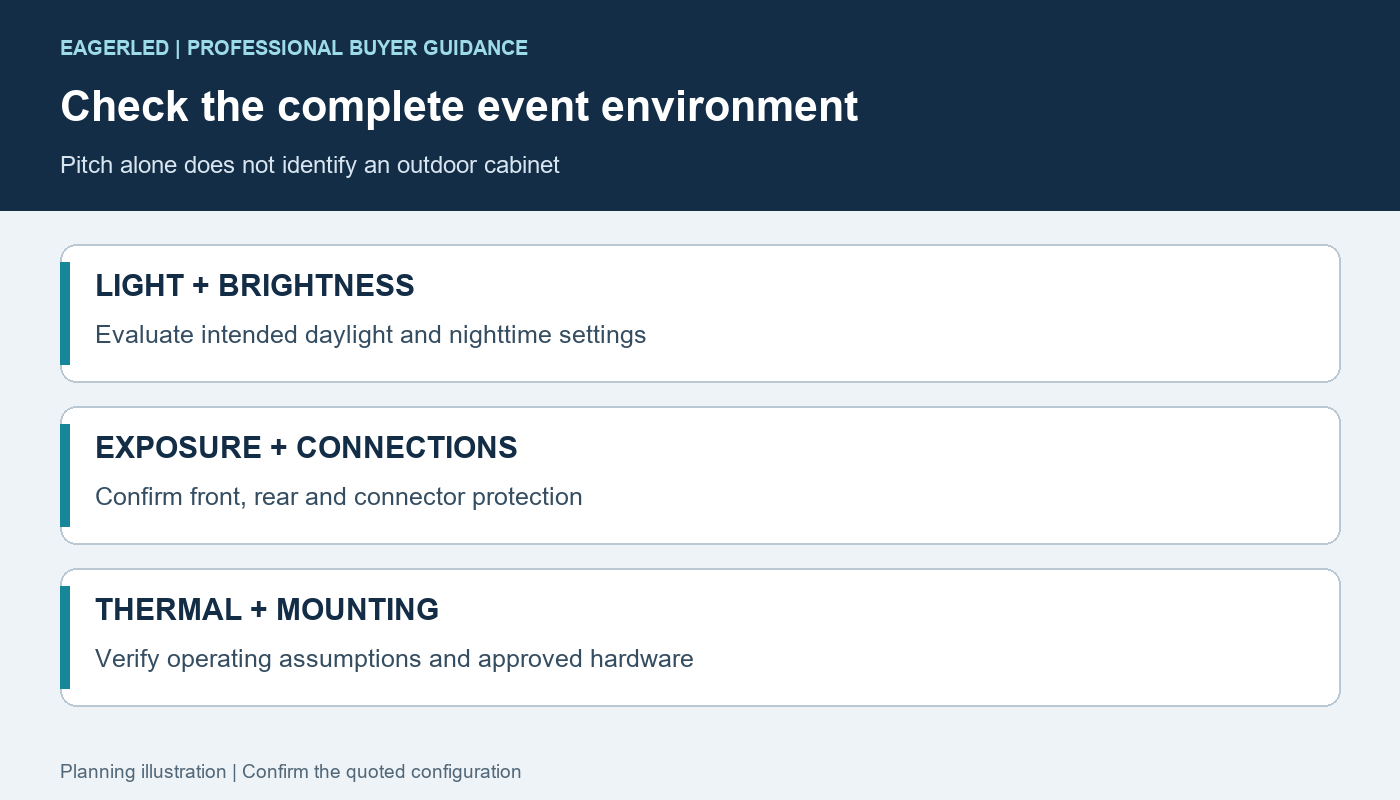
Specify the environment before approving a rental LED display model. Ask about ambient light, exposure, temperature assumptions, connectors, rear components and permitted operating conditions. A pitch label tells you nothing about whether a cabinet is suitable for an outdoor venue.
Outdoor brightness should support the intended daylight application, but higher maximum brightness is not universally better. Excess brightness can be inappropriate for close audiences or nighttime use. Define operating settings and evaluate the image at them, including white balance, shadow detail and uniformity.
Ask for protection information for the complete configuration, including the front, rear and connection system. A module’s protective surface does not establish the cabinet’s environmental rating. GOB encapsulation is a construction feature to evaluate; it is not a blanket outdoor-use approval for every rental LED display.
For outdoor events, structure and rigging need a site-specific plan that accounts for conditions and approved hardware. Screen hardware is only one part of that system. Have the responsible venue and structural professionals define permissible use, inspection and the event’s response to changing conditions.
EagerLED’s EA500H9 rental cabinet page lists 500 × 500 mm configurations, including indoor P2.6 GOB and outdoor P2.6 and P3.91 options. Compare the exact variant rather than transferring specifications between indoor and outdoor models. It does not establish that every pitch in this guide is available in that family.
The EA1000H9 product information offers another cabinet-format discussion. Request the current pitch, native resolution and environment specification for the quoted model. Do not assume that a P4.81 rental LED display can be supplied merely because another series or an older catalog includes it.
6. Test Camera Performance Beyond the Refresh Number
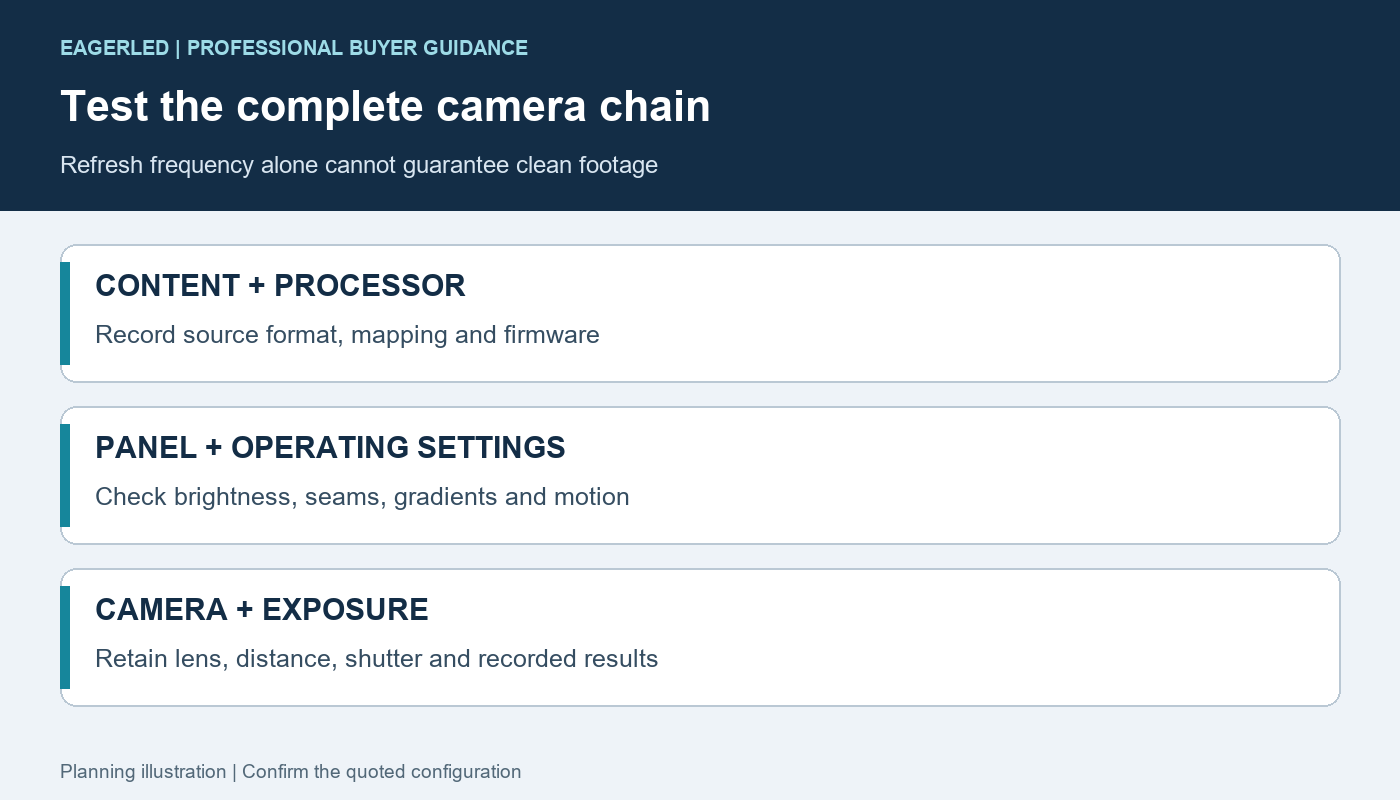
Camera tests should assess the actual rental LED display, processor and operating settings together. A finer pitch may reduce the visible pixel structure, but it cannot by itself guarantee clean footage. Camera distance, focus, lens, shutter and screen electronics can all affect the recorded result.
01. Separate Spatial and Timing Artifacts
Moiré can arise when the screen’s spatial grid interacts with the camera’s imaging system. Timing-related lines or brightness variation need a different diagnosis. Do not assume that switching from P3.91 to P2.6 will solve an artifact without identifying its cause and reproducing the filming conditions.
Display refresh frequency is distinct from the source frame rate. The relationship among scanning, LED driving and camera exposure matters. Brompton’s ShutterSync explanation describes camera and LED timing as an adjustable system relationship. That feature description is not a claim that every processor or cabinet supports it.
02. Retain a Repeatable Camera Test Record
Record the panel version, processor, firmware, source format, brightness and camera settings used during approval. Test gradients, skin-tone material, motion and dark scenes as well as bright graphics. Review full-frame recordings instead of relying on a close phone photograph of a rental LED display.
Include seams, side viewing and the actual intended composition. A wall can look acceptable in a wide shot yet reveal artifacts in a tighter camera view. If the rental inventory must support several camera workflows, identify those workflows in the purchase specification and keep the approval conditions with the system.
7. Compare Complete Fleet Cost Instead of Price per Square Meter
The rental LED display quotation should cover the equipment needed to deploy and maintain the intended fleet. Compare cabinets, processing, cables, approved accessories, cases, spares and training as a completed package. State which items your company already owns and verify their compatibility.
| Cost area | What can differ | Evidence for comparison |
|---|---|---|
| Display hardware | Module version, electronics, protection and cabinet features | Named configuration and quantity schedule |
| Processing | Pixel loading, required inputs, output mapping and backups | Verified processor limits and connection plan |
| Deployment | Case arrangement, handling workflow and approved accessories | Pack-and-build demonstration and equipment list |
| Service | Compatible spares, tools, diagnostics and technician training | Replacement demonstration and written support scope |
| Operation | Power assumptions and planned event utilization | Model-specific electrical data and your actual event schedule |
A lower-resolution wall can reduce pixel-loading requirements, but existing equipment may already support the finer option. Conversely, a fine-pitch rental LED display may require a revised signal design for your largest layout. Price both practical deployment scenarios rather than assuming a linear relationship between pixel count and processor cost.
Request maximum power data for electrical planning and clearly defined typical or measured consumption for operating scenarios. Average power depends on content and brightness. Multiplying a maximum figure by every operating hour can misrepresent routine energy use; using an undefined average can understate installation requirements.
Evaluate the jobs likely to use the inventory. P2.6 may be attractive if small presentation walls are frequent and customers value detail. P4.81 may fit large-image applications with suitable viewing conditions. Test P3.91 against the actual mix instead of accepting a generic claim that it is the right compromise for every rental company.
Keep any return-on-investment estimate separate from product performance claims. Use your booking history and quoted staffing, freight, insurance and repair costs. Include downtime, spare stock and warranty-return shipping; label future utilization and rental rates as assumptions. A rental LED display purchase should make sense for your service model as well as its first event.
8. Verify Cabinet Mechanics, Spares and Purchase Acceptance
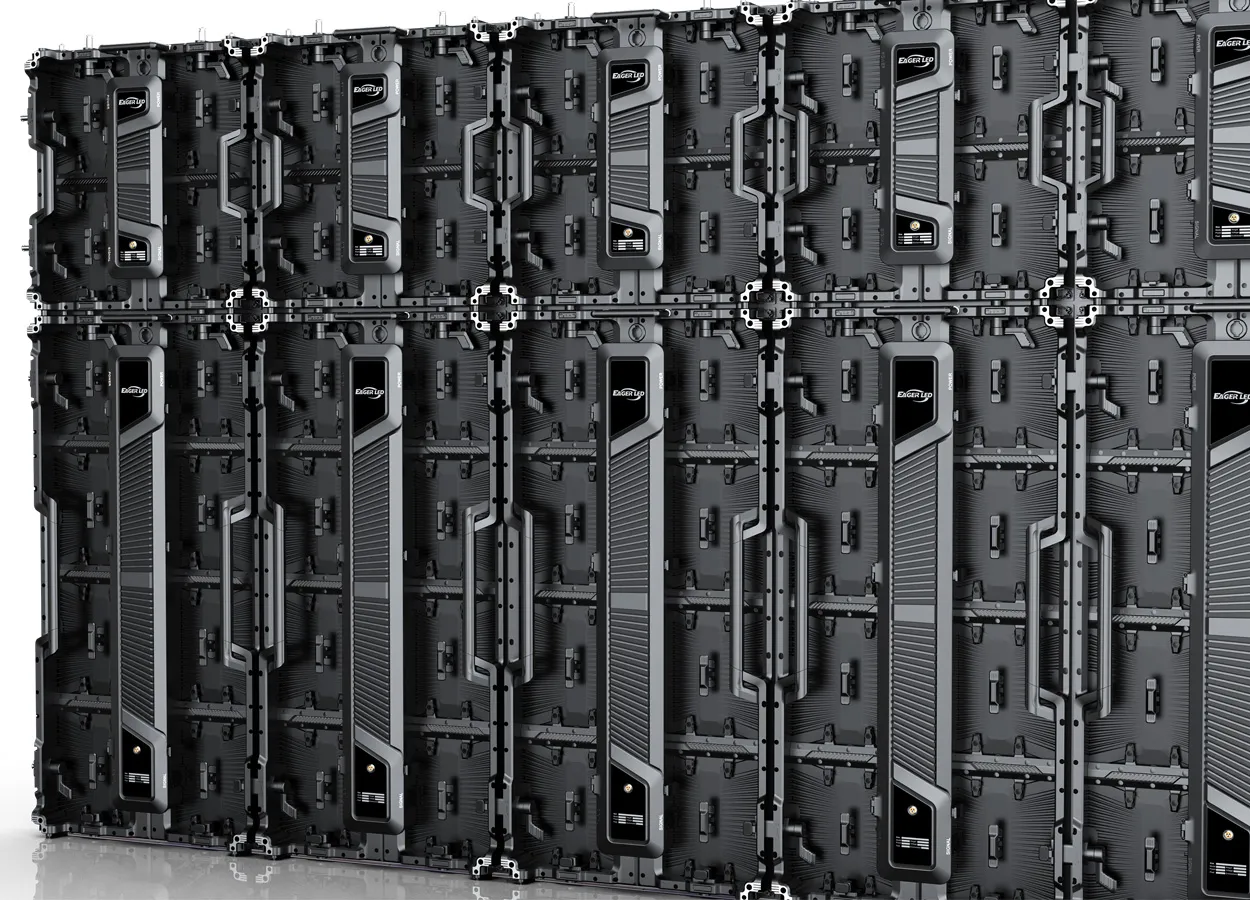
Ask crews to build and dismantle a representative assembly before fleet approval. Inspect locating features, lock operation, module protection, handling points and connector access. A rental LED display must work in the repeated deployment process your technicians will actually use.
Confirm that the proposed hanging or stacking accessories are approved for the cabinet system and intended configuration. Do not improvise compatibility from similar dimensions. The installation team must follow the supplier’s instructions and the event’s structural plan.
Demonstrate module, power-supply and receiving-card replacement using the expected access route. Clarify which repairs are module exchanges and which require specialist work. Keep compatible, identified spares and validated configuration files with the inventory.
The rental screen spare-parts checklist helps structure that conversation. Equal module dimensions do not prove interchangeability across pitches, electronics or production revisions. Require explicit compatibility confirmation for any shared rental LED display spare pool.
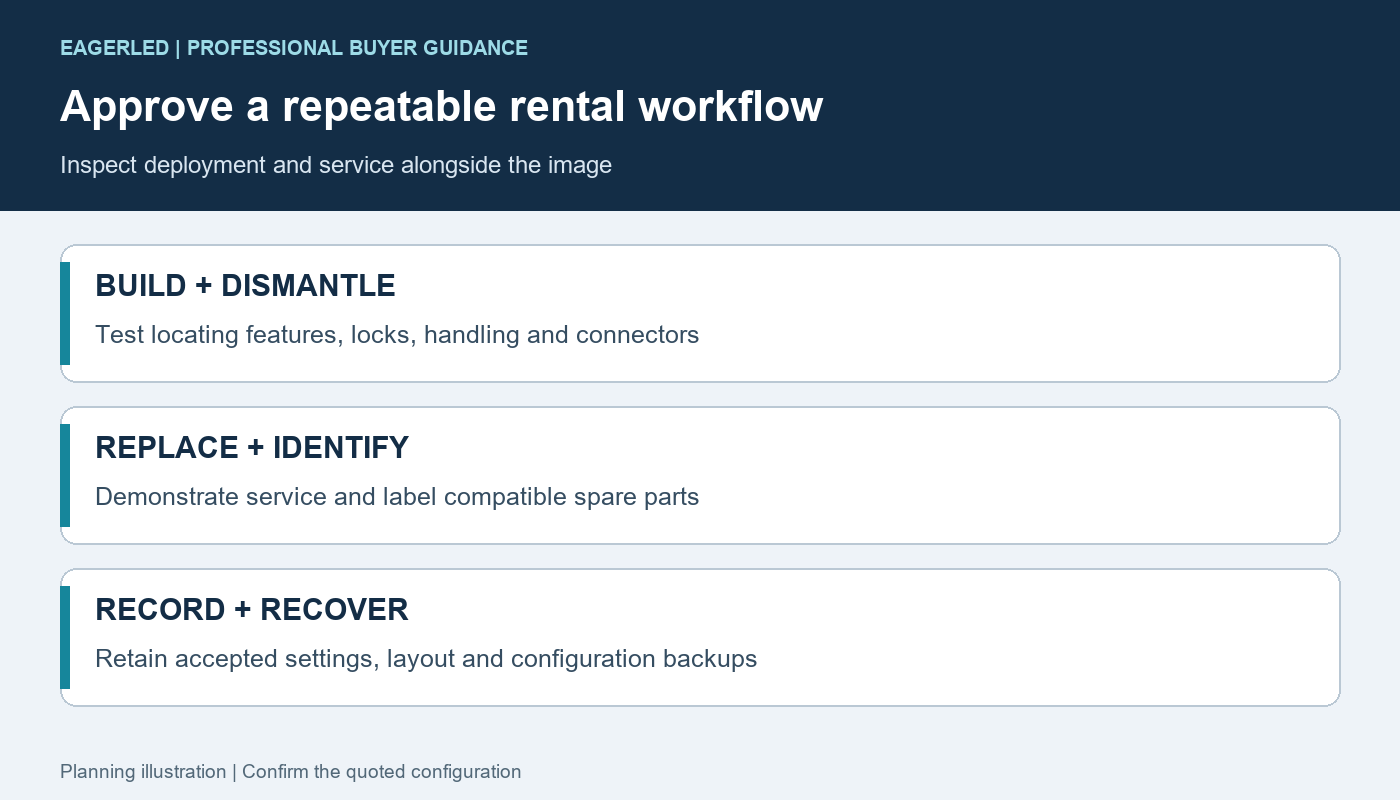
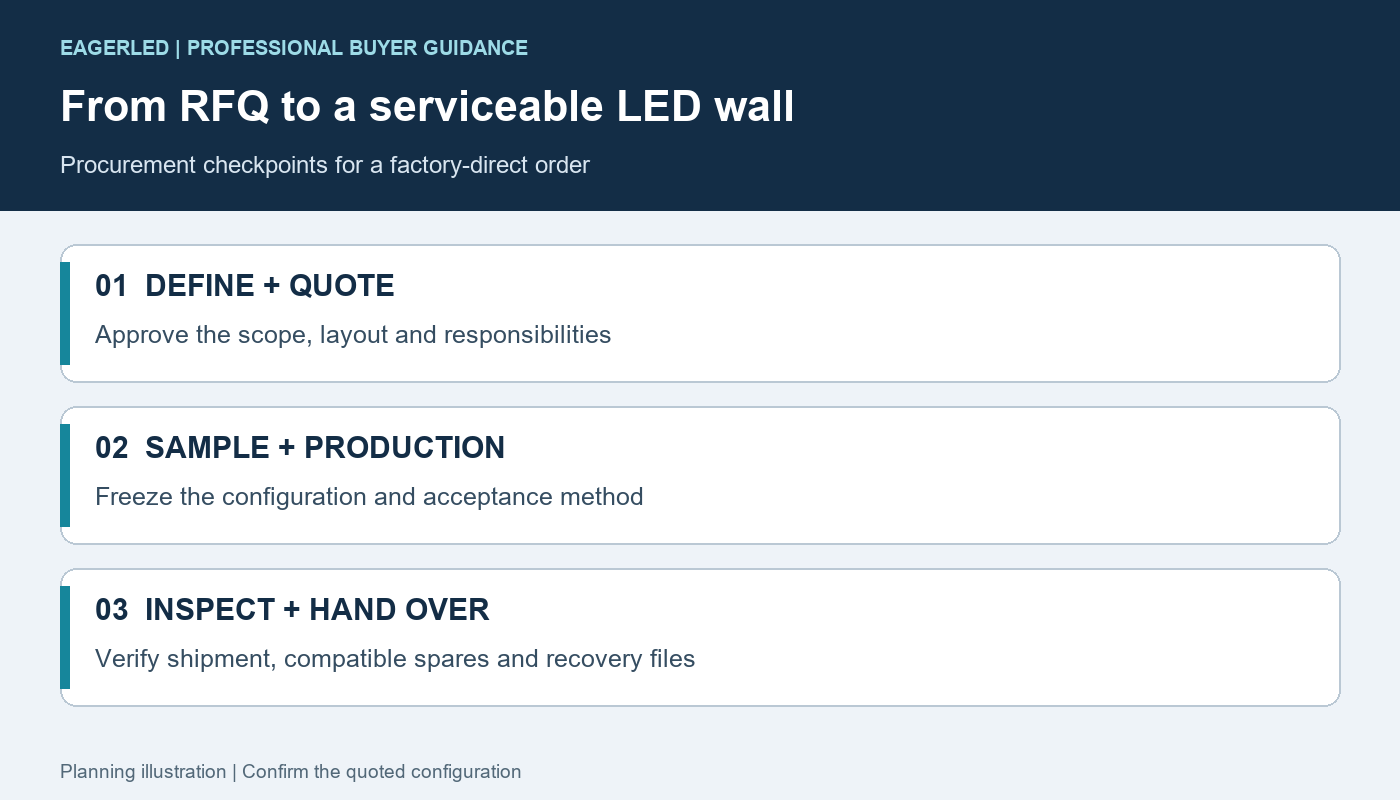
Agree final inspection conditions before production. Record test patterns, brightness, mechanical acceptance, inventory quantities and the treatment of defects. The specification library can support initial model review, but the quoted configuration and acceptance documents must govern the delivered equipment.
When requesting an EagerLED rental LED display through the project inquiry page, include the largest wall, cabinet formats, closest viewers, representative content, indoor or outdoor environment and camera use. Ask the team to return the native pixel map and complete deployment package for each proposed pitch.
9. FAQ
01. Can P2.6 and P3.91 cabinets form one continuous screen?
Different pitches create different spatial grids. Do not treat them as interchangeable sections of one uniform canvas. Separate screen areas may be used in a coordinated design when processing and content are planned for each, but a seamless mixed-pitch wall requires explicit engineering and optical evaluation.
02. Can one processor operate all three pitch classes?
Possibly, if its supported panel configurations, input formats, pixel limits and output arrangements cover each system. Check the largest native canvas and the actual receiving-card requirements. A processor that operates a small P4.81 rental LED display is not automatically suitable for a larger P2.6 wall.
03. Is P2.6 the same as P2.604?
P2.6 is often a rounded class label, while a supplier may publish a more precise spacing. Confirm the actual cabinet resolution and dimensions. For example, 500 mm divided by 192 pixels is about 2.604 mm. Use the verified native pixel count for mapping rather than rounding calculations.
04. Can a rental cabinet be used permanently?
Assess the specific cabinet, service access, duty requirements, mounting arrangement and environment. Frequent-use rental features do not automatically make a model optimal for permanent installation. Obtain an approved installation and maintenance plan before leaving a rental LED display in a long-term mounting configuration.
05. Does GOB protection change the required pitch?
GOB adds a protective encapsulation process to a module; pitch remains the pixel spacing. Evaluate surface appearance, handling protection and repair method separately from native resolution. The presence of GOB does not by itself establish better camera performance or complete outdoor environmental suitability.
06. Can I match replacement modules from another batch?
Check the electronics, physical interface, LED characteristics and calibration workflow. Later batches may look different even when the nominal pitch is unchanged. Ask the supplier to define acceptable replacements and a tested matching process for the specific rental LED display fleet.
07. Can curved locks create any screen radius?
No universal radius follows from a pitch label. The cabinet geometry, permitted lock angles and system instructions determine supported curves. Ask for the layout drawing and approved limitations for the quoted hardware. Curving also changes audience sightlines and content mapping.
08. Should I buy one pitch for every event?
A single-pitch fleet can simplify spares and training, but it must meet your actual jobs. A varied fleet may cover more applications while adding compatibility and inventory complexity. Compare representative bookings and complete operating costs before standardizing on one rental LED display configuration.
10. Conclusion
P2.6, P3.91 and P4.81 represent different pixel-density choices, not complete quality categories. Choose a rental LED display by testing the native canvas against real content and viewing conditions, then checking environmental suitability, camera behavior, processing and deployment mechanics.
For a fair purchase, compare complete configurations and keep the acceptance evidence with the fleet. EagerLED’s named rental cabinet families offer starting points for model discussions, but available pitches and specifications must be confirmed individually. The right rental LED display is the one your audience can use and your crew can repeatedly deploy, operate and service.
 How to Buy LED Screens Directly from a Chinese Factory
 LED Screen Cabinet: Compatibility and Acceptance Guide