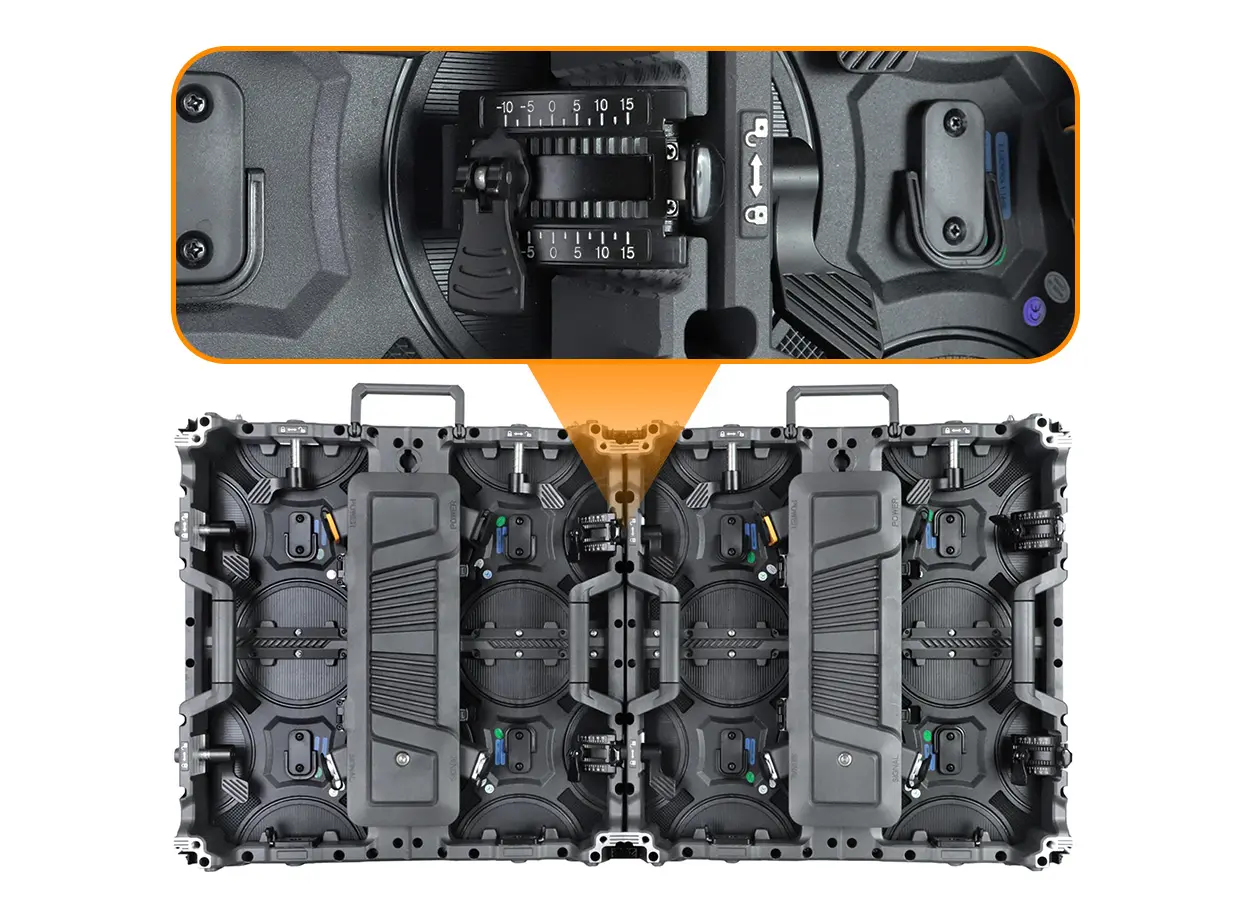
Before buying a sphere LED screen, approve the content map and handover package as well as the hardware. Request the exact pixel layout, test your own clip across the seam and viewing positions, and confirm that your team can update content and restore the configuration.
1. Separate sphere dimensions from the content canvas
A sphere LED screen is a curved display surface, not a flat video wall wrapped around a ball without further planning. The physical diameter, active LED layout and playback canvas must be agreed together. Ask for a dimensioned drawing, the actual pixel map and the proposed content workflow before approving the order.
The EAiBall indoor LED sphere display is one relevant product example: its published page lists P1.81 and P2.5 options, flexible modules and front service. The project configuration still needs confirmation. This guide concentrates on content acceptance and handover rather than repeating a general product specification.
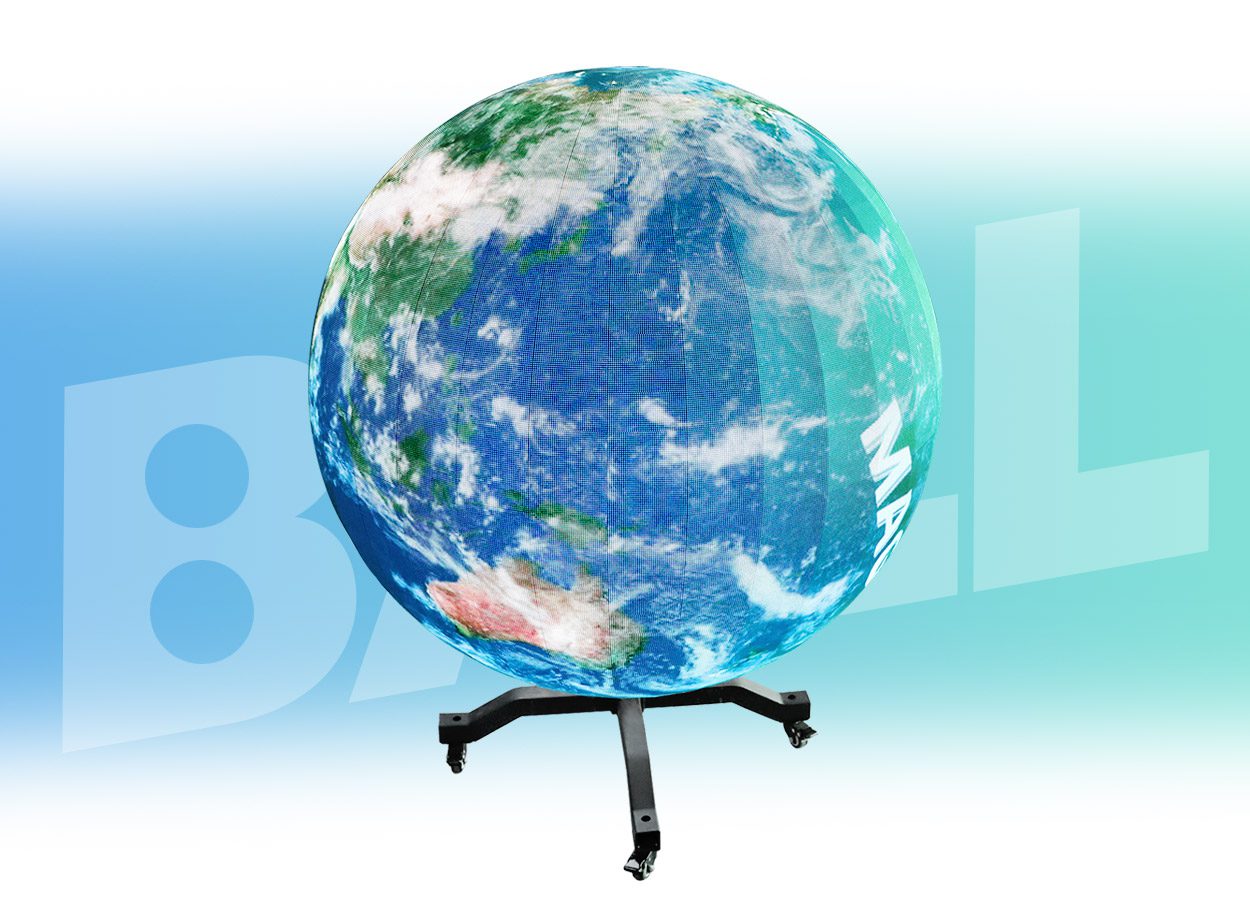
For a purely geometric illustration, a 1 m sphere has an equatorial circumference of approximately 3.14 m. That measurement is useful for discussing physical scale; it does not establish the video width, total pixels or controller capacity. The actual module layout and mapping determine those values.
2. Request the mapping template before commissioning artwork
Request the manufacturer’s approved content template for the exact delivered sphere. It should identify the video canvas, orientation, seam location, polar treatment and any regions that are cropped, repeated or unused. Do not send artwork to production using an assumed flat-screen resolution.
A familiar 2:1 world-map image can be a useful test asset, but it is not proof that the selected processor accepts that format directly. Ask who converts source media into the delivered pixel layout, which software is used, and whether conversion is a one-time service or part of the regular publishing workflow.
Put ownership in writing: who supplies the editable project, who retains mapping files, and who can prepare a replacement clip after installation? Request a sample export and have your own content operator repeat the process before final acceptance. Confirm licences and ongoing charges for any supplied media or mapping software.
3. Test seams, poles and text with your own content
Use a short buyer-supplied test playlist rather than relying only on flowing abstract graphics. Include a grid, latitude-style lines, a clearly marked front direction, large labels and a moving object that crosses the intended join. A second clip should contain the kind of brand message you will actually use.
Inspect whether lines meet consistently at the join, whether motion changes unexpectedly, and whether small text becomes hard to read at the top or bottom. Ask the supplier to explain deliberate mapping distortion and distinguish it from a missing module, configuration error or visible mechanical joint.
Agree the acceptance method with the content supplier and display supplier together. A clip can be unsuitable for the viewing geometry even when the LED hardware is operating correctly. Record the approved clip, playback settings and viewing positions so the result can be repeated after delivery.
4. Approve all intended viewing positions
Mark the routes from which visitors will see the display: entrance, reception queue, atrium balcony or exhibition aisle. Assess the sample content from those actual positions, including close viewing and higher or lower viewpoints. Visibility around the sphere does not mean every visitor sees an entire message at once.
Place essential information so it remains understandable along the intended audience route. If text is distributed across several faces of the sphere, ask for a demonstration of the viewing sequence. For a fixed logo or call to action, evaluate readable size and placement using the real content instead of a universal viewing-distance rule.
Choose pitch from the final diameter, nearest viewers and required detail. Request the exact native pixel layout for each proposed pitch; compare the same sample message and viewing conditions. A finer pitch does not correct a poorly prepared content map.
5. Check module replacement and configuration recovery
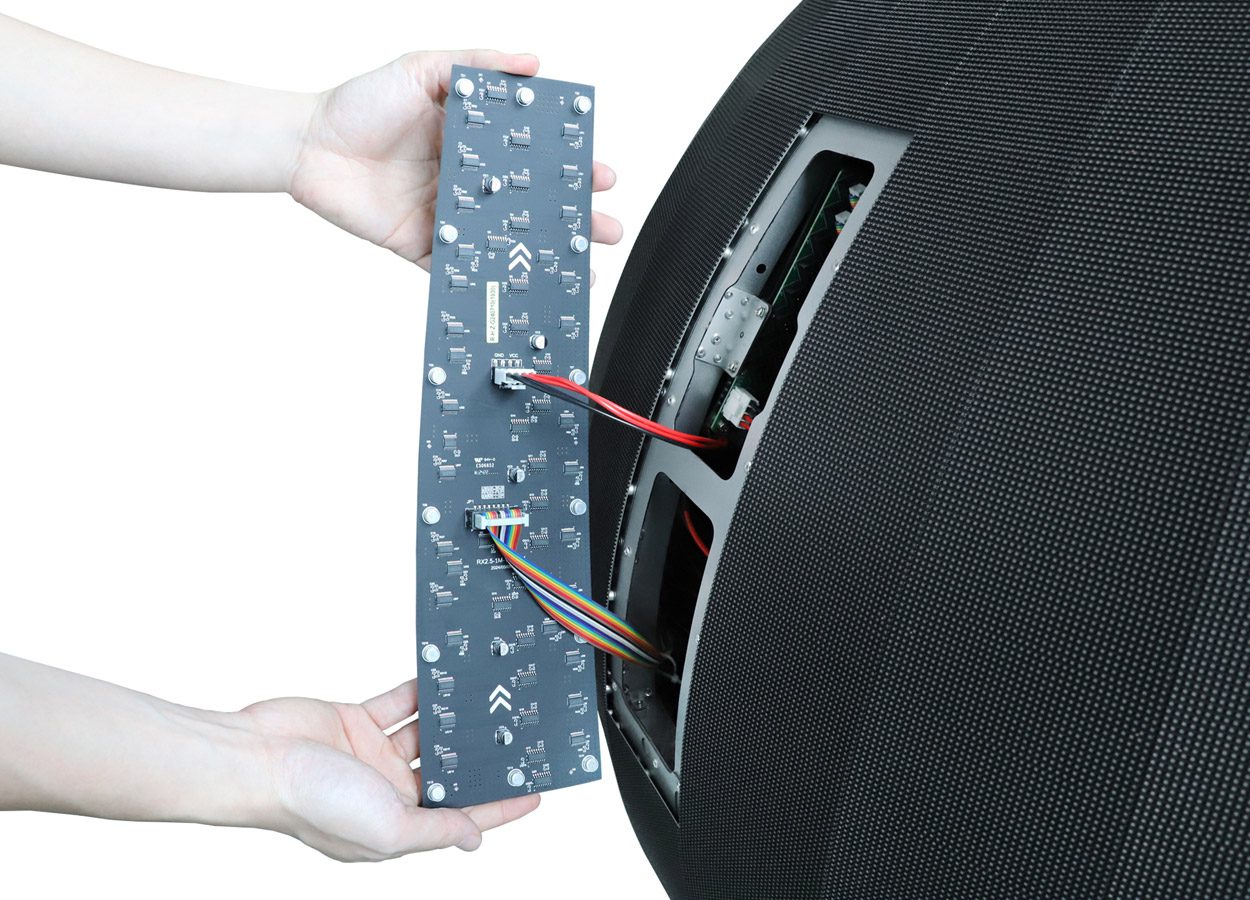
Ask whether all module positions use the same part. If the sphere uses different shapes or positions, request an indexed parts drawing and matching spare list. Keep the configuration, module position map and calibration records together so a technician can identify the correct replacement.
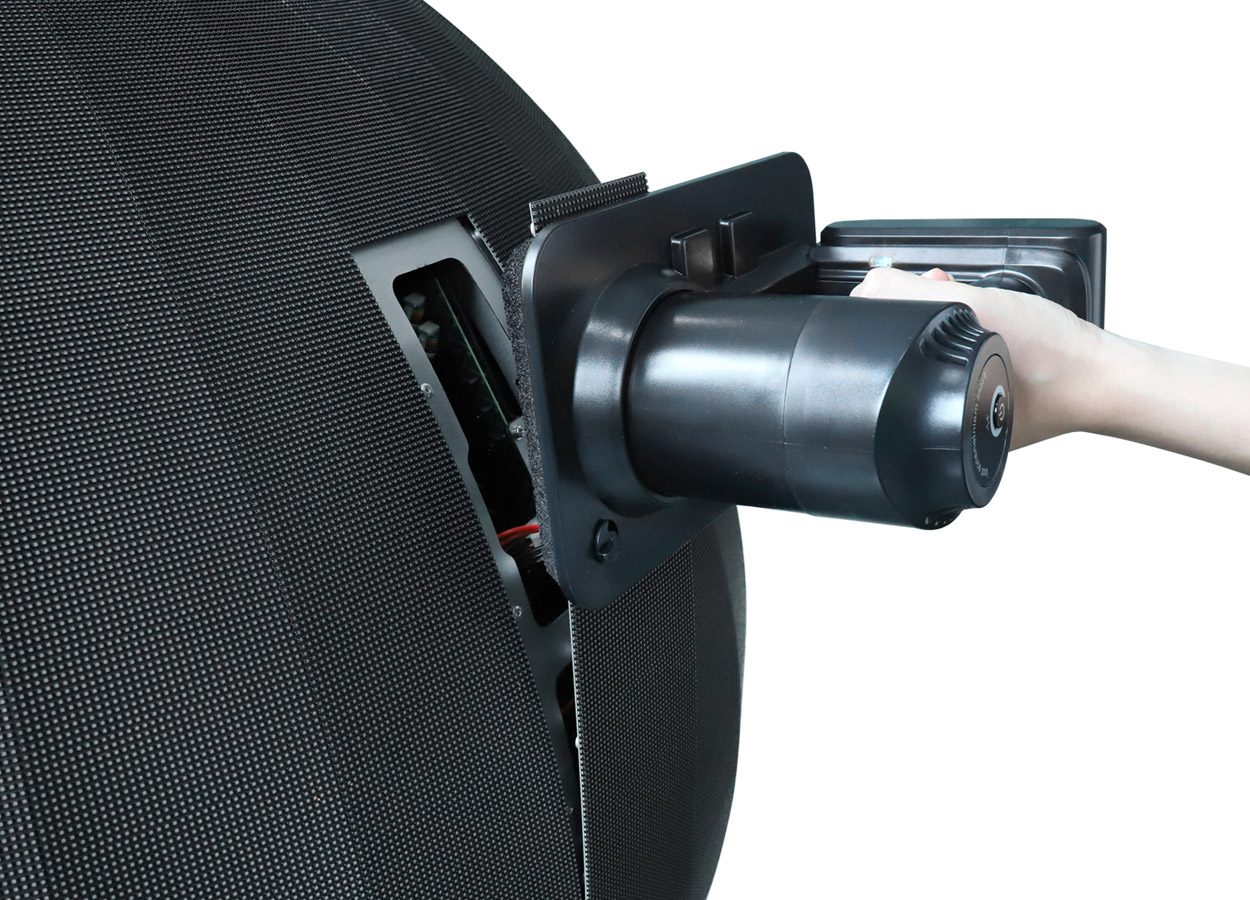
Include a demonstration of the approved replacement procedure, then replay the test playlist after the replacement. Check image position, orientation and visual consistency. A front-service design still requires a safe route to the relevant area of a suspended sphere; have qualified installation personnel assess the support and access arrangement.
6. Compare complete handover packages
A useful quotation separates display hardware, control equipment, content preparation, support, commissioning and ongoing service. Compare those scopes before comparing the total price. A sphere supplied with a sample animation may still require additional work to run your brand campaign.
Swipe within the table on a small screen.
| Deliverable | What the buyer should receive | How to check it |
|---|---|---|
| Display map | Approved pixel layout, orientation and module index | Match drawings to the delivered configuration |
| Content workflow | Template, sample export and software requirements | Publish a buyer-supplied test clip |
| Control backup | Restorable configuration and version records | Demonstrate the documented recovery process |
| Service package | Position-specific spares and approved procedure | Repeat playback after a sample replacement |
| Installation scope | Support, power, access and ventilation responsibilities | Obtain site-specific professional review |
Retain a copy of the approved handover package outside the playback computer. Record which files change when the layout, processor or software version changes. The final installation drawing and electrical plan should reflect the actual venue, not only a standard promotional mounting illustration.
7. Frequently asked questions
Can a sphere LED screen play an ordinary flat video?
The result depends on the selected system and content mapping. Ask for a demonstration with your file and confirm how it is converted into the delivered layout.
Does sphere diameter determine the video resolution?
No. Diameter describes physical scale. Obtain the confirmed module layout, native pixel map and processor canvas for the quoted configuration.
Is 360-degree viewing the same as a 360-degree content format?
No. A display visible from multiple directions still needs a content template suited to its LED layout and audience viewpoints.
Can the standard EAiBall be used outdoors?
The linked EAiBall is presented as an indoor product. An outdoor proposal requires a separate assessment of the delivered equipment and installation conditions.
8. Request a sphere display and content proposal
Send the required diameter, indoor location, mounting preference, nearest viewing distance, country and purchase timeline. Include a sample brand clip and the audience routes. Ask for a proposal covering the display, approved content template, test playback, service access and handover files.
Product materials reviewed October 15, 2026. The circumference example is geometry for discussion, not a supplied pixel map or structural design.
 Interactive LED Floor: Sensor & Service Buying Checks