

Retail LED Display Project Planning
Retail digital signage uses screens to deliver store promotions, product information and wayfinding. For an LED display project, choose the screen around the shop location, daylight, closest viewing distance and service access, then define the controller and content workflow before requesting a complete-system quote.
- Window, entrance, feature-wall and aisle displays need different sightline and light checks.
- Budget for the display, control, mounting, power, installation and spare parts.
- A multi-store rollout needs compatible players, permissions, schedules and offline playback.
- Measure campaign results against a baseline; a screen does not guarantee higher sales.
On this page
- Choose the display by store location
- Digital Retail Signage Solutions
- 1. What Is Digital Retail Signage?
- 3. Digital Retail Signage Cost
- 4. How to Set Up Digital Displays in a Retail Store
- 5. Digital Signage Software and Control Options
- 7. Retail Digital Signage Project Examples
- 8. Digital Retail Signage FAQ
- Purchase questions
Choose the display by store location
| Location | Screen direction to compare | Checks before quotation |
|---|---|---|
| Window / storefront | Transparent LED or suitable window-facing display | Daylight, glazing, visibility through glass, mounting and rear access |
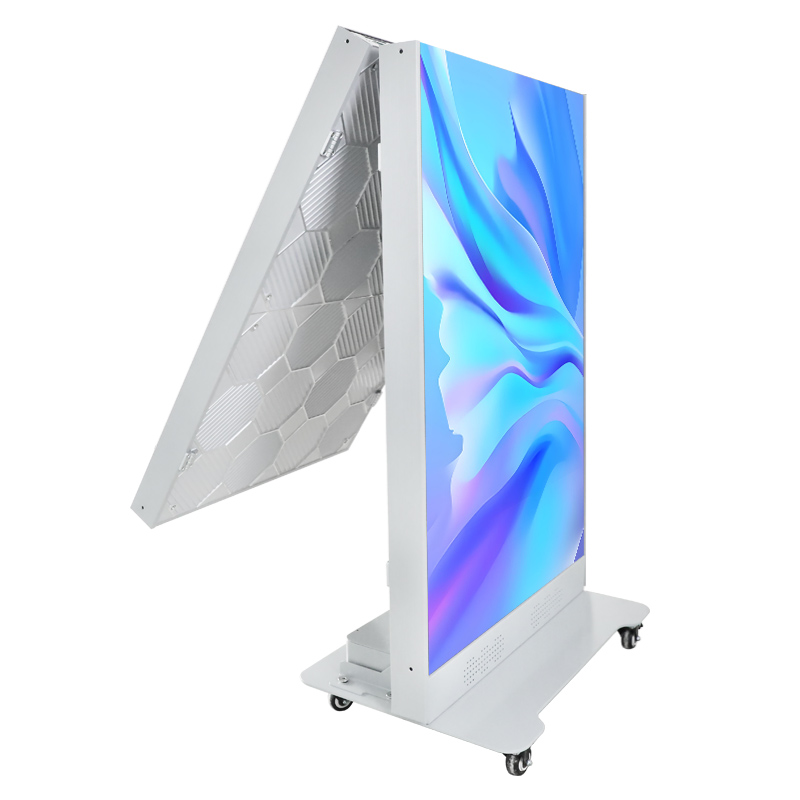
| Entrance / promotion point | LED poster or movable display | Floor footprint, pedestrian flow, transport, content orientation |
| Flagship feature wall | Indoor modular LED wall | Closest viewer, pitch, pixel map, power and module-removal route |
| Aisle / decision point | Compact information or directional display | Readable copy, shelf/aisle clearance, approved mounting and updates |
Begin with a dimensioned site brief: screen area, mounting photographs, window orientation, closest viewer, operating hours and the intended campaign. Ask for the physical cabinet grid and native pixel map so the content team can prepare readable creative.
Separate screen hardware from controller/player, mounting structure, power/data cabling, installation, content setup, software terms and spare-parts scope. Request the same items from each supplier to make quotes comparable; an undated price per square metre is not a complete project budget.
For several stores, confirm approved content owners, user permissions, time-zone scheduling, offline playback and fault reporting with the chosen controller/CMS. Verify software and network requirements rather than assuming every LED model includes cloud management.
Purchase questions
Which matters more for a storefront: brightness or transparency?
Both depend on the project. Compare the actual daytime view from the street, the need to retain daylight and the selected panel’s pixel pitch, brightness and transparency. Confirm glazing and installation conditions for the specific model.
Can a retail LED screen guarantee more sales?
No. Define a campaign objective and compare relevant sales, footfall or enquiries with a baseline while considering offers, seasonality and store differences. Use the display to support a clear shopper task rather than promising a fixed percentage gain.
What information should I send for a retail display quote?
Send site photographs, dimensions, indoor/window/outdoor placement, nearest viewing distance, content format, store count, operating hours, installation and service access, destination and expected schedule. Identify hardware, installation and software responsibilities.
Request a retail LED display project quote
Compare the EA600COB3 indoor COB LED wall specifications for other formats.
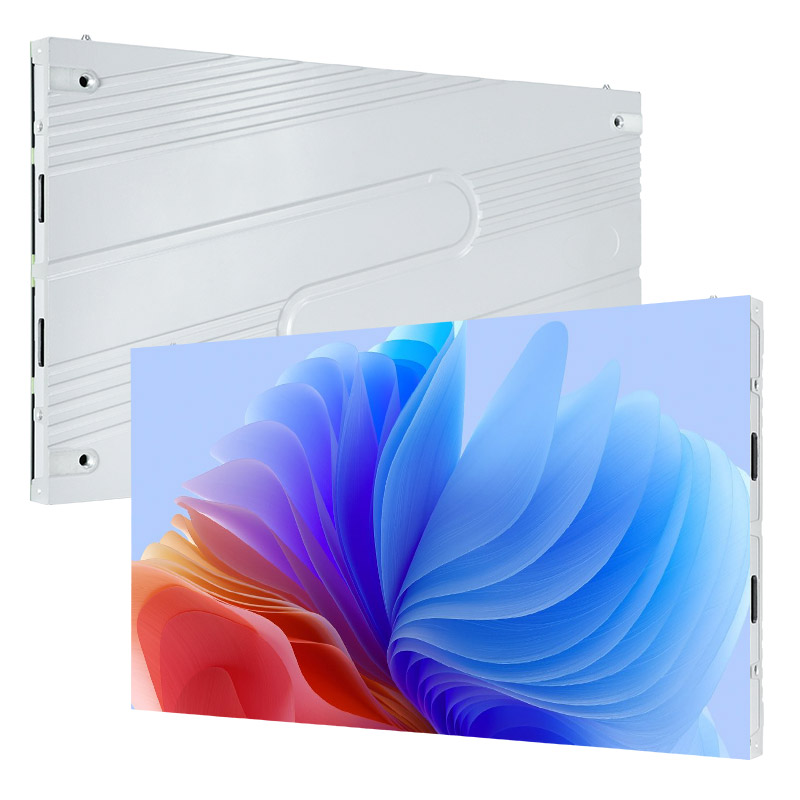
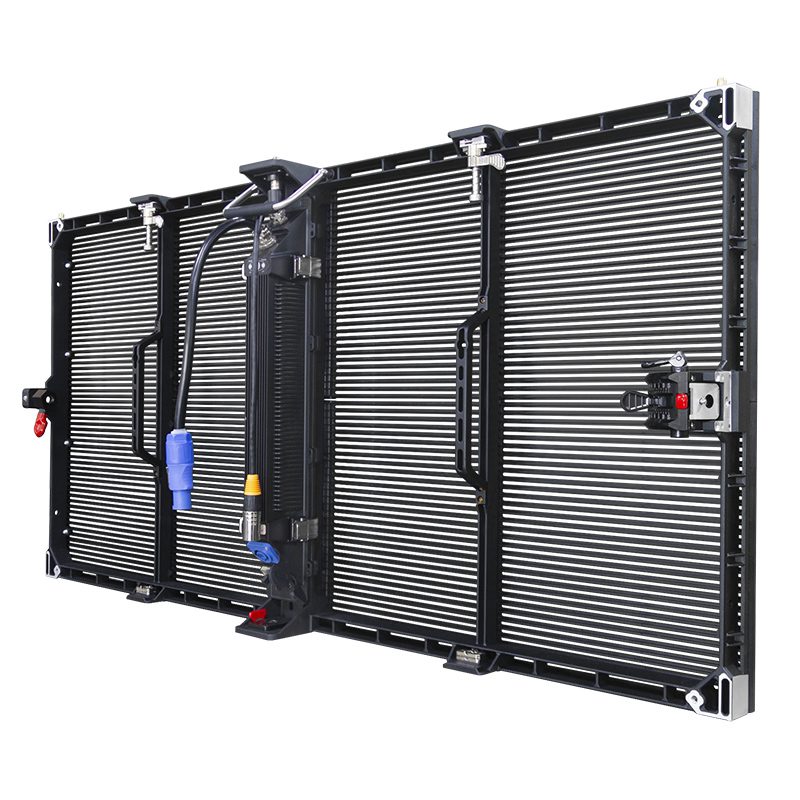
Make campaigns easier to notice. Motion, scheduled creative and bright visuals help a storefront or in-store promotion stand out without relying on printed poster changes.
- Use window and entrance screens for launches and time-sensitive offers.
- Match brightness and pixel pitch to the viewing environment.
- Keep brand colors, product details and calls to action consistent.
Support customer journeys and merchandising. Retail digital screens can introduce products, show availability, explain features and guide shoppers to departments or service points.
- Place concise messages where shoppers make decisions.
- Use shelf-edge and aisle displays for product comparisons.
- Measure results by campaign, location and screen schedule.
Update content from one control point. A media player and content management system can schedule campaigns by store, screen, daypart or season.
- Replace outdated prices and promotions quickly.
- Reuse approved layouts across multiple locations.
- Monitor playback status and plan maintenance centrally.
Digital Retail Signage Solutions
LED posters work well at entrances, pop-up areas and checkout queues where a freestanding or wall-mounted screen must be easy to reposition.
- Best for portrait promotions, product launches and event messaging.
- Available with local playback or networked content control.
- Compare formats in our LED poster vs. LCD poster guide.
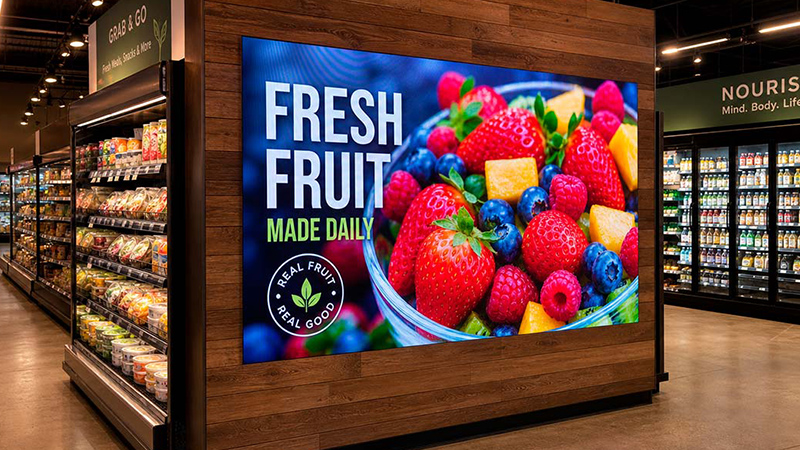
LED shelf displays place short promotional messages close to the product. They are suited to price highlights, product features and directional cues in narrow retail spaces.
- Use short copy that can be read in a few seconds.
- Coordinate content with nearby stock and pricing.
- Confirm mounting depth, ventilation and service access.
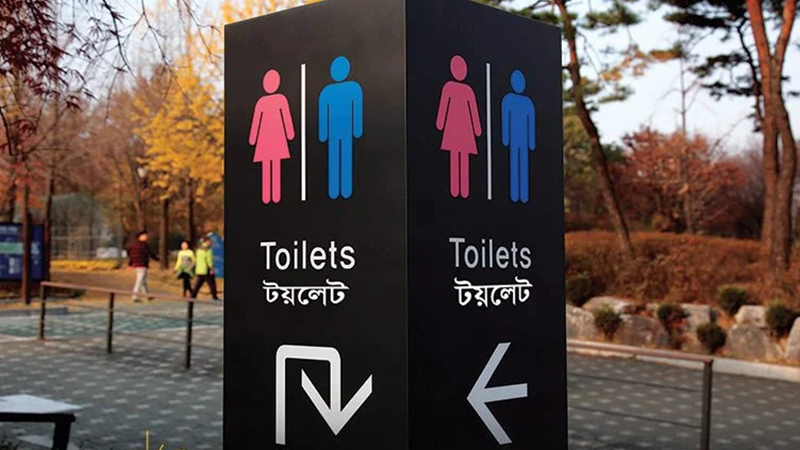
LED directional signage helps visitors find departments, checkout points, lifts and exits. Networked screens can also switch to operational or emergency messages when required.
- Keep arrows, destinations and icons visually consistent.
- Support the languages used by the store’s customers.
- Position screens before decision points, not after them.
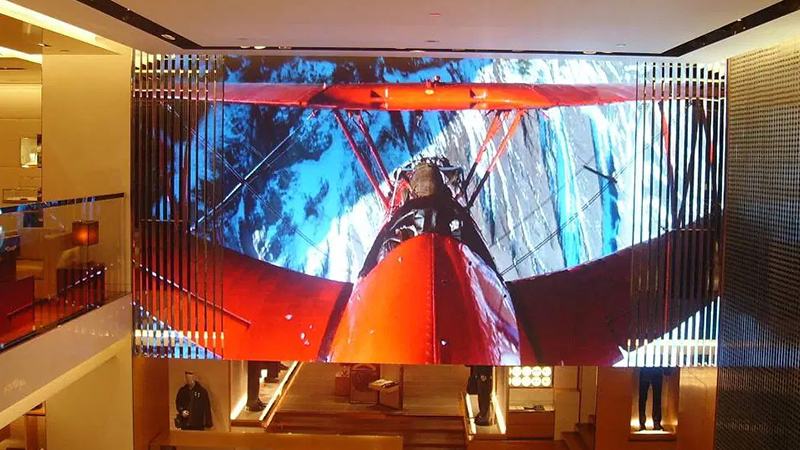
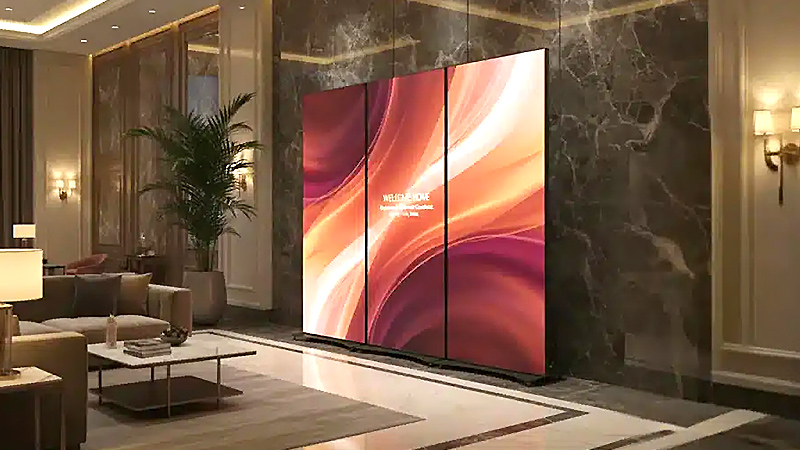
LED video walls provide a large, seamless canvas for flagship stores, atriums and high-impact brand campaigns.
- Choose pixel pitch according to the closest viewing distance.
- Plan front or rear service access before installation.
- See the retail LED display guide for layout and specification advice.
Digital Retail Signage Guide for Retail Stores
Digital retail signage for stores should be selected around four practical factors: installation location, closest viewing distance, ambient light and the team responsible for content. This guide compares screen types, cost factors, setup steps, software and maintenance so retail buyers can prepare a useful project brief before requesting a quote.
- Use high-brightness storefront digital signage for window-facing locations and fine-pitch indoor displays for close viewing.
- Budget for the complete system, including the screen, controller, structure, cabling, installation and spare parts.
- Set a content owner, publishing schedule and maintenance plan before the display goes live.
Evaluate outcomes against the store’s own campaign baseline. Record screen location, content schedule and the relevant sales, footfall or enquiry measure without assuming a fixed uplift.
1. What Is Digital Retail Signage?
Digital retail signage is a networked or standalone screen used to present store information, advertising, product details, prices, menus, wayfinding or interactive services. Common hardware includes indoor LED displays, LCD panels, transparent screens, kiosks and media players.
The main specification choices are:
- Pixel pitch and resolution: select detail level from the closest viewing distance. See the LED screen resolution guide.
- Screen size and aspect ratio: match the content format and available wall, window or floor area. Use the LED display size guide.
- Brightness: indoor, window-facing and outdoor locations need different output levels.
- Control method: choose USB playback, a local media player or cloud-based scheduling according to the number of screens and stores.
01. Key Features of In-Store Digital Signage
Purpose-built retail messaging. In-store digital signage can rotate product launches, promotional prices, brand stories, menus and service information. Each screen should have one clear job and one readable message hierarchy.
Remote and scheduled control. Connected media players let teams publish approved content by location, screen group and time of day. Access permissions, offline playback and status monitoring matter when a network includes several stores.
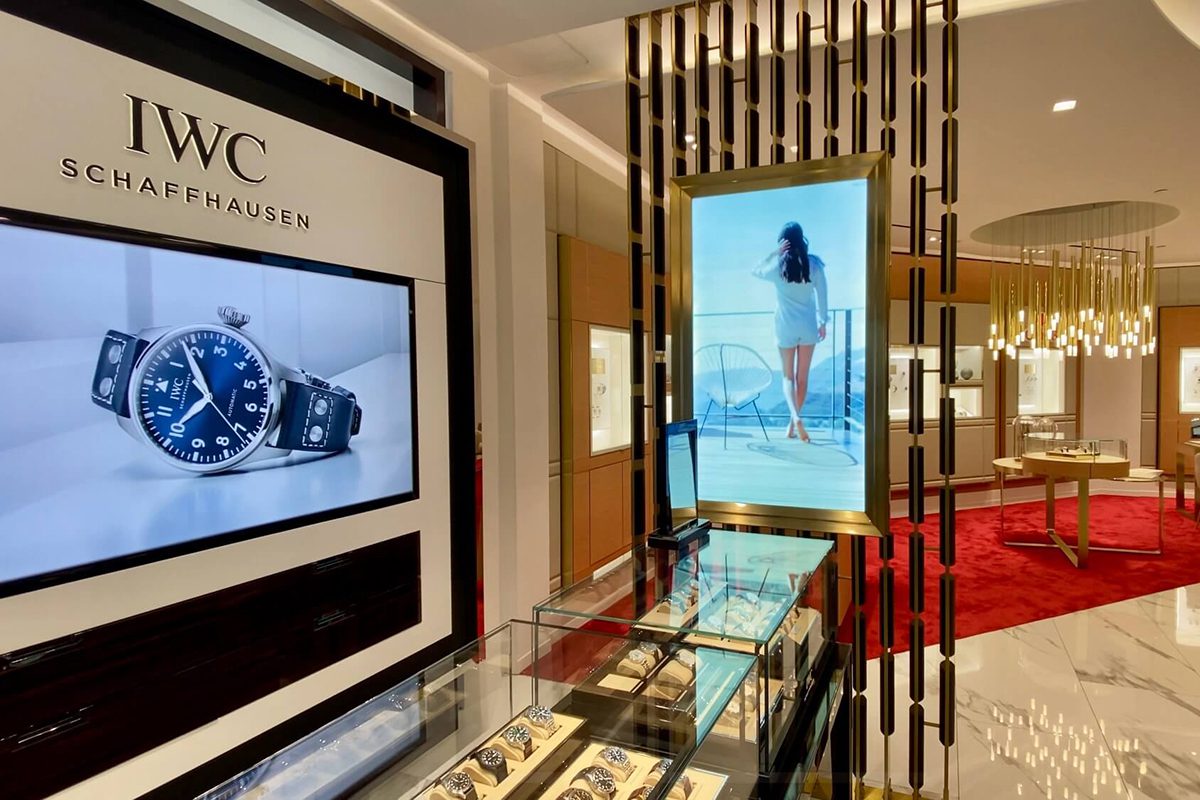
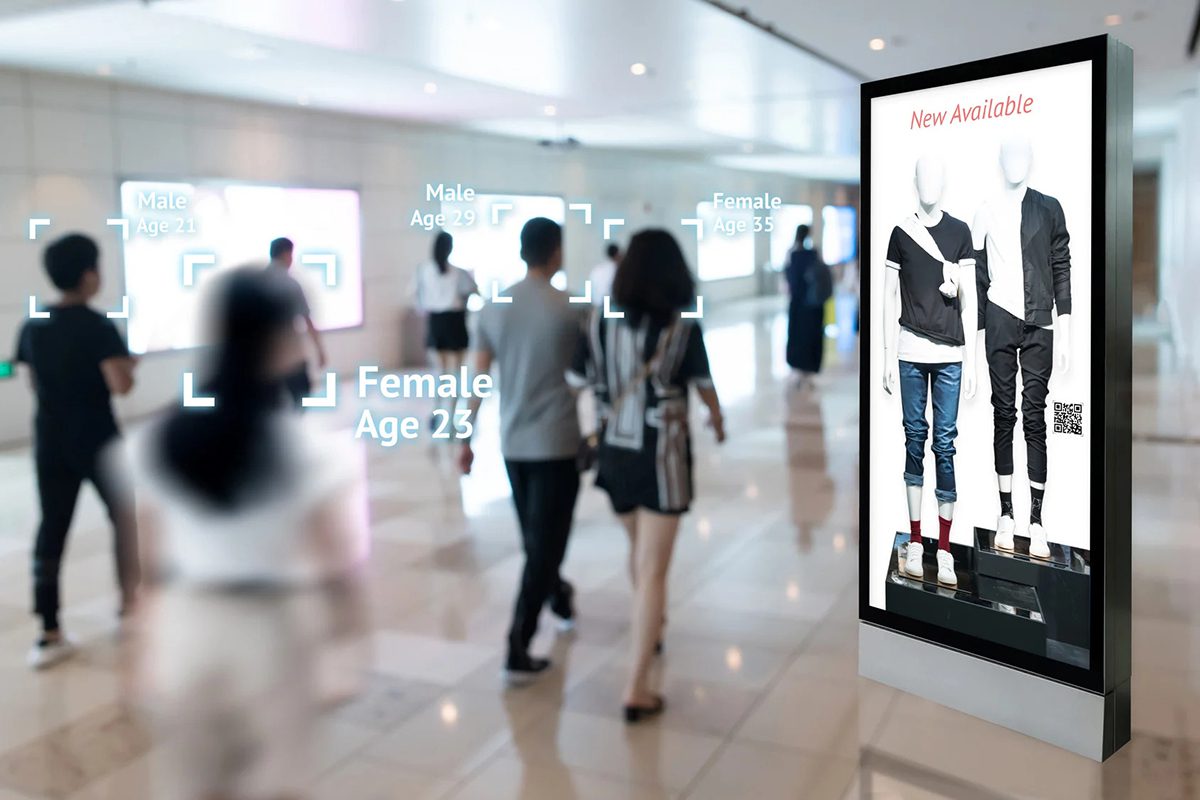
Serviceable installation. A reliable display plan accounts for power, data, ventilation, mounting load and front or rear maintenance access. Modular LED systems can simplify component replacement, but maintenance requirements vary by cabinet and installation method.
2. How Digital Retail Signage Supports Store Sales
Digital retail signage can support sales when the screen, message and location match a clear shopper need. It can make campaigns more visible, explain products at the point of decision and keep information consistent across locations.
Improve visibility and campaign timing. Motion and scheduled content can help a store communicate launches, promotions and events when shoppers are most likely to act.
- Use entrance screens for a single high-priority message.
- Use aisle and shelf screens for product-level information.
- Track campaign dates, screen locations and outcomes instead of assuming every display performs equally.
Create a more useful in-store experience. Digital screens can reduce uncertainty by showing product options, instructions, stock information and directions.
- Keep essential text readable from the intended distance.
- Use interaction only when it shortens a real customer task.
- Combine screen analytics with sales or footfall data when evaluating performance.
3. Digital Retail Signage Cost
Digital retail signage pricing depends on the complete project rather than the screen alone. Reference prices should be confirmed against the final specification and installation site.
- Display hardware: screen type, dimensions, pixel pitch, brightness, refresh rate and protection rating.
- System components: controller, media player, mounting structure, cabling, power distribution and spare modules.
- Project services: shipping, installation, commissioning, content setup, training and ongoing support.
Request a quote with the installation dimensions, photos, viewing distance and content format so suppliers can compare equivalent configurations.
| Display Type | Quotation Basis | Best Retail Use | Main Cost Drivers |
|---|---|---|---|
| LED Poster Screen | Project-specific quote | Entrances, aisle endcaps, promotions, and portable campaigns | Pixel pitch, screen size, brightness, media player, and stand |
| Transparent LED Screen | Confirm pitch, transparency and complete installed scope | Storefront windows, glass façades, and window promotions | Pixel pitch, transparency rate, brightness, structure, and installation |
| Large High-Definition Screen | Project-specific quote | Flagship feature walls, video backdrops, and large-format brand content | Total area, target resolution, cabinet system, structure, controller, and installation |
| Flexible LED Screen | Project-specific quote | Curved walls, columns, arches, and custom-shaped displays | Module curvature, pixel pitch, custom framing, and installation complexity |
| Interactive Display | Project-specific quote | Product finders, self-service kiosks, wayfinding, and assisted selling | Display size and type, touch technology, media player, software, and system integration |
Planning note: Request a dated quotation for the complete specification. Actual digital retail signage cost depends on pixel pitch, brightness, display area, supporting structure, controller, shipping, and installation requirements.
4. How to Set Up Digital Displays in a Retail Store
01. Choose the Right Hardware
Start by choosing the display technology and performance level for the site.
- LCD: suitable for smaller indoor screens and standard close-viewing applications.
- Direct-view LED: suitable for large, bright or custom-size displays without visible panel bezels.
- Transparent LED: suitable for storefront glass where daylight and visibility through the window must be retained.
Check pixel pitch, physical dimensions, mounting method, service access and environmental protection. The LED display brightness guide explains how ambient light affects selection.
02. Select the Best Installation Locations
Place each screen where it can be seen comfortably and where its message supports a shopper decision.
- Entrance or window: brand campaigns, store events and top offers.
- Aisle or shelf end: product comparisons, prices and category navigation.
- Checkout area: loyalty, service and complementary-product messages.
- Large feature wall: immersive campaigns and flagship brand content.
Confirm sightlines, glare, pedestrian flow, mounting load, ventilation and access for technicians before installation.
03. Plan Content and Updates
Build a repeatable content workflow before the screens go live.
- Campaign content: promotions, new arrivals, product education and brand stories.
- Schedule: set start and end dates so expired offers stop automatically.
- Ownership: assign approval, publishing and emergency-message responsibilities.
- Format: create content for the screen’s native resolution and aspect ratio.
Review high-priority promotions when prices or stock change, and audit evergreen content on a regular schedule.
04. Clean, Monitor and Maintain the Display
Plan routine inspection around the installation environment and manufacturer guidance.
- Remove dust from vents and accessible surfaces with approved materials.
- Check temperature, brightness, playback status and error logs.
- Inspect mounts, cables and weather seals where applicable.
- Keep spare modules or critical components for displays that cannot tolerate long downtime.
Disconnect power and use qualified service personnel for internal electrical or structural work.
5. Digital Signage Software and Control Options
Retail digital signage software controls media import, screen configuration, playlists, scheduling and status monitoring. The appropriate setup depends on whether one screen or many stores are being managed.
- Local playback: useful for a single screen with infrequent updates.
- LAN control: useful for several displays on the same site.
- Cloud content management: useful for centralized publishing across multiple locations.
- Controller tools: NovaStar and Huidu software can configure compatible LED processors and receiving systems.
Before deployment, confirm device compatibility, user permissions, offline playback, scheduling, monitoring and software support terms.
6. Retail Digital Signage Trends
7. Retail Digital Signage Project Examples
Clothing store, Italy. An indoor P3 LED wall was installed for fashion campaigns and in-store brand content.
Storefront, Spain. A transparent LED display was installed on a glass facade.
8. Digital Retail Signage FAQ
9. Choose the Right Retail Digital Signage
The best retail display is the one that fits the viewing distance, ambient light, available space, content workflow and maintenance plan. Start with the installation site and message objective, then compare LED posters, LCD panels, transparent displays and modular video walls on the same specification basis.
For more detail, review our retail LED display guide or contact EagerLED with site dimensions, photos and the expected viewing distance for a project recommendation.
