LED screen light sensor compatibility depends on the complete control path: the probe, its connector, the controller or multifunction card, and the software mode that applies the reading. Buy an identified, supported combination with the correct cable and a demonstrated dimming response. A matching plug or the same brand name alone is not enough.
This guide is for an integrator adding automatic dimming to a fixed outdoor advertising screen. It explains what to request before ordering parts, including whether adjustment continues after the configuration laptop leaves the site. For choosing screen output in nits, use our separate LED display brightness guide.
What LED Screen Light Sensor Compatibility Actually Means
A light sensor measures illumination around its probe. The control system reads that measurement and chooses a display setting. The sensor does not supply LED module power or independently drive the screen. Therefore, a useful compatibility confirmation names both the receiving interface and the device that executes the dimming rules.
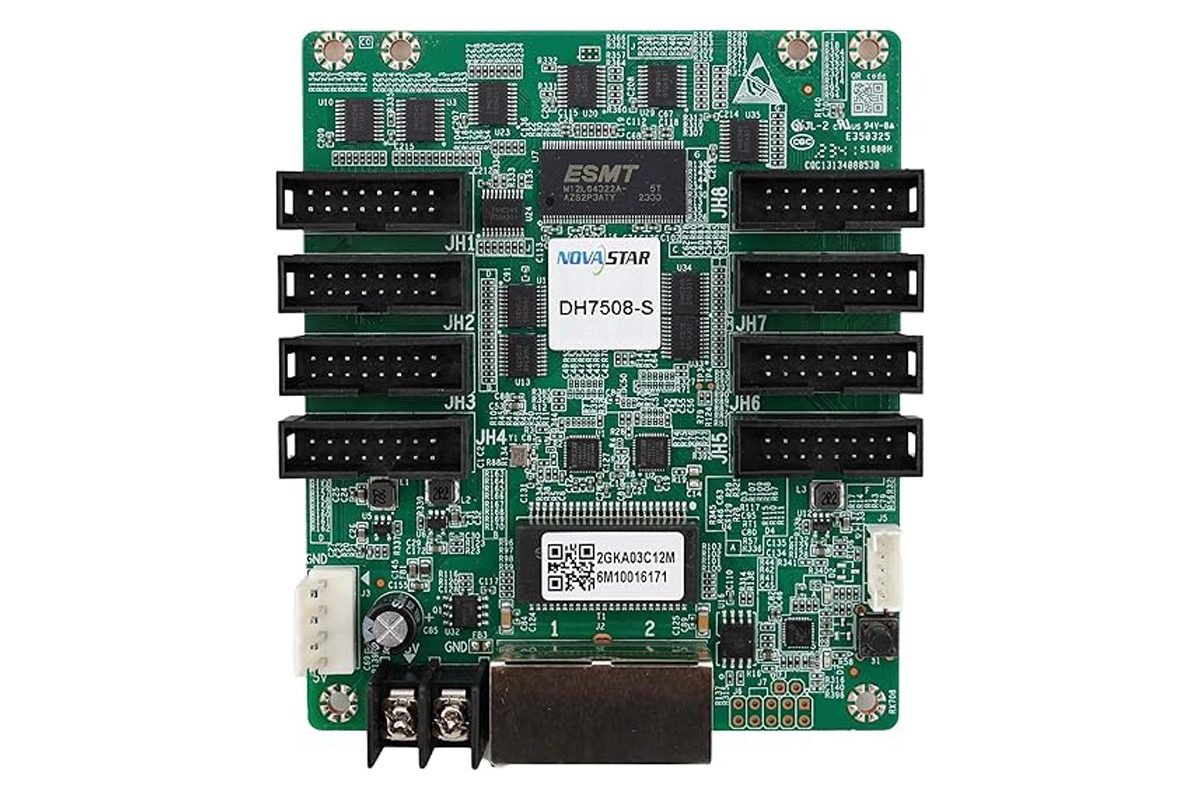
Start with photographs of the current controller label and rear panel. Record its hardware revision, firmware and configuration software version. If an auxiliary card is already installed, photograph that board and its connectors too. Keep the original wiring drawing available so the supplier can identify the intended route without guessing from an enclosure model.
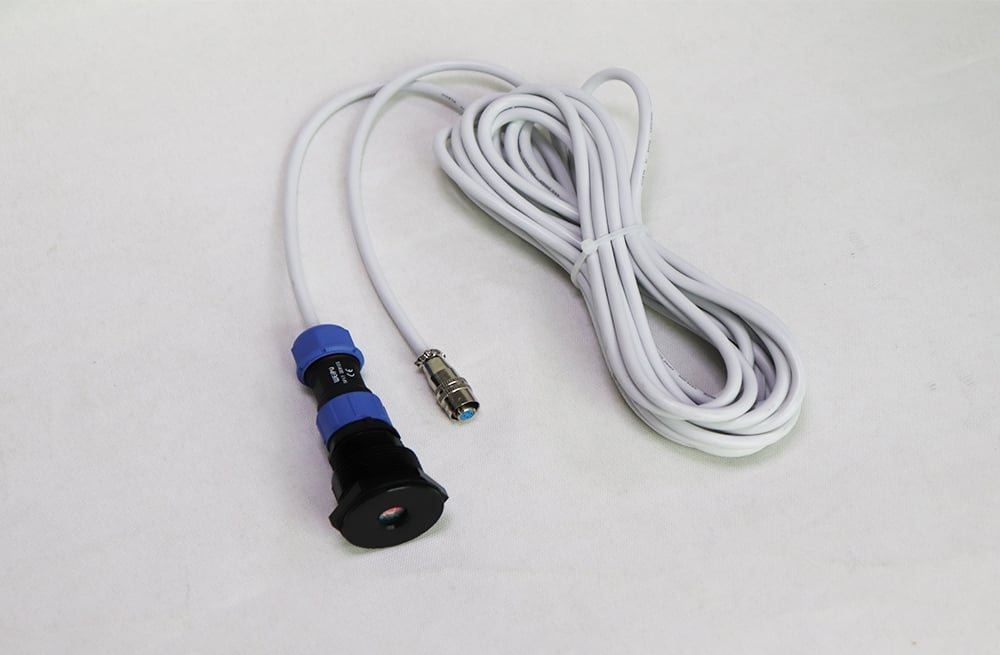
For example, the NS060-5A light sensor listing identifies the MFN300 card and MFN300-B box as compatible devices. That is a documented starting point, not approval for every controller installation. Request confirmation of your complete hardware combination and the appropriate setup procedure before ordering.
Direct Sensor Port or Multifunction Card?
Some sending controllers provide a dedicated light-sensor connection; other systems use an auxiliary interface. For example, the MCTRL600 specification identifies a LIGHT SENSOR connector. A project using a multifunction card has a different parts list and configuration path. Do not add an extra card automatically, or omit one simply because a quotation mentions automatic brightness.
The following table separates the decisions. It is an ordering framework, not a universal wiring diagram.
| Proposed path | Evidence to request | Purchasing consequence |
|---|---|---|
| Dedicated controller sensor port | Named compatible probe, port photograph and controller manual | Confirm the cable and supported operating mode; an auxiliary card may be unnecessary. |
| Sensor through an MFN300 card | Card revision, supported sensor and diagram showing its place in the control chain | Include board mounting, suitable power and required interconnections. |
| Existing multifunction box | Exact box model and available sensor connections | Price only the missing approved parts; do not assume the bare card and box are interchangeable. |
| Controller or interface unidentified | Readable labels and supplier identification | Hold the accessory order until the hardware is confirmed. |
A thorough LED screen light sensor compatibility check should also identify who supplies each connector and any necessary adapter. Ask whether the quoted cable is continuous or contains a joint. Have the supplier confirm the permitted cable construction and route; do not extend it using an arbitrary lead that happens to fit.
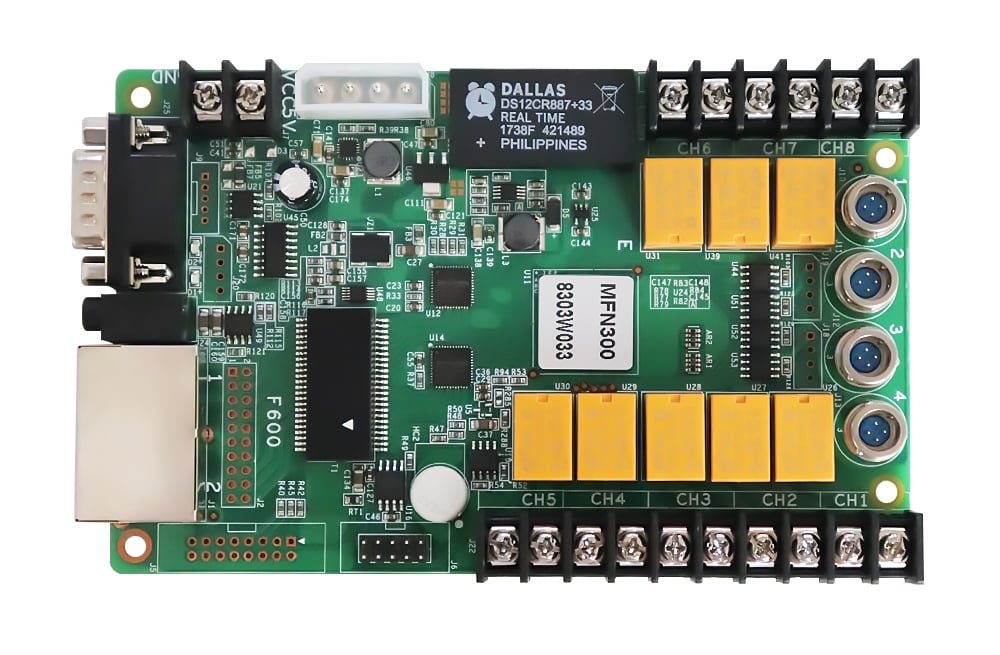
The MFN300 specification documents four light-sensor connections. Review the MFN300 interface and revision information with your supplier. A bare board also needs an appropriate installation location; its sensor capability does not make the board itself an outdoor enclosure.
Will Automatic Dimming Continue Without the PC?
“Configured by a laptop” and “requires a laptop during operation” are different requirements. Tell the supplier whether the finished screen will have a permanently connected control computer. This affects both the proposed hardware and the acceptance test.
NovaLCT’s V5.6.1 manual distinguishes software adjustment, which uses the connected PC with monitoring running, from hardware adjustment performed by the sending card when that connection or monitoring stops. It also lists limitations for combined screens. Verify the selected mode against your controller and software version, rather than treating that distinction as a promise for every product.
Include this question in the LED screen light sensor compatibility review: which device continues applying the brightness rules after the configuration computer is disconnected? Ask for a demonstration on the proposed equipment. Keep the video source running separately during this check so a lost source signal cannot be mistaken for failed dimming.
Use our NovaLCT download and setup guide for software preparation. The installer should retain the accepted configuration and version information with the project documents.
Check the Sensor Route at the Real Installation
Before buying the cable, mark the sensor location, controller location and service route on a site photograph. Measure the route the cable will actually follow, including entry points and service access. Straight-line distance across the building can underestimate the installed length.
Choose a position representative of the display’s lighting conditions. Check shadows, nearby lamps and light from the screen itself. Define how the mounting and cable entry will preserve the enclosure’s weather protection. These details belong in the installation proposal; an outdoor-rated probe alone does not protect every connection along the route.
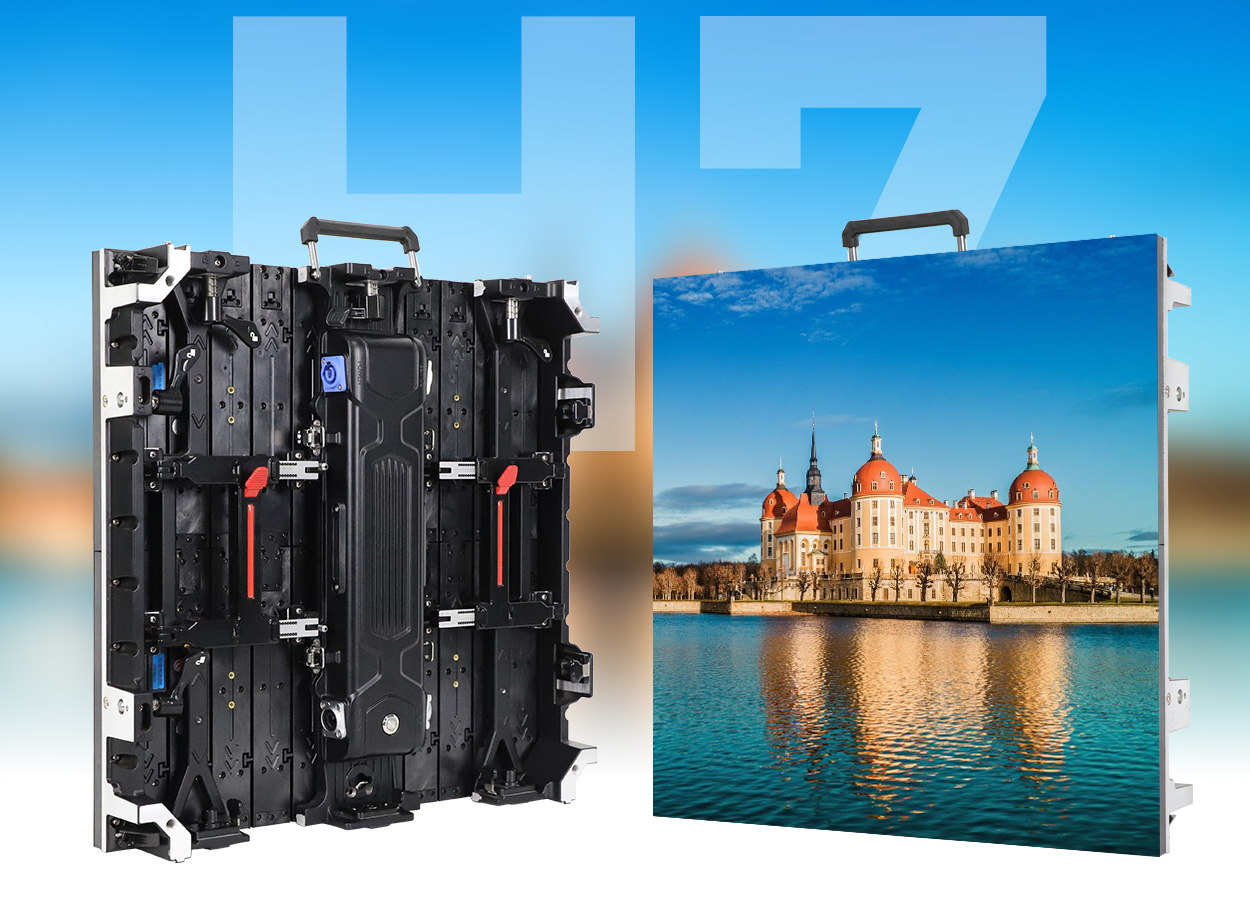
The official EagerLED video below shows an EA320F outdoor advertising display and its cabinet construction. It illustrates the type of screen where an integrator must plan accessory access. It is a product demonstration, not a light-sensor installation tutorial or proof that this configuration includes automatic dimming.
At handover, observe a changing sensor reading and the corresponding screen response together. Then test the approved failure response and restart behavior. Record the active mode, settings and result. A reading that changes on the laptop proves detection, but does not by itself prove that the screen follows the intended rule.
Turn Compatibility Approval Into a Complete Order
Close the LED screen light sensor compatibility review with a named parts list: probe, cable, approved interface device if required, mounting items, power provision and commissioning scope. Separate supplied components from existing equipment. Mark anything the installer must source locally.
Attach a simple acceptance note: show the approved sensor-to-controller path, verify operation without the PC where required, demonstrate the agreed response to sensor failure, and retain the final settings. Agree brightness limits for the actual site rather than copying another project’s percentages. A software percentage is not a measured luminance in nits.
Compare the total scope, including access equipment and commissioning, before selecting a lower accessory price. If the supplier cannot identify the interface or demonstrate the operating mode, resolve that gap before shipping the kit. This avoids discovering an omitted card or unsupported function after the screen is mounted.
Frequently Asked Questions
Can one sensor control screens facing different directions?
Do not assume one reading represents every face. Give the supplier the orientation and lighting conditions of each screen. Ask how readings are assigned or combined, and verify that the selected control mode supports the proposed arrangement.
Will adding a sensor guarantee a specific energy saving?
No. A saving percentage requires a defined baseline and comparable operating measurements. Content, operating hours, output settings and equipment all affect consumption. Buy the required control behavior first; evaluate energy use separately.
Should a spare sensor be included?
Consider replacement access and service urgency. If a spare is required, specify the approved sensor assembly and cable rather than a generic substitute. Keep its identification with the project record, and include the replacement test in the maintenance procedure.
Request a Matched Sensor and Control Proposal
For an LED screen light sensor compatibility proposal, send EagerLED the controller and card photographs, software versions, screen dimensions, outdoor conditions, viewing distance, country and purchasing schedule. Include the measured cable route and whether a PC will remain connected.
 Circular LED Screen: Content, Safe Areas and Installation