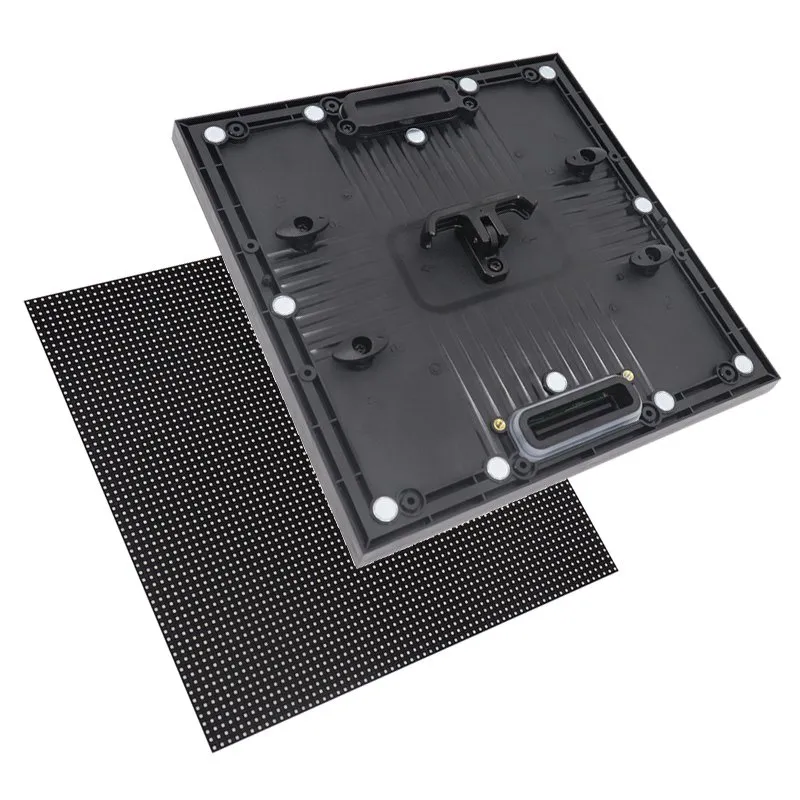
An LED display aging test report should connect the equipment in your order with the test conditions, operating period, observed faults and final retest results. A video of a working screen provides useful visual evidence, but it cannot establish the full test duration or identify every cabinet that will be shipped.
This guide is for distributors reviewing a production batch before shipment. It focuses on the records to request and the questions to resolve with the manufacturer. It does not prescribe an electrical stress test or replace a separate image-calibration acceptance procedure.
- Which modules, cabinets and spare units the record covers.
- How the display was configured and operated during the run.
- Whether interruptions, repairs and retests are recorded.
- Who reviewed the final result against the agreed criteria.
Match the LED Display Aging Test Report to Your Order
Start with traceability: the report should identify the order and the equipment actually tested. Request the model, configuration reference, batch or serial identifiers, quantity and report date. If only part of the order was assembled at one time, ask how the remaining equipment is covered.
A model name is useful but does not uniquely identify a shipment. Different orders can use the same cabinet series with different modules or control components. Compare the report with the approved order configuration rather than relying on a general factory brochure.
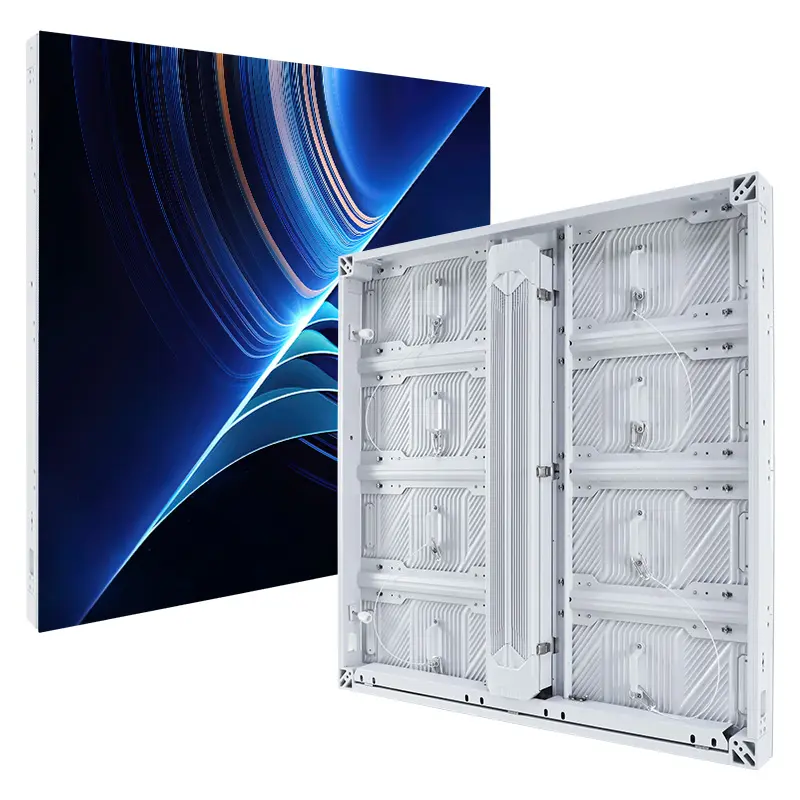
The EA1000F2 outdoor advertising screen is the cabinet series shown in the official video later in this guide. Use the model reference to keep the product, footage and documentation aligned. Do not apply that video’s configuration to a different model or production batch.
For spare modules and spare cabinets, request a separate entry in the equipment schedule. A spare packed beside the tested wall is not automatically included in its record. The supplier should explain whether spares followed the same test route or a separately documented procedure.
Distinguish Module and Assembled-Screen Testing
Module testing and assembled-screen testing cover different equipment states. A module record concerns the identified modules and their test setup. An assembled-screen record adds the cabinet and system configuration used during that run. Neither should silently stand in for the other.
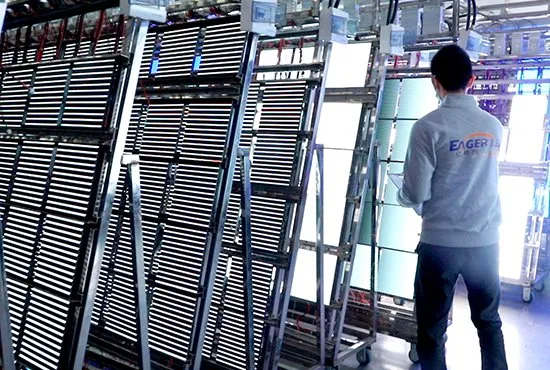
EagerLED’s published quality-control overview describes module aging before cabinet assembly and a later full-screen aging stage. It lists a 24-hour module stage and at least 72 hours for the assembled screen. Treat these as published process descriptions: confirm the applicable procedure and actual records for your order before accepting a shipment.
| Record | Ask it to identify | Do not infer |
|---|---|---|
| Module aging | Module batch, quantity, test setup and result | That the final cabinet and signal chain were tested together |
| Assembled-screen aging | Cabinet group, assembled layout and operating configuration | That unlisted spares or another batch were included |
| Calibration acceptance | Image targets, settings, measurement method and results where required | That an operating period alone establishes image uniformity |
| Packing inspection | Released equipment, accessories, identifiers and packing list | That packing photographs prove prior test conditions |
Use the broader factory-direct purchasing guide for the surrounding order process. Keep this report review focused on the evidence needed to release the identified production equipment.
Read the Conditions Behind the Hours
An LED display aging test report needs operating conditions as well as elapsed time. Ask for the start and finish times, interruptions, brightness setting, displayed patterns or content, electrical supply conditions and relevant environmental observations. Have the manufacturer define the procedure suitable for the supplied equipment.
Do not ask technicians to improvise overvoltage, overheating or continuous full-white operation outside the approved procedure. A longer or more severe run is not automatically a better acceptance test. The useful question is whether the agreed procedure was completed and whether the recorded result meets the agreed criteria.
Record the controller and configuration used when they affect the test scope. A cabinet arrangement shown in a test bay may differ from the final installation layout. Ask which checks cover the production hardware and which commissioning checks remain for the installed system.
| Field | Useful detail | Follow-up if missing |
|---|---|---|
| Coverage | Order reference, identifiers and tested quantity | Reconcile the record with the equipment schedule |
| Operating period | Start, finish and recorded interruptions | Ask which periods count under the approved procedure |
| Conditions | Settings, content, supply and relevant environment | Request the procedure reference and actual run conditions |
| Exceptions | Fault, affected unit, corrective action and retest | Request a completed exception history |
| Release | Reviewer, criteria, final result and outstanding items | Resolve the status before treating the batch as accepted |
Ask the supplier how faults are classified and which acceptance criteria were agreed for the order. This guide sets no universal dead-pixel count, temperature limit or acceptable failure percentage. Those figures need a defined product, method and purchasing specification.
Use Photos and Video as Supporting Evidence
Photos and video can show the test arrangement and visible behavior at the time of recording. For remote inspection, request an overview of the assembled display, relevant equipment identifiers and close views of any reported exceptions. Agree the evidence package before the batch is ready for packing.
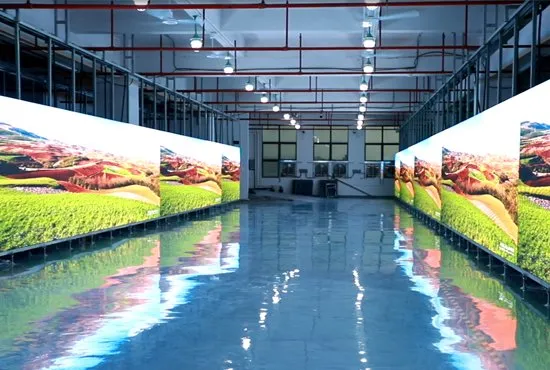
The official EA1000F2-P2.97 video below presents factory footage of an outdoor advertising display and its cabinet features. It is useful visual context for a supplier discussion. An LED display aging test report must still establish the operating period, coverage and result; the short clip cannot prove those details.
If the report includes numerical measurements, request the method and equipment reference needed to interpret them. A camera view of white or colored content cannot replace the specified instrument reading. Likewise, a recording of normal operation does not establish weather protection, certification or service life.
Resolve Faults and Retests Before Release
A useful exception record follows an issue from detection to disposition. Ask it to identify the affected unit, symptom, corrective action, replacement parts where relevant, and the retest outcome. Keep the initial finding visible rather than accepting only an edited final photograph.
After a repair, ask which part of the procedure must be repeated and who approves the result. Do not assume the original run remains valid for every component that was changed. The retest record should explain how the repaired equipment satisfies the agreed procedure.
Review the final LED display aging test report against the packing list before authorizing release under your purchasing process. Reconcile any substituted cabinet or module identifiers. List unresolved items explicitly and agree who will close them; avoid converting an open technical question into an undocumented verbal assurance.
Frequently Asked Questions
Does a completed aging test predict the screen’s service life?
No. A recorded production run establishes what happened under its stated conditions. It is not a lifetime prediction or a guarantee of future operation in a different environment.
Can an independent inspector review the records remotely?
Remote review can be part of an agreed inspection scope. Confirm access to the identified equipment, records and live demonstrations beforehand, and state which checks require physical attendance or instruments.
What if the supplier cannot share a complete internal report?
Ask for an order-specific summary containing the agreed acceptance information and relevant exception status. Resolve the available evidence and inspection scope before treating the batch as accepted.
Prepare Your Inspection Request
Send EagerLED your screen dimensions, product configuration, installation environment, destination country and procurement date. Include the production quantities, spare-unit scope, proposed inspection arrangements and any acceptance requirements already agreed with your customer.
Request the applicable procedure and an order-specific LED display aging test report as part of your pre-shipment inspection package.
 LED Screen Hanging Bar Compatibility: Before You Buy