The LED screen for church price is meaningful only when the cabinet layout and supplied scope are clear. Use the 48-cabinet example below to check quantities, then compare processing, delivery, local work and handover as separate lines. Request a dated quote for your actual venue before setting the final budget.
1. Compare the same completed project, not a headline price
To compare the LED screen for church price offered by different suppliers, first define the same screen and delivered scope. A cabinet-only quotation cannot be compared directly with a package that includes processing, freight, mounting and commissioning.
Start with a written brief: active width and height, nearest and farthest seats, service access, camera use, country and target delivery date. For product selection, use the church LED screen specification guide. This worksheet focuses on checking the quantities and exclusions behind a proposal.
Request a dated quotation in a stated currency, with its validity period and a clear list of supplied equipment. If two offers differ, ask each supplier to price the same baseline and list upgrades separately. This exposes the reason for the difference without assuming that the lower total is automatically the better purchase.
2. Work through a 48-cabinet screen example
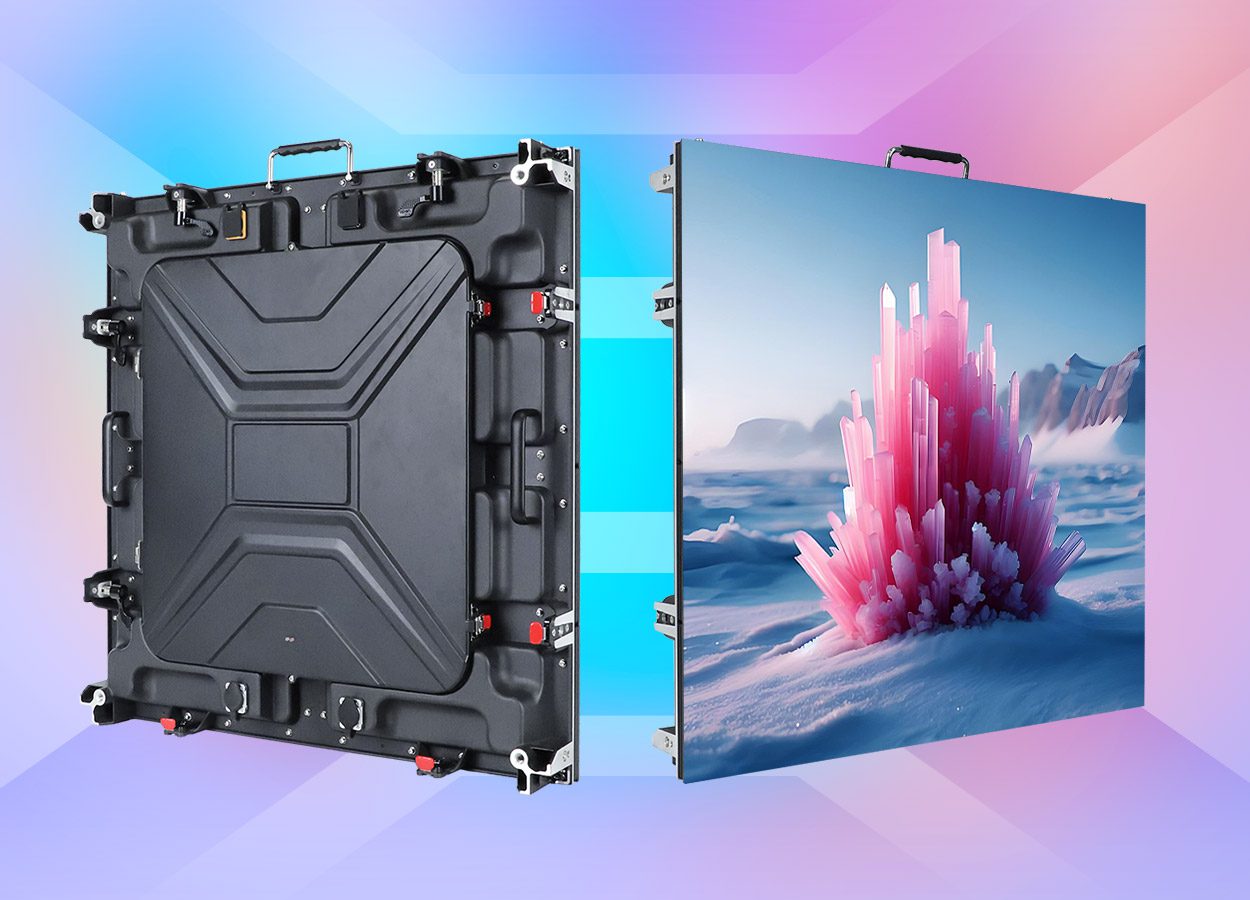
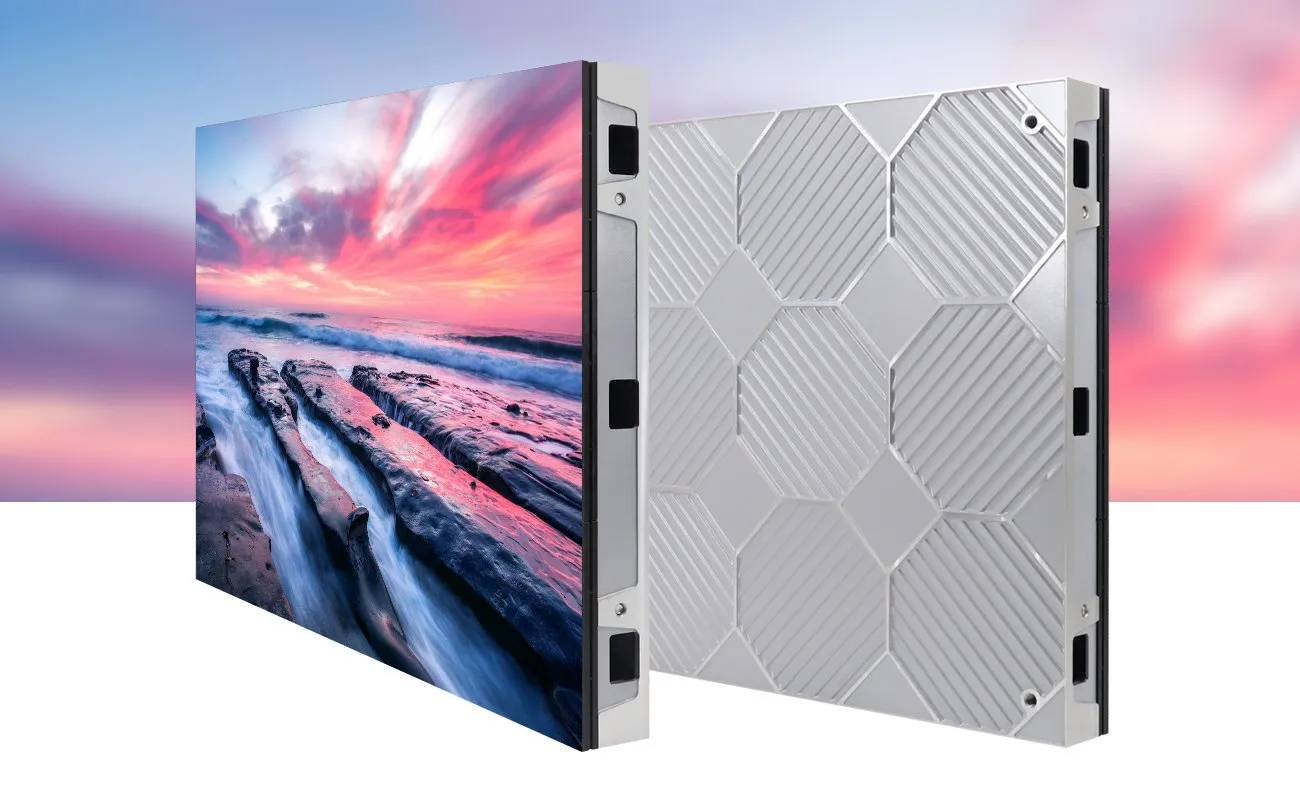
The EA640F2 indoor display provides a 640 × 480 mm cabinet example. An arrangement of eight cabinets across and six high produces the following physical layout. These are calculated planning quantities, not a prepared installation package.
| Measure | Calculation | Result |
|---|---|---|
| Cabinet quantity | 8 columns × 6 rows | 48 cabinets |
| Active width | 8 × 0.640 m | 5.12 m |
| Active height | 6 × 0.480 m | 2.88 m |
| Active area | 5.12 × 2.88 m | 14.7456 m² |
| Physical aspect ratio | 5.12 ÷ 2.88 | 16:9 |
If the supplier quotes display hardware at a confirmed rate of q per square metre, that line is 14.7456 × q. Alternatively, multiply the confirmed per-cabinet rate by 48. Use one basis consistently and ask how rounding is handled. Neither calculation includes unquoted accessories or local work.
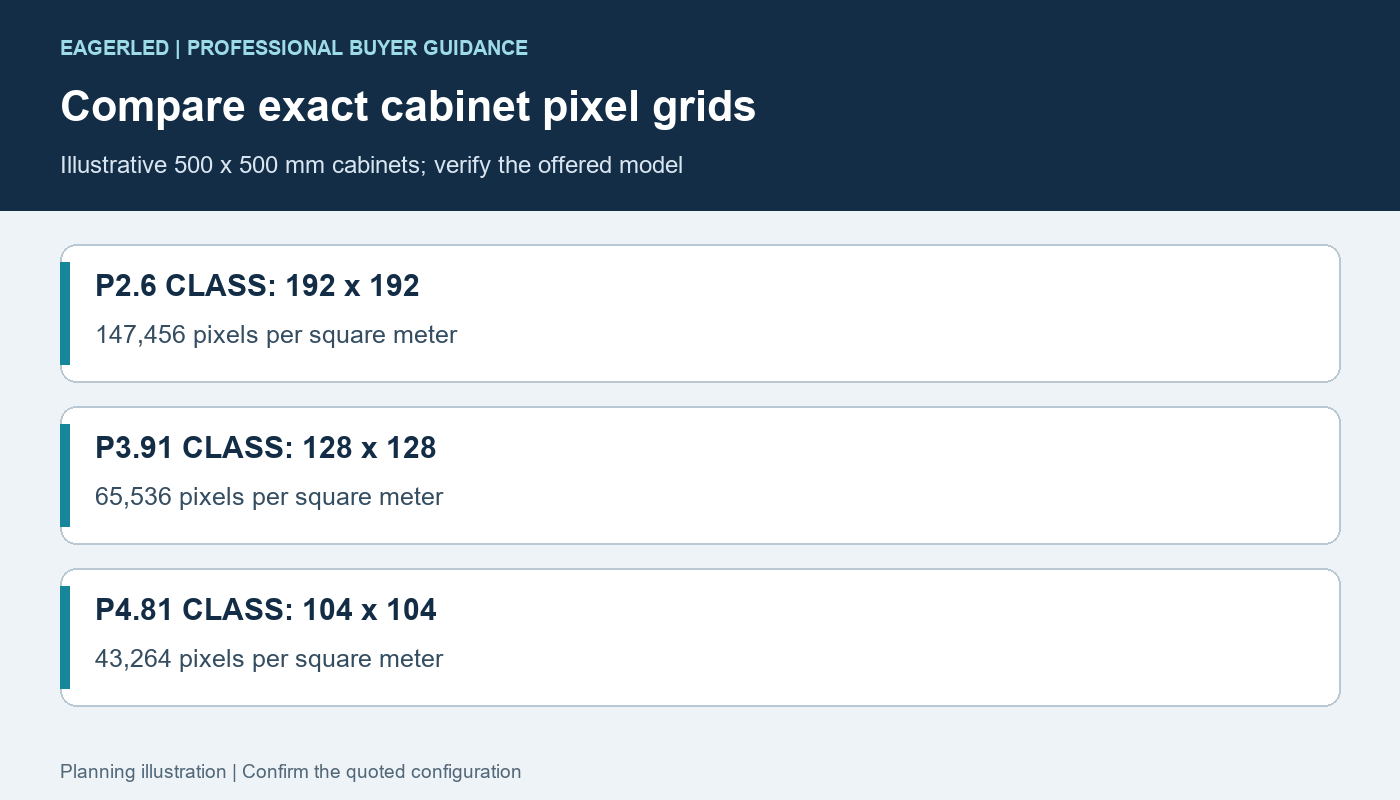
Ask the supplier for the exact native pixel map and controller loading of the chosen pitch. Physical 16:9 proportions do not by themselves establish Full HD resolution, input compatibility or camera performance.
3. Compare one central wall with two side screens
A second option uses two identical walls, each four cabinets wide and six high. Each wall measures 2.56 × 2.88 m and contains 24 cabinets; together they still use 48 cabinets and the same total active area.
However, each individual wall is now an 8:9 portrait-shaped canvas, rather than the single 16:9 wall above. The lyric layouts, video treatment and camera framing must be reconsidered. Equal cabinet count does not mean an equivalent worship-content layout.
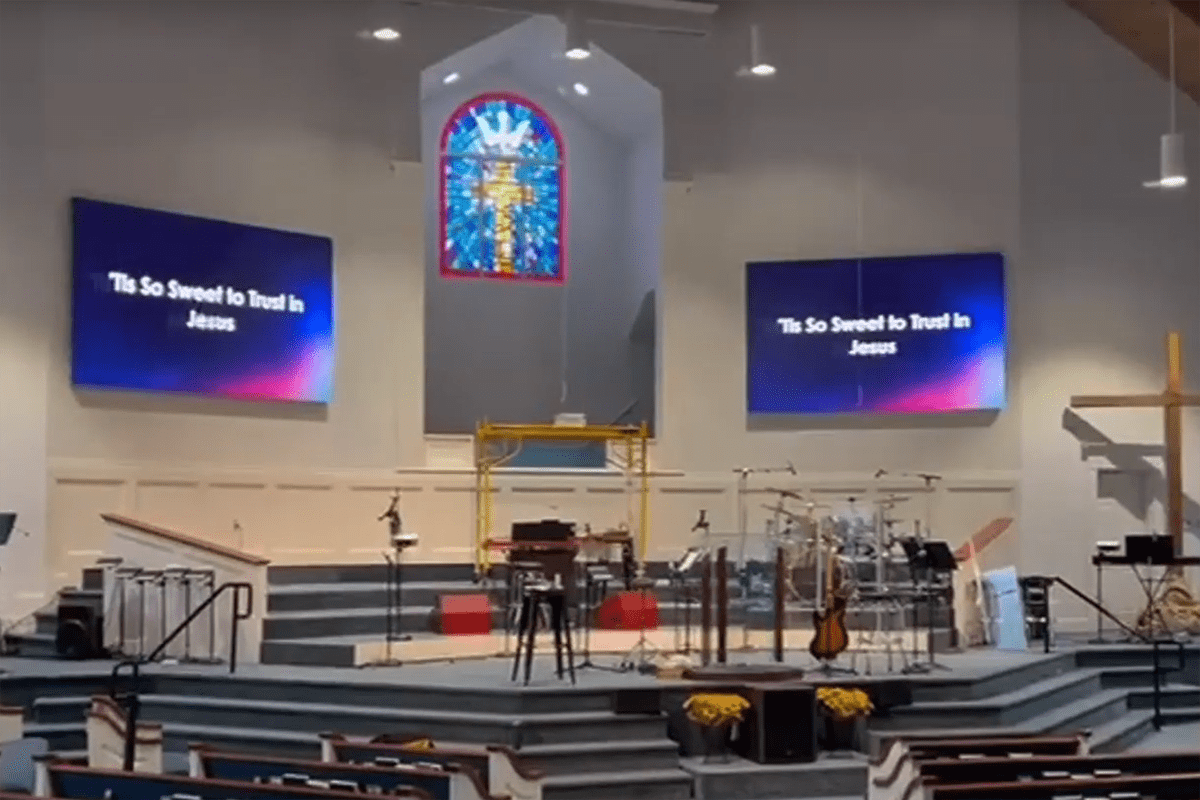
Price the two layouts separately. Two support locations, signal routes and power routes can change the local work. Confirm whether both screens repeat the same image or need independent content, and have the supplier specify the required control outputs for that arrangement.
4. Fill in a complete quotation worksheet
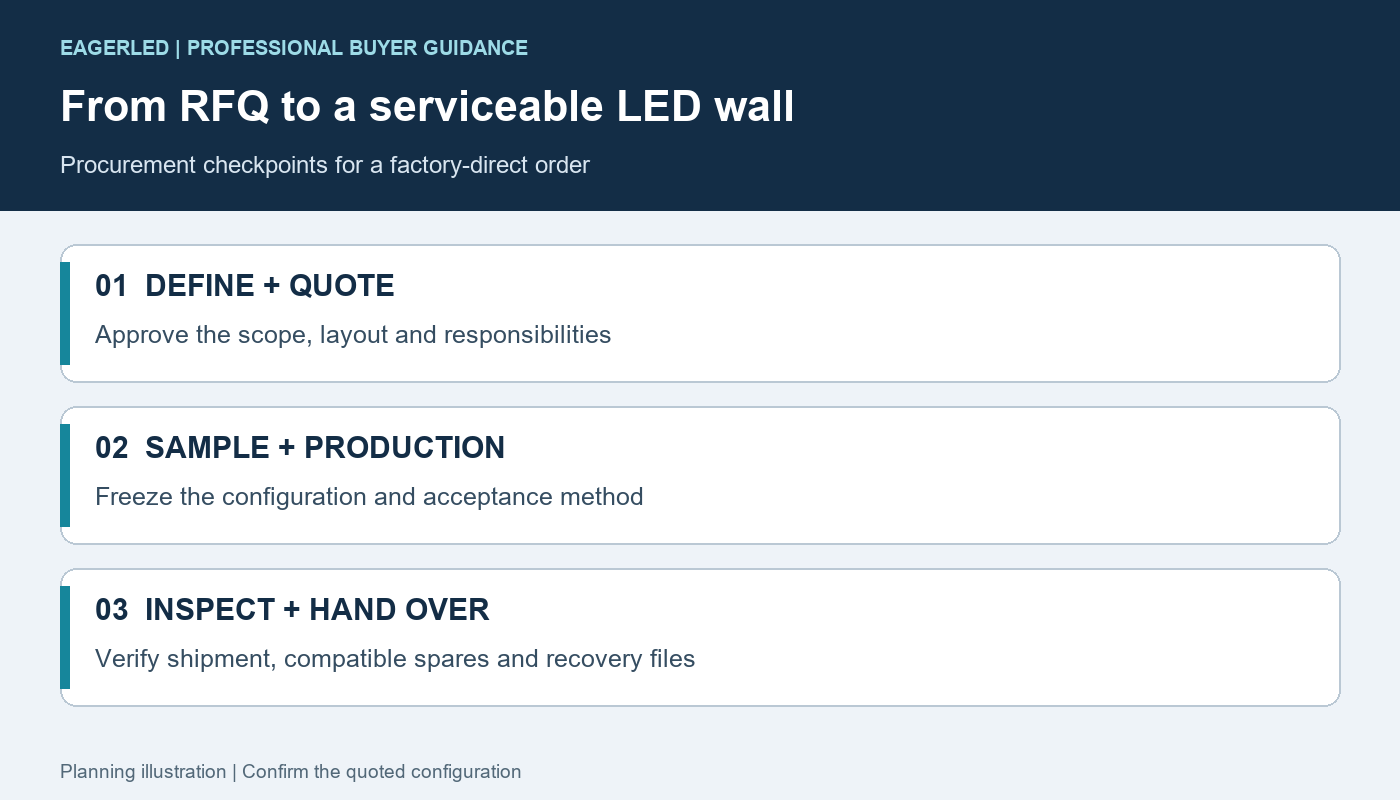
Copy the following headings into the purchasing comparison. Every line needs a quantity or scope, a price, and an assigned supplier or contractor. Mark exclusions explicitly so an empty cell is not mistaken for an included service.
| Cost line | Record before approval | Check for exclusions |
|---|---|---|
| Display equipment | Cabinet model, pitch, quantity and native map | Trim, service tool and matching spares |
| Control package | Processor, input formats, outputs and required software | Switching, camera interfaces and licences |
| Power and signal | Approved equipment list and cable lengths | Building circuits, data pathways and termination |
| Support and access | Frame, fixing design and maintenance route | Local engineering, access equipment and installation |
| Delivery | Packing, freight destination and responsibility | Import charges, unloading and final transport |
| Commissioning | Setup, content demonstration and operator training | Travel, repeat visits and later configuration changes |
Keep equipment and local installation subtotals visible. A supplier providing remote guidance is not necessarily supplying labour at your sanctuary. Confirm who signs off the supporting structure and electrical installation with qualified local professionals.
5. Attach a practical acceptance plan
Include the actual lyric slides, presentation computer and intended camera workflow in the purchase brief. Agree how readability and camera images will be checked at the intended operating brightness, rather than accepting a maximum-brightness demonstration alone.
Ask the supplier to identify the configuration used for the approved demonstration and retain it with the handover files. The final checklist should include full-screen playback, input switching, restart, configuration backup and a documented service demonstration.
For volunteers, request a short operating procedure covering startup, normal presentation, shutdown and a known backup workflow. Make training deliverables and attendance responsibility part of the quote so these costs are visible before the order is approved.
6. Confirm delivery and ongoing service costs
Request the packed dimensions and weight of the actual consignment before comparing freight quotations. Confirm whether cases or crates can be moved through the receiving entrance, stored during installation and opened safely at the venue. The display’s active area does not predict the shipment’s packed volume.
Record spare-part quantities and versions, service contact arrangements and which return-freight costs remain with the buyer. Keep recurring charges, paid software support and future technician visits separate from the initial equipment subtotal. Do not treat a general warranty duration as a promise that every repair expense is covered.
7. Frequently asked questions
What is a reliable LED screen price for a church?
A dated price for a defined configuration and delivery scope. Use the cabinet count and itemized worksheet to obtain comparable offers; this article does not publish an unverified dollar rate.
Does a per-square-metre price include installation?
Only if the written quotation says so. Ask separately about structure, local power work, freight, commissioning and training.
Will two screens cost the same as one wall with equal area?
Not necessarily. Control, supports, routes and installation responsibilities can differ. The worked example also changes each screen’s shape.
Are the 48 cabinets a recommended size for every church?
No. They form a calculation example. The venue, viewing positions, content and approved installation design determine the actual proposal.
8. Request a comparable church screen quotation
Send your preferred screen layout, dimensions, seating distances, indoor lighting conditions, camera use, country and purchase timeline. Attach venue photographs and ask for an itemized equipment quotation with local-work exclusions listed.
Reviewed October 16, 2026. Dimensions and counts are illustrative calculations using the linked cabinet format. No currency rate, project price or customer outcome has been assumed.
 LED Screen Cabinet: Compatibility and Acceptance Guide