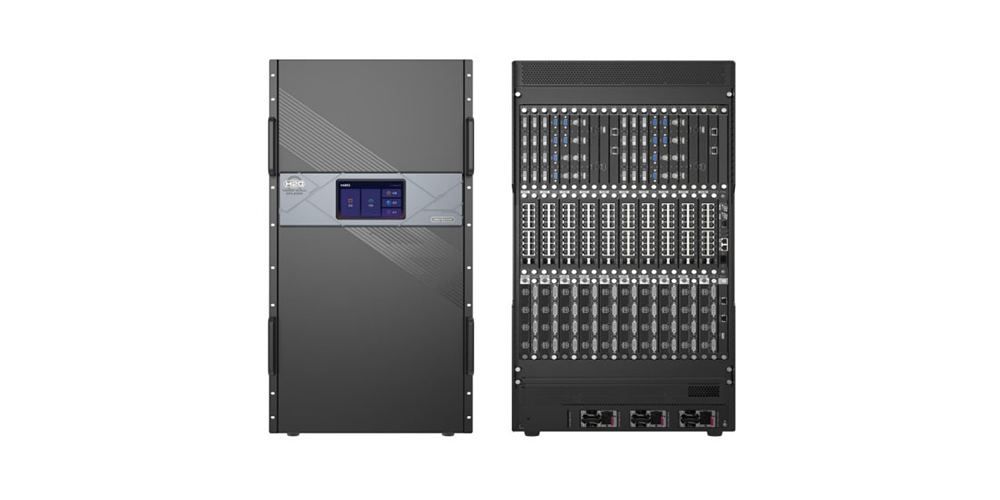
Video Wall Processor vs. Controller: A Practical Buying and Setup Guide
Choosing between a video wall processor and a video wall controller affects signal quality, pixel capacity, reliability, commissioning time, and the total cost of an LED installation. This guide explains the difference in plain language and gives a specification-first method for selecting equipment for an LED video wall, LCD video wall, control room, broadcast studio, retail display, or rental event.
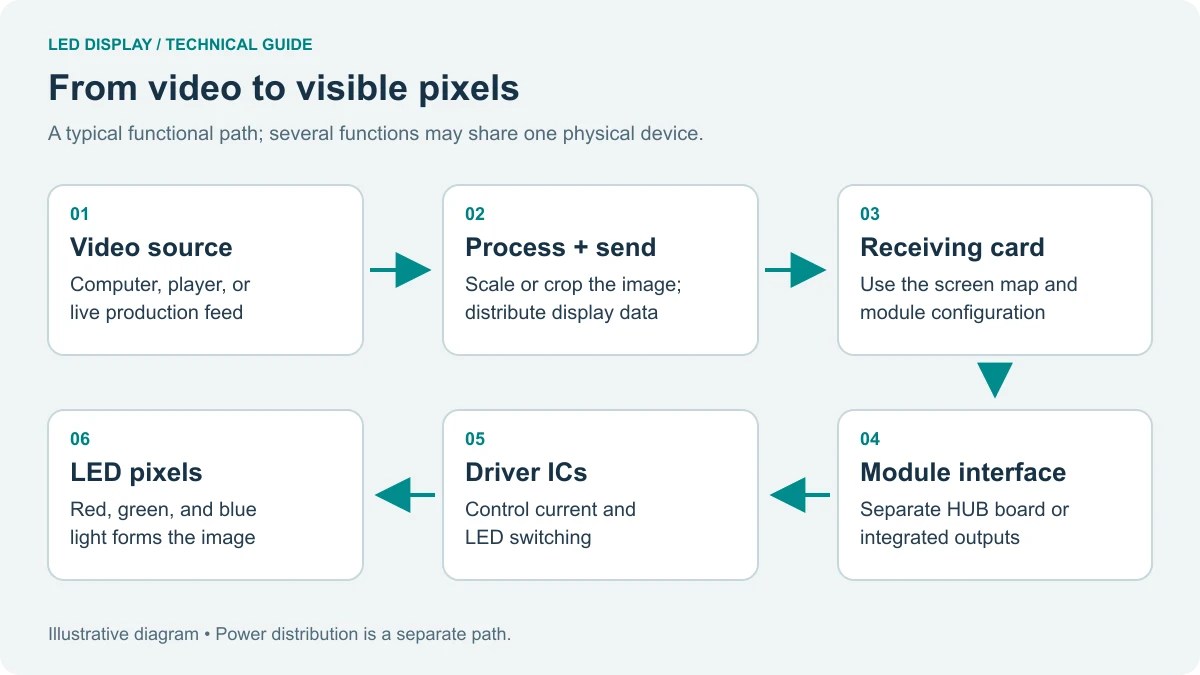
Quick answer: A video wall controller normally provides the display-management path: it receives sources, creates the canvas, maps outputs, synchronizes screens, and sends data to the LED receiving-card chain. A video wall processor concentrates on signal conditioning such as scaling, color management, HDR conversion, format conversion, and source optimization. Some modern products combine both roles, so always read the actual input, output, layer, and pixel-loading specifications.
1. What a Video Wall Processor Does
A video wall processor receives one or more sources and changes them into a signal that the display system can use. In a video wall processor, the key operations are scaling, cropping, frame-rate handling, color conversion, image enhancement, and format conversion. A video wall processor can make a 1080p laptop source fit a 4K canvas, combine several sources on a single output, or convert SDR material for a display chain that supports HDR.
Processor performance is determined by the complete signal path. Input resolution, refresh rate, chroma sampling, bit depth, HDCP, synchronization, and output timing all matter. A label such as “8K processor” does not mean that every input, every layer, and every output can run at 8K simultaneously. Ask for an input-card matrix and a layer-resource table before approving a design.
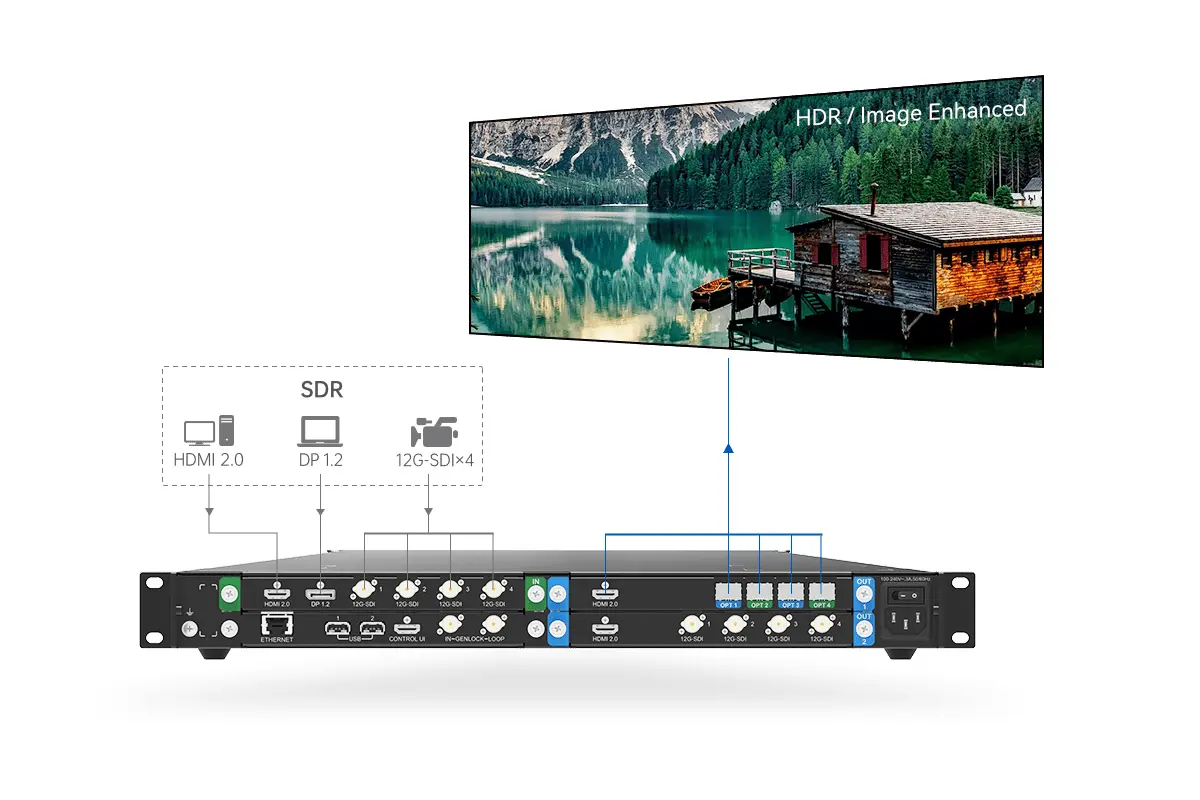
01. Core processor functions
- Scale sources to the wall canvas without unexpected cropping.
- Convert between HDMI, DisplayPort, SDI, DVI, IP, and other supported formats.
- Apply color, brightness, gamma, HDR, and synchronization controls.
- Provide test patterns, monitoring, presets, and source failover where documented.
2. What a Video Wall Controller Does
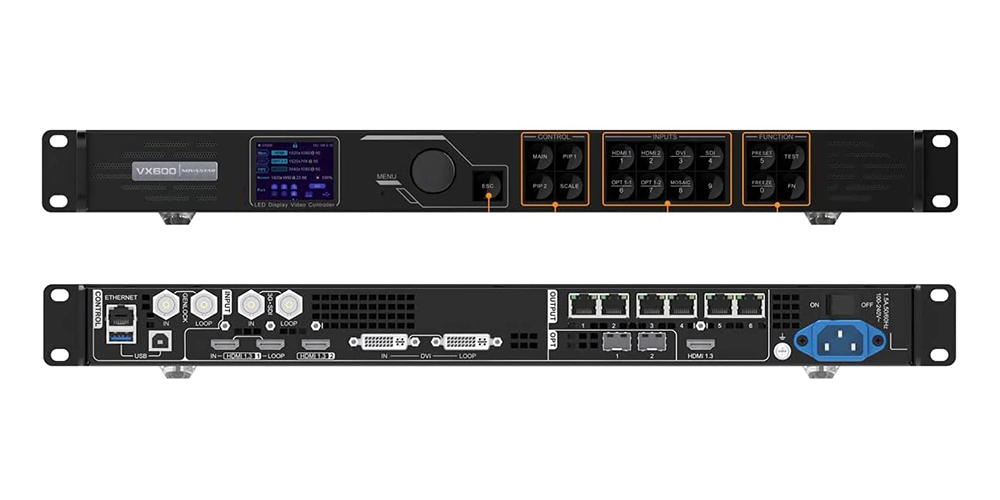
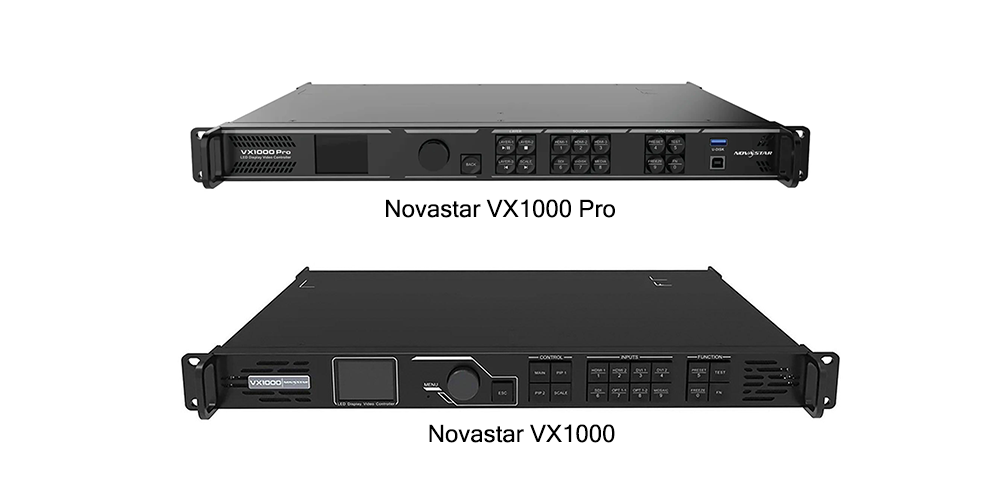
A video wall controller manages the display as a system. It defines the screen canvas, assigns outputs, synchronizes panels, handles layers and presets, and sends the resulting data to LED receiving cards or downstream LCD displays. A video wall controller is therefore the operational foundation of most LED video wall projects.
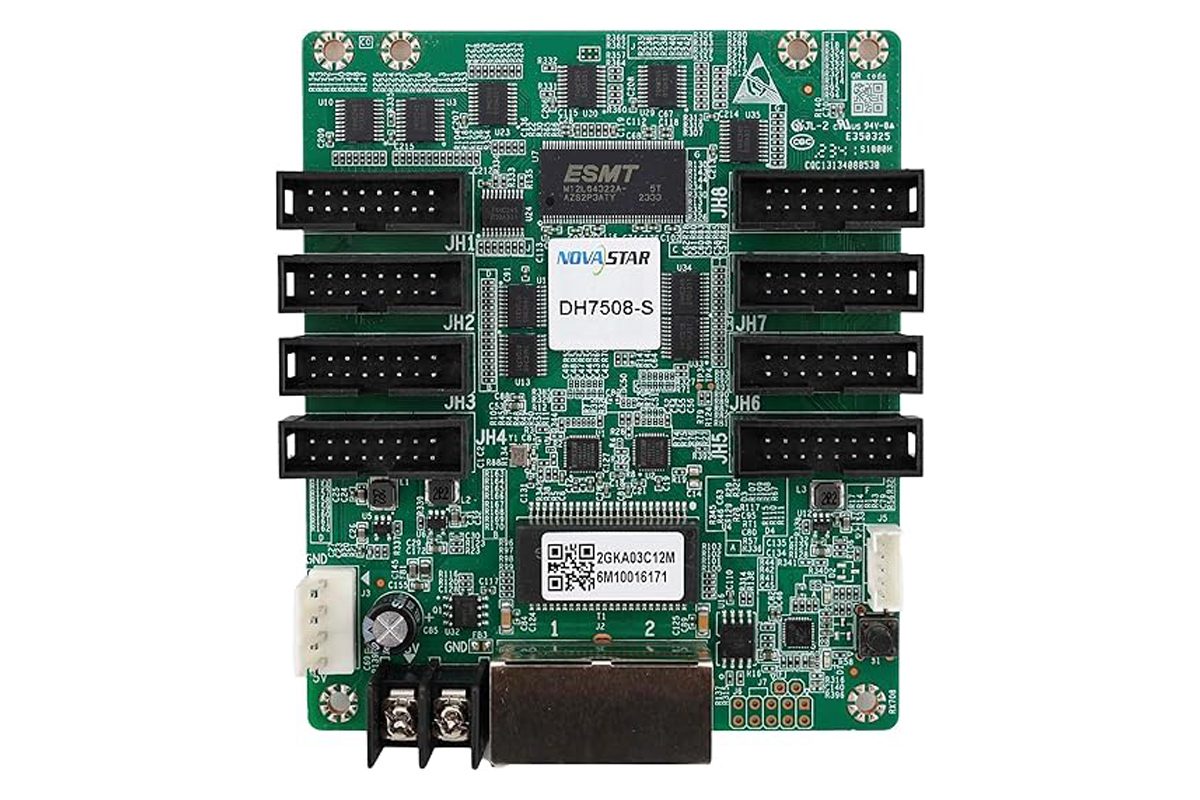
The controller must be matched to the wall’s total pixel count, cabinet arrangement, receiving-card protocol, cable topology, frame rate, redundancy plan, and service workflow. Ethernet or fiber output ports carry display data; the controller’s management Ethernet port is used for configuration and monitoring. Confusing those two paths is a common commissioning error.
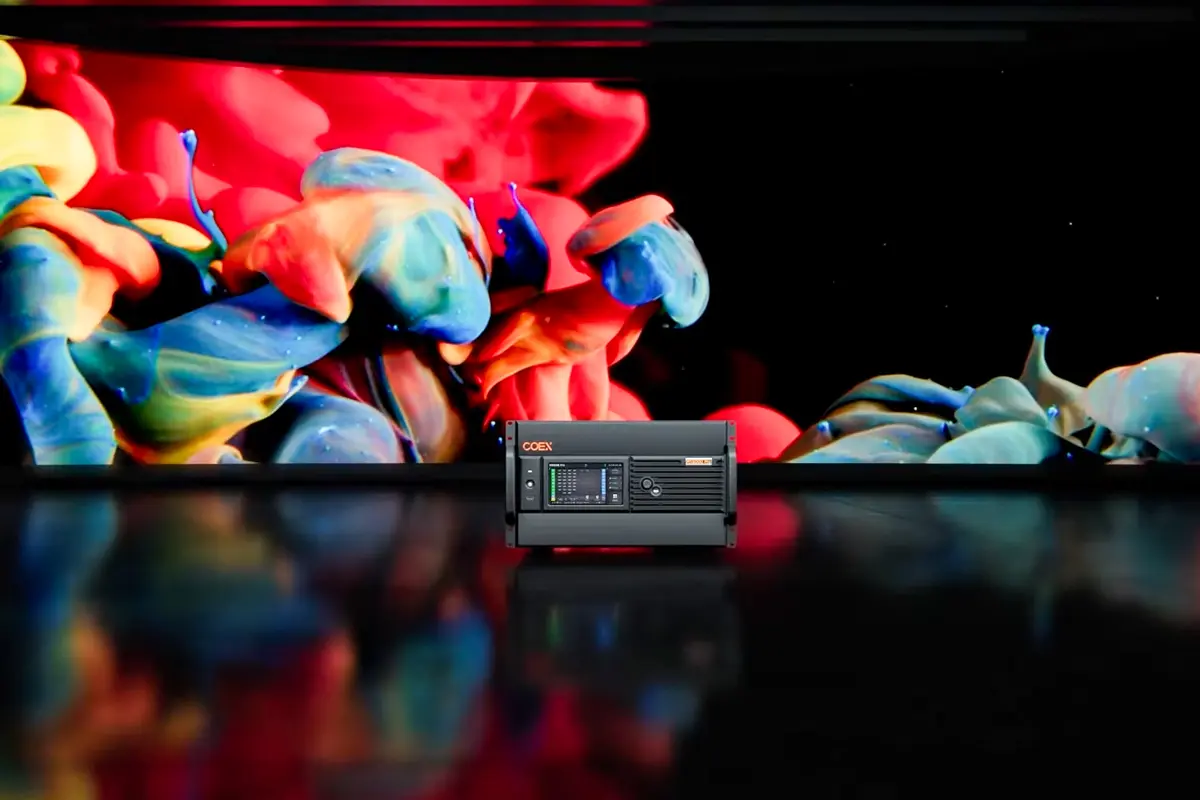
01. Controller responsibilities
- Build and save layouts, windows, and presets.
- Synchronize outputs and maintain a stable refresh path.
- Map output ports to cabinet rows and columns.
- Support backup, monitoring, and operator access when fitted.
3. Video Wall Processor vs. Controller
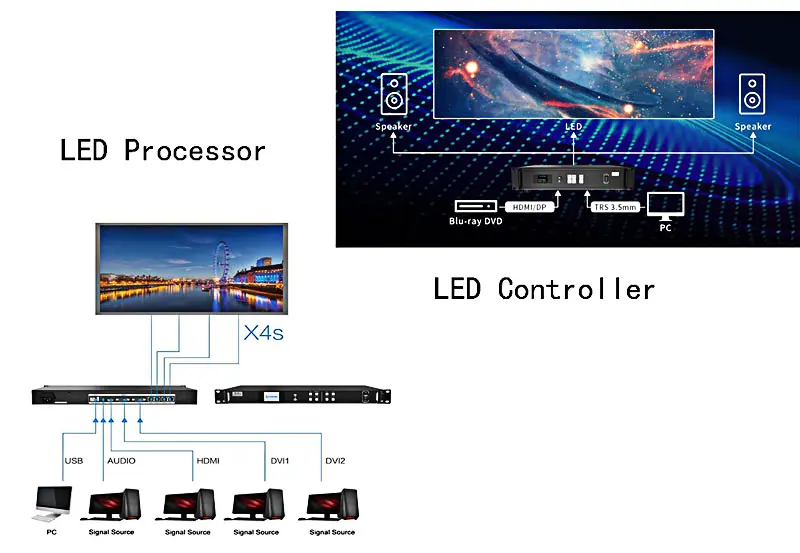
The most useful distinction in a video wall processor vs. controller comparison is purpose. A processor improves or transforms the signal; a controller organizes and delivers the signal to the display. In practice, the boundary is not universal: a premium controller may include processing, and a processor may include output management. Compare functions rather than product names.
| Decision point | Video wall processor | Video wall controller |
|---|---|---|
| Primary job | Condition, scale, convert, and enhance sources | Manage canvas, outputs, synchronization, and screen mapping |
| Typical inputs | HDMI, DP, SDI, DVI, IP, camera feeds | Input cards or processed feeds, depending on model |
| Typical outputs | Timed video outputs to a controller or display | RJ45/fiber LED data or video outputs to panels |
| Best reason to buy | Mixed sources, HDR, scaling, color, low-latency processing | Pixel loading, multi-screen layouts, redundancy, daily operation |
| Main risk | Assuming a claimed maximum applies to every mode | Exceeding pixel, port, layer, or receiving-card limits |
01. How the two devices work together
When both devices are used, sources enter the processor first, the processor outputs a stable timed signal, and the controller places that signal into windows before sending display data to the LED wall. The order can change when an integrated unit is used. Confirm EDID, HDCP, genlock, frame rate, and cable lengths at every hand-off.
4. Do You Need One or Both?
For a small LED video wall with one or two standard sources, a controller with suitable inputs may be enough. A separate video wall processor becomes valuable when sources have different resolutions, the project needs HDR or advanced color management, the operator needs many independent windows, or the display must accept broadcast and presentation signals together.
| Project requirement | Recommended starting point | Why |
|---|---|---|
| Single laptop, fixed canvas | Controller only | Fewer conversion stages and simpler operation |
| Several laptops with mixed timings | Controller with strong scaling or separate processor | Normalizes source formats and window sizes |
| Broadcast SDI, HDR, camera feeds | Processor plus controller or integrated platform | Provides color, timing, and monitoring controls |
| Large rental wall with backup | High-capacity controller with redundancy | Prioritizes pixel loading, port backup, and fast service |
| LCD control room with bezel compensation | Video wall processor/controller with LCD layout tools | Manages panel positions and compensation accurately |
5. Capacity, Wiring, and Configuration
Start with the wall resolution. A 3840 × 2160 canvas contains 8,294,400 pixels before redundancy or spare capacity. Divide that number by the documented per-port limit, then check the total card limit, frame rate, bit depth, receiving-card type, and cable topology. The video wall processor vs. controller decision is incomplete until the physical cabinet map is known.
01. Wiring sequence
- Label every source, input card, output port, fiber, Ethernet cable, cabinet, and receiving-card chain.
- Connect one known-good source and verify its timing.
- Set the controller canvas and output frame rate.
- Map cabinets in physical cable order using the vendor’s software.
- Send the receiving-card configuration and test a grid, text, red/green/blue fields, and motion.
- Save the layout, receiving-card file, firmware record, and final cable schedule.
02. Acceptance tests
| Test | Pass condition | Evidence to retain |
|---|---|---|
| Source detection | Every source locks at the intended timing | Input screenshot and timing list |
| Canvas mapping | Image position matches the cabinet map | Layout preset and map file |
| Pixel loading | Total and per-port values remain below published limits | Calculation sheet |
| Motion and latency | No tearing, dropped frames, or unacceptable delay | Live test notes |
| Backup | Primary-to-backup changeover works without unsafe interruption | Changeover record |
| Recovery | Power cycle recalls the approved preset | Restart and handover checklist |
6. Cost and Buying Checklist
Price ranges are only directional because a video wall processor and controller may be sold as a chassis, a populated card system, or a complete package. Compare equivalent bills of materials. Include input cards, output cards, fiber modules, converters, receiving cards, software, spares, commissioning, warranty, shipping, taxes, and training.
| Line item | Question for the supplier | Reason |
|---|---|---|
| Chassis and cards | Which exact model and firmware? | Names alone do not prove capacity |
| Inputs | How many simultaneous sources at the target format? | Connector count differs from usable layers |
| Outputs | Are ports independent, copied, or backup? | Fiber and RJ45 modes affect loading |
| Software | Which versions support the installed cards? | Mapping tools and firmware must match |
| Support | What is included after delivery? | Commissioning and recovery reduce downtime |
7. Product Examples and Use Cases
01. NovaStar HDR Master 4K
The HDR Master 4K is a processor-oriented example for projects that prioritize scaling, HDR workflows, and signal quality. Confirm the current official input/output specification before quoting 4K or 8K operation. It is a better fit when the source chain needs color and format treatment before the LED controller.
02. NovaStar MX6000 Pro
The MX6000 Pro is a controller-oriented example for high-capacity LED display management. Its suitability depends on installed cards, output mode, pixel loading, layers, frame rate, receiving cards, and redundancy. A product page is a starting point; the populated configuration is the real system.
03. Typical applications
Control rooms often need a controller for stable multi-window operation and a processor for camera and broadcast sources. Corporate rooms may use a controller alone. Rental LED walls prioritize fast mapping, backup, and serviceability. Retail and exhibition systems may add a processor when content comes from many sources or needs consistent color.
8. FAQs
01. Do I always need a video wall processor?
No. A controller with suitable inputs can be enough for a simple LED video wall. Add a processor when you need advanced scaling, HDR, color management, mixed broadcast formats, or additional source conditioning.
02. Can I use a video wall controller without a processor?
Yes. Many installations use a controller alone. Confirm that its inputs, layers, canvas, pixel capacity, and receiving-card outputs match the project.
03. Is a video wall processor the same as an LED sending box?
No. A processor changes or composes video signals. An LED sending box or controller sends display data to receiving cards. Some products combine these roles, so check the signal path.
04. Which is more important: resolution or pixel capacity?
Both matter. Resolution describes the source or canvas; pixel capacity describes how much display data the hardware can load. Check per-port and total limits at the intended frame rate and bit depth.
05. Can I connect HDMI directly to an LED cabinet?
Usually no. HDMI is a video source interface. The controller or sending path converts the signal into the protocol used by LED receiving cards.
06. How should I compare prices?
Compare itemized, populated configurations with the same inputs, outputs, pixel capacity, backup, accessories, software, commissioning, warranty, and taxes.
07. What should I test before handover?
Test every source, layout, output port, cabinet chain, color field, motion pattern, preset recall, power recovery, backup path, and operator login. Keep the final files with the handover documents.
08. Can one device perform both roles?
9. Conclusion
In a video wall processor vs. controller decision, choose by signal path and commissioning requirements. A controller is the display-management foundation; a processor is valuable when sources need conditioning, scaling, HDR, color, or complex composition. Define the wall pixels, source list, cabinet map, refresh rate, redundancy, and service plan first. Then select a populated configuration whose documented limits remain below the project demand.
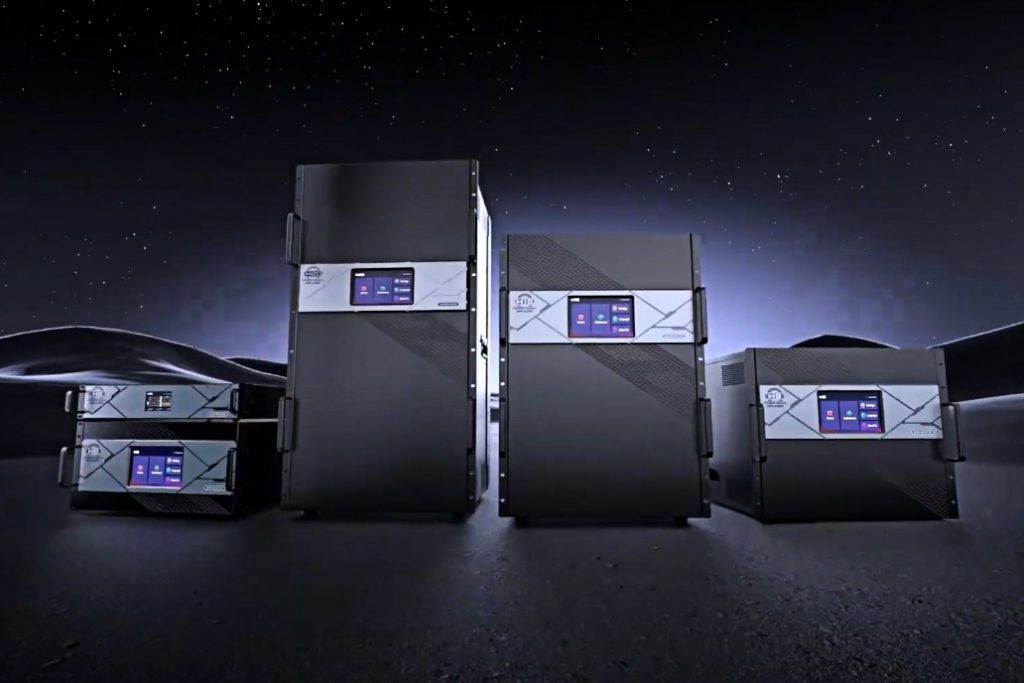 Novastar Processors H Series Comparison: H2, H5, H9, H15, H20
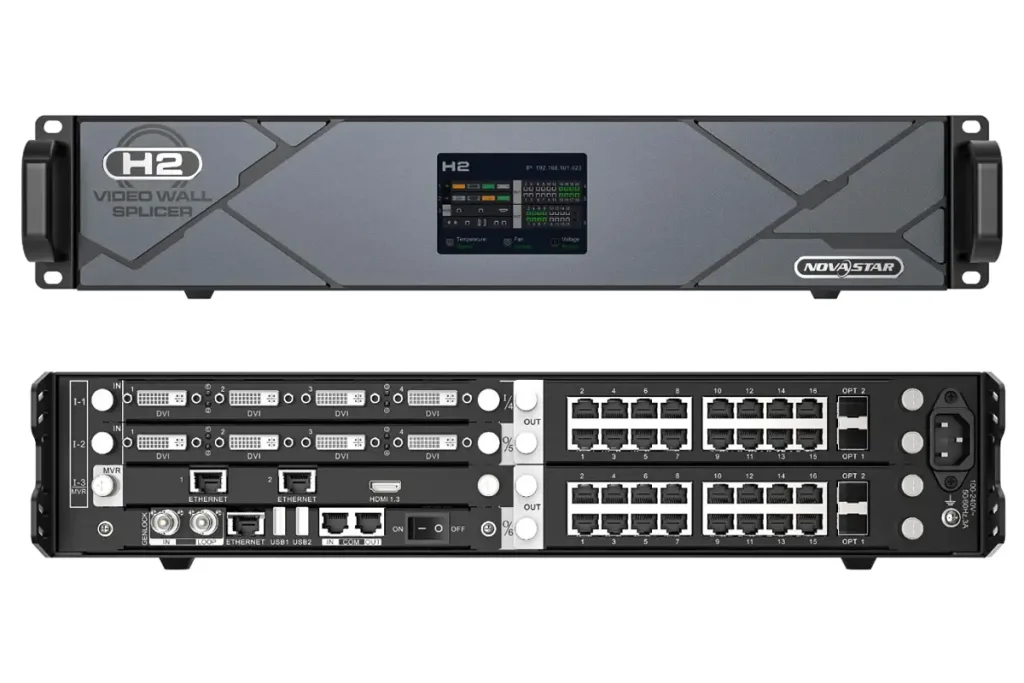 NovaStar H2 Video Wall Splicer: Specs & Setup Guide