LED screen technology creates images by controlling light-emitting diodes arranged in a pixel grid. In a direct-view LED display, those emitters form the picture itself. Understanding that distinction helps buyers separate commercial LED video walls from televisions that use LEDs only as a backlight.
This guide explains how LED screen technology works, which components determine picture quality, and how to select a system for indoor signage, outdoor advertising, events or broadcast. It connects specifications to practical decisions: viewing distance, readable text, camera performance, installation access and lifetime operating costs.
The right LED display technology depends on the project. A smaller pixel pitch cannot compensate for poor content scaling, and a high brightness rating does not guarantee good daylight contrast. Use the calculations, comparison tables and acceptance checks below to prepare a specification that suppliers can price and demonstrate.
1. What Is LED Screen Technology?
An LED screen is an electronic display that uses light-emitting diodes to show text, graphics and video. A full-color direct-view screen combines red, green and blue light at each picture location. Adjusting the output of these subpixels produces different colors and brightness levels across the image.
01. How does an LED screen work?
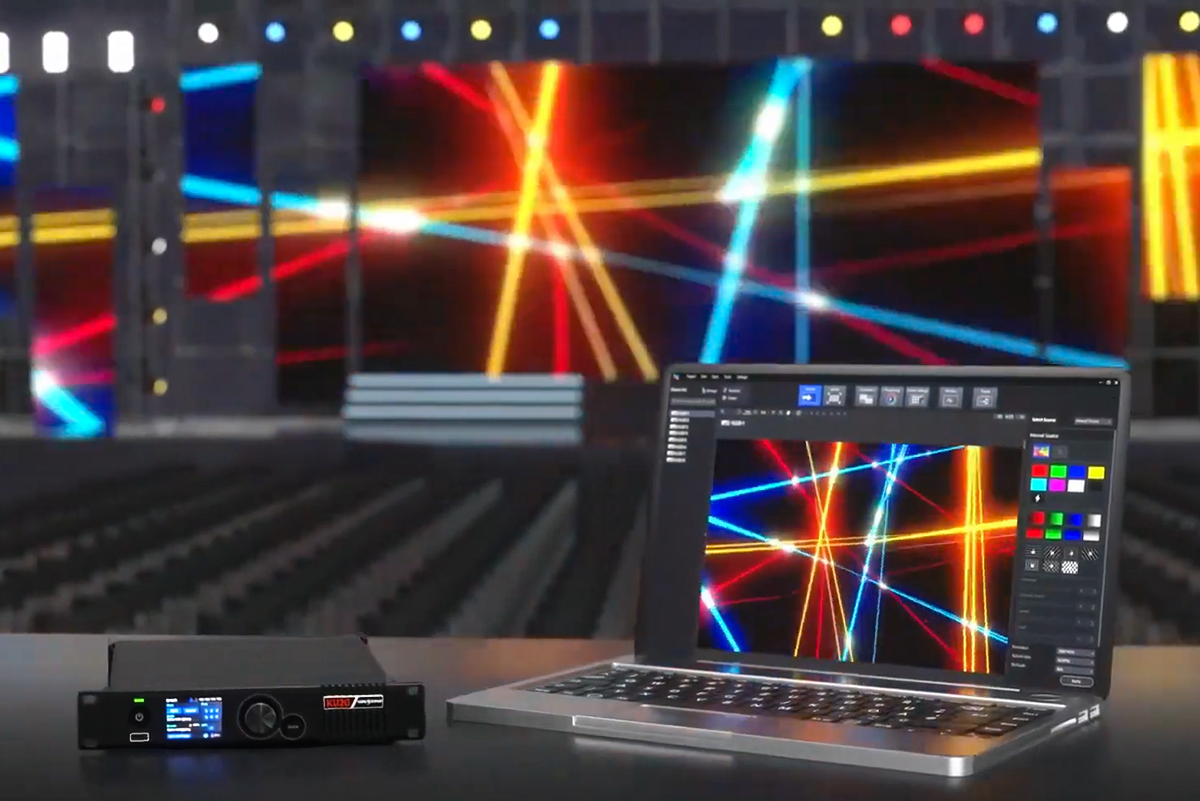
The signal path usually runs from a player or computer to a video processor or sending controller, then to receiving cards and module driver circuits. The controller maps image data onto the physical cabinets. Drivers regulate the emitters so the complete LED screen displays the intended picture at the intended time.
LED screen technology often uses pulse-width modulation: brightness changes through the timing of rapid light pulses. Some designs combine timing and current control. The implementation affects low-level grayscale, electrical behavior and camera compatibility, so the full system matters more than a single brochure number.
02. Direct-view LED display technology versus an LED-backlit LCD
An LED-backlit LCD uses a liquid-crystal layer to modulate a separate light source. Direct-view LED display technology makes the image with the emitters themselves. Mini-LED commonly describes an LCD backlight, while MicroLED can describe a direct-view display. Ask what creates the visible image rather than relying on a marketing label.
A commercial LED screen also differs from a fixed-size monitor. Modules join into cabinets, and cabinets form a larger canvas. This allows custom dimensions, but introduces alignment, calibration and service requirements. A physically large wall can still have modest native resolution if its pixels are widely spaced.
2. Key Components of an LED Screen Module
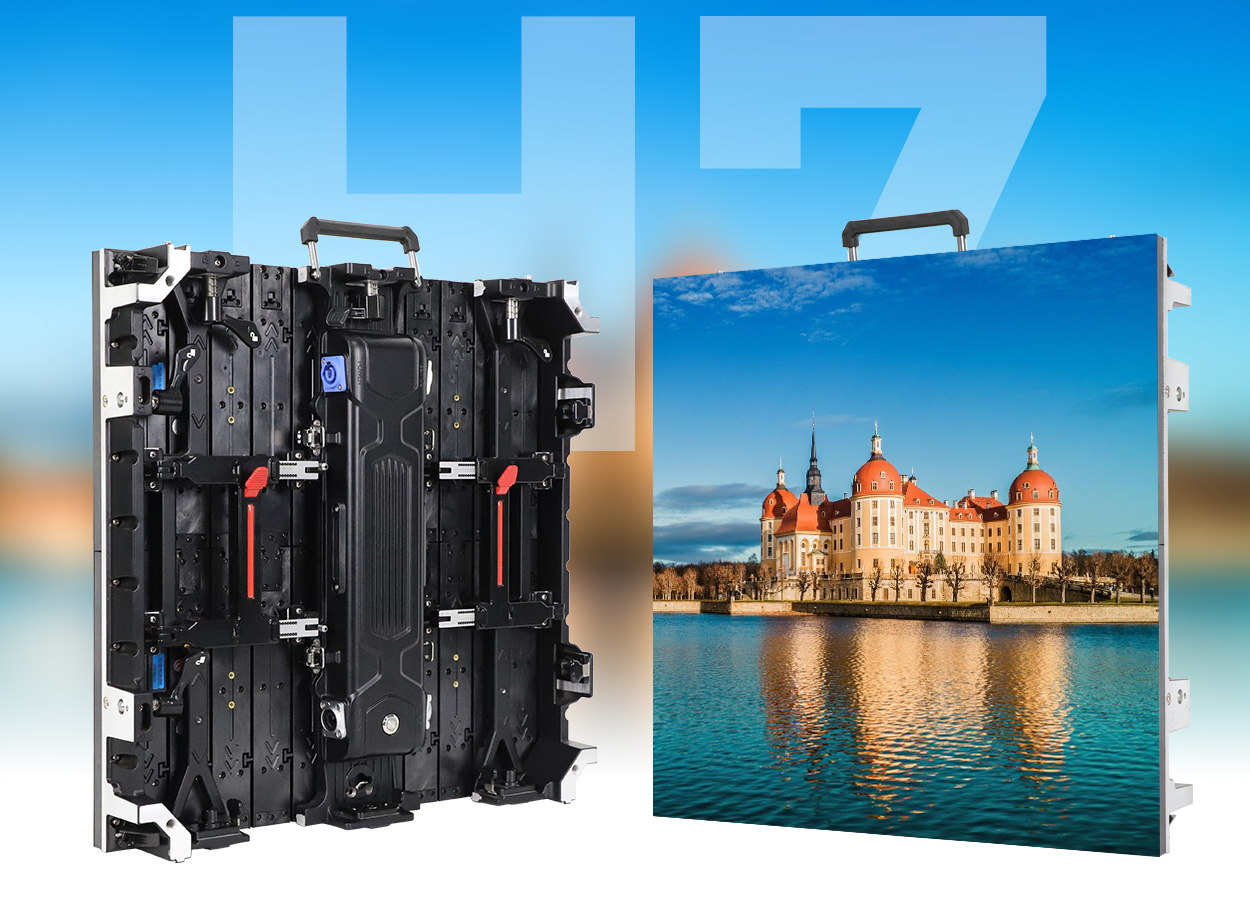
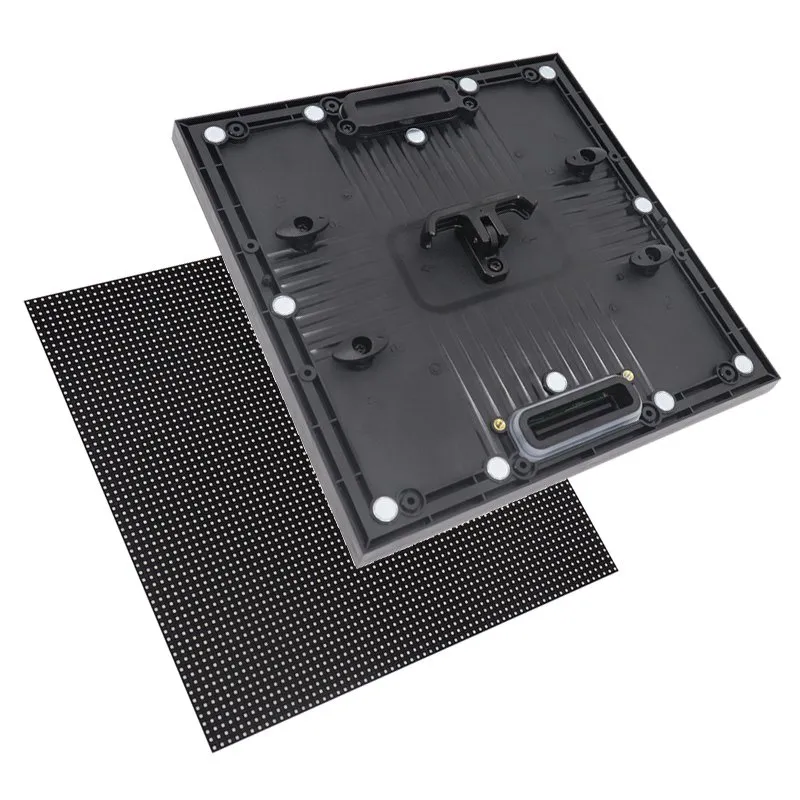
Reliable LED screen technology combines optical, electronic and mechanical parts. A module is the pixel-bearing assembly; a cabinet holds one or more modules and their supporting hardware. Suppliers sometimes call either assembly a “panel,” so define that term in your quotation.
| Component | Function | Buyer verification |
|---|---|---|
| LED emitters and PCB | Produce the image and connect its pixels | Pitch, pixel layout, module dimensions and replacement compatibility |
| Driver ICs | Control current, scanning and grayscale | Performance at the operating brightness and intended camera settings |
| Receiving card and hub | Route mapped data to modules | Supported module interface, firmware and saved configuration |
| Power supply | Convert incoming power for display electronics | Rated load, thermal derating and access for replacement |
| Cabinet and mounting system | Support modules and align adjacent surfaces | Weight, flatness, service direction and structural design |
| Processor or sending controller | Accept, scale and distribute content | Input format, pixel capacity, port limits and redundancy options |
01. Processing and configuration
A video processor can scale, crop or combine sources, while a sending controller distributes data to the wall. Some devices combine both roles. Our video wall processor versus controller guide explains the distinction. Confirm capacity at the requested frame rate and bit depth, including limits per output port.
For an LED screen, “4K input supported” does not mean the installed wall contains 3,840 × 2,160 pixels. Request the cabinet map and native pixel dimensions. Keep a backup of the working configuration, firmware versions and calibration files before changing any settings.
02. Serviceability and spares
Front-service modules are useful against a solid wall, but verify whether power supplies and receiving cards also come out from the front. Check removal clearances with the actual mounting frame. Plan matching spare modules and components from the same production batch where practical; nominally identical replacements may differ in color or revision.
3. Types of LED Screens and LED Display Technology
Classify LED screen technology along three separate axes: environment, emitter packaging and cabinet construction. “Indoor,” “COB” and “rental” describe different characteristics and can apply to the same product. Clear classification prevents comparisons between systems designed for different jobs.
01. Indoor, outdoor and rental LED screens
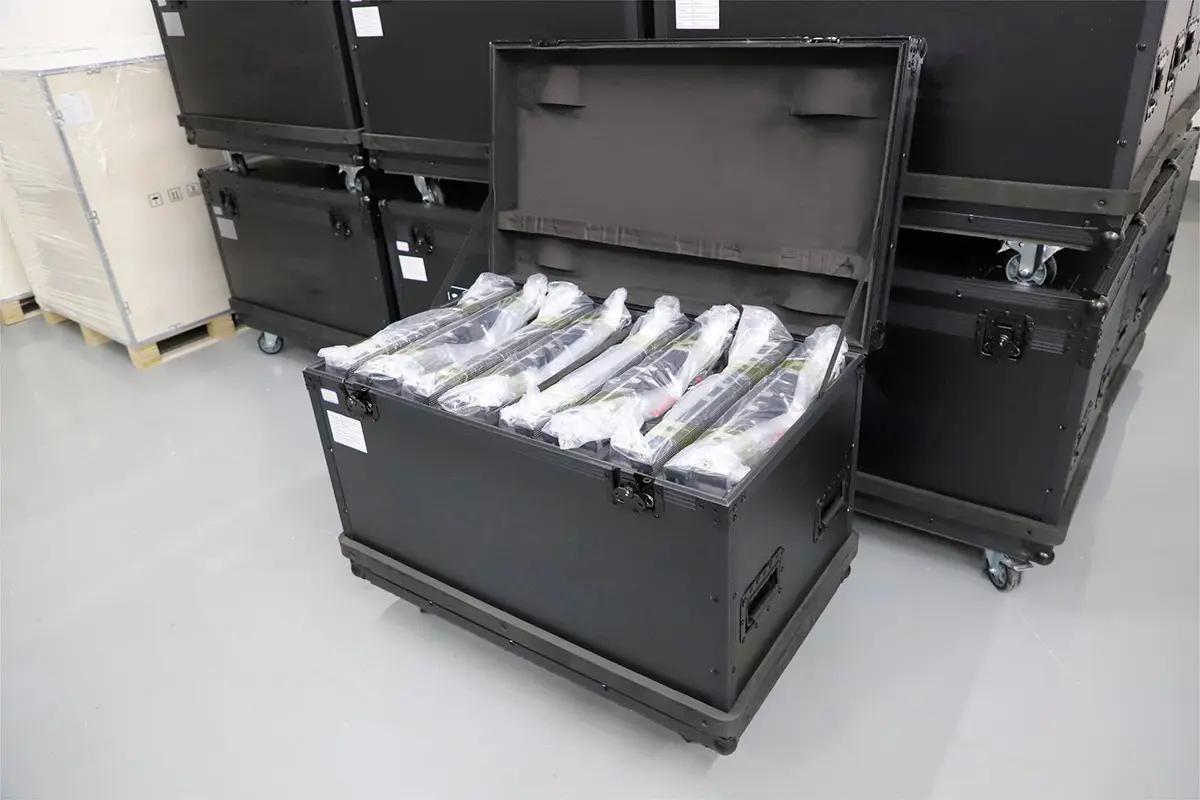
An indoor LED screen usually prioritizes close viewing, quiet operation and controlled brightness. Outdoor systems need an appropriate enclosure, thermal design and readability in ambient daylight. A rental LED screen emphasizes repeated assembly, transport protection, connectors and rigging hardware; a rental cabinet is not automatically outdoor-rated.
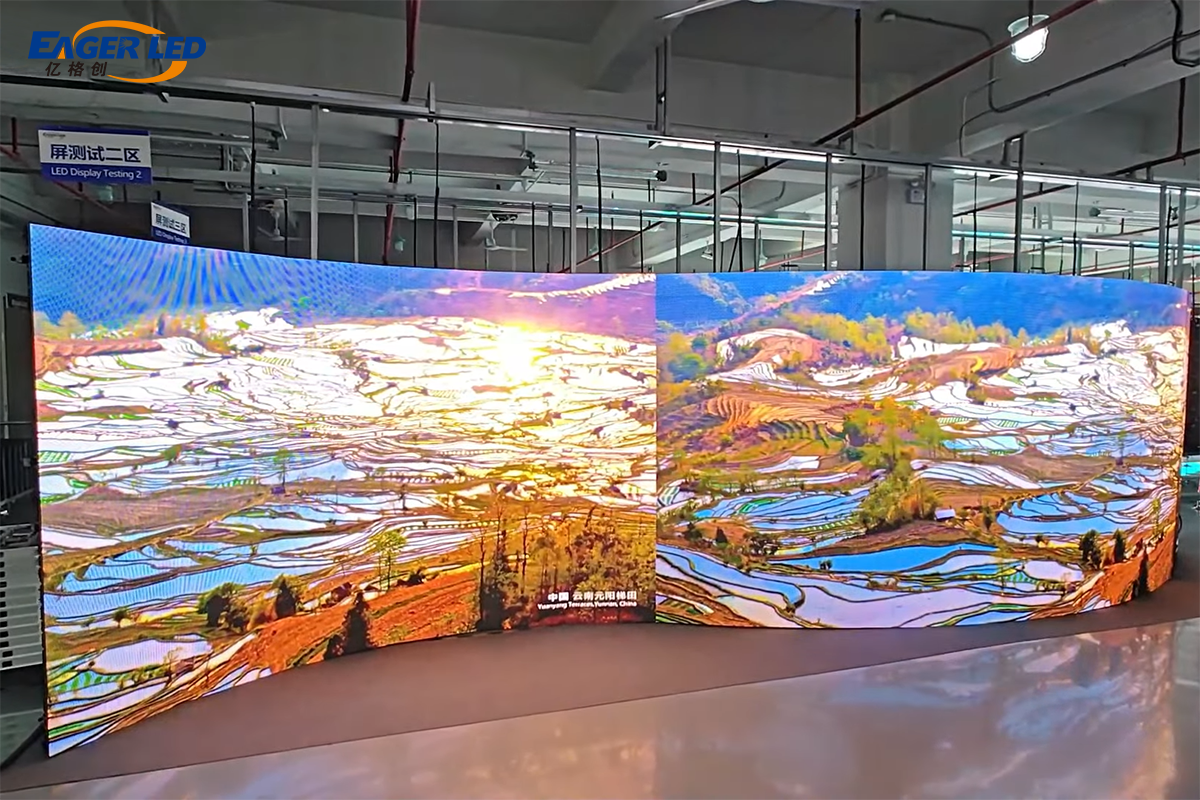
Transparent displays trade some image area for visibility through the structure. Flexible modules create curves within specified bending limits. Floor displays need a load-bearing surface and appropriate traction. These forms use LED display technology differently, so request application-specific evidence instead of transferring assumptions from a standard wall.
| Term | What it describes | What to investigate |
|---|---|---|
| SMD | Packaged LEDs mounted onto a circuit board | Package quality, surface vulnerability and supported repair method |
| COB | Bare dies mounted on the board beneath encapsulation | Surface uniformity, low-gray performance and module repair policy |
| GOB | Protective material added over an assembled module, often SMD | Coating quality, optical changes and qualified rework procedure |
| MIP | Small LED dies integrated into packages before board assembly | Actual die and package design, yield controls and service support |
| DIP | Through-hole packaged emitters | Suitability for the required pitch, viewing angles and application |
02. Compare SMD, COB and GOB fairly
There is no universal ranking that makes one packaging method best for every LED screen. Compare samples at the same brightness, white point, distance and content. Look for reflections, color shifts off-axis, dark-scene uniformity and visible module boundaries. Protective encapsulation alone does not establish the complete cabinet’s environmental rating.
For deeper construction and acceptance details, read our COB LED display manufacturing guide. Treat packaging as one part of the specification alongside electronics, thermal management and supplier support.
4. Benefits of LED Sign Boards—and Their Limits
The main benefits of LED screen technology are a scalable image area, flexible cabinet arrangements and brightness options for different environments. Unlike a tiled LCD installation, a correctly aligned direct-view wall has no repeated bezel grid. Individual modules can also be serviced without replacing the entire display.
These advantages depend on execution. A poorly aligned LED screen can show seams; mismatched modules can show color patches; excessive brightness can make a meeting room uncomfortable. Evaluate a working sample from the intended distance using your own content, including fine text and dark backgrounds.
Dynamic scheduling lets an LED sign board change messages without replacing printed graphics. However, the communication benefit still depends on readable typography, short messages and responsible scheduling. For a roadside or fast-moving audience, adding more pixels will not rescue a crowded layout that requires too long to read.
Energy efficiency is a system-level comparison. Screen area, content, luminance, operating hours, power conversion and cooling all affect consumption. Do not assume every LED screen uses less energy than every LCD or projector. Compare measured usage under equivalent viewing conditions and record how the measurement was made.
Likewise, a quoted LED emitter lifetime is not a guarantee of maintenance-free service for the complete wall. Power supplies, connectors, fans where fitted and control electronics may need attention earlier. A useful ownership plan combines replaceable parts, accessible construction, documented support and a realistic operating schedule.
5. LED Screen Technology Applications
Specify an LED screen around what viewers must see and how the venue operates. The same physical dimensions may require very different electronics, pixel spacing and service arrangements in a meeting room, shop window or broadcast studio.
01. Retail, corporate rooms and outdoor advertising
Retail installations need content that remains readable from walking routes and oblique angles. Corporate rooms often require crisp spreadsheets, conferencing interfaces and quiet operation. An indoor LED screen should be demonstrated at the actual presentation brightness, including small characters against both light and dark backgrounds.
Outdoor advertising adds sunlight, wind, rain, dust and temperature changes. Assess the whole enclosure, drainage, cable entries and maintenance access. A brightness specification cannot replace a site assessment. Define daytime and nighttime settings so the LED screen remains legible without excessive glare after dark.
02. Events, sports and LED broadcast technology
Events demand repeatable cabinet alignment, protected transport and a documented rigging plan. Sports displays may combine scores, timing and sponsor content; confirm interfaces and fallback behavior before installation. If an LED screen is part of a live production, test the complete source-to-screen delay rather than considering display response alone.
LED broadcast technology must satisfy both the eye and the camera. Refresh rate describes a display-driving characteristic; frame rate describes how many distinct video frames are delivered per second. A 3,840 Hz refresh specification does not mean the system accepts 3,840 frames per second.
Banding can depend on shutter timing, panel scanning, refresh behavior and synchronization. Moiré involves interaction between the pixel grid and the camera sensor and optics. Test planned cameras, lenses, focus, shutter settings and shooting distances. A high refresh figure alone cannot guarantee a clean image.
Brompton’s ShutterSync documentation illustrates why camera exposure and LED refresh timing need coordination. Where the workflow requires it, specify compatible genlock and processing features, then verify them on the proposed cabinets. For LED screen technology used on camera, recorded test footage is more useful than a showroom video viewed on a phone.
6. Selecting the Correct LED Display
Start with the nearest regular viewer, physical dimensions, content and ambient light. Then choose pixel pitch, packaging, processing and service access. This order ties LED screen technology to the actual viewing task and prevents paying for a specification that adds little practical value.
01. Calculate pixel pitch, native resolution and viewing distance
Pixel pitch is the center-to-center distance between neighboring pixels, measured in millimeters. P2.5 means a nominal 2.5 mm pitch. Smaller pitch increases pixel density at a fixed area. It can improve close-view detail, but also changes cost, processing load and the demands placed on alignment.
Native width in pixels = active width in millimeters ÷ horizontal pixel pitch. Apply the same calculation vertically. Pixel density for a square pixel grid is approximately (1,000 ÷ pitch in millimeters)² pixels per square meter. Use the exact module specification when a marketed pitch is rounded.
| Nominal pitch | Calculated native resolution | Total pixels | Planning implication |
|---|---|---|---|
| P1.25 | 3,840 × 2,160 | 8,294,400 | Matches UHD dimensions in this theoretical example |
| P1.5 | 3,200 × 1,800 | 5,760,000 | Fine detail with a nonstandard native canvas |
| P2.5 | 1,920 × 1,080 | 2,073,600 | Matches Full HD dimensions in this example |
| P3 | 1,600 × 900 | 1,440,000 | Requires content sizing or scaling to this canvas |
| P4 | 1,200 × 675 | 810,000 | Less fine detail at the same physical dimensions |
These are arithmetic examples, not available cabinet configurations or performance promises. Final width and height must fit whole modules and cabinets. Halving pitch at the same area quadruples the pixel count; it does not automatically quadruple useful detail for a distant audience.
Viewing-distance rules are starting points, not acceptance criteria. Christie’s LED display guide gives approximately three meters of viewing distance per millimeter of pitch as one suggested guideline and explicitly treats it as an estimate. Other rules use different definitions of acceptable visibility. Test the closest seat and the smallest required text instead of treating any multiplier as universal.
02. Specify brightness, contrast and environmental protection
Brightness is normally expressed in nits, equivalent to cd/m². Specify usable calibrated brightness rather than relying only on maximum output. At lower operating levels, inspect grayscale, color neutrality and uniformity. Dark surfaces and reflection control also affect how an LED screen looks in a bright room.
Require an environmental specification for the complete product, including any difference between front and rear protection. A protected module face does not protect an exposed rear connector. Indoor cabinets should not be used outdoors simply because the installation is temporary.
| Specification | Evidence to request | Practical acceptance check |
|---|---|---|
| Brightness and grayscale | Calibrated output and operating settings | View white, near-black and gradients at intended brightness |
| Color and uniformity | Calibration conditions and replacement procedure | Compare cabinets, edges and off-axis views |
| Refresh and frame rate | Supported combinations of input, bit depth and panel settings | Record motion and dark scenes using planned cameras |
| Environmental protection | Model-specific ratings and installation instructions | Inspect cabinet faces, cable entries and drainage arrangements |
| Power and thermal behavior | Maximum load and measured typical consumption | Operate representative content and verify ventilation clearances |
| Service and redundancy | Parts list, service procedure and failover design | Demonstrate component access and agreed failure scenarios |
03. Budget for the complete installation
Compare quotations using the same active area, native resolution, environment and scope. Include cabinets, control equipment, distribution, mounting, installation labor, transport, commissioning, training and spares. For an LED screen, an attractive panel price can conceal major costs outside the supplied hardware.
Daily energy in kWh = average power in watts per square meter × screen area × operating hours ÷ 1,000. For illustration, 200 W/m² over 12 m² for ten hours equals 24 kWh daily. This assumed load is not a product rating. Multiply by the local tariff and add external cooling or other equipment separately.
Maximum power is relevant to electrical planning; measured average power under representative content informs running-cost estimates. Ask suppliers to state brightness, content and test duration. An average value without conditions is difficult to compare. Qualified installers should size circuits, protection and cable routes for the actual system.
04. Commission the LED screen before acceptance
Use a written test plan covering dead or stuck subpixels, cabinet seams, gray ramps, color fields, moving content and source switching. Agree whether defect limits refer to pixels, subpixels or modules, and define viewing conditions. Record approved brightness, white point and processing settings so future servicing has a reference.
Check whether a spare module can be installed and calibrated without a visible patch. Demonstrate agreed signal backup behavior, then confirm configuration recovery after a controlled restart. Keep serial numbers, configuration files, support contacts and maintenance instructions together. These details make LED screen technology easier to operate long after the initial handover.
7. The Future of LED Screen Technology
Development in LED screen technology includes finer pixel spacing, improved packaging, better calibration and more capable processing. The useful question is which improvement solves a specific project problem. A finer pitch may help a close-view control room while offering little advantage to a distant billboard audience.
COB and MIP are among the approaches used to support dense emitter arrangements. Our MIP technology guide explores one packaging route. Compare the actual module architecture, availability of replacements and supported repair process rather than assuming a new acronym guarantees better image quality.
Another direction is maintaining good grayscale and color at comfortable operating brightness. For an LED screen in a studio or meeting room, usable low-light performance may matter more than a larger peak-brightness number. Request demonstrations with dark gradients, neutral grays and representative skin tones.
Monitoring can help operators identify temperature, power or signal problems when supported by the hardware. Content software may also automate scheduling and adaptation. These capabilities belong to a defined control workflow; they do not make every LED screen intrinsically intelligent. Confirm which features are included, licensed separately or dependent on an external service.
Future-proofing should focus on documentation, maintainable components and a workable upgrade path. Ask how long compatible spares will be supported and whether replacement processors can retain the installation’s configuration. A well-supported LED display technology platform can be more valuable than a specification that cannot be serviced locally.
8. LED Screen Technology FAQ
01. What is LED screen technology in simple terms?
LED screen technology turns electronic image data into light from a grid of LEDs. In a direct-view display, red, green and blue emitters create the visible pixels. Modules, cabinets and a controller work together to build one larger picture.
02. How is an LED screen different from an LCD screen?
A direct-view LED screen uses its emitters as the image pixels. An LCD modulates a separate backlight through a liquid-crystal layer. Many products sold as LED televisions are LED-backlit LCDs, so confirm the display architecture when comparing products.
03. Which pixel pitch should I choose?
For LED screen technology, choose pitch using the nearest regular viewing distance, active dimensions and smallest required content detail. Calculate the native pixel resolution, then test sample content at the intended distance. No single viewing-distance formula guarantees readability for every viewer, font or application.
04. Is COB always better than SMD?
No. COB and SMD describe different construction methods within LED display technology. Compare the complete product at matched settings, including reflections, low-gray uniformity, serviceability and replacement costs. A packaging label alone cannot establish brightness, lifetime or overall quality.
05. Does a high refresh rate guarantee flicker-free video?
No. LED broadcast technology also depends on camera shutter timing, scanning, synchronization and processing. Moiré introduces another interaction involving the camera sensor and pixel pattern. Verify recorded results with the cameras, lenses and settings that the production will actually use.
06. How much electricity does an LED screen use?
Consumption depends on area, brightness, content and operating time. Multiply measured average W/m² by area and hours, then divide by 1,000 to estimate kWh. Use maximum rated load for electrical planning, and include external cooling separately in ownership costs.
07. Can an indoor LED screen be used outside?
Only if the exact product and installation are approved for those conditions. Brightness alone is insufficient. Check enclosure protection, connectors, temperature limits, moisture exposure and mounting requirements. A short outdoor event can still expose an indoor cabinet to damaging conditions.
08. What should I send when requesting a quotation?
Provide screen width and height, location, nearest viewing distance, content examples, ambient lighting, operating schedule and service access. Include camera requirements where relevant. Ask for a cabinet layout, native resolution, power data, installation scope and a written acceptance procedure.
9. Conclusion
The best LED screen technology is the system that meets the viewing task and can be installed, calibrated and maintained reliably. Start with content, distance, dimensions and environment. Then evaluate pitch, processing, packaging and service arrangements as connected decisions.
Use the tables to compare like-for-like proposals, check calculations against the actual cabinet layout, and make acceptance depend on demonstrated results. An LED screen should be judged at its intended brightness and viewing positions, including camera tests when needed.
To discuss a project, send EagerLED your screen dimensions and installation requirements. Request a configuration and scope tailored to those inputs. A clear specification makes LED display technology easier to compare and helps prevent avoidable costs after installation.
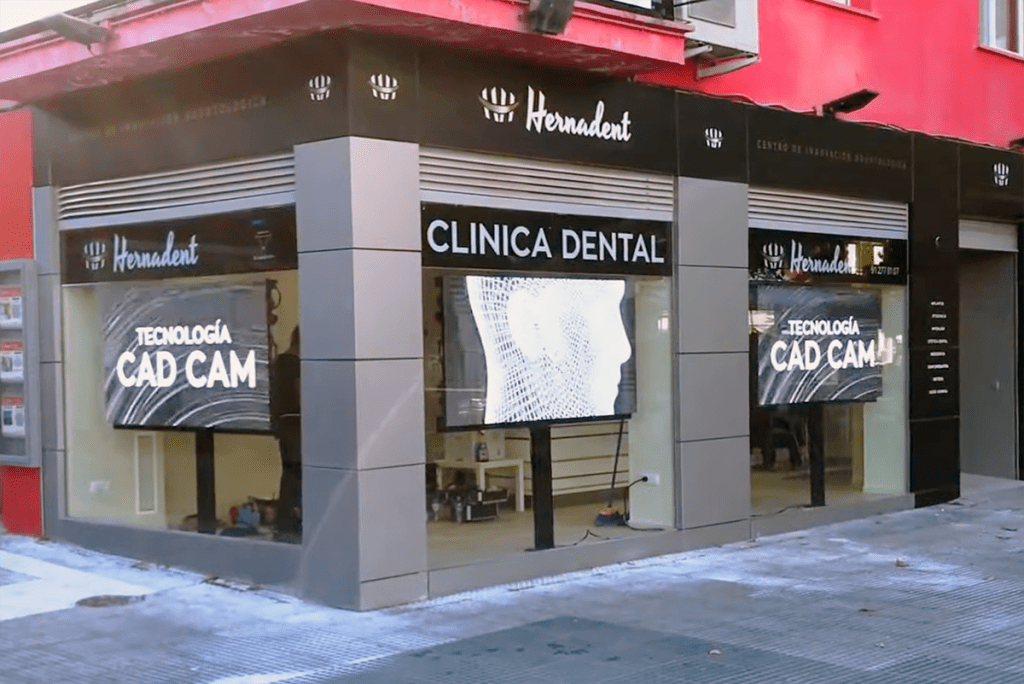 EagerLED transparent LED wall in Spain
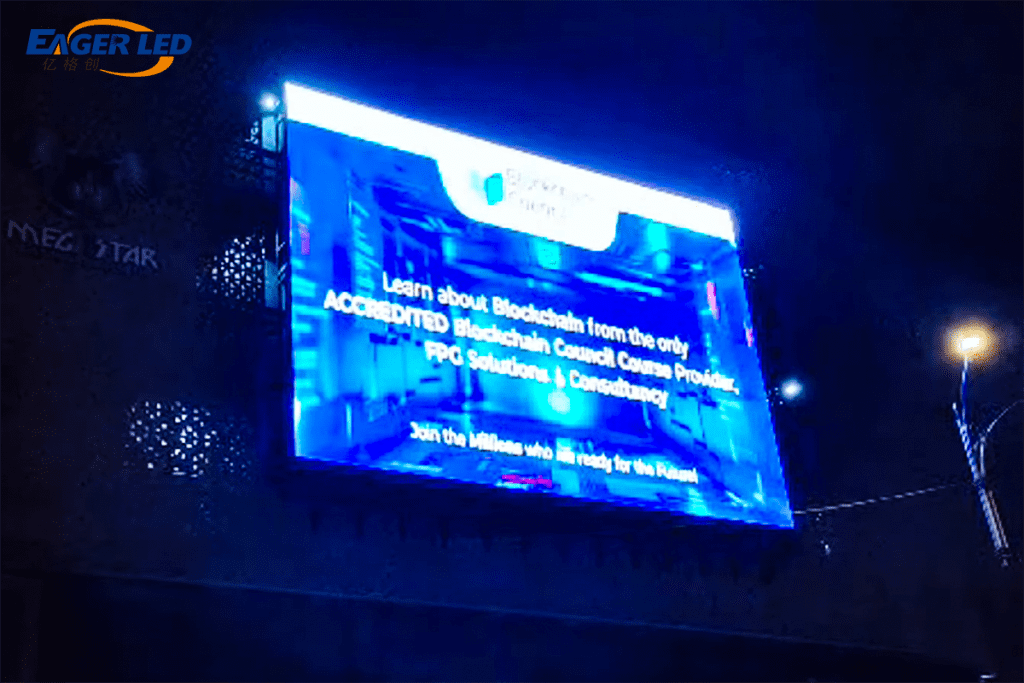 Feedback From Malaysian Clients On EagerLED Outdoor P10 LED Screen