The NovaStar MX40 Pro is a professional LED display controller designed for large, high-resolution display systems. It handles signal input, image processing, and output management between the video source and the LED display, transforming the traditional multi-device display chain into a high-performance solution that can be completed by a single unit.
This guide explains what the MX40 Pro does, why it matters, how to set it up, and how it compares to other COEX series products.
catalogue
1.What Is the NovaStar MX40 Pro?
The NovaStar MX40 Pro is a professional LED display controller designed to simplify large-scale LED display systems.
It sits between video sources and LED screens, handling signal input, processing, and output in a single device. It is positioned for broadcast, live event, XR/virtual production, fixed venues, and rental companies.
For operators and integrators, that means one device can replace multiple legacy components and reduce system complexity, making large LED installations easier to deploy and maintain.
1.1 The Role of an LED Display Controller
A controller is the “brain” between source and screen. It accepts input, processes the image, and maps it to LED modules. This is essential for getting complex multi-panel displays to look seamless.
1.2 What Makes MX40 Pro Different?
MX40 Pro uses single-device architecture rather than modular systems. It combines video processor, scaler, and output handling in one chassis. This is a professional-grade design meant for demanding installations, not consumer DIY projects.
1.3 Where NovaStar MX40 Pro Fits in the LED Ecosystem
The NovaStar MX40 Pro is positioned as a premium COEX product. It is best for high-resolution, high-density LED installations that require reliability and flexibility. It is less ideal for small displays, budget installs, or simple consumer-level setups.
2.Key Features & Specifications of the NovaStar MX40 Pro
The NovaStar MX40 Pro’s value comes from its 4K-ready processing, advanced network control, and professional LED output capabilities.
2.1 Resolution & Processing Power
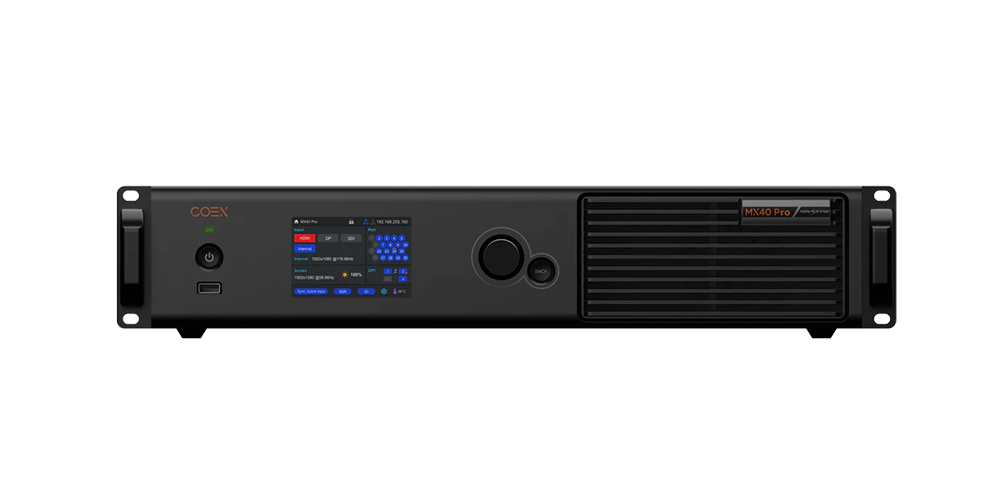
NovaStar MX40 Pro supports 4K input and can scale to high-density LED panels. It is designed to handle demanding media feeds without lag, which is critical for live and XR applications.
2.2 Video Input & Signal Compatibility
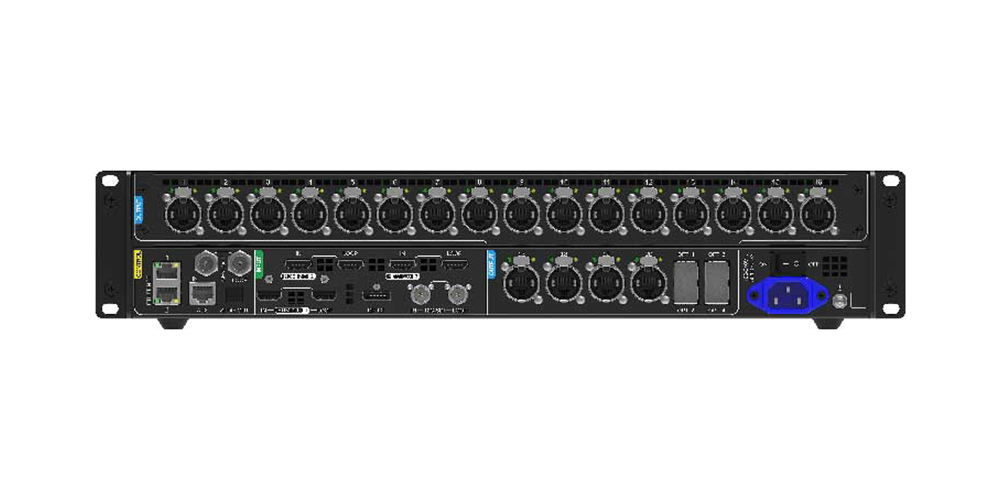
The controller supports multiple input formats such as HDMI, DisplayPort, and SDI. It is built for professional signal compatibility, including HDR and wide color gamut workflows.
2.3 Network & Control Architecture
NovaStar MX40 Pro uses IP-based control and supports redundancy with dual network paths. Remote monitoring and diagnostics are part of the workflow, which helps prevent downtime in live production environments.
2.4 LED Output Specifications
The device supports LED module pitches from 2.6mm upward, with high output resolution flexibility. Built-in color correction and calibration tools help maintain consistent image quality across large displays.
2.5 Physical & Power Requirements
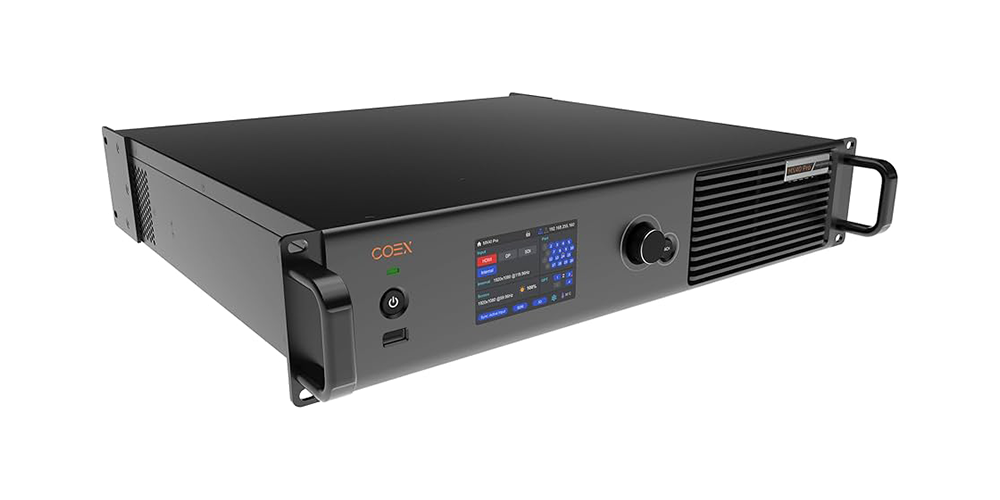
MX40 Pro is designed for professional installation with rack or standalone mounting. Power consumption and cooling need are part of any deployment plan.
2.6 Unique Technical Advantages
Compared to older controllers, NovaStar MX40 Pro delivers better performance for 4K sources, lower latency, and built-in failover. That makes it more reliable in broadcast and event production.
3.Novastar MX40 Pro for XR & Virtual Production
NovaStar MX40 Pro is well-suited for XR and virtual production because it supports low latency, real-time synchronization, and high-resolution output.
3.1 Why XR Production Needs MX40 Pro
XR relies on camera tracking and LED backgrounds that update in real time. Standard controllers can struggle with latency and sync. MX40 Pro is built to handle those demands.
3.2 Integration with XR Tracking Systems
The NovaStar MX40 Pro can integrate with Notch, Disguise, and camera tracking software. It supports high update frequencies and synchronization protocols like timecode and genlock.
3.3 XR Production Workflow
Typical workflow includes camera calibration, LED sync tests, and real-time adjustment during shooting. The NovaStar MX40 Pro reduces post-production effort compared to green-screen workflows.
3.4 Real-World XR Use Cases
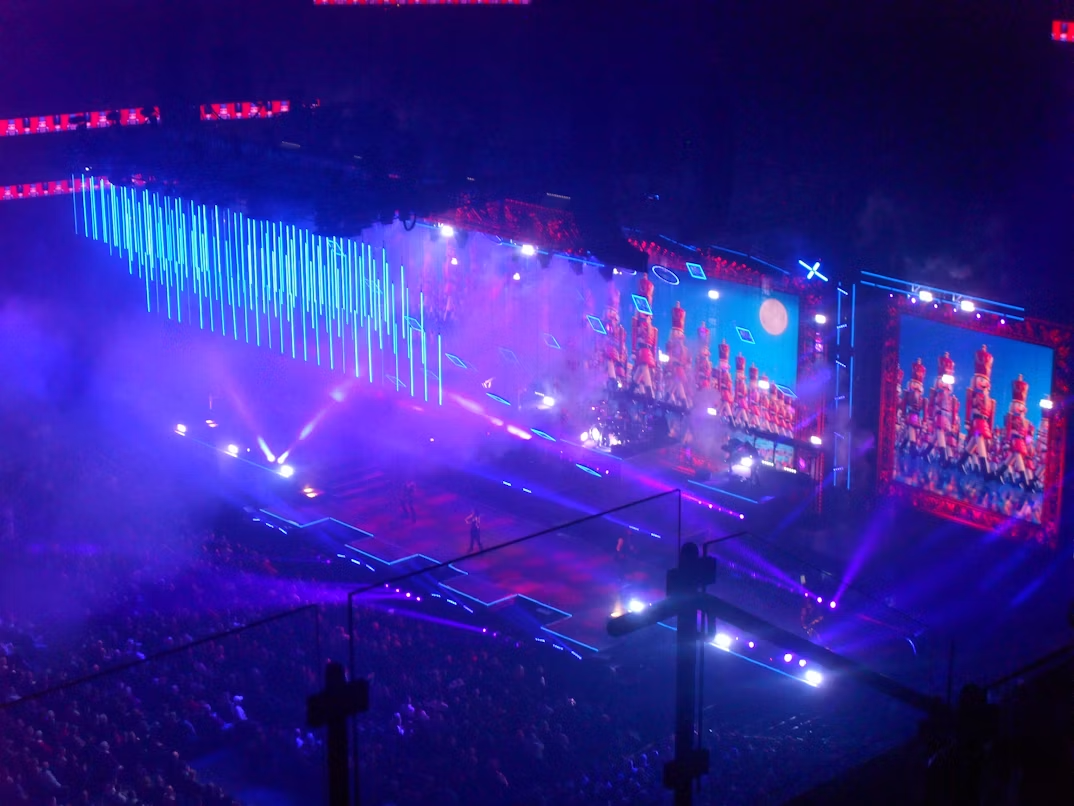
Use cases include music video production, TV studio backgrounds, corporate hybrid events, and immersive theme park installations.
4.System Setup & Network Configuration
Proper installation and network configuration are essential to make NovaStar MX40 Pro perform reliably.
4.1 Pre-Installation Checklist
Review LED panel layout, power availability, cooling, network readiness, video sources, and physical mounting before deployment.
4.2 Hardware Installation Step-by-Step
This includes unboxing, rack placement, video and LED connections, network port setup, and power-on diagnostics.
4.3 Network Configuration for Reliability
Use static IPs, configure VLAN/QoS as needed, and set up redundant network paths. Monitoring tools help detect latency or packet loss.
4.4 Video Input Setup & Calibration
Select the correct input source, configure resolution scaling, calibrate color and HDR settings, and verify frame sync.
4.5 LED Output Configuration
Map LED modules, verify panel detection, set color correction profiles, and run test patterns to ensure consistent display.
4.6 Control Interface Setup
Configure the web interface, external control protocols, dashboard monitoring, backups, and firmware verification.
5.Operation Considerations by Scenario
Different deployment scenarios require distinct NovaStar MX40 Pro workflows.
5.1 Live Event Production Workflow
For live events, focus on content loading, network checks, backup sources, live monitoring, and post-event shutdown procedures.
5.2 Broadcast & TV Studio Operations
Broadcast requires daily startup routines, mixed format handling, genlock synchronization, and hot-swap capabilities.
5.3 Virtual Production / XR Volume Operation
XR workflows depend on tracking calibration, live content adjustment, camera sync verification, and failover plans.
5.4 Fixed Venue / Installation Mode
Fixed venues need scheduled playlists, non-technical operator workflows, remote monitoring, preventive maintenance, and update procedures.
5.5 Rental / Temporary Installation Workflow
Rental users benefit from rapid setup, portable configuration profiles, quick troubleshooting, and structured teardown processes.
6.NovaStar MX40 Pro vs. Other COEX Series Products
| Feature | NovaStar CX80 Pro | NovaStar CX40 Pro | NovaStar MX40 Pro |
| Product Positioning | Flagship COEX controller | Mid-range COEX controller | High-end all-in-one controller |
| Maximum Loading Capacity | Ultra-high 8K-class capacity | 9 million pixels | 9 million pixels |
| Ethernet Outputs | 5Gbps high-bandwidth outputs | 6×5Gbps Ethernet outputs | 20× Gigabit Ethernet outputs |
| Optical Transmission | Advanced fiber expansion | 40Gbps optical transmission | 4×10G optical ports |
| Video Inputs | Modular 4K/8K architecture | HDMI 2.0, DP 1.2, dual 12G-SDI | HDMI 2.0, DP 1.2, 12G-SDI |
| Layer Support | Designed for complex virtual production workflows | 3 independent 4K layers | 4 independent 4K layers |
| HDR Support | Yes | HDR10 + HLG | HDR10 + HLG |
| Genlock Support | Yes | Yes | Yes |
| 3D LUT Color Management | Yes | 3D LUT support | Advanced 3D LUT support |
| Frame Multiplexing | Excellent for XR and virtual production | Supports high-frame-rate workflows | Up to 480Hz adaptive frame rates |
| Best Application | XR stages, VP studios, LED cinema, large broadcast systems | High-end rental, corporate studios, fine-pitch displays | Rental events, concerts, broadcast, large LED walls |
| Cost Level | Highest | Mid-to-high | High |
7.FAQ
7.1 What is the difference between MX40 Pro and MX30?
NovaStar MX40 Pro supports 4K input, smaller LED pitches, and network redundancy, while MX30 is built for HD use cases.
7.2 How long does NovaStar MX40 Pro setup take?
Typical setup is 2–4 hours, with additional calibration time depending on the display and network.
7.3 Can NovaStar MX40 Pro work with Notch/Disguise?
Yes, it supports integration with both XR platforms.
7.4 Does MX40 Pro support HDR content?
Yes, it supports HDR processing and color space management, subject to LED panel capabilities.
7.5 Will MX40 Pro work with existing LED screens?
Most commonly yes, but compatibility should be confirmed based on panel pitch and interface specs.
8.Conclusion
The NovaStar MX40 Pro delivers professional-grade LED display control in a single, reliable package.
It combines 4K input support, advanced network reliability, and high-density LED output capabilities, making it suitable for broadcast, live events, XR production, and fixed venue installations.
For teams that need a reliable, future-proof LED controller, the MX40 Pro is a strong candidate. If a project requires single-screen high-resolution control, MX40 Pro is likely the best fit.
 LED Poster Displays: The Ultimate Guide for 2026
 Rental LED Display Screens: The Ultimate Buyer's Guide 2026