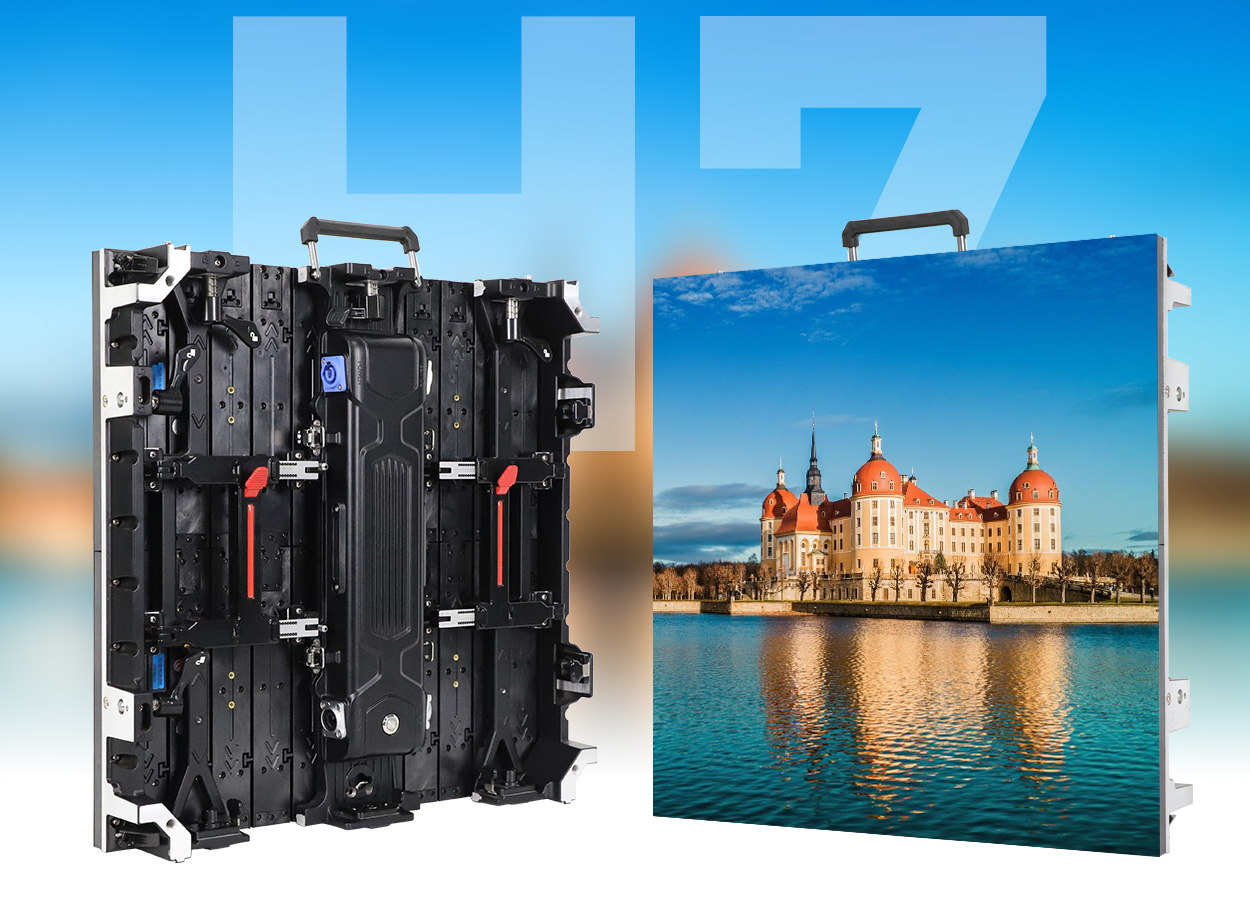
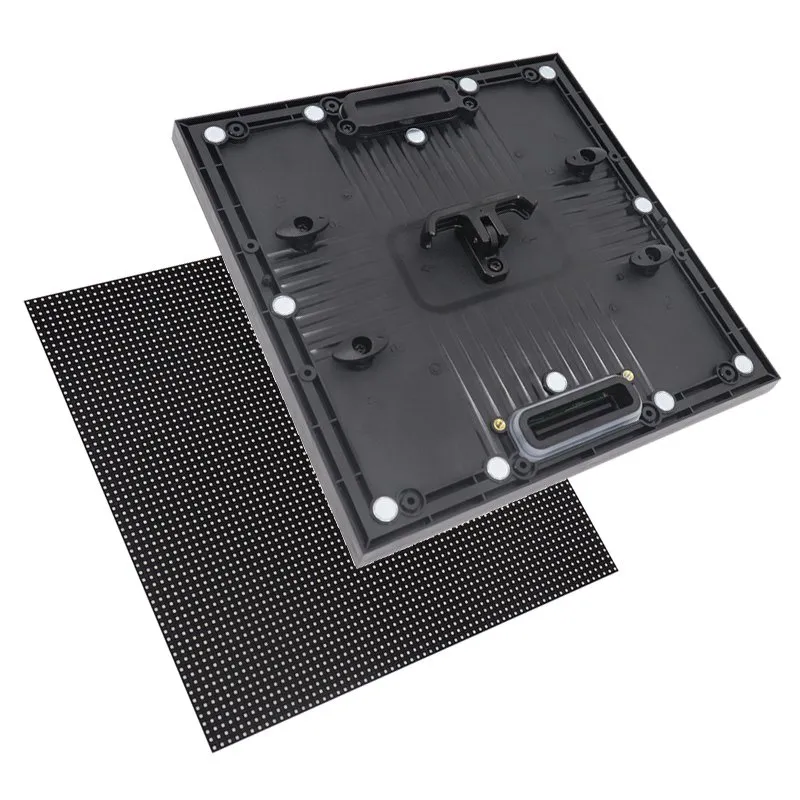
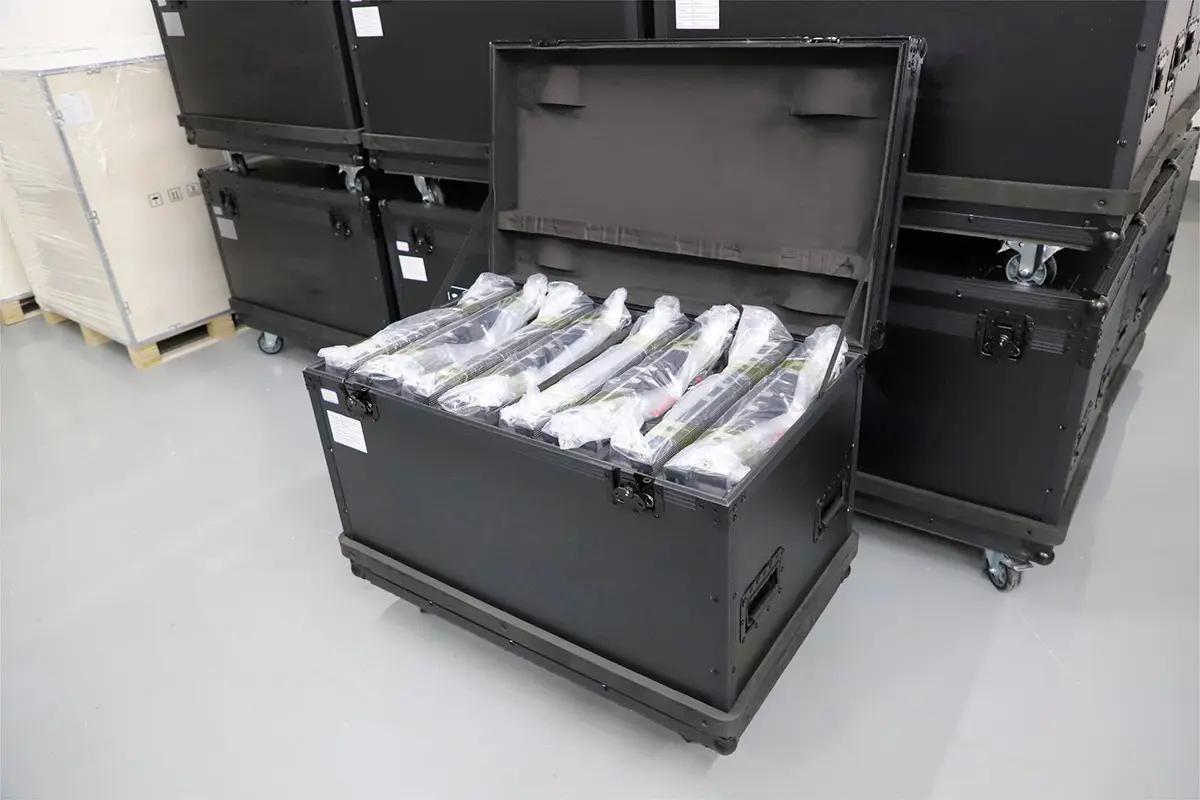
Choosing LED screen solutions starts with the audience, the content and the installation site. A conference room showing small text, a concert showing live video and an outdoor advertising board need different combinations of pixel pitch, brightness, control equipment and cabinet construction. Buying the highest specification in every category can increase cost without improving the result.
The most useful way to compare LED screen solutions is to define what the finished system must do, then ask suppliers to demonstrate it. Measure the nearest viewing distance, establish the actual display dimensions, identify daylight and weather exposure, and prepare sample content. Those inputs turn a vague request for a “high-resolution screen” into a specification that can be priced and tested.
This guide explains how to choose LED screen solutions for permanent installations and events. It includes comparison tables, resolution and energy calculations, a quotation checklist and practical acceptance tests. Planning examples are illustrative; final specifications and prices require the selected hardware, site survey and installation scope.
1. Choose LED screen solutions around a project brief
The right LED screen solutions deliver readable content at the intended viewing positions, within the site’s operating and maintenance limits. Start by recording the screen’s job: presenting detailed information, supporting a live performance, attracting passing shoppers or selling advertising space. Give each job an observable success criterion.
For a meeting room, use the smallest spreadsheet labels or presentation text that people must read. For a stage, check the closest seats, side seats and camera positions. For a street-facing sign, consider how briefly people see the message. A screen that performs well in a dark showroom may perform differently behind reflective glass or under afternoon sun.
01. Define the viewing and operating conditions
Record available width and height, nearest and farthest viewing distances, operating hours, ambient lighting, installation height and access restrictions. Include photographs and a simple plan showing viewers and obstructions. Ask who will upload content, respond to faults and authorize maintenance. LED screen solutions should fit that operating team’s capabilities.
02. Decide whether direct-view LED is the best fit
Direct-view LED creates the picture with light-emitting pixels and can form large, continuous display surfaces. However, a commercial LCD can be a sensible choice for a smaller screen viewed closely, while projection can suit a darkened space with an appropriate projection surface. Compare the finished image, room constraints and ownership cost before committing to a technology.
2. Compare indoor, outdoor and rental LED screen solutions
Indoor, outdoor and rental describe different requirements, not interchangeable quality levels. Rental LED screen solutions prioritize repeated assembly and transport. Permanent systems prioritize mounting, service access and sustained operation. Indoor and outdoor versions of a cabinet family can have different modules, power requirements and environmental ratings.
| Application | Main requirement | What to request | Common mistake |
|---|---|---|---|
| Meeting room or control room | Readable detail at close distances | Native pixel map, low-brightness sample, noise and service plan | Choosing by diagonal size alone |
| Indoor retail or lobby | Brand imagery under changing light | Daylight assessment, content demo and front-access details | Ignoring reflections or side views |
| Outdoor advertising | Daylight contrast and environmental durability | Calibrated brightness, enclosure ratings, drainage and dimming plan | Treating a bright indoor panel as outdoor-ready |
| Touring, stage or temporary event | Repeatable setup and dependable live operation | Cabinet weights, rigging limits, spares and camera test | Excluding crew, support structure or transport |
| Glass storefront or creative display | Visibility balanced with architecture | Sample through actual glass and content at intended density | Assuming transparency gives the same image as a solid wall |
For an indoor shop, compare opaque, transparent and poster formats against the available space and viewing path. Transparent construction preserves some visibility through the installation, but the background and lower image coverage can affect contrast. For events, confirm whether you are buying reusable rental cabinets or hiring a complete temporary installation; these are different commercial offers.
Explore indoor LED screen options and LED screens for stage applications after documenting the brief. Comparing LED screen solutions within the correct category makes quotations more meaningful.
3. Match pixel pitch, viewing distance and resolution
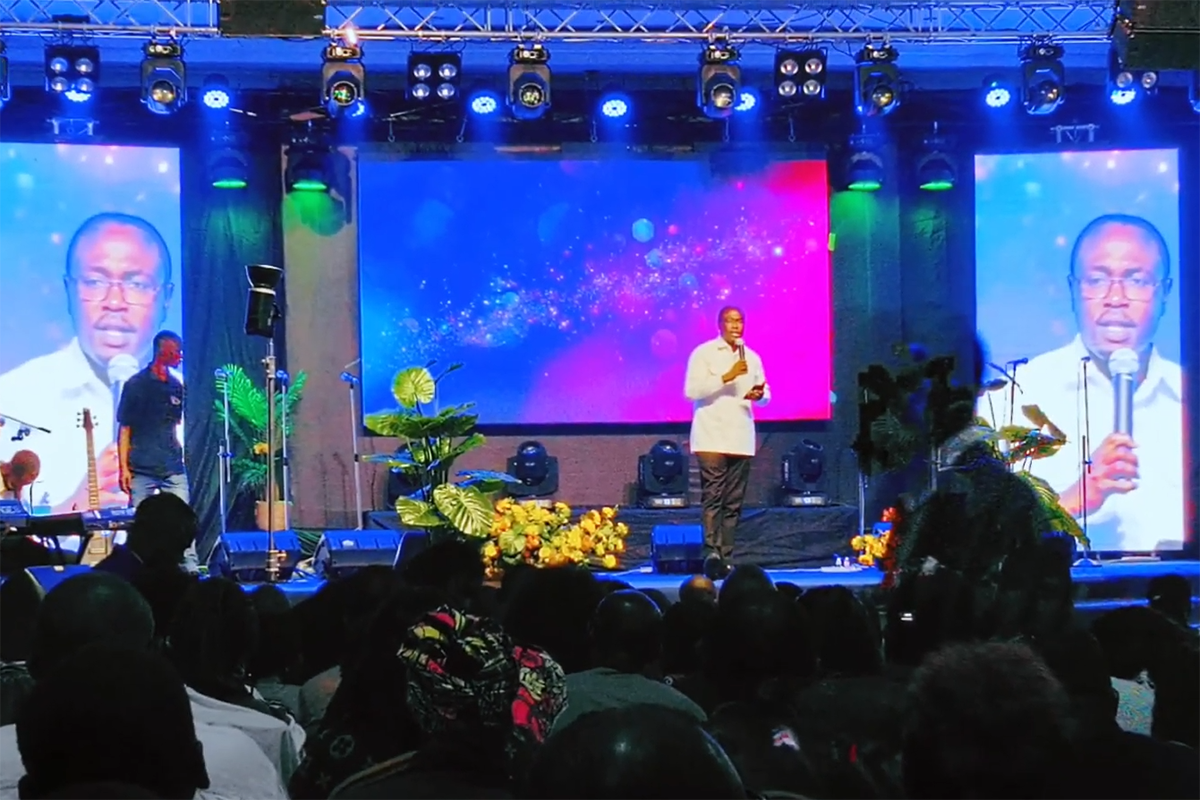
Pixel pitch is the center-to-center spacing between adjacent pixels, measured in millimeters. P2 means a nominal 2 mm pitch; P4 means 4 mm. At the same physical size, the finer pitch provides more pixels. LED screen solutions with finer pitch can support more detail, but that advantage must match the content and viewing distance.
01. Calculate the actual pixel canvas
Horizontal pixels ≈ screen width in millimeters ÷ pixel pitch. Vertical pixels ≈ screen height in millimeters ÷ pixel pitch. Use the cabinet’s actual pixel dimensions for the final design, because nominal pitch labels may be rounded. A 4K input signal does not make a lower-resolution LED wall a native 4K display.
| Nominal pitch | Calculated pixel canvas | Total pixels | Design implication |
|---|---|---|---|
| P1.25 | 3840 × 2160 | 8,294,400 | Can target a UHD canvas if cabinet geometry matches |
| P2.5 | 1920 × 1080 | 2,073,600 | Can target a Full HD canvas |
| P3 | 1600 × 900 | 1,440,000 | Needs content and scaling suited to this resolution |
| P4 | 1200 × 675 | 810,000 | Fewer pixels for small text and fine graphics |
These are geometric calculations, not a claim that every supplier sells cabinets in all four exact configurations. Request a cabinet layout and final pixel map before ordering LED screen solutions. Check aspect ratio as well: stretching a standard video to an unusually wide wall distorts the picture unless the content is adapted.
02. Validate viewing distance with real content
Simple pitch-to-distance rules are screening tools, not guarantees of invisible pixels. Planar’s pixel-pitch guidance distinguishes visual-acuity distance from a subjective comfortable viewing distance. Its visual-acuity calculation is approximately pitch in millimeters × 3.438, expressed in meters. For P2.5, that gives about 8.6 m; viewers may accept a closer position depending on content and expectations.
Test your smallest text, faces, logos and moving footage from the nearest normal position. Ask for two adjacent pitch options when the decision is close. For background stage graphics, extra pixels may bring little benefit; for a dashboard, they may determine whether labels are readable. Our pixel-pitch overview provides additional product context.
4. Specify brightness, refresh rate and image quality
Image quality in LED screen solutions depends on the entire display and processing chain. Brightness, grayscale, color uniformity, surface reflection and motion behavior should be assessed together. A maximum-nit number or headline refresh rate cannot establish how a finished installation will look.
01. Specify a usable brightness range
Brightness is measured in nits, equivalent to cd/m². For preliminary planning, a typical indoor retail or lobby installation may be assessed around 500–1,000 nits, while outdoor daylight advertising often starts around 5,000–8,000 nits. These ranges are not mandatory settings: direct sun, glass, content and viewing angles can change the requirement. Use the indoor and outdoor LED display brightness guide to refine the site brief.
Specify calibrated output at the intended white point and inspect dark gradients at the required dimmed setting. Brompton explains why low-brightness reproduction can be difficult for LED systems. LED screen solutions that look strong at maximum output still need to reproduce subtle shades when dimmed for a meeting room or evening operation.
02. Test refresh rate with the actual camera
Refresh rate in hertz describes display driving behavior; video frame rate describes incoming pictures per second. They are different measurements. A quoted 3,840 Hz refresh rate does not guarantee freedom from camera bands. Shutter timing, scan behavior, receiving-card settings and synchronization can all affect the recording.
For filmed LED screen solutions, test the actual camera, shutter settings, frame rate and working brightness. Check panning, skin tones, dark scenes and patterns that can cause moiré. Ask for the tested configuration in writing so the delivered hardware and settings match the sample.
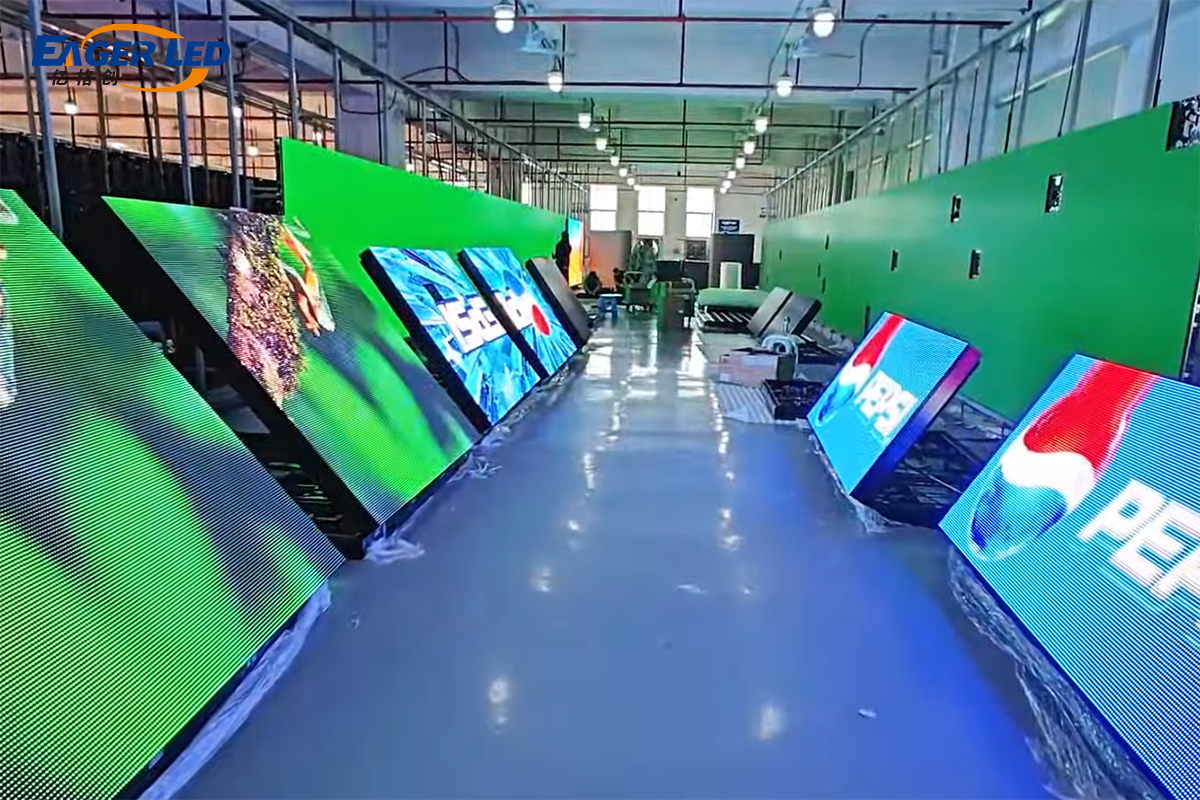
5. Plan installation, weather protection and service access
LED screen solutions must be designed as installed systems. Cabinet dimensions and weight are only part of the load; the support structure, cables, service equipment and environmental conditions also matter. Have the qualified installation team confirm the mounting method and electrical provision before the hardware order becomes final.
Front service can help where there is no rear corridor, but verify access to modules, power supplies and receiving cards individually. A “front-service” description does not automatically mean every component is accessible without dismantling adjacent finishes. Reserve space for removal tools, ventilation and replacement work.
For outdoor LED screen solutions, ask which surfaces and connectors carry the stated ingress-protection rating. An IP label does not establish protection against every installation problem. Inspect cable entries, drainage, condensation management, corrosion exposure and operating-temperature limits. Include solar heating and the enclosure’s ventilation arrangement in the review.
Temporary outdoor structures also need a defined wind-management plan and clear operating responsibilities. Permanent sites need safe maintenance access. These are project-specific engineering matters; a generic cabinet brochure cannot substitute for the installation design. The outdoor weatherproofing guide helps structure the questions for the supplier.
6. Choose the control system and prepare LED content
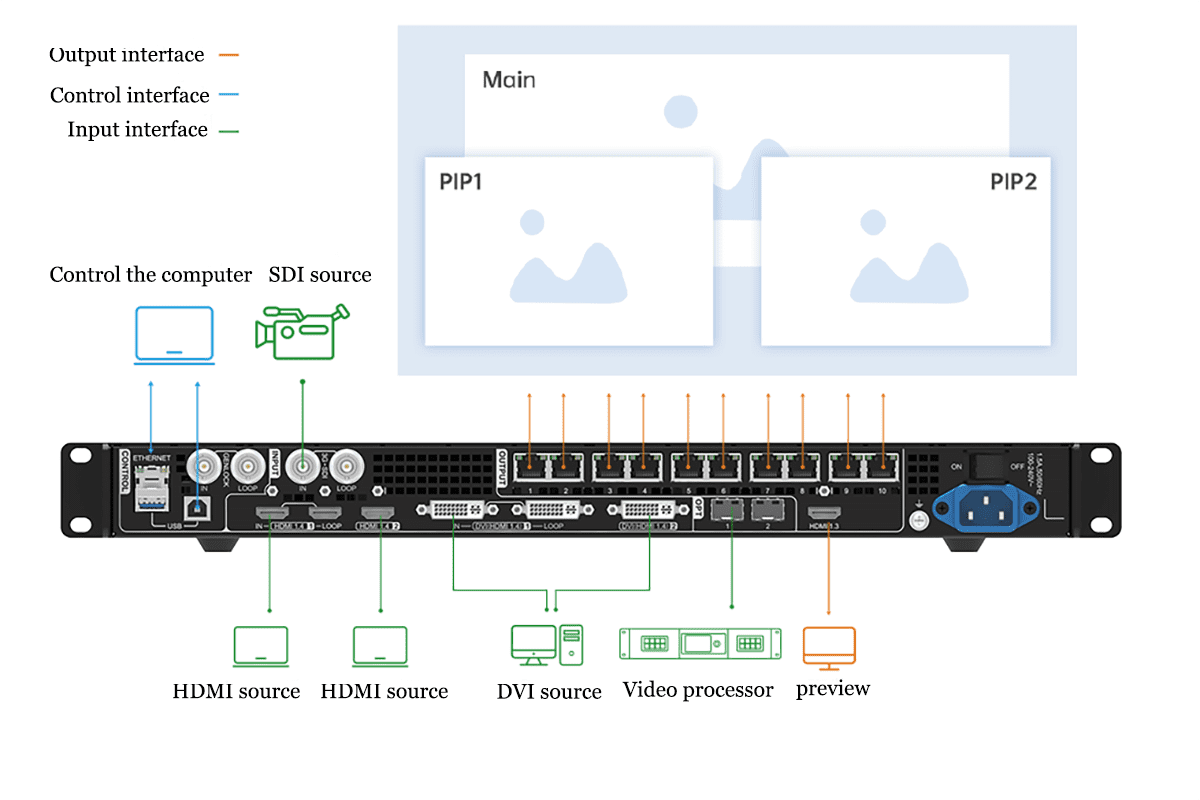
LED screen solutions need a compatible signal path from content source to processor, sending system, receiving cards and modules. Confirm the total pixel load, permitted output dimensions, input formats, cable distances and any redundancy. Capacity can depend on operating mode, frame rate and bit depth, so compare the intended configuration rather than model names alone.
01. Separate live video processing from content scheduling
A live event typically needs reliable input switching and appropriate latency. An advertising display may need scheduled playback, remote uploads and local storage for network outages. A content management system organizes media and schedules; it does not replace the hardware that drives the LED pixels. Some integrated devices combine functions, but compatibility still needs verification.
For context, the NovaStar VX1000 specification lists up to 6.5 million pixels and separate maximum width and height limits. Those limits do not mean both maxima can be used simultaneously. Always check the load and port mapping of the proposed LED screen solutions against the current product documentation.
02. Prepare content for the finished LED canvas
Obtain the final pixel map before commissioning artwork. Create a master canvas at that resolution or an agreed processing resolution, maintain the correct aspect ratio and keep important text away from edges or architectural obstructions. Use strong contrast and test small text on the actual display, not just a laptop monitor.
For an event, rehearse the complete playlist and live inputs. For advertising, check schedule times, expiry dates, offline playback and recovery after power loss. Record supported file formats and playback limits. Assign separate upload and approval roles where available, and retain a known-good content package. Reliable LED screen solutions include a repeatable publishing workflow.
7. Compare LED screen solutions by total project cost
Compare LED screen solutions using a common bill of materials and installation scope. A price per square meter is useful only when you know what it includes. Cabinet hardware, controller, structure, electrical distribution, transport, commissioning and support can be quoted separately. Avoid comparing a factory hardware price directly with an installed-system price.
| Cost category | Items to include | Question for the quotation |
|---|---|---|
| Display hardware | Modules, cabinets, power supplies and receiving cards | What exact configuration and quantity are included? |
| Processing and playback | Controller, player, licenses and signal conversion | Does it support the final canvas and intended inputs? |
| Installation | Structure, lifting, cabling, electrical work and commissioning | Who supplies and accepts each part of the installation? |
| Delivery | Packing, freight, insurance, import charges and local handling | Which delivery terms and destination are priced? |
| Operation and maintenance | Energy, cooling, spares, cleaning, service labor and access | Which costs recur, and who carries repair transport costs? |
| Event hire | Equipment days, crew, transport, setup, operation and teardown | Are rehearsal time, overtime and backup equipment included? |
01. Use a transparent budget calculation
Calculate hardware cost as screen area × the quoted hardware rate, then add separately priced items once. For example, a 5 × 3 m screen has an area of 15 m². If a hypothetical quote specifies $1,200 per m² for cabinets, the cabinet subtotal is $18,000. This is an arithmetic example, not an EagerLED offer or a current market benchmark. Refer to the LED display price and buying checklist when assembling the full budget.
When comparing owned and hired LED screen solutions, include storage, transport cases, technicians, repairs and expected reuse. Occasional events may favor hire; frequent use may justify ownership. There is no universal break-even number because local labor, equipment availability and transport distance vary.
02. Estimate energy from measured operating demand
Annual screen energy in kWh = area in m² × average W/m² ÷ 1,000 × operating hours per day × days per year. For an illustrative 15 m² installation averaging 200 W/m² over 10 hours daily for 300 days, the result is 9,000 kWh per year. At an assumed $0.15 per kWh, screen electricity would be $1,350, excluding cooling, control equipment and other charges.
Use measured or supplier-supported average consumption for representative content and brightness. Use the specified maximum demand for electrical design, assessed by the installation team. LED screen solutions do not automatically consume less energy than every alternative; size, output, content, operating schedule and cooling affect the comparison.
8. Verify the LED display supplier and acceptance tests
A supplier’s proposal should make the performance of LED screen solutions verifiable. Request the exact module, driver, power supply, receiving card and controller configuration, plus the cabinet drawing and service procedure. Product-family names alone leave room for materially different builds.
Ask for relevant completed projects and a demonstration using your content. Clarify warranty exclusions, response arrangements, spare-part availability, repair location and who pays freight or on-site labor. Keep compatible spare modules from the supplied batch where practical, and retain calibration and configuration backups. Replacement compatibility matters as much as initial appearance.
| Test area | Practical test | Record to retain |
|---|---|---|
| Pixel mapping | Display a labeled grid across the complete wall | Cabinet map, native resolution and port allocation |
| Uniformity and defects | Inspect white, primary colors, gray ramps and dark fields | Agreed defect limits, brightness setting and photographs |
| Content readability | Review the smallest required text from real viewing positions | Approved content samples and viewing locations |
| Camera performance | Record motion and dark scenes with the production camera | Shutter, frame rate, synchronization and panel settings |
| Recovery and redundancy | Test agreed input, network or power-loss scenarios safely | Expected behavior, recovery steps and configuration backups |
| Maintenance handover | Demonstrate component access and a supported replacement procedure | Training, spare inventory, manuals and support contacts |
Set pass criteria before shipment, including acceptable pixel defects and uniformity. A photograph from one angle cannot prove all requirements. For critical LED screen solutions, define which checks happen at the factory and which are repeated after installation. Delivery acceptance and operational acceptance should be clearly documented.
9. Build a quotation brief for EagerLED
A useful request for LED screen solutions contains enough detail for a supplier to explain its recommendation. Send EagerLED the physical size, site photographs, location, viewing distances, indoor or outdoor conditions, operating schedule, content samples and intended completion date. State whether the scope is hardware supply, installation support or a complete locally installed project.
Use this concise brief: “We need a screen approximately [width] × [height] m for [application]. The nearest viewers are [distance] m away. It operates [hours] daily in [lighting and weather conditions]. It must show [content] and accept [inputs]. Please propose the cabinet layout, pixel pitch, calibrated brightness, control system, maintenance access and itemized cost.”
Request alternatives only when they address a real tradeoff, such as two pitches or front versus rear service. Ask the supplier to identify exclusions and explain how each option meets the brief. For a project-specific comparison of LED screen solutions, send your requirements to EagerLED with the same information you will use to assess every quotation.
10. LED screen solutions FAQ
01. How do I choose the right LED screen solutions?
Start with application, viewing distance, content and environment. Calculate the required pixel canvas, compare samples at the intended brightness, and confirm installation and service access. Then compare complete LED screen solutions against the same bill of materials, acceptance tests and support scope.
02. Is P3 or P4 better for an LED wall?
At the same physical size, P3 provides more pixels than P4 and may improve close-viewed text or graphics. P4 can be sufficient at longer distances. Compare your content on both rather than treating one pitch as universally better. The final choice must also fit the cabinet layout and budget.
03. Which LED screen solutions work best for events?
Rental cabinets are designed for repeated setup, but the complete package matters: suitable rigging, trained crew, transport, control equipment and spares. Outdoor events also need a suitable weather and wind plan. For filming, verify LED screen solutions with the production camera before the event.
04. How should I prepare content for an LED screen?
Ask for the final pixel dimensions and aspect ratio, then create or adapt content to that canvas. Use readable text, strong contrast and appropriate edge margins. Test every file and live source through the actual player and processor; confirm scheduling and offline playback for unattended signage.
05. How much do LED screen solutions cost?
Cost depends on area, pixel pitch, cabinet construction, control equipment and the installation scope. Request an itemized current quote. LED screen solutions priced only per square meter may exclude structure, electrical work, freight or commissioning; event hire can also exclude crew and rehearsal time.
06. Can an indoor LED screen be used outdoors?
Only if the manufacturer explicitly approves that product and installation for the conditions. Increasing brightness does not add weather protection. Outdoor LED screen solutions need appropriate enclosure and connector protection, temperature capability, drainage, cooling and structural design, with a suitable dimmed setting after dark.
11. Conclusion: choose a complete, testable system
Choose LED screen solutions by working from the audience and content toward the hardware. Establish viewing conditions, calculate native resolution, verify image quality, plan service access and compare complete project costs. Document the configuration and acceptance criteria so the promised result can be checked after installation.
The strongest LED screen solutions are those your team can operate, maintain and evaluate with confidence. A clear project brief, a relevant demonstration and an itemized quotation provide a firmer basis for purchase than isolated headline specifications.
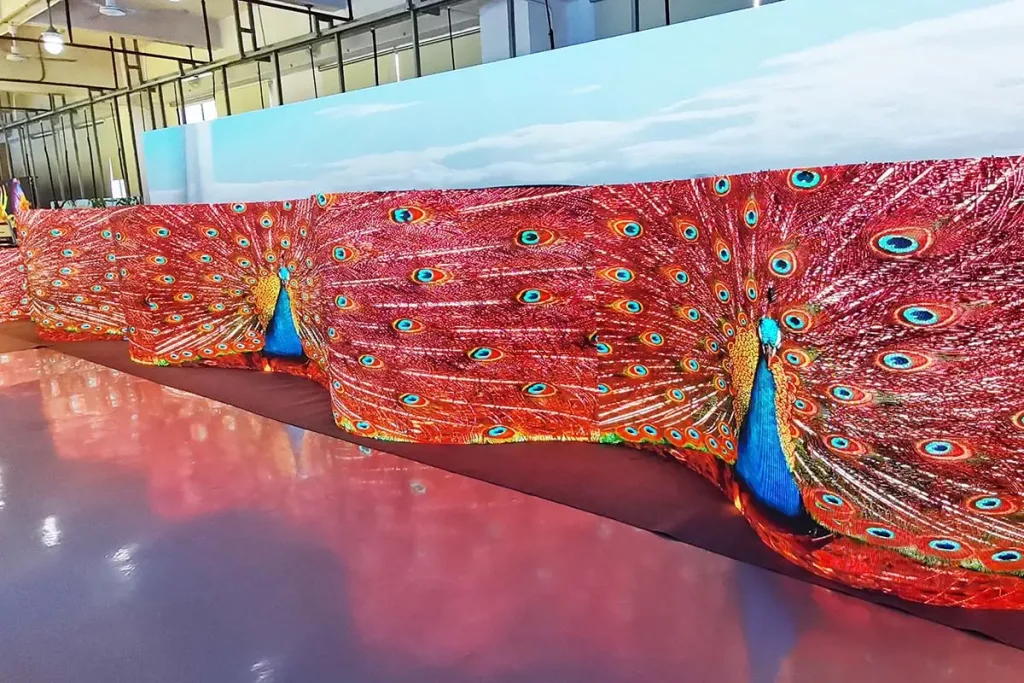 EagerLED Sun-resistant And Waterproof Outdoor LED Video Wall
 LED Screen Boards: Types, Costs & How to Choose