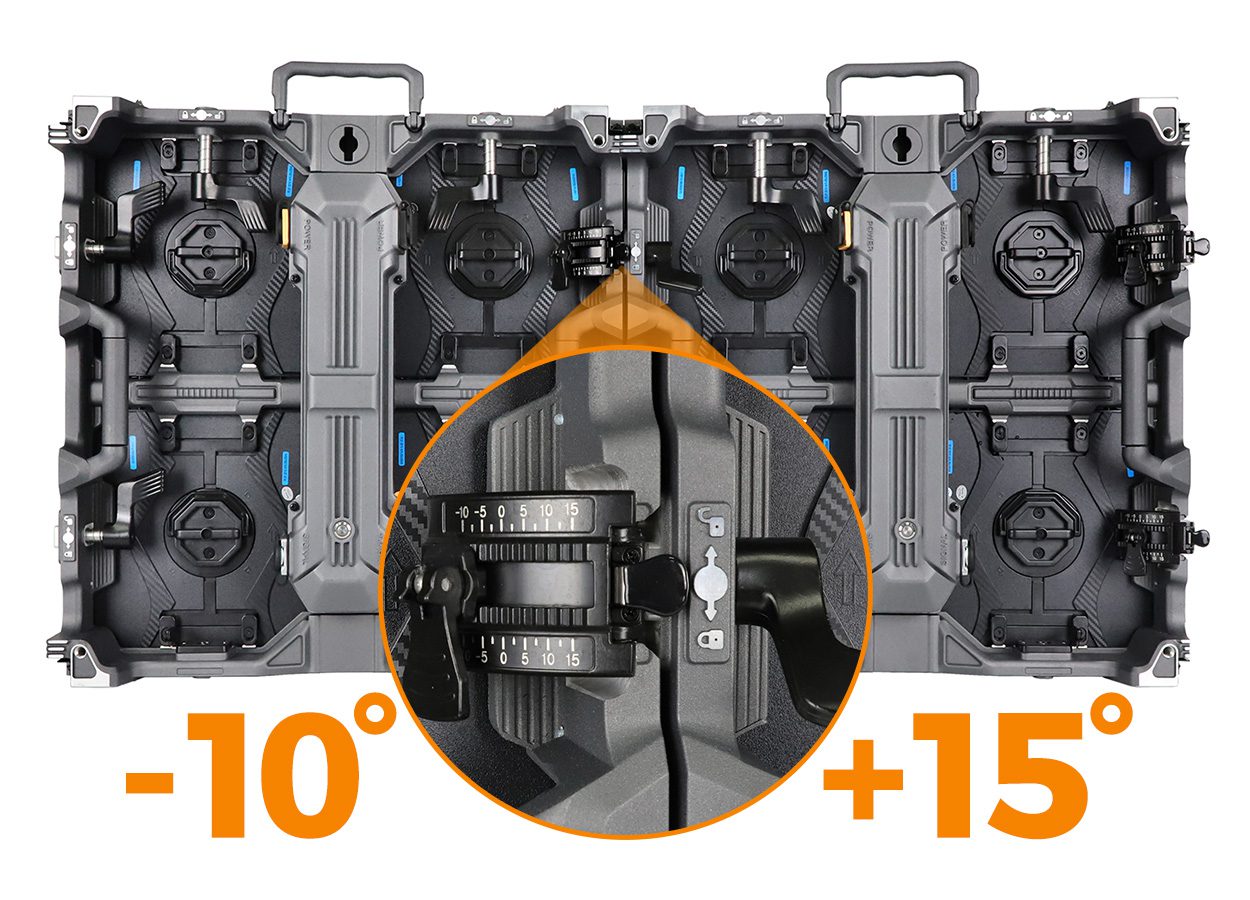
An LED screen package with controller should be quoted as a working display system, not as cabinets plus an unspecified “controller.” Ask the supplier to identify the cabinet and module configuration, receiving cards, sending or processing hardware, power distribution, signal and power cables, configuration files, spares, and commissioning responsibilities. The written scope is what lets a buyer compare offers and avoid a wall that arrives without a critical component.
This guide is for an AV integrator buying equipment for a client installation. It explains what to request before purchase; it does not assume that any particular processor, accessory, software license, structure, or on-site service is automatically included. Match the final bill of materials to the exact screen dimensions, pixel pitch, source devices, installation site, and supplier-approved design.
- What is the active screen size and native pixel canvas?
- Does “controller” mean a sending device, an all-in-one video processor, an asynchronous player, or more than one unit?
- Which party supplies, configures, installs, and tests each part of the signal and power path?
1. Define your LED screen package with controller
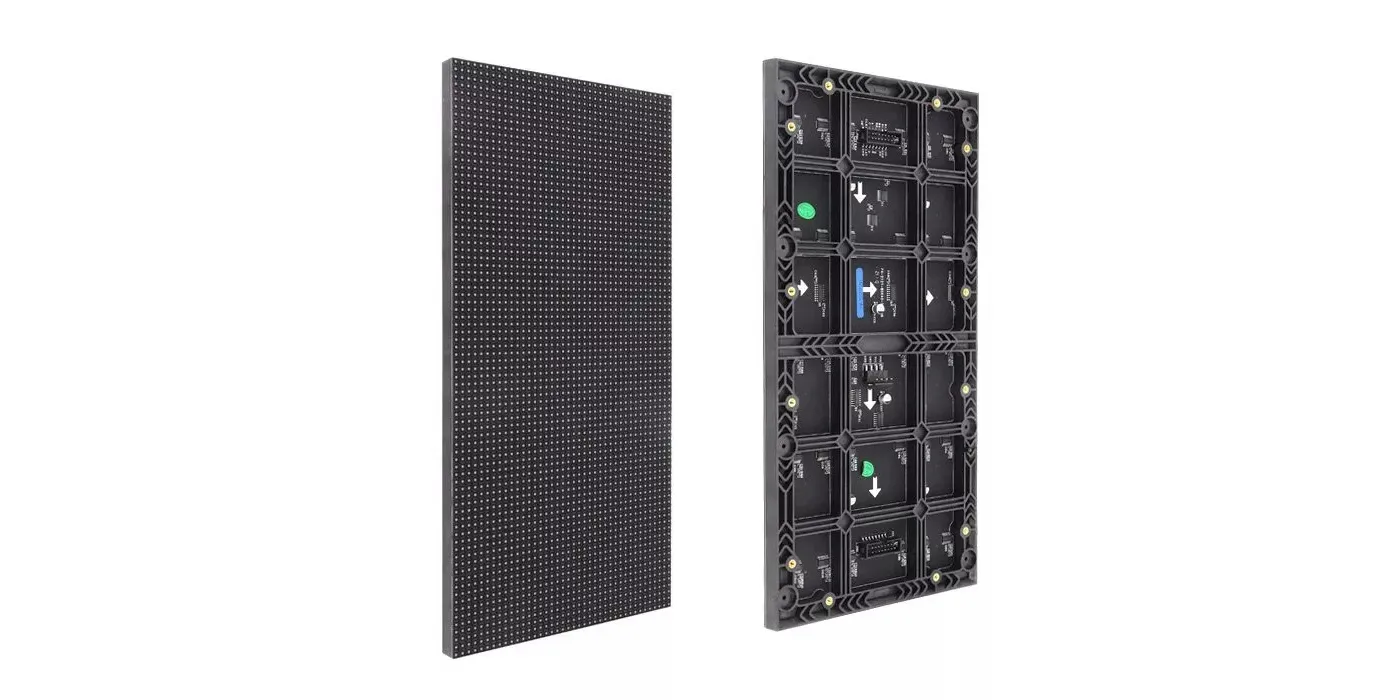
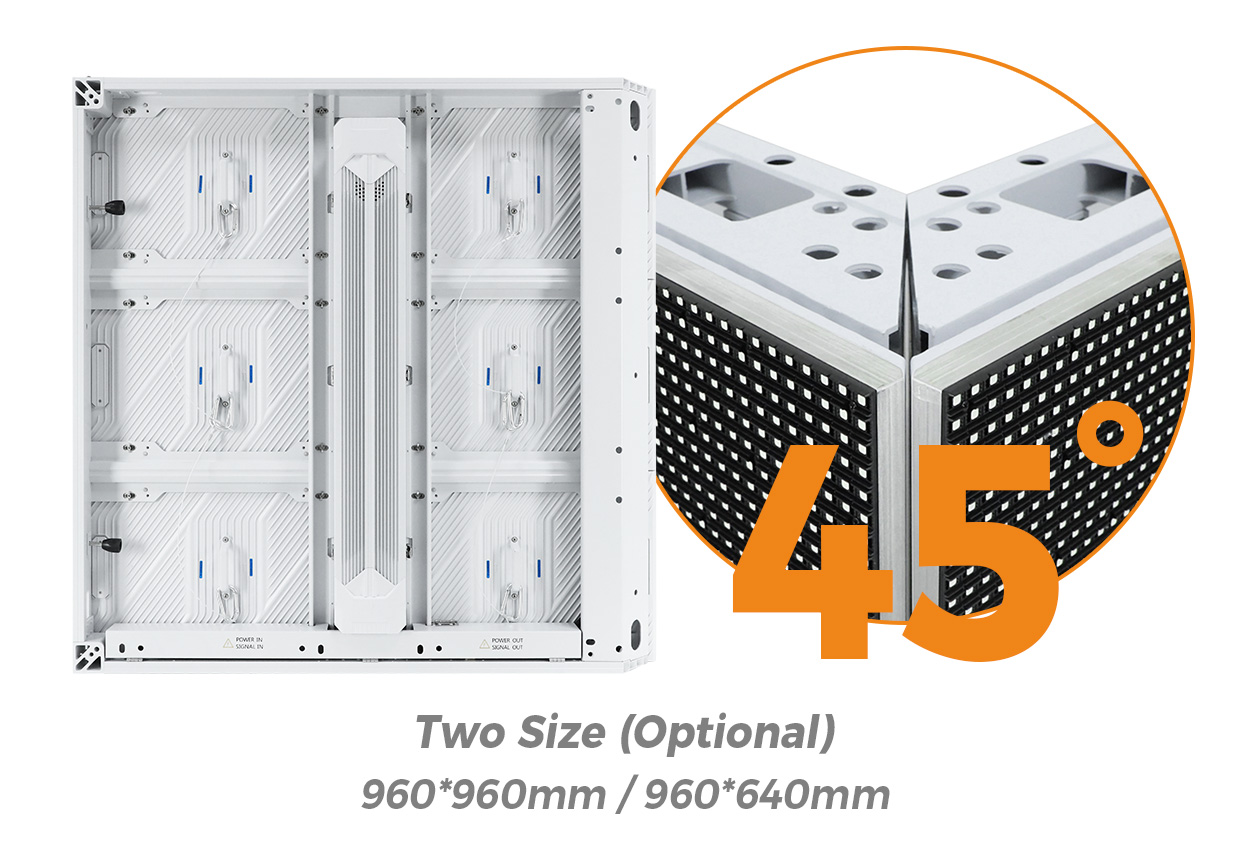
Start with the physical display. A useful quotation identifies the model, indoor or outdoor version, pixel pitch, module revision, cabinet size, cabinet quantity, screen width and height, mounting orientation, and service direction. “P3.91 rental wall” alone cannot tell the installer how many cabinets or what receiving-card map to expect.
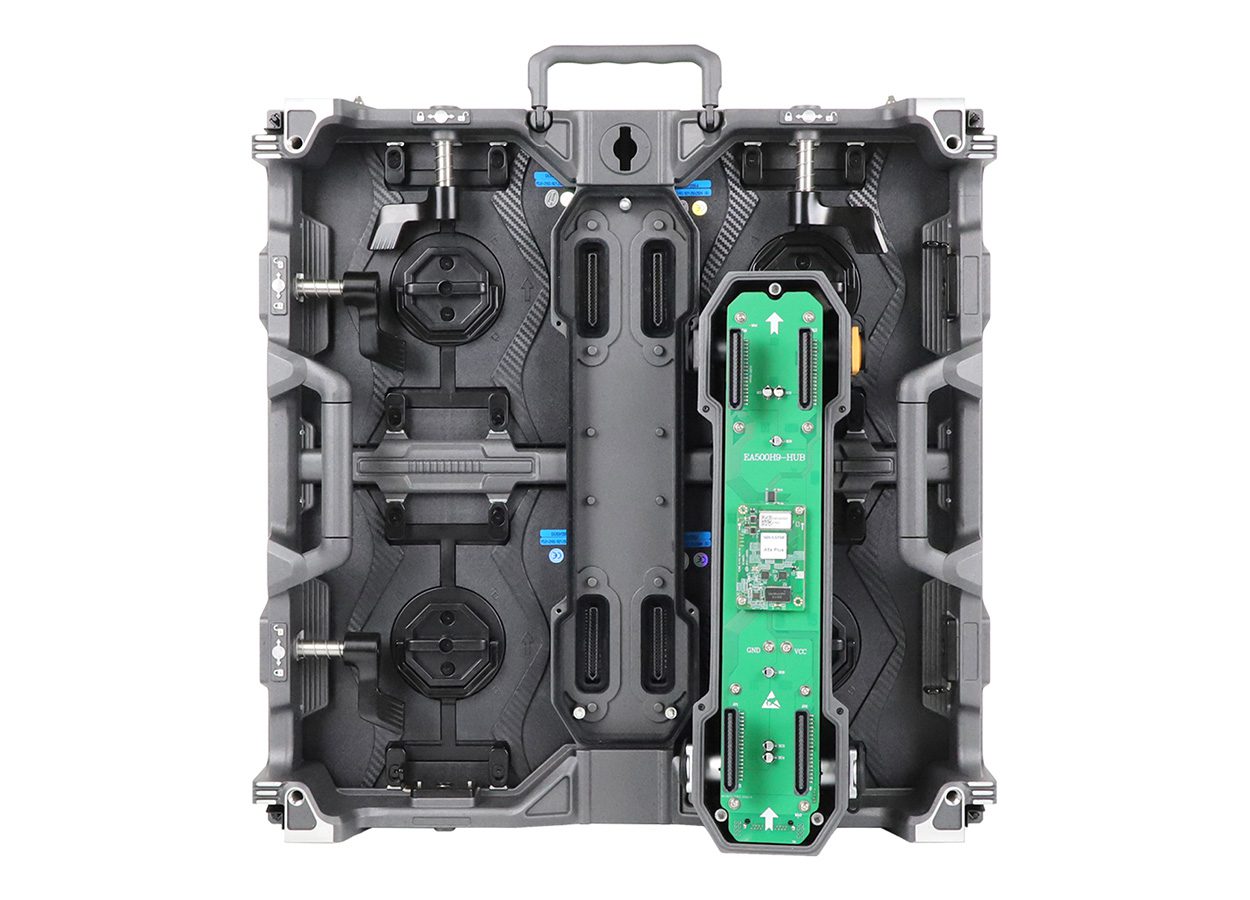
EagerLED’s EA500C6 product page is one example of a 500 × 500 mm (19.7 × 19.7 in) rental cabinet family. Its indoor and outdoor configurations differ; do not copy an outdoor brightness or protection value into an indoor quote. A supplier should list the actual variant selected for the project.

Next, divide the LED screen package with controller into display hardware, control hardware, electrical distribution, installation hardware, software/configuration, logistics, and service. Mark each line as supplied, optional, or supplied by the buyer. This prevents a low headline equipment price from hiding an incomplete system.
| Scope line | Ask the supplier to name | Why it matters |
|---|---|---|
| Display | Cabinet model and revision, pitch, quantity, active dimensions, spare modules | Sets the physical grid and replacement compatibility |
| Control | Processor or sender model, receiving-card model, output allocation, backup arrangement | Defines whether the image can reach the native canvas |
| Power and signal | Power boxes, data and power cable lengths, connectors, distribution drawing | Prevents missing or wrongly sized accessories |
| Installation | Hanging or ground structure, local electrical work, commissioning labor | Separates equipment supply from site work |
| Handover | Configuration files, wiring map, manuals, test records and support contact | Makes operation and later service possible |
2. Specify the control path, not just a controller name
An LED screen package with controller can contain different control architectures. A sending unit may accept a prepared video signal and transmit cabinet data, while an all-in-one video processor can add input switching or scaling. An asynchronous player is used for scheduled content without a continuously connected live source. Whether one device combines those roles depends on the exact model and license, so request a diagram from source to screen rather than assuming the word “controller” covers them all.
For an LED screen package with controller, identify every source: laptop, camera feed, signage player, media server, or another input. State the required input resolution, frame rate, connector types, switching needs, and whether the show must continue if a source or output fails. For a live event, backup paths may be part of the design; for a fixed retail installation, scheduled playback and remote operations may matter more. These are design choices, not default package contents.
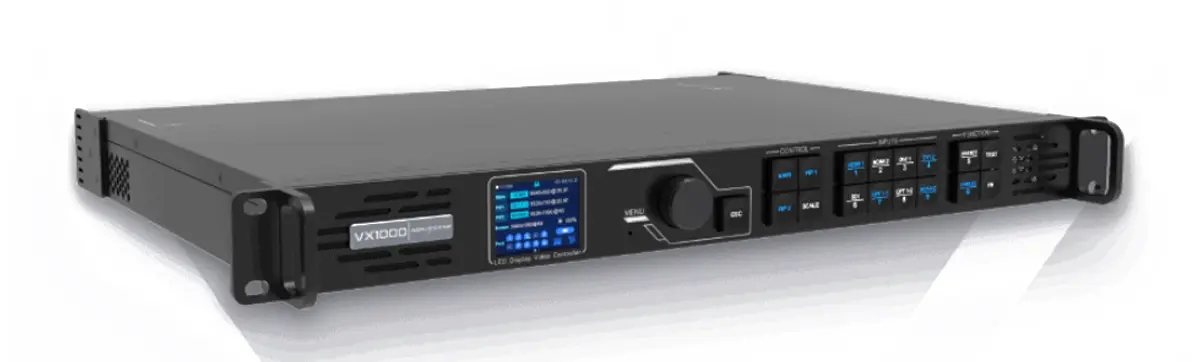
For the distinction between processing and sending functions, see the site’s video wall processor versus controller guide. The official EagerLED overview below shows how pitch, modules and control systems fit into a complete LED display. It is a product-education video, not proof that a proposed bundle has been assembled or tested.
3. Confirm native pixels and the controller’s usable outputs
Before selecting an LED screen package with controller, calculate the final native pixel width and height from the approved cabinet map. The screen’s physical meters do not tell you its processing load by themselves. A supplier should state the pixels per cabinet, the number of cabinet columns and rows, the resulting canvas, and the output-port loading plan. The design must fit both total pixel capacity and any per-output width, height, bandwidth or port constraints in the chosen controller’s current specification.
Do not rely on a rounded pitch label to calculate pixels. Ask for the actual module resolution and cabinet map for the exact product revision. A mixed fleet or future expansion can change the loading plan, configuration files and spare strategy. The supplier should approve the complete layout and indicate which outputs serve which cabinet strings. For a worked cabinet-map example, the modular screen expansion guide explains why future size affects controller planning.
Request this drawing: source devices → processor or sender → output ports → cabinet strings → receiving cards, with a separate power-distribution diagram. The drawing should use the same cabinet count and orientation as the commercial quotation.
4. Include the parts that turn cabinets into a usable system
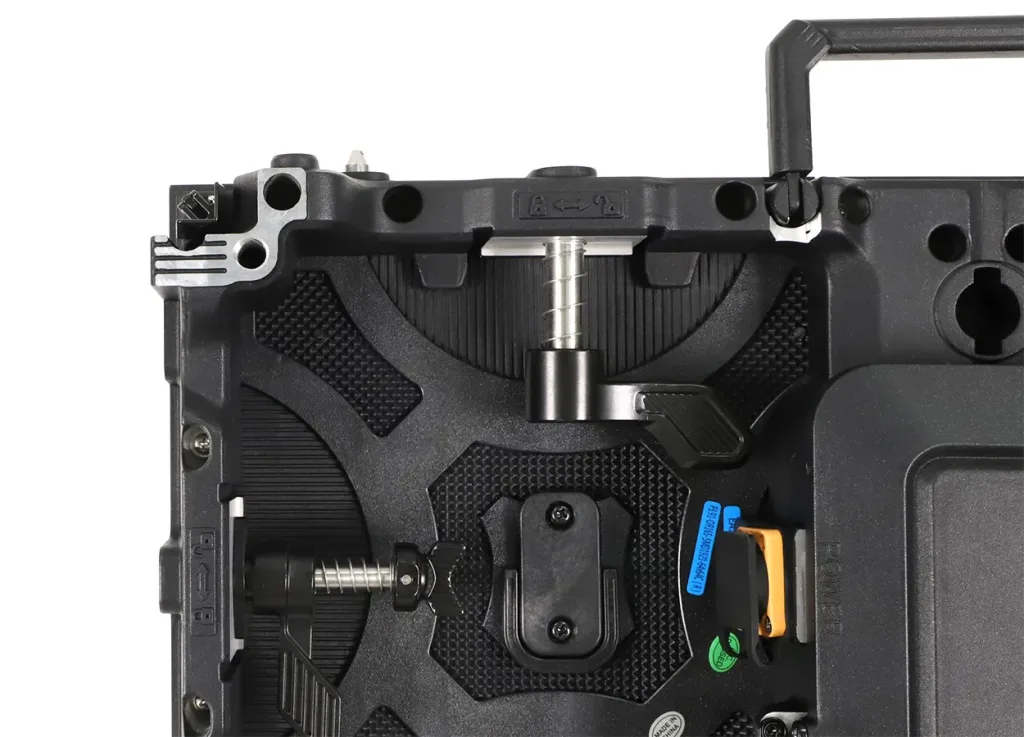
An LED screen package with controller still needs a defined signal and power path. Confirm the number and length of data links, inter-cabinet jumpers, power feeds, connector types, distribution units, circuit requirements, and cable routing. Connector style and electrical ratings vary by cabinet and destination market. The supplier’s wiring schedule should match the site plan rather than using a generic cable count.
The LED display cable-kit checklist covers power and signal items in more detail. This article focuses on who owns each line in the full system quotation. Electrical protection, local code compliance, structural load, and final circuit design must be confirmed by qualified project personnel for the destination site.
Receiving cards are another easy ambiguity in an LED screen package with controller. Cabinets may be sold with installed cards in one offer and without them in another. Request their manufacturer, model and revision, together with matching configuration files. Do not assume that a photograph of a receiving card proves compatibility with the chosen cabinet or processor.
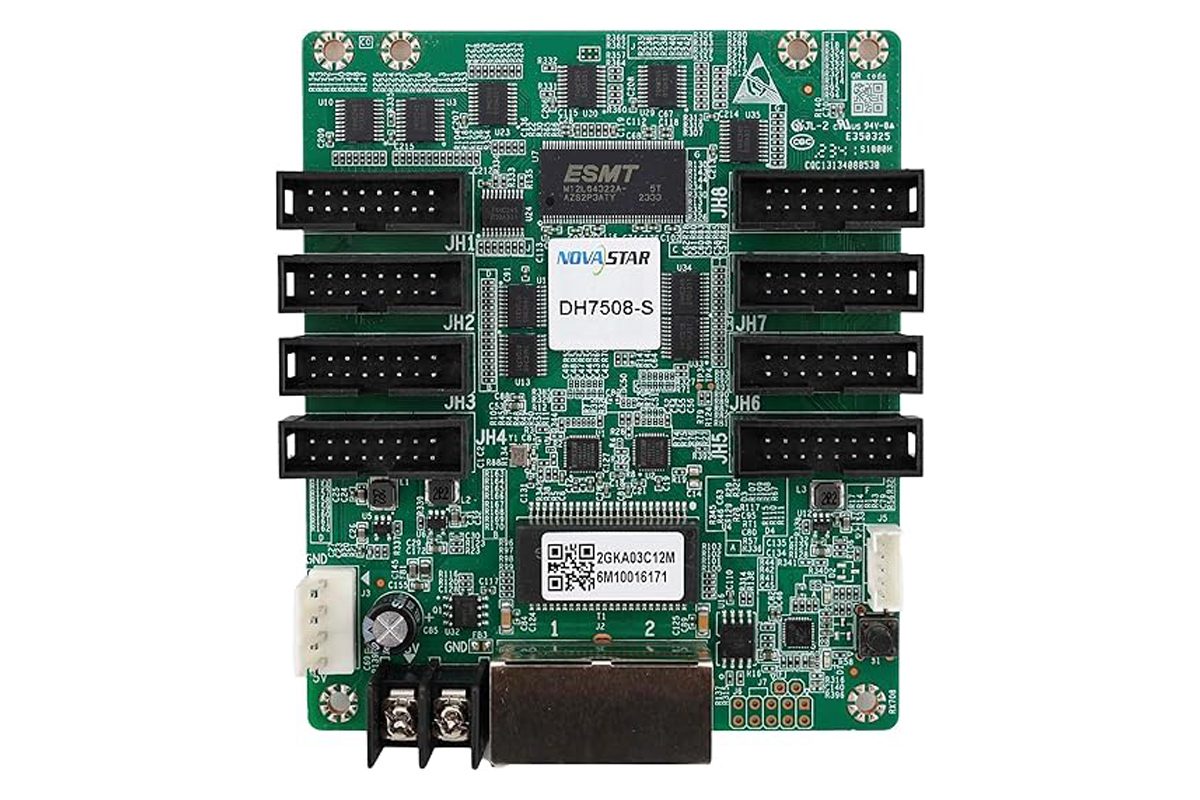
Put spares on a separate line: matching modules, receiving cards, power supplies, cables and any specialized service tools. Decide how many are needed from the replacement lead time and service risk, rather than copying a fixed percentage. For high-utilization fleets, matching revision and batch records can be more useful than an unexplained spare quantity.
5. Set evidence for factory and site acceptance
Specify acceptance of the LED screen package with controller before signing the order. A factory inspection can verify the approved cabinet count, model labels, illuminated image, receiving-card and power-supply identification, and packing list. It cannot prove that the final venue’s structure, electrical supply, ambient light and source equipment have been commissioned unless those conditions were part of the test.
At site handover, ask for the approved native canvas, processor model and firmware version, output map, receiving-card files, backup copies of configuration, cable schedule, and a named contact for faults. If local installation is handled by another contractor, record the handoff boundary. A video of a running wall is useful context, but it is not a substitute for the specific inspection and commissioning records agreed for your project.
| Check | Offer A | Offer B |
|---|---|---|
| Cabinet and module revision | Record exact model, pitch, count and variant | Record exact model, pitch, count and variant |
| Controller and card | Record named hardware, capacity proof and included licenses | Record named hardware, capacity proof and included licenses |
| Power, data, spares | Record quantities, lengths and exclusions | Record quantities, lengths and exclusions |
| Structure and site work | Record supplier versus local contractor scope | Record supplier versus local contractor scope |
| Handover and support | Record files, testing, training and service terms | Record files, testing, training and service terms |
6. Reject ambiguous “complete package” claims
The cheapest LED screen package with controller is not necessarily the lowest-cost installed system. A proposal that omits receiving cards, the processor, distribution hardware, spare parts or on-site commissioning may look less expensive only because someone else must supply those items. Compare the same display area, pixel pitch, brightness class, indoor/outdoor configuration, control functions, delivery terms, and responsibility split.
Ask for an exception list with every LED screen package with controller quotation. If a supplier cannot confirm the exact controller model yet, request the capacity and interface requirements it will meet and a process for approving the final substitute before shipment. Do not accept “equivalent controller” without a written compatibility and performance review.
Frequently asked buyer questions
Does a cabinet price normally include its receiving card?
There is no safe universal assumption. Ask whether each quoted cabinet has a receiving card installed, which model and revision it uses, and whether a spare card is priced separately.
Do I need a video processor if a sending controller is listed?
It depends on the source format, scaling, switching and content workflow. Ask for a source-to-screen signal diagram and a list of functions supplied by each device before deciding that one unit is sufficient.
Can the supplier quote the controller before the pixel pitch is final?
The supplier can quote a provisional capacity class, but the final controller and output plan should be approved after the cabinet pixel map, active dimensions and source requirements are fixed.
Are installation structure and local electrical work part of the package?
Only if the quotation explicitly includes them. Ask for separate lines covering rigging or ground support, site power distribution, installation labor and commissioning responsibilities.
What files should be included at handover?
Request the approved cabinet map, processor/output allocation, receiving-card configuration files, firmware identifiers, wiring schedule, manuals and backup copies. Confirm who will maintain them when hardware is replaced.
Request a proposal your installer can actually use
Send the intended screen width and height, indoor or outdoor location, nearest viewing distance, content sources, mounting plan, destination country and purchase timeline. Ask EagerLED to return an itemized LED screen package with controller bill of materials, output map, accessory list, exclusions and handover scope for review before ordering.
 LED Display Cable Kit: Power and Signal Buying Checklist