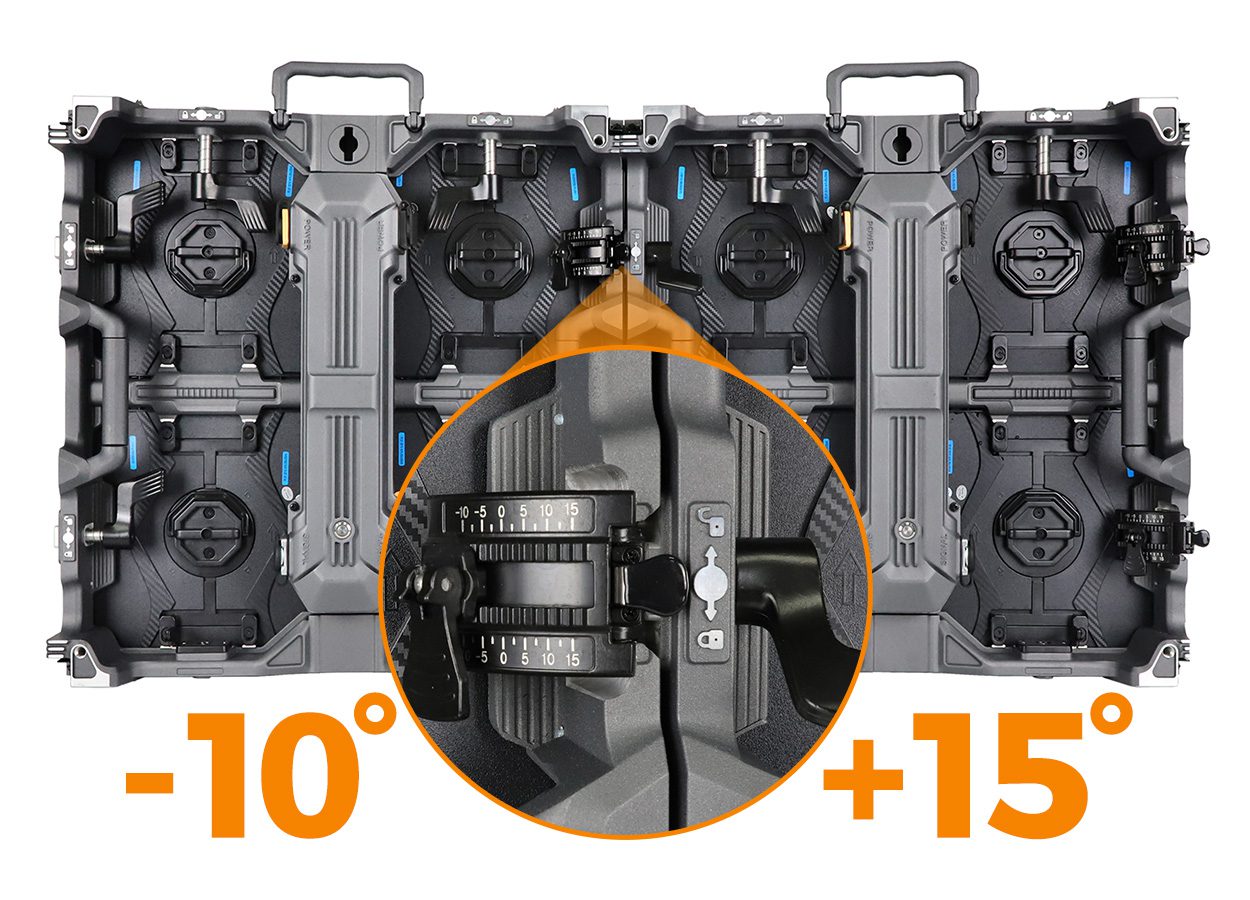
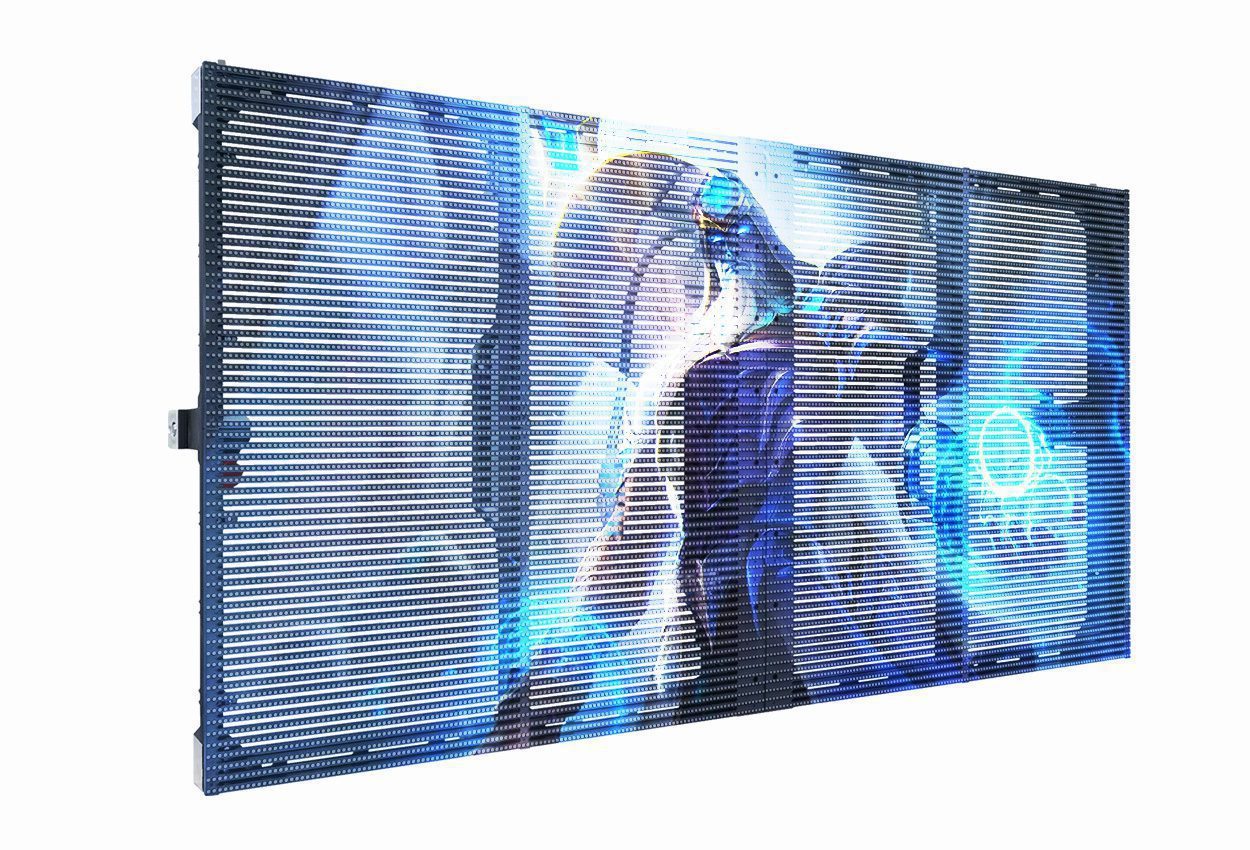
What should be in an LED display cable kit? For a modular video wall, order the power and signal leads against a named cabinet model and a drawing of the actual wall. The kit should identify every cabinet-to-cabinet jumper, processor-to-wall feed, mains input, connector and spare by type, length and quantity. Ask the supplier to approve the power circuit plan and signal topology before accepting a generic “cables included” quotation.
In this guide
1. Map power and signal as separate paths
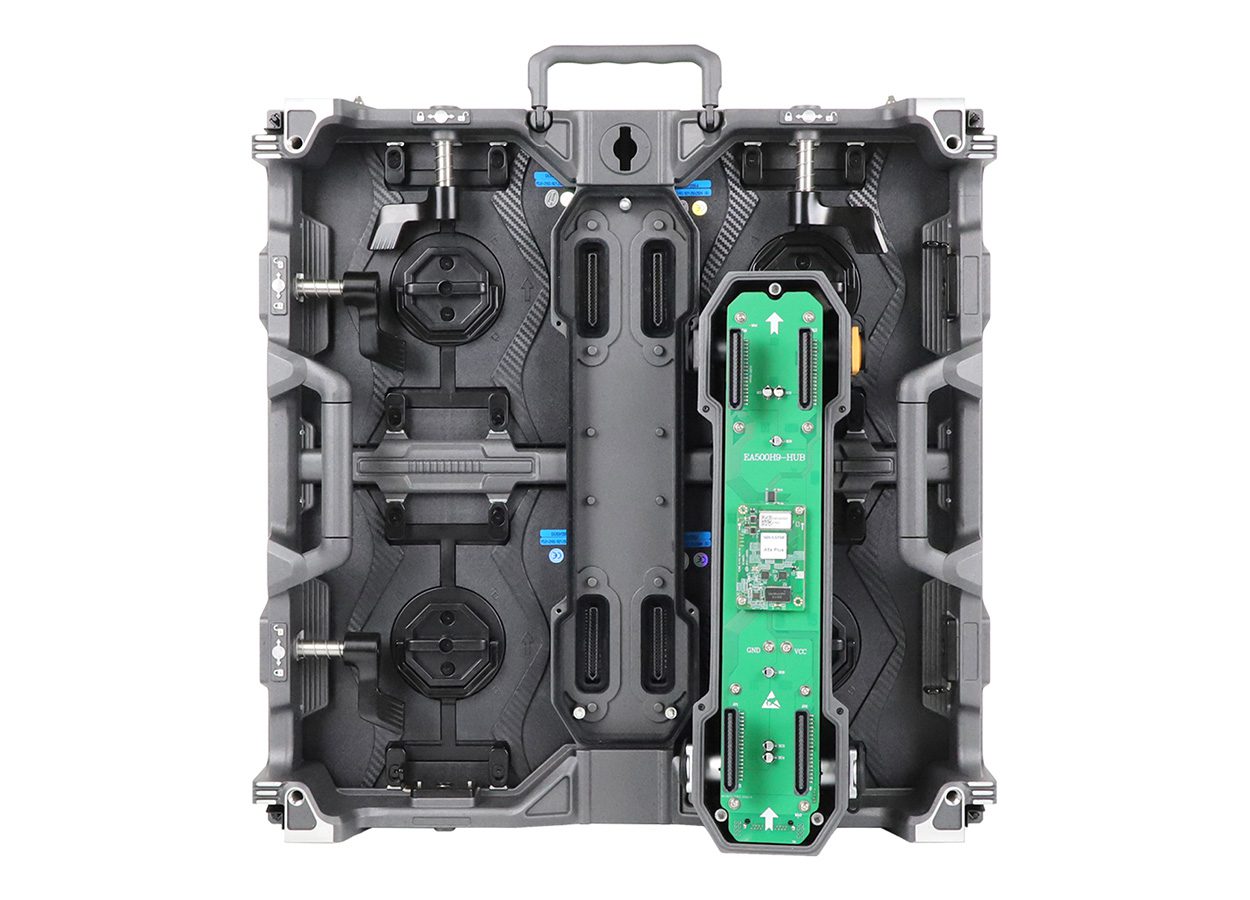
An LED wall normally needs a video path from the processor or sending equipment to the first cabinet, inter-cabinet data links, and a separate AC power distribution path to the cabinets. Some systems also have internal low-voltage leads and module ribbons. These parts are not interchangeable. Before procurement, request two simple rear-view drawings: one showing the data-port order and one showing every power feed and approved downstream connection.
The drawing should mark the first cabinet on each signal run, processor port, return or backup path if specified, and the physical entry point for power. For a better explanation of why port order matters, see our LED display signal-flow guide. This article concentrates on ordering a compatible, countable cable kit rather than setting controller parameters.
2. Verify the connector before choosing a cable
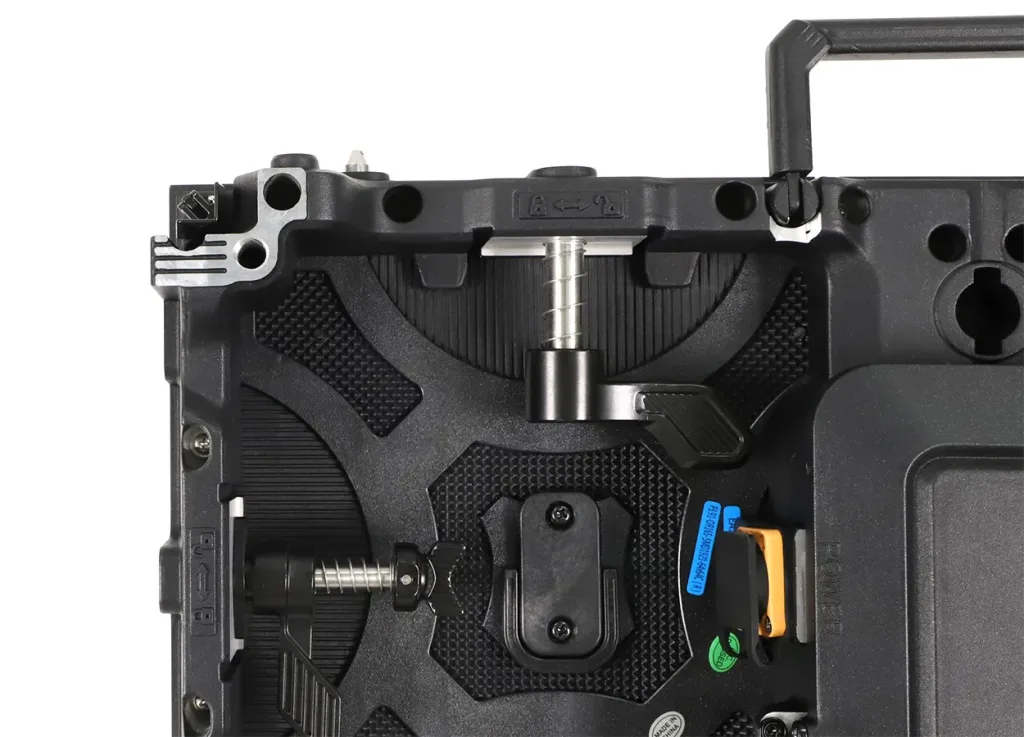
“LED display cable” does not name one universal part. A cable with the right-looking shell can still have the wrong mating key, wiring, gender, voltage or environmental rating. Ask for clear photographs and part numbers of both ends and the corresponding cabinet sockets. Confirm the cabinet model and revision, indoor or outdoor configuration, and whether the connection is an external power lead, external signal jumper or internal service lead.
| Connection | What to verify on the quote | Why it matters |
|---|---|---|
| Processor to first cabinet | Processor port, cabinet input, cable type, approved run length and routing | Prevents an unusable first-feed lead or unsupported distance |
| Cabinet-to-cabinet signal | Input/output orientation, mating connector, length and outdoor sealing where applicable | A physically fitting plug is not proof of correct signal wiring |
| Power input and link | Actual power connector, rated lead, destination plug, circuit assignment and approved link limit | Electrical capacity depends on the selected cabinets and site supply |
| Internal service leads | Module/receiving-card revision, pin count, keying and harness part number | These are not substitutes for external cabinet jumpers |
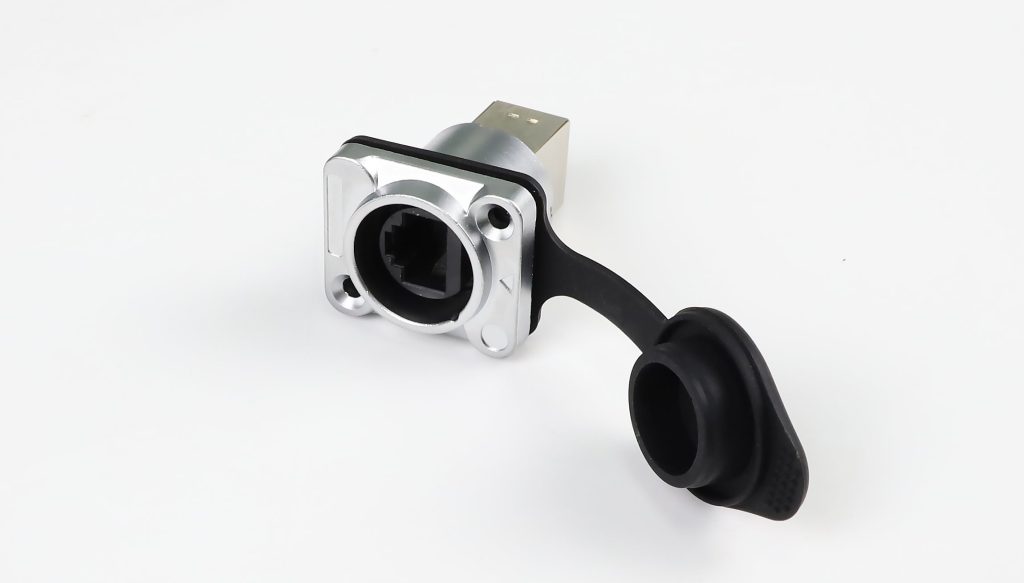
For example, the photographed EagerLED outdoor signal socket has a protective cap and a particular panel-mount orientation. It is an example of a component to identify, not a promise that it mates with every EagerLED cabinet or that a complete cable is included. Confirm its matching plug and cabinet drawing with the supplier.
3. Build the cable schedule from the approved wall layout
Start with a cabinet grid that gives the row and column of every panel. Mark where the processor, power distribution and cable entry points actually sit. Then trace each approved signal run and power circuit in different colors. Count the jumpers on each route, measure the installed distance with service slack and strain relief, and list a spare for the failure modes that would stop a show. A cable count without the chosen routing is only a guess.
A useful purchase schedule has one line per connection type: from/to points, cabinet model, connector pair, cable specification, nominal length, quantity, spare quantity and label text. If two cable lengths look similar, keep them as separate lines. Have the supplier show the actual delivered parts beside the schedule during factory acceptance. For touring stock, use this schedule alongside our rental screen spare-parts checklist; the two documents serve different jobs.
Do not calculate a power daisy-chain limit from cabinet count alone. The permitted number depends on the exact cabinet’s maximum input, connector and cable ratings, protection scheme, local supply and installation rules. Request the manufacturer’s current electrical drawing and have a qualified installer approve the final circuits.
4. Match the kit to the site and handling conditions
Tell the supplier whether this is a fixed indoor wall, an outdoor installation or a rental fleet. Outdoor connectors and cables need the specified environmental protection in the mated condition; an open cap or damaged seal changes the situation. Touring cables also need a practical labeling and inspection routine because repeated coiling, transport and quick changeovers can damage jackets, contacts and strain relief.
Ask the installer to define cable routing, support, bend allowance, separation from other services and accessible service loops. For a hanging wall, plan the route so no cable carries the panel’s weight. For a wall against a solid surface, check how the rear connections can be reached for testing and replacement. Document the destination country’s plug and supply arrangement before shipment; a generic mains lead may be unsuitable on arrival.
5. See how connections appear in a real cabinet assembly
This official EagerLED EA1000C3 assembly tutorial shows an indoor 500 × 1000 mm rental cabinet being built, including power parts, a signal socket, receiving-card wiring and the later cabinet connections. It is an assembly demonstration for that model, not a universal wiring diagram or approval to use its cable sequence on another cabinet. Use it to prepare the questions and photographs you want for your model.
Model-specific assembly demonstration from the official EagerLED channel.
6. Require a complete quote and handover record
A usable quotation should state whether the cables are included with the cabinets or priced separately. Ask for the cable schedule, connector photographs, rated cable details, approved power distribution drawing, processor port map, labels, destination mains interface and spare quantities. If a cable is field-terminated, clarify who supplies, assembles and tests it. If connectors or cabinets change revision before shipping, ask the supplier to update the schedule rather than silently substituting parts.
At handover, check the physical labels against the diagram and keep the final configuration file with the fleet records. Test every signal route and power circuit using the manufacturer’s commissioning procedure before the wall is packed or installed. Record failed or damaged leads separately; do not treat a visual resemblance as proof of interchangeability.
Request a matched cable schedule
Send your cabinet model and revision, wall dimensions or grid, indoor/outdoor environment, processor model, destination country, installation date and a rear-port photo. We can use those details to quote the correct power and signal cable set with your screen.
7. Common buyer questions
Can I use any RJ45 or “aviation” cable that fits?
No. A matching shape does not confirm wiring, shielding, environmental protection or compatibility with the cabinet’s specific port. Use the approved part specification and test the complete link.
How many power jumpers can one input feed?
There is no safe universal number. The answer requires the exact cabinet power draw, connector and cable ratings, distribution protection, supply conditions and manufacturer’s approved diagram. Have a qualified installer sign off the circuit.
What is the difference between a cable kit and spare-parts stock?
The cable kit covers the installed runs and their labeled routes. Spare stock is an additional reserve for damaged or lost parts. Specify both separately in the purchase order.
Buying guidance for professional LED display projects. Electrical installation and final circuit design should follow the selected manufacturer’s documentation and applicable local requirements.
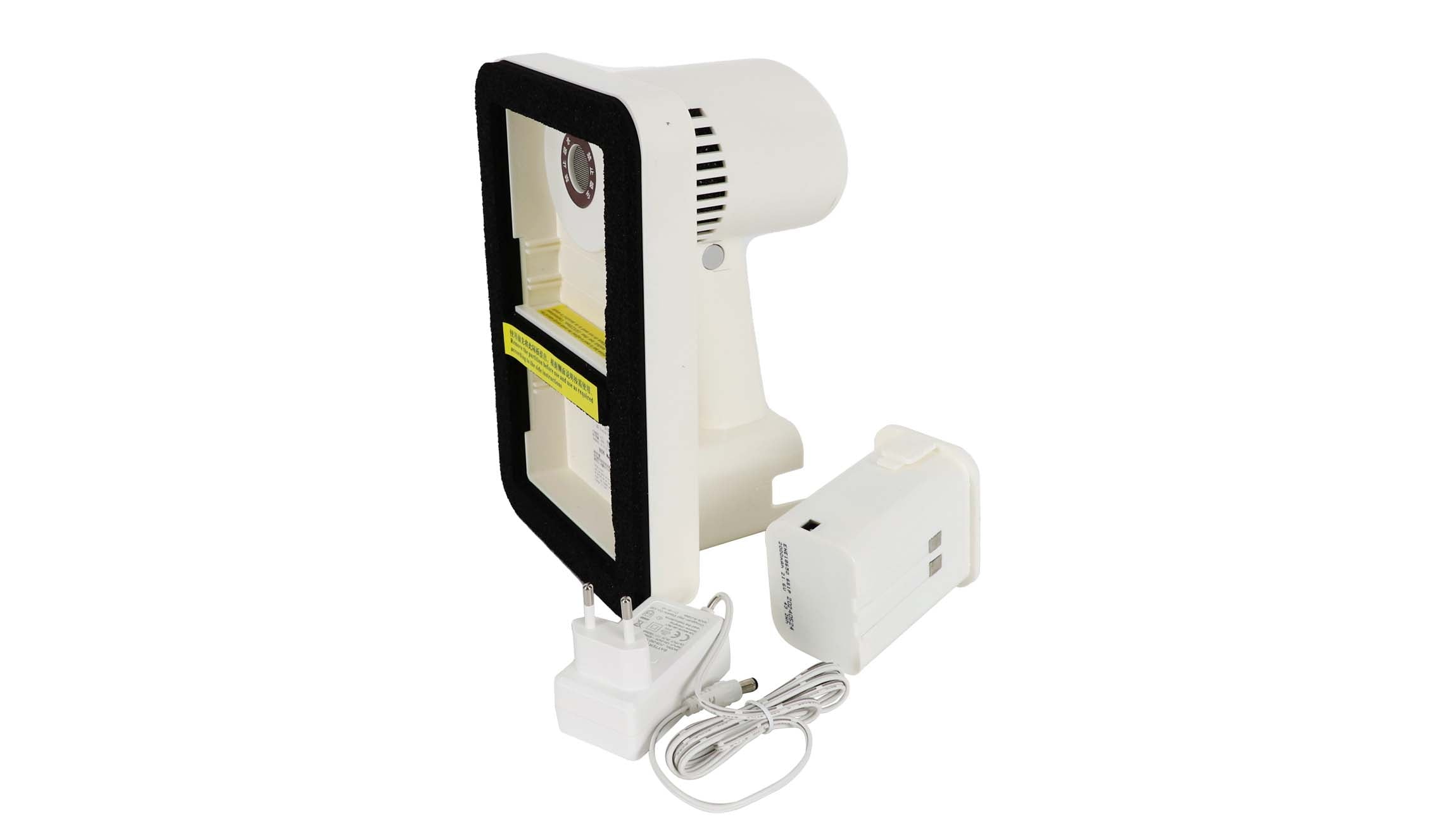
 LED Front Maintenance Tool: H-01 vs M1/M2 Buying Checks