Before ordering a five-face cube LED display, identify the five active surfaces and the side that stays open. Choose that arrangement from audience viewpoints, mounting and service access. Then approve the content direction and native pixel map for each face.
1. Define five active faces on the drawing
A five-face cube LED display normally means five display surfaces around a cube-shaped structure, with one side left without an active LED surface. Specify exactly which sides display content. A photograph showing two attractive adjacent faces does not prove that the top, bottom or rear is also an active screen.
This is a purchasing guide for commercial video displays. A small three-dimensional LED matrix kit, a decorative light cube and a backlit fabric cube are different products. Ask the supplier to demonstrate your video and provide the native pixel map for every active face.
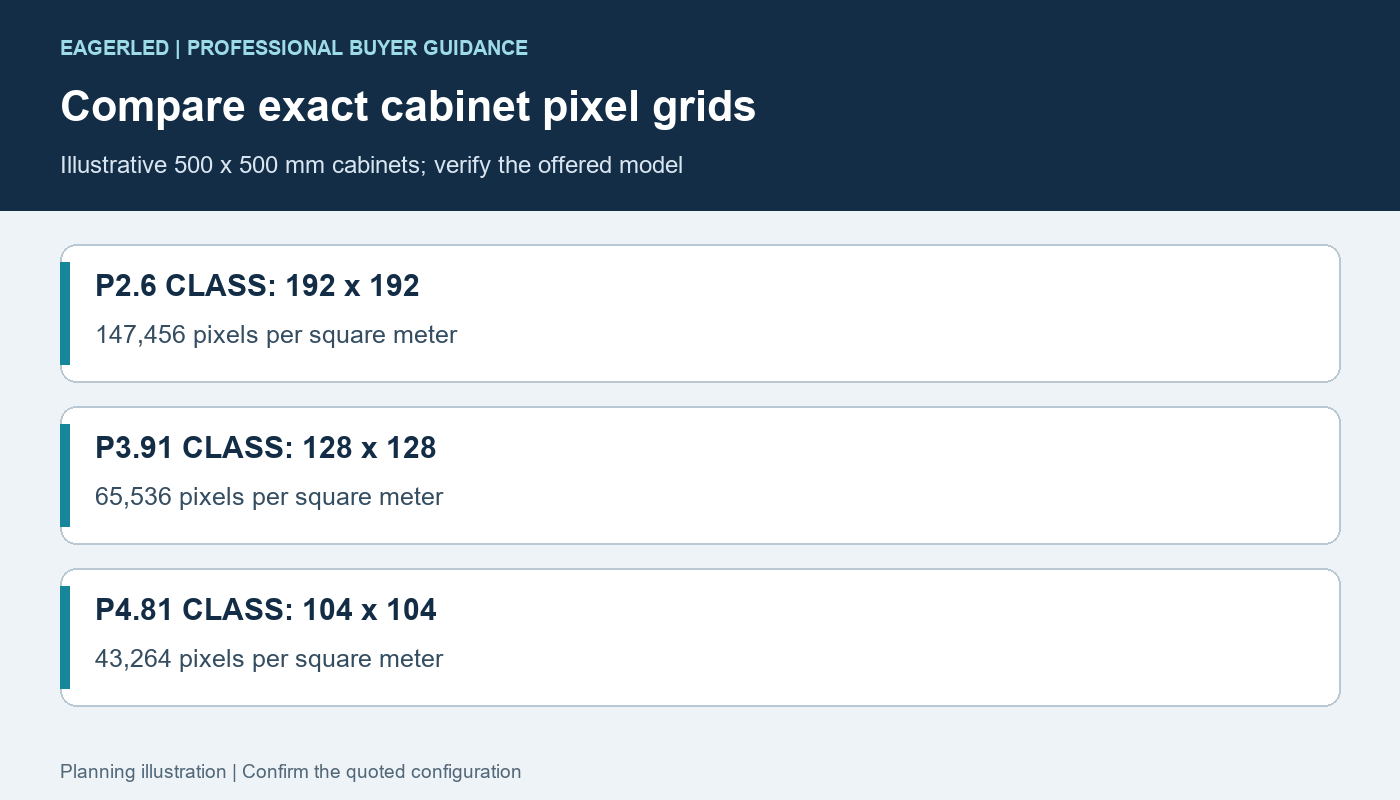
For a simple geometric illustration, five fully active square faces with a 0.5 m side would have a combined area of 5 × 0.5 × 0.5 = 1.25 m². Six such faces would have 1.50 m². Those numbers describe ideal active surfaces; trim, corner joints and the delivered design can change the finished dimensions. They do not establish cabinet count, resolution or price.
2. Choose the open face from the viewing route
For a floor-positioned display, the bottom may not need to show content. For a suspended display seen from below, an active bottom can be valuable while the top may be outside normal audience views. These are layout choices to discuss with the supplier, not assumptions to make from the term “five-face.”
Draw the intended audience routes and viewing heights around the cube. Mark obstacles, supporting components and any directions from which a face will be hidden. Confirm the chosen open face and its finished appearance before artwork or fabrication is approved.
If viewers can look down from a balcony as well as up from the floor, the usual five-face arrangement may not meet the content brief. Compare an additional active face with a different position or a deliberately concealed non-display surface.
3. Confirm the corner and cabinet design
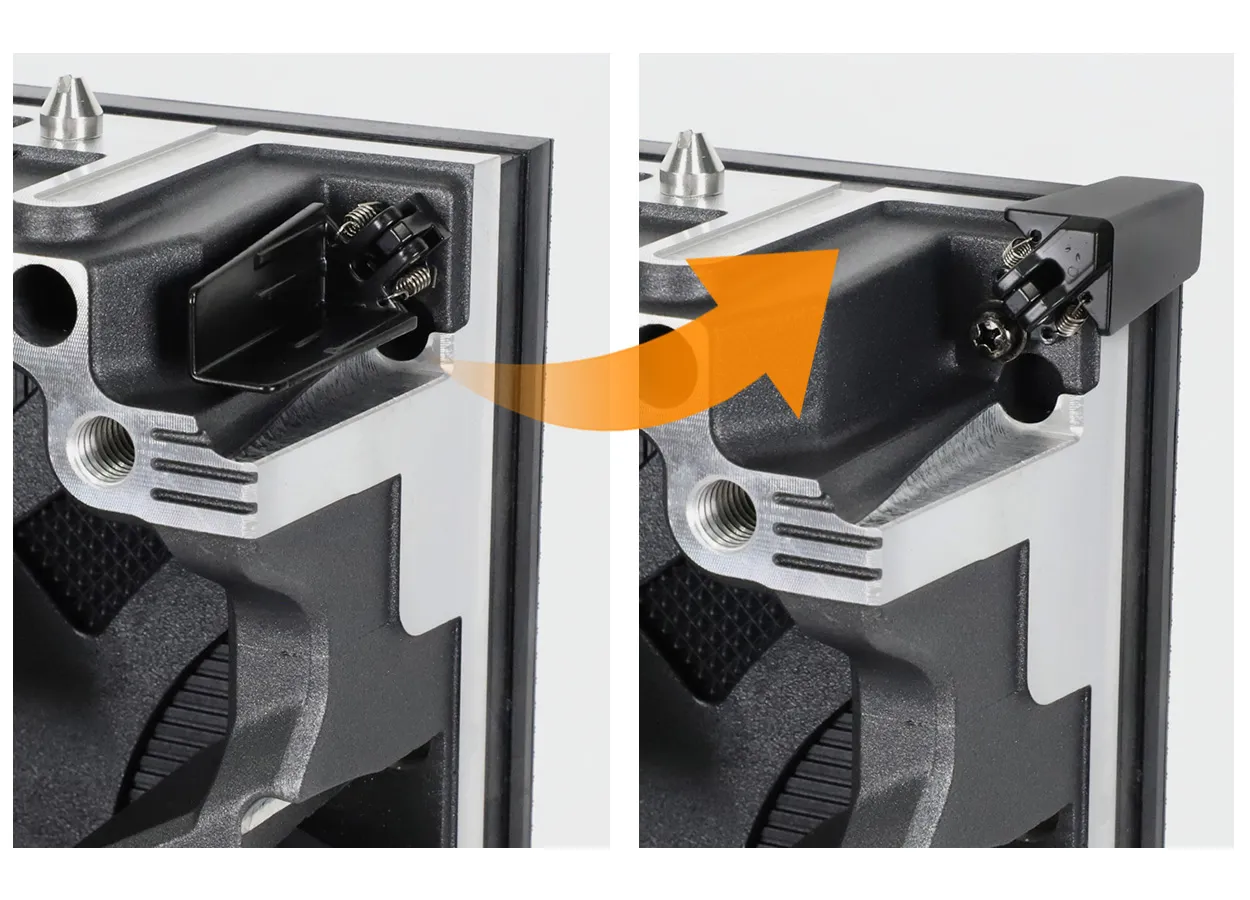
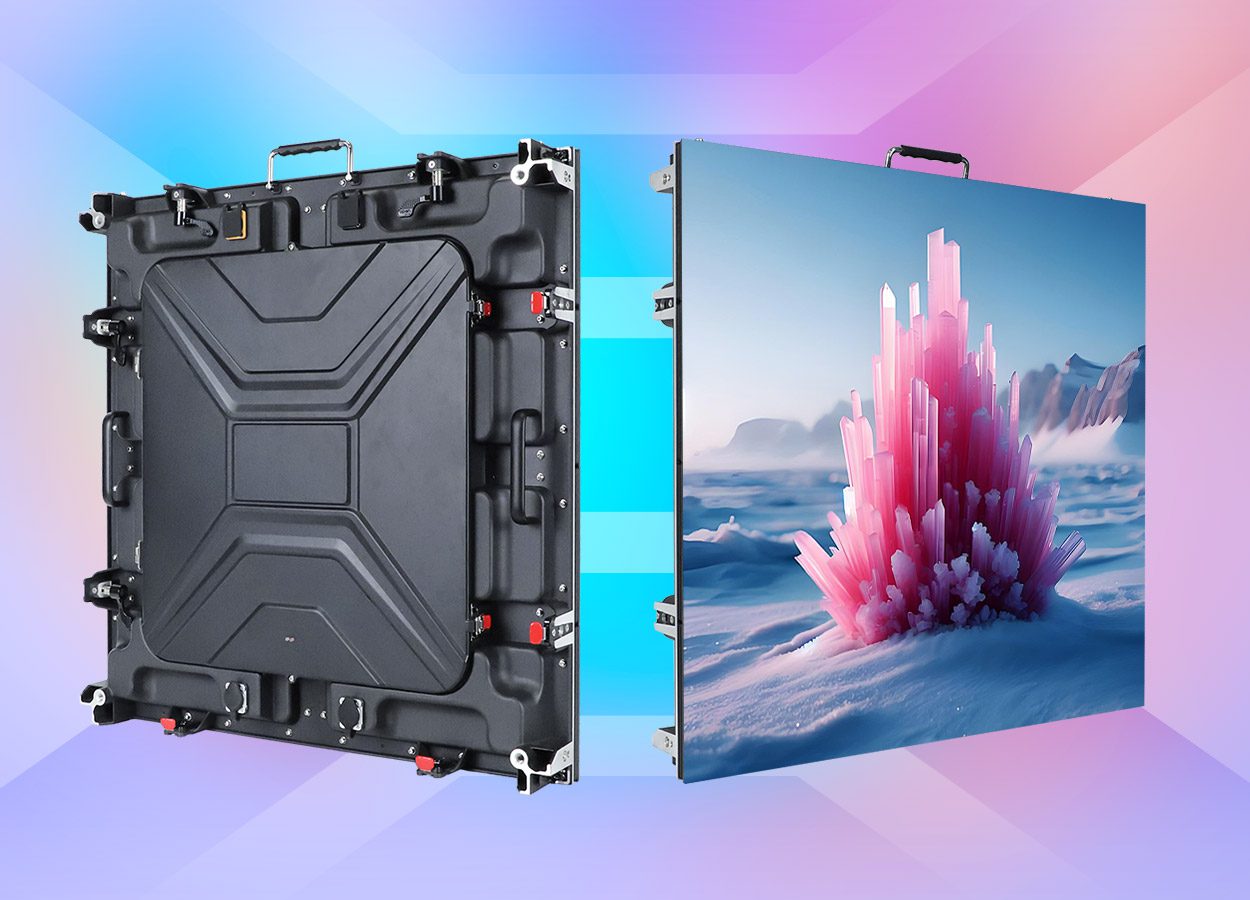
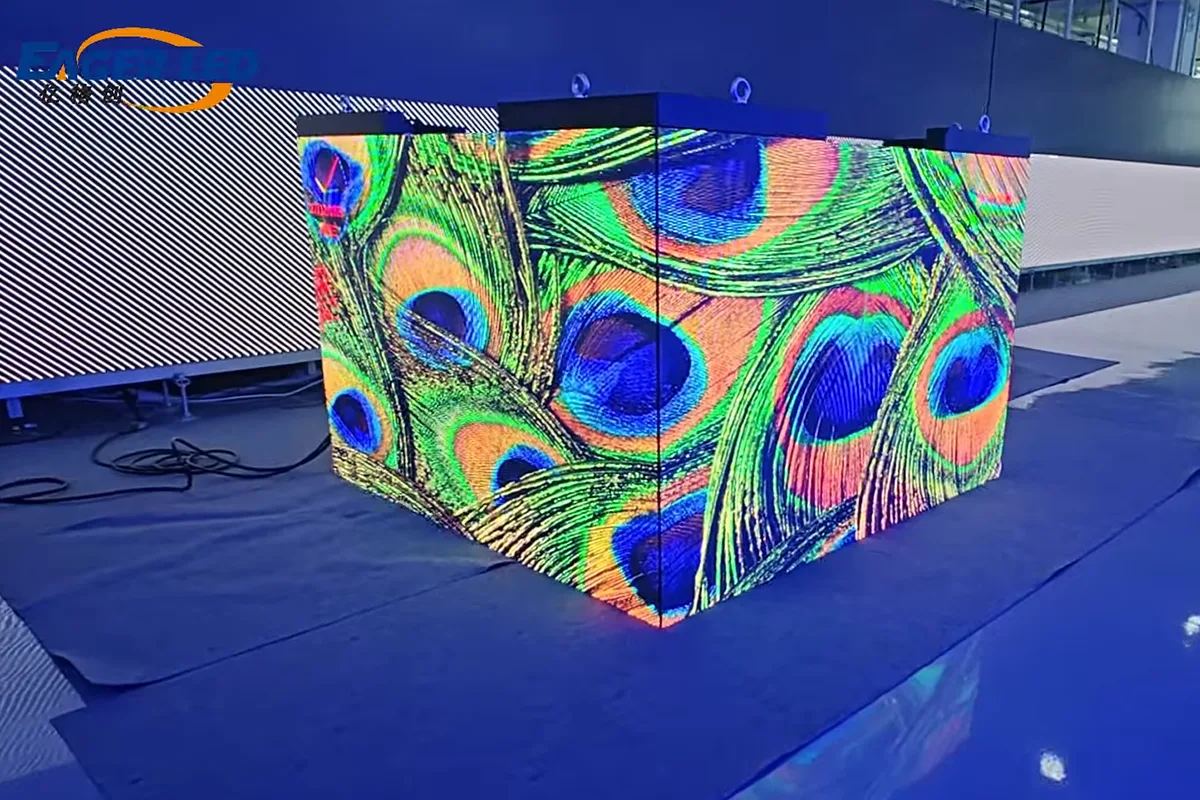
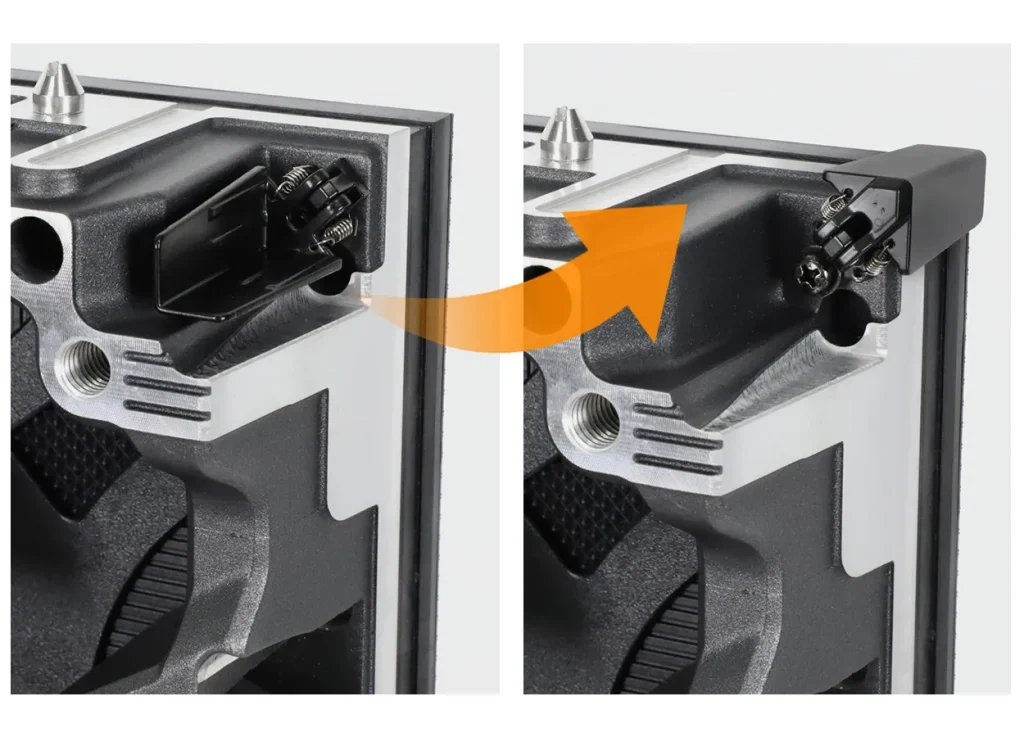
EagerLED’s published EA500C3 creative cube demonstration describes a 45-degree bevel design for assembling cube-shaped screens. It is a useful example of why corner construction matters. Confirm the current product version, availability and approved arrangement for your project.
Do not assume ordinary flat-wall cabinets will form the required finished corner. Ask for a section drawing showing the LED edge, cabinet joint, trim, support and service clearance. Have the supplier demonstrate how content appears at the join from the intended viewing directions.
The support arrangement must be approved separately for its actual installation. A cabinet lock or a visually tidy corner is not a structural load rating. Request qualified local review of the complete mounting and access plan.
4. Approve a labelled face-content schedule
Label the faces on a drawing, for example front, right, rear, left and bottom. For each face, record native pixel width and height, content orientation, source region and whether it repeats another face or carries independent material.
| Field | Information to approve | Practical check |
|---|---|---|
| Face label | Physical position and open-face location | Match the drawing to the assembled cube |
| Native map | Exact pixel width, height and orientation | Show a numbered grid on each face |
| Content route | Repeated clip or independent source region | Check the intended message from audience routes |
| Corner behaviour | Deliberate continuation or separate compositions | Move a marked object across adjacent faces |
| Recovery | Approved map and restorable configuration | Demonstrate the documented restart procedure |
A cube does not automatically create an anamorphic 3D illusion. That effect depends on designed content and the chosen viewpoint. Separate the physical multi-face display requirement from any creative-production service in the quotation.
Ask the content team and display supplier to approve the same test files. A labelled grid, directional arrows and a moving marker reveal rotation and mapping issues that flowing abstract graphics can conceal.
5. Preserve access after the cube is installed
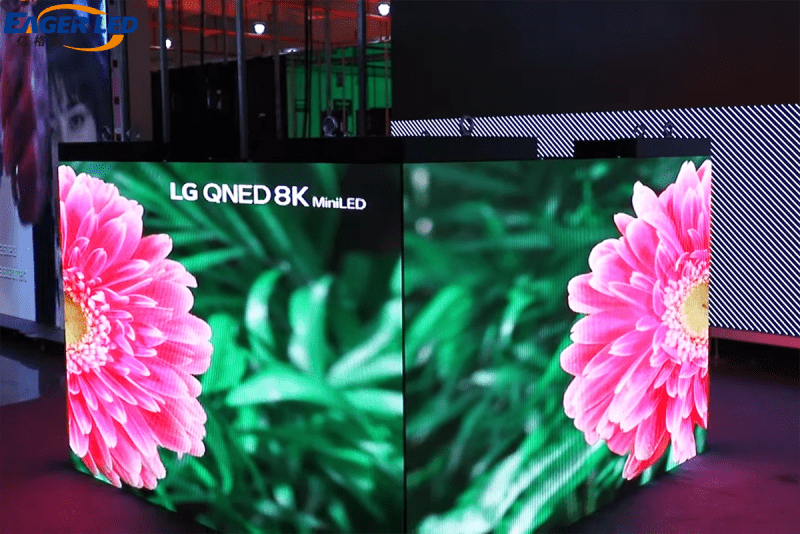
Identify which panels or assemblies are removed for service and the direction in which they move. If the non-display side is the service opening, confirm that the final installation leaves it accessible. An opening facing a ceiling, wall or fixed support may not be usable without additional access planning.
Request the module-position list, matching spare parts, service tools and configuration records. If different positions use different parts, keep that distinction in the parts schedule. Agree how image position and consistency will be checked after a replacement.
For transport, compare packed dimensions and the approved disassembly method. The external cube volume is not the shipping volume. Include the support, cases, cables and site access requirements in the delivery brief rather than estimating freight from the active screen area.
6. Frequently asked questions
Does a five-face cube always leave the bottom open?
No. State the open face on the approved drawing. A suspended layout may need an active bottom and a different non-display side.
Can every face play different content?
Only if the specified control and content system supports the required mapping. Obtain a face schedule and demonstrate the intended playback before approval.
Does a cube-shaped display guarantee a 3D visual effect?
No. Physical shape, content production and viewpoint are separate parts of the proposal.
Can a product photo confirm all five display faces?
No. Request views or a demonstration of every active face, together with the native pixel map and approved assembly drawing.
7. Request a five-face cube display proposal
Send the required side dimensions, indoor or outdoor environment, audience viewing distances, country and purchase date. Mark floor-standing or suspended placement, the intended open face and whether each active face needs independent content. Request the complete display, control, support scope, service plan and delivery package.
Reviewed October 16, 2026. The area comparison is illustrative geometry; demonstration photographs do not establish hidden-face specifications, current availability or a supplied mounting design.
 DJ Booth LED Screen: Desk Fit, Access & Transport