A DJ booth LED screen should fit the performer’s working space as well as the audience-facing frontage. Confirm the video capability, complete booth dimensions, service route and transport package before choosing cabinets. A good-looking facade photograph cannot establish those details.
1. Confirm that the facade is a video screen
A DJ booth LED screen is an audience-facing video display integrated with the front or sides of a performance desk. Before comparing offers, check whether the product is a direct-view video screen, a decorative lighting facade, or a complete booth that includes a load-bearing desk. Similar product photographs can describe very different packages.
Request a demonstration using your own logo, small text and a moving video clip. Confirm the delivered native resolution, supported input and control equipment. A lighting panel that produces attractive patterns may not reproduce the detail expected from video-screen cabinets.
For broader stage arrangements, use the DJ LED screen solution guide. This article concentrates on the physical and operating fit of the booth front, rather than a large backdrop wall or a local rental booking.
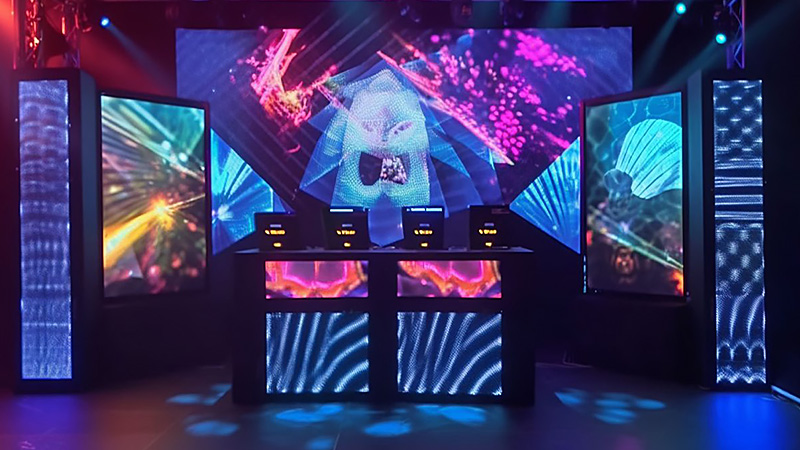
2. Measure the desk and the usable operator space
Measure the desk width, deck height, working depth and clear space for the performer. Include the actual mixer, players, laptop stands and cable connections in the drawing. A screen that fits the outside width can still obstruct hand access, the audience’s view of the performer or the route used to enter the booth.
Keep the structural roles explicit. LED cabinets are display equipment; do not treat them as a countertop, a step or a support for other equipment unless the manufacturer’s approved design specifically provides for that use. Ask the booth fabricator and display supplier to approve the complete assembly.
| Area | Record | Check with the supplier |
|---|---|---|
| Audience face | Maximum width and height, front-edge position | Cabinet grid, finished edge and visible active area |
| Operator side | Desk depth, equipment locations and access route | Space remaining after the display and supports are fitted |
| Behind the screen | Cable connectors, support and ventilation needs | Required stand-off and approved cable bends |
| Service path | Module, power box or cabinet removal direction | Access without unloading the complete desk |
| Venue route | Doors, lifts, loading space and storage | Packed dimensions and handling procedure |
Ask for the dimensions of the complete assembly, including bases, feet, trim and connector space. Active screen dimensions alone are not the booth’s finished footprint.
3. Leave a workable service and cable route
Have the supplier show how a technician reaches the relevant service components after the screen is attached to the booth. A front-access module and a rear-removable power assembly can require different clearances. Confirm the exact delivered cabinet version instead of relying on a general front-service label.
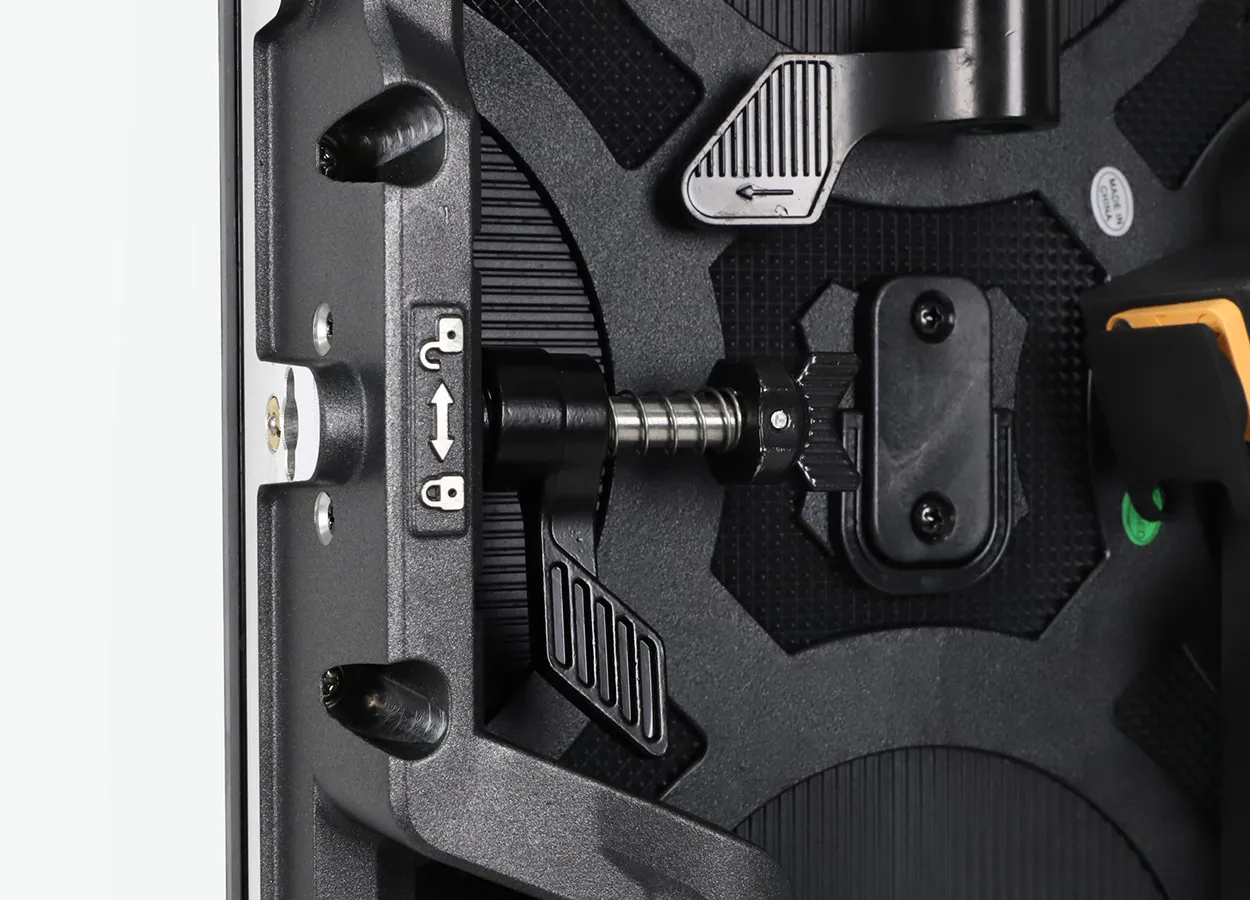
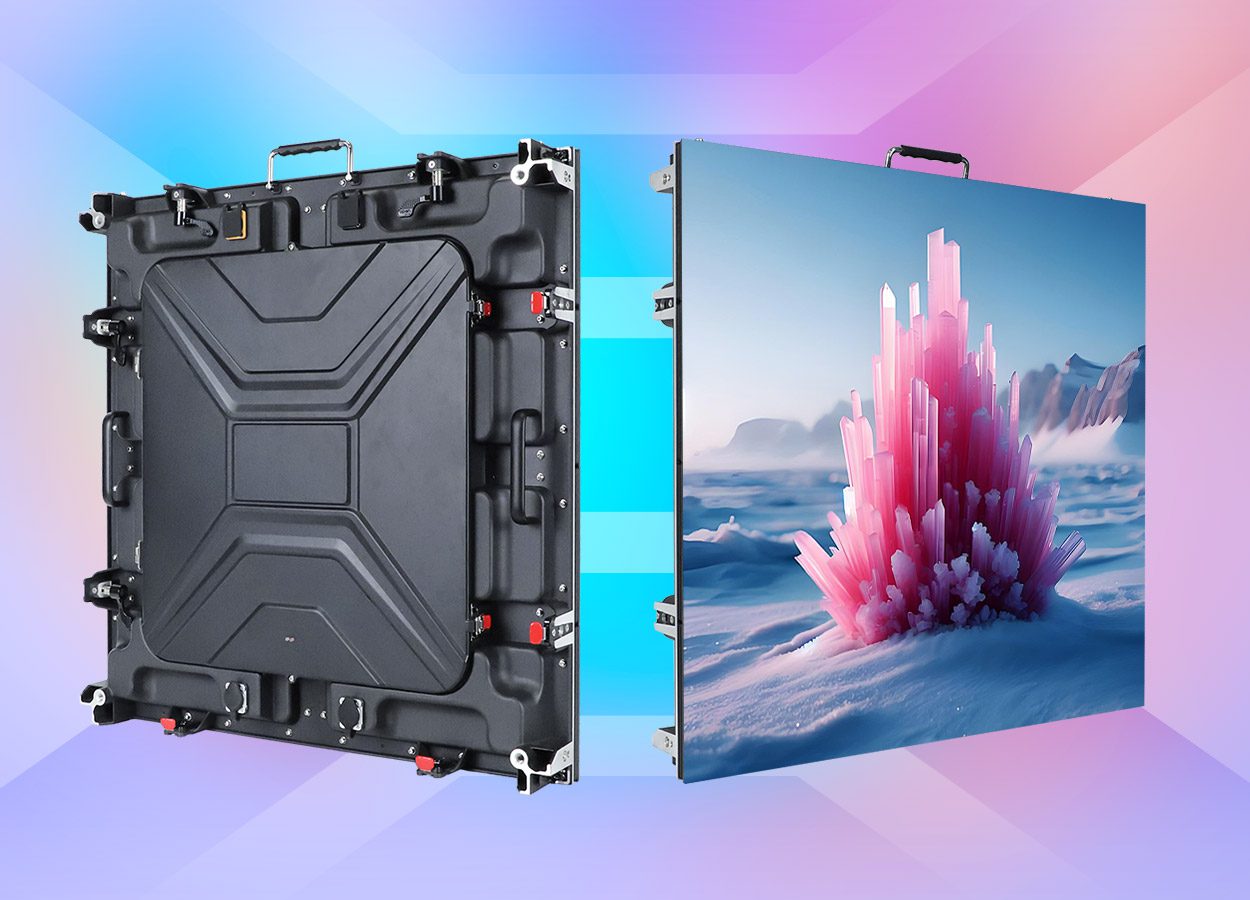
The EA500C6 rental cabinet is one component option to discuss for a system that moves between events. It is not automatically a complete desk or an approved freestanding facade. Request a model-specific assembly drawing and a service demonstration.
Keep power and signal routes separate from the operator’s normal movement path. Ask the qualified installer to specify the cable routing and electrical arrangement for the venue. Record connection labels and the screen map so a crew can rebuild the approved setup consistently.
4. Approve the actual logo and video canvas
The screen’s shape should influence the artwork before show day. A wide, shallow booth front is not necessarily a 16:9 canvas. Obtain the confirmed native pixel width and height, then create a matching content template.
Test the actual artist logo and sponsor names at the intended audience distance. Keep essential elements away from edges that are hidden by trim, equipment or the viewing angle. If the booth wraps around corners, ask whether the surfaces repeat the same image or form separate mapped areas; approve each visible face.
Request an agreed fallback when a source is disconnected or a laptop restarts. Decide what should remain on screen and who can restore it. A claim that visuals are “music synchronized” needs a specified media or show-control workflow; the LED surface alone does not establish that capability.
5. Specify transport protection for repeated events
For repeated events, ask for the case inventory, packed sizes, loaded weights and approved handling sequence. Confirm how the display edges are protected while cabinets are removed, stacked or moved through the venue. Compare the complete transport package with the available vehicle and storage space.
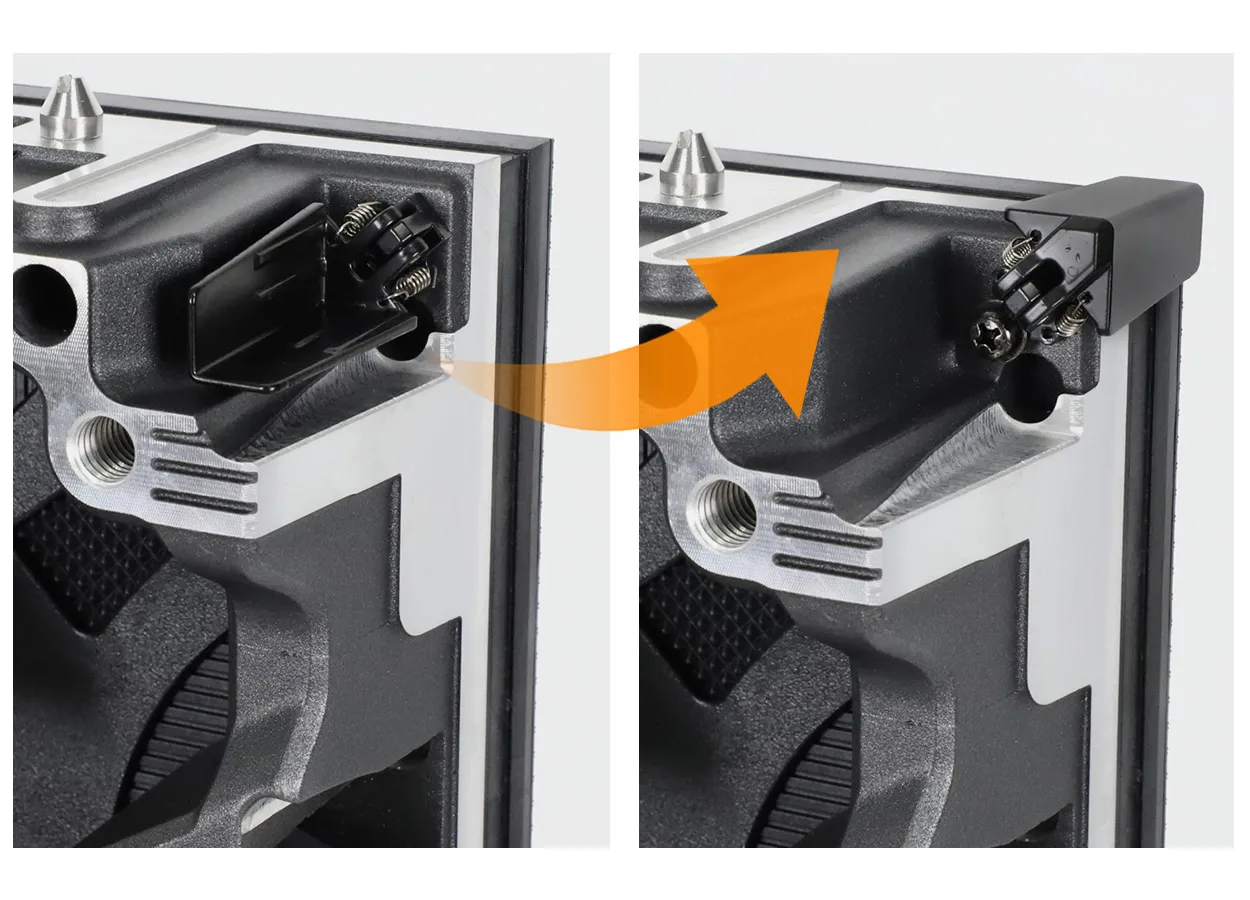
Keep matching spares and the correct service tools with the touring kit. For fleet records, use the rental screen spare-parts checklist. Record the model and revision of the parts that belong to this booth, especially when the wider inventory contains several cabinet families.
Require a practical pack, unpack and setup demonstration with the quoted equipment. Agree the crew responsibilities rather than assuming that a compact frontage is always a one-person job.
6. Frequently asked questions
Is a pixel-light facade the same as a DJ booth video screen?
No. Ask to display your own text, logo and video, and confirm native resolution and the control workflow before comparing products.
Can rental LED cabinets support the DJ desk?
Do not assume so. The complete support and desk arrangement needs approval for its intended use; the screen cabinet is not a general-purpose structural component.
Should the booth screen be 16:9?
Only if that fits the approved physical layout and content requirement. Use the confirmed native canvas and prepare artwork for that shape.
What should a complete quotation include?
Display equipment, control, approved support scope, cabling, cases, spares, setup guidance and any desk or fabrication work should be stated separately.
7. Request a booth-front equipment proposal
Send your frontage width and height, desk drawing, indoor or outdoor conditions, nearest audience distance, country and purchase date. Include equipment positions, a sample logo, service access and how often the booth will travel. Request a proposal that identifies display equipment and any separate fabrication work.
Product photographs reviewed October 16, 2026. Component examples do not establish compatibility, structural approval or a supplied complete booth.
 Church LED Screen Price: A 48-Cabinet Quote Worksheet