Rental LED screen spare parts should include compatible modules or cabinets, receiving cards, power supplies, cables and service accessories, backed by approved configuration files. Choose quantities around simultaneous shows, supplier lead time and the replacements your crew can perform. A fixed spare percentage alone cannot tell you whether a kit will restore the wall at the next event.
This checklist is for rental companies and integrators buying or expanding an LED fleet. Use it to specify compatible stock, verify it before shipment and pack a tested kit for each show.
Table of contents
1. Define compatibility before choosing quantities
A module described only as “P3.91” is not a complete spare specification. Record the cabinet family, indoor or outdoor variant, module size and resolution, connector arrangement, relevant electronics revision and production batch. Ask the supplier to confirm compatibility with the actual inventory.
Separate stock into service groups where those details differ. Keep receiving-card models, firmware requirements and configuration files associated with the correct group. For older stock, request a verified substitute if the original component is no longer available; avoid assuming that a replacement with a similar label is interchangeable.
Image matching deserves its own acceptance check. A replacement module can be electrically functional yet visibly different from its neighbours. Confirm how calibration data is retained or restored, and test replacement stock at the brightness and content conditions used in operation.
2. Build a rental LED screen spare parts list
| Spare item | What to specify | What to verify |
|---|---|---|
| Complete cabinet | Exact model, pitch, variant and compatible batch | Alignment, image matching, mapping and practical replacement access |
| LED module | Part number, physical size, pixel matrix and connectors | Fit, scan/configuration compatibility and appearance |
| Receiving card | Model, revision and required firmware | Approved configuration can be loaded and saved correctly |
| Power supply | Supplier-approved part and connection details | Qualified replacement procedure and exact compatibility |
| Data and power cables | Correct connector types, lengths and supplied-system requirements | Identification, condition and tested operation |
| Service accessories | Approved tools, compatible fasteners and protection items | Availability with the crew and correct use for this cabinet |
A complete cabinet and an individual module solve different recovery problems. A cabinet exchange may help when a compatible replacement and safe access are available; a module replacement may avoid taking a larger section out of service. Neither is automatically faster for every wall. Choose the method after reviewing the cabinet’s approved service access and the installed arrangement.
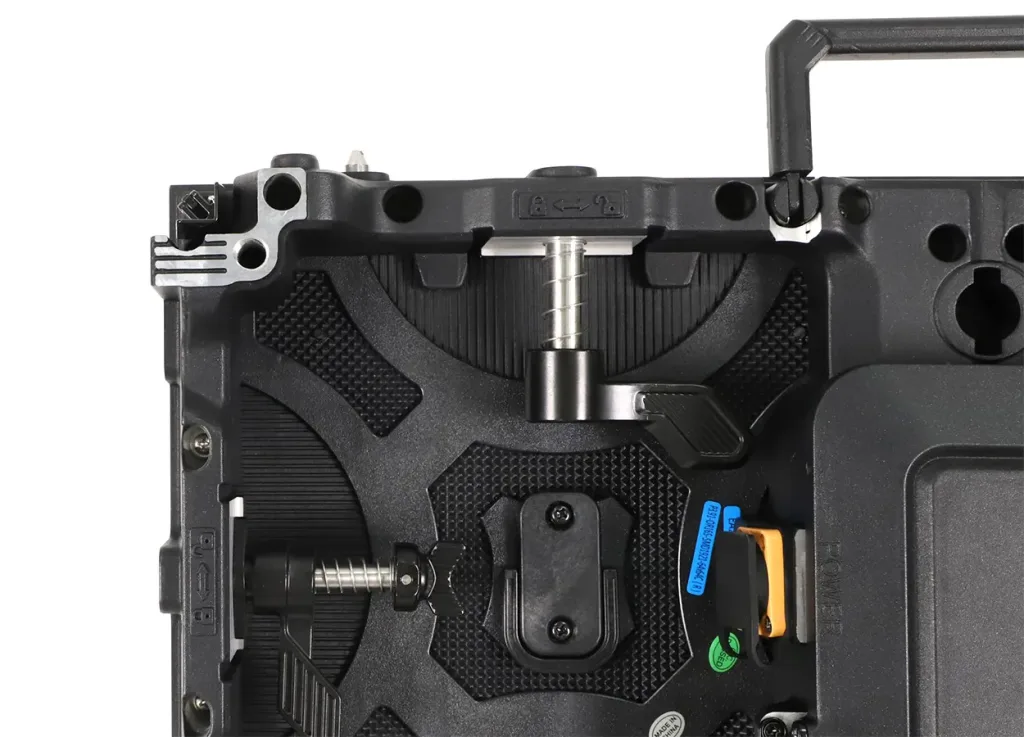
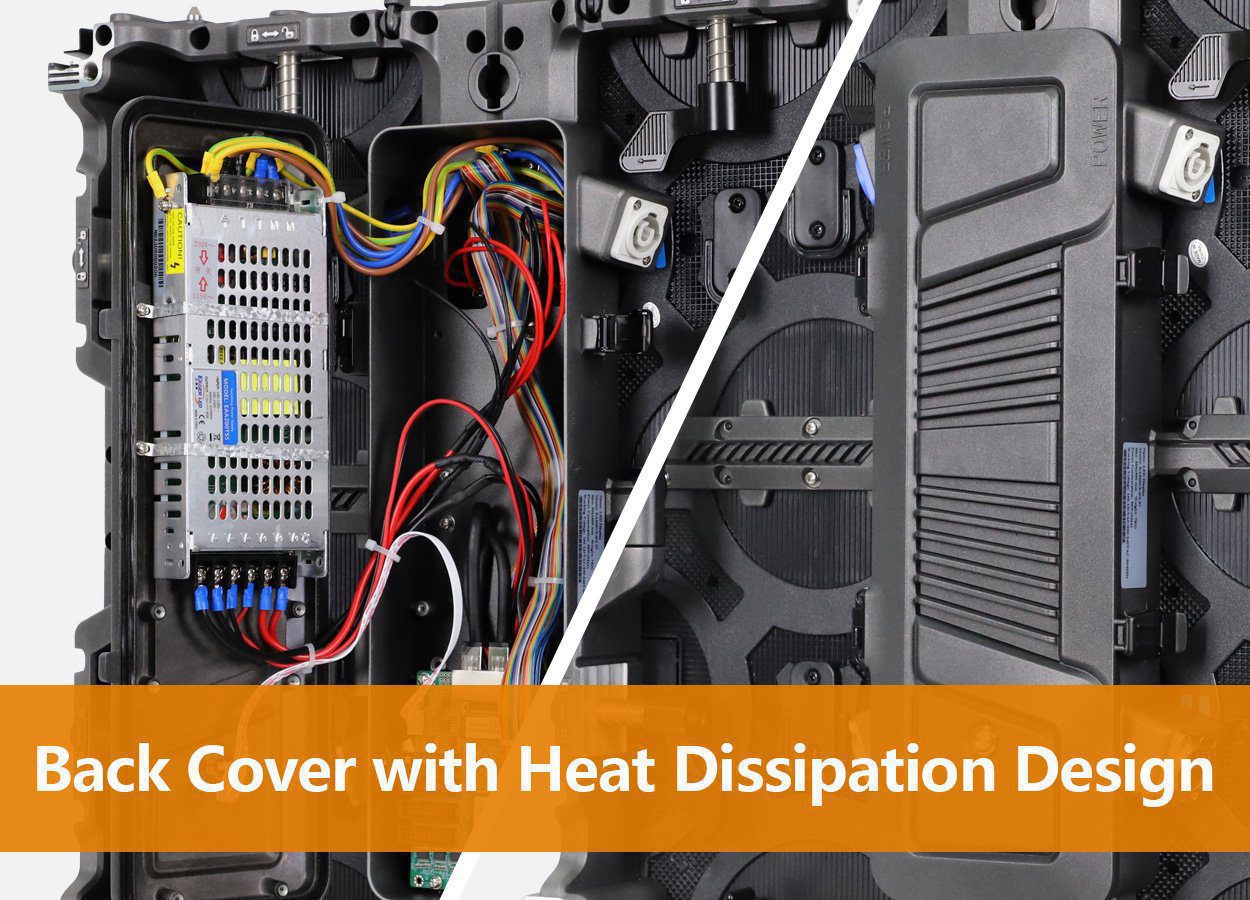
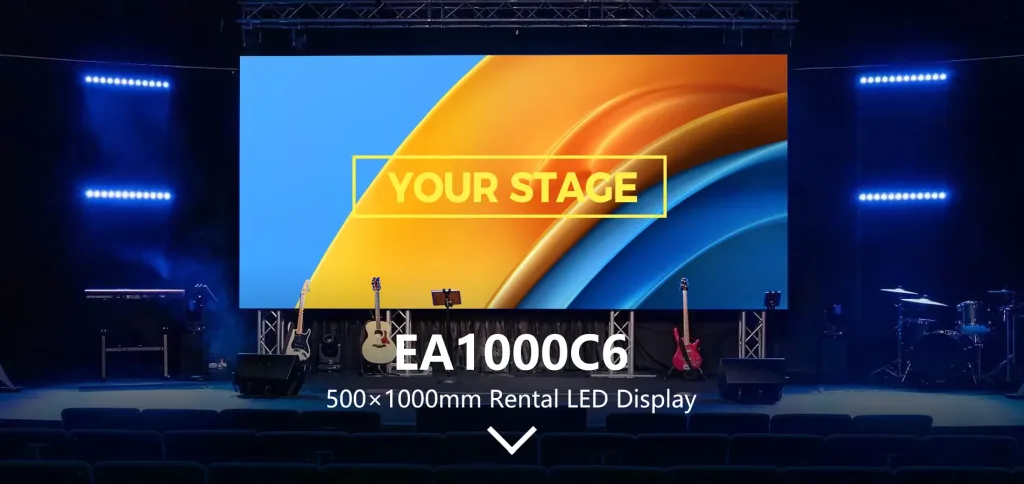
For example, the EA1000C6 and EA500C6 product information describes openable rear covers. A front-side route to the screen does not prove every internal component can be serviced from the front. Confirm the part-specific method and required clearance before finalizing the installation plan.
3. Size the reserve around show coverage
There is no universal spare percentage for every rental fleet. Base the reserve on simultaneous jobs, transport exposure, past failures, technician capability, supplier lead time and the consequence of an unavailable display. EagerLED’s stage rental display guide also separates venue stock from depot stock and relates quantities to repair and delivery time.
- List simultaneous deployments. Identify which compatible systems could be away from the warehouse at the same time.
- Define recovery needs. Decide which faults the crew must be equipped to address and which require supplier support.
- Assign stock to each deployment. Reserve parts physically available at the venue, not merely somewhere in the business.
- Keep replenishment stock separate. A warehouse reserve supports repair and restocking, but cannot provide immediate recovery at a distant venue.
- Review after each return. Quarantine damaged items, record replacements and replenish the kit before the next dispatch.
Consider a hypothetical fleet running two compatible walls on the same day. If the agreed plan reserves one tested cabinet with each show and one at the warehouse, the total is three reserve cabinets. This is an inventory illustration, not a recommended quantity: the necessary cover may be higher, lower or split among modules and other components after risk and access review.
A spare assigned to one event cannot also be counted as immediately available to the other. The same rule applies to two simultaneous walls from one mixed-size inventory. Use the rental LED cabinet size and buying plan to check deployed cabinet counts before allocating reserves.
4. Keep configuration files with the spare hardware
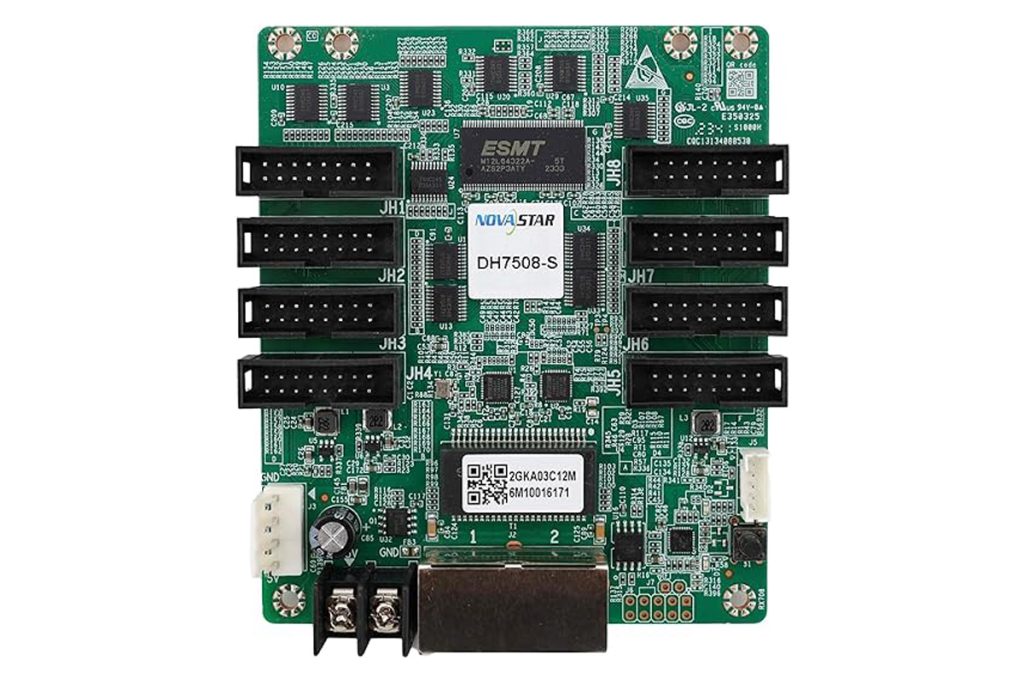
A receiving card in a parts box is incomplete operational preparation if the crew cannot restore its settings. Keep an approved configuration package for every service group, with a clear identifier matching the cabinet and module combination.
Keep receiving-card settings, cabinet pixel dimensions, wall mapping, controller output assignments, firmware versions and calibration records together. In NovaStar’s NovaLCT V5.4.7 manual, .rcfgx stores receiving-card configuration, while .scr stores screen connections; calibration databases are handled separately. One RCFGX file is therefore not a complete recovery package. Confirm the files needed for your actual controller and software version.
Maintain an offline copy with the assigned technician and a controlled master copy at the warehouse. During acceptance, verify that the restored settings remain correct after saving and a controlled restart, following the manufacturer’s procedure.
Use specific names instead of “final.rcfgx” for several different systems. A practical label might include the cabinet model, pitch, revision and approval date. Record who approved it and which hardware it applies to. Keep a backup before changes, and follow the manufacturer’s process for loading and saving settings.
The site’s RCFG and RCFGX resource is useful context, but a publicly listed file should not be assumed suitable for every cabinet of the same nominal pitch. Confirm the exact match with the supplier.
5. Verify spare parts before shipment
Add a spare-stock test to the purchase acceptance process. Ask the supplier to demonstrate a compatible replacement in the ordered system and identify the records delivered with it. A sealed box marked “spares” is not the same as verified service stock.
- Match delivered part numbers and quantities to the purchase list.
- Test a representative spare module or cabinet against the ordered wall.
- Check solid colours, grayscale and representative show content.
- Confirm the configuration package belongs to the delivered electronics.
- Demonstrate the approved replacement procedure with the intended service access.
- Record incompatible or untested stock separately from ready-to-dispatch spares.
Have qualified personnel demonstrate replacements using the manufacturer’s isolation, handling and access procedures. Include any required support or rigging arrangements in the agreed service method.
6. Pack for a usable recovery workflow
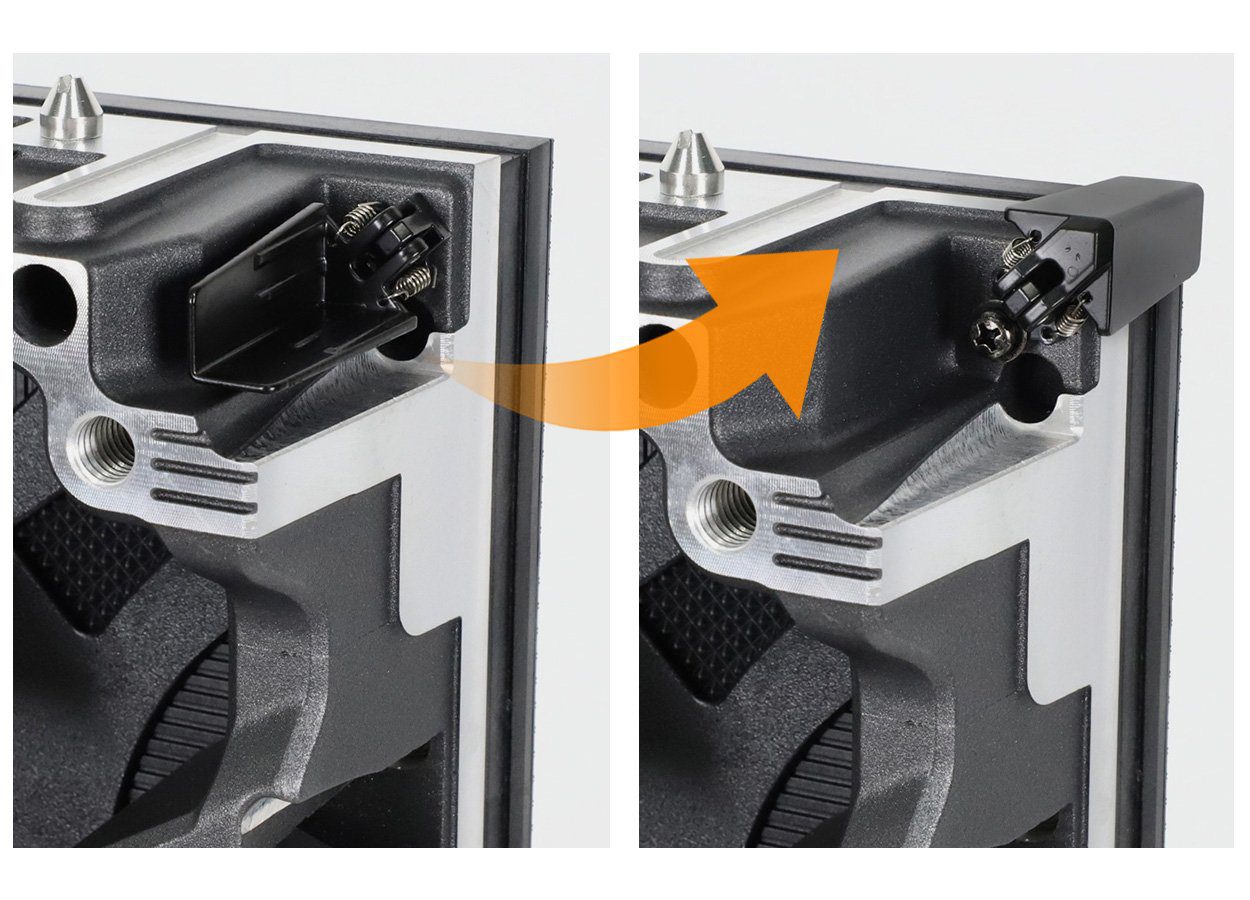
Label each kit with the compatibility group and assigned show. Protect modules and connectors in suitable packaging, include the approved tools, and make the configuration copy accessible without depending on venue internet.
Log the cabinet or module replaced, the reported symptom, the part fitted and any settings restored. Separate the removed item from operational stock immediately. A part that was swapped during a show should not return to a ready-to-use case before inspection.
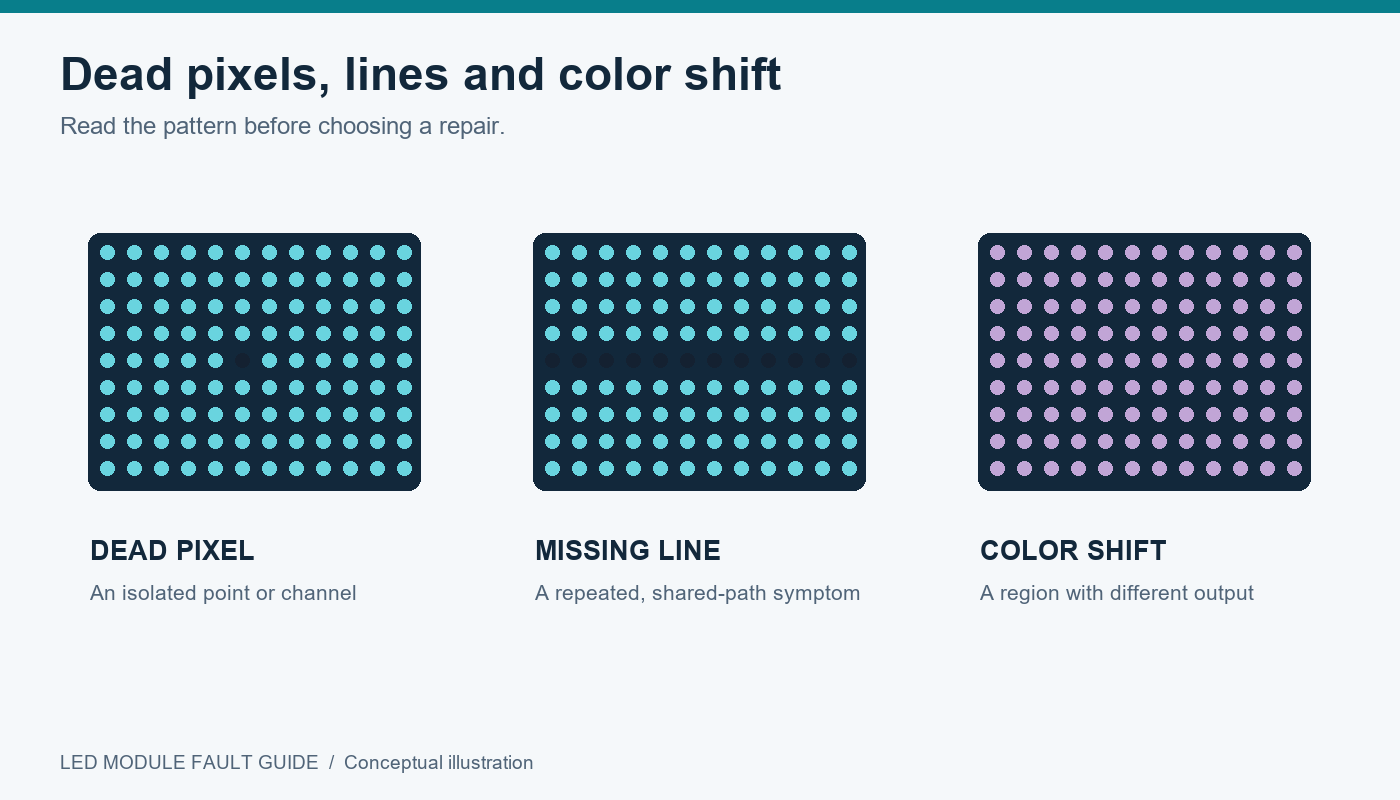
If recurring failures emerge, use the service log to adjust stock and request supplier review. For fault diagnosis, refer to the separate LED module fault guide.
7. Request a verified spare-parts package
Send EagerLED your cabinet model and quantity, pitch, indoor or outdoor version, existing inventory details, number of simultaneous deployments, destination country, typical service access and delivery deadline. Include how far the events are from replacement stock and who performs on-site service.
Request a rental LED screen spare-parts quotation with exact part identifiers, quantities, compatibility confirmation, configuration files and a replacement demonstration. Ask the quotation to separate ready-to-use show kits from warehouse repair stock.
Request a compatible spare-parts package
8. Frequently asked questions
01. Is the same pixel pitch enough to match a spare module?
No. Physical dimensions, pixel matrix, electronics, connectors, configuration and image matching also need confirmation.
02. Should I order a fixed percentage of spare cabinets?
Use a project-specific stock plan. A percentage alone does not account for simultaneous events, access, replenishment time or the faults your crew can address.
03. Can any receiving card replace a failed card?
Use the supplier-approved model or verified substitute, with compatible firmware and the correct configuration package.
04. Does spare stock provide automatic signal redundancy?
No. Replacement hardware and an operating backup signal path are different preparations. Verify supported redundancy separately on the supplied system.
Prepared for rental-fleet procurement using product and service information checked on 12 October 2026. Examples illustrate planning methods and are not claimed failure rates or universal spare quantities.
 Rental LED Cabinet Sizes: A 6m Wall Buying Plan
 SMD1415 vs SMD1921 for Outdoor LED Modules: A Buyer’s Guide