

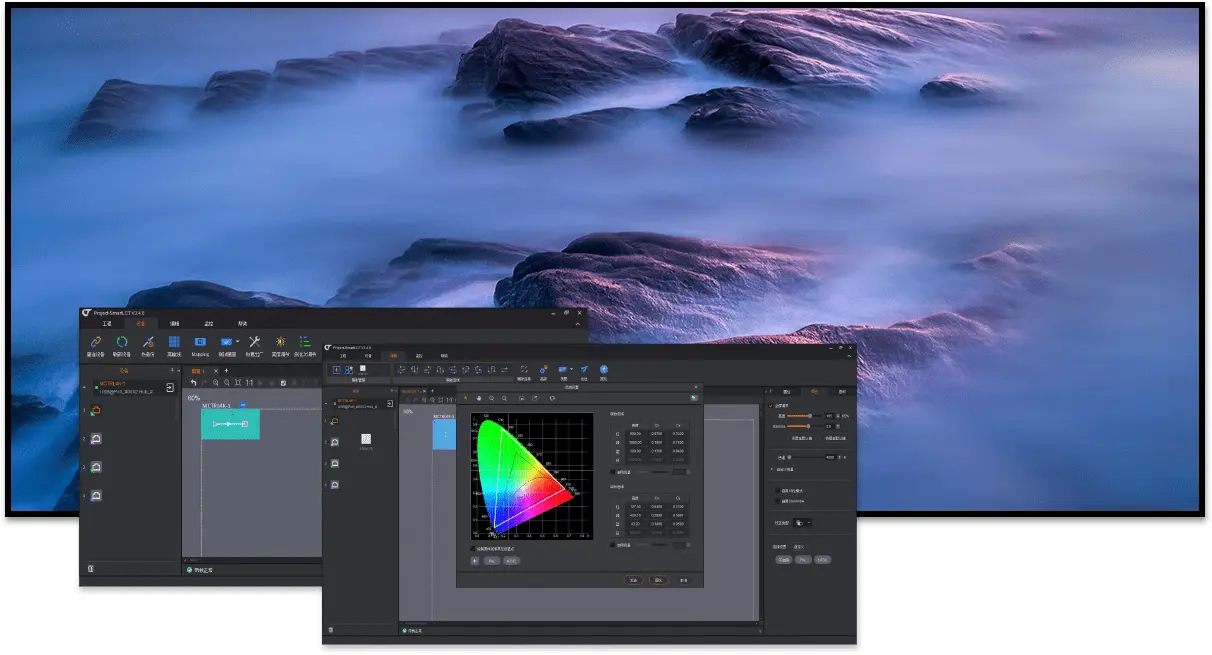
NovaStar Software SmartLCT: Download & Setup Guide
NovaStar software SmartLCT configures LED cabinet layouts, receiving-card connections, screen rotation and compatible controller settings. Use offline design to prepare a project, then connect to the hardware, verify the wiring and save the configuration to hardware. It is an LED screen configuration tool, not a video playlist editor.For a [...]
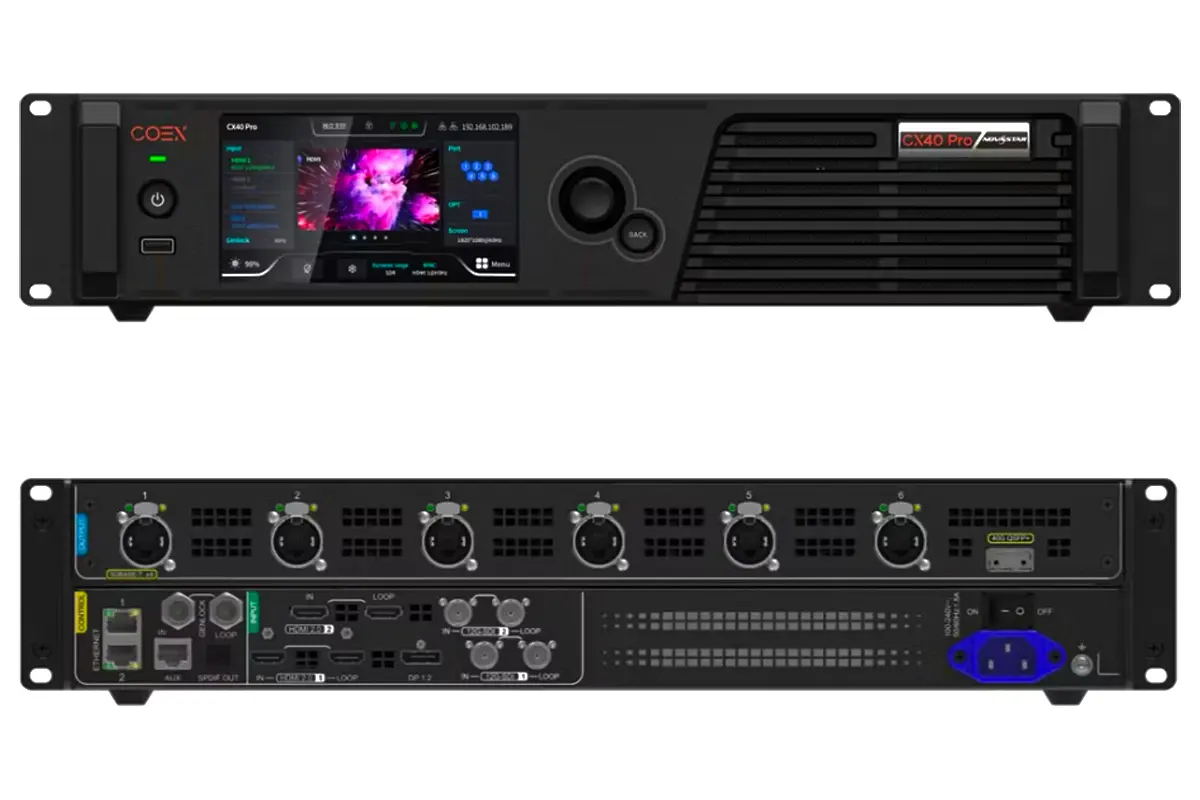
NovaStar CX40 Pro LED Controller: Specifications and Setup Guide
The NovaStar CX40 Pro is a COEX 4K LED controller for integrators who need source processing, six 5Gbps cabinet outputs and a 9-million-pixel device ceiling. Select it from the actual cabinet map, receiving cards and required operating mode. Multiplying a port capacity by six does not establish the usable device [...]
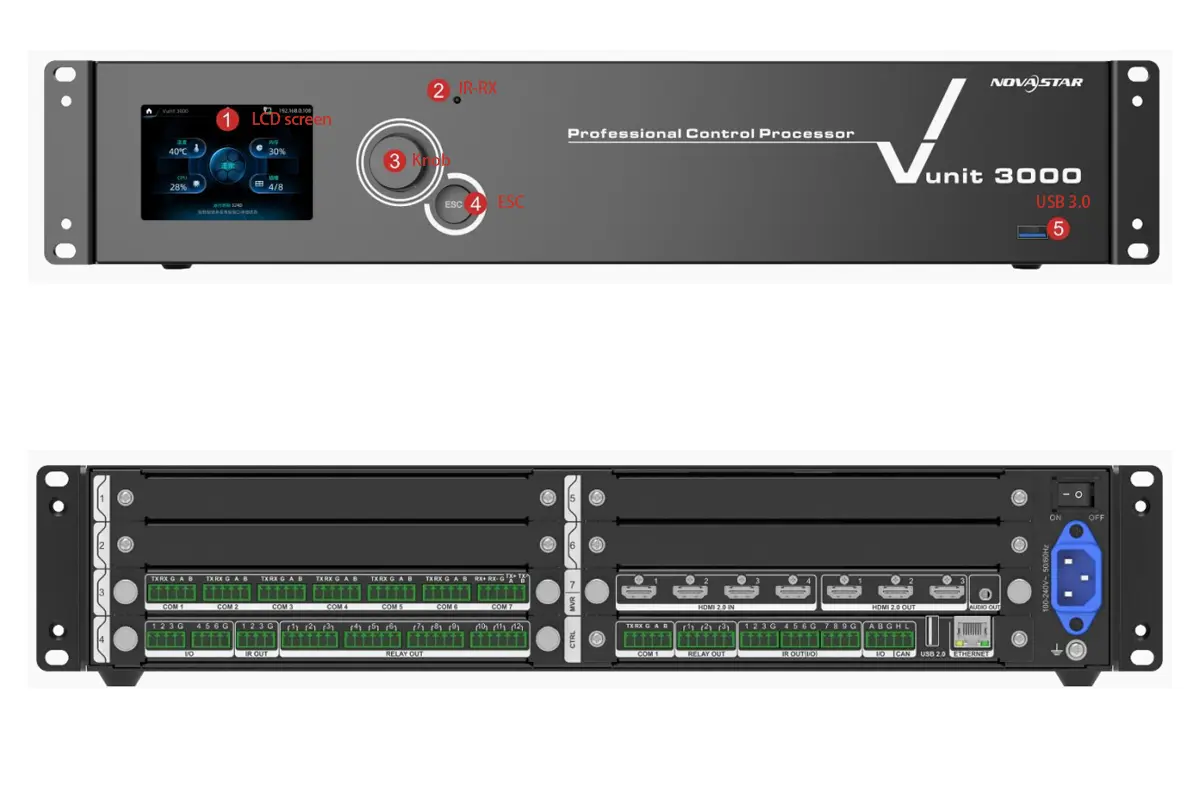
Vunit 3000 Control Processor Guide: 4K LED Display Control Systems
The Vunit 3000 is NovaStar's programmable central control processor for coordinating AV equipment and room devices. Its HDMI card provides a small 4-input, 3-output matrix at up to 3840 × 2160 at 60Hz. It routes sources and sends control commands; it does not replace the LED video processor, sending hardware [...]
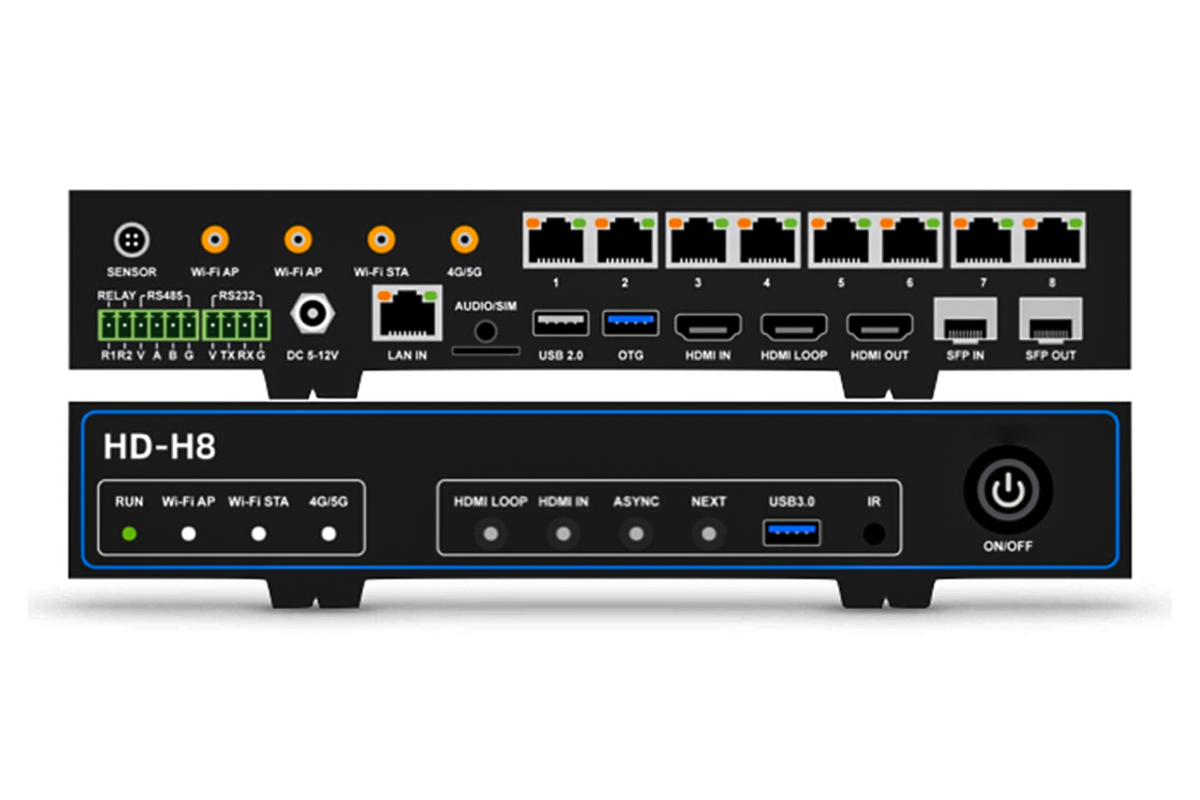
Huidu HD-H8 vs HD-H6 LED Multimedia Players: Complete 4K Guide
Choose HD-H6 when a verified cabinet map fits its published 3.93-million-pixel capacity and six LED data outputs. Consider HD-H8 when the project needs its 5.24-million-pixel capacity and eight outputs. Both models are listed with the same video-decoding combinations, so a Huidu multimedia player should be selected by the actual [...]
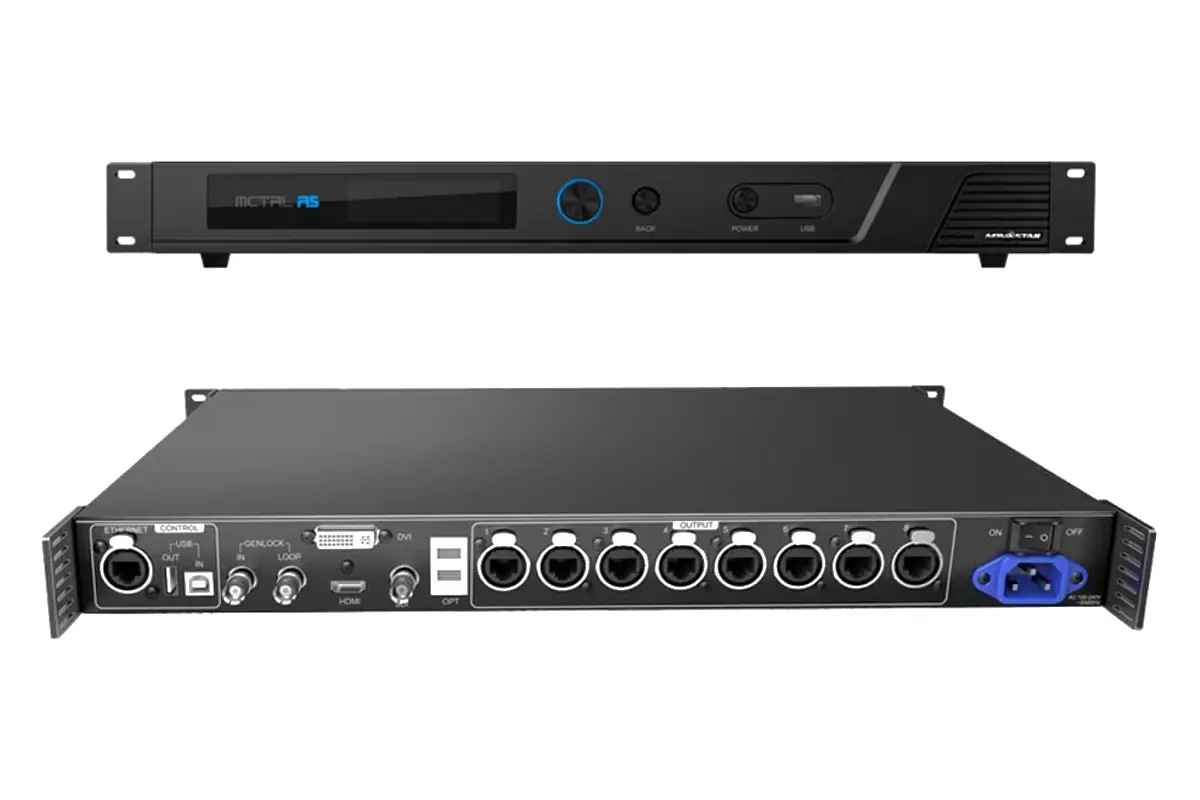
Complete Guide To The MCTRL R5 LED Display Controller – Features, Setup & Configuration
The MCTRL R5 is a NovaStar LED display controller for an integrator commissioning a wide, tall or rotated cabinet layout. It accepts HDMI, dual-link DVI and 6G-SDI sources, then sends display data to compatible receiving cards. Its 3840 × 1080 at 60Hz capability does not mean every source format, port [...]
