For a filmed product launch, compare the LED screen rental San Jose suppliers propose against one production brief: the real demonstration sources, audience layout, camera shots, streaming outputs, rehearsal window, and recovery plan. Screen area and pixel pitch are only part of that scope. Confirm the complete signal path and who will operate it before approving a booking.
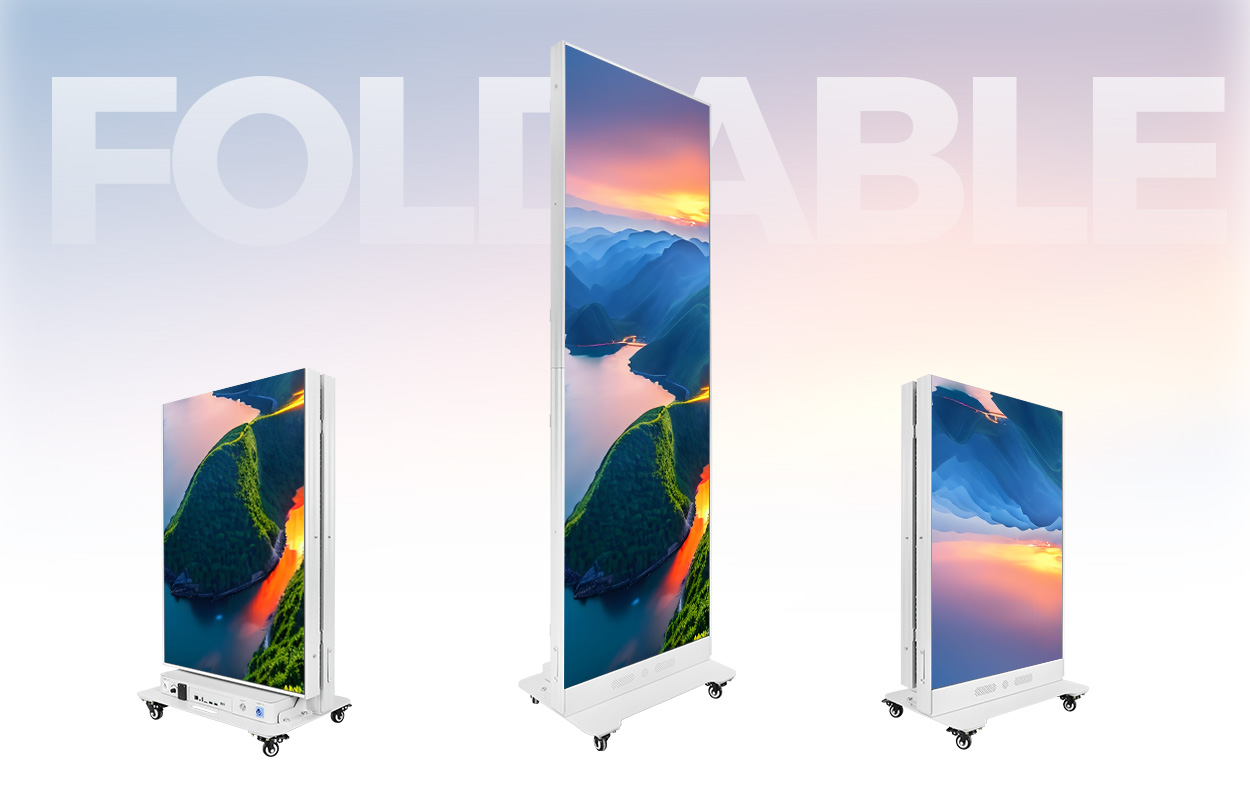
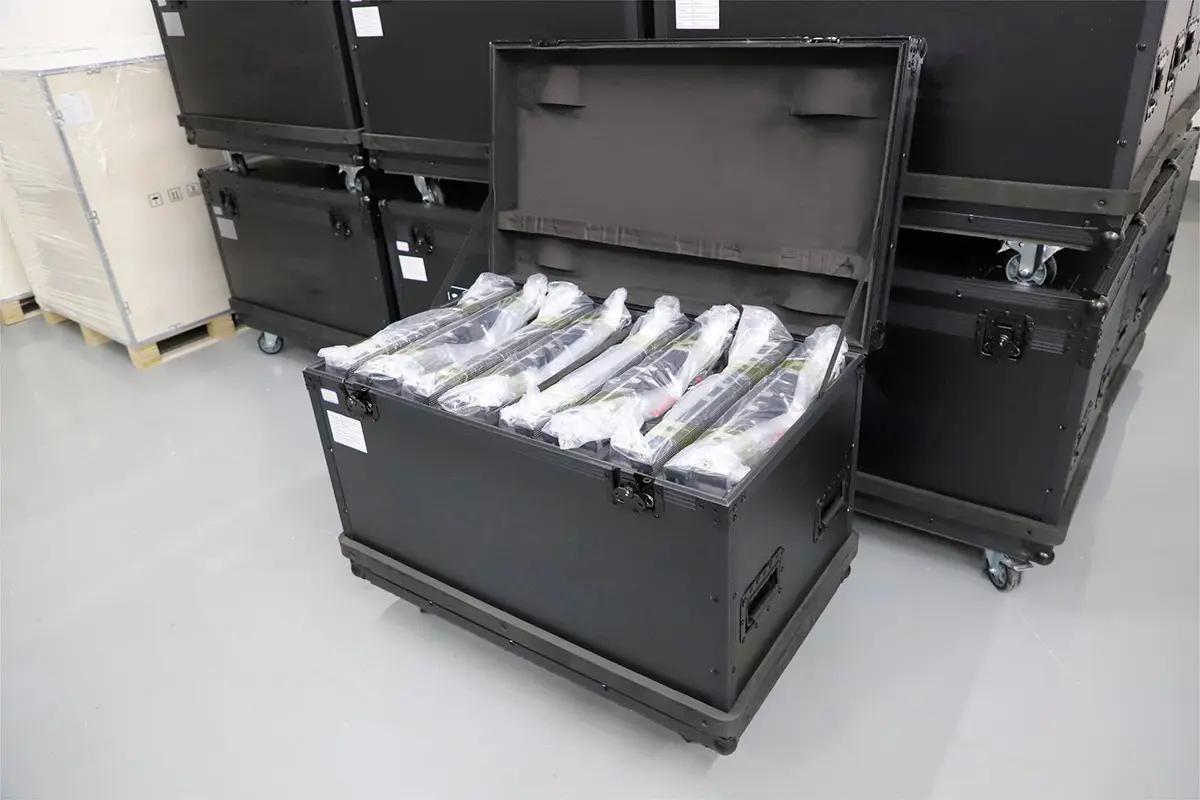
This guide is for event production companies planning a launch in San Jose. It explains how to turn a live product demonstration into a comparable rental request. It does not list local rental companies, publish unverified daily rates, or claim that EagerLED holds rental inventory in the city. EagerLED product images below illustrate equipment details, not a local event or fleet.
Venue services, access arrangements, and staffing must be confirmed for the actual event. The planning diagrams are illustrative. They are not construction drawings, measured camera results, or a guarantee that a particular processor supports the illustrated functions.
1. Build an LED Screen Rental San Jose Production Brief
Start with the event’s intended result: a product demonstration that the room audience can understand and the camera team can record. Identify the venue, room, event dates, audience positions, presentation schedule, and distribution plan. A stage backdrop, a close-view demonstration screen, and a camera-facing set element can place different demands on the same equipment.
Attach a floor plan showing the screen, presenter, product table, cameras, control position, and access routes. Mark the nearest and farthest normal viewing positions. Ask the venue to confirm which spaces can accommodate equipment and service work. Have qualified project personnel resolve support, electrical, and access requirements for the proposed installation.
For a San Jose McEnery Convention Center event, use Team San Jose’s current technical-service information when allocating the streaming network. Its published Tech Services overview identifies the convention center as the provider of internet bandwidth and describes separately ordered connectivity options. Confirm the applicable arrangement directly for your event; do not assume a screen supplier can include venue internet in an equipment-only quotation.
That distinction matters when the LED screen rental San Jose vendors quote is only one part of the production. The demonstration computer may need a product network, the encoder may need a streaming connection, and the operator may need a separate control connection. Specify their purposes and ask the venue and production team to agree on the arrangement. Do not publish internal access credentials in the rental brief.
Assign a named owner to each interface: venue services, screen equipment, production switching, camera operation, audio, streaming, and client content. A line in the quote saying “technical support included” does not establish responsibility for all those systems. Identify who can authorize a change when rehearsal reveals a problem.

2. Map Each Product-Demo Source to Its Destinations
Create a source list before asking for processing equipment. For each laptop, playback machine, demonstration device, or camera, record the actual output connector, resolution, frame rate, audio requirement, and any adapters. Identify whether the source must appear on the room screen, the stream, the recording, or several destinations at once.
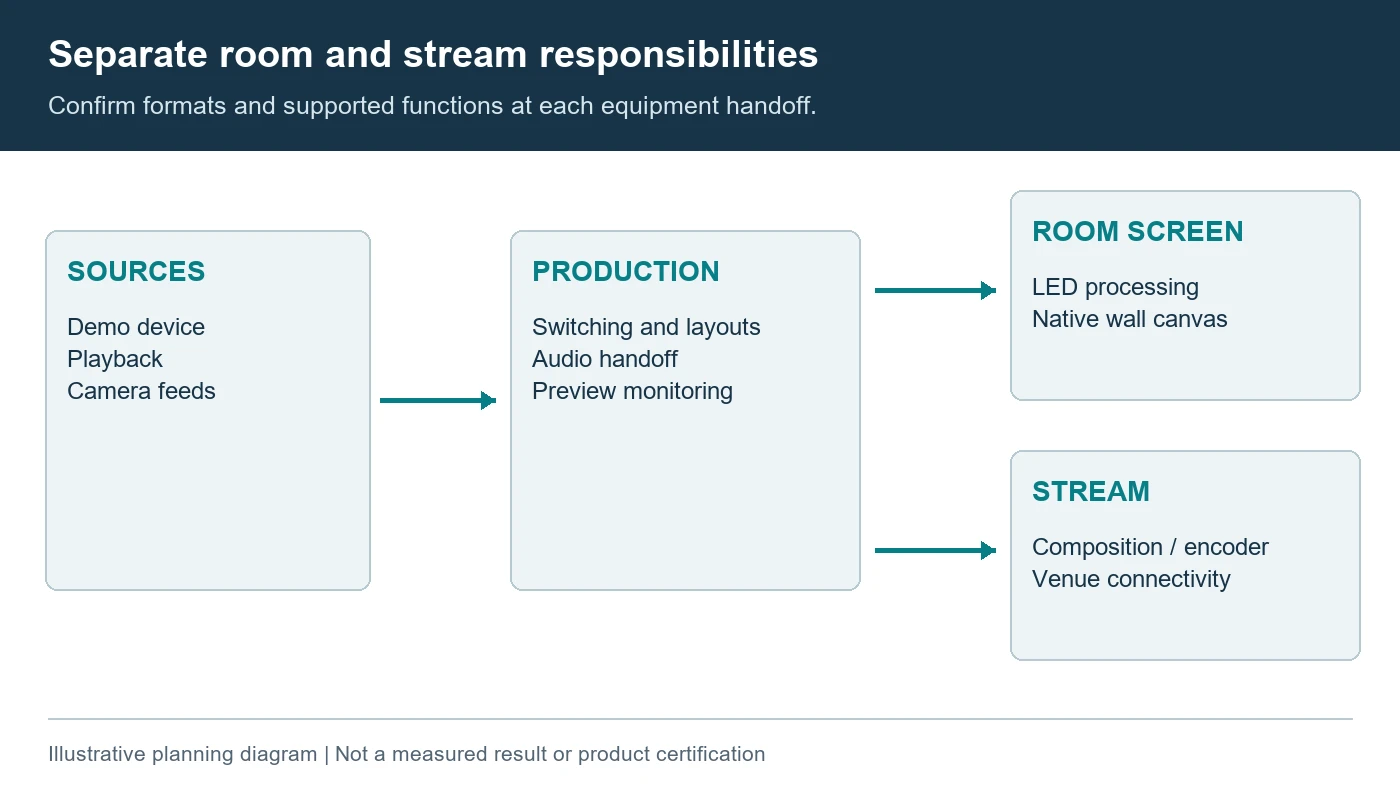
A filmed demonstration often needs different compositions for different viewers. The room may need a large close-up of an interface while the stream needs a presenter shot with an inset. Decide where those compositions are created. A processor that scales one source to a wall is not automatically a production switcher or a complete streaming system.
The LED screen rental San Jose production teams approve should identify the handoff between the show switcher and the LED processor. Specify the receiving format and the native wall canvas. Ask who supplies converters, long cable runs, distribution, preview monitoring, and any synchronization functions required by the proposed equipment. Connector appearance alone does not establish compatibility.
Test the real demonstration device rather than relying on a substitute laptop. Changes in output timing, adapter behavior, content protection, or operating-system settings can affect the connection. Include a reconnect or restart test in the rehearsal plan. The supplier should document any required source settings and the procedure for returning to the approved state.
Keep demonstration audio separate in the brief even when it travels inside a video signal. Identify where it is extracted, mixed, monitored, and sent to the room and stream. If a presenter interacts with on-screen content, check the perceived delay through the actual path. Agree on an acceptable result without inventing a universal latency limit.
For LED screen rental San Jose proposals, ask for a simple signal drawing with both equipment and responsibility boundaries. Review it with the camera and streaming teams. Missing ownership is easier to resolve before the booking than during a live launch when a source is visible in one destination but absent in another.
Identify which part of the product demonstration depends on an external network. A locally played video, a cloud application, and the outbound stream can fail independently. Test the approved demonstration connection with the client device, then rehearse an authorized offline alternative if one exists. Ask the client to supply suitable test accounts and nonconfidential sample data through its normal process. A successful speed test is not evidence that the actual application, authentication, or streaming destination works.
Give the show caller a single current source list and mark any network-dependent cue. If a late change adds a remote guest or a second live device, review its routing and support requirements before accepting it into the show. Keep the original tested fallback available until the changed sequence has passed review.
3. Approve the Wall Canvas With the Real Product Interface
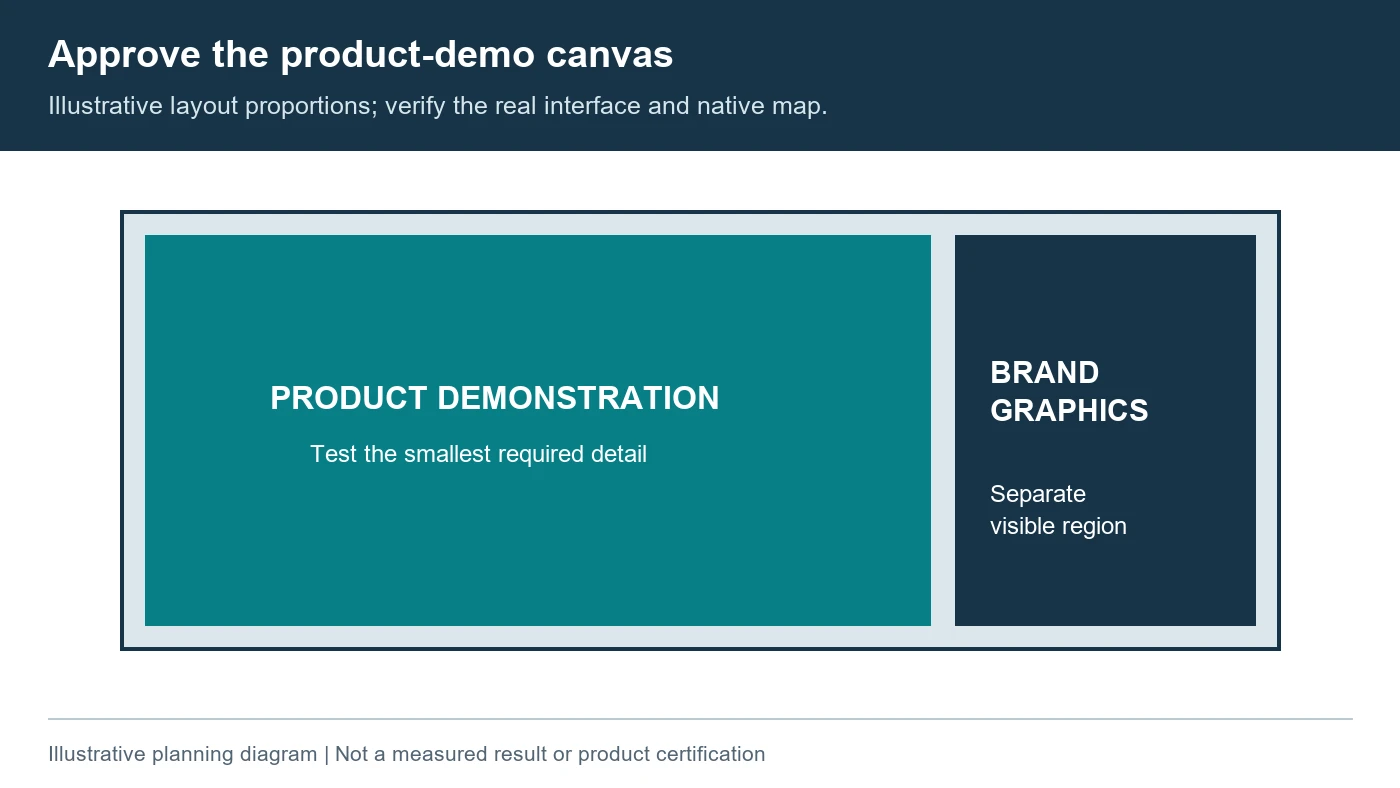
Choose screen dimensions around sightlines and content, then confirm the achievable native pixel canvas. More physical area does not necessarily provide enough pixels for a dense software interface. The LED screen resolution guide explains why accepted input resolution and physical screen resolution are different measurements.
Ask the creative team to prepare a test using the longest menu labels, smallest important numbers, and widest product view expected in the demonstration. Review it from the planned audience positions. A large promotional video can look convincing while the application’s text remains unreadable. Simplify or recompose the interface where necessary instead of assuming a finer pitch alone resolves the problem.
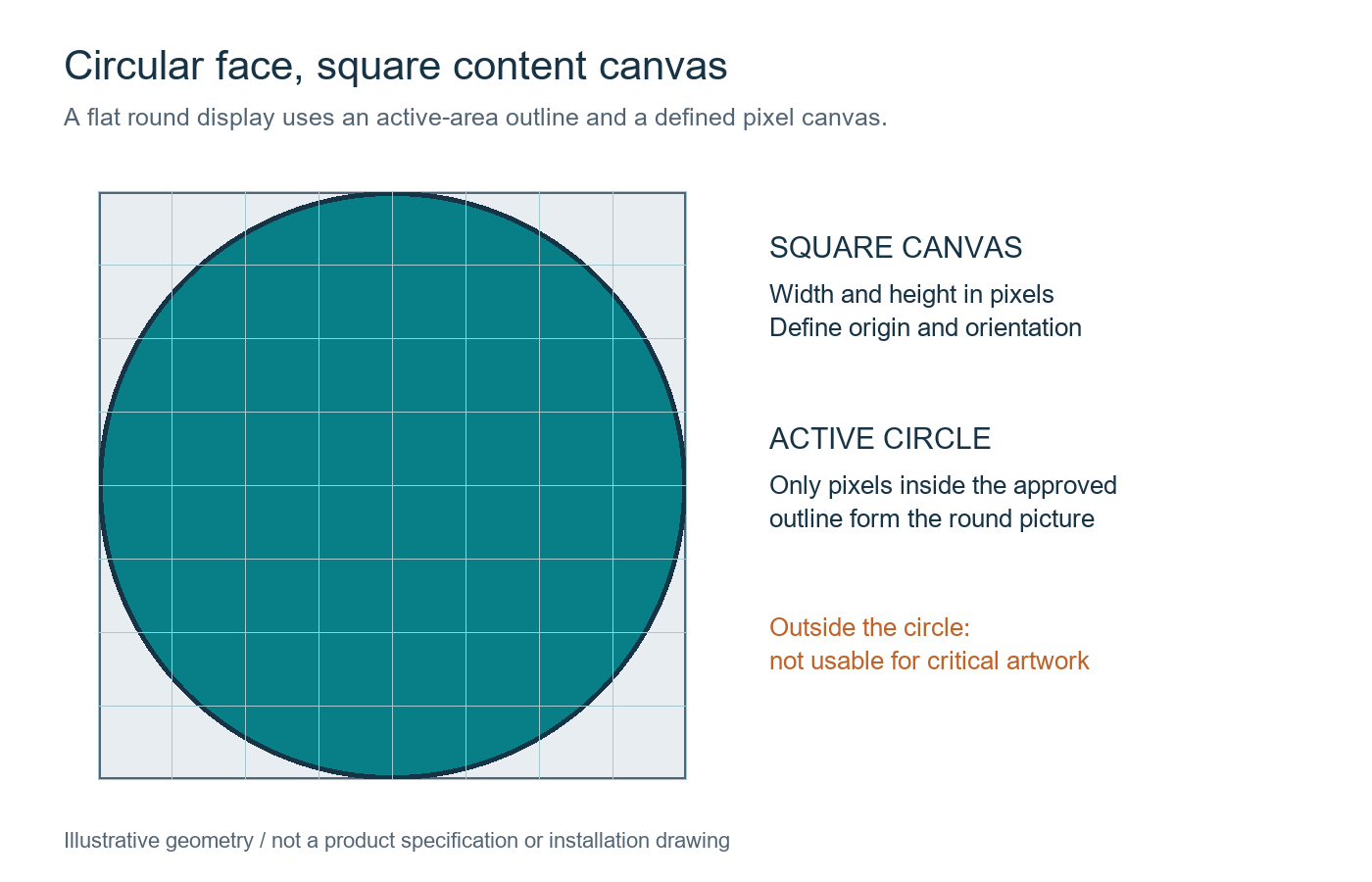
Clarify whether the stage design crops a conventional video frame, surrounds it with branding, or uses a custom canvas. Agree on which areas belong to the demonstration, presenter graphics, captions, and sponsor or client marks. Keep critical content inside an approved visible region. Do not approve the layout using only a screenshot with generous empty margins.
Confirm the rental cabinet series, version, pitch, and build arrangement. For example, the EA500H9 product page separates indoor, standard outdoor, and black-LED outdoor configurations. That manufacturer information illustrates why a series name does not replace an exact configuration. It does not establish that a local supplier stocks the model or that it suits this particular event.
Compare the LED screen rental San Jose suppliers offer using the final build and the same content test. Ask for actual pixel dimensions, mapping, source treatment, and any unused areas. Retain the approved export template and test file. A last-minute change in cabinet layout can change the canvas and require a fresh content review.
Check brightness with the planned stage lighting and camera exposure. The display must work for the audience and the production image. Maximum brightness is not a prescription for the show setting. Record the accepted operating preset and who may change it after rehearsal, then repeat relevant camera checks if that setting changes.
4. Reserve a Camera Test, Then Protect the Rehearsal Time
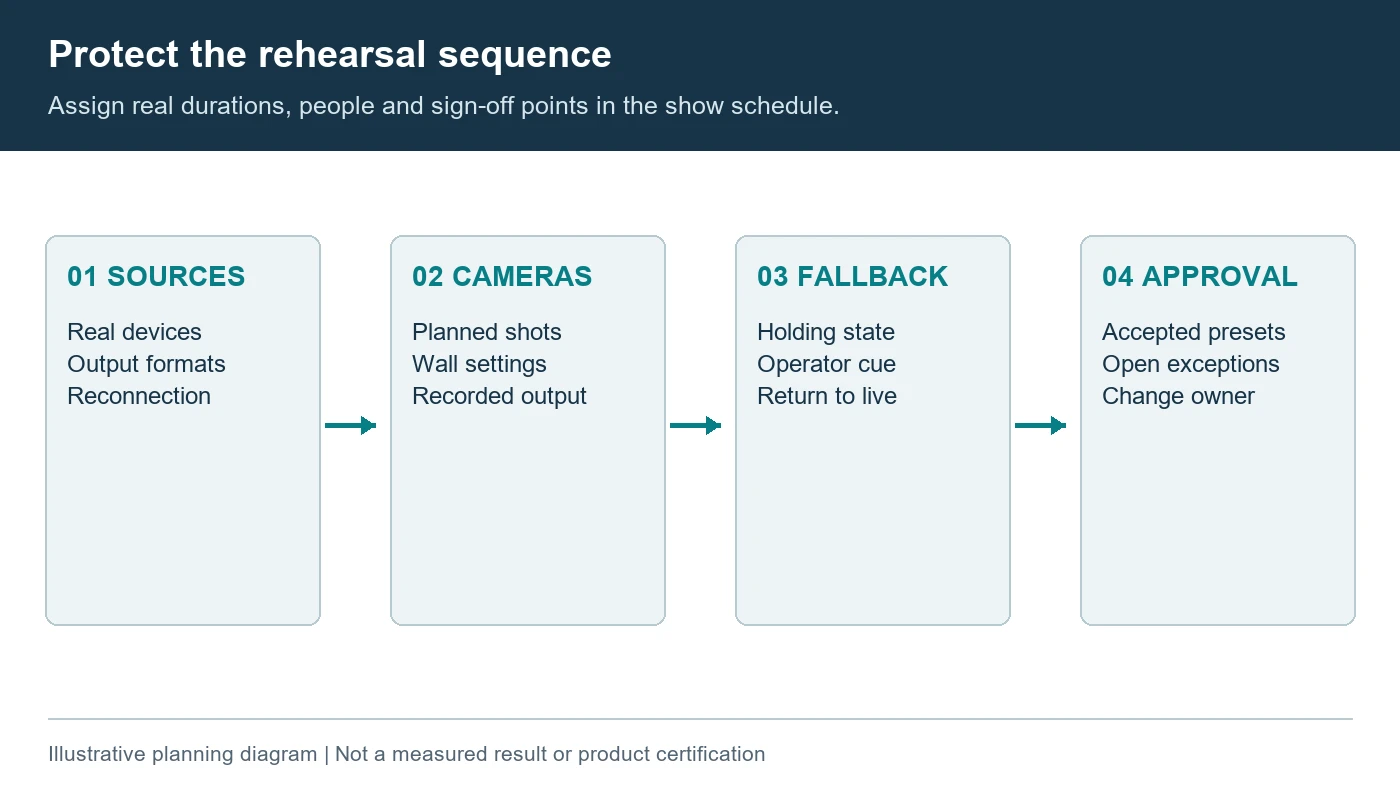
Schedule camera testing after the wall, production chain, stage lighting, and real content are operating together. The LED screen rental San Jose camera crews receive should be evaluated with the intended camera models, lenses, frame rates, exposure settings, and shots. A demonstration recorded with different equipment does not establish the result for this production.
Check both wide views and close shots of the presenter or product against the wall. Pixel-grid interference, commonly called moiré, depends on the relationship between the screen and camera sampling. Timing-related bands or scan artifacts involve a different interaction with the camera exposure. A high refresh specification alone is not proof that every planned shot will be free of both effects.
Have the camera and display specialists make controlled adjustments using the supported equipment functions. Record what changed and the resulting acceptable combination. Avoid promising that one shutter value will solve every shot. A camera move, lens change, focus adjustment, or brightness change may alter the result, so test the planned production range.
Include switching between the actual demonstration sources. Check image framing, transition behavior, source recovery, audio alignment, and the picture reaching the encoder. A camera monitor is only one checkpoint. Inspect the recorded or streamed result as well, because scaling and encoding can change fine interface detail that looked acceptable locally.
| Sequence | What to exercise | Evidence to keep |
|---|---|---|
| Opening and presenter entrance | Lighting look, background brightness, wide camera framing | Accepted camera and wall presets |
| Live product demonstration | Real device, interface detail, pointing or interaction, audio | Source settings and a representative recording |
| Camera and source transitions | Planned shots, source changes, video playback and return to live content | Approved cue order and observed exceptions |
| Loss of the demonstration source | Switch to the approved holding state and recover | Operator actions, decision owner and return-to-live check |
Put rehearsal attendance and duration into the proposal. Confirm that the screen technician, show operator, camera team, streaming operator, and client demonstration lead are available together. If the venue access window cannot accommodate this work, resolve the schedule before approval. Do not silently treat setup completion as rehearsal completion.
For LED screen rental San Jose bookings, keep the accepted settings with the show files and change log. The rehearsal sign-off should identify which scenes and configurations were actually checked. New content or a replacement device introduced afterward needs an appropriate review rather than automatic approval under the earlier test.
5. Agree on Backup Content and On-Site Decision Makers
Prepare a holding slide, a known-good video, and an approved alternative to the live demonstration. Decide which operator can switch to each fallback and who authorizes a return to live content. A spare computer is useful only if its files, outputs, adapters, permissions, and route to the wall have been checked.
Separate source failure, production-chain failure, and display-hardware failure in the recovery plan. Different people and equipment may be involved. Ask the provider which spare assemblies are included, where they will be kept, and whether the on-site technician can install them within the actual access arrangement.
The LED screen rental San Jose suppliers deliver should come with an identified support scope, not an unspecified promise of availability. Confirm technician attendance during setup, rehearsal, show operation, and dismantling. State who monitors the screen during the event and how the show caller reaches the responsible person without leaving the control position.
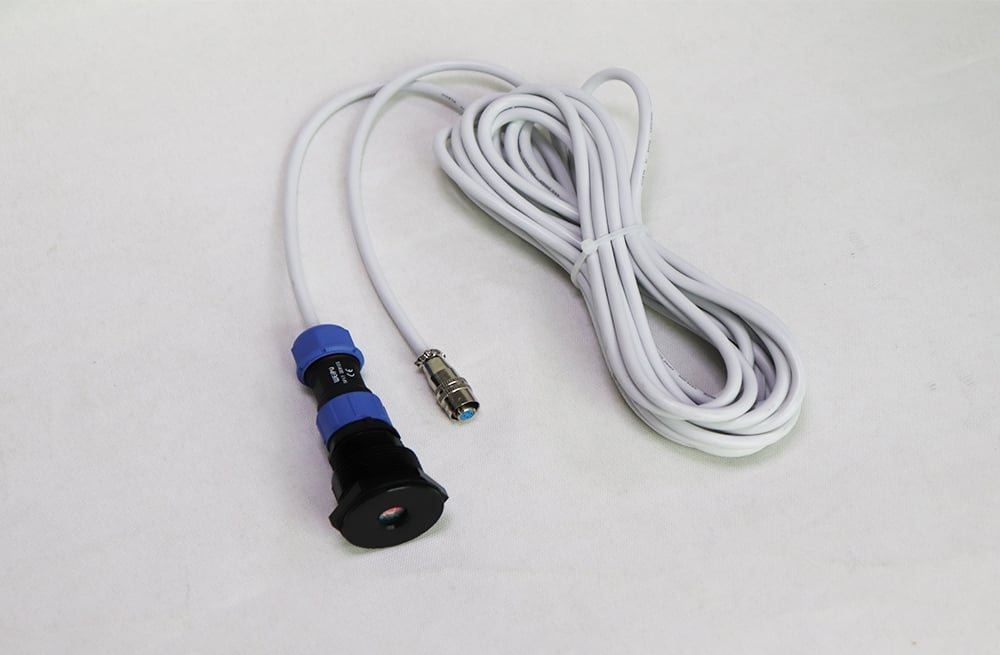
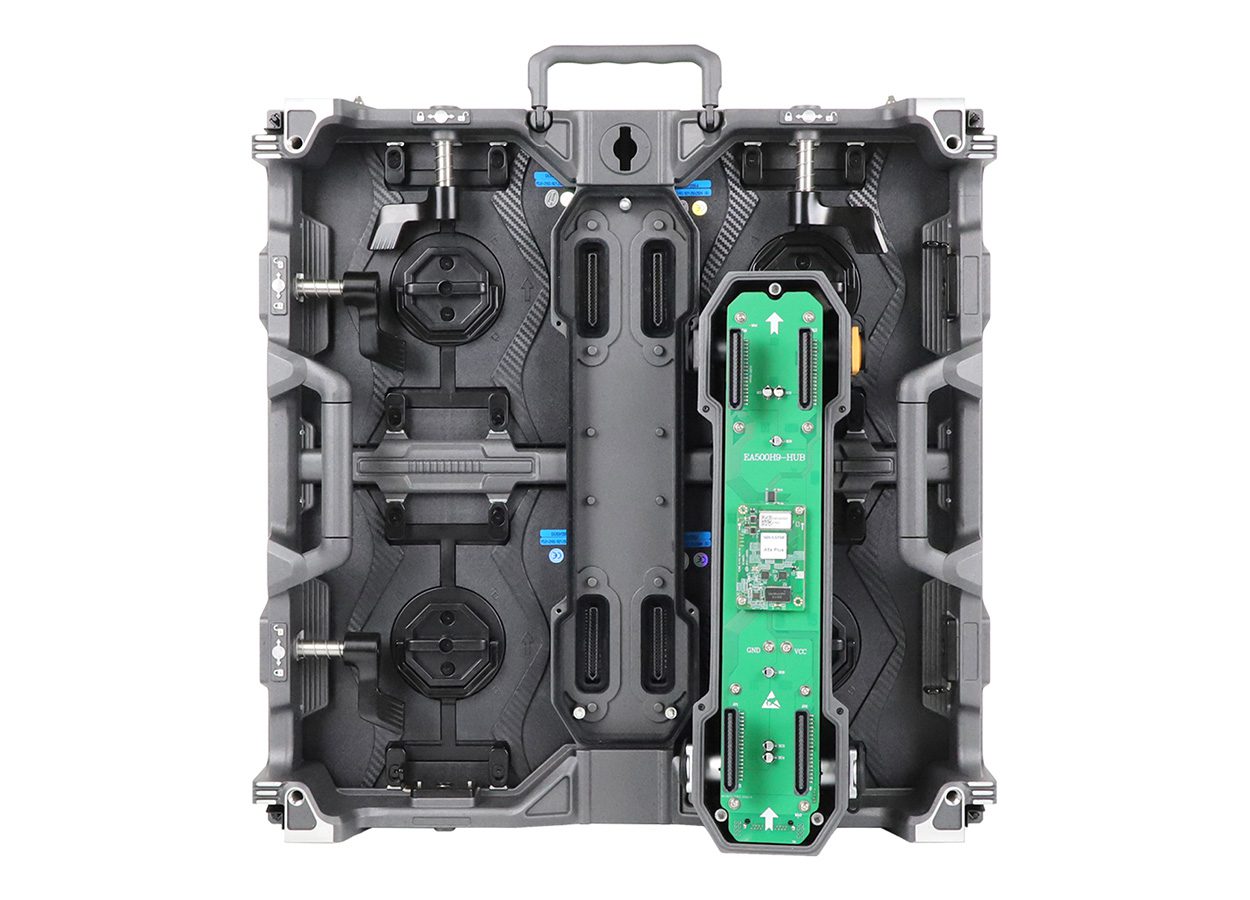
For cabinet-level recovery, verify matching replacement parts and retained configuration records. The EA500H9 image below illustrates a removable assembly, but a photograph does not establish the compatible spare list or a guaranteed repair time. Ask for the exact equipment and supplier-approved recovery procedure proposed for the rental.
Protect the approved content package with clear revision names and a release process. Product launches may use pre-release material, so the client should decide which files may be copied to backup devices and retained after the event. Record the operational instructions without putting confidential product information into a public supplier inquiry.
Rehearse the fallback transition with the show caller and presenter. A technically successful switch can still confuse the audience if the presenter continues describing a missing interface. Agree on a neutral holding state, a communication cue, and the check required before resuming. Recovery includes the visible production result, not just a device reporting a connection.
6. Normalize the Quote Before Comparing Totals
A useful LED screen rental San Jose comparison puts both proposals against the same event schedule and system drawing. Keep the equipment hire, preparation, transport, installation, operation, rehearsal, venue services, and dismantling scopes visible. A lower equipment subtotal can omit work that the other provider has included.
| Scope line | What must be identified | Common boundary to resolve |
|---|---|---|
| LED equipment | Cabinet configuration, native canvas, processing, cables and spares | Which items are necessary for the approved build? |
| Production interfaces | Switching, conversion, preview, audio handoff and stream output | Where does the screen provider’s responsibility end? |
| Labor and schedule | Preparation, access periods, rehearsal, show attendance and removal | Who covers extra hours or a changed venue window? |
| Venue services | Required power, connectivity, access and approved support arrangements | Who orders and pays for each service? |
| Content and recovery | Formatting, test files, backup playback, support and return-to-live checks | What is supplied by the client or another contractor? |
Request the provider’s assumptions and exclusions in writing. Identify quote validity, equipment availability confirmation, cancellation or change terms, and the event dates covered. This guide does not provide local rates or interpret a rental agreement. The production company should resolve the actual commercial terms with the contracting parties.
Before booking, close the remaining technical questions or assign a documented approval milestone. A provisional configuration can be useful during planning, but it should say what remains untested. Confirm that the quote reflects the latest floor plan, source list, rehearsal schedule, and accepted responsibility boundaries.
Frequently Asked Questions
Can a mobile phone be used for the product demonstration?
Possibly, but test its actual output method and adapter through the proposed production chain. Confirm orientation, power, notifications, audio, and recovery after reconnection. Do not assume that a phone which works on a meeting-room monitor will behave identically through the rental system.
Should the audience see the same composition as the livestream?
Not necessarily. The room may need larger interface detail, while remote viewers need a presenter, product close-up, and graphics in a different layout. Agree on the two compositions and who creates them before selecting the switching and processing scope.
Is venue Wi-Fi enough for a launch stream?
Do not assume so. Give the venue and streaming team the actual connection requirements and ask them to confirm an appropriate service. At the McEnery Convention Center, check Team San Jose’s current Tech Services arrangements. A screen rental quote alone does not prove that the necessary connection is included.
What if the final product software arrives after rehearsal?
Reserve a controlled review of the changed source and content before show operation. Keep a tested fallback and identify who accepts the change. For the LED screen rental San Jose team, the key question is which earlier checks remain valid and which must be repeated.
Does EagerLED provide a local San Jose rental service?
This guide does not establish a local rental office, fleet, or event-service booking. It presents production planning and manufacturer equipment context. Confirm local hire availability and on-site services with the actual rental provider; ask EagerLED separately about purchasing a rental-display fleet.
Prepare a Production Brief That Providers Can Price
Send the event dates and venue, floor plan, viewing positions, native-canvas needs, source list, camera and streaming requirements, rehearsal window, and fallback plan. Ask each provider to return the same scope comparison with named interface owners and explicit exclusions.
If your company is purchasing equipment for repeated filmed events, discuss a rental-display fleet with EagerLED. Keep that equipment purchase separate from the local LED screen rental San Jose event services require, including venue coordination and show staffing.
 Micro LED Video Wall: Verify Claims and Samples