

Hotel LED Screens for Lobbies and Events
Hotel LED screens suit large lobby video walls, ballroom backdrops and appropriately specified entrance displays. They form one part of a digital signage system alongside playback, content-management software and the hotel’s update workflow. This guide helps hotel project teams and AV integrators specify LED display equipment for purchase.
- Lobby branding or live event video: assess a large-format indoor LED wall.
- Detailed room schedules or close-view touch interfaces: compare other display formats as well as LED.
- Define nearest viewing distance, screen size, lighting, acoustic expectations and service access.
- Confirm display hardware, software, data integration and local installation as separate supply items.
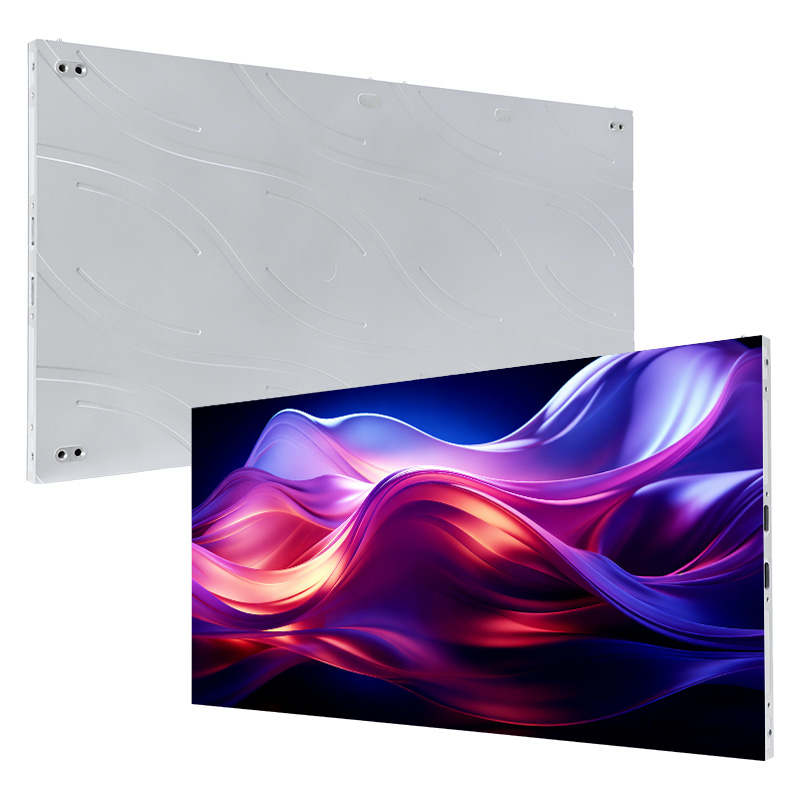
EA250WH5 Indoor LED screen
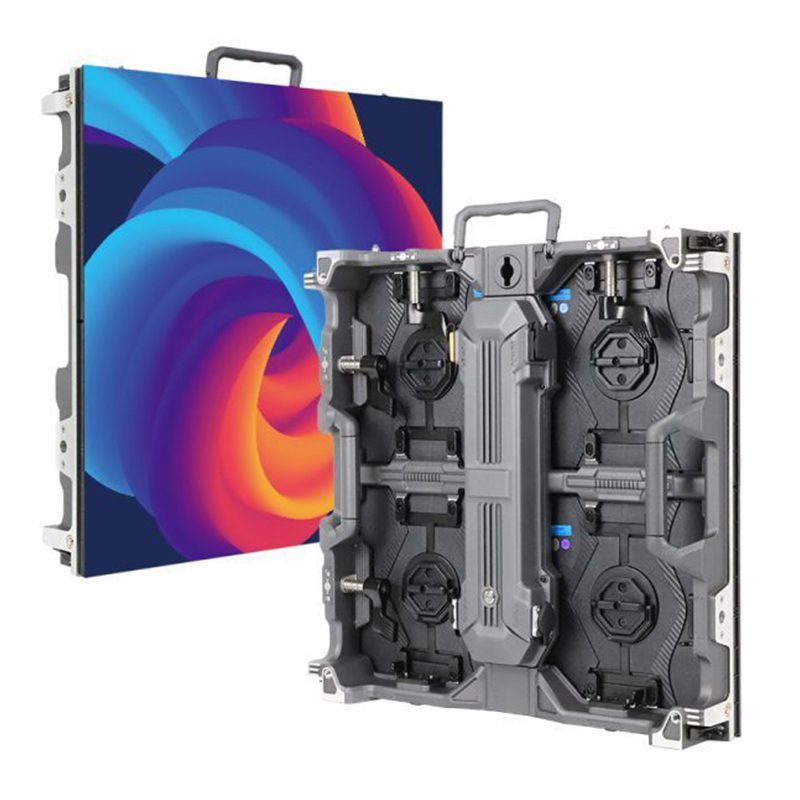
EA500H9 rental LED display
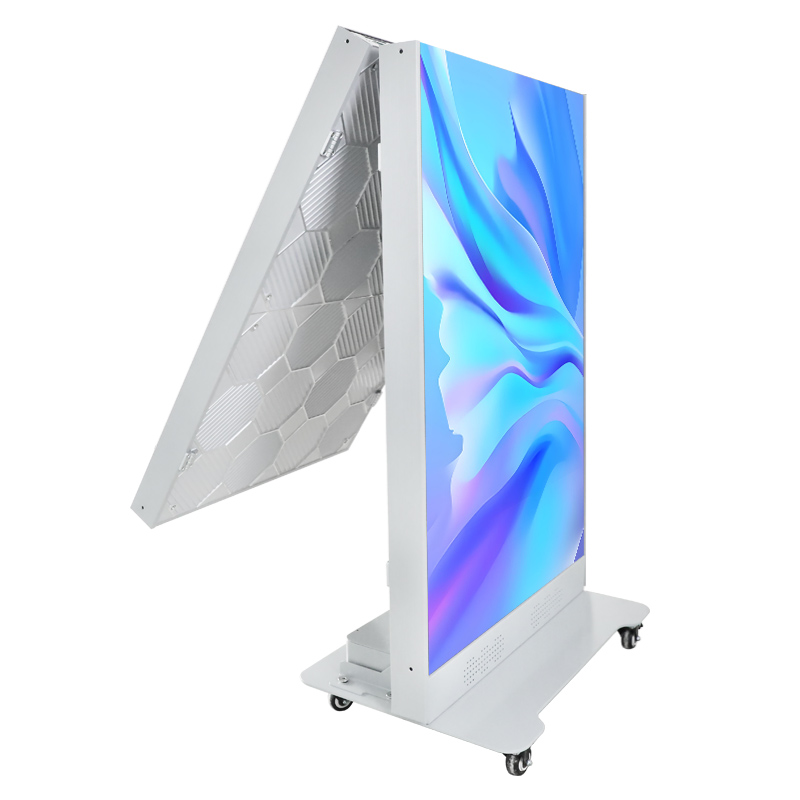
EA1920iP5 LED Poster Display
How Hotels Use Digital Signage
Use connected hotel displays wherever guests need timely information or where the property wants to promote an on-site service. A central content management system can update multiple screens without replacing printed signs.
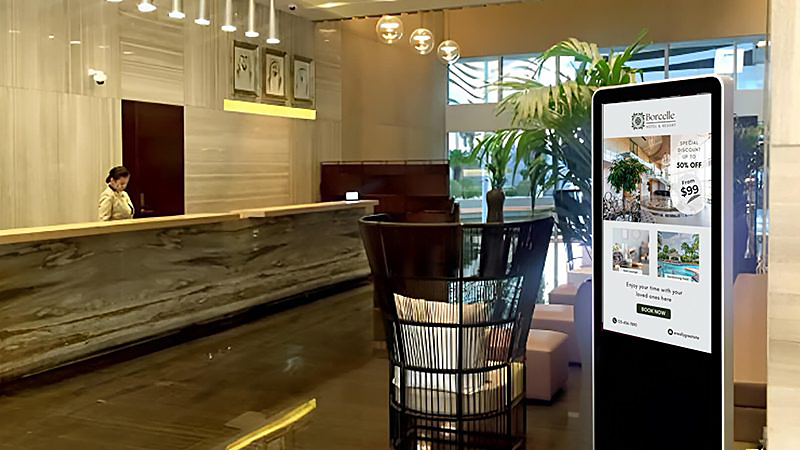
- Lobby and reception: Use a hotel lobby LED display screen for welcome messages, check-in guidance, property services and emergency notices.
- Meeting and banquet areas: Use a digital hotel reader board for room schedules, agendas, sponsor content and last-minute venue changes.
- Elevator lobbies and corridors: Provide wayfinding while promoting restaurants, spa services and room upgrades.
- Interactive kiosks: A hotel touch screen can support maps, multilingual information and self-service check-in when paired with compatible software, privacy controls and an accessible alternative.
- Guest rooms: Present room-service menus, property information and entertainment content.
- Hotel exterior: Use a weather-rated advertising LED display for events, offers and arrival guidance.
Get a Hotel LED Display Quote
Hotel Digital Signage Displays by Location
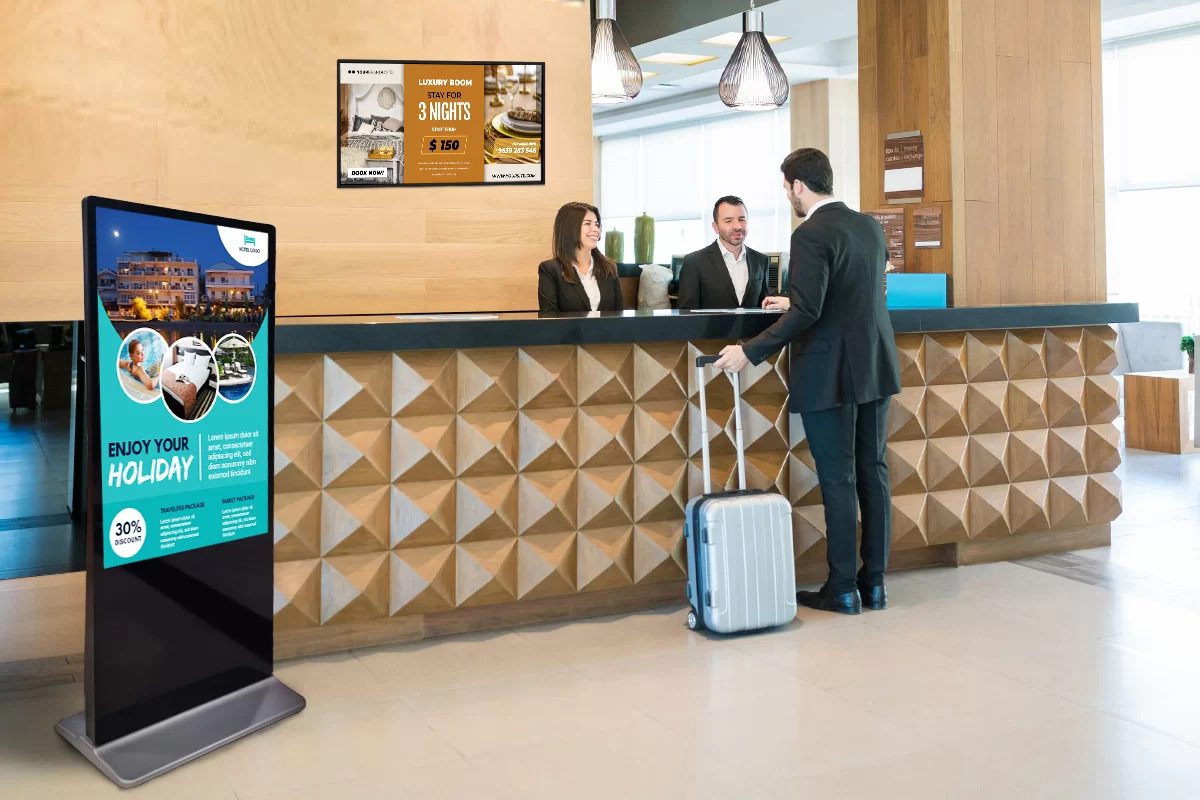
01. Lobby welcome and branding screen
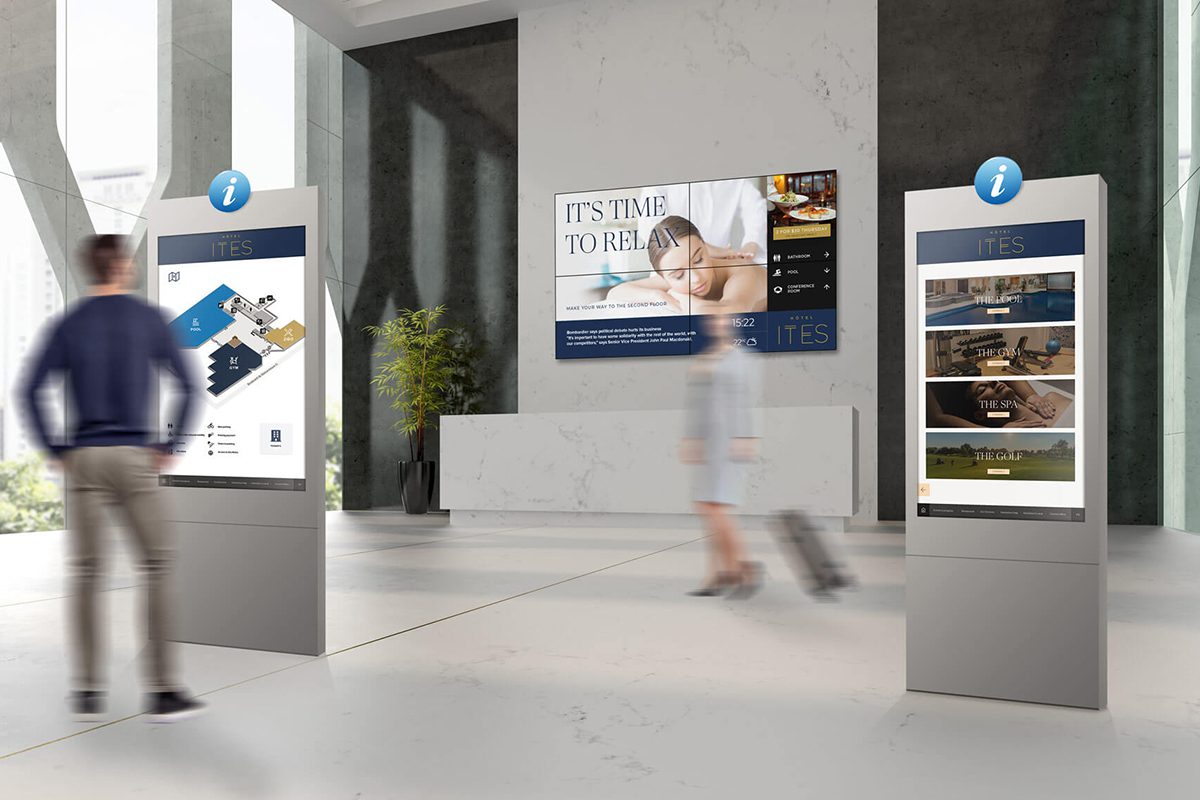
A lobby LED wall can show welcome content, property branding and selected event information at a custom scale. Confirm the nearest guest position, ambient light and native resolution using actual content. Touch-based check-in or guest transactions need separately specified interaction hardware, software and integration.
02. Event information and reader boards
Corridors and elevator lobbies often need readable meeting names, times and directions at close range. Compare the required text size, pixel density, mounting clearance and update method before choosing the display type. LED is one option where the size and viewing distance support it.
03. Conference LED screen
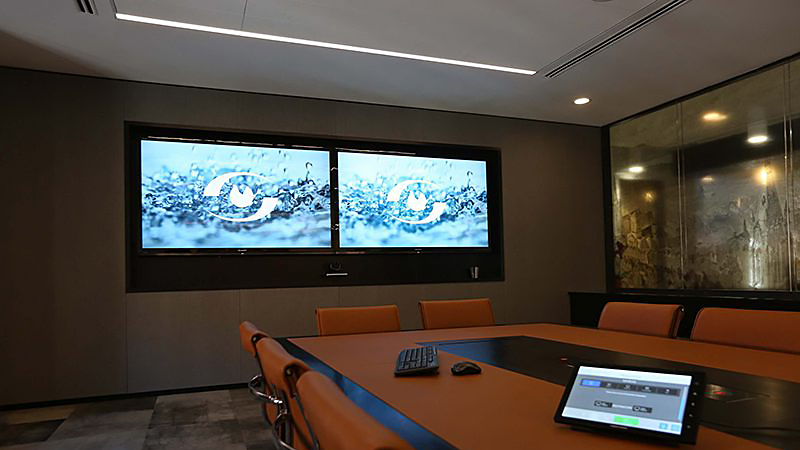
Best location: Banquet halls and meeting rooms.
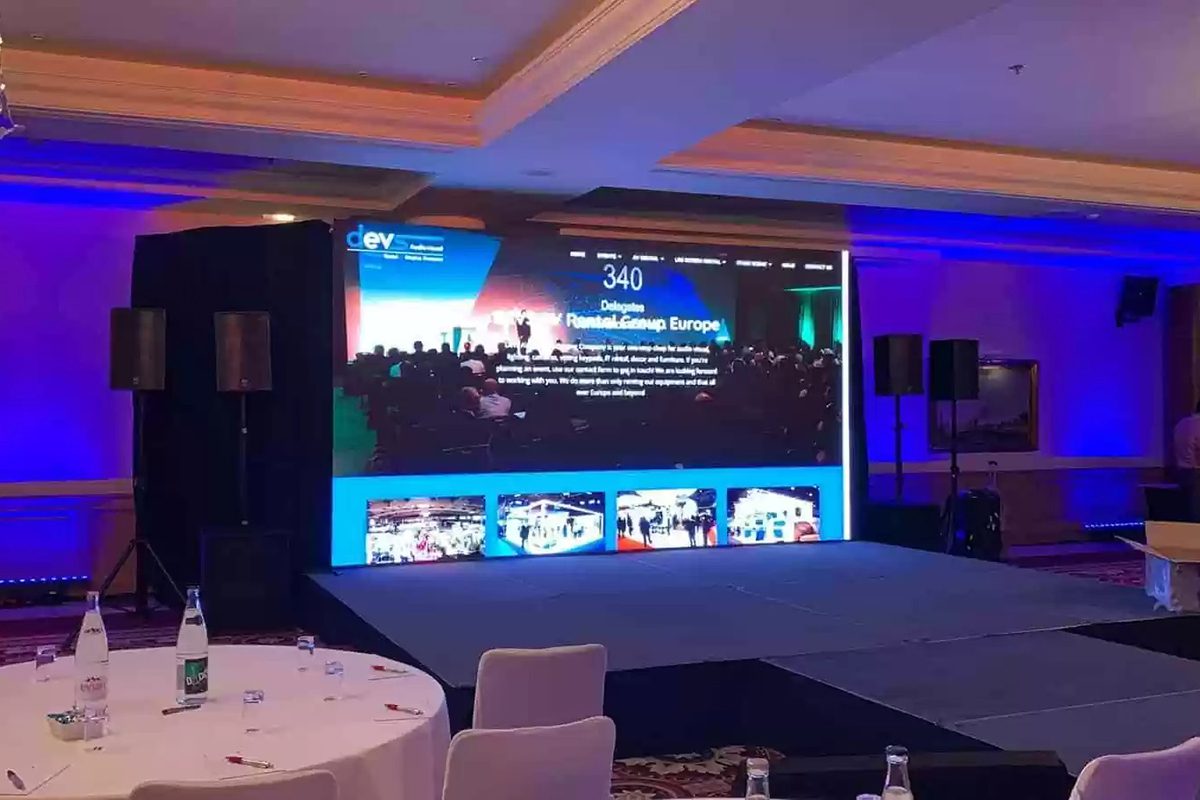
Display presentations, agendas, live camera feeds, sponsor content and event branding on a large, camera-friendly screen.
04. Lounges and premium common areas
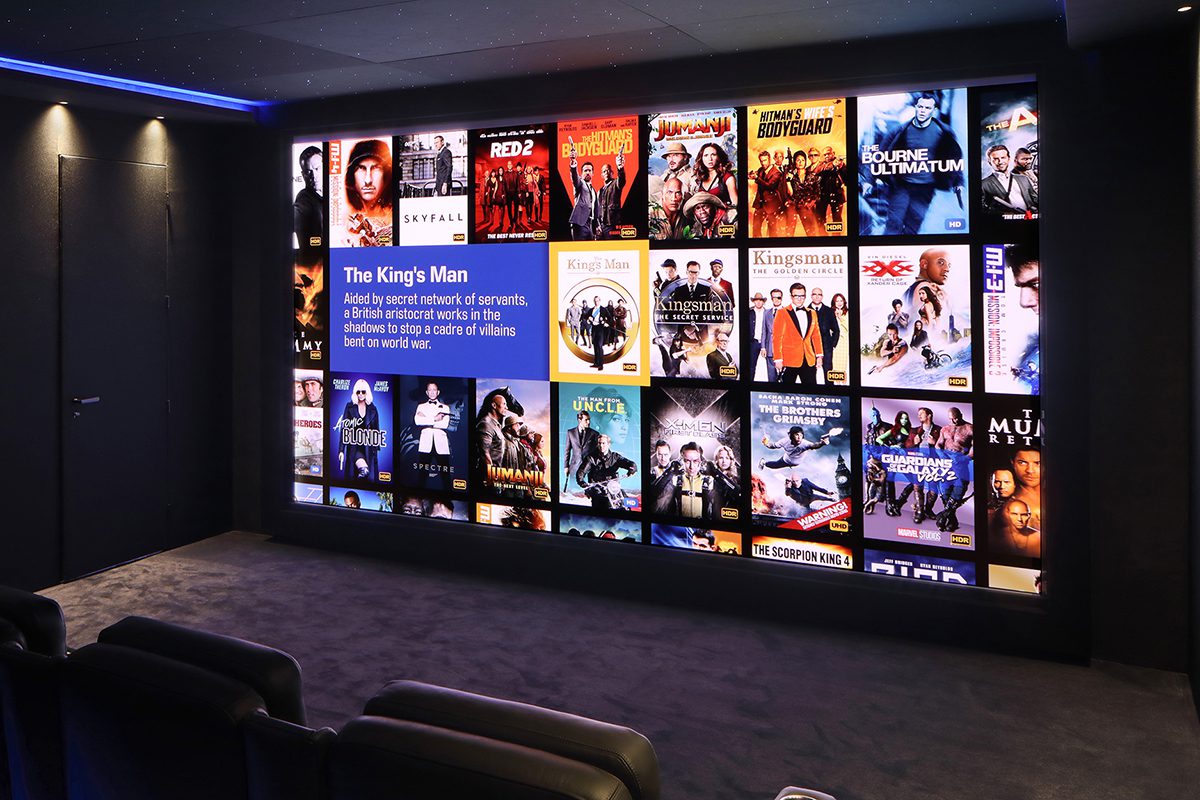
A larger LED feature can suit a lounge or shared hospitality space when viewing distance, quiet operation, brightness and service access are appropriate. Guest-room television, booking functions and interactive services are separate requirements; do not assume a large-format LED cabinet is suitable for every bedside or in-room information point.
05. Outdoor hotel digital signage
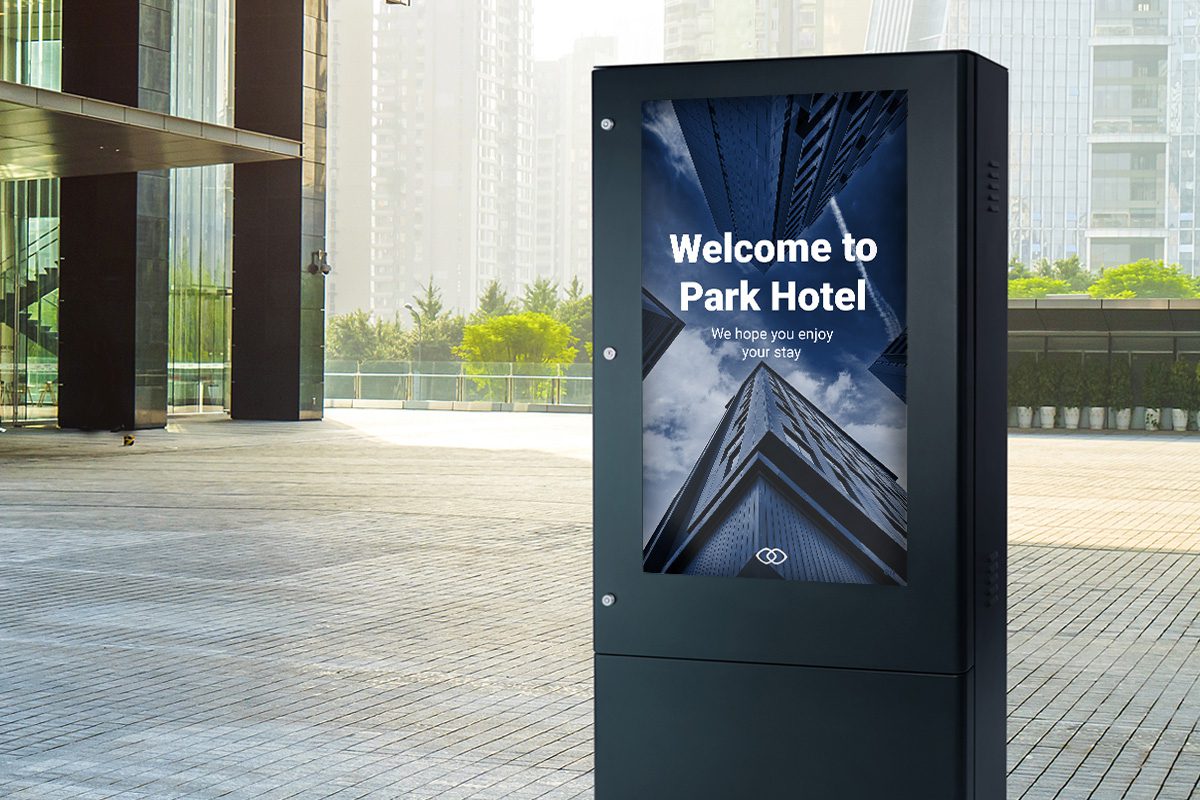
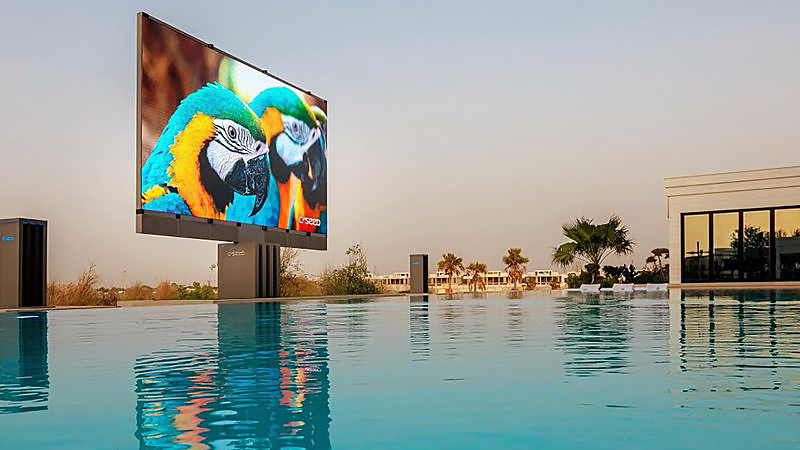
Best location: Entrances, facades and driveways.
Show arrival guidance, events and promotions on a high-brightness, weather-rated screen that remains visible in daylight.
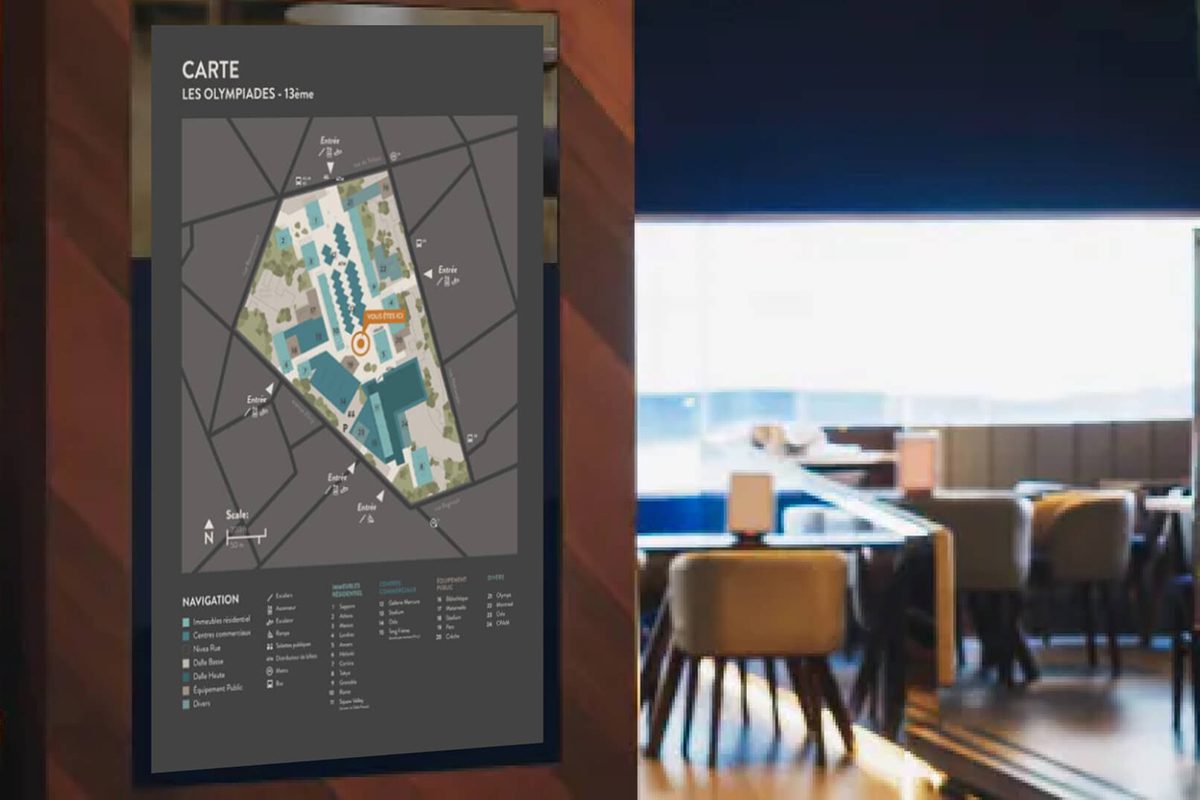
06. Digital wayfinding screen
Best location: Lobbies, restaurants, spas, gyms and conference floors.
Help guests reach rooms and facilities quickly with maps, arrows, multilingual directions and time-sensitive venue information.
Why Choose EagerLED for Hotel LED Displays
EagerLED manufactures indoor and outdoor LED display equipment. For a hotel proposal, provide the dimensions, viewing distances, ambient light, content type, mounting conditions and maintenance access for each location.
Compare the proposed indoor wall, poster or outdoor cabinet against the actual room and workflow. Confirm the selected model documentation, processing, spares and agreed support in the equipment quotation.
Choose the display format that matches the location and viewing distance:
- Indoor LED screens for lobbies, ballrooms and meeting spaces.
- LED poster displays for entrances, elevators and promotional zones.
- Flexible LED screens for curved walls, columns and creative installations.
- Transparent LED screens for glass-fronted areas where daylight and visibility matter.
Share the installation location, screen dimensions, viewing distance and content type to receive a project-specific recommendation.
Hotel Digital Signage Planning Guide
The planning guide below compares screen technologies and the equipment and software layers behind hotel digital signage. Use it to prepare a location schedule for procurement and coordinate the display supplier, hotel IT team, AV integrator and content owner.
On this page: hotel LED display planning
- 1. What Is Hotel Digital Signage?
- 2. What Equipment Does Hotel Digital Signage Need?
- 3. Hotel Digital Signage Display Types
- 4. How to Choose a Hotel LED Display
- 5. Hotel Digital Signage Use Cases
- 6. System Integration and Content Operations
- 7. How to Install Hotel Digital Signage
- 8. Hotel Digital Signage FAQs
- 9. Plan Your Hotel Digital Signage Project
1. What Is Hotel Digital Signage?
Hotel digital signage is a networked system that delivers changeable visual content on screens throughout a hotel. A content management system sends images, video, menus, schedules, maps and alerts to one screen or to a group of screens.
Unlike printed signs, digital content can be scheduled and updated remotely. Common hotel applications include reception information, meeting-room schedules, digital wayfinding, restaurant promotions and property-wide notices.
Core Features of a Hotel Digital Signage System
Content ownership: assign who approves guest messages, event changes and promotions for each screen.
Multi-screen operation: ask the proposed CMS provider how location groups, user permissions, scheduling and expired content are handled.
Integration: confirm any event, booking or building-data connection with the hotel IT team. These functions depend on compatible systems and are not established by the LED screen alone.
Dynamic, scheduled content: Video, animation and live information can change by location or time of day. A lobby screen may show breakfast information in the morning, conference schedules during the day and restaurant promotions in the evening.
Keep every message brief, readable at the expected distance and on screen long enough for a guest to understand it.
Interactive guest information: touch interfaces require a suitable display surface, interaction hardware, application and accessible alternative. Test language selection, maps and common guest tasks using the proposed interface.
Confirm whether touch, voice, gesture or mobile handoff is required before selecting equipment; these capabilities are separate from the basic LED display function.
Operational and commercial value: Digital signage can reduce repeated printing, shorten routine information requests and create more opportunities to promote on-site services. Return on investment depends on screen placement, content quality, update frequency and how results are measured.
2. What Equipment Does Hotel Digital Signage Need?
A complete hotel digital signage setup normally needs four layers: the display, a media player or system-on-chip device, content management software and a reliable network. Interactive projects add touch hardware, sensors or integrations with hotel systems.
- Display: Shows video, images, text, maps and alerts. Select LED, LCD, projection or e-paper according to size, brightness and content.
- Media player: Receives and decodes scheduled content. It may be a separate device or software built into the display.
- Content management system: Creates playlists, assigns content to screens, schedules updates and monitors device status.
- Server or cloud service: Stores media and distributes it to players. Larger properties may use local caching for resilience.
- Network: Connects the management platform and displays by wired Ethernet, Wi-Fi or a managed combination.
- Interactive hardware: Touch overlays, sensors, cameras or microphones are optional and must be selected with privacy and accessibility requirements in mind.
3. Hotel Digital Signage Display Types
Hotels commonly choose among LED, LCD, projection and e-paper. The table below compares where each display type fits best.
| Display type | Best hotel uses | Main strengths | Planning limits |
|---|---|---|---|
| LED display | Lobby video walls, ballrooms, exterior signs and custom installations | Scalable size, high brightness, modular service and flexible shapes | Pixel pitch and brightness must match viewing distance and ambient light |
| LCD display | Small information points, kiosks and detailed close-view content | High pixel density at smaller sizes and familiar touch options | Bezels limit seamless large walls; outdoor visibility requires specialist models |
| Projector | Temporary presentations in controlled meeting rooms | Large image with minimal wall depth | Image quality falls in bright rooms and alignment requires maintenance |
| E-paper | Room labels and low-change directional signs | Very low power use and excellent static readability | Slow refresh and limited suitability for full-motion video |
Why Use LED Displays for Hotel Signage?
- Brightness: LED output can be specified for bright lobbies or outdoor visibility. Use the LED display brightness guide to plan for ambient light.
- Scalable size: Modular cabinets can form seamless walls that are larger than a single flat panel.
- Viewing distance: Fine-pitch LED supports closer viewing for detailed hotel information and meeting content.
- Serviceability: Front-service designs can simplify access where rear maintenance space is limited.
- Creative formats: Curved, transparent and poster-style displays support branded architectural installations.
For a broader buying checklist, review the commercial digital signage display guide.
4. How to Choose a Hotel LED Display
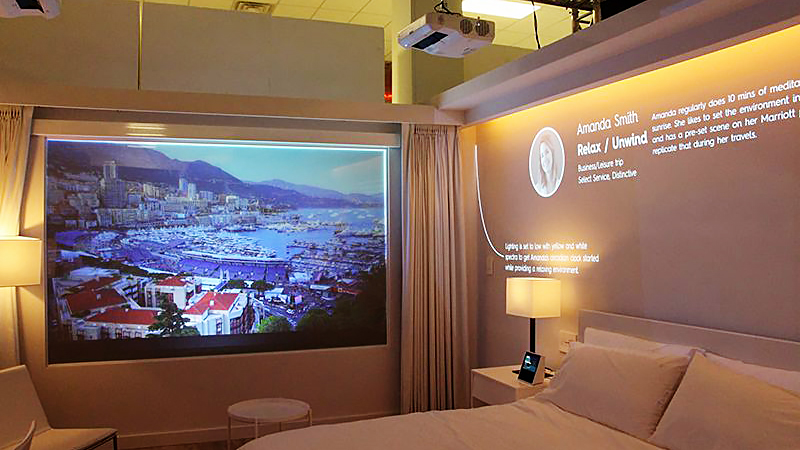
Hotel lobby LED display screen
- Content: Welcome messages, check-in guidance, event information and hotel services.
- Selection: Use a fine-pitch indoor LED wall or LED poster display. Confirm pixel pitch from the actual minimum viewing distance and set brightness for the lobby’s ambient light.
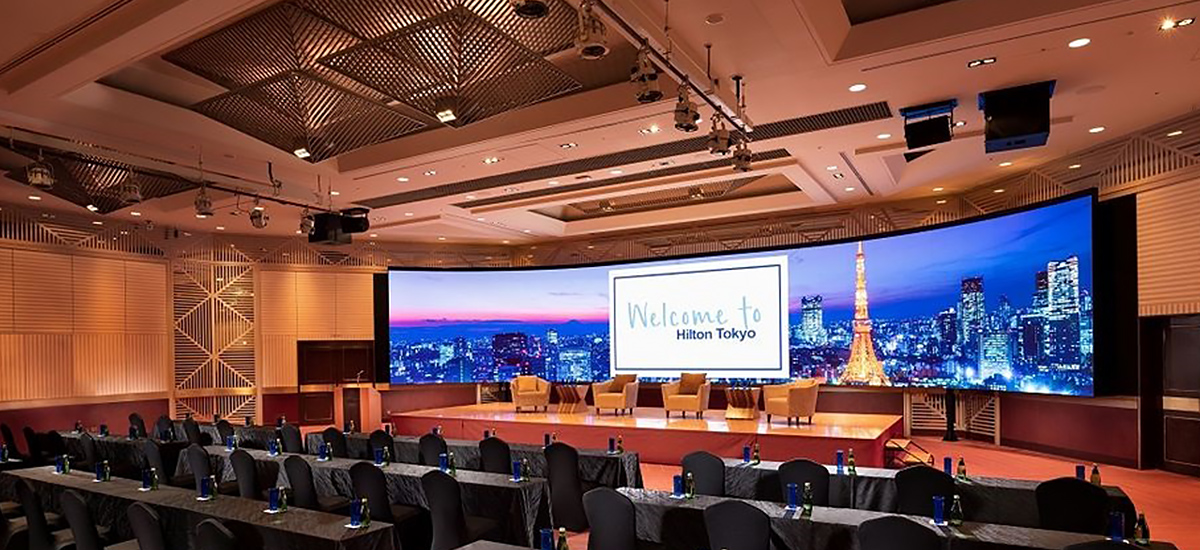
Meeting rooms and banquet halls
- Content: Presentations, agendas, live video and event branding.
- Selection: Prioritize low reflection, a refresh rate suited to camera recording and sufficient grayscale performance for dim scenes. Fine-pitch indoor LED is typically the best fit for close viewing.
Hotel reader boards and wayfinding
- Content: meeting names, schedules, directions and concise notices.
- Selection: test the smallest required text from the nearest and typical guest positions. Compare native resolution, portrait or landscape layout and maintenance space.
- Workflow: confirm who supplies schedule data, approves changes and handles offline or outdated information.
Touch points and close-view guest information
- Compare LCD, e-paper or a suitable LED configuration by the actual size, content detail and viewing position.
- Specify comfortable brightness, operating noise, service access and the approved mounting arrangement.
- Confirm any touch layer, player, guest application or hotel-system integration separately from the LED hardware.
Outdoor hotel areas
- Content: Arrival guidance, event promotion and property branding.
- Selection: Use a weather-rated outdoor LED display with brightness appropriate for direct daylight. Confirm cabinet ingress protection, wind loading, structure and local installation requirements with qualified professionals.
5. Hotel Digital Signage Use Cases
Hotel digital signage supports both guest service and property operations:
- Self-service information: Explain check-in steps, facilities and frequently requested services.
- 24-hour concierge content: Show opening hours, menus, event schedules, transport details and emergency notices.
- Wayfinding: Guide guests to rooms, restaurants, meeting spaces, spas and other facilities.
- Room and venue service: Present menus, cleaning requests and venue-specific information on compatible interactive systems.
- Marketing: Promote room upgrades, dining, spa packages and partner offers at the point where they are most relevant.
- Art and atmosphere: Use large-format video walls for curated artwork, local culture and branded visual experiences.
6. System Integration and Content Operations
Define integration from a real operating task. A meeting schedule may need an approved event-data feed; an arrival display may need a timed playlist; a guest map may need a separate interactive application. Confirm these functions with the relevant software provider and hotel IT team.
- Assign content approval, update responsibility and expiry rules.
- Agree network access, playback permissions and fallback assets.
- Test time-zone, language and event-change handling where required.
- Document training, support ownership and recurring software or data costs.
7. How to Install Hotel Digital Signage
Agree the hotel display acceptance checks
| Area | Check before handover | Responsible team to confirm |
|---|---|---|
| Guest-facing image | Actual text, video, brightness and reflections at intended viewing positions | Hotel and AV integrator |
| Equipment | Cabinet map, native resolution, processor inputs, spares and service route | Display supplier and installer |
| Content workflow | Permissions, schedules, expiry and fallback playback | Hotel content owner and CMS provider |
| System links | Agreed event or booking-data connection, updates and offline behavior | Hotel IT and integration provider |
Installation should be planned with the display supplier, the hotel’s IT team and qualified structural and electrical professionals. Confirm the location, viewing distance, content, power, data connection, service access and local requirements before mounting hardware.
For guest-facing content, W3C WCAG 2.2 calls for at least 4.5:1 contrast for normal text. Interactive hotel touch screens should also use pointer targets of at least 24 by 24 CSS pixels, subject to the standard’s stated exceptions. Treat these as baseline design checks, not a substitute for local accessibility requirements.
- Define the use case: List the guest task, content type and success measure for each screen.
- Survey the location: Record dimensions, viewing distance, ambient light, wall structure and service access.
- Select the display: Match screen type, pixel pitch, brightness, refresh rate and protection level to the site.
- Plan power and data: Provide compliant electrical circuits, grounding and a reliable wired or wireless network.
- Mount and connect: Install the structure, cabinets, media player and control equipment according to approved drawings.
- Configure the CMS: Assign screens, upload approved content, set playlists and define user permissions.
- Test the system: Check image quality, failover, touch response, camera performance and content legibility from real viewing positions.
- Maintain it: Schedule content reviews, software updates, cleaning and inspection of modules, power and network connections.
8. Hotel Digital Signage FAQs
9. Plan Your Hotel Digital Signage Project
Send a screen schedule listing each hotel location, active dimensions, viewing distances, lighting, content type and operating hours. Include site photos or drawings, mounting and maintenance access, network and signal routes, destination and required date.
Request a quotation that separates the LED display, processing, cables, spares and packing from local structure, installation, CMS licensing and hotel-system integration. Use the LED display specification library to review the proposed models.
