Commercial digital signage displays are business screens used to show advertising, menus, directions, schedules, and other changing information. Choosing the right system means matching the display technology, viewing distance, lighting, operating hours, and service access to the location. A screen that works well in a restaurant may be unsuitable for a sunlit storefront or a large outdoor advertising wall.
This guide explains how to compare signage systems for international business projects, with particular attention to retail systems, large-format advertising, and slim wall installations. It covers both commercial LCD panels and direct-view LED systems so you can prepare a useful specification before requesting quotations.
Quick selection: Shortlist commercial LCD for compact menu boards and close-viewed information; consider modular LED for a large seamless canvas or custom dimensions. For window-facing and outdoor sites, verify sunlight readability, temperature limits, and environmental protection separately. No single display type is best for every installation.
1. What Are Commercial Digital Signage Displays?
Commercial digital signage displays combine a visual display with a way to deliver and update content. Compared with a consumer television, a suitable commercial model may provide specified daily operating hours, portrait support, remote control, and a warranty covering the intended business use. These features vary by product; “commercial” does not automatically mean outdoor-rated or suitable for continuous operation.
01. How Commercial Digital Signage Displays Work
A typical system has four layers: content, a content management system (CMS), a media player, and the screen. The CMS schedules assets and sends them to the player through an available network connection. The player outputs video to the display, or runs inside a compatible commercial screen. HDMI carries a video signal; it is not itself a cloud content-management connection.
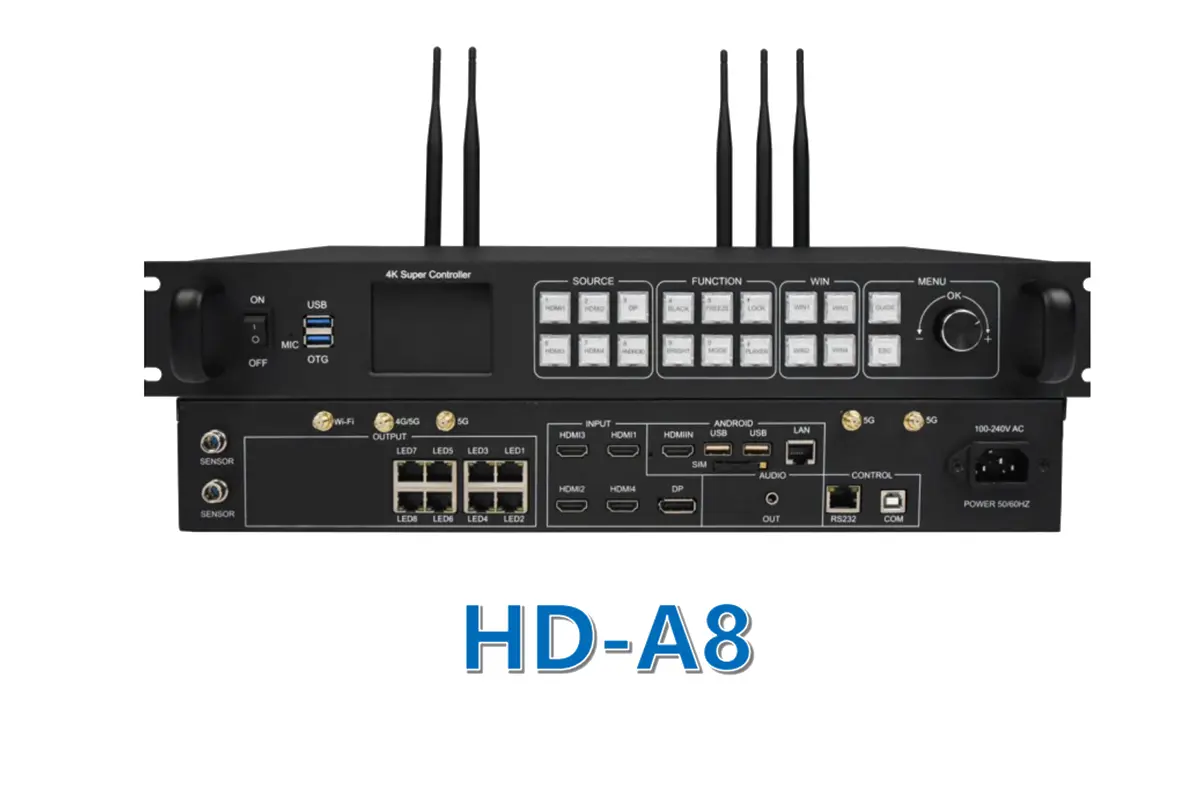
For direct-view LED, a controller and receiving cards map the video onto cabinets and modules. Content scheduling and LED configuration are different jobs. Our LED control system guide explains the hardware layer. Check player resolution, controller capacity, and software compatibility together before ordering the equipment.
02. LED and LCD Mean Different Things
An LCD panel uses a liquid-crystal layer and normally an LED backlight. A direct-view LED wall forms the visible image with LED pixels arranged across modules. An “LED TV” is therefore not necessarily a modular LED display. Ask the supplier to identify the actual technology, native resolution, and cabinet or panel dimensions.
| Factor | Direct-view LED wall | Commercial LCD panel |
|---|---|---|
| How the image is built | Discrete LED pixels across cabinets and modules | Liquid-crystal layer with an LED backlight |
| Typical best fit | Large seamless walls, longer viewing distances, custom dimensions | Menus, directories and close-viewed information |
| Seams | No bezel between cabinets when the wall is aligned | A tiled wall shows a visible panel grid |
| Native resolution | Set by active size divided by pixel pitch | Fixed by the panel model |
| Size flexibility | Built from cabinets, so unusual dimensions are possible | Limited to standard panel sizes |
| Brightness | Generally higher; outdoor use needs a correctly specified system | Usually lower; check sustained brightness and glare |
| Service access | Front or rear access depends on the cabinet design | Depends on the mount and the installed depth |
| Main buying checks | Pixel pitch, controller capacity, calibration, power | Duty cycle, portrait rating, player support, mounting |
| How it is priced | Per square meter plus controller, structure and commissioning | Per panel plus mount, player and installation |
Neither column is automatically better. Commercial digital signage displays are selected by matching the technology to the viewing task, the available wall area and the lighting at the site. When the smallest text must stay readable at close range, LCD or fine-pitch LED usually wins. When the wall is large, very bright or an unusual shape, modular LED usually wins.
2. Why Businesses Need Digital Signage Displays
The practical value of commercial digital signage displays is the ability to keep messages current across operating locations. That value depends on content ownership and execution. Installing a screen without assigning someone to maintain prices, schedules, and campaigns can simply replace an outdated poster with outdated digital content.
01. Faster Updates and Consistent Messages
A retailer can schedule a promotion to start and expire at defined times. A restaurant can switch between meal periods. A hotel can update meeting-room directions. Central templates help maintain brand consistency, while location-level permissions let approved staff change relevant details.
02. Measurable Business Outcomes
Judge the investment against a clear objective: fewer manual price changes, faster campaign rollout, more offer redemptions, or improved wayfinding. Record a baseline before installation and compare similar periods afterward. Screen uptime and proof-of-play show whether content ran; they do not prove that viewers noticed it or that sales increased.
A useful pilot includes a busy and a quiet period, daylight and evening operation, and an intentional network interruption. Confirm that the last approved playlist continues locally and that expired offers do not remain visible.
3. Practical Examples of Commercial Digital Signage Displays
The following are planning scenarios, not measured customer case studies. They illustrate how a signage system should be specified around the communication task instead of a generic “best screen” label.
01. Retail Store Walls and Advertising
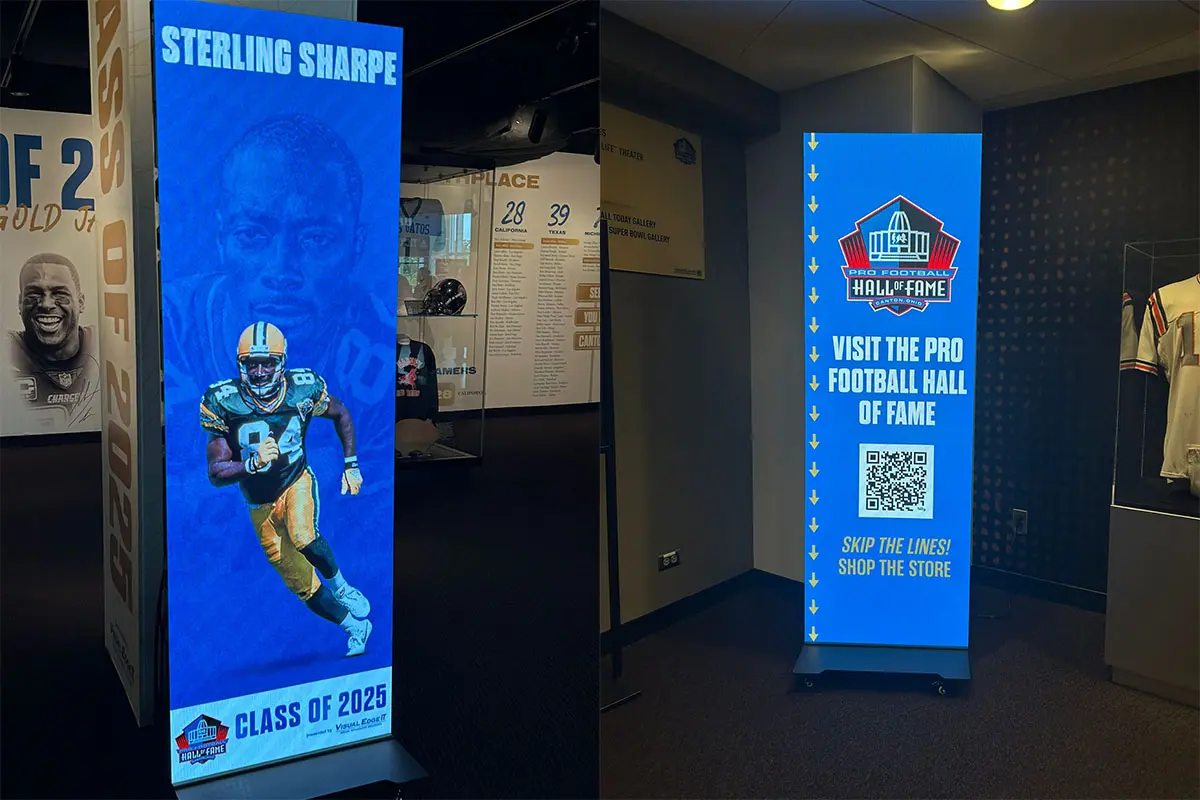
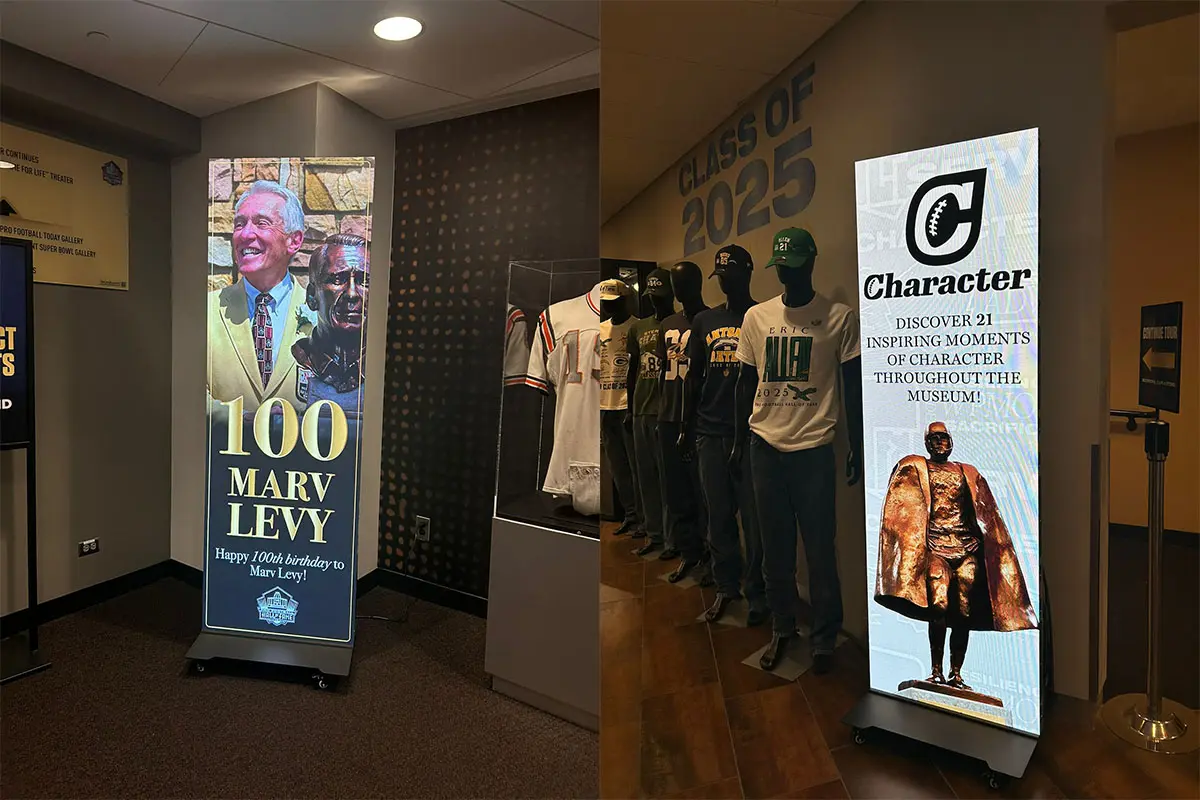
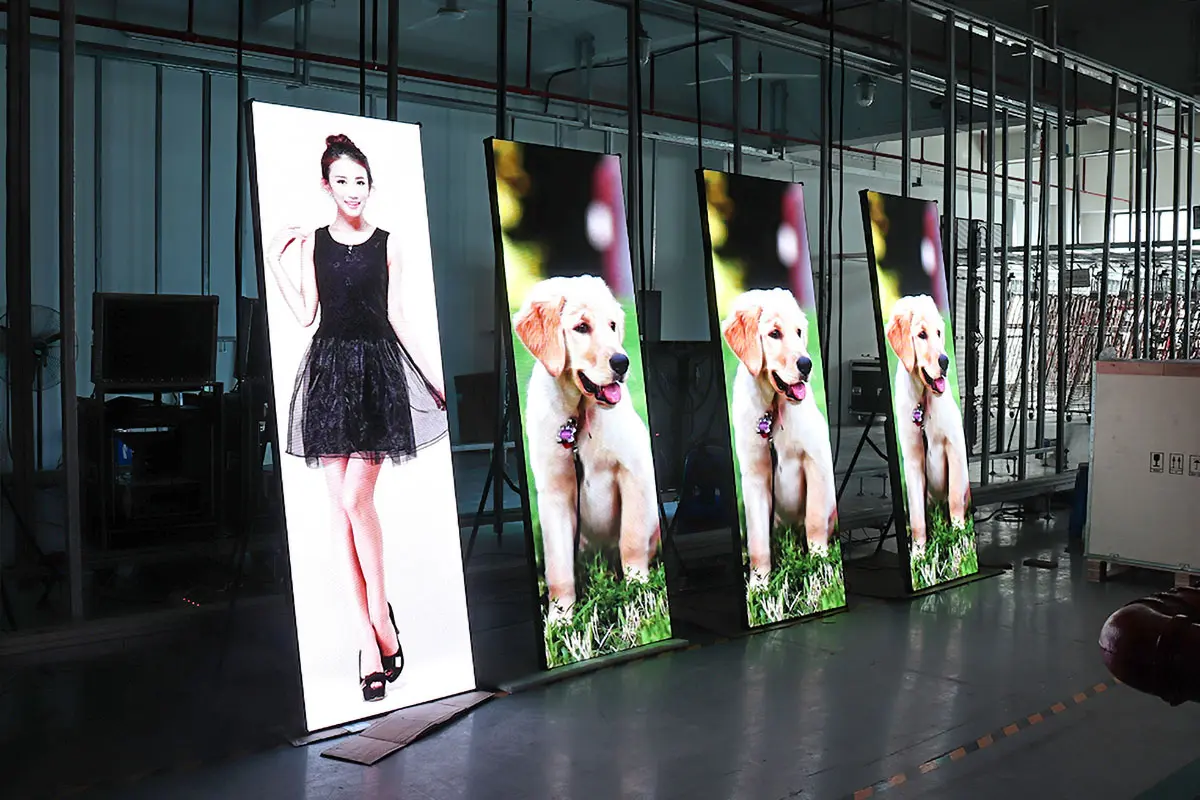
For a slim-profile retail wall, compare total installed depth: display, bracket or frame, ventilation space, connectors, and service clearance. A thin panel can still need a deep mounting arrangement. Front-service LED may help where rear access is impossible; verify that power supplies and receiving cards are accessible as well as modules.
For large-format digital displays used in advertising, define the nearest viewer and the smallest important text. Request a demonstration using your actual campaign layout, including disclaimers and product details, at the proposed physical size.
02. Menu Boards and Public Information
At a restaurant counter, prioritize readable menus, reliable schedules, and straightforward price updates. In a transport or office setting, prioritize data freshness, a visible fallback message, and recovery after a restart. Commercial digital signage displays should show essential information clearly even when decorative video or a live data source is unavailable.
4. Key Factors When Choosing Commercial Digital Signage Displays
01. Display Size, Native Resolution, and Pixel Pitch
Specify active image width and height, not just diagonal size. For LCD, compare native pixel resolution and orientation. For modular LED, pixel pitch is the center-to-center distance between pixels, measured in millimeters. Smaller pitch increases pixel density for the same physical area, which can improve detail at close viewing distances.
LED planning formula: horizontal pixels = active width in millimeters ÷ pixel pitch; vertical pixels = active height in millimeters ÷ pixel pitch. For example, a theoretical 4,800 × 2,700 mm canvas at 2.5 mm pitch contains 1,920 × 1,080 pixels. Achievable dimensions depend on actual modules and cabinet layout. Feeding it a 4K signal does not create 4K native resolution.
| Pixel pitch | Approximate minimum comfortable viewing distance | Typical use | Planning note |
|---|---|---|---|
| 1.2-1.5 mm | About 1.5-3 m | Boardrooms, control rooms, close-viewed brand walls | Fine text detail; highest cost per square meter |
| 1.8-2.5 mm | About 2.5-5 m | Retail walls, receptions, studio backdrops | Balanced detail and budget for indoor signage |
| 3-4 mm | About 4-8 m | Large retail and exhibition walls, mid-distance advertising | Suits video and large headlines |
| 6-10 mm | About 8-20 m | Outdoor advertising, facades, transport hubs | Readable in sunlight; keep content bold and simple |
| 10 mm and above | 20 m and beyond | Billboards, stadium perimeter, long-distance advertising | Optimised for very large text and graphics |
Treat these bands as screening values. Final legibility depends on the content, the ambient light and the viewer, so confirm the choice with a demonstration using your own layouts and type sizes before ordering commercial digital signage displays for the project.
For displays viewed close up, test fine text and gradients as well as video. Planar’s pixel-pitch guidance distinguishes visual-acuity calculations from comfortable viewing estimates.

02. Brightness, Glare, and Indoor Versus Outdoor Use
Brightness is commonly specified in nits, equivalent to cd/m². Compare sustained operating brightness, ambient light, surface reflections, and dimming performance. The EagerLED EA640F2 indoor display lists SMD brightness of 600–800 cd/m² depending on configuration. That is a model example, not a universal indoor requirement.
Outdoor commercial digital signage displays need a different assessment. Samsung’s outdoor signage guidance combines high brightness with protective glass and environmental protection. A bright indoor panel is not automatically weatherproof. Inspect direct sun, glass reflections, night dimming, and the hottest expected operating conditions.
For LED cabinets, request front and rear protection ratings separately, together with drainage and cable-entry details. Window-facing screens also need a thermal assessment: glass may shelter a display from rain while increasing heat exposure.
03. Operating Hours, Thermal Design, and Serviceability
Select the stated duty cycle for your actual schedule. Some products support limited daily hours; others specify 24/7 use. Verify orientation restrictions and operating-temperature limits. Commercial digital signage displays still require ventilation, cleaning, and a practical maintenance plan. A component lifetime claim is not the same as a whole-system warranty or guaranteed years without repair.
For an LED wall, review module alignment, calibration, spare-module matching, and replacement access. Ask how a replacement module is adjusted to match neighboring modules after aging. Demonstrate the removal of a module and a power component before approving a recessed installation.
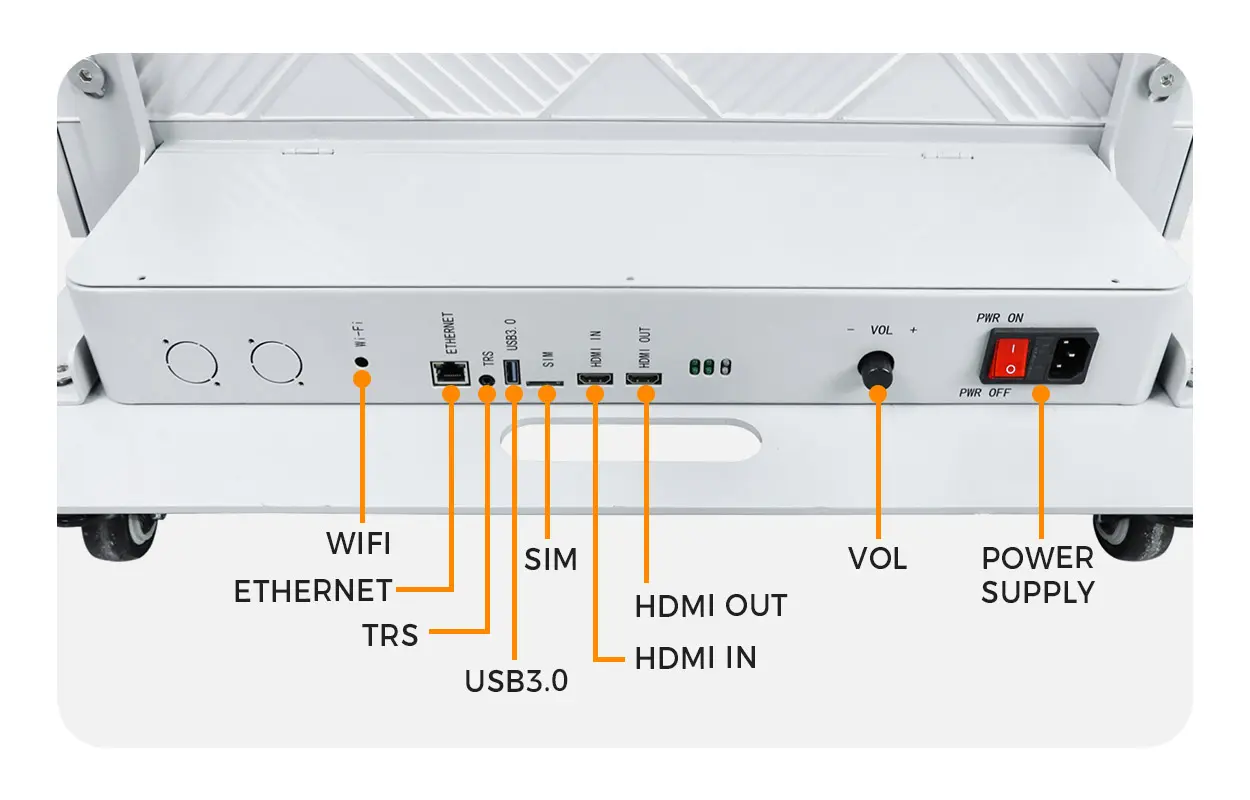
04. Connectivity, CMS, and Remote Management
Compare the hardware and software as a complete system. Confirm supported video formats, resolution, frame rate, playlist scheduling, offline storage, remote monitoring, and reboot recovery. Check whether licenses are charged per screen, player, site, or user.
For multiple countries, test time zones, languages, character rendering, and role-based publishing. Ask the IT team to review network requirements and access controls. Keep approved fallback content on the player, and test what appears when a live feed fails.
05. Image Quality, Energy, and Support
Refresh rate, video frame rate, and native resolution describe different properties. For filmed LED signage, test the intended camera and shutter settings; a high refresh-rate specification alone does not guarantee a clean camera image. For everyday viewing, inspect low-brightness grayscale, color uniformity, and readable text from off-axis positions.
Ask for both maximum electrical demand and measured typical consumption under stated content and brightness conditions. Size the electrical installation using the approved maximum load; estimate energy costs using a realistic operating profile. Obtain warranty exclusions, response times, spare-part availability, and responsibility for labor and freight in writing.
5. Different Types of Commercial Digital Signage Displays
Use this comparison to shortlist commercial digital signage displays. The right category should meet the viewing task first, then the space, environmental, and budget constraints.
| Type | Useful starting application | Main checks |
|---|---|---|
| Commercial LCD | Menus, directories, close-viewed information | Duty cycle, portrait rating, glare, player support |
| Direct-view LED wall | Large seamless advertising or brand walls | Pixel pitch, native resolution, calibration, service access |
| Outdoor display system | Exposed storefronts and exterior advertising | Sunlight, sealing, heat, wind, night brightness |
| Interactive kiosk | Wayfinding, product selection, self-service | Touch performance, software, accessibility, maintenance |
| Transparent LED | Glass-front branding where visibility through the screen matters | Transparency, background contrast, viewing angle, text legibility |
01. Indoor LCD and LED Video Walls
Commercial LCD offers a defined panel size and resolution, making it straightforward to plan a menu board or information display. ViewSonic’s commercial display range and Sharp’s large-format display range are useful examples of category breadth. Compare individual model specifications rather than assuming a whole brand has one duty cycle or feature set.
Modular LED supports a continuous canvas assembled from cabinets. For commercial digital signage displays spanning a large wall, it can avoid the visible bezel grid of a tiled LCD installation. Explore our indoor LED screen options after defining the available wall area and viewing distances.
02. Outdoor, Interactive, and Transparent Formats
For exposed sites, compare complete advertising LED board systems and purpose-built outdoor LCD solutions. The installation structure and maintenance access can influence cost as much as the screen. Do not use an indoor product outdoors simply because its brightness appears sufficient.
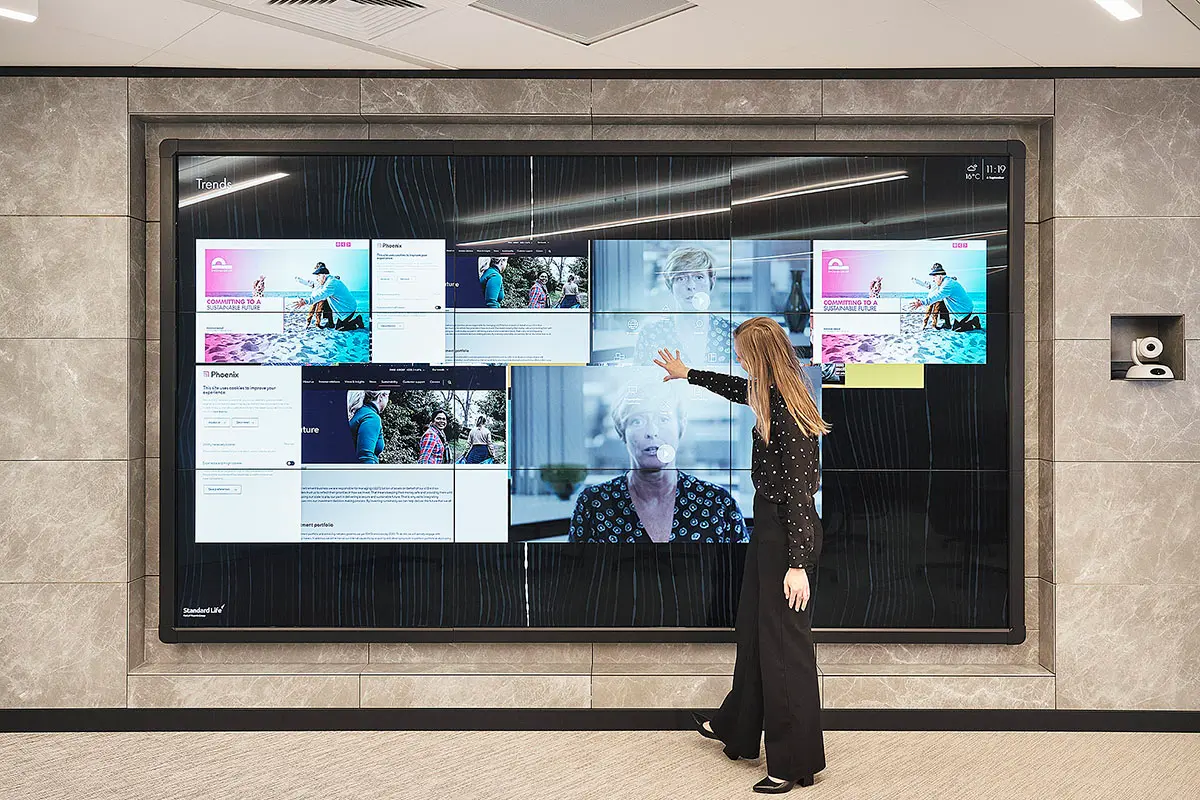
Touchscreen kiosks need an interaction design as well as a display specification. Test touch response, reach, glare, and the return-to-home behavior after a visitor leaves. A standard LED video wall is not a touchscreen unless an appropriate interaction system is included.
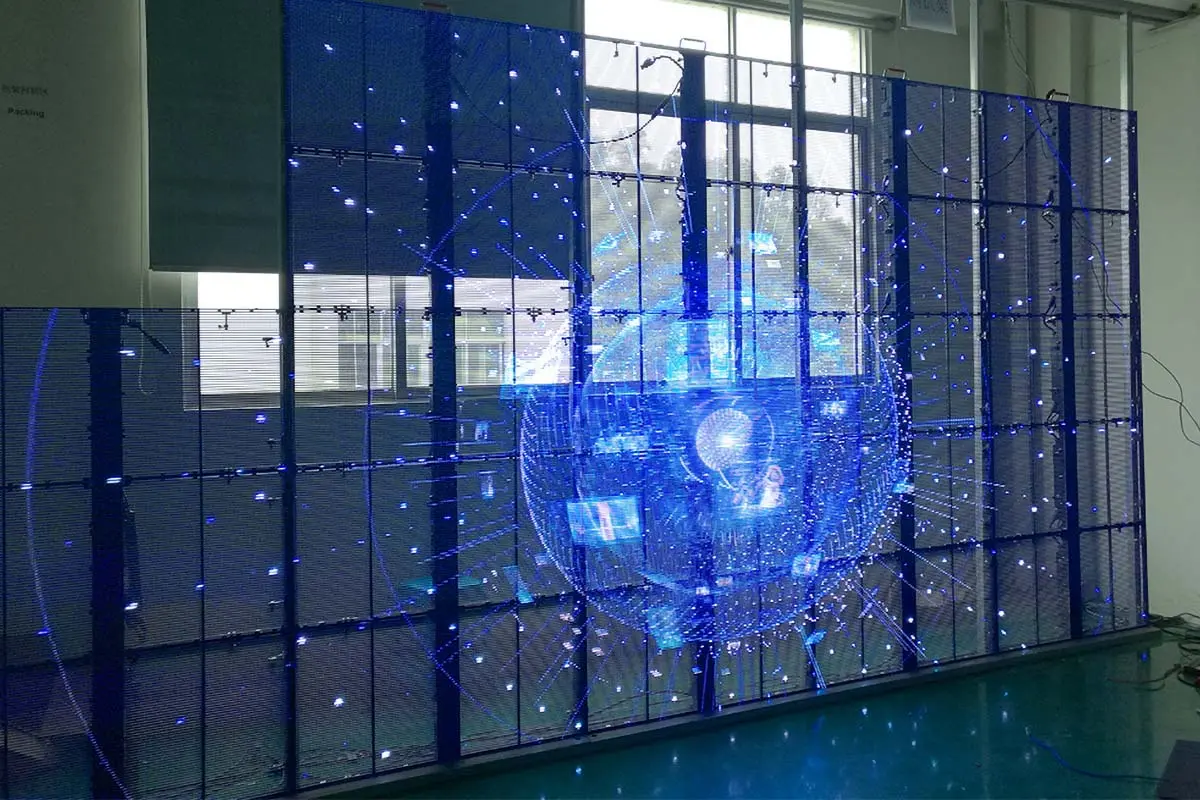
Transparent LED screens can preserve a view through glass while displaying graphics. Their visibility depends on the background and content design. Compare openness and pixel detail together; transparent formats may be less suitable for dense text.
6. Industries Using Commercial Digital Signage Displays
Commercial digital signage displays support different workflows across industries. The table below identifies what to prioritize; it does not imply a guaranteed return on investment or replace a site survey.
| Industry | Typical content | Priority |
|---|---|---|
| Retail and shopping centers | Offers, brand campaigns, directions | Readable promotions and timely updates |
| Restaurants and cafés | Menus, meal periods, availability | Accurate prices and reliable scheduling |
| Offices and hotels | Welcome messages, room schedules, events | Easy handover to staff and local time settings |
| Healthcare and transport | Queue status, directions, service information | Legibility, current data, dependable fallback |
| Education, gyms, and banks | Announcements, classes, service information | Clear ownership and approved content |
Retail buyers comparing commercial digital signage displays should also decide whether screens are managed by headquarters or each store. Our digital retail signage guide covers store applications in more detail.
Where information is operationally important, define who checks it and how frequently. A general marketing display should not be assumed to replace a dedicated emergency communication system.
7. Cost of Commercial Digital Signage Displays
There is no reliable single price for commercial digital signage displays. A standalone LCD, a transparent window installation, and an outdoor LED wall have different hardware and installation requirements. Request like-for-like quotations using the same dimensions, pitch or resolution, brightness, duty cycle, controller, software scope, and warranty. Provide the same scope to every supplier when you request quotations for commercial digital signage displays.
01. Build a Complete Project Budget
Separate the screen price from mounting or steelwork, electrical work, controllers, players, networking, software subscriptions, freight, installation, commissioning, and spare parts. For imported equipment, identify the delivery destination and which shipping, clearance, and local charges are included. Compare quotation currency and validity dates. A low equipment price may exclude items needed to make the system operational.
For LED, price per square meter is useful only when specifications and included components match. Finer pitch means more pixels within the same area, but cabinet construction, driver design, protection, and support also affect cost. Ask for the exact bill of materials rather than comparing a headline price alone.
| Budget line | What it should cover | Why it is often missed |
|---|---|---|
| Display hardware | Panels or LED cabinets, modules and power supplies | Two suppliers can quote the same pitch using different cabinet grades |
| Control and playback | Controllers, receiving cards, media players and licences | Controller capacity is sometimes quoted as an optional extra |
| Structure and mounting | Brackets, frames, steelwork, fixings and service clearance | Structural work is often excluded from the screen price |
| Electrical and network | Power distribution, cabling, network drops and protection | Site circuit capacity may need an upgrade |
| Installation and commissioning | Labour, rigging, calibration and acceptance testing | Travel and site conditions change by country and building |
| Content and software | CMS subscription, templates and operator training | Recurring licence costs per screen or per user accumulate |
| Freight and clearance | Shipping, duties, local delivery and insurance | Destination and Incoterms must be stated in writing |
| Spares and support | Spare modules, response times, labour and replacement freight | Support hours rarely match the sales team hours |
02. Calculate Operating Cost Transparently
Annual display energy cost = average power in kW × operating hours per day × operating days per year × local electricity price per kWh. As an arithmetic example, a system averaging 0.8 kW for 12 hours daily over 365 days consumes 3,504 kWh. At an assumed US$0.15/kWh, that equals US$525.60 annually. These are illustrative inputs, not a product rating, local tariff, or quotation.
Add separately powered cooling, players, and network equipment when relevant. Evaluate commercial digital signage displays over the same ownership period, including software, cleaning, repairs, and labor.
8. Common Purchasing Mistakes and International Project Checks
01. Buying Before Surveying the Site
Common mistakes include using a consumer TV outside its intended conditions, selecting brightness without considering glare, and approving a wall without service access. Record viewing distances, wall dimensions, lighting, opening hours, mounting conditions, and cable routes. For commercial digital signage displays installed outdoors, the local installation team must assess the structure and exposure before the equipment specification is finalized.
02. Assuming One Specification Fits Every Country
International buyers should give the supplier the installation country and city, indoor or outdoor location, expected climate, power supply, and local service arrangements. Request dimensions in millimeters and meters, with inches or feet where useful. State the quotation currency explicitly and confirm the player’s time zone, language support, and date format.
For projects in North America, Europe, the UK, the Middle East, Asia-Pacific, or Africa, confirm destination-specific equipment documentation and installation requirements with the responsible local professionals. Ask for documents covering the actual model and configuration. Do not treat a generic logo in a brochure as proof that the complete installation is approved.
EagerLED lists its business address in Shenzhen, China. For overseas commercial digital signage displays, agree in writing who handles installation, remote commissioning, replacement freight, and on-site service. Plan spare stock and support hours around the project’s location.
Use one site-survey sheet for every location so that quotations for commercial digital signage displays can be compared line by line. Record:
- Installation country and city, and whether the screen is indoor, window-facing or fully outdoor
- Active width, active height, and the nearest and farthest viewer distances
- Lighting through the day, including direct sun and night-time conditions
- Operating hours, content types, and who is allowed to publish changes
- Mounting surface, available depth, cable routes and maintenance access
- Electrical supply, network availability and local support arrangements
03. Skipping Acceptance Tests
Before shipment or handover, test solid colors, gradients, actual text, video, schedules, and restart recovery. Check cabinet seams, dead pixels against the agreed acceptance criteria, color matching, and controller settings. Record the delivered configuration, software versions, wiring diagrams, and backup files. Give the operator a documented process for restoring normal playback after a fault.
9. Practical Trends in Commercial Digital Signage Displays
Fine-pitch LED, more integrated players, remote monitoring, and automatic brightness control offer useful options when they solve a defined problem. Evaluate new products through demonstrations and documented specifications rather than novelty alone. A denser screen is valuable when viewers need the detail; a simpler system may be easier to operate and maintain. For most buyers the practical question is not which technology is newest, but which commercial digital signage displays can be supported locally for the life of the installation.
Sensor-driven or personalized content adds software and data-management work. Identify what data is collected and how content decisions are reviewed before adopting it. Likewise, glasses-free 3D advertising relies on suitable geometry, creative production, and viewing positions.
10. Conclusion: Choose the System Around the Site
The best commercial digital signage displays for a project are those that make its content readable, support the required operating schedule, and can be maintained within the available budget. Shortlist technology first, validate the full installation, and then compare equivalent quotations. Keep a pilot and acceptance test in the purchase plan.
To discuss commercial digital signage displays with EagerLED, send your project requirements: installation country and city, active screen dimensions, nearest and farthest viewers, lighting, operating hours, content examples, and preferred service access. These details support a project-specific recommendation and a clearer quotation.
11. Commercial Digital Signage Displays FAQ
 Virtual Production LED Wall: Cost, Specs and Setup Guide (2026)
 Top 10 LED Display Screen Manufacturers in the USA (2026)