Is a MicroLED monitor worth buying? For most desktop users, the practical answer is to compare available OLED and Mini LED monitors first. A true MicroLED monitor becomes worth considering when a supplier can demonstrate a deliverable product that meets your size, resolution, image-quality, service, and budget requirements. An impressive technology demonstration is not the same as a supported monitor you can order.
MicroLED promises individually controlled inorganic light emitters, making it an exciting display technology. However, searches for micro LED monitors also surface LCD products, giant video walls, and prototypes. Understanding those distinctions prevents expensive mistakes, especially when you want a 27-inch or 32-inch screen for gaming, creative work, or everyday computing.
This guide separates verified examples from buying assumptions and explains the specifications that matter. It covers availability, MicroLED monitor price considerations, OLED comparisons, transparent displays, and commercial installation checks. Product references were reviewed on September 21, 2026; regional stock, quotations, and warranties must be confirmed with the supplier. This is a purchasing guide, not a hands-on performance test.
1. MicroLED monitor availability: what can you buy?
A MicroLED monitor is not yet a routine substitute for a mainstream desktop display in the manufacturer sources reviewed here. Samsung’s US MICRO LED range emphasizes large luxury displays, including 89-, 101-, and 114-inch models. These establish that the technology is commercial, but they do not establish availability of a conventional desktop monitor.
01. Desktop-sized demonstrations versus shipping products
AUO’s 2024 sustainability report describes a 31-inch single-panel Micro LED display. That is a useful development milestone. It should not be treated as proof of a retail model with a published price, delivery date, desktop connections, and local warranty. Request those details separately before placing an order.
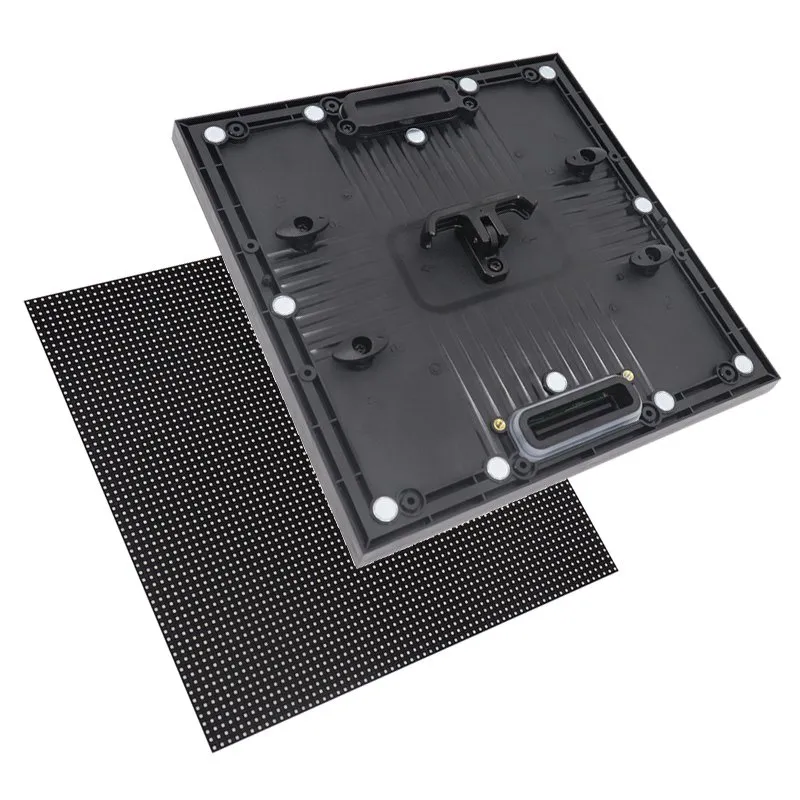
For a “MicroLED monitor 27 inch” or “MicroLED monitor 32 inch” listing, check the exact model on the manufacturer’s website. Look for an explicit statement that the image pixels are self-emissive inorganic LEDs. “Micro,” “mini,” “quantum,” or “RGB” in a product name does not settle the question. A listing that specifies an IPS or VA LCD panel uses liquid crystals, even if its backlight LEDs are very small.
02. Use an availability test before a specification comparison
Ask for a written quotation, a complete datasheet, a realistic lead time, and the name of the organization providing service. Confirm whether the offer is for a finished monitor, one cabinet, one module, or a complete wall. A sample price without those boundaries cannot be compared with a boxed desktop monitor. If the seller cannot identify what ships, postpone the purchase decision.
2. What is a MicroLED display?
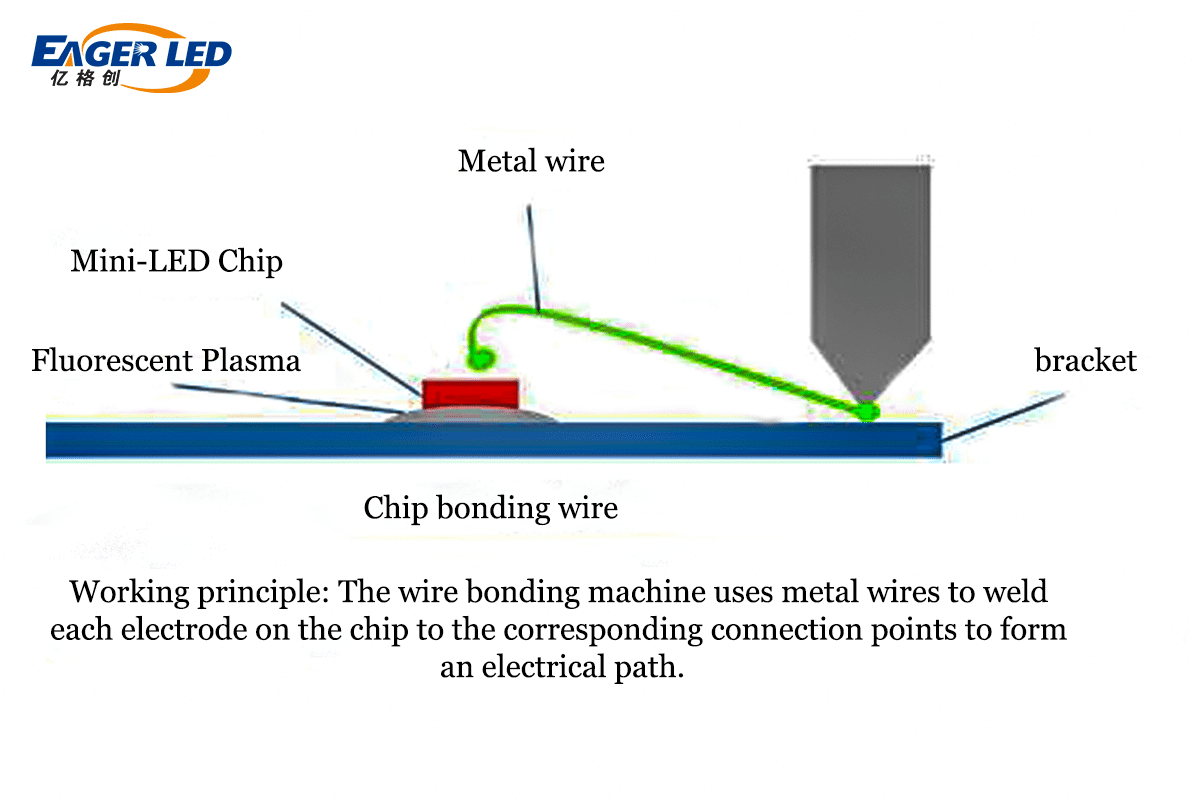
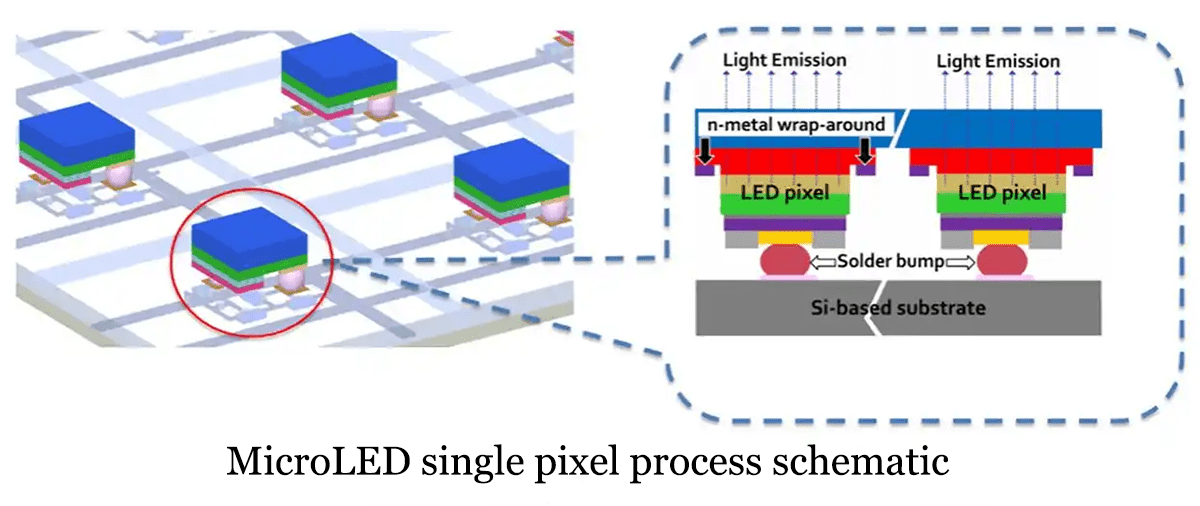
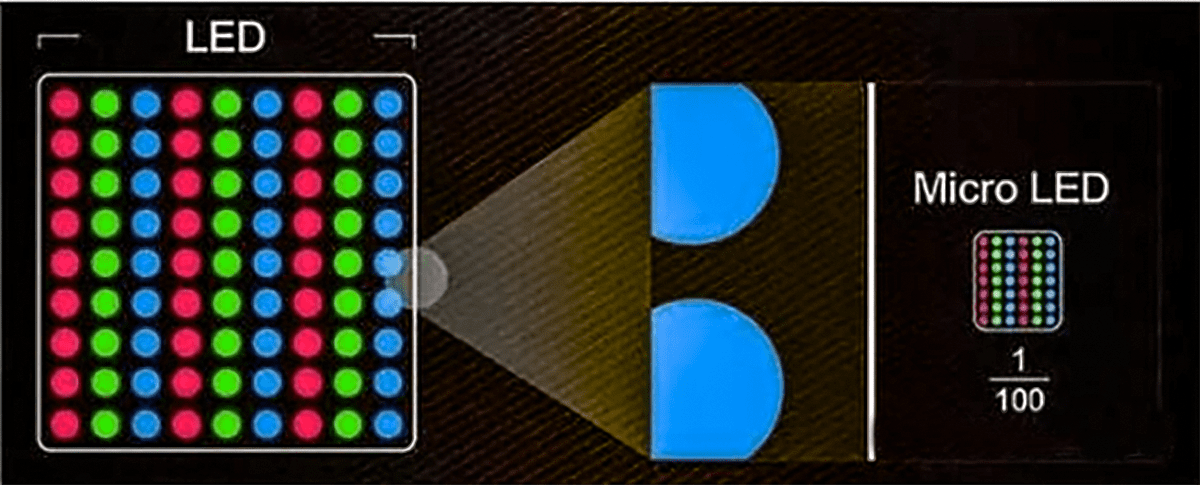
A true MicroLED display forms images with microscopic inorganic light-emitting diodes. Its light-producing elements are controlled at the pixel or subpixel level, rather than illuminating a separate LCD image layer. This self-emissive architecture is the essential distinction behind the MicroLED monitor concept.
Full-color implementations can use separate red, green, and blue emitters or color-conversion approaches. These are manufacturing choices, not interchangeable guarantees about the finished screen. Research on MicroLED integration and quantum-dot color conversion describes multiple routes to constructing full-color displays. Ask which architecture a specific product uses instead of assuming every panel has an identical structure.
01. Chip size is not pixel pitch
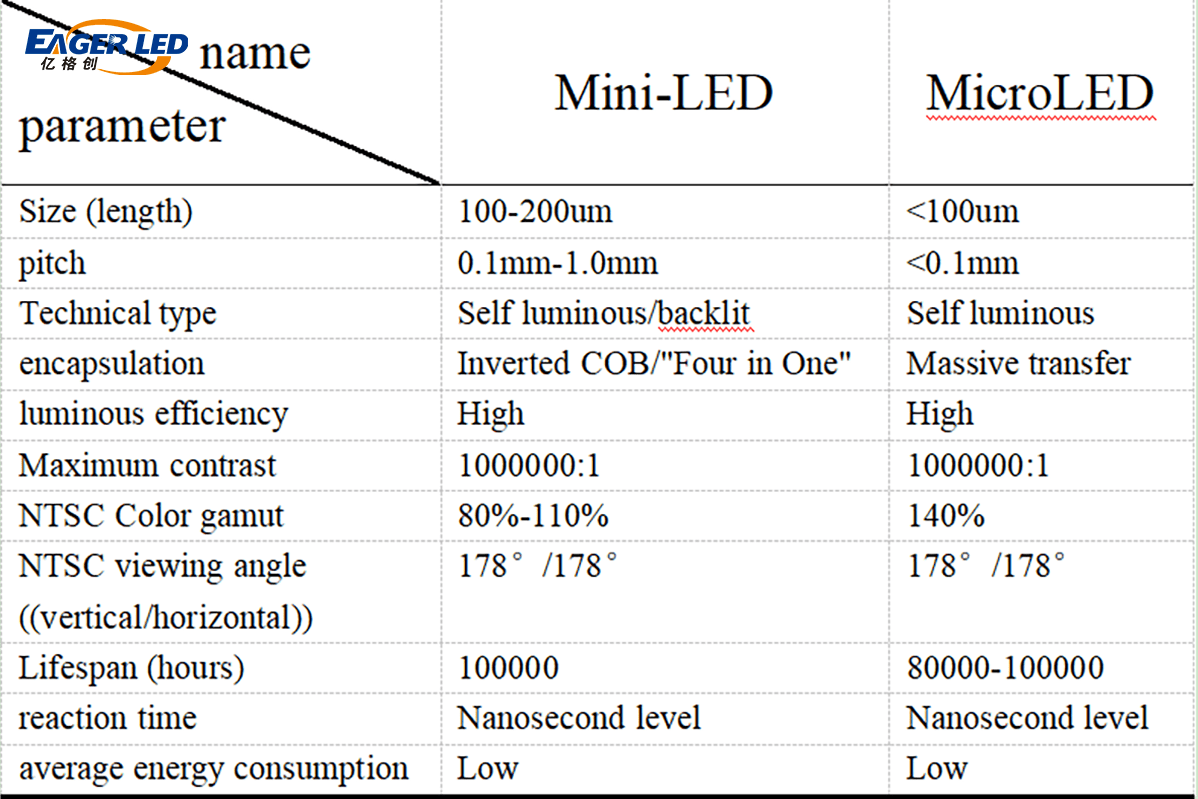
Pixel pitch is the center-to-center distance between neighboring pixels. It determines the physical space occupied by a given resolution. LED chip dimensions describe the emitter itself. A small chip does not automatically mean a fine enough pitch for reading text at arm’s length. Similarly, COB and MIP describe packaging or assembly approaches; the label alone does not prove desktop-level pixel density.
02. Resolution must match the viewing distance
For a rectangular display, active width equals horizontal pixel count multiplied by pixel pitch. A 3,840-pixel-wide screen at 0.6 mm pitch is 2,304 mm wide. By contrast, a 32-inch, 16:9, 3,840-pixel-wide display is approximately 708 mm wide, giving about 0.184 mm pitch. These are geometry examples, not product specifications. They show why a fine-pitch video wall and a 4K desktop monitor solve different viewing problems.
3. MicroLED monitor advantages and limitations
The strongest reason to investigate a MicroLED monitor is its combination of self-emission and inorganic emitters. Nevertheless, panel architecture describes potential; measured system performance determines value. Use the following questions to turn attractive claims into verifiable acceptance criteria.
| Potential benefit | What it means | What a buyer should verify |
|---|---|---|
| Pixel-level light control | Dark pixels can stop emitting light without shared backlight zones. | Black level, reflections, and shadow detail in your room. |
| High brightness potential | Bright highlights may remain visible in demanding scenes. | Sustained and peak luminance, test window, duration, and mode. |
| Fast emitter switching | The light source can respond rapidly. | End-to-end input lag, supported frame rates, and motion tests. |
| Inorganic emitters | A different aging mechanism from OLED organic emitters. | Static-content policy, pixel-defect limits, and warranty exclusions. |
| Modular construction on some systems | Large surfaces can be assembled from serviceable units. | Seam visibility, module matching, replacement access, and calibration. |
01. Brightness and contrast need test conditions
Do not rank a MicroLED monitor using a peak-nit number alone. Ask how long it can maintain that level and over what portion of the image. A small HDR highlight and a full white spreadsheet load the display differently. Also inspect reflections: an emitter that switches off does not stop room light reflecting from the screen surface. Compare displays at similar brightness in the actual environment.
02. Lifetime and energy savings are not universal percentages
A MicroLED monitor should not be advertised as immune to every form of degradation or failure. LEDs, driver electronics, power supplies, connections, and protective materials all affect service life. Request a definition for any lifetime figure, including brightness loss, operating temperature, and duty cycle. A claimed 100,000 hours is not automatically a warranty or a promise of unchanged image quality.
Likewise, compare measured wall-plug power at matched size, luminance, and content. A black pixel can stop emitting while the control system still consumes power. For installations, include processors and cooling in the energy budget. Avoid assuming a fixed percentage saving against every LCD or OLED display.
4. What is a transparent MicroLED monitor?
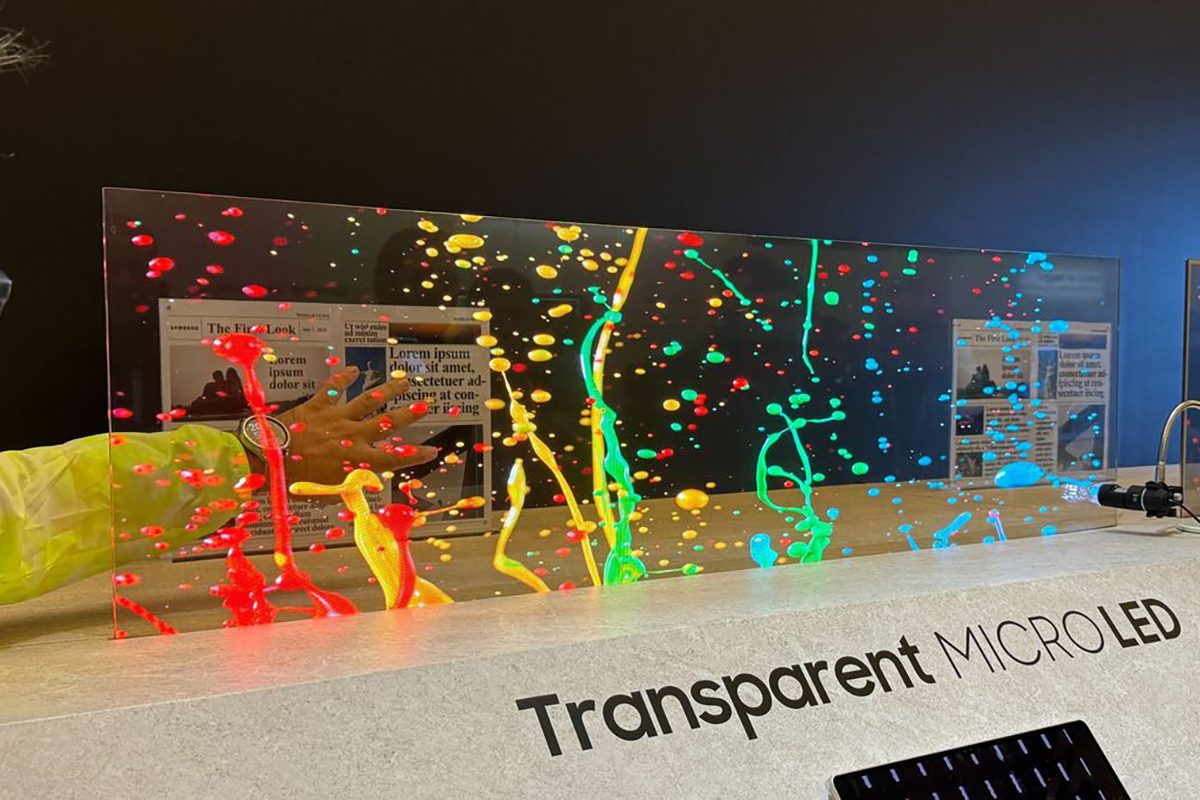
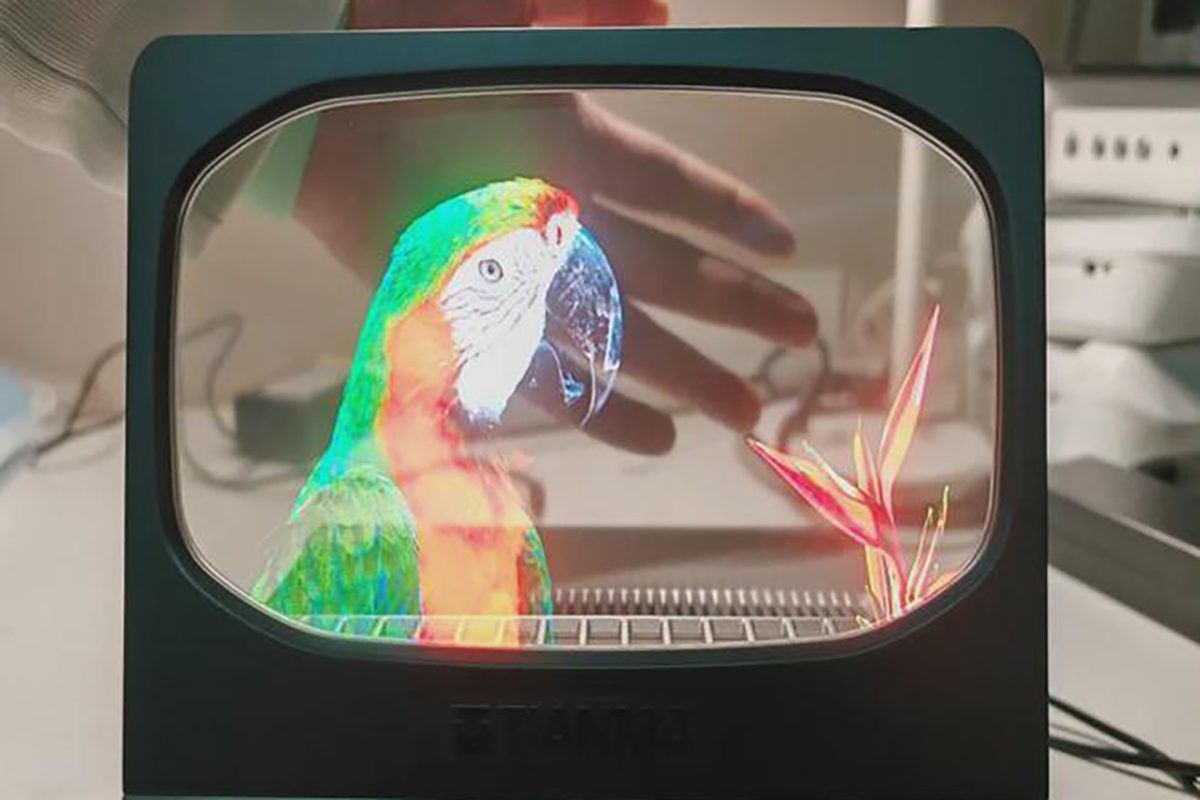
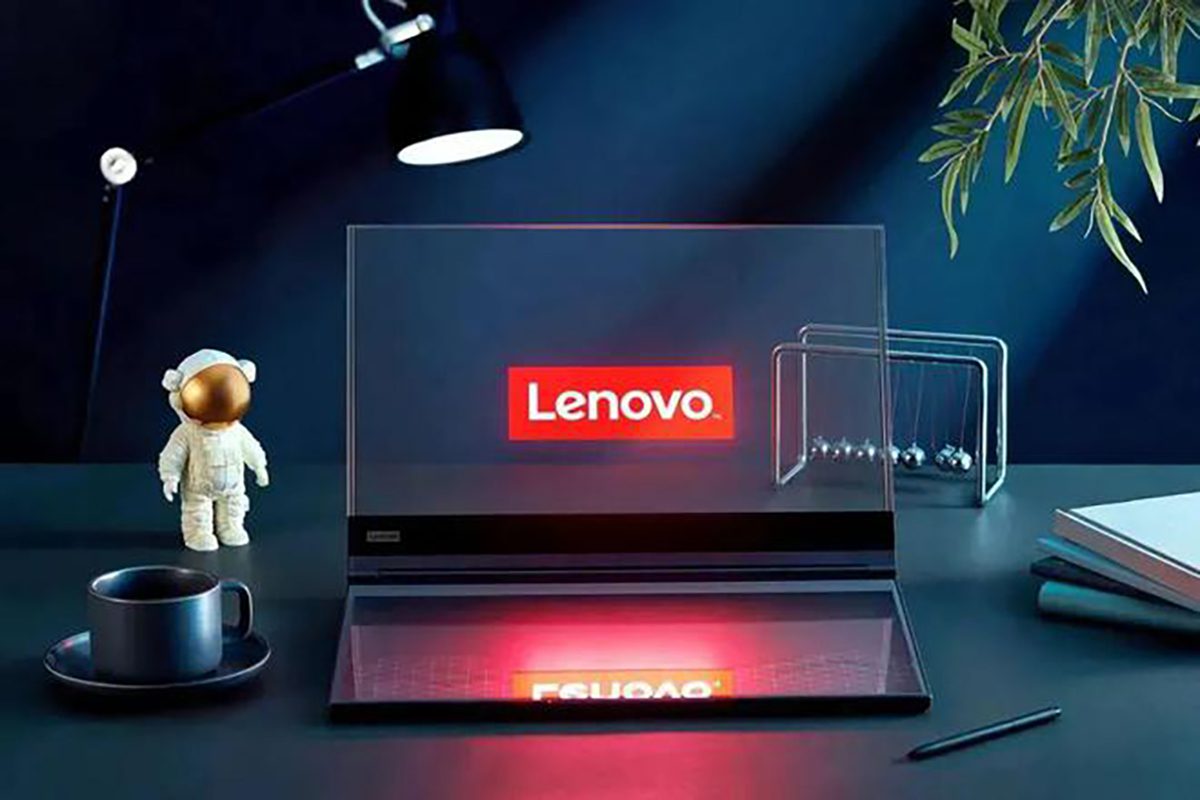
A transparent MicroLED monitor allows a viewer to see both emitted content and the scene behind the display. Samsung unveiled its Transparent MICRO LED demonstration in January 2024. That announcement establishes a demonstrated concept, not a general desktop-product release or a confirmed price for your project.
Transparency changes the job of the screen. A dark pixel reveals the background instead of creating an opaque black surface. This makes lighting, object placement, and content design central to readability. A transparent MicroLED monitor may suit a showcase or architectural feature, but transparent presentation should not be assumed to improve spreadsheet visibility or color-critical work.
For a commercial evaluation, request transmittance, haze, pixel pitch, viewing-angle behavior, and brightness measurements under the intended lighting. Test small labels against both a dark and bright background. Ask how cabling, supports, protective glass, and service access affect the installed appearance; a clean demonstration may conceal infrastructure that your location cannot hide.
Also confirm whether a proposed transparent product is MicroLED, OLED, or a conventional transparent LED mesh. These categories can look similar in photographs while differing in pixel structure, distance requirements, and image presentation. Keep the technology description in the purchase specification, and compare a working sample with the actual exhibit objects.
5. MicroLED vs Mini LED and traditional LED monitors
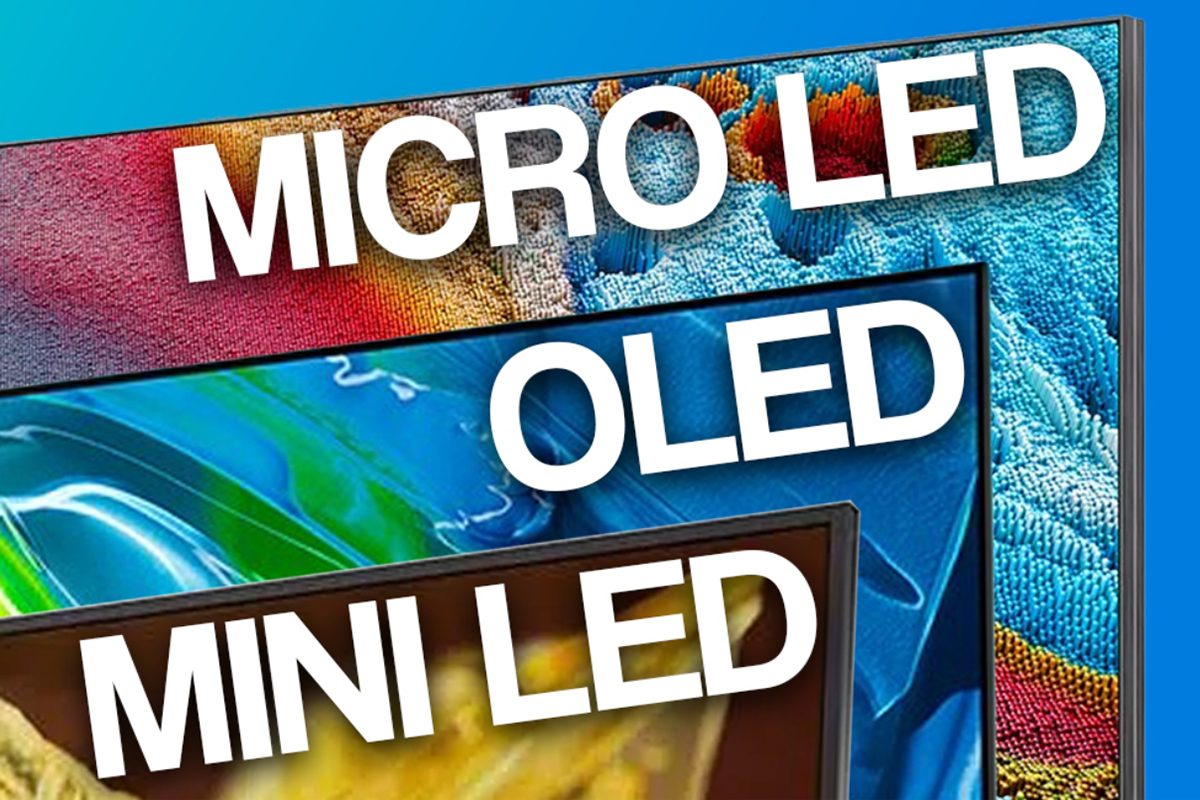
“LED monitor” has two common meanings: an LCD monitor with an LED backlight, or a direct-view LED display assembled from modules. A MicroLED monitor comparison must identify which meaning applies. Otherwise, statements about backlights, pixel density, and brightness can become misleading.
| Technology | How the image is produced | Main buying consideration |
|---|---|---|
| MicroLED | Self-emissive inorganic LED pixels or subpixels. | Verify the complete product, pixel density, price, and support. |
| OLED | Self-emissive organic light-emitting elements. | Evaluate static-content use, brightness behavior, and warranty. |
| Mini LED LCD | An LCD image layer with a finely zoned LED backlight. | Check blooming, dimming transitions, and LCD response. |
| Conventional LED-backlit LCD | An LCD layer illuminated by LEDs. | Check contrast, uniformity, viewing angles, and value. |
| Direct-view LED wall | LED pixels mounted in modules or cabinets. | Match pitch, wall dimensions, viewing distance, and service access. |
| Micro RGB LCD | Microscopic RGB LEDs provide backlighting. | Do not confuse the backlight with self-emissive image pixels. |
Samsung explicitly distinguishes Micro RGB backlighting from self-emissive Micro LED. This matters when comparing new premium displays: a tiny RGB backlight remains a backlight. A product can deliver excellent images without belonging to the MicroLED category.
For additional terminology, see our Mini LED versus Micro LED guide. For a modular project, review MIP technology and LED display costing. Use those articles as background, then obtain model-specific evidence for the system you are purchasing.
A MicroLED monitor is therefore not automatically superior to every traditional LED display. An outdoor advertising screen may prioritize weather protection and long-distance readability, while a desktop monitor prioritizes text, ergonomics, and interfaces. The useful comparison is between complete systems serving the same task.
6. Is a MicroLED monitor worth its price?
A MicroLED monitor is worth its price only when its verified benefits matter enough to justify the complete cost. There is no responsible universal desktop price to quote from a large-screen demonstration or a per-module marketplace listing. Obtain a current, region-specific quotation and compare it with alternatives that are actually available.
01. Why the manufacturing challenge affects price
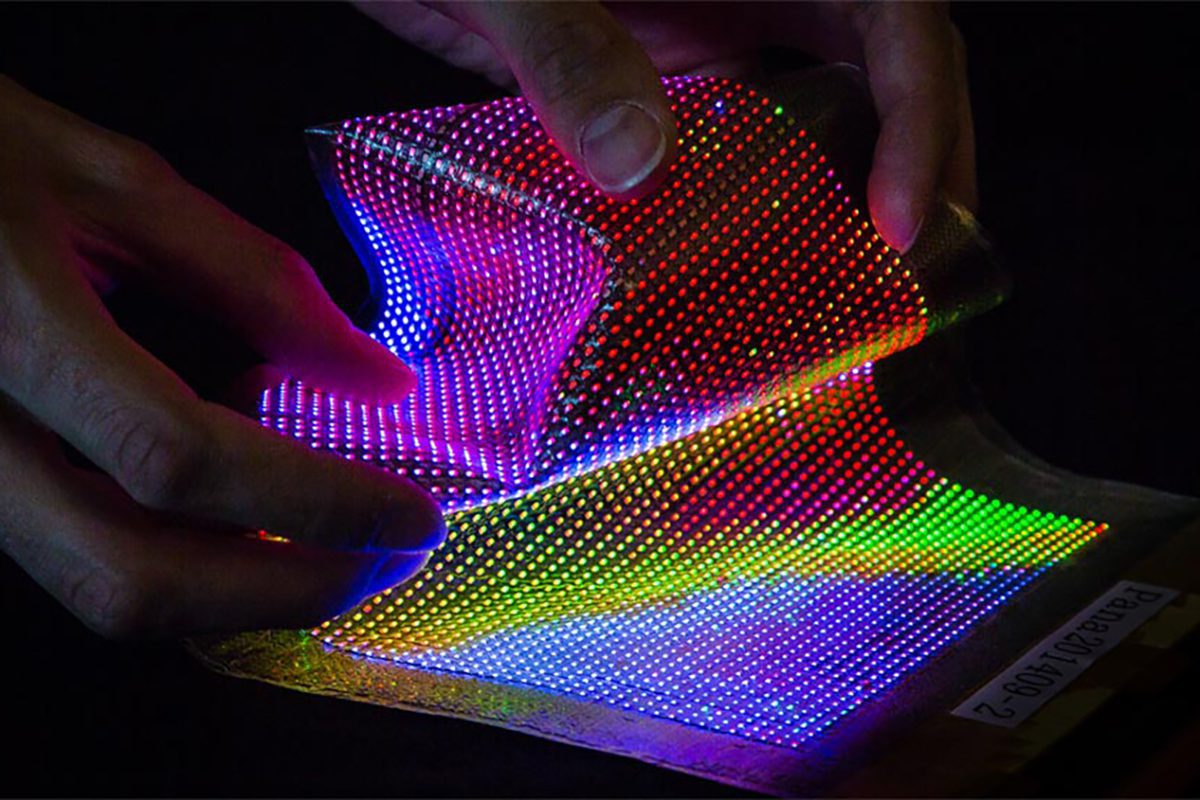
An RGB 4K display with three emitters per pixel involves 3,840 × 2,160 × 3 = 24,883,200 emitters. This is an illustrative architecture, not a requirement for every design. Producing, positioning, connecting, inspecting, and repairing so many tiny devices creates demanding yield requirements. A 2023 Nature research paper on RGB microLED assembly identifies transfer throughput, yield, and scalability as obstacles to mainstream adoption.
02. Compare total ownership cost
| Cost item | What to include | Why it changes the decision |
|---|---|---|
| Display hardware | Complete screen, cabinet count, native resolution, and protective finish. | A module price is not a complete-system price. |
| Signal equipment | Controller, processor, input licenses, and required cables. | The advertised panel may not accept your source directly. |
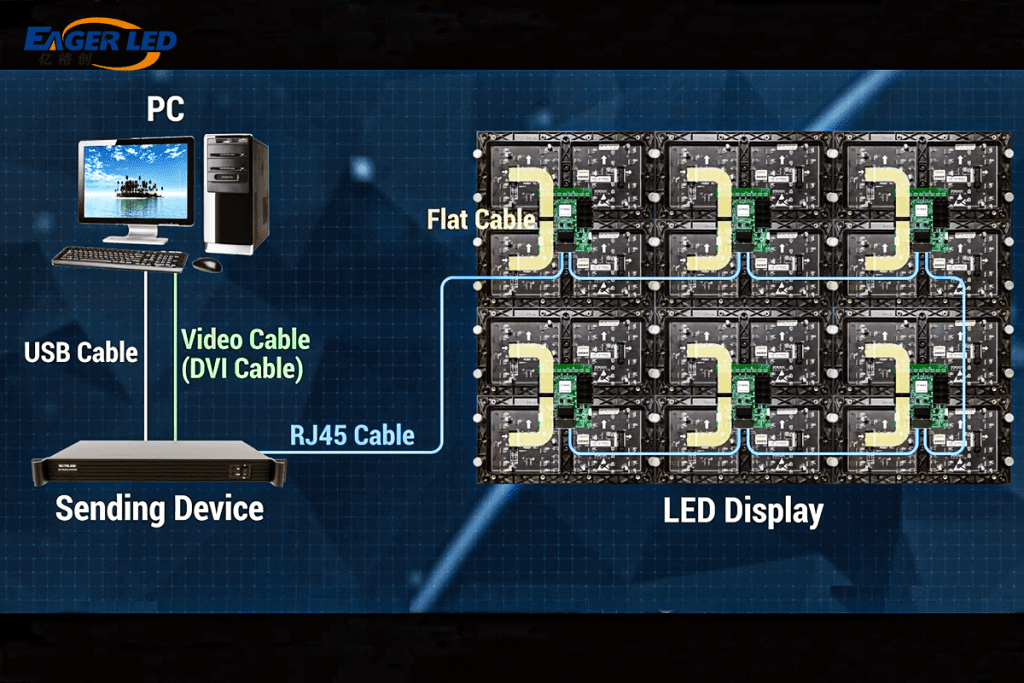
| Installation | Mounting, alignment, electrical work, delivery, and commissioning. | Large screens require more than a desk stand. |
| Calibration and spares | Initial calibration, matching spare modules, and stored configuration files. | Replacement parts must integrate visually and electronically. |
| Operation | Measured power, cooling, cleaning, and maintenance access. | Running costs continue after installation. |
| Support | Labor, shipping, response time, exclusions, and replacement policy. | A lower quotation may transfer more downtime risk to you. |
Define the useful life for your organization rather than assuming that emitter longevity equals project longevity. A control-room wall may be limited by service availability; a creative workstation may be replaced when its interface or workflow changes. Compare costs over the same ownership period, including downtime and any required recalibration.
For an ordinary desk, the MicroLED monitor premium is difficult to justify without a real product and a demonstrated advantage. For a large presentation environment, a supported direct-view system may justify its cost through size, brightness, and serviceability. Request competing proposals against one written specification so the comparison remains fair.
7. MicroLED monitor vs OLED: which should you choose?
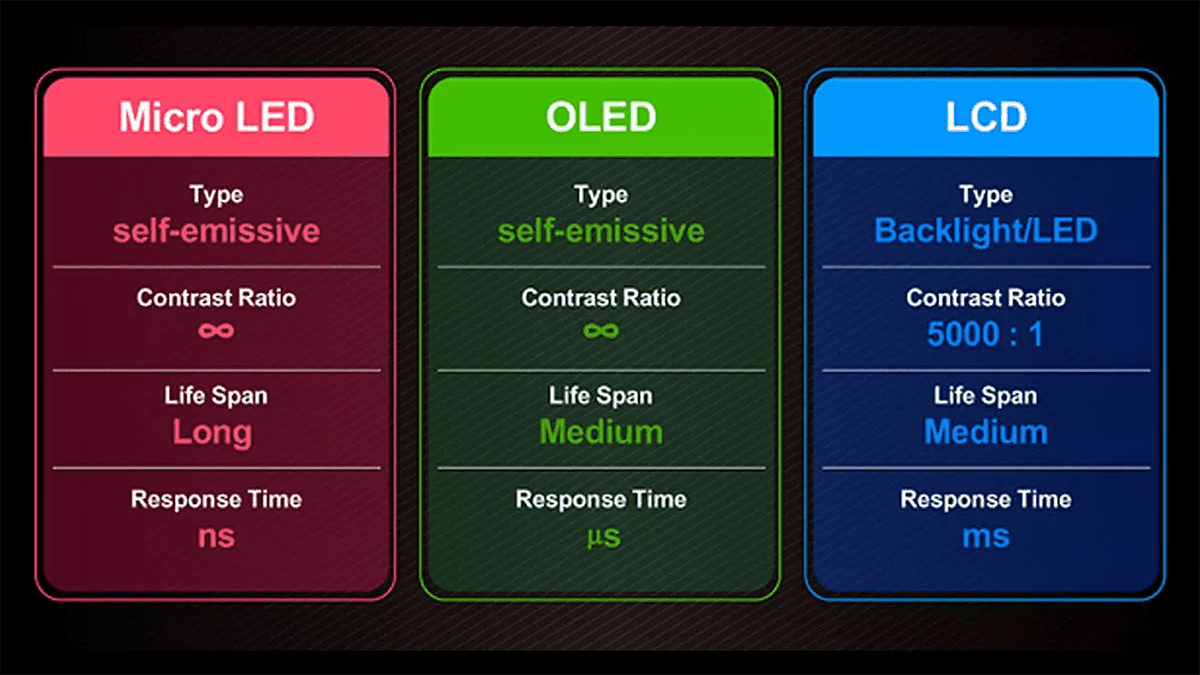
A MicroLED monitor and an OLED monitor share pixel-level emission, but that does not make them equivalent buying options. Choose between specific models, not hypothetical best-case versions of each technology. For desktop buyers, product availability, text rendering, ergonomics, and warranty often matter as much as display architecture.
01. Gaming: response time is only one part of the chain
For a MicroLED monitor for gaming, verify the accepted resolution and refresh rate at the input. Ask whether variable refresh rate works over the connection you will use and whether HDR changes latency or supported modes. Fast LED switching cannot compensate for a slow video processor, frame conversion, or an incompatible input format.
A quoted LED-wall refresh figure such as 3,840 Hz should not be interpreted as support for 3,840 distinct game frames per second. LED modulation and source-frame handling describe different processes. Require the maximum input frame rate and measured signal-to-light delay. Test moving detail, dark transitions, and frame pacing with the intended computer or console.
02. Work and creative use: test the actual desktop
For office work, inspect small text at the operating-system scaling you prefer. Subpixel arrangement, screen coating, sharpness processing, and chroma handling can influence clarity. Confirm full-color text rendering at native resolution, wake-from-sleep behavior, and stable operation through your dock. A dramatic video demonstration does not answer these questions.
For color work, request calibrated accuracy, white-point stability, gamut coverage, and the ability to select an appropriate working color space. A large gamut alone does not mean accurate colors. Bring familiar images and gradients, then inspect uniformity across the entire display. Compare the MicroLED monitor with an available alternative under the same conditions.
With OLED, consider your static-content workload and the manufacturer’s care guidance and warranty terms. With MicroLED, request equally clear reliability commitments instead of assuming inorganic emitters eliminate all aging. Neither technology should receive a blanket recommendation without considering the specific implementation and your daily use.
8. MicroLED monitor development: what to watch
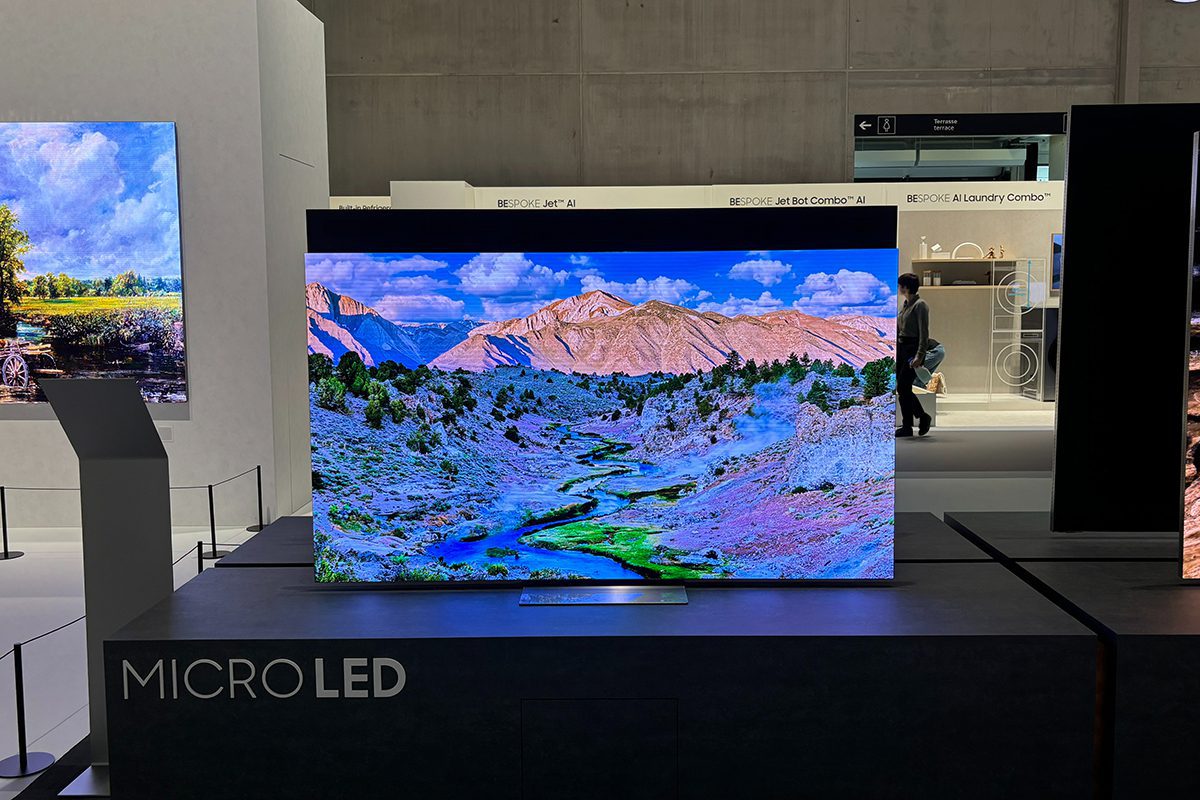
The most useful MicroLED monitor development indicators are shipping products, repeatable manufacturing, independent measurements, and service infrastructure. A trade-show demonstration can establish technical progress without establishing mass-market economics. An announced target date should remain a target until there is a purchasable model with confirmed regional support.
Watch for improvements in transfer yield, repair methods, backplane integration, color uniformity, and small-emitter efficiency. These affect more than factory cost: they influence defective-pixel rates, production consistency, and the ability to replace components later. Research on microLED scaling also examines efficiency and sidewall-loss challenges as devices become smaller.
Avoid a purchase plan built around an unsupported claim that affordable MicroLED monitors will arrive in a particular year. Ask whether your current display is preventing useful work. If it is, compare suitable shipping alternatives now; if it is not, wait for a product that meets a written requirement rather than a predicted market-size milestone.
When a new MicroLED monitor is announced, revisit four questions: Can it be ordered locally? Does its native resolution fit your desk and viewing distance? Are real performance tests available? Who repairs it? Those answers are more actionable than a general forecast that the technology will eventually replace another display category.
9. MicroLED monitor applications and buying checklist
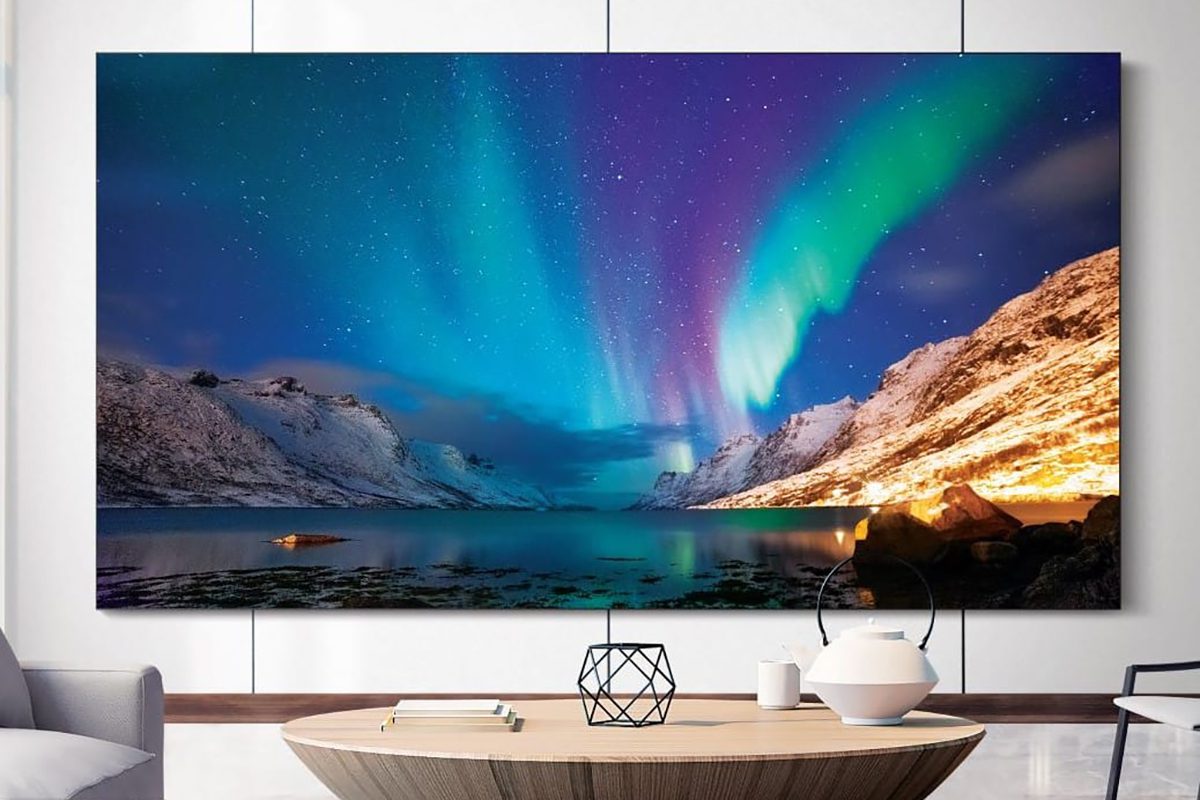
The appropriate application for a MicroLED monitor depends on the complete system. A large commercial screen, a transparent exhibit, a headset microdisplay, and a desktop monitor have different optics, electronics, and operating conditions. Progress in one category does not automatically transfer to the others.
01. Commercial displays and control rooms
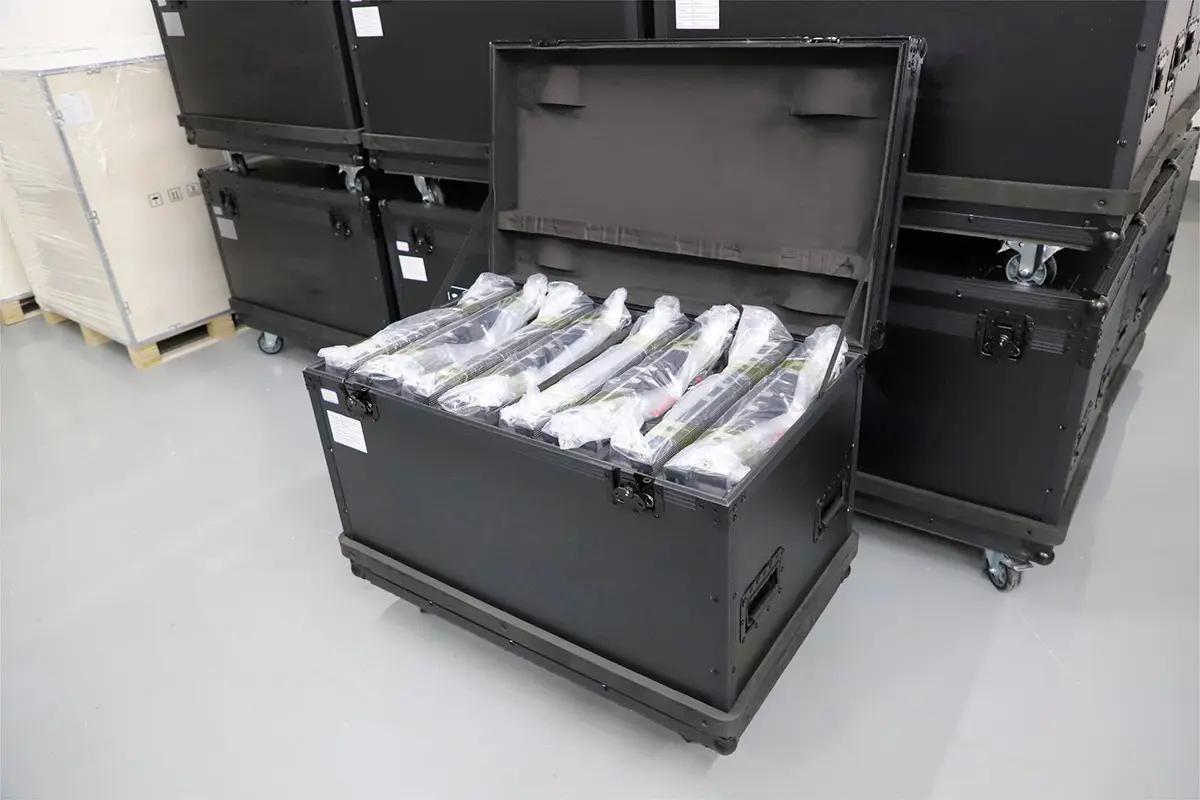
Start with the nearest viewer and smallest information element. Specify active width, height, native pixel matrix, operating hours, ambient lighting, and acceptable downtime. Then select pitch and cabinet layout. Inspect module boundaries on low-gray images and solid colors, not only on bright promotional video. Ask for the calibration records and the process used after replacing a module.
For service planning, document front or rear access, cable routes, spare quantities, and who owns the controller configuration. Our COB display manufacturing and quality-control guide provides related inspection context. Packaging terminology should support the quality discussion rather than replace acceptance testing.
02. A practical demonstration checklist
Bring a small set of repeatable test files: fine text, a spreadsheet, grayscale ramps, saturated colors, dark video, and familiar motion content. Use the proposed signal chain and normal operating brightness. Record settings and observations so a different sample can be compared fairly. Photographing a display can reveal camera artifacts, so distinguish those from what viewers actually see.
Before accepting a MicroLED monitor, agree on defective-pixel limits, uniformity tolerances, supported modes, and remedies for failure. For an installed wall, include a documented handover with drawings, spare parts, configuration backups, and maintenance instructions. For a desktop device, add stand adjustment, mounting compatibility, fan noise, and return conditions.
Do not infer outdoor suitability from high brightness or suitability for specialized professional tasks from contrast alone. Environmental ratings and application requirements belong to the finished product. If you are planning a commercial LED installation, send EagerLED your dimensions, viewing distance, content type, and operating schedule for a specification-based discussion. This is not a claim that a desktop MicroLED model is in stock.

10. MicroLED monitor FAQs
01. Do MicroLED monitors exist?
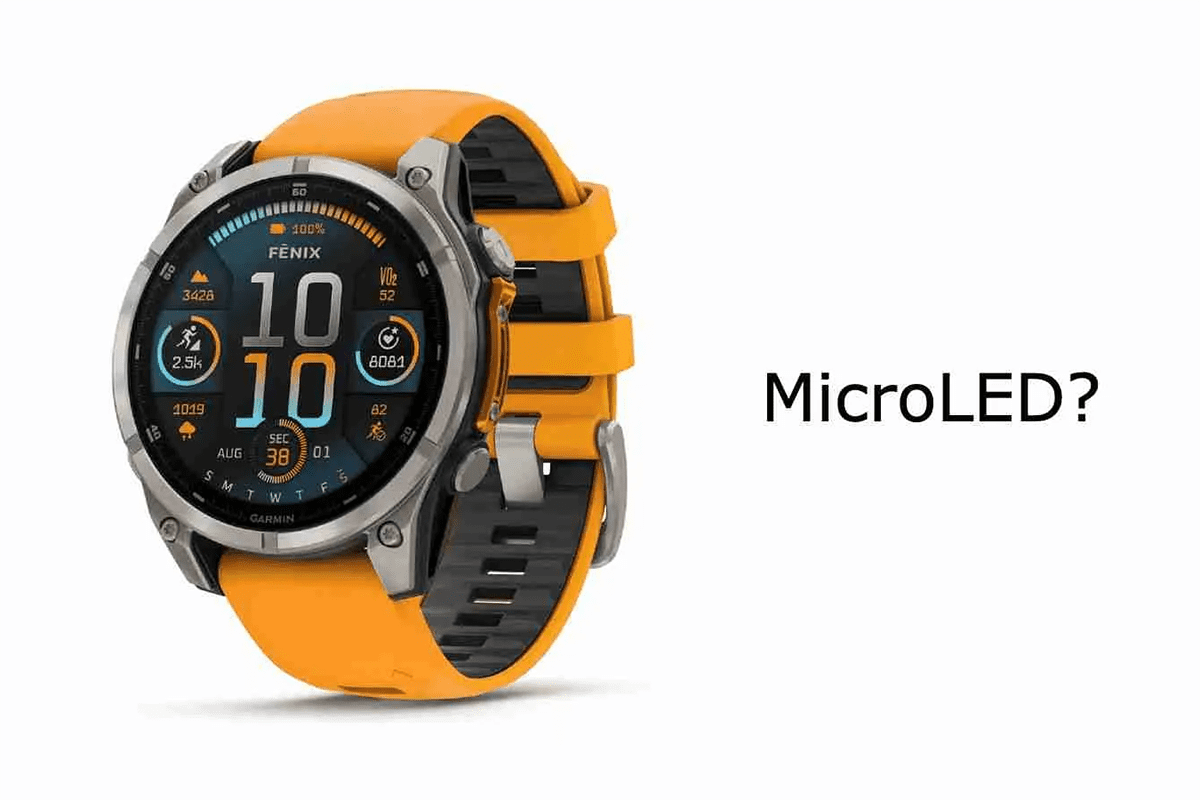
MicroLED displays exist commercially, and desktop-sized panels have been demonstrated. The manufacturer sources reviewed for this guide do not establish a broadly available 27- or 32-inch retail MicroLED monitor. Verify a specific model, regional supply, connections, price, and warranty before treating a demonstration as a buying option.
02. How much does a MicroLED monitor cost?
There is no single meaningful price across prototypes, luxury televisions, and modular walls. Ask for a current quotation for the complete system. Include processing, installation, calibration, spares, delivery, and support. Do not compare a per-module advertisement with the price of a finished desktop monitor.
03. Is MicroLED better than OLED?
A MicroLED monitor has attractive brightness and inorganic-emitter potential, while OLED offers self-emissive pixels in established desktop products. The better purchase depends on measured image quality, workload, availability, and support. Compare exact models; neither a broad technology label nor a claimed lifetime settles the decision.
04. Is MicroLED the same as Mini LED or Micro RGB?
No. A true MicroLED monitor uses self-emissive inorganic image pixels. Mini LED monitors use an LCD layer and an LED backlight. Samsung describes Micro RGB as RGB backlighting, which is also distinct from self-emissive Micro LED. Read the panel architecture in the manufacturer’s specification.
05. Can a MicroLED monitor develop burn-in or failures?
Inorganic emitters differ from OLED’s organic materials, but that is not a guarantee against all degradation, nonuniformity, dead pixels, or electronics failures. Ask for documented static-content suitability and written warranty coverage. Treat absolute claims such as “never ages” as insufficient without product-specific evidence.
06. Should gamers wait for a 4K MicroLED monitor?
Wait only if your current display meets your needs and you are comfortable with uncertain availability and pricing. If you need an upgrade now, compare shipping OLED and Mini LED options using input lag, refresh rate, motion quality, text clarity, and warranty. Reconsider MicroLED when an orderable product passes those same checks.
11. Conclusion: should you buy a MicroLED monitor?
A MicroLED monitor is worth investigating when a specific product delivers a measurable benefit that fits your application and total budget. For most desktop shoppers, the immediate decision should focus on verified availability and a fair comparison with shipping OLED and Mini LED monitors. For commercial projects, geometry, calibration, processing, and long-term support deserve equal attention.
Keep the purchasing sequence simple: identify the architecture, confirm the complete deliverable, test real content, and secure written service terms. Buy the system that solves your viewing problem. Revisit MicroLED monitor announcements as products mature, but let verified specifications and practical demonstrations determine when the investment makes sense.
 Free Digital Signage Software From EagerLED
 LED Screens for Sports, Weddings & Outdoor Advertising