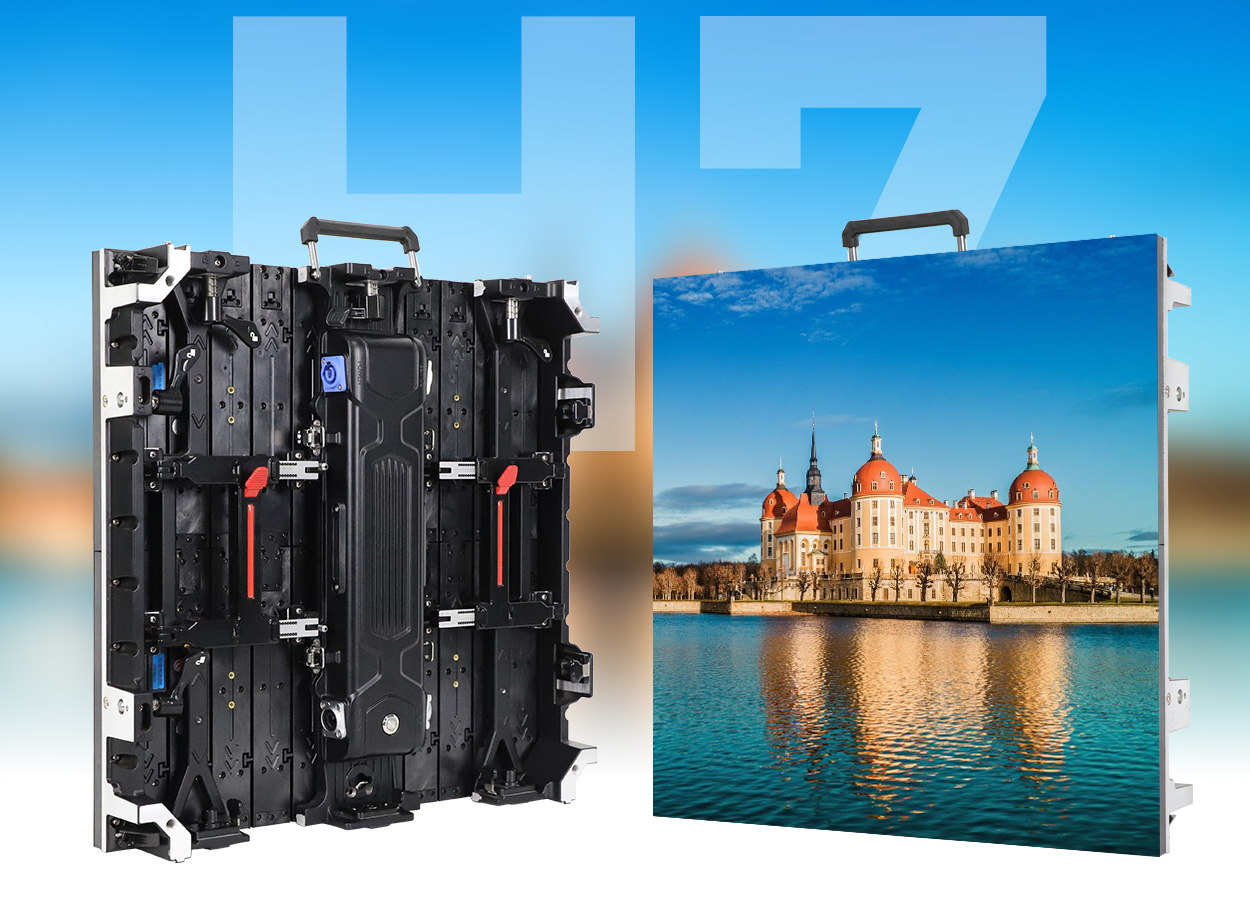
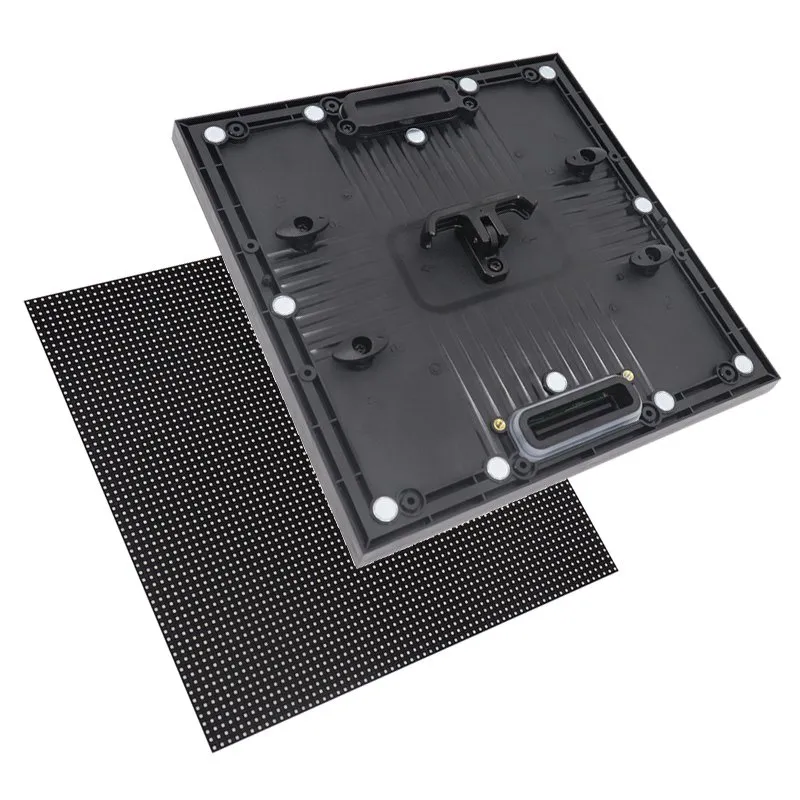
A custom LED display is a modular video screen configured for a specific space, audience, and purpose. Its dimensions, pixel pitch, cabinet arrangement, brightness, and control system are selected together. The right solution can fill an unusual wall opening, wrap a column, support a presentation room, or deliver outdoor advertising with a clearly defined viewing area.
Buying a custom LED display requires more than choosing an attractive shape. A screen that looks impressive in a product video may have insufficient resolution for your text, inaccessible power supplies, or a content format your team cannot maintain. Start with what viewers must see, where they stand, and how the installation will be serviced.
This guide explains how to compare custom LED display solutions, including COB, GOB, curved screens, and 3D billboard applications. It provides practical calculations and purchasing checks for integrators, venue owners, and commercial buyers. Numerical examples are planning illustrations, not product quotations or guaranteed performance specifications.
1. What Is a Custom LED Display?
A custom LED display uses an array of light-emitting pixels to show video, graphics, or information. LED modules fit into cabinets or engineered frames; multiple cabinets form the complete display. Customization may involve standard cabinets assembled into a particular size, purpose-built structures, special modules, or a combination of these approaches.
For many projects, a rectangular screen built from established cabinet sizes is the most straightforward solution. Fully bespoke shapes introduce extra mechanical design, pixel mapping, and replacement-part requirements. Ask a supplier to show both the requested dimensions and the nearest practical modular alternative before approving custom tooling.
01. Define the application before the hardware
Write a one-sentence brief: “Visitors standing three to six meters away must read product messages in a bright retail entrance.” That statement gives a custom LED display manufacturer more useful information than a request for the “best screen.” Add the available width, height, depth, operating hours, and whether viewers or cameras will record the display.
Distinguish a full-color commercial video wall from a small programmable message sign or decorative LED lighting. These products can appear in the same search results but solve different problems. This article focuses on modular commercial video displays that require coordinated hardware, installation, and content planning.
02. Match the format to the viewing task
| Format | Useful applications | What to verify |
|---|---|---|
| Flat indoor video wall | Meeting rooms, retail, control rooms | Text readability, low-brightness uniformity, front access |
| Outdoor advertising screen | Building signs, plazas, roadside locations | Sunlight visibility, complete enclosure protection, structure |
| Curved or cylindrical display | Columns, reception areas, immersive rooms | Bend radius, seams, content mapping, access |
| Transparent display | Glass-fronted shops and architectural glazing | Transparency versus image density and background interference |
| Rental screen | Exhibitions, concerts, temporary events | Rigging, repeated assembly, transport protection, spares |
| Corner 3D billboard | Large-format brand campaigns | Target viewpoint, corner geometry, bespoke content production |
A custom LED display solution should be judged against the intended task. A transparent screen preserves a view through glass but cannot provide the same solid black background as an opaque wall. A sculptural screen may suit animation while making spreadsheets difficult to read. Choose these tradeoffs deliberately.
2. Custom LED Display Specifications and Sizing
Specify the custom LED display in physical dimensions and native pixels. Physical size determines how much of the audience’s field of view the screen occupies; native resolution determines how much detail it can reproduce. Sending a 4K signal does not turn a lower-resolution LED canvas into a native 4K display.
01. Calculate pixel pitch and native resolution
Pixel pitch is the center-to-center spacing between neighboring pixels, usually expressed in millimeters. Smaller pitch provides more pixels within a fixed area. It can improve close-range detail, but also changes cost, processing requirements, and the number of components that must be manufactured and calibrated.
Planning formula: horizontal pixels ≈ screen width in millimeters ÷ pixel pitch in millimeters. Apply the same calculation to height. For the final design, use the actual cabinet pixel matrix, since marketed pitch values may be rounded and cabinet dimensions determine the buildable screen size.
| Assumed exact pitch | Horizontal × vertical pixels | Total pixels | Planning implication |
|---|---|---|---|
| 1.25 mm | 3840 × 2160 | 8,294,400 | Native UHD pixel count if the cabinet grid supports these dimensions |
| 2.5 mm | 1920 × 1080 | 2,073,600 | Native Full HD pixel count under the same assumptions |
| 5 mm | 960 × 540 | 518,400 | Less detail; content must suit the lower-resolution canvas |
These calculations do not establish a universal viewing distance. Evaluate the smallest text, line thickness, and viewing angles with representative content at the actual audience positions. Large moving graphics tolerate a different pixel structure than dense dashboards. Where possible, compare sample pitches side by side rather than relying on a simple pitch-to-distance rule.
02. Specify brightness, contrast, and camera performance
A custom LED display needs sufficient brightness for its surroundings and usable dimming for darker conditions. Measure or document ambient light, direct sunlight, window reflections, and operating times. Request performance at the intended operating brightness, not only a maximum figure measured under favorable conditions.
Contrast depends on emitted light and light reflected from the display surface. A bright showroom demonstration cannot establish how dark content will look in your room. Inspect gray ramps, skin tones, black backgrounds, and uniform colors with the room lighting on. Look for visible cabinet boundaries and changes in color across the screen.
For filming, distinguish LED refresh rate from video frame rate. Camera shutter settings, scan behavior, synchronization, and the camera sensor all influence banding or flicker. Ask to test the proposed custom LED display with the actual camera workflow. A single refresh-rate number cannot guarantee camera compatibility.
Document acceptable results before purchase: readable text size, brightness range, color consistency, visible defects, and camera behavior. This creates an acceptance basis that is more useful than broad promises of “high definition” or “seamless performance.”
3. COB LED Screens for Close Viewing
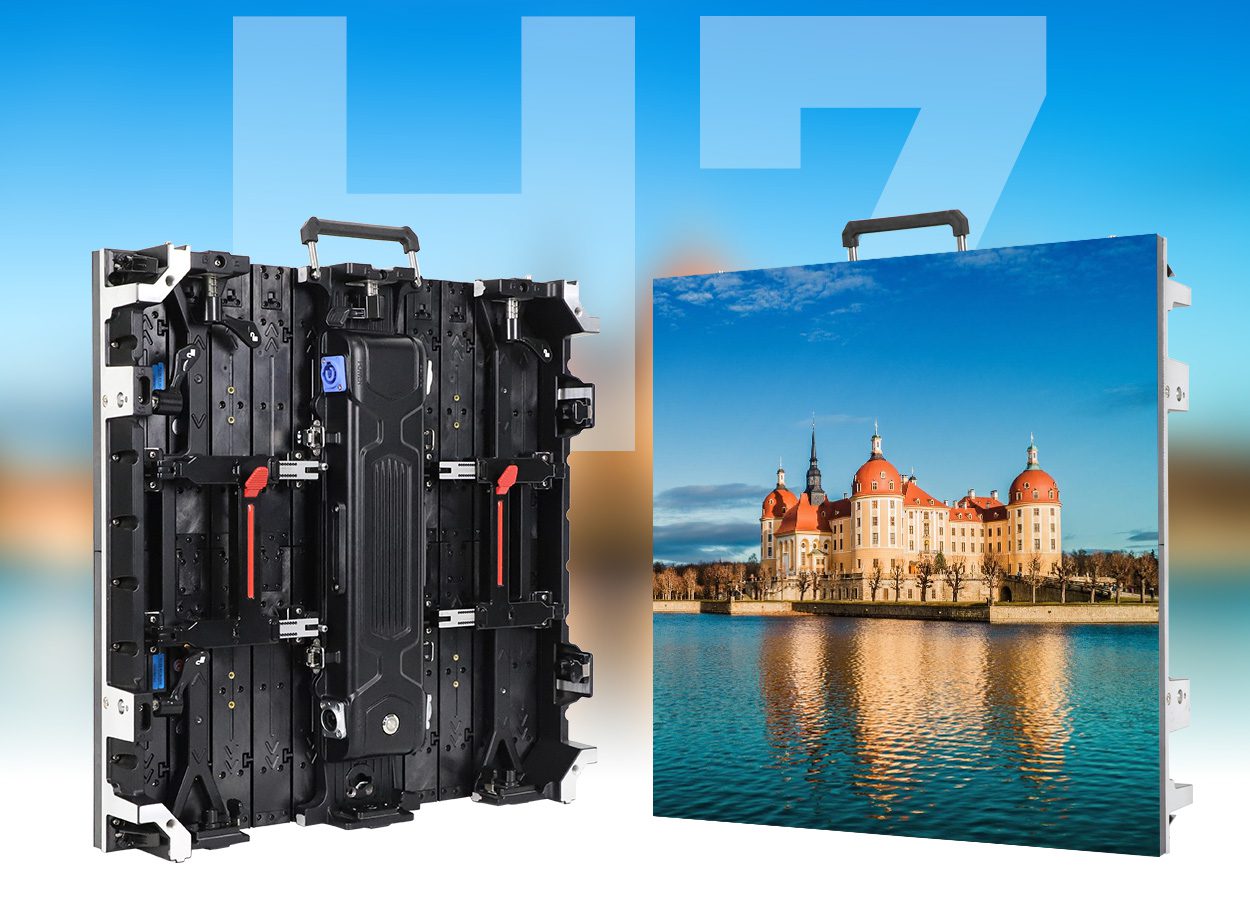
COB means chip on board. LED chips are mounted directly onto a substrate and protected by an encapsulated surface. A COB-based custom LED display can be an option for fine-pitch indoor applications, but the construction label alone does not establish brightness, power consumption, repairability, or final image quality.
01. When a custom COB display solution makes sense
Consider COB when viewers work close to the screen or the application requires fine visual detail. Meeting rooms and monitoring spaces should be assessed using their own presentation slides and interface layouts. Check whether the proposed pixel count can show the required information without reducing text below a comfortable size.
Evaluate the complete display at the brightness you will use every day. Ask for uniform gray fields and darker scenes, and examine module boundaries from both central and off-axis seats. A premium packaging technology cannot compensate for poor alignment, inconsistent calibration, or content that has been scaled incorrectly.
02. Confirm service arrangements and evidence
For a custom LED display using COB, clarify what technicians can replace on site and what must return to a repair center. Ask how replacement modules receive matching calibration data and whether suitable spares will remain available. Surface protection does not eliminate the need for careful handling and an accessible mounting design.
Review the available COB LED display modules for the selected project, then request a model-specific specification sheet. Compare equivalent pitch, brightness, operating conditions, warranty scope, and service arrangements before deciding that one construction is better value.
| Technology | Construction | Potential reason to choose it | Buyer check |
|---|---|---|---|
| Conventional SMD | Packaged LEDs mounted on a circuit board | Broad product choice for many installations | Handling protection and local repair support |
| COB | Chips mounted directly on a substrate and encapsulated | Fine-pitch indoor image requirements | Low-brightness quality and module replacement process |
| GOB | Protective resin applied over an LED module, commonly SMD | Additional protection where contact or handling is likely | Coating consistency, optical effects, repair method |
For a deeper technical comparison, see SMD versus COB LED modules. Keep the procurement decision tied to the exact sample and system proposal; specifications from different models are not interchangeable.
4. GOB LED Screens and Surface Protection
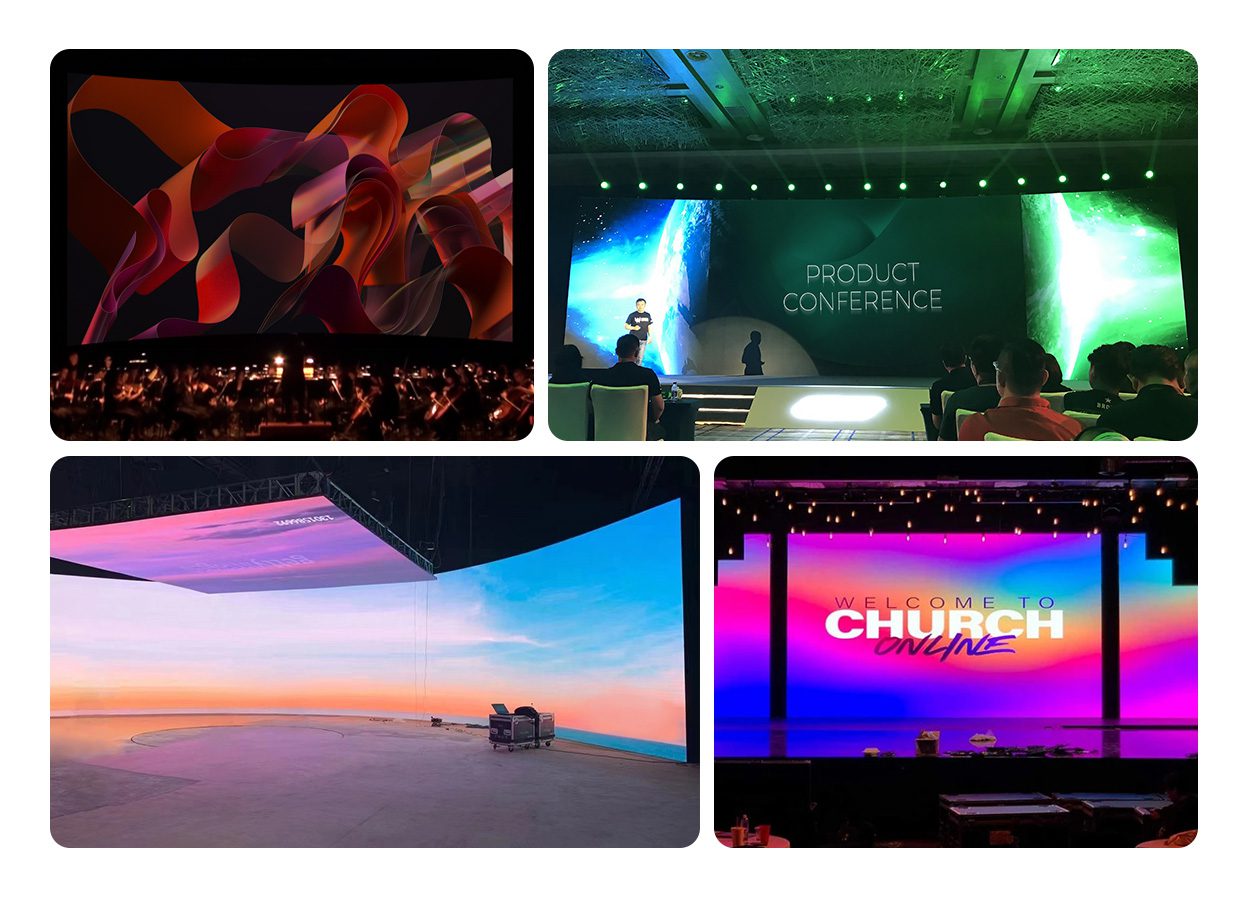
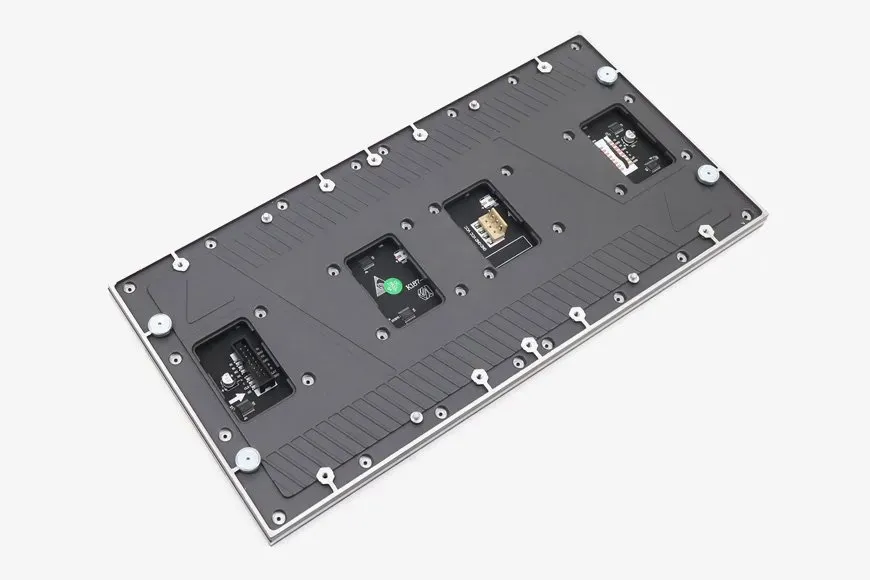
GOB means glue on board. It describes a protective coating process, commonly applied over SMD LEDs. For a custom LED display within reach of visitors, the additional surface layer can help reduce damage from accidental contact and routine handling. Performance depends on the module design and the applied material.
01. Separate surface protection from enclosure protection
A protected LED face does not make the complete custom LED display suitable for outdoor installation. Rear electronics, connectors, cable entries, cabinet joints, drainage, and ventilation still need appropriate engineering. Request the ingress-protection documentation for the actual assembly and identify whether a stated rating applies to the module, cabinet front, cabinet rear, or complete enclosure.
A GOB coating also does not make an ordinary wall screen suitable for walking on. Floor installations need a purpose-designed load-bearing structure and surface. Likewise, impact resistance should be supported by a defined test or application requirement rather than an informal demonstration.
02. Evaluate cleaning and repair
Ask for the approved cleaning procedure and compatible materials before maintenance staff begin work. Inspect a sample under the expected lighting for surface uniformity and unwanted reflections. Confirm how repairs affect the coating and whether module replacement is the preferred service method.
The GOB LED module range explains the construction and available applications. When specifying a custom LED display solution, request written confirmation of environmental suitability for the selected module and cabinet combination.
5. 3D LED Screens and Creative Shapes
Most large corner billboards described as “naked-eye 3D” use perspective-designed video on a physical LED surface. The content creates an illusion of depth from a planned viewing zone. The display does not automatically turn ordinary video into a convincing three-dimensional scene.
01. Plan the 3D content and audience position together
A custom LED display for a 3D campaign needs an agreed target viewpoint, screen geometry, and pixel map. The content team uses those constraints when building perspective and motion. A convincing effect from the main viewing area may appear distorted from another position, so test both the intended viewpoint and common pedestrian approaches.
Separate hardware procurement from creative production in the budget. Agree on animation deliverables, revision rounds, campaign updates, and ownership of editable files. Review the 3D billboard solution as a starting point, then require a site-specific visual test before final approval.
02. Design curved and irregular screens around service access
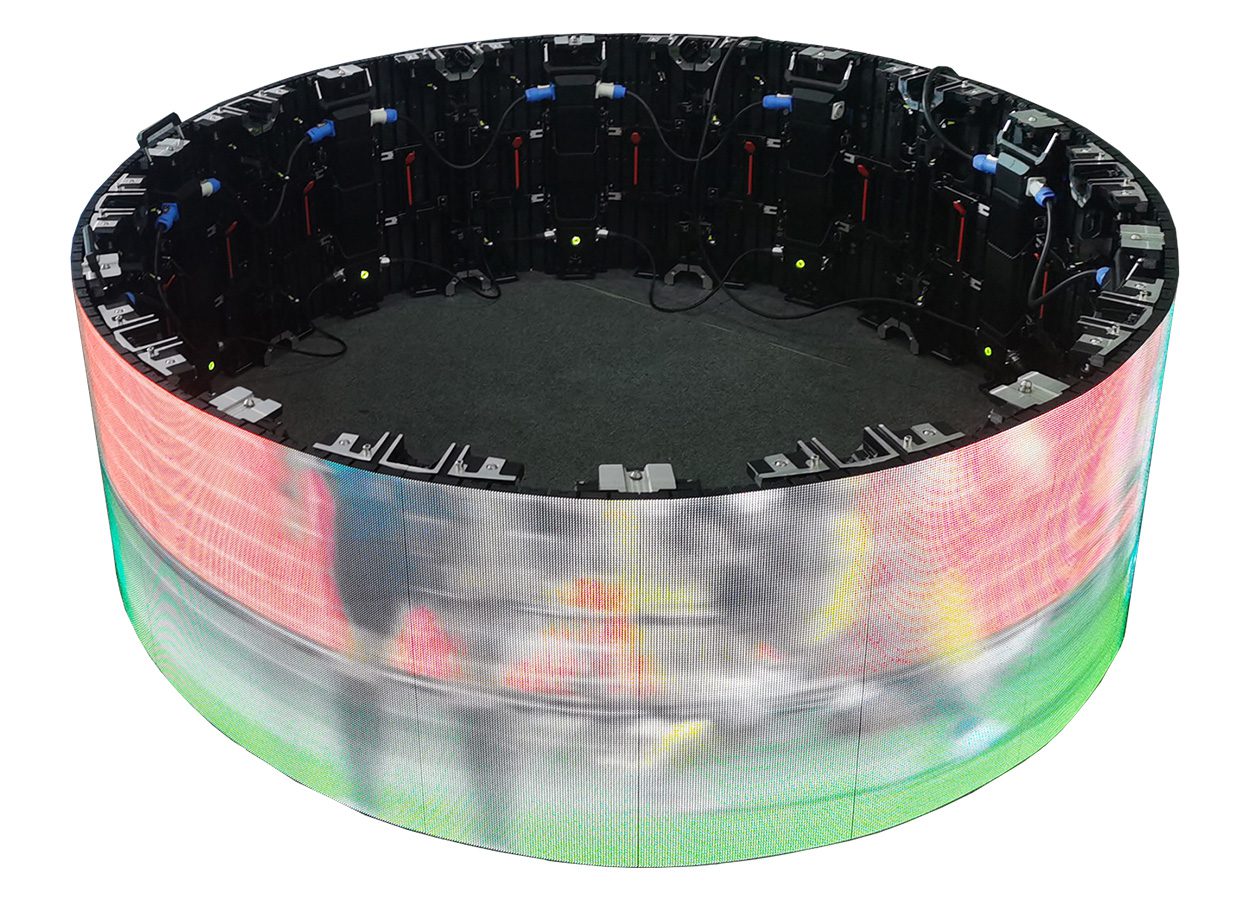
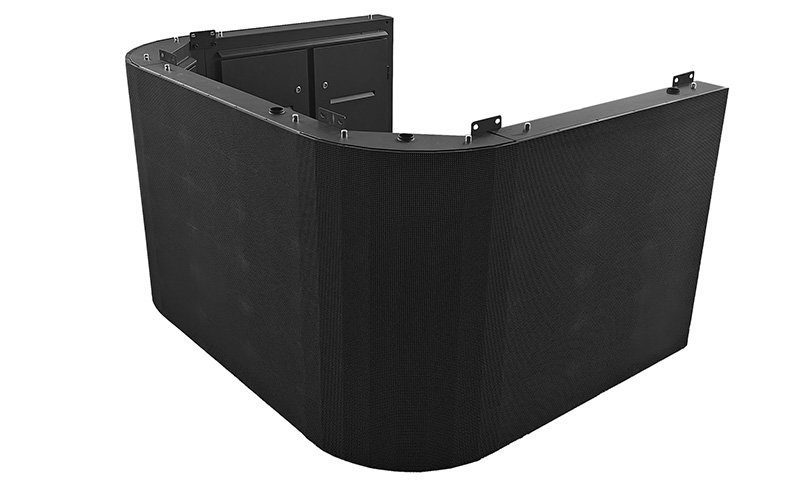
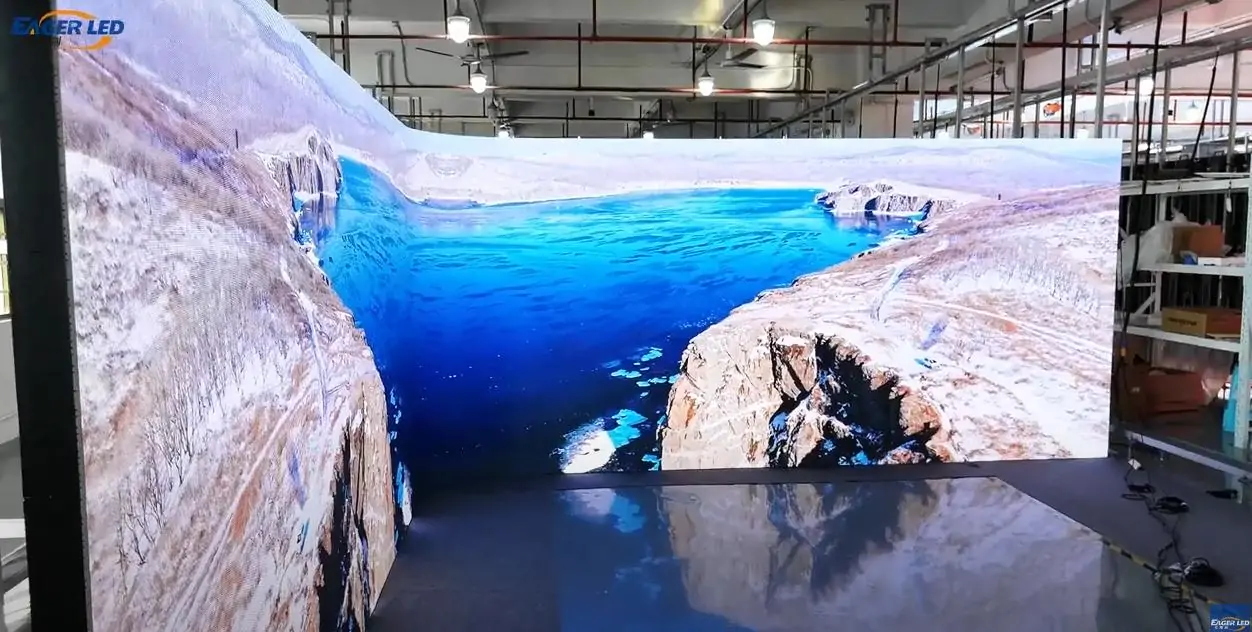
For a curved custom LED display, confirm the permitted bend radius, whether the surface is concave or convex, and how modules attach to the structure. A smooth-looking rendering does not show whether cabinet seams, corner transitions, or module removal paths are practical.
For cylinders and complex shapes, request a drawing that identifies every module and its orientation. Content creators need a usable mapping template, including any irregular boundaries. Reserve safe areas for logos and text so key information does not disappear around a curve or cross an awkward seam.
A creative custom LED display should remain maintainable after the surrounding architecture is complete. Check that trims, furniture, and ceiling finishes do not block removal tools or cable access. Replacing one failed module should not require dismantling the entire installation.
6. Installation, Control, and Maintenance
A custom LED display is a system comprising the screen, support structure, electrical distribution, processing, playback, and service arrangements. Assign responsibility for the interfaces between those components. A clear responsibility list prevents gaps between the display supplier, building contractor, electrical team, and content provider.
01. Coordinate structure, electricity, and heat
Obtain the installed weight, fixing layout, and service loads for structural review. Outdoor projects also need site-specific assessment of wind and exposure. The supporting wall or truss should be verified for the actual installation; cabinet weight alone is not a complete structural specification.
Use the manufacturer’s maximum power requirements to plan electrical capacity with the installation professional. Use a realistic measured average for operating-cost estimates. Neither an assumed “one-third power” shortcut nor the most favorable marketing figure should replace a documented design calculation.
For illustration, a custom LED display with 12 square meters of active area averaging 200 watts per square meter draws 2.4 kilowatts for the display. At ten operating hours per day, that is 24 kilowatt-hours per day before cooling and other equipment. These are hypothetical inputs; replace them with measured values from the proposed operating conditions.
Provide the ventilation and environmental conditions specified for the chosen system. A recessed installation may trap heat even when the visible room feels cool. Agree where heat exits and how staff will inspect filters or cooling equipment without damaging the screen.
02. Verify the controller and content workflow
The processor must support the custom LED display’s native pixel canvas, port allocation, frame rate, and required input formats. Confirm these together, since a headline total-pixel capacity may not describe every output arrangement. Ask for a connection diagram and a backup of the final configuration.
Choose live input for presentations or event production when required, and scheduled playback for unattended signage where appropriate. Test what happens after power loss, network interruption, or a missing input. Define who may upload content and how the screen returns to a known working state.
03. Make maintenance part of acceptance
Demonstrate access to modules, receiving cards, and power supplies before handover. Front-service modules do not necessarily mean every component is accessible from the front. Store configuration files, calibration records, cabinet maps, and labeled spare parts where the operating team can find them.
Agree on inspection intervals based on the site conditions and manufacturer instructions. Record faults by module location and photograph recurring issues. A custom LED display is easier to support when its service history and parts inventory are maintained from the first day.
7. Custom LED Display Cost and Supplier Checklist
Custom LED display cost depends on the entire delivered system. Area, pixel pitch, cabinet design, environmental requirements, structure, control equipment, and service scope all affect the quotation. A price per square meter is useful only when the inclusions and specifications are comparable.
01. Compare itemized proposals
| Cost item | Required detail | Common omission to resolve |
|---|---|---|
| Display hardware | Model, pitch, cabinet count, native resolution | Different specifications behind similar screen sizes |
| Structure and mounting | Drawings, fixing method, installation responsibility | Site adaptation and service clearance |
| Processing and playback | Controller, inputs, licenses, configuration | Media player or required software not included |
| Electrical and cooling | Power requirements, distribution, ventilation | Building electrical work and cooling provision |
| Delivery and commissioning | Packing, freight, site labor, calibration, training | Import charges or specialist access equipment |
| After-sales support | Spares, warranty exclusions, response and repair process | Return freight, labor, and replacement lead times |
| Content production | Canvas templates, campaign assets, update workflow | 3D animation and ongoing content revisions |
Compare a custom LED display over the intended ownership period, including energy, cleaning, spare modules, and service visits. Request alternative proposals that change one major variable at a time, such as pitch or overall dimensions. This makes the value of each option easier to judge.
02. Approve evidence before shipment
Ask the custom LED display supplier for the final cabinet layout, bill of materials, test records, and operating documentation. Review a representative sample and arrange an agreed factory acceptance process. Include uniform fields, actual content, input switching, and any required camera checks.
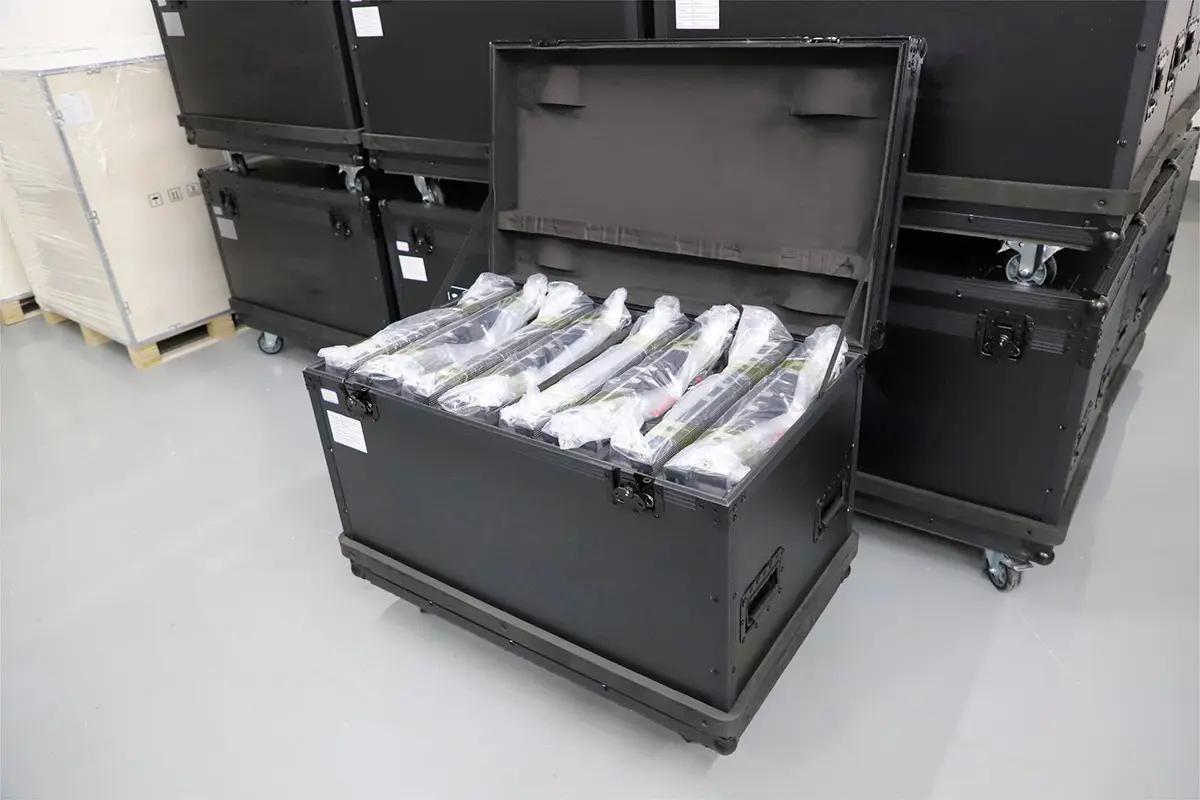
Confirm shipping protection, labeling, spare-part compatibility, and installation support before dispatch. Agree when the warranty starts and who pays for diagnosis, removal, transport, and reinstallation. Avoid treating a long nominal warranty as equivalent to fast local service.
To request a useful proposal, send dimensions, installation photos or drawings, closest viewing position, content examples, operating environment, service-access constraints, and target schedule through EagerLED’s contact page. Ask for a custom LED display solution with an itemized scope and explicit assumptions.
8. Custom LED Display FAQs
01. Can a custom LED display be made in any size?
Many sizes are possible, but the practical dimensions follow module and cabinet increments. Ask for the closest standard modular layout first. Exact architectural dimensions may need custom structures, edge treatments, or special modules, affecting cost and future replacement options.
02. Which pixel pitch should I choose?
Choose pitch using the closest viewers, the smallest required detail, and the screen’s native resolution. Test representative content at the actual viewing distance. A custom LED display used for dense text usually needs a different assessment from one showing large promotional graphics.
03. Is COB better than GOB?
They describe different construction choices. COB mounts chips directly on a substrate; GOB commonly adds protective resin over an SMD module. Compare the exact products for image quality, contact protection, serviceability, and price under the intended operating conditions.
04. Can an indoor screen be installed outdoors?
Only if the complete system is specifically designed and documented for that environment. Brightness or a protective front coating is insufficient evidence. Cabinet sealing, rear electronics, connectors, cooling, and supporting structure must all suit the location.
05. Does a 3D LED billboard need special video?
A perspective-based 3D billboard normally needs content created for its geometry and target viewpoint. Ordinary video can still play, but it does not automatically create the intended depth illusion. Budget for creative production alongside the custom LED display hardware.
06. What determines delivery time?
Design approval, component availability, custom fabrication, testing, transport, and site readiness all affect the schedule. Request milestones from the selected supplier after the specification is agreed. A generic lead-time claim does not establish the delivery date for your project.
9. Conclusion: Specify the Complete System
The best custom LED display for your project is the one that delivers the required information clearly, fits the site, and can be maintained throughout its working life. Begin with audience needs, calculate the native resolution, compare suitable construction options, and approve installation and service details before ordering.
Use the tables and calculations above to turn a broad request into a measurable brief. A well-specified custom LED display solution combines appropriate hardware with realistic content, installation, and support plans. That preparation gives buyers a sound basis for comparing proposals and accepting the finished system.
 EagerLED Professional Custom Commercial LED Screens
 LED Display Manufacturer for Events and Advertising: Buyer’s Guide