
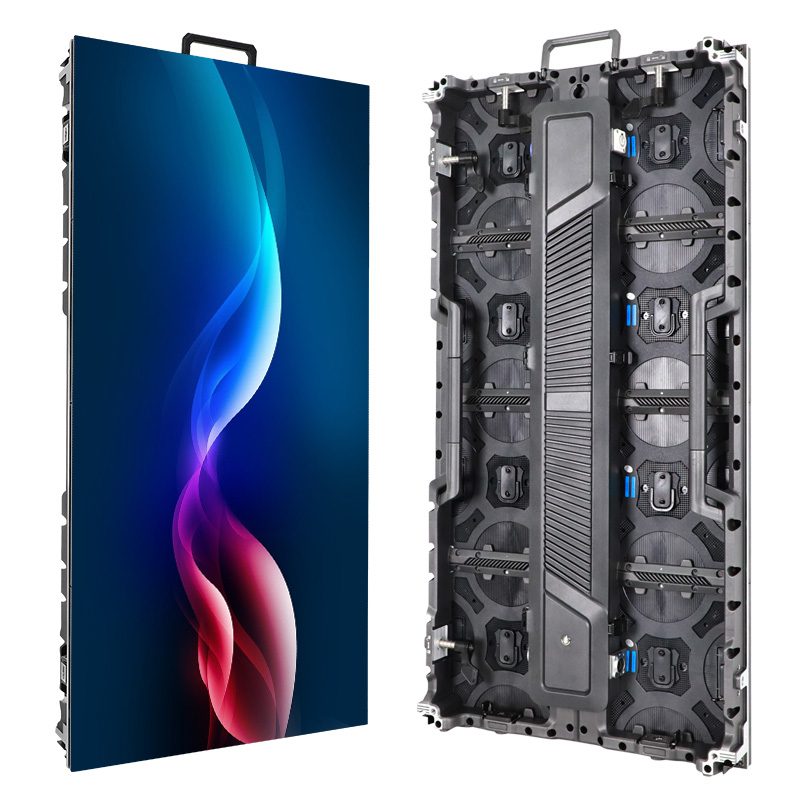
An LED touch screen combines a display with a system that detects touch and sends input to software. The LEDs create the image; they do not automatically detect a finger. For a direct-view LED wall, touch normally requires a separately specified sensing solution, suitable mechanical integration, a host computer, and an interactive application.
The name can also describe an LCD touchscreen with an LED backlight. That is a different display construction from a modular direct-view wall. An AV integrator should establish which technology the client means before comparing screen sizes or accepting a quotation.
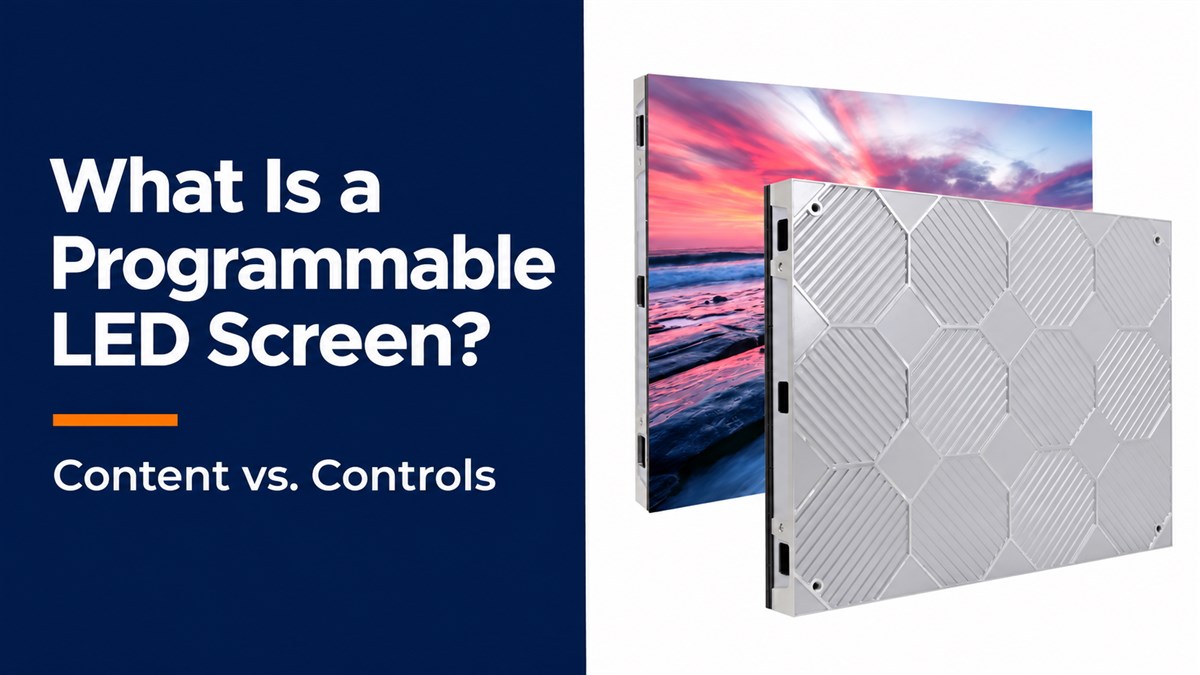
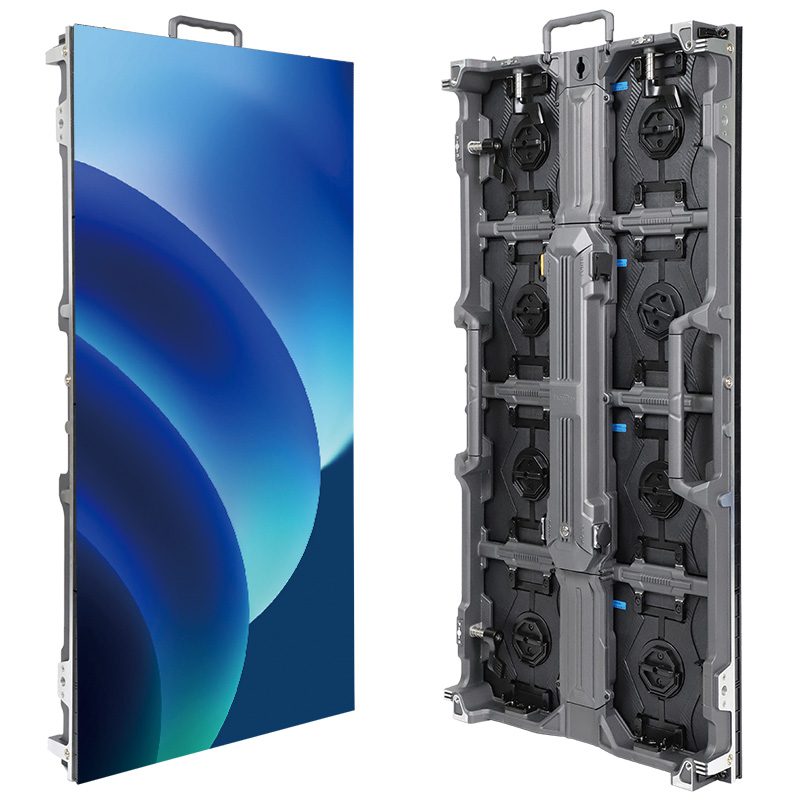
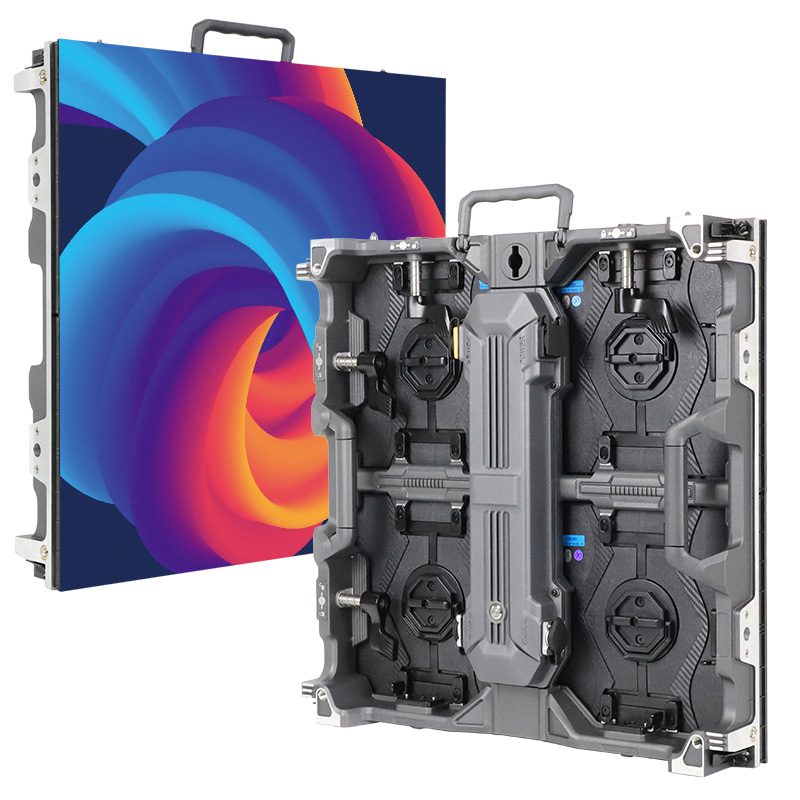
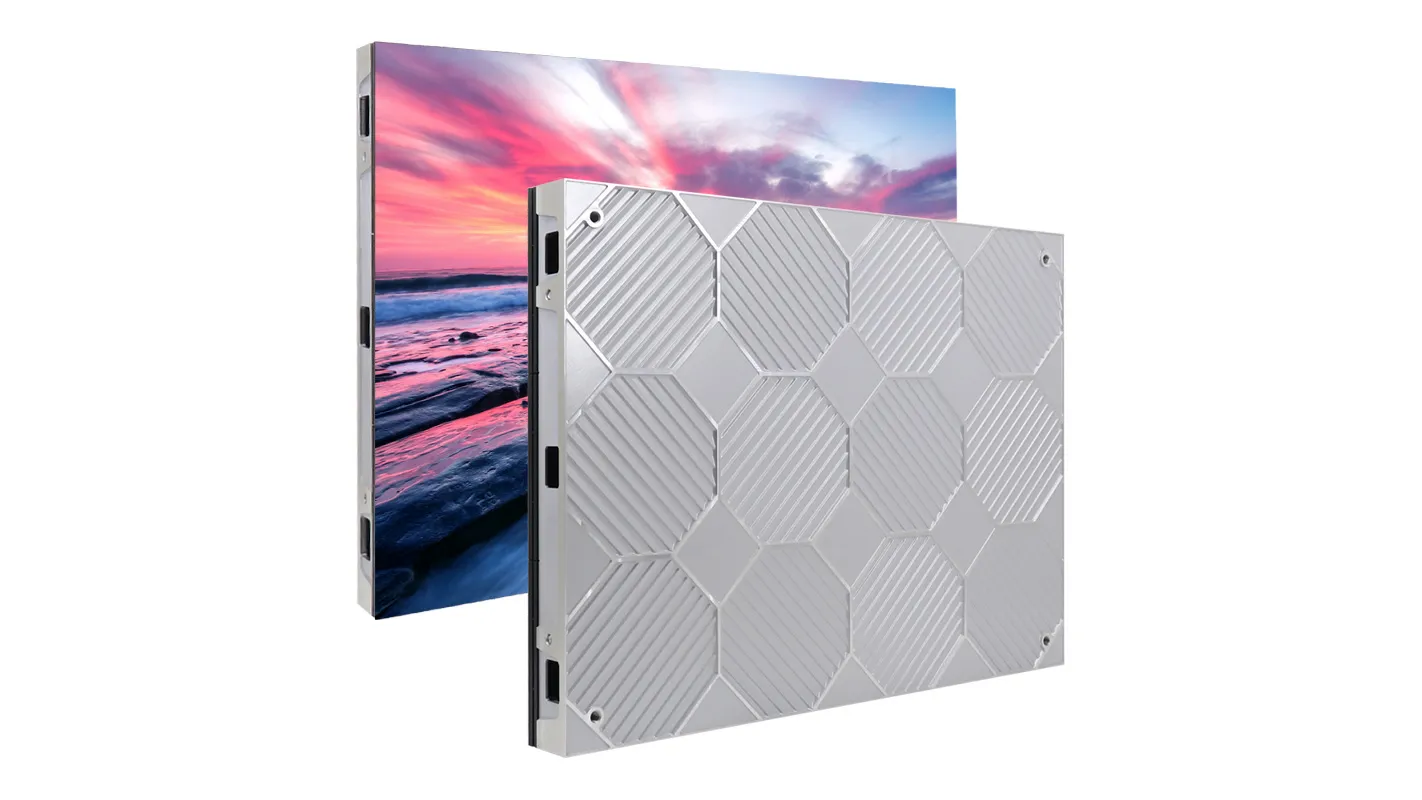
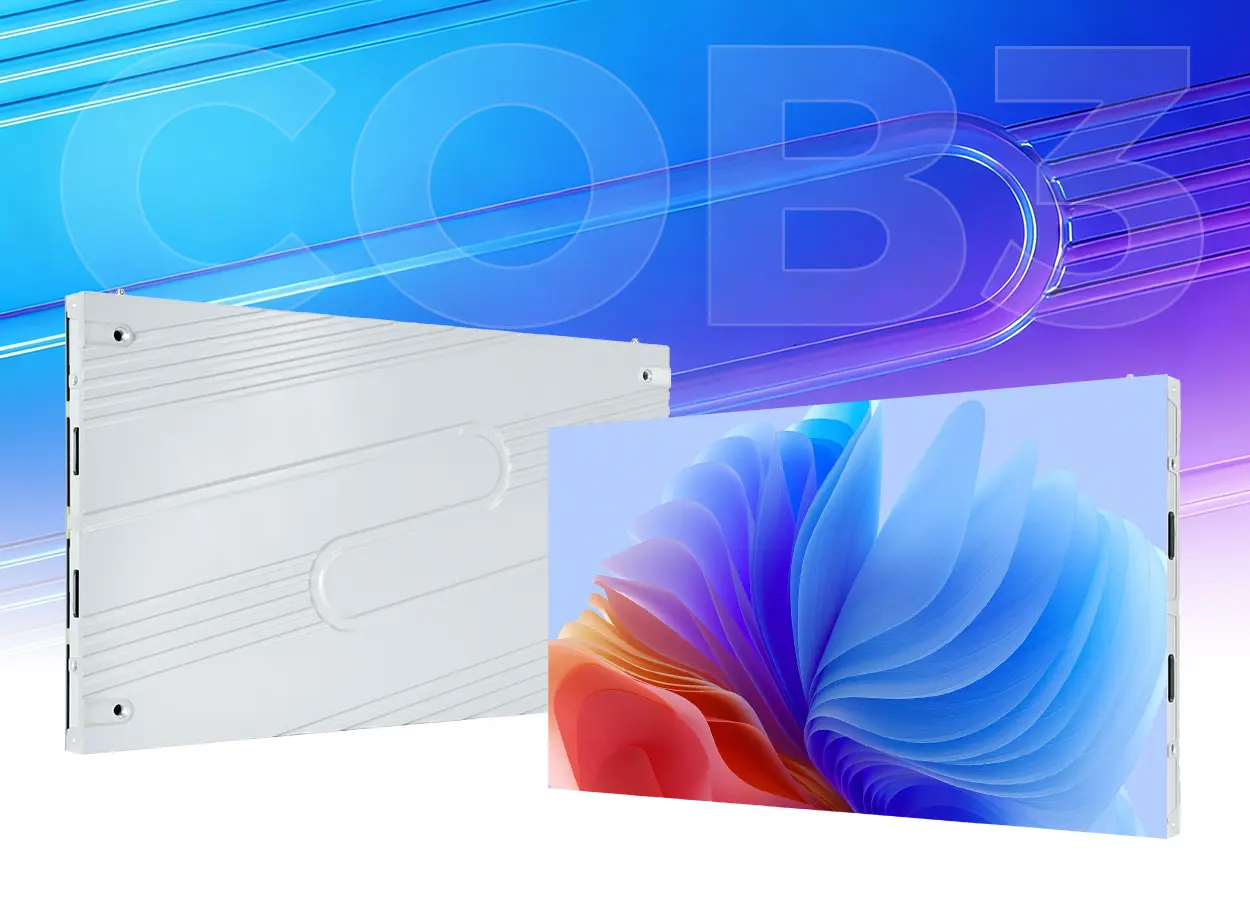
This explanation focuses on an indoor, wall-mounted project at the concept stage. It separates the display, sensing, and software responsibilities so you can decide whether direct touch belongs in the brief. The EagerLED product images below show the display hardware only; they do not document a touch-enabled installation.
1. What Does LED Touch Screen Mean?
The phrase identifies an interactive display, but it does not identify the image technology or the sensing method. Two proposals labeled LED touch screen may therefore describe different systems. One may be a complete flat-panel touchscreen. Another may combine modular LED cabinets, an external sensor, and a computer supplied by a different contractor.
Write “direct-view LED display with touch input” in the project brief if that is the intended construction. Ask the supplier to identify the sensing hardware, touch controller, host connection, supported operating system, and application. A general statement that a display is “interactive” is insufficient: interaction might instead mean a camera, floor sensor, remote control, or phone-based experience.
2. LED Touch Screen vs. LED-Backlit LCD
With an LED-backlit LCD, the backlight illuminates an LCD image layer. With direct-view LED, the light-emitting pixels form the visible image themselves. The latter can create large canvases from modules and cabinets. Neither description, by itself, establishes touch capability.
Ask for the display construction in writing before treating two proposals as alternatives. For an LED touch screen concept, the comparison should identify the active image area, native pixel dimensions, sensing assembly, host computer, and application scope. A screen-size label alone cannot show whether both bidders have included the same interactive functions.
3. How Touch Input Reaches the Application
An LED touch screen needs two coordinated paths. The video path carries rendered imagery from the computer through the display processing system to the wall. The input path carries detected contact positions back to the computer. The application must interpret those positions and draw a response.
For example, an infrared frame uses emitters and detectors around the perimeter to locate interruptions in a light grid. This is a sensing mechanism, separate from the LEDs that produce the picture. Other touch technologies use different physical principles. Confirm the proposed method instead of assuming that every large display uses the same overlay.
The touch connection is often USB, depending on the selected system. An HDMI connection delivering video does not, by itself, complete that return path. Likewise, a USB port used to configure an LED processor is not evidence that the processor accepts touch input. Require a connection drawing that names the purpose of each cable.
Mapping also matters. Microsoft’s digitizer documentation explains that Windows must associate a touch device with the correct display. A system with a wall and an operator monitor can show the right picture while sending touches to the wrong desktop. Verify the association using the actual computer and final display arrangement.
| System element | Required result | Proposal evidence |
|---|---|---|
| LED display and processing | The intended image appears across the complete canvas | Native pixel map and supported video configuration |
| Sensor and touch controller | Contact positions reach the host | Named sensing assembly and host interface |
| Computer and operating system | Input corresponds to the correct display area | Supported hardware, driver, and mapping method |
| Interactive application | The intended action responds correctly | Working project content, licenses, and support owner |
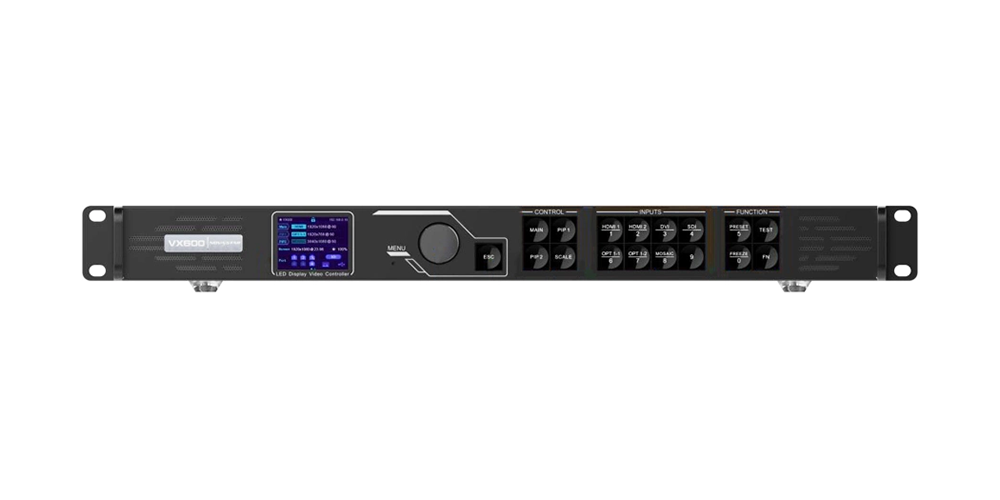
Read the distinction between a video wall processor and controller when reviewing the video equipment list. Display processing and application control remain separate responsibilities even when some hardware functions share a chassis.
4. Display Resolution vs. Touch Accuracy
Keep display resolution and touch accuracy separate in the specification. More image pixels can make an interface look sharper, but they do not independently improve a sensor’s position measurement. Conversely, a precise sensor cannot make small labels readable on a low-resolution canvas. Request an actual interface sample instead of converting either number into a general quality ranking.
For example, a product-selection button has both an image size in pixels and a physical size on the wall. Judge its label at the expected viewing distance, then test whether users can select it without triggering an adjacent control. These checks address different problems: readable artwork and reliable input. Test center and edge targets using the final layout rather than accepting a resolution number as proof of both.
5. Why the Surface and Frame Matter
A successful LED touch screen needs a usable physical surface as well as working electronics. Exposed pixels, protective coatings, cover materials, and a perimeter frame affect how the assembly can be used and serviced. A protective surface does not establish that a product senses touch, and sensing capability does not establish resistance to repeated public contact.
01. Confirm the Contact Surface and User Reach
Ask for the approved contact surface and cleaning procedure for the exact assembly. Clarify whether users touch a cover, interrupt a sensing plane above it, or interact through another arrangement. If a cover is proposed, have the supplier confirm its mounting, reflections, spacing, and effect on maintenance access. Do not add an unspecified sheet in front of a wall and assume compatibility.

For an LED touch screen, the final interaction area must also be reachable. Review where the intended users stand and which controls they can comfortably operate. A very large video canvas may work better with a smaller accessible control surface than with buttons spread across the whole wall. Test this with representative users before approving the interface.
02. Preserve Front-Service Access
Service access must survive the addition of sensing hardware. EagerLED’s EA600COB3 product page describes a front-service indoor display. That feature is useful background for a design discussion, but it does not confirm compatibility with a particular touch frame. Request a drawing showing how the proposed assembly preserves module removal and cable access.

6. What a Useful Demonstration Should Prove
Evaluate an LED touch screen with the proposed application, rather than a generic drawing demo alone. Place representative controls at the center, edges, and corners. Check selections, dragging, and release behavior. Include the gestures that the project actually needs; a specification listing many simultaneous contacts is not proof that the software uses them correctly.
01. Test Response and Display Mapping
Judge the complete visible response. Touch-sensor reporting, computer performance, application rendering, video processing, and display output all contribute to what a user experiences. A high display refresh-rate number cannot establish end-to-end interaction speed. If response time is contractual, agree on the measurement method and conditions before ordering.
Then repeat the demonstration after a normal restart and with the operator monitor connected. If the finished application uses rotation, scaling, or only part of the LED canvas, test those exact settings. A pointer that follows a finger in one configuration may need new mapping after the display arrangement changes.
02. Run a Complete Visitor Task
For a hypothetical exhibition interface, ask a visitor to open a product category, select an item, return to the home screen, and leave the system ready for the next person. This reveals questions that a drawing demonstration misses: whether navigation is obvious, whether accidental contacts trigger unwanted actions, and whether abandoned sessions reset appropriately. These are proposed test activities, not claims about a completed installation.
Include the room conditions in that trial. Place the sample where the intended users will encounter it and assess reflections, nearby furniture, and the space needed to step back. If the screen mainly serves an audience across a room, direct contact may add little value. A separate touch controller can let one operator navigate while the large wall remains available for shared viewing.
Before signing off an LED touch screen concept, assign one integrator responsibility for the combined result. The panel supplier, sensing supplier, and software developer may each pass their own checks while the installation still fails as a user experience. Record the approved hardware, software versions, settings, demonstration results, and unresolved exceptions together.
7. Frequently Asked Questions
Does “GOB” mean a screen is touch enabled?
No. GOB describes a protective encapsulation approach for LED modules, not a touch-input specification. Request separate confirmation of sensing, contact-surface suitability, and software compatibility. Protection against one kind of damage does not establish interactive functionality.
Can an existing LED wall become a touchscreen?
Possibly, after a compatibility review. The final dimensions, surface geometry, frame mounting, host computer, cabling, and service clearances need assessment. An LED touch screen retrofit should be demonstrated on the proposed arrangement before a supplier promises the outcome.
Can several people use the wall at once?
Only if the complete system supports the intended shared activity. Confirm the sensor’s supported contacts, operating-system behavior, application gestures, and user layout. A multi-touch hardware claim does not automatically provide separate sessions or prevent users from interrupting each other.
Does direct touch require an internet connection?
Not necessarily. Local sensing and a locally installed application can operate without an external connection when their design permits it. Cloud content, licensing, authentication, or remote services may add network dependencies. Specify offline behavior separately from touch capability.
8. Define the Interaction Before Requesting Hardware
For an LED touch screen inquiry, send the active dimensions, proposed mounting position, expected users, room photographs, and a sample of the intended interaction. Include the host operating system, application owner, required gestures, and service constraints.
Discuss the display requirements with EagerLED and request written confirmation of the proposed scope. Identify who supplies the sensing system and software, which compatibility checks remain open, and what the complete demonstration must prove before purchase.
 LED Controller Backup Planning: Prove Your Failover