An LED screen for PowerPoint should be approved with the smallest text and chart details that the audience actually needs to read, through the intended signal path and from the planned seats. A sharp laptop image, a large screen diagonal or a processor that accepts 4K does not establish that the final LED canvas will preserve those details. Ask for a representative slide test before approving the purchase.
This is a focused pre-purchase check for an AV integrator specifying a permanent meeting-room display. It covers readable presentation content, rather than a complete room design or a universal font-size rule. For the broader hardware and room options, use the conference room display planning guide.
The test should produce an agreed content sample, a documented native pixel matrix and a record of the viewing conditions. Those three items make supplier proposals easier to compare and give the commissioning team something concrete to reproduce.
On this page
LED screen for PowerPoint: check the native pixels
The native pixel matrix is the number of physical LED pixels across and down the assembled screen. The laptop output is a separate pixel matrix. If they differ, the processor or another device must map, scale, crop or place the source within the available canvas. Confirm which operation is intended.
For an LED screen for PowerPoint, compare proposals at both the planned physical size and the proposed native resolution. A smaller pixel pitch can put more pixels into the same area, but the final cabinet layout must support the quoted matrix. Ask for the actual row and column count rather than relying only on a rounded pitch label.
Consider this hypothetical calculation, not an EagerLED product quotation. A 3.84 x 2.16 m (12.6 x 7.1 ft) active area built at an exact 2 mm pitch would contain 1920 x 1080 pixels. The same area at an exact 4 mm pitch would contain 960 x 540 pixels. Both canvases have the same aspect ratio and physical size; they do not have the same detail capacity.
| Assumed canvas | 1920 x 1080 source mapping | 24-pixel-high source feature |
|---|---|---|
| 1920 x 1080 physical pixels | 1:1, if the full source is mapped directly | 24 LED pixels high |
| 960 x 540 physical pixels | Half-size in each direction | Approximately 12 LED pixels high after scaling |
The feature remains approximately the same physical height in this example, because the screen size is unchanged, but fewer pixels describe its shape. Thin strokes and small gaps can therefore become harder to preserve. This is an explanation of sampling, not a guarantee that either configuration passes a particular reading test. Source-feature pixels are also not the same unit as PowerPoint font points.
Build a useful PowerPoint test sample
A useful sample contains difficult content that the room will genuinely show. Select a normal title slide, the densest acceptable data slide and a diagram with fine labels or lines. Include the required footnotes, decimal points, minus signs and chart legends. Large promotional photographs are poor substitutes for those details.
Keep the original editable file and a reference export with the approved layout. Record the output dimensions and the application used for the demonstration. A reference image helps identify a font-substitution or layout change, but it does not replace testing the actual slideshow if animations, videos or live content are part of the requirement.
When evaluating an LED screen for PowerPoint, agree which information is essential and which can be simplified. Removing unnecessary rows or increasing a chart label may be a sensible presentation decision. Silently enlarging every label only for the supplier demonstration is not a fair test of the organization’s normal material.
Use the proposed source path
Test the path that the room will use: presentation computer, intended connection or sharing device, any switcher, the processor and the LED screen. A direct laptop connection can help isolate a problem, but it does not verify a different wireless-sharing or conferencing path that will be used after installation.
Write down the computer output resolution, processor input and output mapping, active LED canvas and any borders. Check that the entire slide is visible without stretching or cutting off edge labels. Preserve the intended aspect ratio; filling every pixel is not a reason to distort a technical diagram.
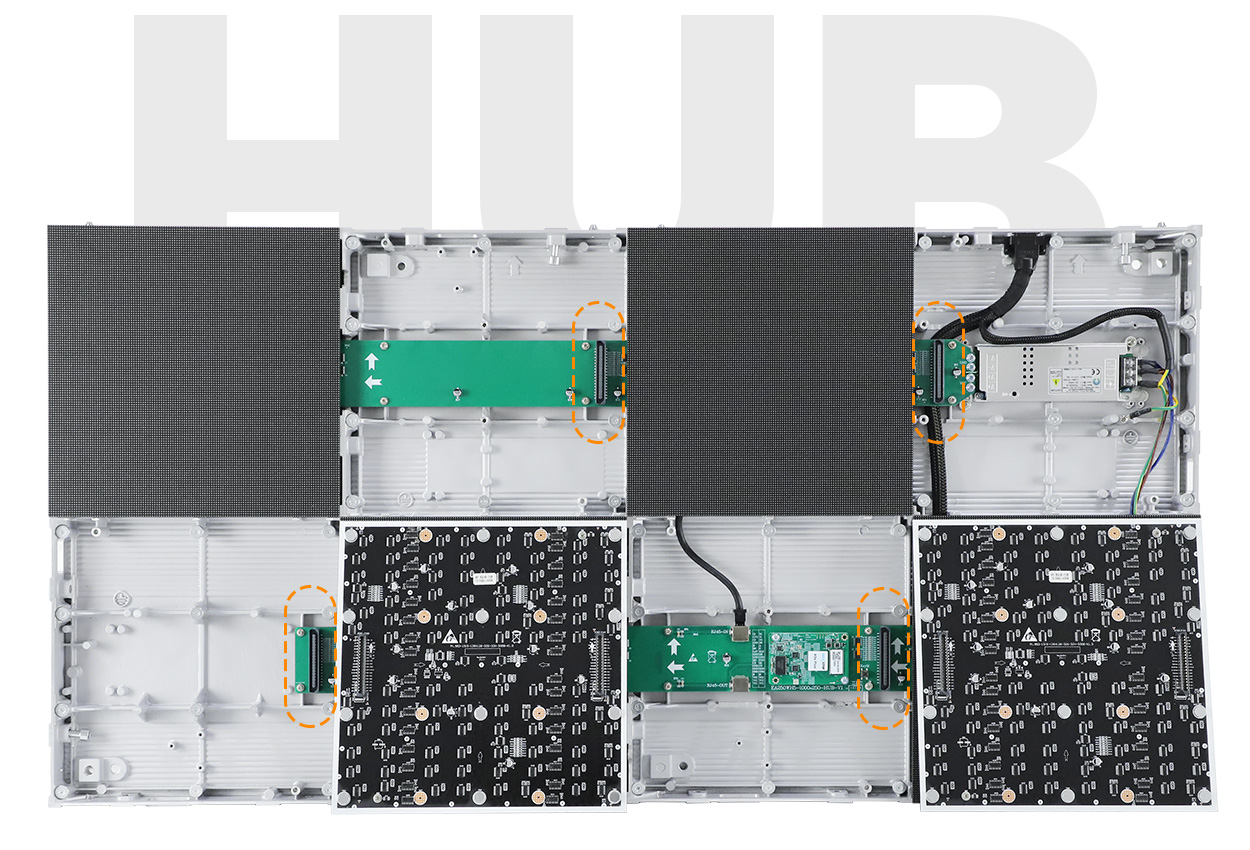
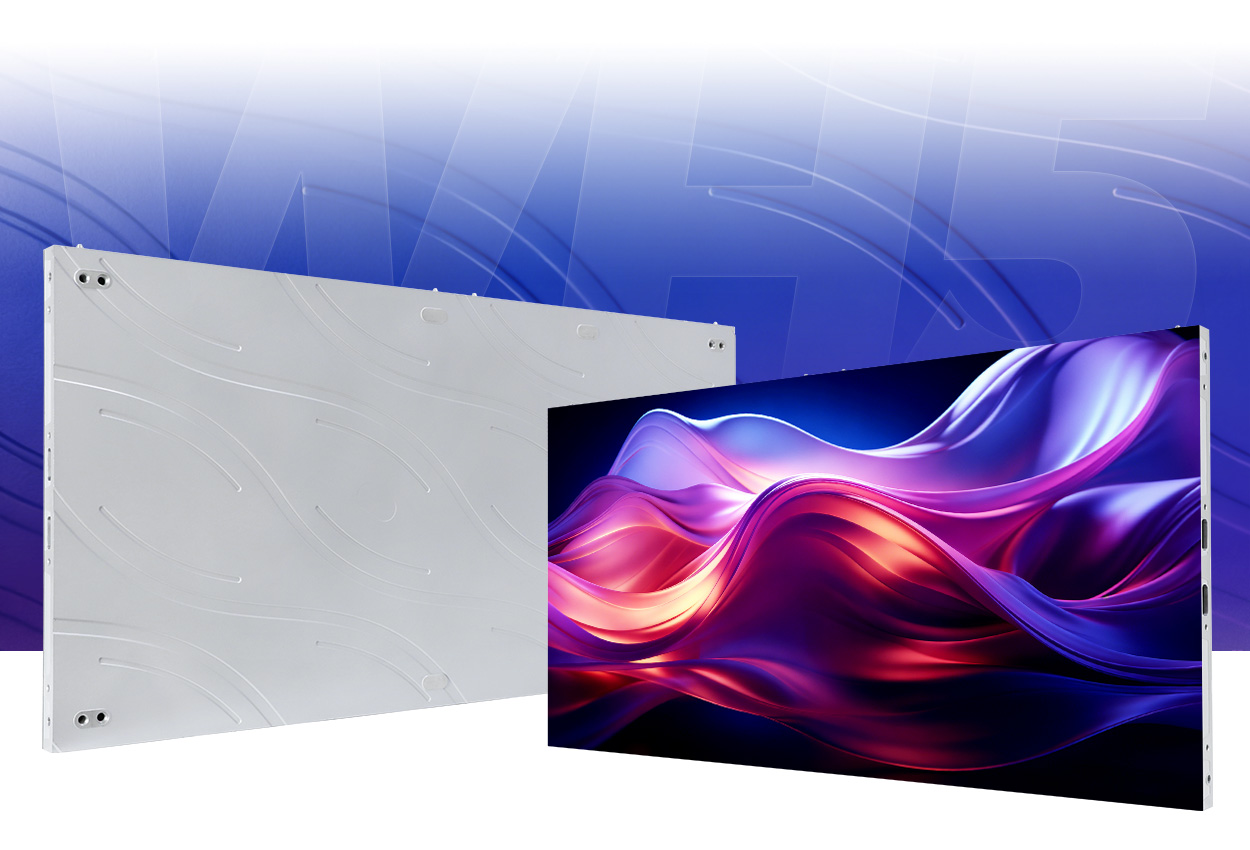
A brief product video helps identify the cabinet construction being discussed. The official EagerLED overview below shows the EA250WH5 product format. It is not a controlled PowerPoint reading test, and its recorded image should not be used to approve your chosen pitch or room layout.
Read the slides from the actual seats
The farthest required seat tests whether the information is large enough; a close seat exposes the pixel structure and small-detail limitations. Side seats can reveal visibility and contrast problems that a central camera position misses. Mark the seats to be checked on the room plan.
For an LED screen for PowerPoint, ask reviewers to read the required labels rather than say whether the picture looks impressive. Keep the sample and settings constant while comparing options. Note room lighting, screen brightness, viewing position and any source scaling so that a later test uses comparable conditions.
If a small label fails, first confirm that the file and mapping are correct. Then compare a justified content revision, a different native pixel matrix or a different physical image size. Changing several variables at once may improve the image without explaining which purchase decision solved the problem.
A phone photograph is useful for documenting the setup, but autofocus, exposure and image processing can change the apparent text quality. Base the reading decision on direct observation and, where remote approval is necessary, agree the evidence method in advance rather than treating an ordinary compressed clip as conclusive.
Keep a repeatable approval record
An LED screen for PowerPoint should be ordered against the approved configuration and test conditions, not an undocumented showroom impression. Keep the file revision, pixel matrix, equipment configuration and viewing positions together. Record any unresolved requirement before commercial approval.
| Record | Why it matters |
|---|---|
| Slide file and reference export revision | Prevents a different or simplified sample becoming the acceptance reference |
| Native matrix and source-to-screen mapping | Makes the demonstrated detail capacity reproducible |
| Required seats and lighting scene | Defines where and under what conditions the information must be read |
| Approved equipment and unresolved exceptions | Connects the demonstration to the configuration being purchased |
Repeat the relevant sample after commissioning and after a change that affects the image path. A replacement module, receiving-card configuration change or processor setting can justify a focused recheck. This is a proposed project record, not a claim of a factory-tested acceptance procedure.
Frequently asked questions
Can the supplier use our real slides without receiving confidential information?
Provide a sanitized sample that preserves the required typography, line weights, table density and layout while replacing sensitive names and values. Agree how the file may be used. Removing all difficult detail would defeat the purpose of the test.
Does readable room text prove remote meeting participants can read it?
No. Remote participants may receive a shared digital presentation or a camera image of the room screen. Those paths have different scaling and compression. Test the intended remote-viewing path separately.
Can an LED screen for PowerPoint preserve every presenter’s fonts?
Include representative files from the expected devices and applications. Font substitution can change spacing and line breaks before the signal reaches the LED screen. Agree the supported presentation workflow and preserve a reference export for comparison.
Request a presentation-focused proposal
For an LED screen for PowerPoint, send a sanitized demanding slide, available screen dimensions, nearest and farthest viewing distances, seating plan, room lighting, intended input path, destination country and procurement timeline. Ask the supplier to state the proposed native matrix and how your sample will be demonstrated.
Review the EA250WH5 indoor cabinet format as one product reference, then discuss the configuration required for your room.
 LED Screen Rental San Jose: A Filmed Product Launch Plan