An LED display delivery inspection checklist should separate package condition, received contents and functional testing. Photograph and identify the shipment before opening it, reconcile each package against the packing list, then have the responsible technical team inspect the equipment using the supplied instructions. A case count alone cannot confirm that the screen is complete or ready to install.
This is a receiving workflow for an AV integrator buying modular LED equipment for a project. It starts when the shipment reaches your receiving point and ends with a clear list of equipment released for the next stage and items needing follow-up. It is different from a factory acceptance test or a warehouse storage plan.
Agree the receiving arrangements with the supplier and logistics provider before dispatch. The worksheet below is a suggested project record, not a statement of EagerLED warranty terms, carrier procedures or a universal claim deadline. Use the requirements that apply to your actual order.
Prepare your LED display delivery inspection checklist
Ask for the final packing list, case identifiers, approved equipment schedule and unpacking instructions before the truck arrives. Identify the receiving contact and the technical person who can decide what happens when something differs from the documents. A warehouse assistant should not have to guess whether a substitute cable or module is acceptable.
Use the delivered configuration as the reference. Include spare modules, control equipment, power and signal cables, mounting accessories and any service tools actually purchased. Record separately supplied items so an intentional split shipment is not mistaken for a missing package. Conversely, an item appearing in a brochure does not establish that it belongs in your order.
Prepare somewhere suitable to open and identify equipment, with the handling resources specified for the shipment. Ask which packaging must remain available for inspection, further transport or repacking. If installation is delayed, connect the receiving record to the separate pre-installation storage plan instead of leaving the next owner unclear.
Check the shipment before opening
Record the arrival date, receiving location, package count and readable case or carton identifiers. Take an overall photograph and close views of any visible irregularity before changing the packing arrangement. Describe what is visible, such as a split panel, displaced closure or wet area; do not turn that observation into an unsupported diagnosis of the equipment inside.
Follow the agreed supplier and carrier process for documenting discrepancies. Do not assume that a delivery signature, a photograph or a particular note has the same effect under every arrangement. Confirm the relevant process and reporting times with the parties handling your shipment.
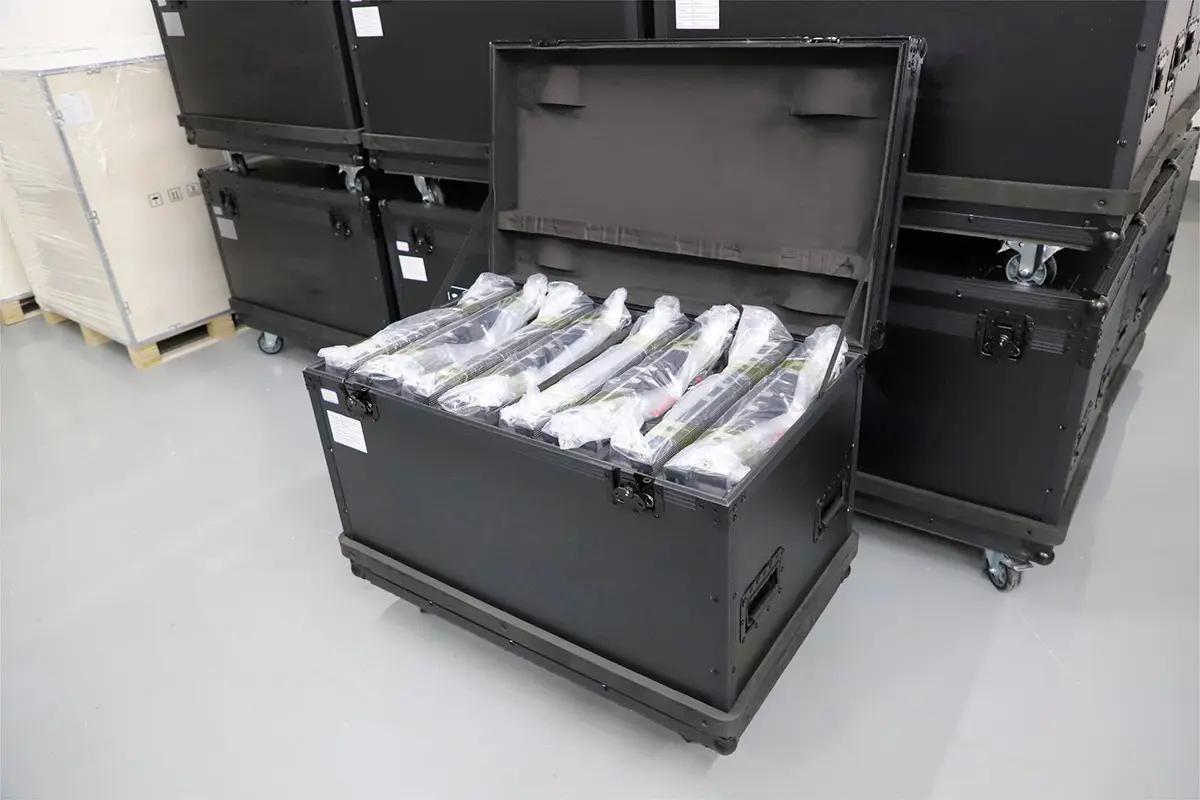
The official EagerLED video shows wooden-box and reusable flight-case packaging. It helps a receiving team recognize different packaging formats. It does not demonstrate the condition of your delivery, certify a load capacity or replace the supplied unpacking instructions.
Keep the LED display delivery inspection checklist with the shipment while packages are opened. Record which case each item came from before mixing cabinets or loose parts into general stock. The same identifier should connect the arrival photographs, contents record and any subsequent question.
Reconcile the actual contents
Compare quantities and product identities line by line. Distinguish a complete cabinet from a loose spare module, an empty packaging slot and an accessory compartment. Count the actual delivered items rather than inferring quantities from the number of cases or the slots visible in a photograph.
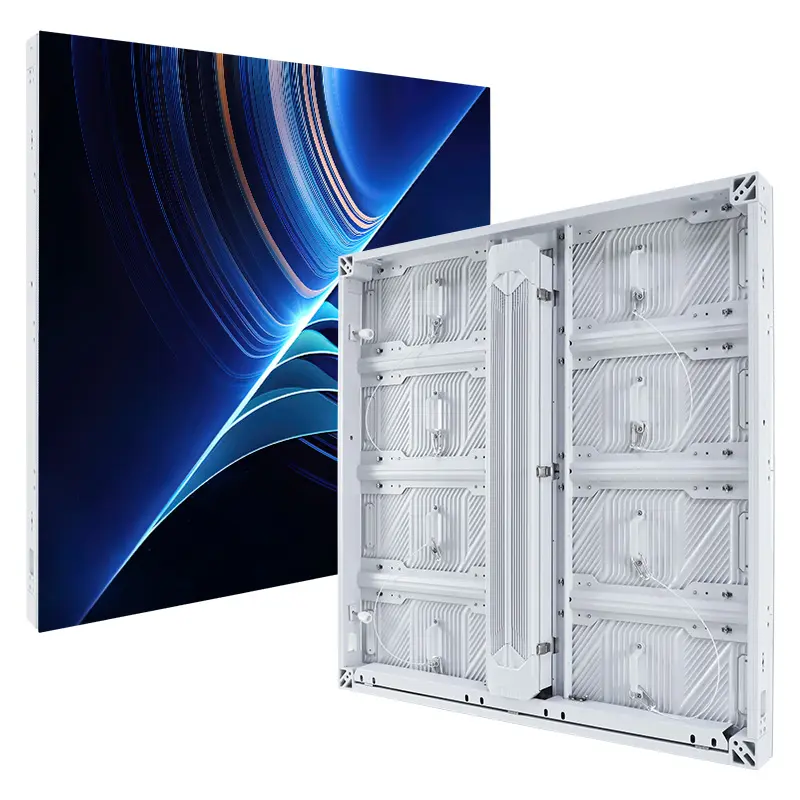
For cabinets, compare the display face, rear assembly, connectors and visible handling hardware with the approved configuration. Record an unexpected difference without trying to correct it during the count. A cabinet that looks similar from the front may have a different rear arrangement; the supplier should resolve whether the delivered version matches the order.

| Finding | Record now | Next decision |
|---|---|---|
| Package count differs | Expected and received identifiers, including known split shipments | Reconcile with the shipment coordinator |
| Visible packaging irregularity | Overall and close photographs linked to the case ID | Obtain the agreed inspection and handling direction |
| Accessory or spare differs | Actual label, quantity and packing-list line | Supplier confirms identity and order scope |
| Cabinet condition is uncertain | Affected cabinet ID and visible symptom | Hold that item for technical review |
| Controlled test differs from expectation | Equipment, configuration, source and observed result | Technical team defines the next check and release status |
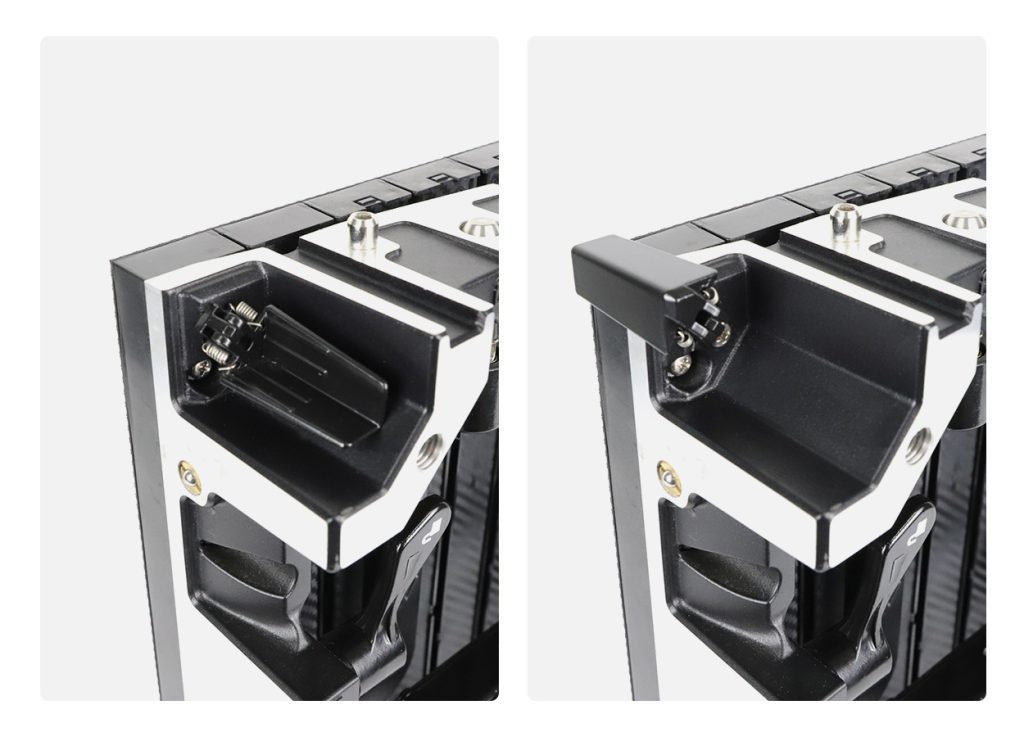
Make the LED display delivery inspection checklist specific about condition as well as quantity. Check visible corners, surfaces and accessible fittings against the supplied guidance. A protective component is another item to inspect; its presence does not prove that every exposed part avoided damage.
Keep the first test controlled
Only proceed when the responsible technical team considers the equipment and setup ready. The receiving test should follow the supplied operating instructions and the scope agreed for the order. Do not energize visibly wet or damaged equipment just to determine whether a picture appears.
Record which cabinets and control devices are connected, the approved configuration reference, the source content and the observed result. Preserve the original supplied files. Avoid undocumented parameter changes that make the received state harder to reconstruct.
A useful LED display delivery inspection checklist keeps the arrival test separate from the factory aging-test record. It also keeps a small receiving setup separate from full installed-wall acceptance. A working sample of the delivered cabinets does not establish alignment, structural suitability or visual consistency across an unassembled project.
Close discrepancies clearly
Give each unresolved item an owner and a next action. For example, link an uncertain accessory to the supplier question and the affected packing-list line. Keep equipment awaiting review identifiable and separate from items released for the next stage, so another crew cannot accidentally treat it as ready stock.
Retain the relevant photographs, labels and packing references while the discrepancy is investigated. Do not dismantle or repair an uncertain item without the appropriate technical direction. When the matter is resolved, record what changed, who confirmed it and which check was repeated. This leaves a usable handoff for installation rather than a collection of unconnected messages.
Frequently asked questions
What if the delivery arrives in several batches?
Give each delivery its own receiving record and reconcile it against the remaining order balance. Keep package identity and cabinet quantities visible across batches. Do not mark an entire order complete because the first installation area has enough equipment.
Can an unboxing video replace the written inventory?
No. A video can supplement the record, but the team still needs searchable identifiers, quantities and exception status. Make sure the recording can be connected to the correct shipment and that important labels are readable.
Does a transit issue automatically become a warranty claim?
Do not assume the route is the same. Follow the reporting process agreed for the order and ask the supplier or logistics contact how the issue will be handled. This article does not assign responsibility or promise a particular remedy.
Plan your project delivery
Need an LED display delivery inspection checklist for a planned purchase? Share the screen dimensions, indoor or outdoor environment, viewing distance, destination country and procurement timeline. Include cabinet quantities, proposed delivery point, installation date and whether the order will arrive in stages, so the packing and receiving scope can be discussed before dispatch.
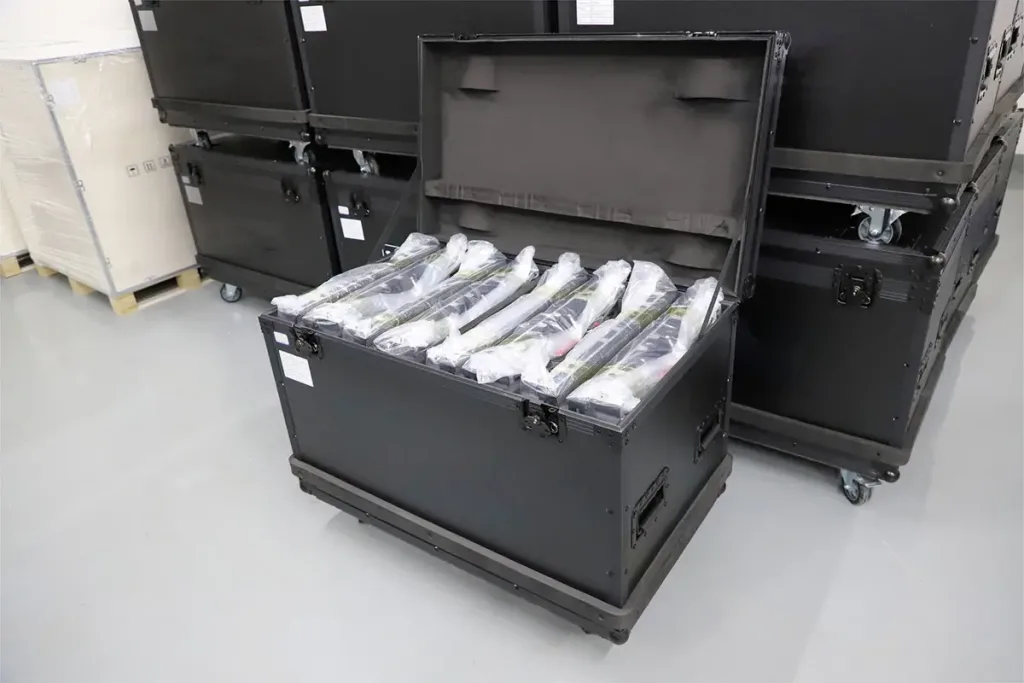 LED Screen Storage Before Installation: Plan for Delays