Related Posts




When planning an LED video wall, you might feel overwhelmed by terms like “video wall processor” and “video wall controller.” What are they, and do you need both? This guide breaks down everything in an easy-to-understand way, so you can choose the right setup without confusion. We’ll cover definitions, differences, costs, and even include real product examples to help you decide.
catalogue
1. What is a Video Wall Processor and How Does It Work?
A video wall processor is a device designed to enhance and manage video signals for display on large screens or video walls. It focuses on improving image quality, supporting multiple inputs and outputs, and enabling features like scaling, color correction, and format conversion. Essentially, it acts as the “brain” that p-rocesses raw video data to deliver crisp, vibrant visuals—perfect for applications where image fidelity is paramount, such as broadcast studios, exhibitions, and control rooms.
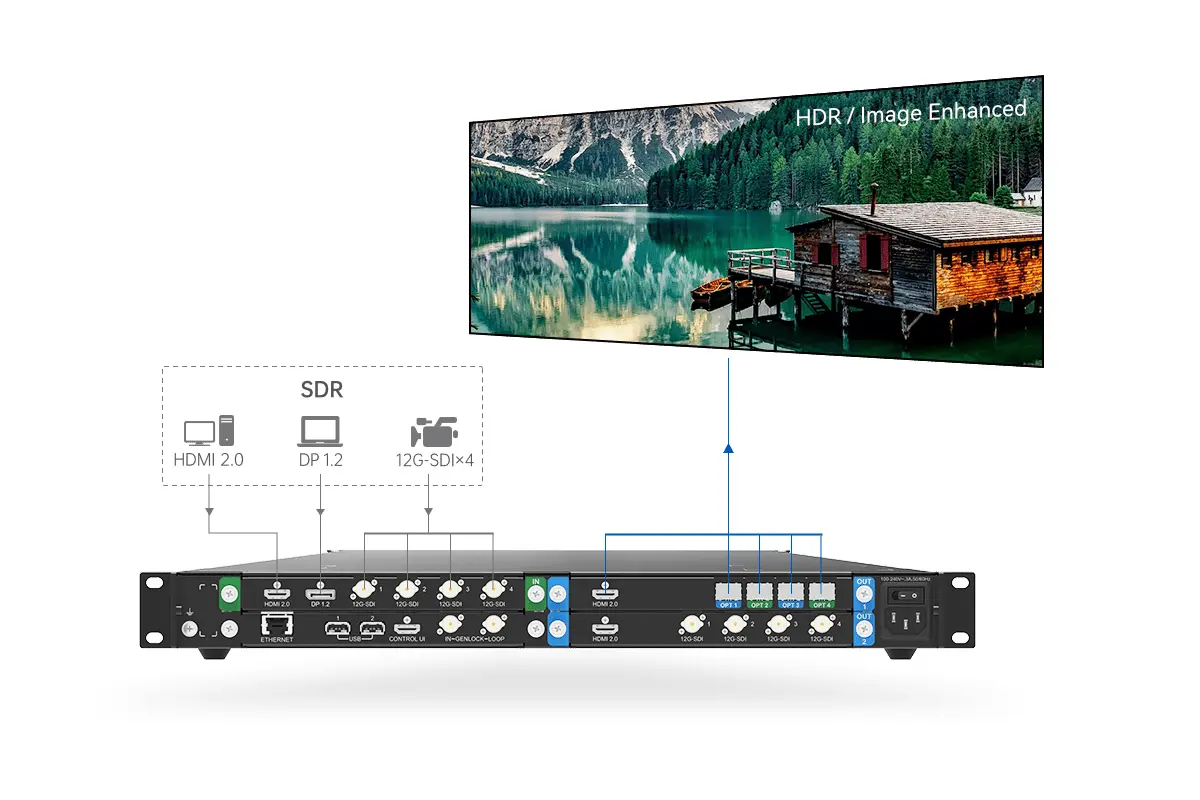
Key characteristics of a video wall processor include:
- High-resolution support: Handles 4K, 8K, or beyond for sharp imagery.
- Signal enhancement: Converts SDR to HDR, adjusts brightness, and applies color grading.
- Flexible connectivity: Supports various inputs like HDMI, DP, and SDI.
- Scalability: Allows seamless integration with different display setups.
2. What is a Video Wall Controller and How Does It Work?
A video wall controller is a device that manages and controls the display across multiple screens in a video wall setup. It focuses on synchronization, screen splitting, and real-time management of content distribution.
Think of it as the “conductor” that ensures all parts of the video wall work in harmony—handling tasks like layout configuration, latency adjustment, and failover protection. This is essential for large-scale installations, such as LED events screens, e-sports screen, or fixed LED video walls, where reliability and seamless operation are key.
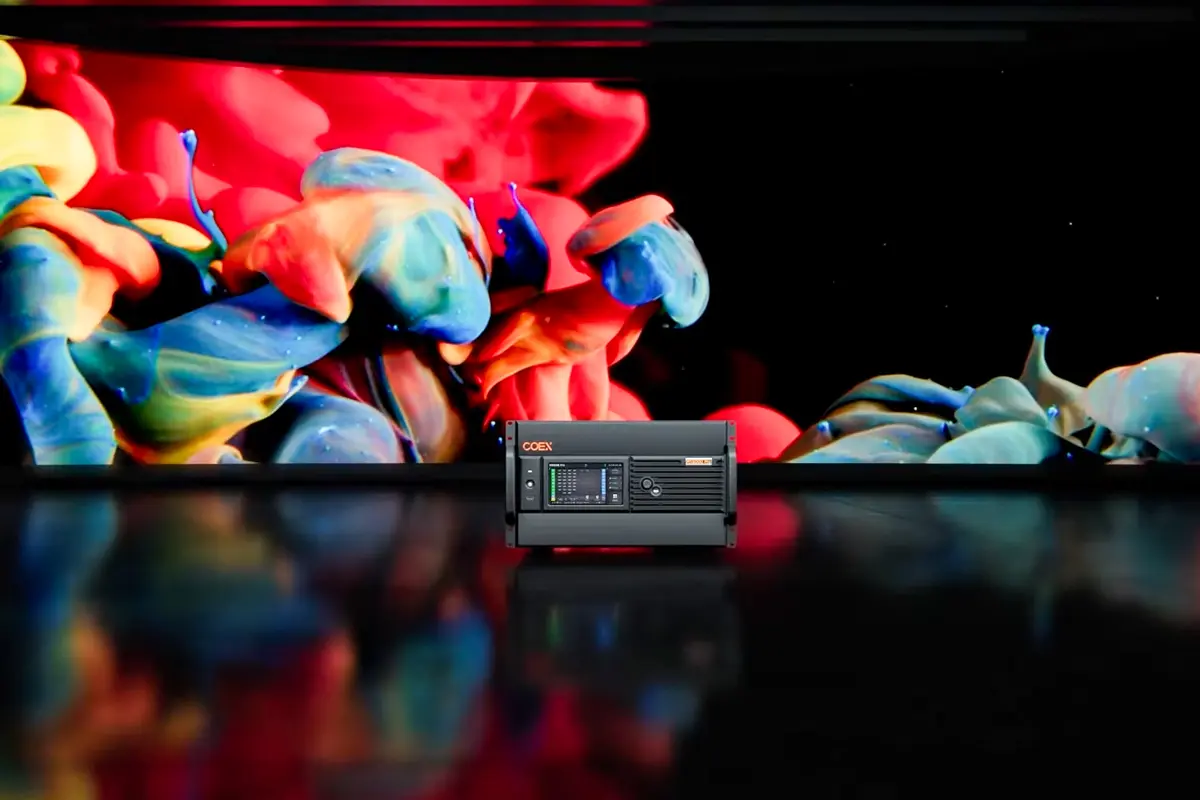
Key characteristics of a video wall controller include:
- Multi-screen management: Supports synchronization and splicing of displays.
- High load capacity: Handles millions of pixels across multiple outputs.
- Modular design: Allows customization with input/output cards for flexibility.
- Low latency: Ensures smooth playback without delays or tearing.
3. Video Wall Processor vs. Controller: What’s the Core Difference?
The core difference between a video wall processor and a controller lies in their roles: the processor focuses on enhancing video quality, while the controller manages the display operation.
In a typical setup, the controller is a must-have to run the wall, and the processor is an add-on for improving visuals in complex scenarios. Here’s a quick comparison table to highlight the key distinctions:
To make it clearer, here’s a quick comparison table:
| Aspect | Video Wall Processor | Video Wall Controller |
|---|---|---|
| Primary Role | Enhances image quality (e.g., HDR conversion) | Manages screen layout and synchronization |
| Key Features | Color correction, scaling, format conversion | Multi-layer support, low latency, backup systems |
| Ideal For | Broadcast, exhibitions, high-fidelity displays | Large events, control rooms, multi-screen setups |
| Example Product | HDR Master 4K (focuses on SDR to HDR conversion) | MX6000 Pro (handles 8K inputs and pixel loading) |
In short, if you’re setting up a basic LED video wall, you’ll only need a controller. But for projects requiring advanced video processing—like converting SDR to HDR or handling multiple high-resolution sources—adding a processor can elevate the experience.
4. Can a Video Wall Work Without a Processor or Controller?
No, a video wall cannot work without a controller—it’s the essential component that drives the display and ensures everything syncs up. Without a controller, you’d have no way to manage inputs, layout, or performance, leading to a non-functional or glitchy screen.
However, a video wall can operate without a processor if your project doesn’t demand high-end video enhancements. For instance, in a simple rental display or basic presentation, a controller alone might suffice. But in professional settings like TV production or e-sports, a processor adds that extra polish for flawless visuals.
5. How Does Video Wall Controller Cost Compare to a Processor?
Cost varies significantly based on brand, functionality, and scale. Here’s a general comparison:
Component Entry-Level Price Range High-End Price Range
| Video Wall Processor | $2,000 – $5,000 | $10,000+ |
|---|---|---|
| Video Wall Controller | $3,000 – $7,000 | $20,000+ |
Controllers tend to cost more due to their complex output management features and scalability options. However, budget-friendly models exist for smaller projects.
6. Video Wall Processor vs. Controller: Our Professional Recommendation
There are many excellent processors and controllers on the market, and here I’d like to recommend three products that offer excellent value for money.
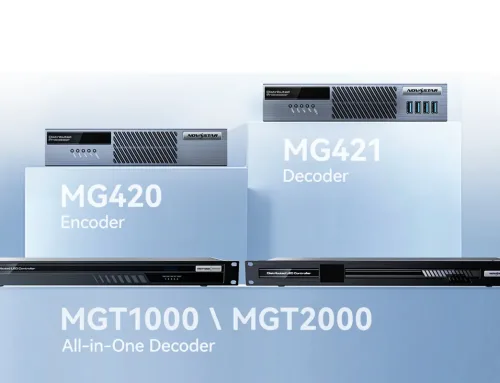
NovaStar HDR Master 4K Video Processor
HDR Master 4K by NovaStar is a prime example of a high-end video wall processor. It converts standard dynamic range (SDR) content into high dynamic range (HDR), delivering superior image quality with:
- 4K Input/Output: Ensures ultra-clear visuals with support for up to 8K resolution.
- SuperView III Scaling Algorithm: Eliminates rough edges and blurring.
- Free SDR-HDR Conversion: Solves the problem of missing HDR sources.
- Customizable BKG and LOGO Files: Enhances branding opportunities.
This processor is ideal for applications requiring exceptional visual fidelity, such as broadcast studios, control rooms, and exhibition screen.
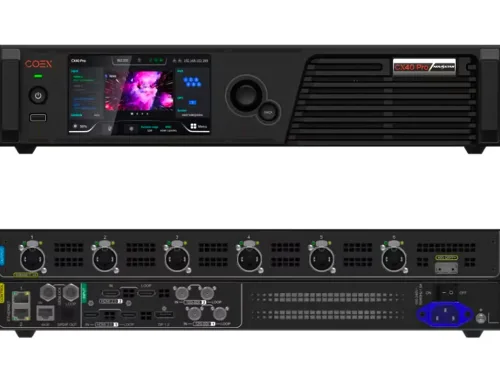
NovaStar MX6000 Pro LED Display Controller
MX6000 Pro from NovaStar exemplifies advanced video wall control technology. With its modular design and robust performance, it offers:
- 12-Bit Color Depth: Delivers true-to-life colors.
- 360 Hz Frame Rate Capability: Ideal for fast-paced environments like eSports events.
- Zero-Frame Latency: Provides real-time responsiveness.
- Multi-Layer Support: Handles up to 32 layers simultaneously.
This controller is perfect for large-scale installations, including rental LED screen services, virtual production studios, and TV broadcasting.
7. How to Integrate Processors and Controllers into Your Existing Setup?
Integrating a video wall processor and controller is straightforward if you follow these steps:
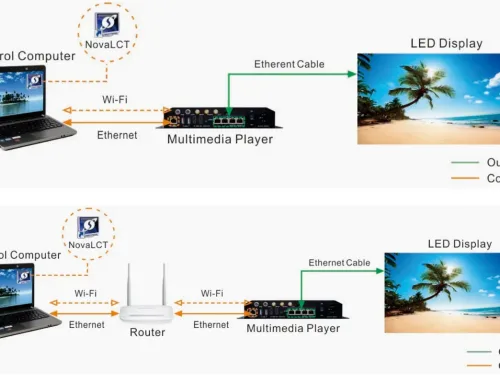
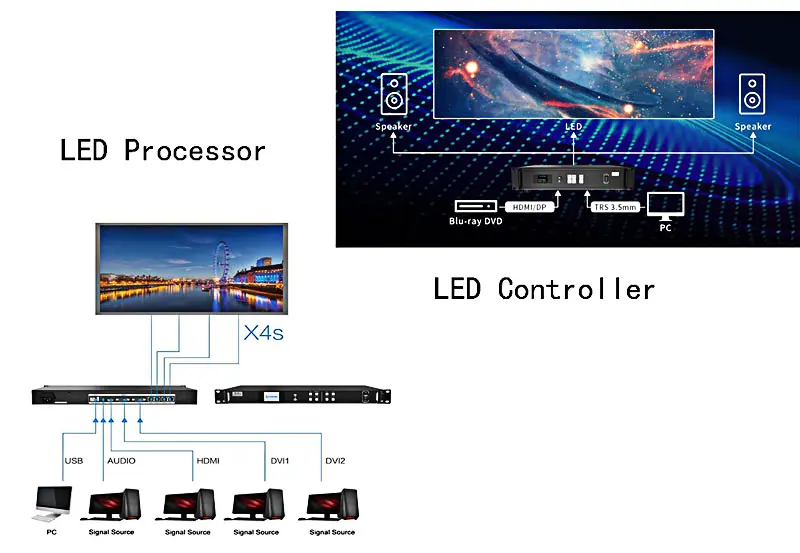
Connect Input Sources: Use cables (e.g., HDMI, DP, or SDI) to link your video sources to the processor or controller. For example, the HDR Master 4K processor accepts inputs from HDMI 2.0 or 12G-SDI, while the MX6000 Pro controller supports various input cards.
Link Processor to Controller (If Used): If you have both, connect the processor’s output to the controller’s input to feed enhanced signals into the display management system.
Output to LED Video Wall: Use fiber or Ethernet ports from the controller to send signals to the LED screens. The MX6000 Pro, for instance, offers output cards like 4x10G fiber for seamless transmission.
Configure Settings: Use software like VMP for the controller to adjust layers, brightness, and presets. For processors, access on-screen menus to set HDR modes or scaling.
Test and Monitor: Ensure everything syncs properly and use built-in monitoring features to catch issues early.
This integration ensures a smooth workflow, whether you’re upgrading an existing system or starting from scratch.
8. FAQs
9. Conclusion
In the debate of video wall processor vs. controller, remember that the controller is your must-have foundation for any LED video wall, while the processor is a valuable upgrade for specialized needs.
Have more questions? Feel free to explore our resources or contact experts for personalized advice!