
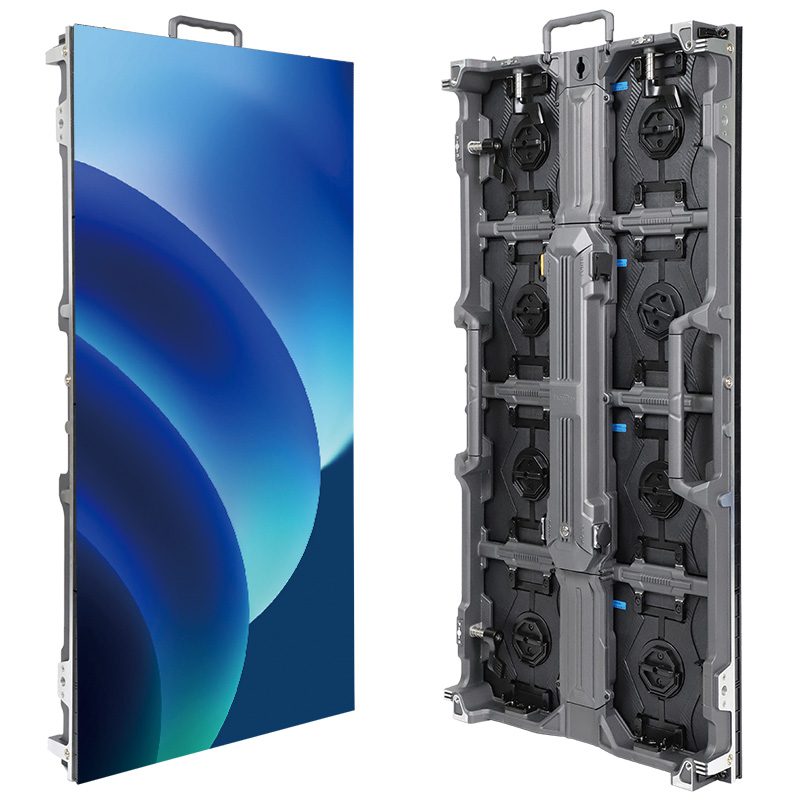
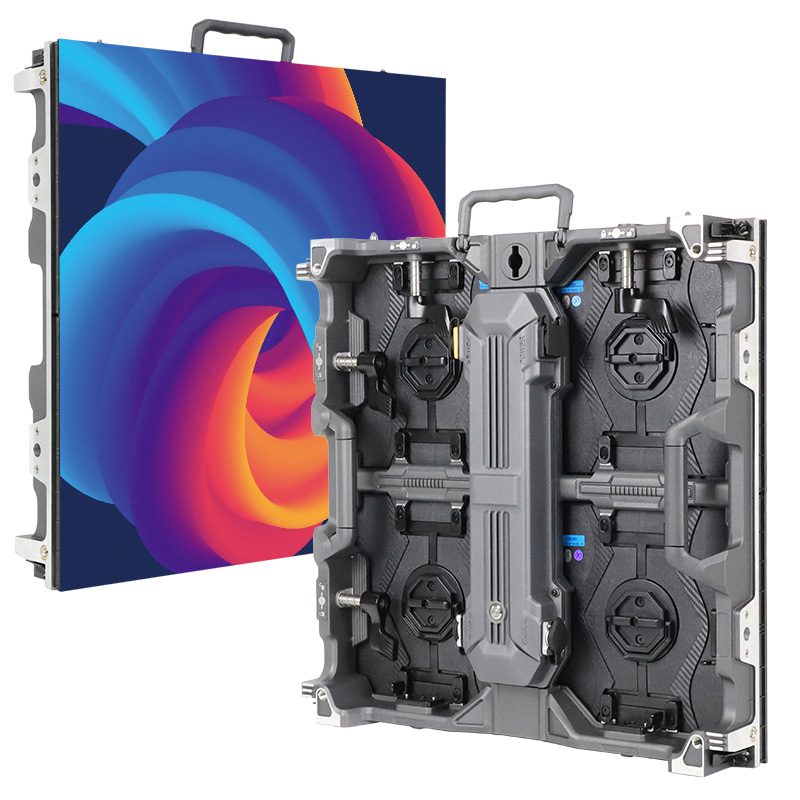
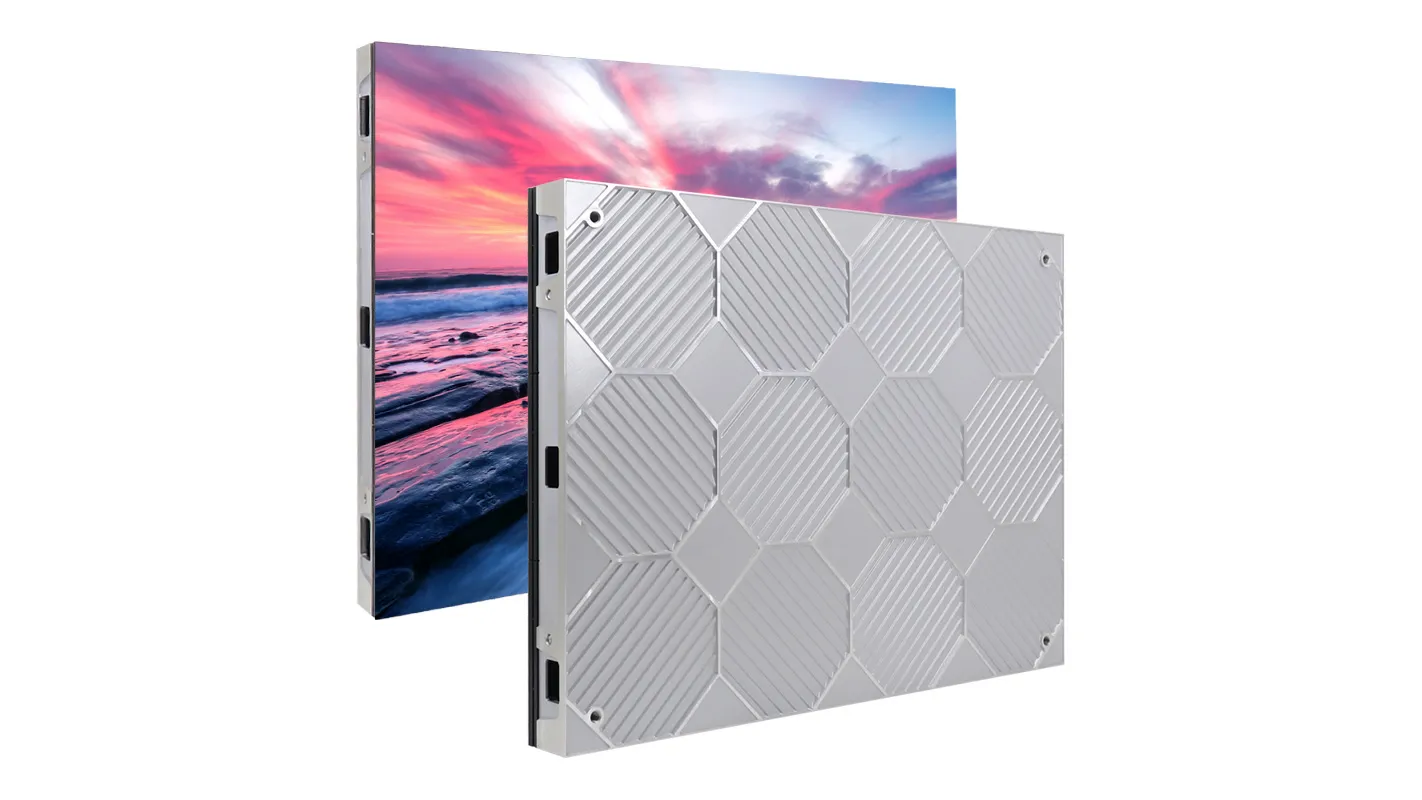
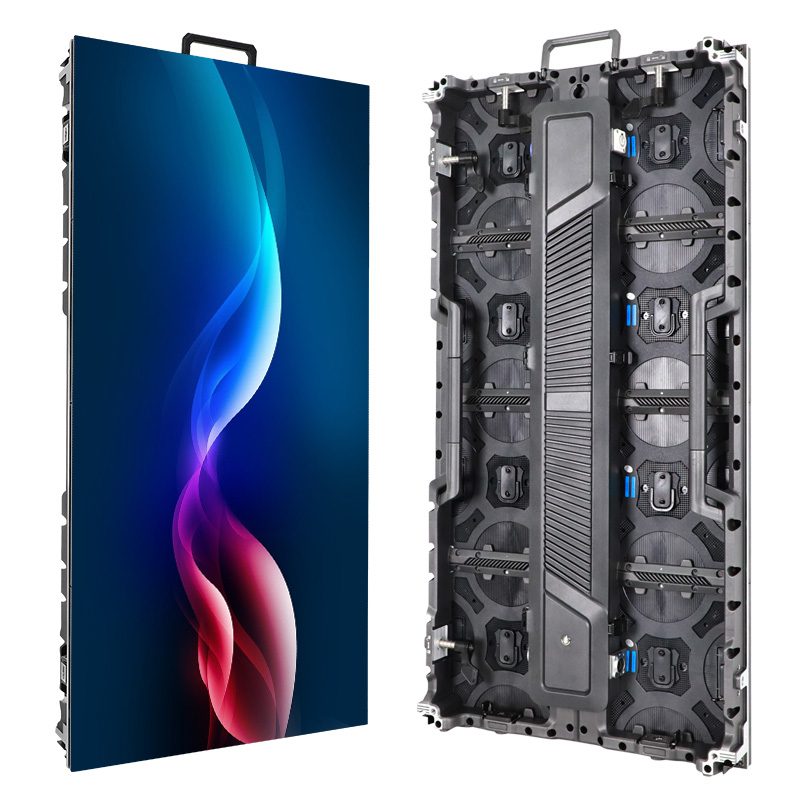
A vertical LED screen is a direct-view LED display arranged with a taller-than-wide active image. The word vertical describes its orientation, not a fixed aspect ratio. A narrow poster, a portrait video wall, and a tall custom column can all be vertical while needing different content dimensions. A 9:16 phone video therefore will not automatically fill every portrait display correctly.
For a retail AV integrator approving creative before installation, the useful starting point is the final pixel canvas. Confirm active width and height, native resolution, orientation, and the treatment of mismatched source material. This article explains that single format question; the separate LED poster display guide covers broader product selection.
1. A Vertical LED Screen Has More Than One Possible Shape
01. Portrait Is an Orientation
A vertical LED screen can have a 9:16 canvas, but it can also be narrower or wider. Aspect ratio compares active image width with active image height. It does not include a wheeled base, frame, or unused cabinet area. Ask for the active dimensions rather than measuring the overall outline in a product photograph.
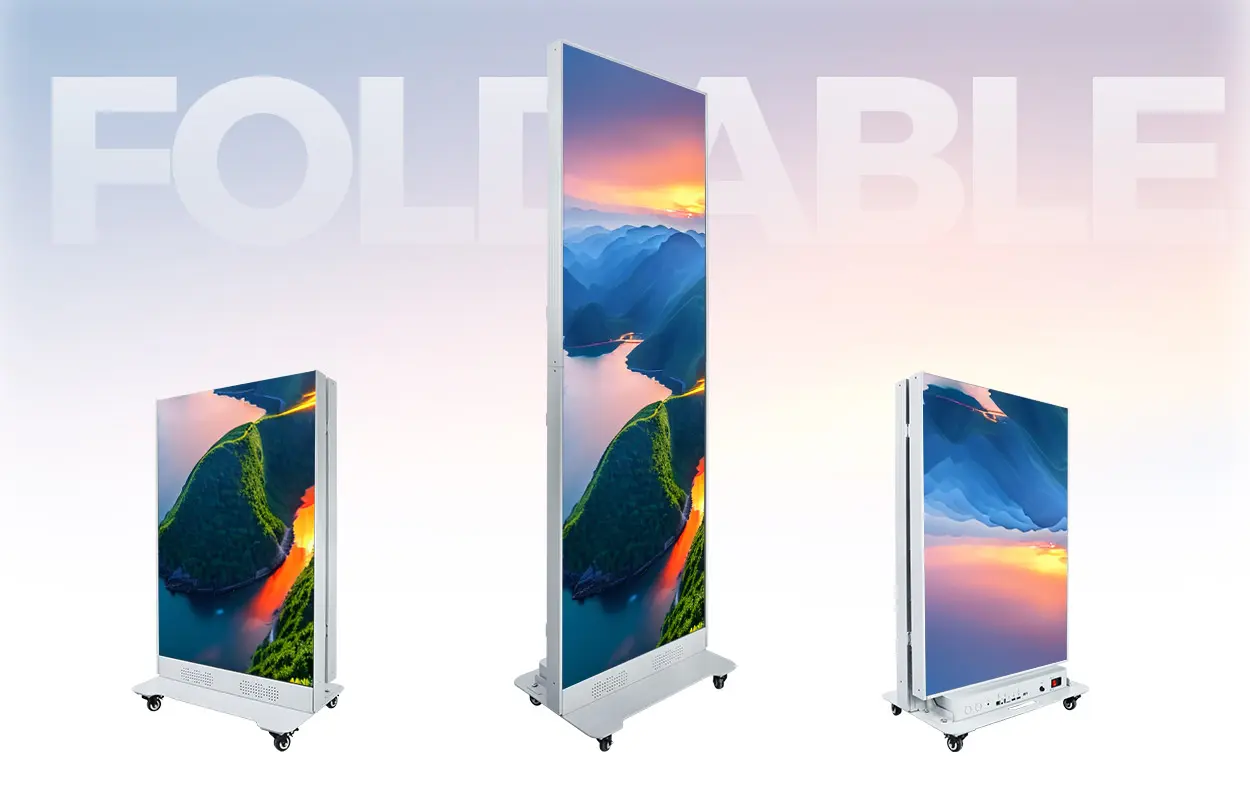
EagerLED lists the EA1920iP5 indoor poster with a 640 × 1,920 mm display area, approximately 2.1 × 6.3 ft. That area has a 1:3 ratio. It is a concrete example of a portrait format that is not 9:16. Other configurations need their own calculation.
02. Physical Rotation Is a Separate Decision
Rotating a file changes its visual orientation; it does not physically rotate the screen. Likewise, turning equipment does not establish that its support, cooling, service access, or cable arrangement is approved in the new position. Treat content rotation and cabinet installation as separate requirements. Confirm both with the supplied equipment documentation before changing an installed assembly.
2. Read the Native Pixel Canvas
01. Dimensions and Pixel Pitch Answer Different Questions
The native canvas tells the designer how many physical image positions are available across and down the display. For a vertical LED screen with uniform pixel spacing, dividing active dimensions by exact pitch gives a useful preliminary raster calculation. The approved cabinet and module matrix remains the final reference.
For example, assume a 640 × 1,920 mm active area with an exact 2.5 mm pitch and a matching module arrangement. The calculation gives 256 × 768 pixels. This is a conditional calculation, not confirmation of a particular shipment. Request the actual width-by-height pixel map for the quoted variant.
A 1080 × 1920 video contains more source pixels than that example can display. Scaling may make the file playable, but it cannot create additional physical detail. Pixel pitch also does not change the image proportions when both active dimensions stay the same. Finer pitch increases the raster, while the 1:3 physical shape remains 1:3.
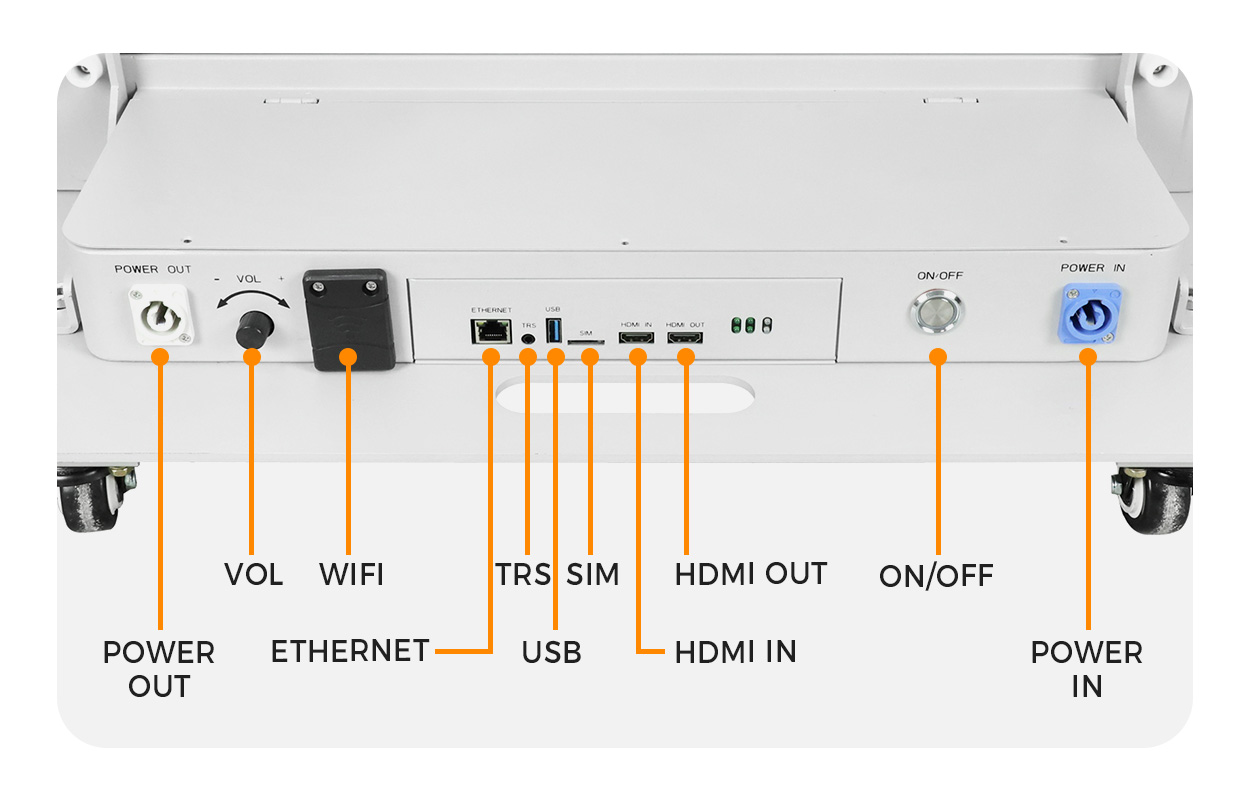
The EA1920iP5 connection panel shows why the input path belongs in the content brief. An HDMI input and a locally published media file can involve different settings. Ask which path will run the campaign and request its accepted resolution, file format, and playback limits. The presence of a connector alone does not confirm automatic portrait rotation or a particular native raster.
02. Record Width Before Height
Write dimensions consistently as width × height, with units. A number such as 768 × 256 describes a different orientation from 256 × 768. Ask the integrator and creative team to use the same naming convention in the drawing, program, and approval record. This small discipline prevents a correct file from being prepared for the wrong canvas.
03. Separate the File Size from the Screen Map
Content dimensions, player output dimensions, and the physical screen map may be different settings. A supported player might accept a larger source and scale it into the mapped area. That does not make the larger source dimensions the native display resolution. Ask the commissioning technician to identify which number the creative team should use and where the final fitting rule is applied.
Include a circle and a clearly labeled top edge in the approval artwork. If the circle becomes an oval, the image has probably been stretched somewhere in the chain. If the top marker appears sideways or disappears, check orientation and crop settings before redesigning the advertisement. Keep a reference photograph of the accepted result, taken from the intended audience position, with the source file.
3. Fit, Crop, Stretch, or Redesign?
A vertical LED screen needs an explicit rule for material with a different ratio. Fit preserves the complete image but may leave unused space. Crop fills the destination while discarding part of the source. Stretch changes proportions. Redesign rebuilds the layout around the destination instead of forcing one finished composition into another shape.
| Method | What changes | What to inspect |
|---|---|---|
| Fit | Scale proportionally to keep the whole source | Unused areas and the reduced size of text |
| Crop to fill | Remove source edges to fill the destination | Clipped faces, prices, logos, and subtitles |
| Stretch | Change width and height by different amounts | Distorted people, circles, and product shapes |
| Recompose | Move and resize elements in an editable design | Reading order and the smallest essential message |
In the assumed 256 × 768 canvas, fitting a 9:16 image to the full width produces an image about 455 pixels high, leaving unused height. Filling the height instead requires a source image about 432 pixels wide before cropping it to 256. These rounded calculations illustrate why a tall phone video can still lose substantial content on a narrower sign.
For a vertical LED screen campaign, obtain editable artwork where possible. Move a headline, price, and call to action into a native portrait composition rather than shrinking the entire landscape advertisement. Keep essential information clear of likely crop boundaries and test the longest real product name. There is no universal safe-margin percentage that suits every raster and viewing distance.
4. When Poster Units Become One Canvas
Joining compatible poster units changes the total image shape. It does not mean each unit should receive the same portrait file. A vertical LED screen installation can use independent programs on separate units or one image mapped across a joined arrangement. Specify which result the campaign needs.
For identical 1:3 active areas placed side by side without active-image gaps, three units form a square; five form a 5:3 rectangle. This arithmetic describes the proposed geometry only. Compatible linking hardware, processing capacity, synchronization, and the approved screen map still need confirmation. A product’s joining illustration is not approval of every layout.
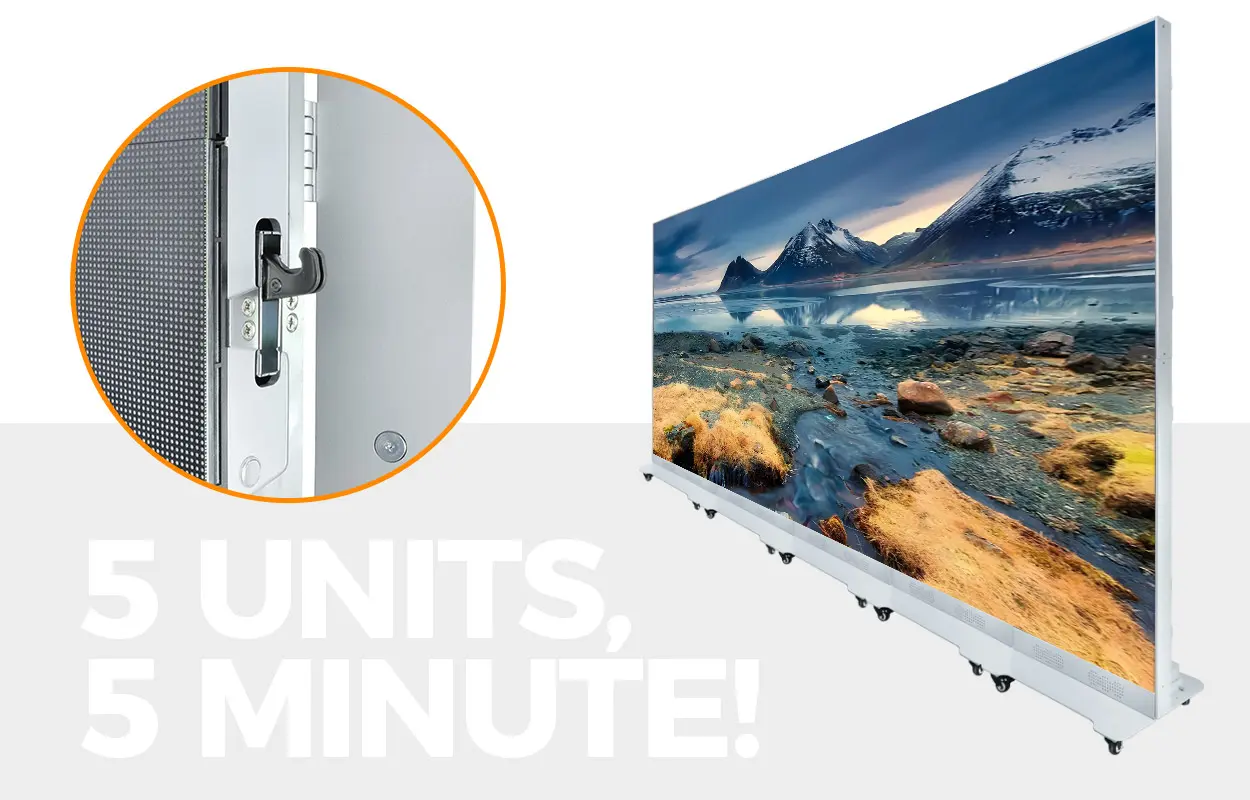
Watch EagerLED’s EA1920iP5 multi-screen linking tutorial on YouTube.
This official EagerLED video demonstrates linking multiple EA1920iP5 poster screens. It provides a model-specific reference for a joined arrangement. Confirm the equipment revision, installed layout, and content mapping for your own system; the demonstration does not establish that any unrelated poster can be linked in the same way.
For joined screens, also test an image that spans every unit and a sequence that changes at the same moment. One attractive still image cannot reveal whether all players follow the same timeline. If the units will later operate independently, retain a separate approved program for that arrangement instead of assuming the wide composition will divide into useful standalone posters.
5. Approve Content on the Actual Display
For a vertical LED screen, approve more than a screenshot of the authoring canvas. Publish a representative program and inspect the physical result from the intended audience positions. Use a frame with visible corners, a circle, an orientation marker, small required text, and the real campaign artwork. These reveal cropping, distortion, inversion, and unreadable detail without requiring a complex test video.
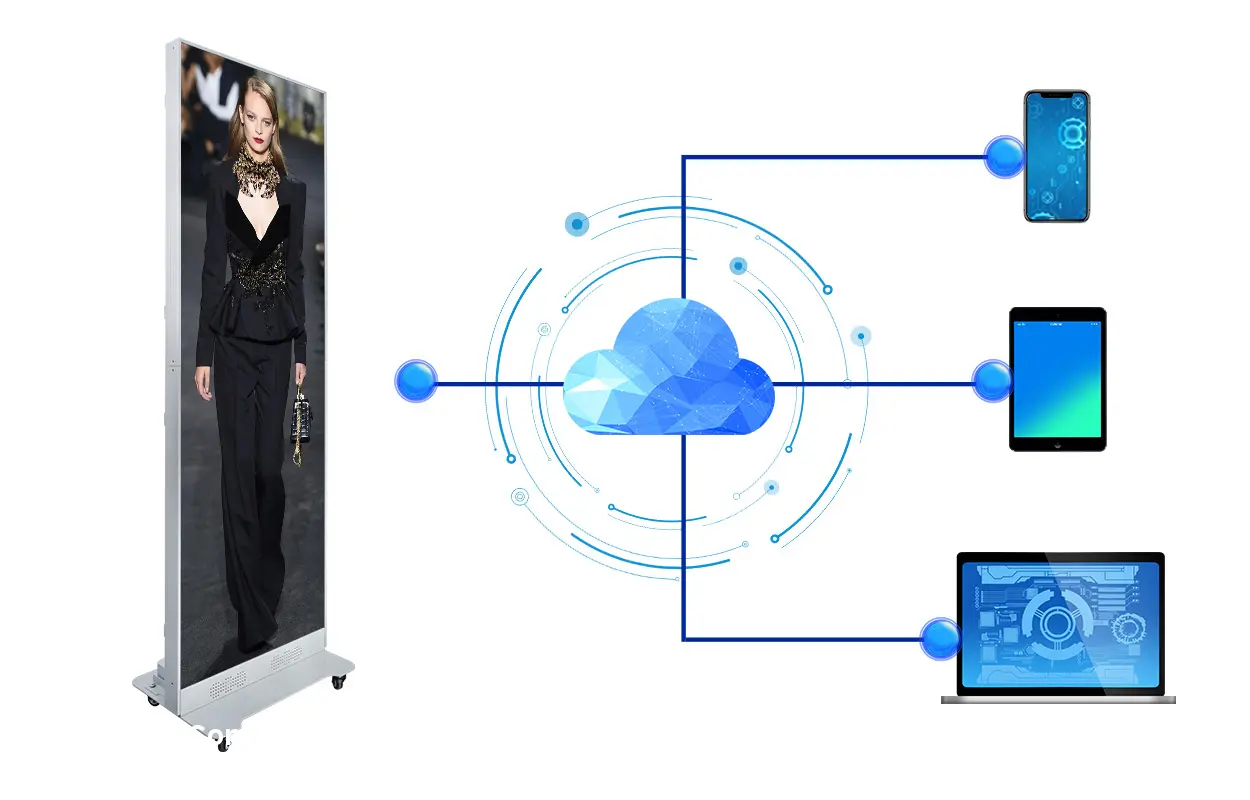
The manufacturer’s control diagram illustrates supported publishing-device categories. It does not prove that uploading a file will fit it correctly. Confirm the supplied software and permissions, then inspect the displayed result. Keep the approved source, export dimensions, fitting setting, and final program name together so a later update can repeat the accepted layout.
01. Hand Over a Repeatable Content Brief
Give the creative team one approved specification rather than separate numbers in email threads. Include the destination name, single or joined layout, native width × height, export width × height, orientation, and chosen fitting rule. Add the accepted file type, frame rate, and maximum file size supplied for the installed player. Keep the editable project and a dated export together, with a clear filename identifying the destination.
02. Test the Complete Playback Sequence
Review the opening frame, transitions, captions, and final call to action at the scheduled playback speed. A centered opening image may look correct while a later close-up loses a face or price to the same crop. For a loop, check the return from the last frame to the first. After approval, retain a known-good file so the operator can restore the accepted program if a replacement upload fails.
Frequently Asked Questions
01. Must a portrait file be 1080 × 1920?
No. Those dimensions describe one 9:16 format, not every vertical LED screen. Use the export dimensions and media limits approved for the actual player and display. A narrower native canvas may need a different composition.
02. Can two identical screens use the same content?
They may reuse artwork when their active rasters, orientation, and playback requirements match. Check the assigned destination and schedule separately. A shared file alone does not establish synchronized playback.
03. Should the picture cross a cabinet boundary?
It can when the system is commissioned as one continuous canvas. Test fine lines, text, and image alignment across the boundary. Independent displays should instead have layouts designed for their separate image areas.
04. Does front service change the content ratio?
No. Front service describes maintenance access. The active pixel matrix determines the image ratio. Keep the service clearance requirement separate from the creative dimensions.
05. Will a PDF menu always stay readable?
No. A readable document on a laptop can become too small after rasterization and scaling. Rebuild dense pages into fewer messages, test required symbols, and review the smallest text on the real screen.
06. What should be recorded if the layout changes?
Record the new cabinet arrangement, native raster, orientation, approved fitting behavior, and revised artwork. Repeat the visual check before replacing the accepted program, especially when units are added or removed.
Request a Confirmed Portrait Canvas
Before ordering a vertical LED screen, send the available active width and height, audience positions, a sample campaign, and the intended single-unit or joined arrangement. Ask for the actual pixel map and a content demonstration using that file. The supplier should identify any crop, rotation, scaling, or software restriction before creative approval.
Send your portrait display requirements to EagerLED and request the confirmed hardware layout, control package, and export specification together. Agree on who approves the displayed result and keep that acceptance reference with the project handover.
 What Is a Programmable LED Screen? Content vs. Controls
 LED Controller Backup Planning: Prove Your Failover