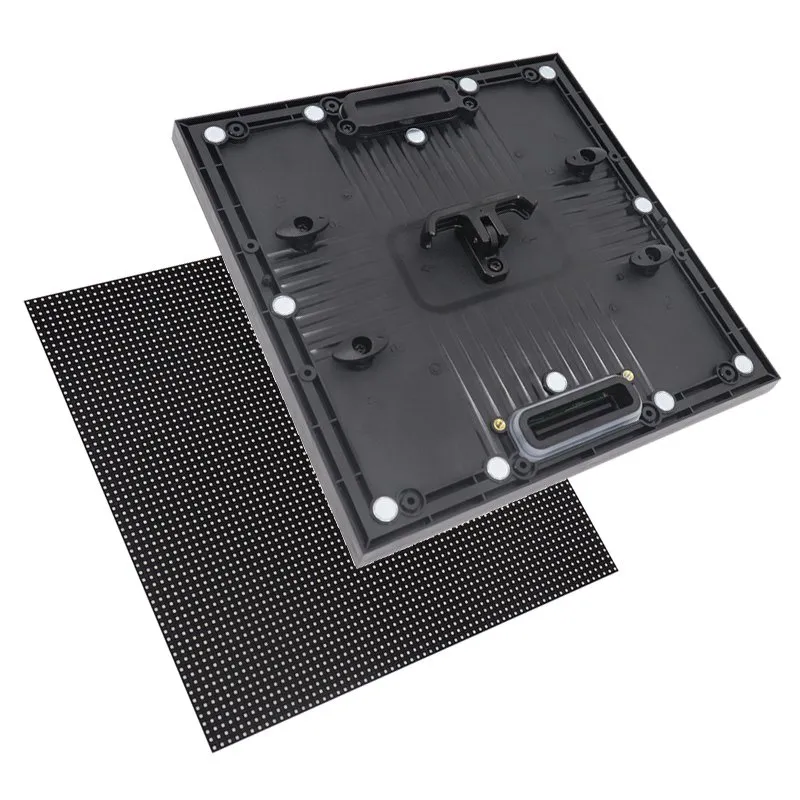
An LED display power box replacement should be ordered as a cabinet-specific assembly, with its contents and interfaces listed explicitly. A removable rear box and the power supply inside it are different purchasing items. Matching the outside shape alone does not confirm that the assembly will connect, operate or retain the required configuration.
This guide is for rental-fleet buyers deciding what spare assembly to keep with their cabinets. The immediate decision is whether to buy a complete, supplier-approved replacement box or a component for workshop repair. Establish that scope before comparing prices.
- Cabinet model, original order reference and hardware revision.
- Photographs of the complete rear assembly, labels and mating interfaces.
- A list of components and configuration files expected with the spare.
- The intended service workflow, destination and required quantity.
On this page
LED Display Power Box Replacement: Define the Assembly
In a modular rental cabinet, a removable power box is a rear assembly that can contain power and control components. The exact contents depend on the design and quotation. A power supply is an individual component that converts the specified electrical input to the required output. Asking for a “power box” without a parts list leaves room for materially different offers.
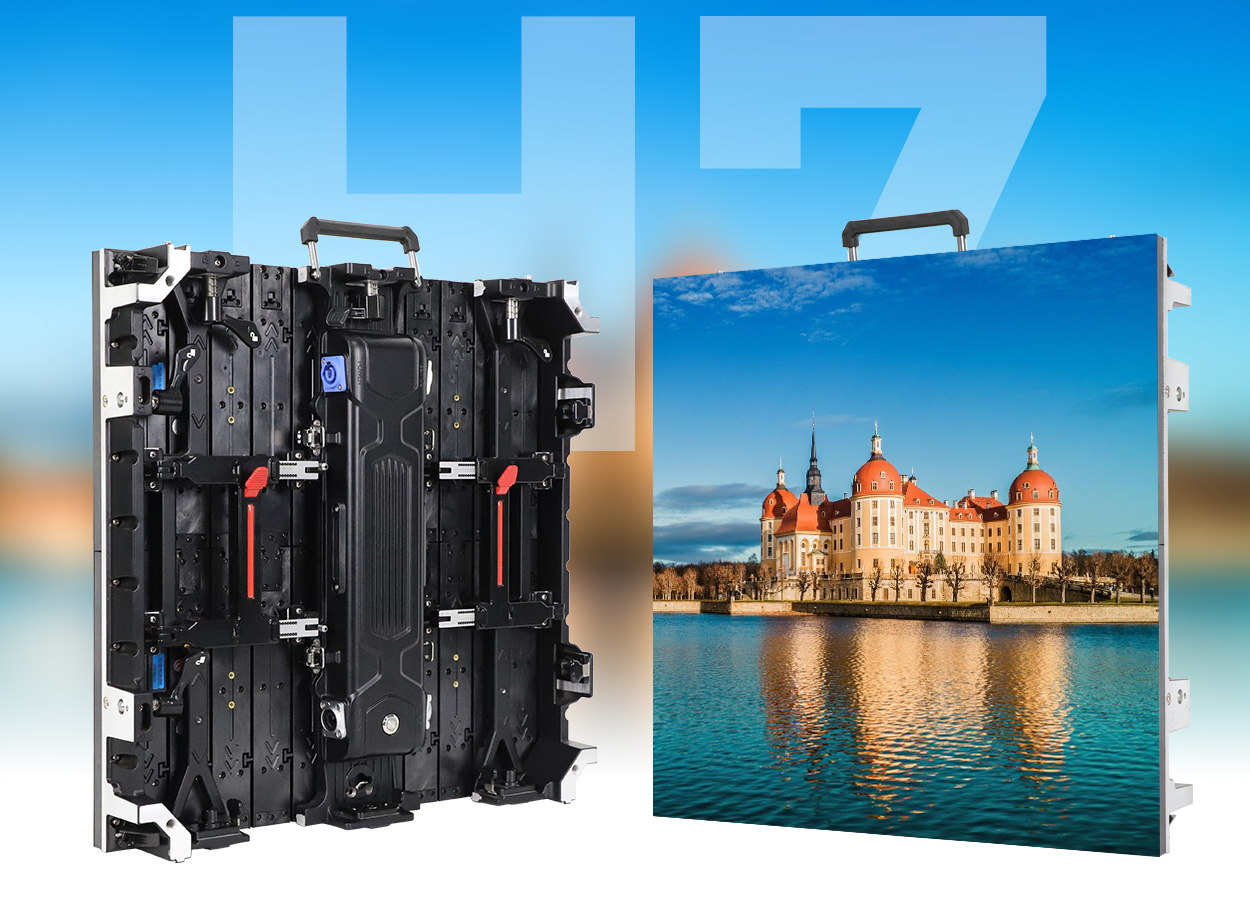
EagerLED’s EA500H7 product demonstration describes a hard-connected power box with snap-on removal and assembly. That is a model-specific maintenance feature. It does not establish that an EA500H7 box fits another cabinet series, that every hardware revision is identical, or that the assembly may be removed while energized.
If the planned repair concerns only an individual supply, use the separate LED power supply replacement checklist. For an LED display power box replacement, the purchasing scope also needs to cover the housing interface, included electronics and configuration responsibilities.
Identify the Cabinet Before Matching the Interface
Start with the original order reference and cabinet labels. Record the model and any revision information before the supplier proposes a replacement. A fleet can contain visually similar cabinets bought at different times, so one photograph of a screen front is rarely enough to identify the relevant assembly.
Provide clear photographs of the box installed in the cabinet and of the mating interfaces, taken through an approved service procedure. Ask the supplier to identify the matching part number or assembly revision. Do not force a connector or modify a latch to make an unconfirmed spare fit.
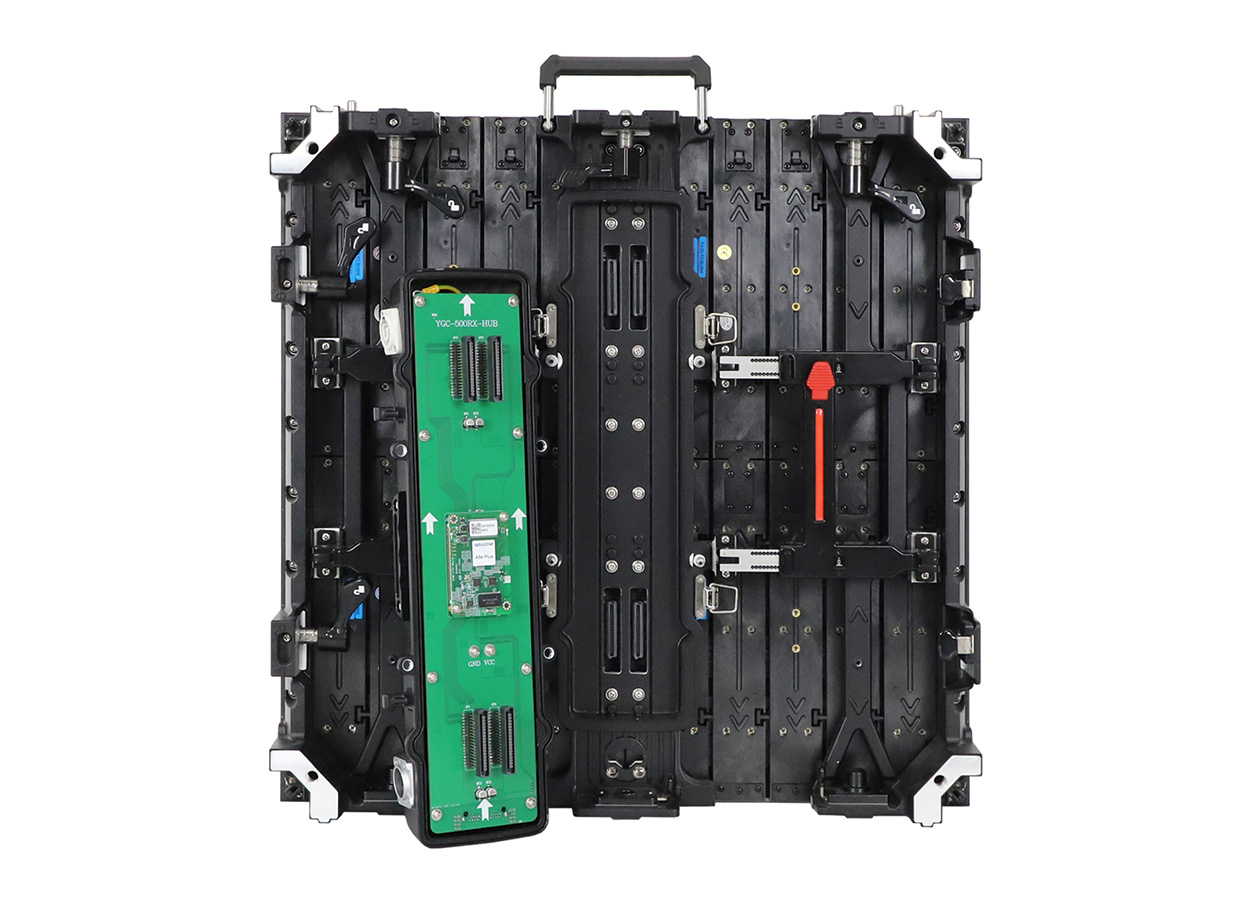
Mechanical fit is only one part of LED display power box replacement compatibility. Ask for confirmation of the electrical interface, control-board connection and intended cabinet configuration. Similar connector shapes do not establish identical pin assignments or suitable component ratings.
The official EA500H7 video below shows the cabinet and its product features. It provides visual context for identifying this design, not a service authorization or proof that a replacement is interchangeable.
Compare What Each Quotation Actually Includes
A quotation for an empty housing cannot be compared directly with one for a populated and configured assembly. Ask bidders to mark each item as included, excluded or transferred from the original cabinet. This avoids discovering during service that a supposedly complete spare still needs parts from the failed unit.
| Item | Confirm in writing | Why it matters |
|---|---|---|
| Housing and fastening parts | Matched cabinet revision, latches and any required seals or fasteners | Defines the mechanical assembly supplied |
| Power components | Approved component references and included wiring | Distinguishes a populated box from a housing |
| Control components | Whether the receiving card and interface board are included | Identifies parts that must be supplied or transferred |
| Configuration | Required files, loading responsibility and verification procedure | Clarifies whether setup remains after replacement |
| Support and acceptance | Applicable instructions and the process for reporting a mismatch | Gives the fleet a documented route to resolve problems |
For an LED display power box replacement, avoid unqualified terms such as “plug and play” in the purchase order. Replace them with a stated condition: which cabinet revision the assembly is approved for, what is already installed, and which checks remain the fleet’s responsibility.
Confirm Configuration Before Calling the Spare Ready
If the replacement includes a receiving card or other control electronics, ask whether configuration must be loaded or checked. Keep the approved files and their identifiers with the cabinet records. Do not assume that a board supplied in the correct housing has the settings required by every screen in the fleet.
Agree an acceptance procedure with the supplier before buying the full spare quantity. Qualified service personnel should follow the applicable instructions for isolation, installation and verification. A successful visual fit is not a substitute for the specified electrical and operational checks.
The acceptance record should identify the cabinet tested, the replacement assembly and the configuration used. Record any adjustments or unresolved restrictions. Keep this information specific to the approved combination rather than treating one successful check as approval for the entire fleet.
Label Spares by Approved Cabinet Group
Organize spare boxes by the cabinet models and revisions they are approved to serve. Put a readable identifier on the storage location and keep the matching part list accessible to the service team. Separate unverified or returned assemblies from ready-for-use stock.
Set quantities from the fleet’s deployment pattern and service arrangements. A simultaneous multi-venue schedule has different access to shared spares than equipment kept in one warehouse. There is no universal spare percentage established here; request a stocking proposal based on your actual cabinet groups and support plan.
When an LED display power box replacement is used, record which cabinet received it and what happened to the removed assembly. That history helps prevent an unrepaired unit from being returned to the ready-spare shelf.
Frequently Asked Questions
Can the same-size cabinet use the same power box?
Not on size alone. Confirm the assembly reference, revision, interfaces and required configuration with the supplier for the specific cabinet.
Does a complete power box always include a receiving card?
No universal inclusion should be assumed. Ask the quotation to list the receiving card, interface board, power components and wiring individually, including anything that must be transferred.
Should I buy a whole box for every power-supply fault?
That depends on the approved diagnosis and service workflow. A complete spare and a workshop component repair serve different needs. Ask the supplier to specify the suitable route rather than replacing unrelated parts by default.
Request a Matched Spare Assembly
Send EagerLED the original order reference, cabinet model and revision, rear and label photographs, required quantity, country and procurement date. Describe whether you want a complete assembly or a repair component, and include the screen environment and your service arrangements.
For an LED display power box replacement proposal, request an itemized assembly and a written match to your cabinet group.
 Outdoor LED Floor Drainage: Plan Before You Order