A P2.5 indoor LED display provides more native pixels than P4 at the same size, making it worth considering for detailed content and nearer viewers. P4 may still suit larger imagery viewed from farther away. Compare the actual pixel canvas and your own content before paying for a pitch that does not improve the viewing task.
1. Decide from content and the nearest viewers
Choose a P2.5 indoor LED display over P4 when the added native pixels make a visible difference to your actual content at the nearest intended viewing position. P4 can remain a sensible option for larger imagery viewed farther away, but the decision should follow a sample-content demonstration rather than a universal distance rule.
P2.5 and P4 describe nominal pixel spacing: 2.5 mm and 4 mm. They do not describe cabinet size, outdoor protection, control capability or the quality of a complete display. Compare the same physical screen area and installation scope before comparing quotations.
Start with the smallest text you need to show, the closest audience position and the way content reaches the screen. A shop video loop and a presentation containing dense spreadsheet labels can need different levels of detail even in the same room.
2. Compare two confirmed indoor module formats
The published indoor LED module range includes both P2.5 and P4 in a 320 × 160 mm format. The listed P2.5 model has a 128 × 64 pixel map; the P4 model has an 80 × 40 pixel map. These examples keep physical module size constant while changing pixel spacing.
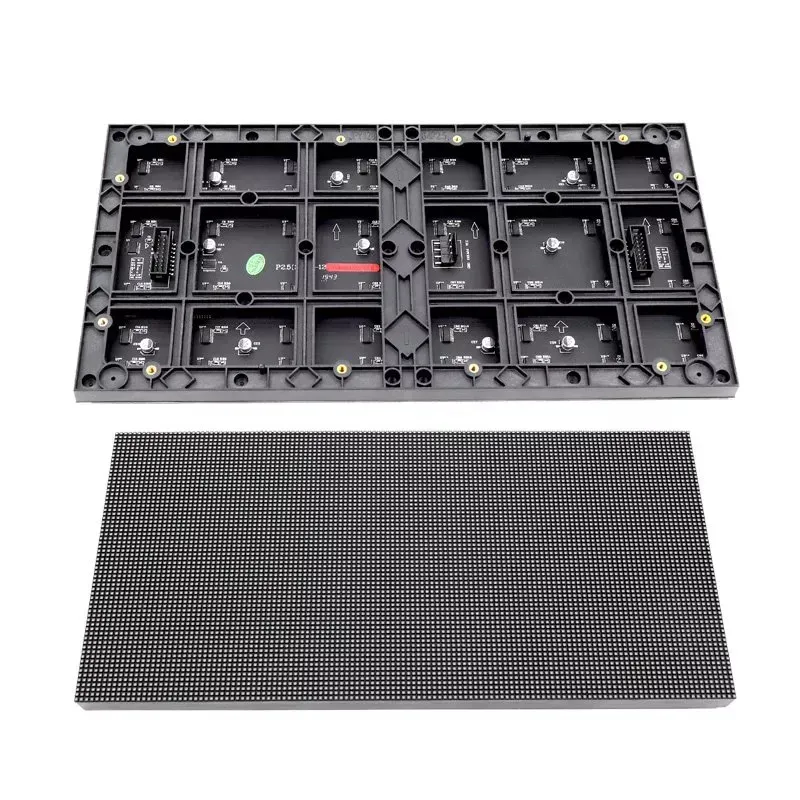
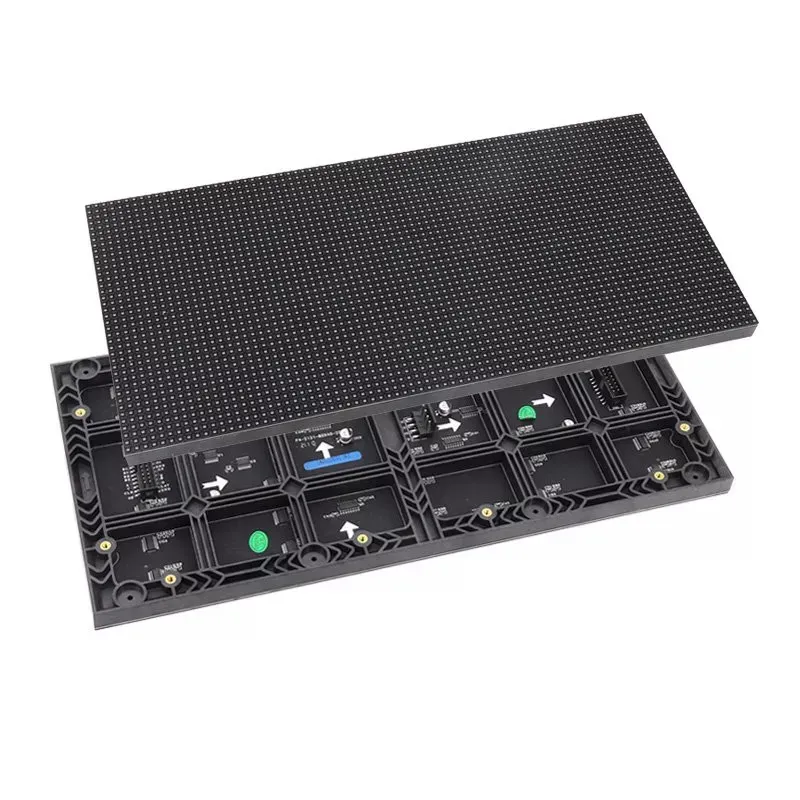
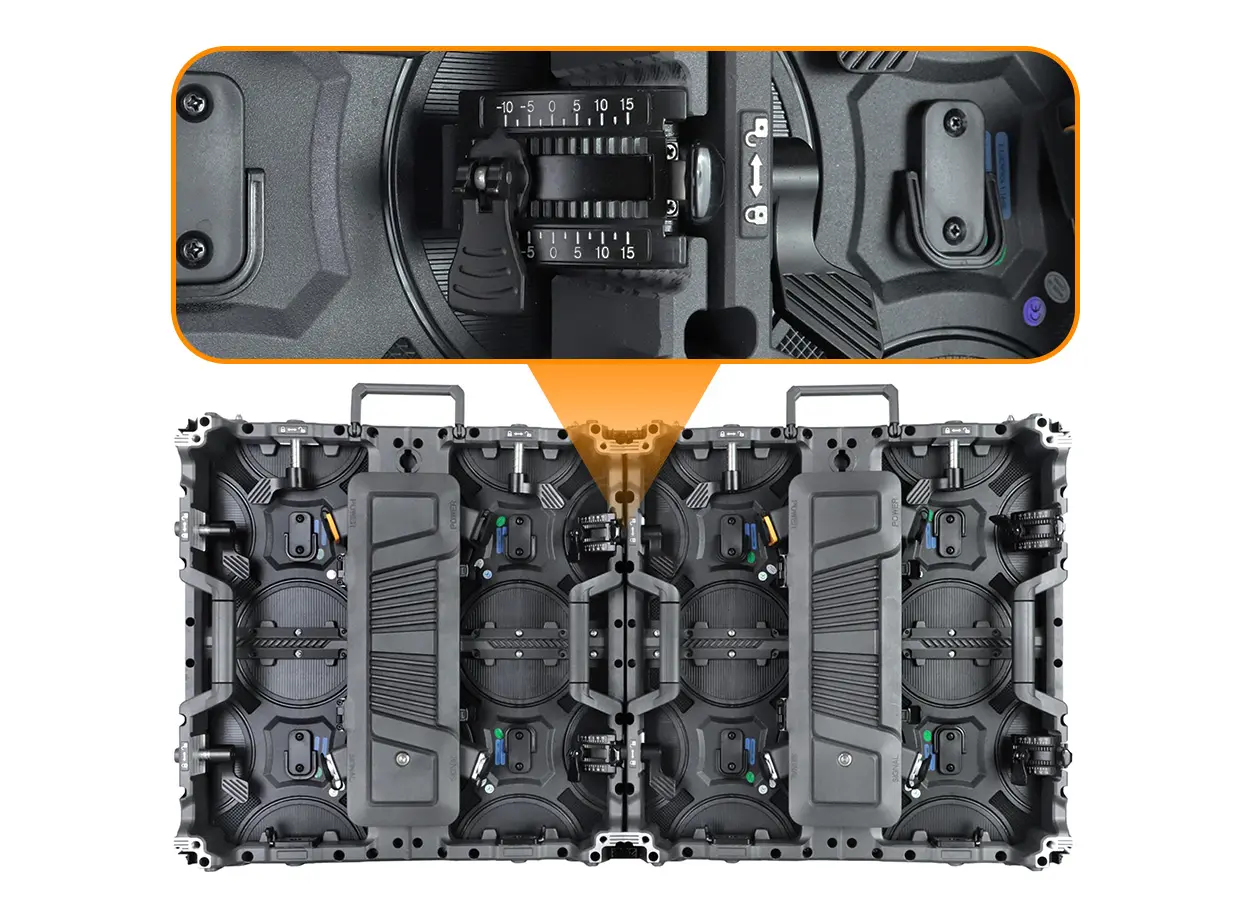
Photos help identify the product category, but they cannot prove module interchangeability. The published example models also have different scan modes: 1/32 for P2.5 and 1/20 for P4. Preserve the correct receiving-card configuration for each model rather than reusing a file because the boards have the same dimensions.
Module formats and electrical versions vary within a pitch category. Ask for the full module model, connector and mounting arrangement in the order. For the role of scan mode, see the LED module scan-rate guide.
3. Calculate the screen you are actually buying
Consider an illustrative 3.20 × 1.60 m screen assembled from 320 × 160 mm modules: ten modules across and ten high, or 100 modules. For the listed examples, the native canvas becomes 1,280 × 640 pixels with P2.5 and 800 × 400 with P4.
On mobile, swipe inside the table to compare both columns.
| Measure | P2.5 example | P4 example |
|---|---|---|
| Module format | 320 × 160 mm | 320 × 160 mm |
| Module pixel map | 128 × 64 | 80 × 40 |
| Layout | 10 × 10 modules | 10 × 10 modules |
| Native screen canvas | 1,280 × 640 pixels | 800 × 400 pixels |
| Total pixels | 819,200 | 320,000 |
| Physical aspect ratio | 2:1 | 2:1 |
The P2.5 example has 1.6 times as many pixels along each dimension and 2.56 times the total pixel count. That ratio follows from the pixel maps. It does not mean the display is 2.56 times as expensive, uses 2.56 times as much electricity or needs 2.56 times as many receiving cards.
Both examples have a 2:1 physical and pixel aspect ratio. They are not native 16:9 screens. Approve how a 16:9 input will be fitted, cropped or letterboxed; simply accepting a 1080p source does not turn the LED surface into a native 1,920 × 1,080 display.
4. Use a sample-content acceptance test
Request the same source file, screen size, playback conditions and viewing positions for the comparison. Include the real smallest text, a detailed product photograph, a line chart and the type of video you expect to use. Inspect from the nearest intended position and then from the usual audience area.
- Text: can viewers read the required labels without enlarging them beyond the approved layout?
- Image detail: do the features important to your product demonstration remain distinct?
- Scaling: are shapes proportionate, and is essential content preserved at the edges?
- Low-level images: inspect dark scenes and neutral colours at the intended operating brightness.
- Camera use: if the screen will be filmed, test with your intended camera settings.
The nearest acceptable distance depends on content, visual acuity and the viewing task. A pitch-to-distance rule can help start a conversation, but it should not replace approval of the actual sample. Record the accepted content and viewing positions in the purchase brief.
5. Compare complete scope rather than pitch labels
If P4 reproduces your content well at the intended distance, request its complete quotation alongside P2.5. If P2.5 resolves a readability problem that matters to the project, assess that benefit against the full installed cost. Do not remove mounting, service access or control equipment from one quotation just to make it look cheaper.
Ask both suppliers to list the display area, native resolution, cabinet arrangement, controller and receiving-card configuration, support scope, power requirements, spares and installation responsibilities. Obtain current product-specific power figures; pixel count alone cannot establish the electrical design.
For a close-view presentation with dense content, neither option may meet the brief at a modest screen size. Ask for a finer pitch or adjust the content layout instead of forcing a choice between two unsuitable options. For direct sunlight or weather exposure, specify an appropriate outdoor product rather than either indoor example.
6. Record compatibility and matching spares
At handover, retain the exact module model, batch information, screen pixel map, controller details and approved configuration files. Ask which spare modules are supplied and how their colour matching will be handled. The supplier should confirm compatibility for the delivered display.
A P4 module does not become a substitute for a P2.5 module because their physical outlines match. Different pixel maps and scan modes affect addressing, while mounting details and connectors may also differ. Replacing one small part of a wall with another pitch creates a different display surface and should not be treated as routine maintenance.
7. Frequently asked questions
Is P2.5 always better than P4 indoors?
It provides more pixels for the same area, but the useful benefit depends on viewing distance, content and the complete display. Test your actual material before choosing.
How many more pixels does P2.5 provide?
For the compared 320 × 160 mm modules, P2.5 has 8,192 pixels and P4 has 3,200: a ratio of 2.56. This is a pixel-count ratio, not a cost or power ratio.
Can I upgrade by swapping P4 modules for P2.5?
Do not assume that. The module, mounting, power, receiving configuration and controller capacity must be reviewed as a system.
Does a 1080p input guarantee a Full HD screen?
No. Input resolution and the native LED pixel canvas are different. Ask for the assembled native resolution and confirm how the source is scaled.
8. Request two configurations for your room
Send the required screen width and height, indoor lighting conditions, nearest viewing distance, country and purchase timeline. Include a sample of your smallest text or most detailed content. Ask for P2.5 and P4 proposals with the same installation scope and a confirmed native pixel map.
Module examples are from the linked indoor module specification reviewed on October 14, 2026. Screen totals are calculated planning examples. Confirm the exact supplied version and final design before ordering.
 Curved LED Wall: Radius & Quotation Planning Guide
 Modular LED Screens: Plan Future Expansion Before Buying