Related Posts
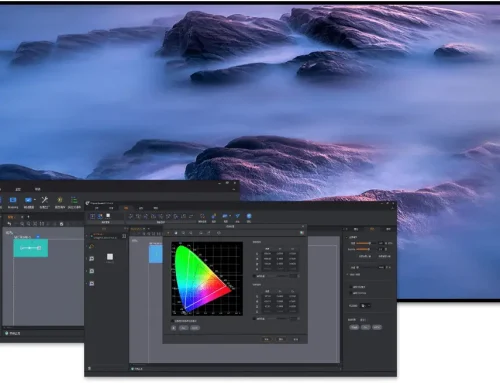
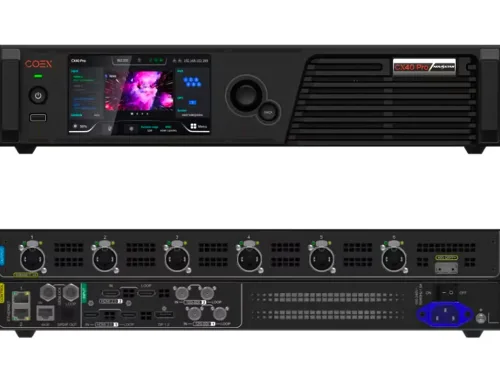
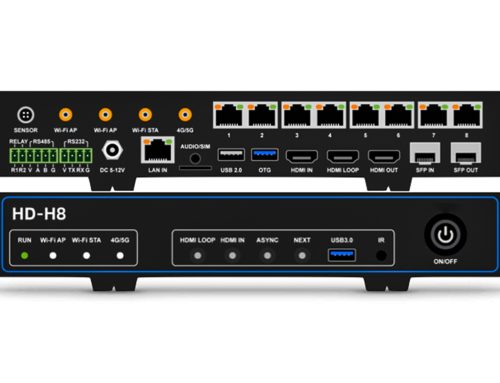
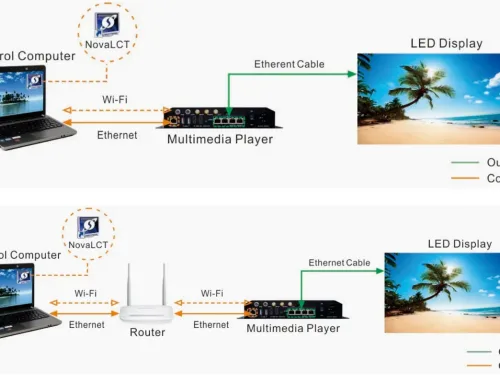
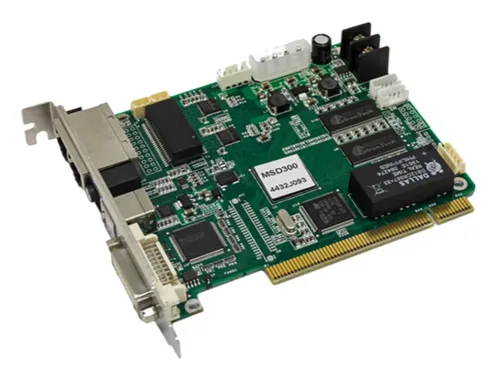
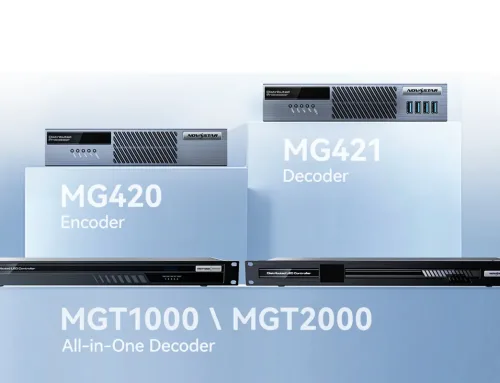




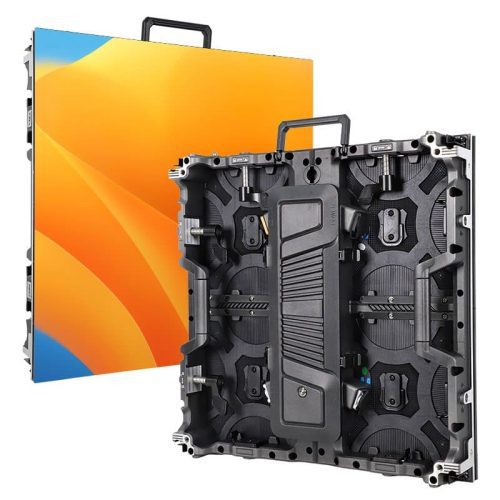
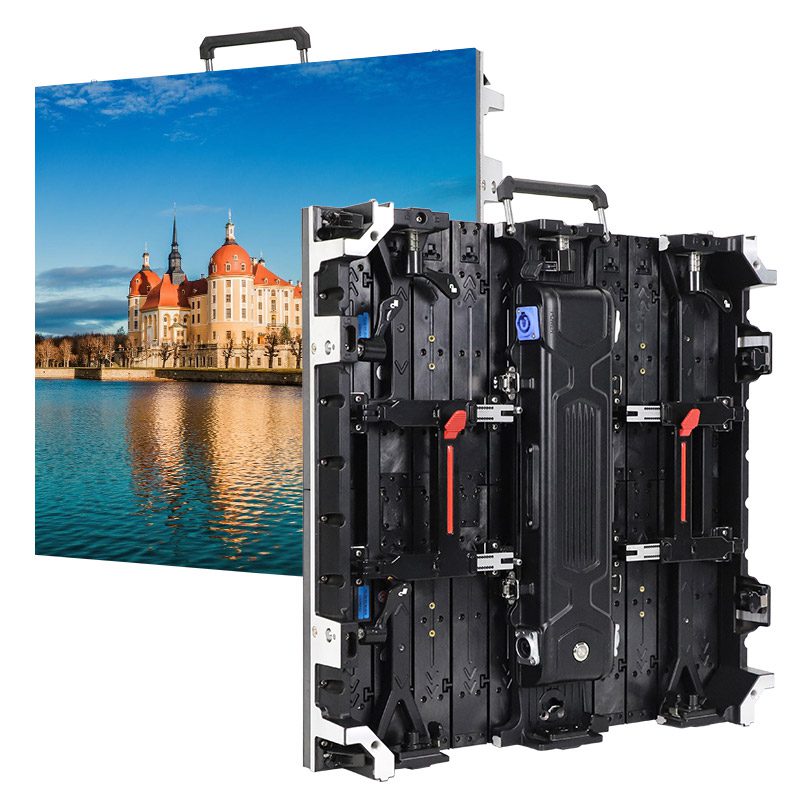
Are you looking for a reliable and high-performance LED display controller to handle ultra-high-resolution content for events, broadcasts, or installations? The Novastar MCTRL4K might be your perfect solution.In this guide, we’ll dive deep into what makes the MCTRL4K stand out, how to set it up quickly, and where it can be best applied.Let’s start!
catalogue
- 1. Общ преглед на LED контролера Novastar MCTRL4K
- 2. Изключително представяне на novastar MCTRL4K
- 3. Разширени възможности: Задълбочен поглед върху HDR и 3D
- 4. Приложения на контролера за LED дисплеи novastar MCTRL4K
- 5. Цена на Novastar MCTRL4K
- 6. NovaStar MCTRL4K Спецификации и ръководство за безплатно изтегляне
- 7. Ръководство за бърза настройка и конфигурация
- 8. Често задавани въпроси
- 9. Заключение
1. An Overview of the Novastar MCTRL4K LED Controller
Novastar MCTRL4K is a top-tier LED display controller designed to deliver exceptional performance for high-resolution screens. With a single unit capable of handling up to 4096×2160@60Hz, it’s built to support ultra-long or ultra-wide LED displays, making it perfect for large-scale events and installations.
| Specification | Details |
|---|---|
| Input Ports | 1x DP 1.2, 1x HDMI 2.0, 2x DL-DVI |
| Output Ports | 16x Gigabit Ethernet, 4x 10G optical ports |
| Max Resolution | 4096×2160@60Hz (custom resolutions up to 7680 pixels in width/height) |
| Power Consumption | 30 W |
| Dimensions | 482.6 mm × 372.0 mm × 88.1 mm |
| Weight | 4.6 kg |
| Operating Temperature | -20°C to +60°C |
2.Outstanding Performance of novastar MCTRL4K
Single Device Supports 4K
A single unit can support 4K signal input and output at 4096×2160@60Hz, along with load handling. It also allows users to customize resolutions, making it highly adaptable to setups involving ultra-long or irregularly shaped screens.
Engine and Calibration Technology
Featuring the NovaG4 engine, it provides stable, flicker-free images with no scan lines and excellent depth. It supports pixel-by-pixel calibration, white balance adjustment, and color gamut matching to ensure consistent and accurate color reproduction across the entire screen.
HDR (High Dynamic Range)
Supports HDR functionality, which, when paired with specific receiving cards, can significantly enhance the color realism and detail clarity of the image.
Professional 3D Display Solution
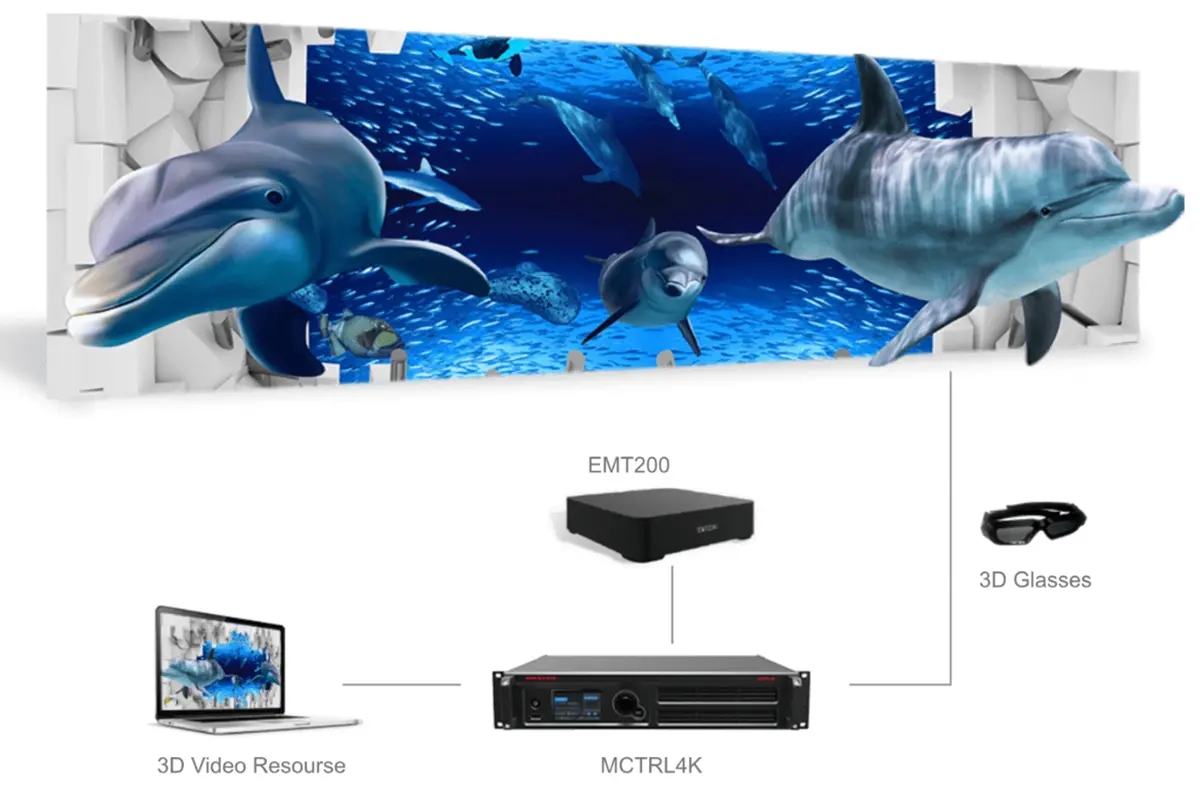
The MCTRL4K LED display controller offers a complete active shutter 3D solution, compatible with NovaStar’s 3D signal transmitter EMT200 and 3D glasses, enabling a stunning 3D display effect on LED screens.
3. Advanced Capabilities: A Deep Dive into HDR and 3D
The MCTRL4K isn’t just about raw power—it’s packed with advanced features that elevate your display quality.
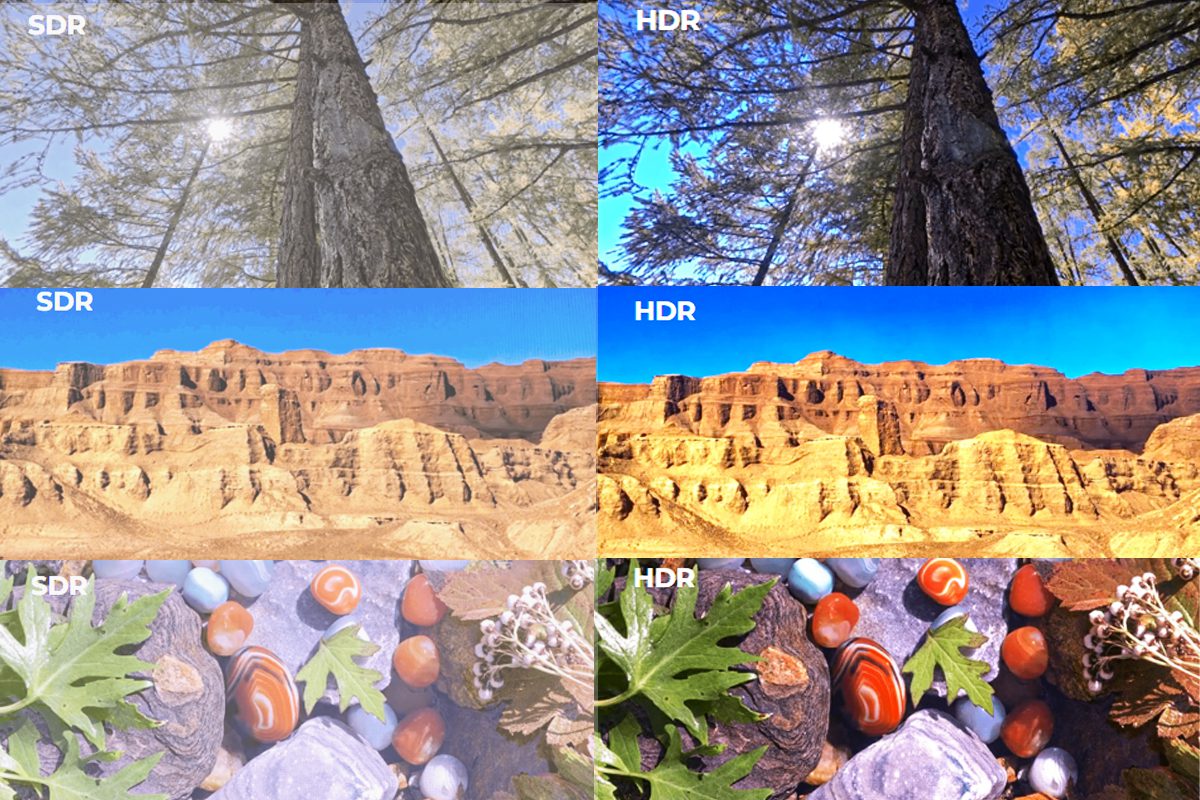
HDR (High Dynamic Range)
HDR technology enhances contrast and color depth, making images appear more lifelike. The MCTRL4K supports both HDR10 and HLG standards:
- HDR10: Optimized for 10-bit HDMI inputs, it allows adjustments like screen peak luminance and low grayscale mode to reveal shadow details.
- HLG: Offers seven modes (e.g., HLG1 to HLG7) tailored to different brightness levels, simplifying live broadcast workflows.
Note: Enabling HDR halves the loading capacity per Ethernet port, so plan your setup accordingly.
3D Support
The MCTRL4K, when paired with NovaStar’s EMT200 3D transmitter and active shutter 3D glasses, can easily create an immersive 3D visual experience.
Flexible 3D Signal Support
- HDMI/DP Input: Directly supports common 3D formats such as side-by-side, top-bottom, and frame sequential.
- Dual-Link DVI Input: Allows two DVI ports to separately handle left and right eye signals, achieving full-resolution 3D display.
Seamless Nova Ecosystem
Designed specifically to work with NovaStar’s EMT200 3D transmitter and active shutter 3D glasses, ensuring stable and reliable signal synchronization.
Important Usage Notes
Feature Conflict: When 3D mode is enabled, the “low latency” mode cannot be used simultaneously.
Load Impact: Enabling 3D functionality reduces the load capacity of each network port by half. Please factor this into your screen size planning.
Ideal Application Scenarios: Perfect for creating stunning visual experiences in tech showrooms, brand events, simulation and training environments, and high-end rental setups.
4. novastar MCTRL4K LED display controller Applications
Applications in Different scenes
- Live Events and Concerts screen: Its low latency and high resolution ensure real-time, lag-free visuals that keep audiences engaged.
- Sports Centers and Olympic Games screen: Handles large screens with ease, providing clear replays and dynamic graphics.
- Security Monitoring: Supports detailed, high-frame-rate feeds for surveillance systems.
- Rental and Fixed Installations: Ideal for both temporary setups and permanent installations due to its robust design and scalability.
Applications in Different Mode
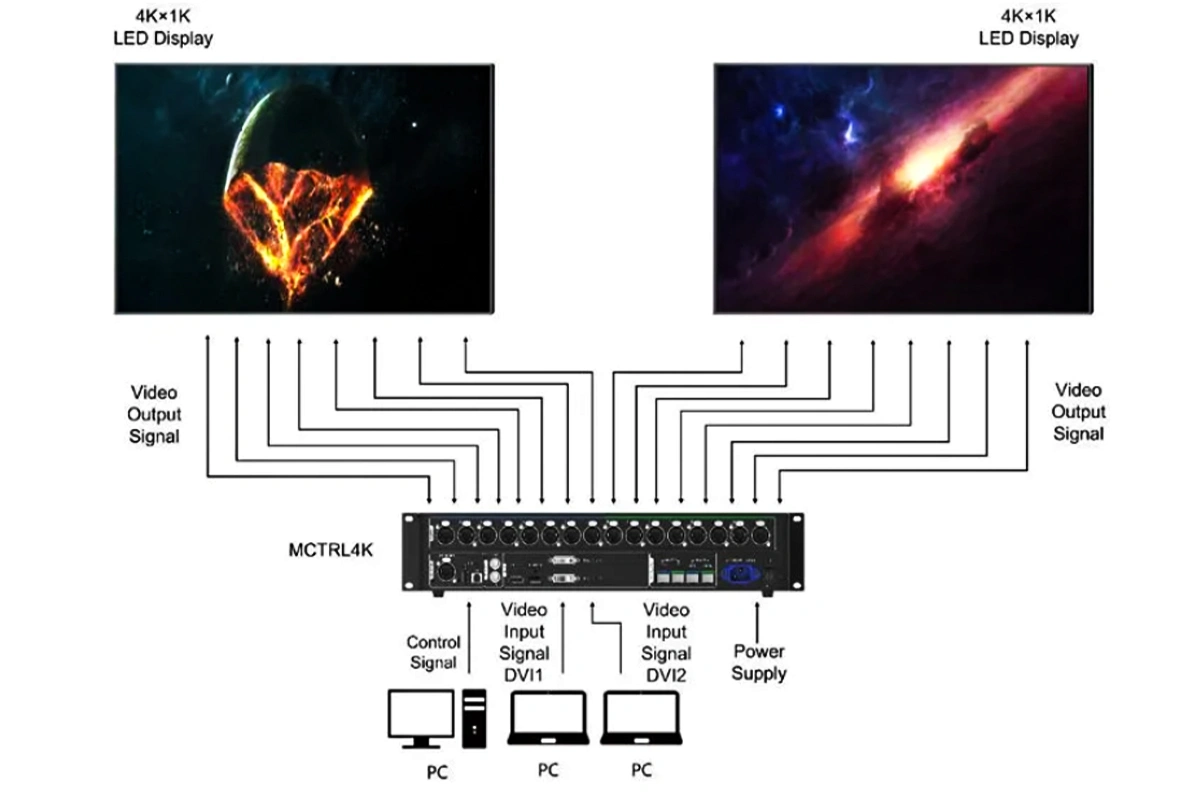
Application 1 – Mosaic Mode
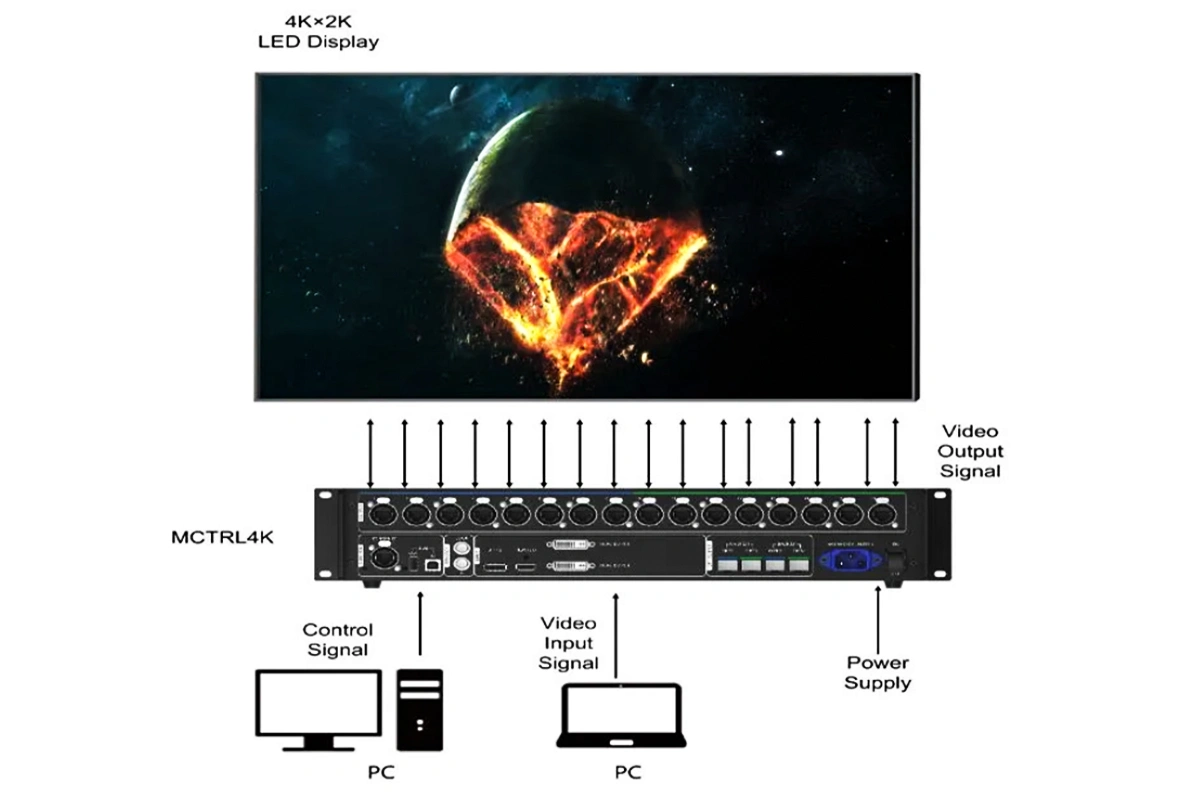
Application 2 – Multi-card Mode
5.Novastar MCTRL4K Price
Prices vary by supplier and region—but as of mid-2024, the MCTRL4K typically ranges from $2,000 to $5,000 USD.
You will get different prices when buying on different platforms. As a Novastar dealer, we can provide you with the best prices-$2,999.00
Purchase entrance:
https://ledcontrollercard.com/product/novastar-mctrl4k-high-definition-big-led-display-screen-controller-box/
6.NovaStar MCTRL4K Specs and Manual Free Download
7. A Guide to Quick Setup and Configuration
Follow these steps to get your LED display running quickly:
Step 1: Set Input Mode
- Press the knob on the front panel to access the main menu.
- Navigate to Input Settings > Input Mode.
- Choose between Mosaic (for combined displays) or Multi-card (for independent screens).
- Select your input source (e.g., Auto, DP, HDMI, or DVI).
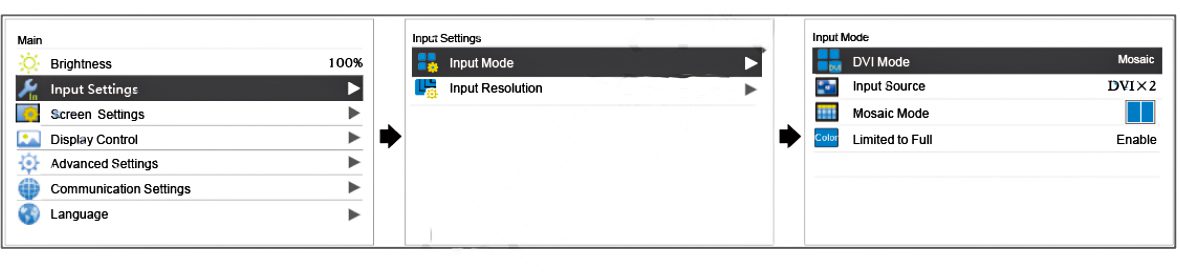
Step 2: Configure Input Resolution
- Go to Input Settings > Input Resolution.
- Select a preset resolution (e.g., 1920×1080@60Hz) or choose Custom to set width, height, and refresh rate.
- For ultra-high resolutions (up to 7680 pixels), use an NVIDIA graphics card and the custom resolution tool.
Step 3: Quick Screen Configuration
- In Screen Settings > Quick Config, set:
- Cabinet Row QTY and Cabinet Col QTY based on your screen layout.
- Port1 Cabinet QTY (number of cabinets per port).
- Data Flow to define the display direction.
- Apply the settings, and your screen should light up with the input source.
Additional Tips:
- Use Brightness Adjustment in the menu to adapt to ambient lighting.
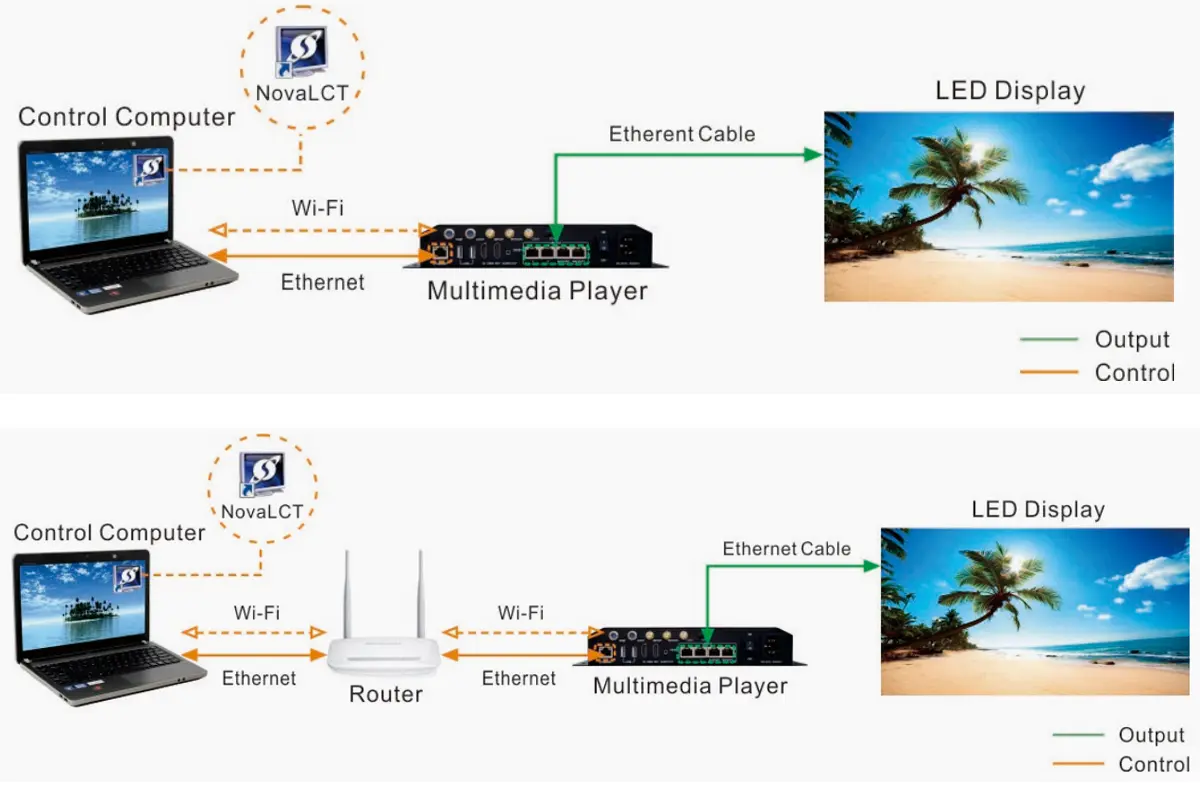
- For complex screens, connect to NovaLCT software for detailed mapping.
8. FAQs
9.conclusion
In this article, we have explored the powerful Novastar MCTRL4K LED display controller. If you need more professional guidance,please do not hesitate to contact us. Our professional team is ready to assist with your project planning and provide you with a tailored solution.