

LED Screen on Stage Solutions for Live Events
EagerLED supplies stage LED screen equipment for production companies, integrators and rental businesses building their own display inventory. Compare indoor and outdoor rental cabinets, then define the screen dimensions, closest viewing distance, camera workflow and service access.
- This page supports equipment purchase for production and rental fleets.
- Confirm cabinet count, processors, cases, spares, camera needs and service access.
- Separate equipment supply from local crew and show-operation responsibilities.
On this page
A usable stage system also needs compatible processing, power and data distribution, cases and spare parts. Send your venue drawing and equipment requirements for a system quotation; local crew, installation and show operation should be defined separately in the project scope.
Recommended Stage LED Screens for Sale
A reliable stage LED system starts with the right cabinet format, pixel pitch, brightness, refresh rate, rigging method and service plan. Compare these three rental-ready options, then send us your screen size, venue, viewing distance and event date for a matched configuration.
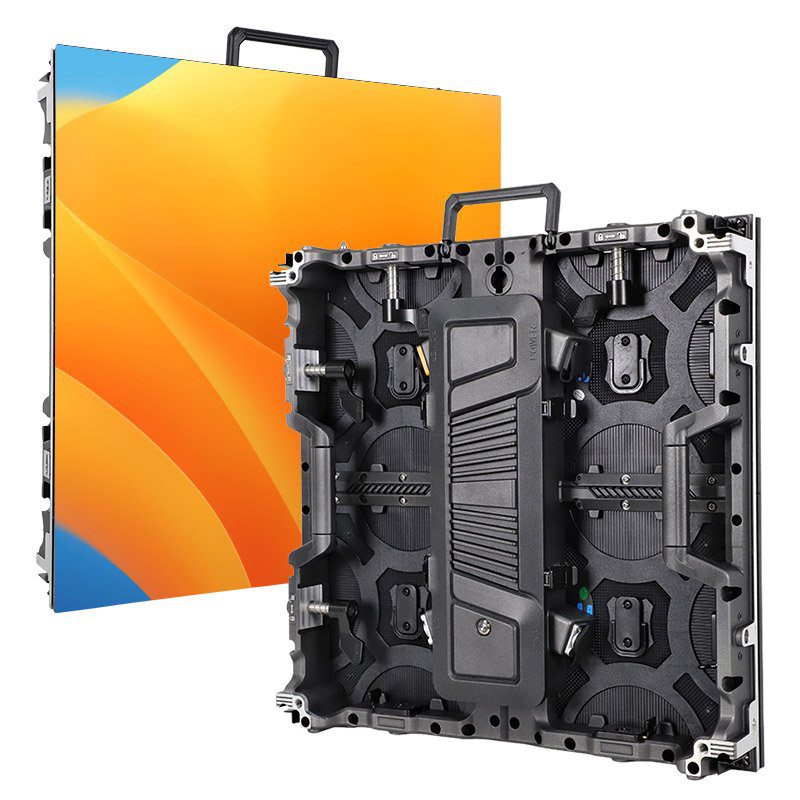
Indoor P1.56-P4.81 and outdoor P2.6-P3.91 options, at least 3,840 Hz refresh, quick locks and curved-layout support.
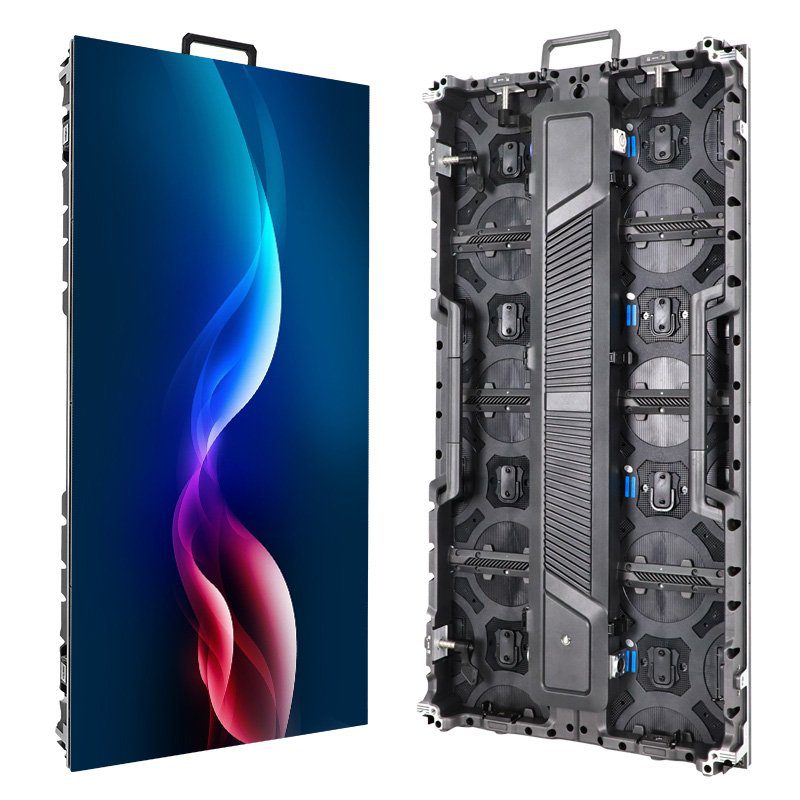
Fast-build 500×1000 mm cabinet with at least 3,840 Hz refresh, 14-bit grayscale, 140-degree viewing and curved-layout support.
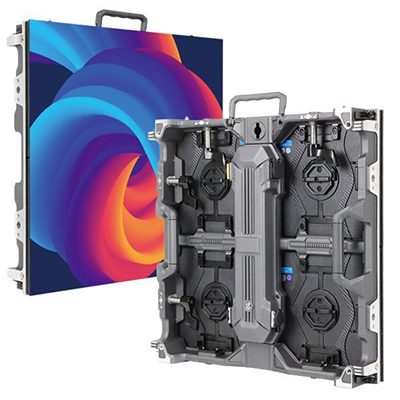
7 kg indoor or 7.5 kg outdoor 500×500 mm cabinet with at least 3,840 Hz refresh, removable power box and front/rear service access.
Applications for Stage LED Screen Solutions
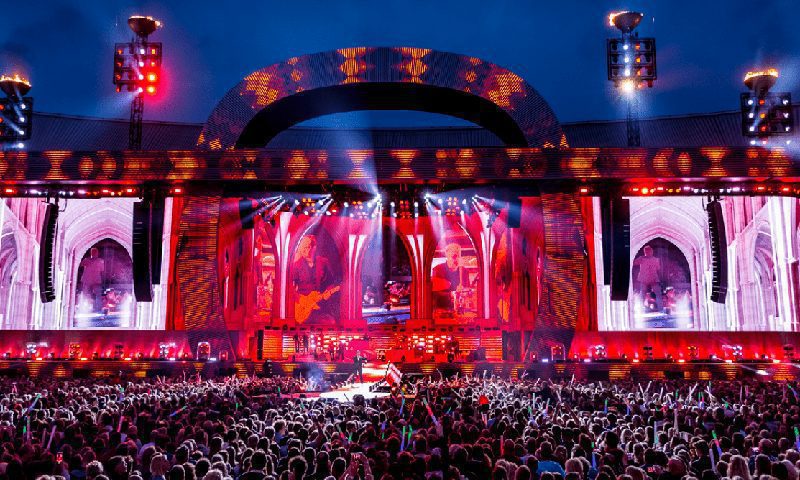
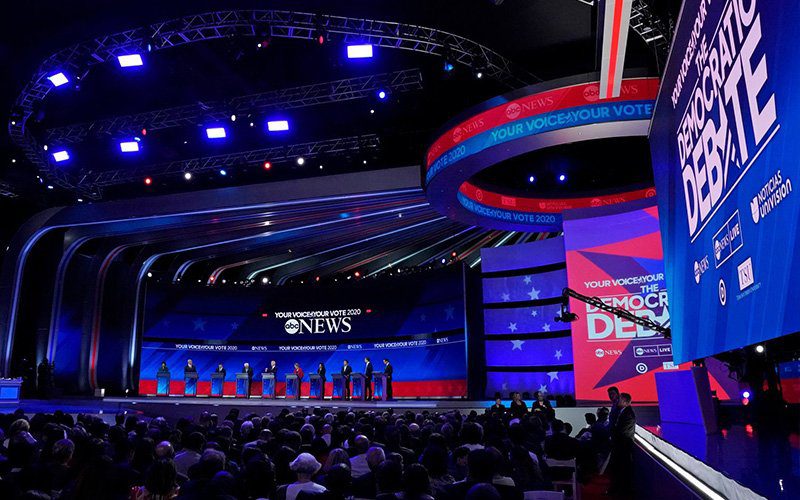
Concert and Touring LED Screens
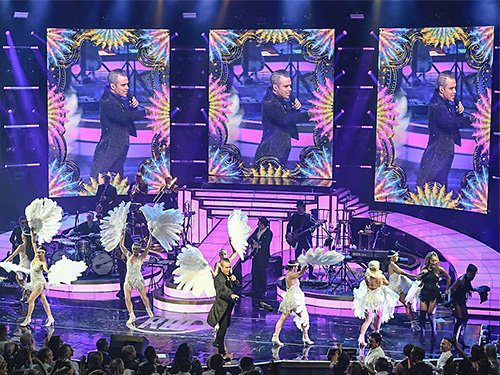
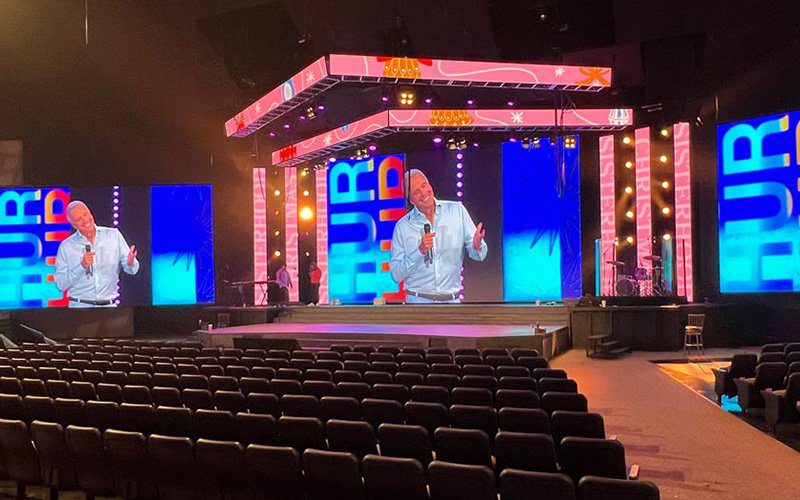
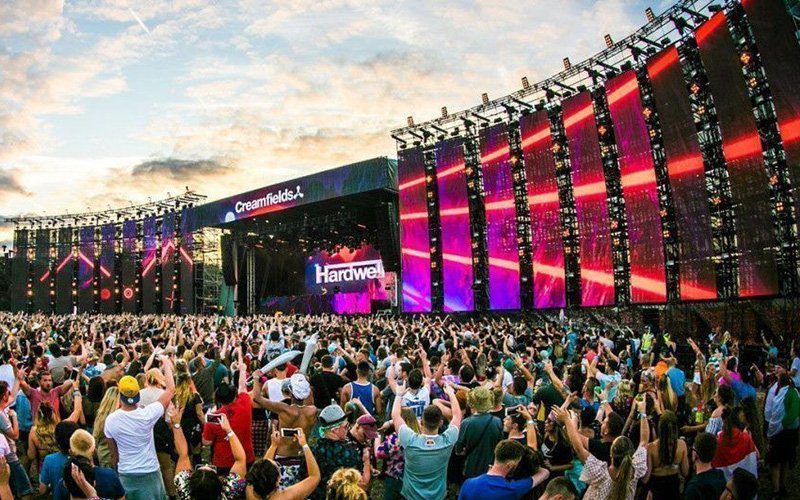
Concert systems must stay bright, camera-ready and serviceable through repeated setup. A practical build can combine 500×1000 mm cabinets for the main wall with 500×500 mm cabinets for side screens, curved sections or height adjustments. Select pixel pitch from the nearest audience position, then test the full video chain, camera shutter and content before doors open.
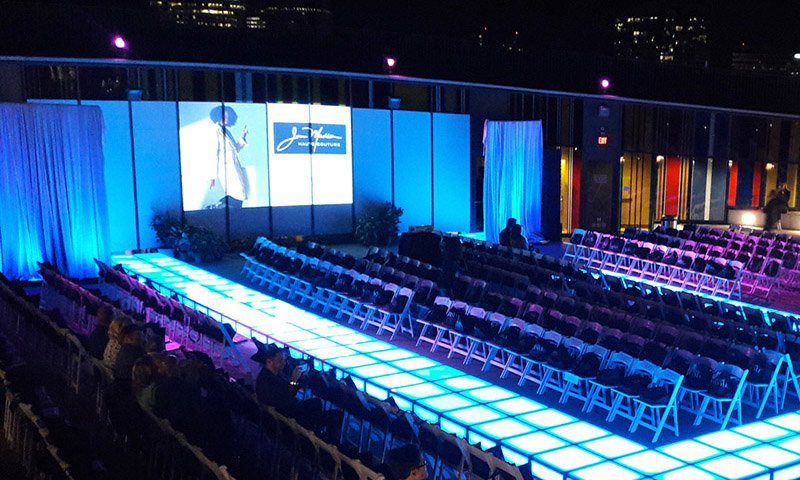
Fashion Show LED Backdrops
Fashion shows need accurate color, clean blacks and a screen layout that supports the runway rather than competing with it. Fine-pitch indoor panels suit close viewing, while curved or segmented walls can frame entrances and sponsor content. The final content should be rehearsed at show brightness so fabrics, skin tones and camera exposure remain consistent.
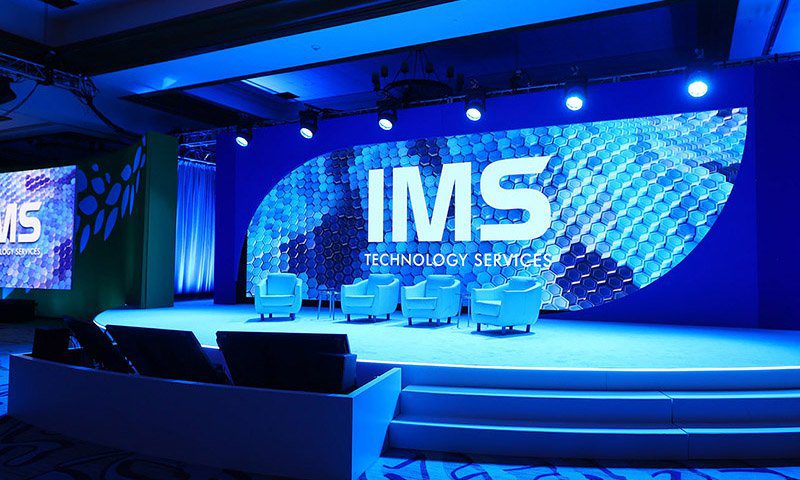
Corporate Event and Conference Screens
For keynotes, launches and conferences, the screen must keep text readable from the back row and reproduce presentation content without cropping. Plan a native canvas for slides, live camera feeds and playback, provide a confidence-monitor workflow, and keep service access available behind or in front of the wall according to the venue layout.
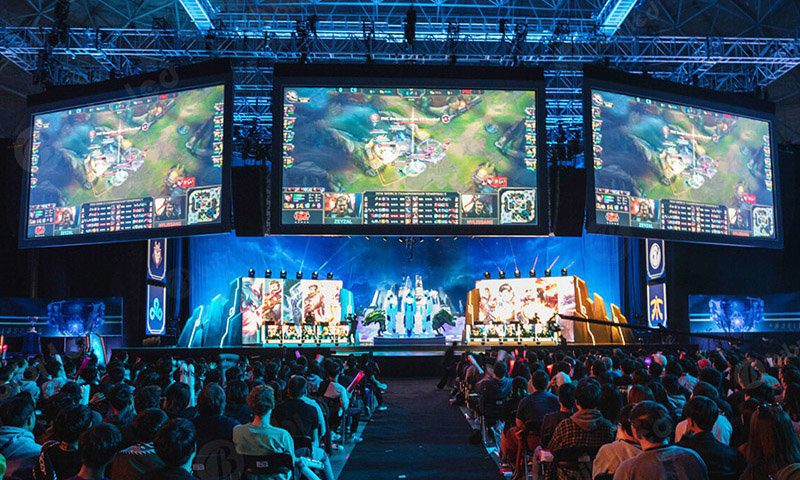
Esports and Live Broadcast LED Walls
Esports productions combine game feeds, player cameras, scores, sponsor graphics and timed show cues. Use a high-refresh display, a processor sized for the total pixel load, synchronized sources and a tested backup signal path. Side displays can carry statistics and branding while the central wall preserves the primary game feed.
TV, Variety and Entertainment Stages
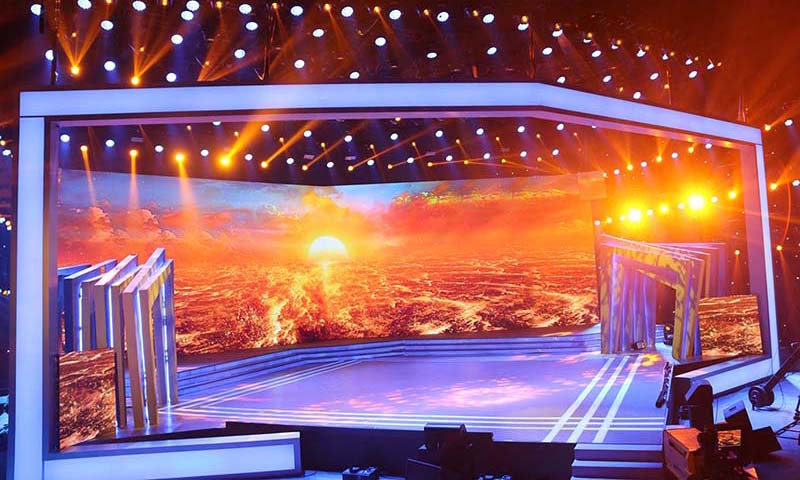
Television and variety stages change scenes quickly, so modular cabinets, fast locks and flexible content mapping matter. Build the visual system around camera blocking, lighting angles and scene transitions. For camera-facing work, refresh rate alone is not enough: scan behavior, shutter settings, processor timing and rehearsal footage must be evaluated together.
Complete Stage LED Screen Solution: From Design to Show Day
1. Discovery and screen engineering. We translate venue drawings, audience distance, content format, camera plan, ambient light and installation method into screen dimensions, pixel pitch, cabinet quantity, processor capacity and power distribution.
2. Product and system matching. The recommendation covers indoor or outdoor cabinets, 500×500 or 500×1000 mm formats, flat or curved hardware, control equipment, flight cases, spare modules, receiving cards, power supplies and the required cables.
3. Pre-shipment configuration and verification. Cabinets can be assembled into the planned layout, calibrated and checked for color consistency, dead pixels, signal mapping, power distribution and mechanical fit before packing. Project files and connection diagrams should travel with the system.
4. Delivery and lifecycle support. A complete handover includes packing lists, installation guidance, operating documentation and a recommended spare-parts plan. Remote troubleshooting and replacement-part support help event teams keep the same inventory productive across future shows.
Stage LED Screen Projects and Application Proof
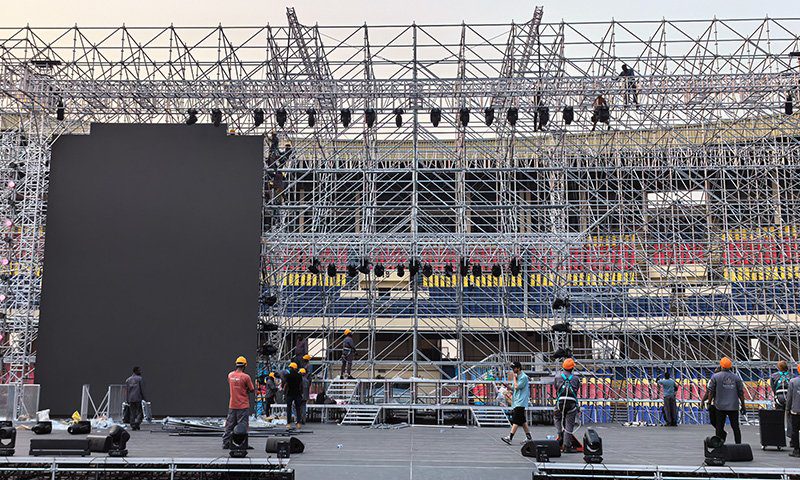
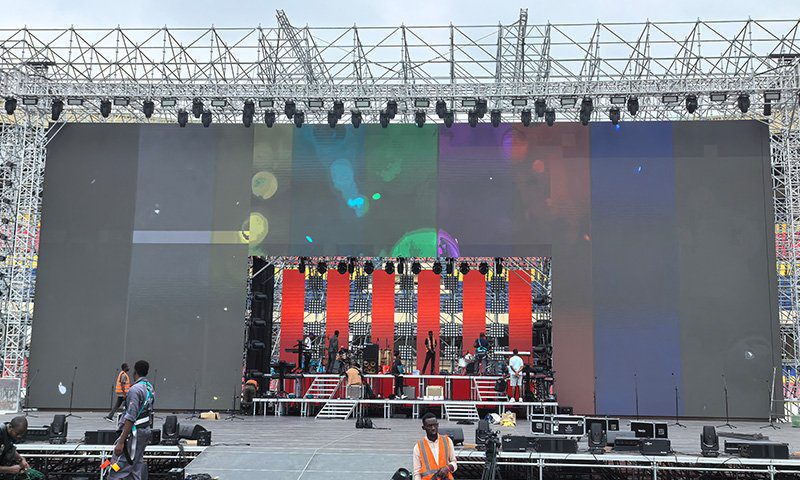
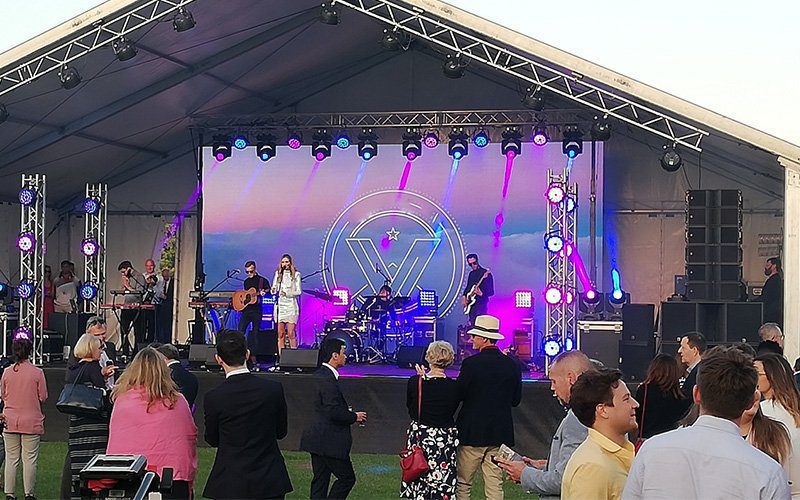
P3.91 Outdoor Stage LED Screen in Congo
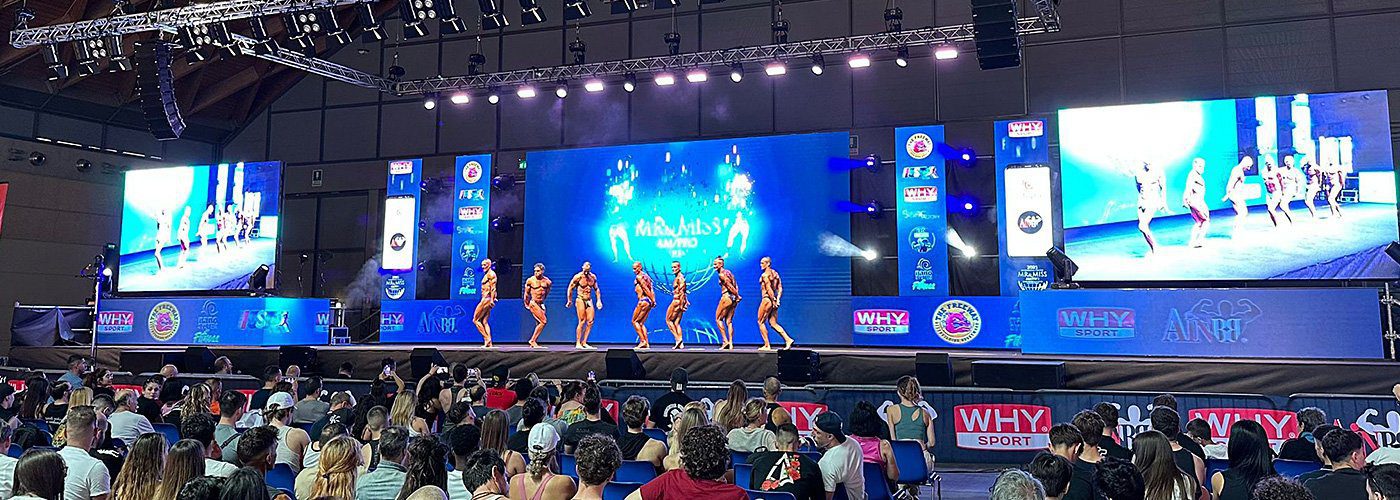
P3.91 Indoor Stage LED Screen in the Czech Republic
Stage LED Screen Solution Guide: Specify, Install and Operate
A stage LED screen solution is more than a wall of panels. It combines modular cabinets, processing, power and data distribution, rigging or stacking hardware, content workflow, spares and on-site procedures. The correct specification depends on the nearest viewer, venue light, total screen size, camera use, weather exposure and service access.
- Choose pixel pitch from the closest viewing position and content detail.
- Use at least 3,840 Hz refresh as a strong event baseline, then test with the actual cameras.
- Size processors, power and data paths for the full pixel load, with headroom.
- Confirm ground support or hanging loads with qualified local professionals.
- Budget for flight cases, cabling, spares, commissioning and crew training, not panels alone.
This guide turns those decisions into a practical brief for concerts, conferences, worship stages, esports, fashion shows, touring productions and outdoor events.
Stage LED Screen Planning Guide
1. What Is a Stage LED Screen Solution?
2. Why Use LED Screens for Stage Events?
3. How to Specify an LED Screen on Stage
4. Recommended Stage LED Screen Configurations
5. Stage LED Screen Cost and Quotation Factors
6. How to Install a Stage LED Screen Safely
7. Operations, Backup and Future-Ready Design
8. Stage LED Screen FAQs
9. Plan Your Stage LED Project
1. What Is a Stage LED Screen Solution?
A stage LED screen solution is a modular visual system designed for live events. Rental cabinets connect into a flat, curved or creative video wall, while a video processor maps content to the exact screen resolution. Power distribution, data cabling, support hardware and spare parts complete the operating system.
- Display layer: LED cabinets, modules, receiving cards, power supplies and structural locks.
- Control layer: processor, sending hardware, playback devices and signal conversion.
- Infrastructure: power distribution, primary and backup data, rigging or ground support, flight cases and cabling.
- Show workflow: content canvas, camera feeds, rehearsal, monitoring, fault response and trained operators.
Because cabinets are modular, one inventory can build different screen sizes and aspect ratios. A 500×500 mm cabinet covers 0.25 m2; a 500×1000 mm cabinet covers 0.5 m2. Mixing compatible heights can reduce build time while retaining smaller panels for curves, side returns and non-standard layouts.
The final solution should be documented as a system, not a list of panels. Record the cabinet map, total resolution, processor loading, power circuits, data routes, spare allocation, hanging or stacking method and the person responsible for each pre-show check.
2. Why Use LED Screens for Stage Events?
2.1 Keep Content Visible Across the Venue
Direct-view LED can scale to wide stages without projection throw distance or shadow problems. The right brightness and pixel pitch keep live camera feeds, lyrics, presentation text and sponsor graphics readable from planned audience positions. Screen size should be based on content detail and the farthest viewer, not on stage width alone.
2.2 Reconfigure One Inventory for Multiple Shows
Rental cabinets can be arranged as a central wall, two side screens, scenic columns, a curved backdrop or a ring. Standardizing cabinet families, locks, cables and spare parts reduces setup complexity for touring teams and makes it easier to expand the system for a larger venue.
2.3 Combine Live Video, Graphics and Show Cues
A processor can switch and scale cameras, playback, slides and branded graphics into one canvas. Plan the content resolution and safe areas before production starts so designers deliver files that match the real pixel map and important text does not fall across panel seams or scenic cutouts.
2.4 Support Audience Interaction
Event teams can display voting results, social content, lower thirds, speaker names or live data when the show network and moderation workflow are prepared in advance. Interactive features should have a fallback scene so the wall remains useful if a data source or network connection fails.
2.5 Improve Camera and Content Control
High-refresh panels, suitable grayscale, calibrated brightness and synchronized processing help reduce visible scan lines, flicker and tonal banding. Camera rehearsals remain essential because the final result also depends on shutter angle, frame rate, scan mode, processor timing, lens, exposure and the content itself.
3. How to Specify an LED Screen on Stage
3.1 Define the Event Brief and Risk Conditions
Start with the screen width and height, indoor or outdoor use, nearest and farthest viewing distance, venue light, camera models, content format, installation height, load limits, service-access direction, event date and operating hours. Also identify whether the screen must survive rain, wind, touring transport or repeated daily assembly.
3.2 Match Pixel Pitch to the Nearest Viewer
Pixel pitch is the center-to-center distance between adjacent LED pixels. A smaller pitch increases pixel density and supports closer viewing, but also increases processing load and cost. AVIXA Xchange explains the relationship between pitch, viewing distance and cost; use the ranges below as a planning start, then confirm with the actual venue and content.
| Typical pitch | Planning use | What to verify |
|---|---|---|
| P1.56-P1.95 | Close-view conference, worship or broadcast sets | Camera moire, processor load and budget |
| P2.6-P2.97 | Premium indoor stages and medium viewing distances | Content detail, camera exposure and service access |
| P3.91 | General concerts, rental stages and many outdoor events | Nearest viewer, brightness and weather protection |
| P4.81 | Large outdoor walls viewed from farther away | Text size, audience distance and total resolution |
3.3 Select Brightness and Environmental Protection
Current EA1000C6 and EA500H9 specifications list 750-800 cd/m2 for indoor versions and 4,000-6,000 cd/m2 for outdoor versions. Outdoor models also list IP65 front and IP54 rear protection. Treat these as model-specific ranges: set operating brightness to the venue and camera, provide rear weather protection where required, and never assume an IP rating removes the need for a site weather plan.
3.4 Set Refresh, Grayscale and Camera Workflow
The recommended EA500C6, EA1000C6 and EA500H9 series list at least 3,840 Hz refresh; EA1000C6 and EA500H9 also list 14-bit grayscale and a 140-degree viewing angle. These specifications are a strong live-event baseline, not a substitute for testing. Verify the complete signal chain at show frame rate and record camera settings that produce clean results.
3.5 Choose Cabinet Format, Service Access and Spares
Use 500×1000 mm cabinets to cover large rectangular walls quickly and 500×500 mm cabinets for curves, corners, side screens and fine height adjustments. EA1000C6 cabinets weigh 11 kg indoors or 12.6 kg outdoors; EA500H9 cabinets weigh 7 kg indoors or 7.5 kg outdoors. Confirm compatible locks and modules, front or rear service access, flight-case quantities and a spare plan for modules, receiving cards, power supplies and cables.

4. Recommended Stage LED Screen Configurations
4.1 Indoor Conference and Worship Stage
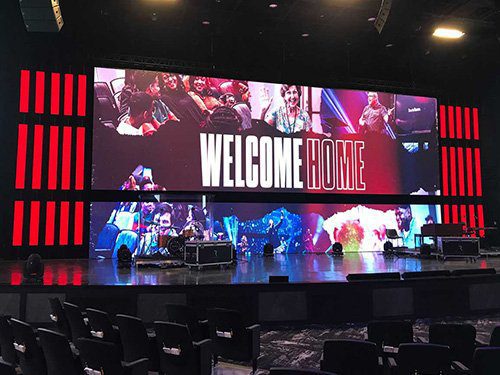
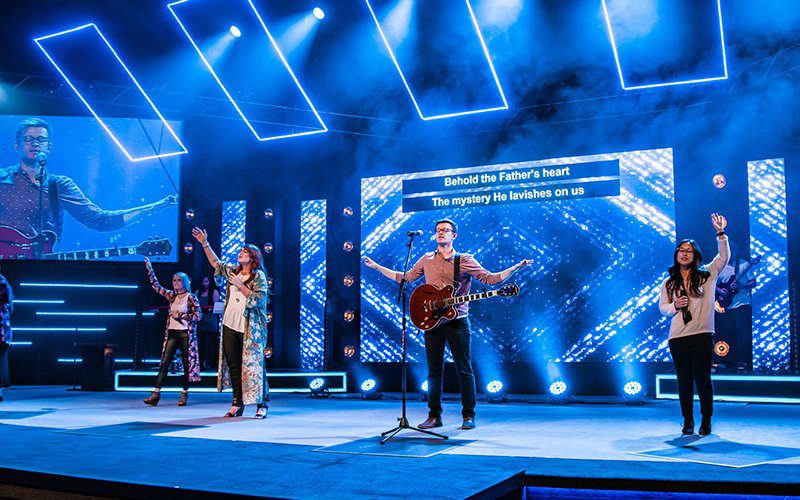
Recommended starting point: P1.95-P2.97 indoor cabinets, 750-800 cd/m2 class brightness, at least 3,840 Hz refresh and a 16:9-friendly canvas for slides and live video. Choose 500×500 mm panels when the design needs close viewing, compact dimensions or curved scenic elements.
4.2 Touring Concert and Festival System
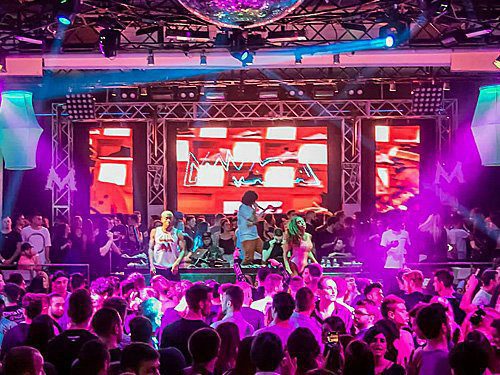
Recommended starting point: P2.97 or P3.91, with 500×1000 mm cabinets for the main wall and 500×500 mm cabinets for side screens or creative sections. Prioritize fast locks, corner protection, durable flight cases, documented cable looms and a spare package that the touring crew can replace quickly.
4.3 Outdoor Stage and Brand Activation
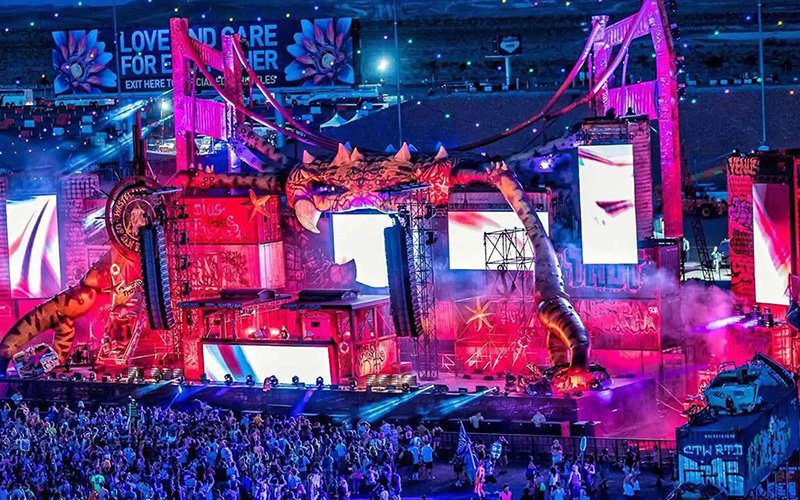
Recommended starting point: outdoor P2.6-P3.91 models selected for the real audience distance, with 4,000-6,000 cd/m2 model options and front/rear protection appropriate to the site. Engineering must also cover ballast or hanging loads, wind limits, rain management, cable protection, power distribution and an evacuation or screen-lowering plan.
4.4 Camera-Facing and Hybrid Event
Recommended starting point: P1.95-P2.97 for closer camera framing, at least 3,840 Hz refresh, suitable grayscale and a processor workflow that supports the production frame rate. Complete a camera test with final content, exposure, shutter, genlock and lighting; a clean phone video is not proof that every broadcast camera will be clean.
4.5 Curved, Ring and Creative Stage Design
Recommended starting point: EA500C6 or EA500H9 500×500 mm cabinets with the correct curved-lock option. Confirm concave, convex or ring geometry before ordering, including angle per cabinet, overall diameter, content mapping, support structure, maintenance path and how the creative section connects to flat walls.
5. Stage LED Screen Cost and Quotation Factors
5.1 Panel Specification and Environment
Pixel pitch, indoor or outdoor construction, brightness, refresh rate, LED package, cabinet hardware and service design all affect the equipment cost. A finer pitch adds pixels and processing load; an outdoor system adds brightness, sealing and weather-management requirements. Compare complete configurations rather than panel price alone.
5.2 Screen Area, Resolution and Cabinet Quantity
Screen area determines the base cabinet count, but resolution determines processor and data capacity. A 6 x 3 m wall is 18 m2: it requires 72 cabinets at 500×500 mm or 36 cabinets at 500×1000 mm before spares and layout adjustments. Final quantity must match exact cabinet dimensions, aspect ratio and any curved or split-screen sections.
5.3 Rent, Buy or Build a Reusable Inventory
Renting can suit a single local event when equipment and crew are readily available. Buying is easier to justify for frequent events, touring, rental operations or venues that need consistent output. A reusable inventory should standardize cabinet families, accessories and spare parts so it can form several common screen sizes.
5.4 Include the Complete System Scope
A useful quotation should state panels, processors, sending and receiving hardware, power distribution, data and power cables, rigging or stacking accessories, flight cases, spare modules, receiving cards, power supplies, calibration, project files, documentation and training. Shipping, duties, installation labor and on-site support should be separated clearly.
5.5 Logistics, Support and Project Schedule
Lead time, packing method, transport route, local labor, commissioning and support level can change the delivered project cost. For an accurate quote, provide screen dimensions, pixel pitch or viewing distance, indoor/outdoor use, destination, event date, installation method, camera requirements and the accessories already available.
6. How to Install a Stage LED Screen Safely
Installation should follow an approved drawing and a written method statement. A qualified local professional must verify the support structure, loads, attachment points, ballast or suspension system and applicable venue rules. The sequence below is operational guidance, not a substitute for local engineering or safety requirements.
1. Survey and plan. Confirm dimensions, floor or roof capacity, hanging points, wind exposure, egress, service access, power circuits, cable routes and the exclusion zone. Match the cabinet map to the processor map before equipment reaches the stage.
2. Build and inspect the support system. Use rated hardware and keep identification markings legible. As a safety reference, OSHA 1910.184 states that slings must not exceed rated capacity and must be inspected before daily use; follow the laws and standards that apply at the actual event location.
3. Assemble, cable and configure. Lock and align each cabinet, secure safety hardware, distribute power within the approved circuit plan, route primary and backup data separately where possible, and label every cable. Load the saved receiver-card and processor configuration before testing content.
4. Commission and rehearse. Check seams, color, brightness, grounding, signal stability, processor headroom, backup switching, camera behavior and audio/video sync. Run the final content and cameras at show conditions, record the accepted settings and keep replacement parts accessible during the event.
Ground-Stacked Installation for Rental LED Displays
Hanging Installation for Stage Rental LED Screens
7. Operations, Backup and Future-Ready Design
7.1 Redundant Power, Data and Content Paths
Mission-critical shows should identify single points of failure before rehearsal. Depending on project risk, provide backup playback, processor configuration files, spare output capacity, separated data routes, spare receiving cards and power supplies, and a tested fallback scene. Redundancy only helps when the operator knows how and when to switch.
7.2 Camera Synchronization, Not Refresh Rate Alone
Brompton Technology notes that filming LED requires camera shutter and LED refresh to be matched. On its ShutterSync technical page, Brian Macauto of Evolve CX says the feature “reduces visual artifacting and lets the creative team choose its desired camera configuration first.” Alessandro Rosani of STS Communication likewise describes precise adjustment as enabling “a seamless match with the camera.” The practical lesson is to test panel, processor, camera and content as one system.
7.3 Faster Service and Remote Monitoring
Front/rear service access, removable power boxes and standardized spares shorten fault isolation during events. Document cabinet addresses, cable routes and replacement procedures; keep a clean project-file backup; and train operators to distinguish a source problem from processor, data, power or module faults.
7.4 Creative Curves, XR and Modular Expansion
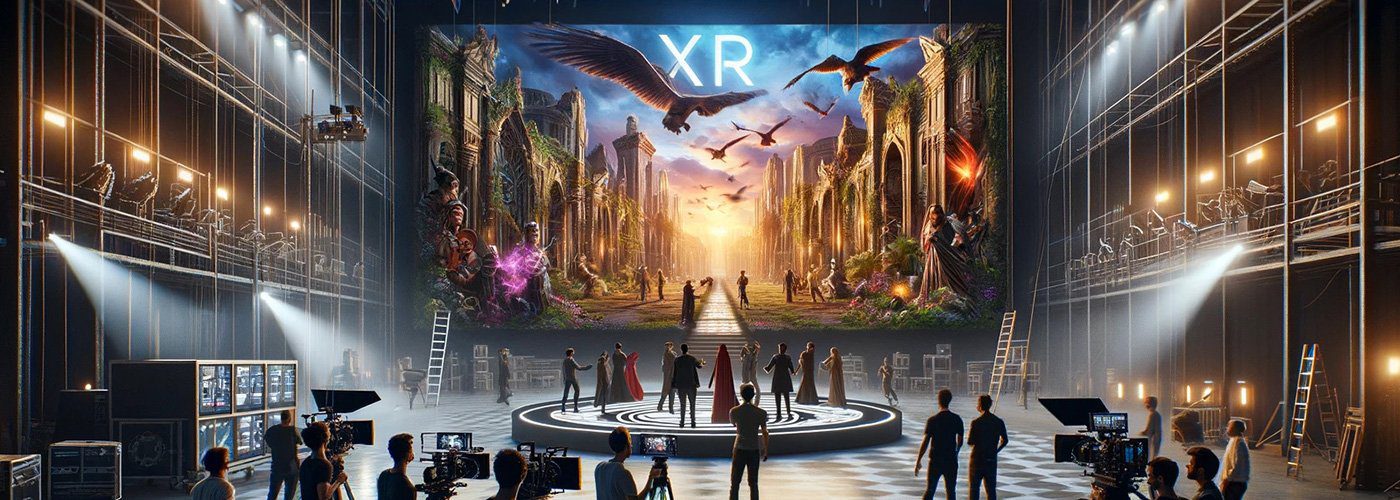
Curved locks, ring structures and modular cabinet sizes can extend the same inventory into immersive scenery and camera backgrounds. Plan these upgrades around geometry, structural loads, moire risk, processor capacity, color workflow and maintenance access. XR or virtual-production use requires a dedicated camera and synchronization test beyond a standard stage-event specification.
8. Stage LED Screen FAQs
8.1 Which Pixel Pitch Should I Choose for a Stage LED Screen?
Choose from the nearest audience and camera position. P1.56-P1.95 suits very close indoor viewing, P2.6-P2.97 is a common premium indoor range, P3.91 suits many concert and rental stages, and P4.81 can work for larger outdoor walls viewed from farther away. Confirm with the screen size, content and a sample or camera test.
8.2 Is a Stage LED Screen Suitable for Outdoor Events?
Yes, when an outdoor model and a site-specific safety plan are used. Current EagerLED outdoor variants offer model options in the 4,000-6,000 cd/m2 range with IP65 front and IP54 rear protection. The event team must still plan wind limits, rain exposure, rear protection, drainage, cable safety, power and structural loads.
8.3 What Information Is Needed for an Accurate Quotation?
Provide screen width and height, indoor or outdoor use, nearest viewing distance, destination, event date, installation method, camera use, expected operating hours and required accessories. Venue drawings, hanging-point information and a reference image of the desired layout make the recommendation more precise.
8.4 Should I Use Synchronous or Asynchronous Control?
Use synchronous control for concerts, conferences, broadcasts and other live events that need real-time cameras, playback and switching. Asynchronous control is better for scheduled signage that can play stored content without a live source. Most stage systems should be designed around synchronous processing, with a prepared fallback source.
9. Conclusion
A successful stage LED project connects creative intent with engineering, product selection, safe installation and a rehearsed operating plan. Send EagerLED your screen dimensions, venue, viewing distance, installation method, destination and event date to receive a cabinet layout, system scope and quotation matched to the project.
Stage LED Screen Equipment: Cabinet Count and Quote Scope
Illustrative layout: a flat 6 m wide by 3 m high screen covers 18 m². With 500 × 500 mm cabinets, the layout is 12 columns × 6 rows, or 72 cabinets. With 500 × 1,000 mm cabinets installed 1,000 mm high, it is 12 columns × 3 rows, or 36 cabinets. This example compares cabinet counts only; it does not specify pixel pitch, total weight, power demand or processor capacity.
Confirm the exact cabinet orientation and approved locking system before combining formats. Calculate the final pixel map from the selected model, and include separate quantities for spare modules, receiving cards, power supplies and cables.
What should a stage LED screen quotation include?
- Display: model, indoor or outdoor version, pitch, cabinet count, brightness, refresh and service method.
- Control: processor inputs, output capacity, receiving cards, signal paths and any agreed backup configuration.
- Handling: flight cases, cable lengths, spare allocation and the supplied hanging or stacking accessories.
- Project responsibilities: distinguish equipment supply from freight, local support structure, installation crew and show operation.
How should a rental company check camera performance?
Request a check with the planned cameras, frame rate, shutter settings, brightness and representative content. A refresh-rate figure alone does not establish clean filmed performance. Confirm the accepted test conditions and save the validated screen configuration with the handover files.
Send your stage screen equipment brief for a matched quote. For inventory selection, compare the rental LED screen equipment range.
