Related Posts

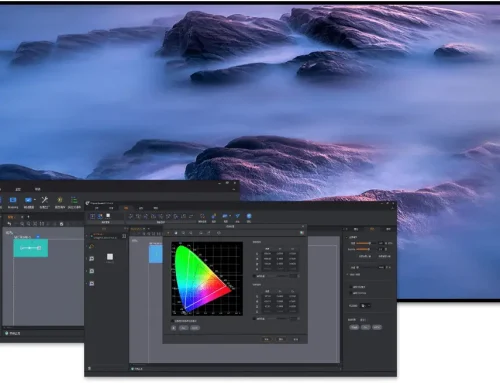
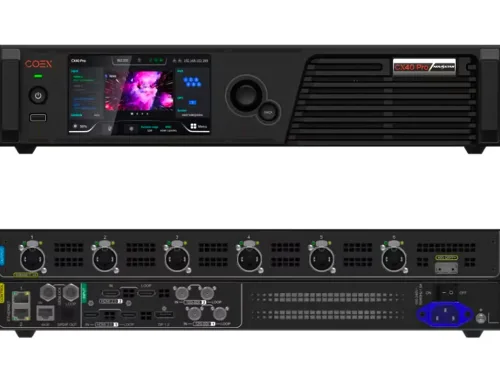
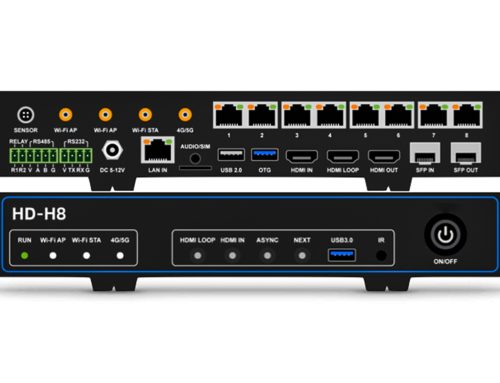
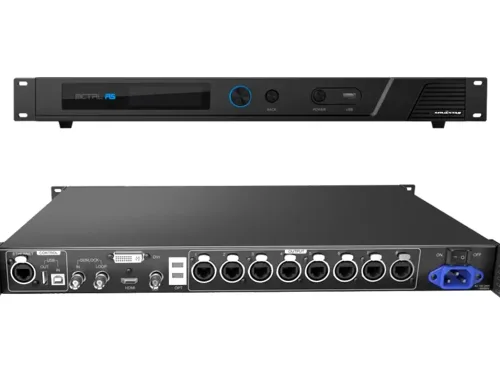
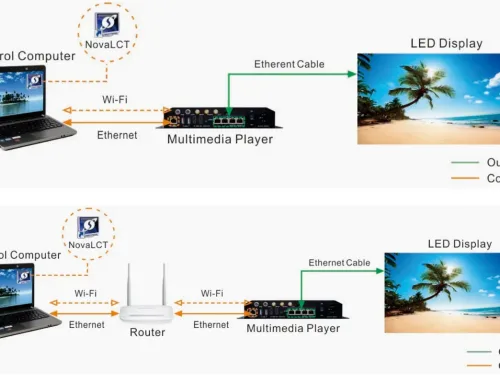




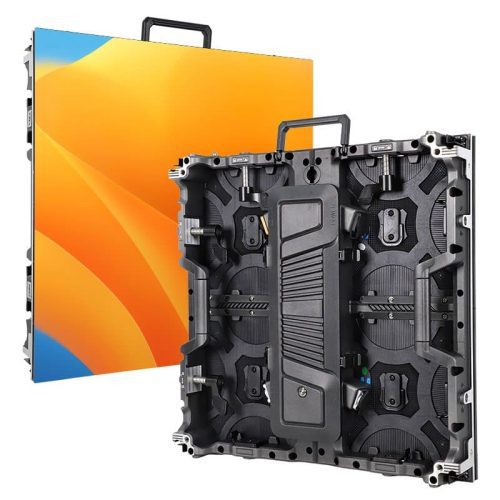
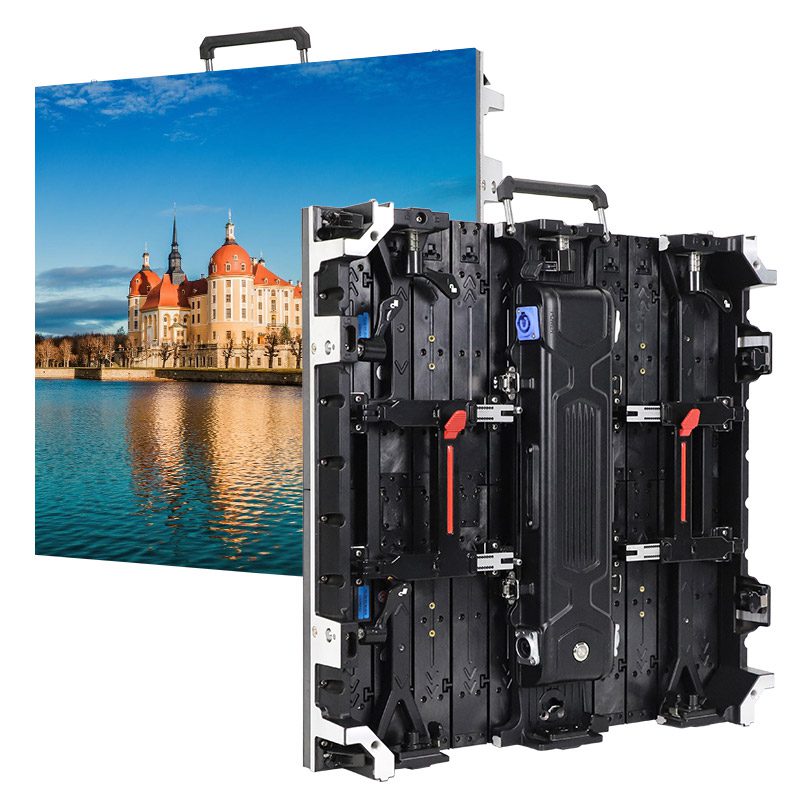
This article provides a concise guide to the NovaStar HDR Master 4K Video Processor. We will define its role, explore its 4K HDR video processing performance, and detail its extensive I/O capabilities. The guide further covers system setup, its advanced color and scaling features, and integration into a complete LED control system, concluding with typical application scenarios.
catalogue
1.What Is the Novastar HDR Master 4K Video Processor?
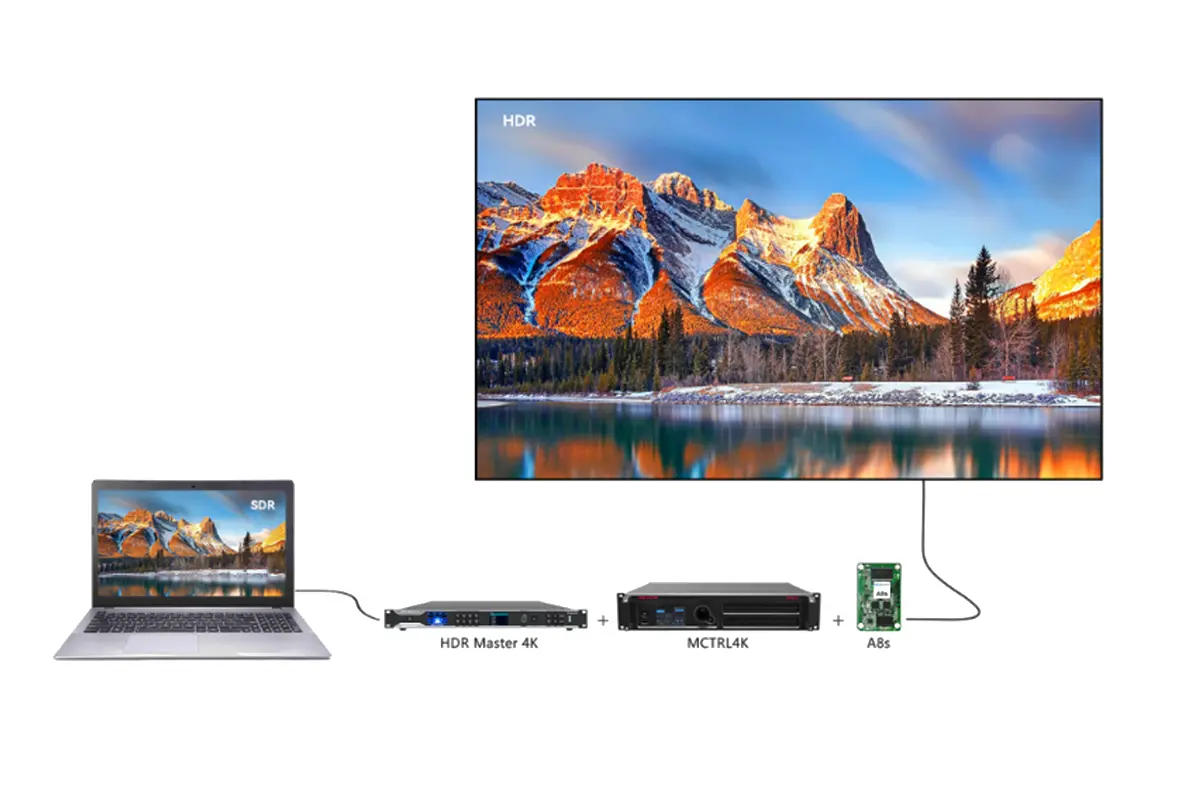
The Novastar HDR Master 4K is the company’s premier 4K HDR video processor, designed to convert Standard Dynamic Range (SDR) content seamlessly into HDR video formats. Built for professional LED display systems, it combines an optimized SDR-to-HDR conversion algorithm with advanced scaling technology to deliver exceptional image quality, broader color reproduction, and a truly immersive visual experience.
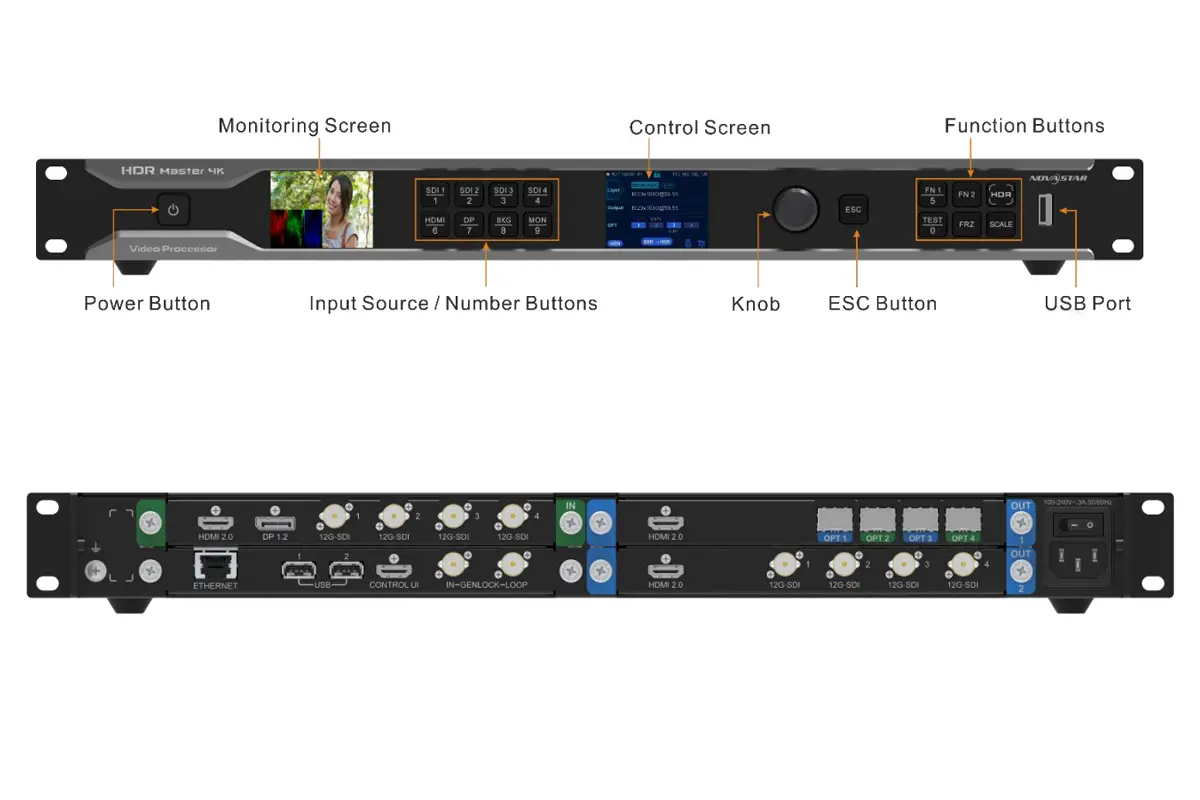
Novastar processor HDR Master 4K Key Features
- 4K HDR Support: Enables a wider color gamut, greater dynamic range, and deeper color depth, revealing more detail in bright and dark areas of the image.
- HDR Video Conversion: Freely converts between SDR and HDR10/HLG formats, ensuring compatibility even when native HDR video sources are unavailable.
- High‑Grade Scaling: Uses the SuperView III scaling algorithm to eliminate artifacts such as data loss, jagged edges, and blurring, faithfully restoring every pixel.
- Comprehensive Connectivity: Offers a versatile set of inputs and outputs including HDMI 2.0, DP 1.2, and 12G‑SDI, supporting a wide range of professional signal sources and display setups.
Novastar HDR Master 4K Video Processor Specification Overview
| Feature | Specification |
|---|---|
| Input Resolution | Up to 4K×2K@60Hz |
| Output Resolution | Up to 8K×1K@60Hz or 4K×2K@60Hz |
| Dynamic Range | SDR, HDR10, HLG |
| Bit Depth | 8-bit, 10-bit, 12-bit |
| Color Space | RGB 4:4:4, YCbCr 4:4:4, YCbCr 4:2:2 |
| Connectors | HDMI 2.0, DP 1.2, 12G-SDI, Optical Fiber |
2.4K HDR Video Processing Performance on LED Display
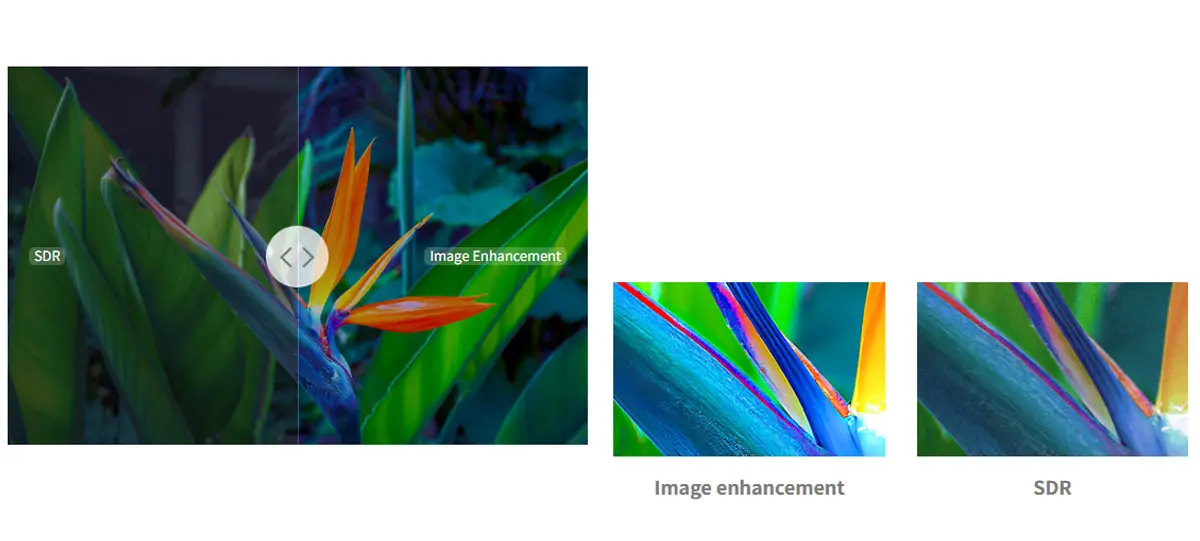
The Novastar processor HDR Master 4K is engineered to unlock the full visual potential of high-end LED displays by mastering 4K HDR video signals. Its core strength lies in significantly expanding the dynamic range and color fidelity of content, revealing exceptional detail that is often lost in both the brightest highlights and the deepest shadows.
Novastar HDR Master 4K Key Benefits:
- Wider Color Gamut: Reproduces richer, more vibrant and lifelike colors, fully leveraging the color capabilities of modern LED displays.
- Enhanced Dynamic Range: Preserves critical detail in extreme highlights and shadows, preventing areas from appearing “blown out” or “crushed,” which is crucial for high-contrast HDR video content.
- Deeper Color Depth: Supports output at up to 12-bit color depth, enabling smoother gradients and minimizing color banding for a more natural and refined image.
- Real-Time SDR-to-HDR Conversion: Intelligently converts standard dynamic range content into high-quality HDR video in real time, significantly expanding your available content library.
- Precise Image Tuning: Offers adjustable contrast gain and low-grayscale settings, allowing fine-grained optimization of image clarity and shadow detail for different source materials.
- Peak Brightness Matching: Enables calibration of the output signal to match the specific brightness capabilities (up to 4000 nits) of the target LED display, ensuring faithful highlight reproduction.
3.HDR Master 4K Novastar Processor: Input and Output Capabilities
The HDR Master 4K is engineered with a modular and flexible I/O architecture, designed to handle a wide array of professional signal sources and deliver them reliably to demanding LED displays. This flexibility is key for integrating the processor into complex 4K HDR production and presentation workflows.
Input Capabilities
- Multi‑format Support: Accepts signals from a comprehensive range of sources via HDMI 2.0, DisplayPort 1.2, and four 12G‑SDI inputs, ensuring compatibility with cameras, media players, graphics workstations, and broadcast equipment.
- High‑Density Input: Capable of processing up to six simultaneous 4K×2K@60Hz video inputs, providing ample bandwidth for multi‑source presentations or complex visual productions.
- Advanced SDI Features: Supports SDI mosaic input, allowing multiple lower‑resolution SDI feeds (e.g., 3G‑SDI) to be combined into a single, cohesive high‑resolution HDR video source.
Output Capabilities
Dual‑Card, Synchronized Outputs: Utilizes two swappable output cards to deliver identical, frame‑locked content. This ensures perfect synchronization across all display zones or backup systems.
Versatile Output Media: Outputs are available across multiple connector types:
- HDMI 2.0: Ideal for local monitoring or short‑distance connections to displays.
- 10G Optical Fiber: Enables stable, long‑distance signal transmission without quality loss, perfect for large‑venue installations.
- 12G‑SDI: Provides robust, professional‑grade connections for broadcast trucks or studio environments, with support for SDI mosaic output to compatible devices.
System Scalability: The output architecture directly supports image mosaic functionality, allowing multiple Novastar processor HDR Master 4K units to be tiled together to drive ultra‑high‑resolution LED video walls beyond the capacity of a single processor.
| Category | Core Capability | Key Features |
|---|---|---|
| Input | Multi-format Interfaces HDMI 2.0, DP 1.2, 4×12G-SDI |
• Supports up to 6 simultaneous 4K×2K@60Hz video inputs • SDI mosaic input for combining multiple SDI feeds into a single canvas |
| Output | Dual-card, Synchronized Output (Identical content) • Card 1: 1×HDMI 2.0 + 4×10G Fiber • Card 2: 1×HDMI 2.0 + 4×12G-SDI |
• Frame-locked outputs for perfect synchronization across displays • Fiber ports enable long-distance, lossless transmission • Supports SDI mosaic output and multi-unit image tiling for ultra-high-resolution screens |
4.Novastar HDR Master 4K System Setup and Basic Configuration
Following these key steps will help you integrate the Novastar processor quickly and optimize it for your specific display environment.
Hardware Connections:
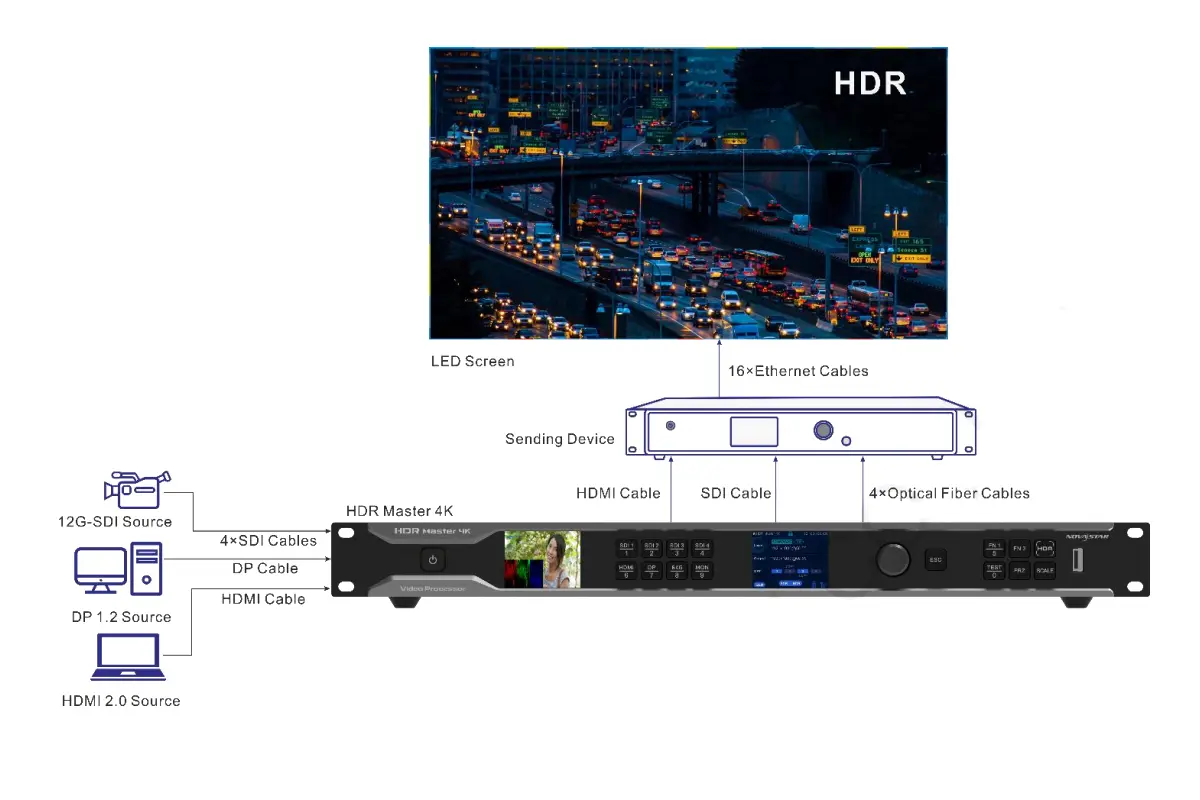
- Connect your HDR video sources (media players, cameras, etc.) to the processor’s input card using HDMI, DP, or SDI cables.
- For output, use HDMI cables for short-distance connections to a display or switch to optical fiber outputs when connecting to NovaStar controllers (e.g., NovaPro UHD Jr.) for stable, long-distance transmission to the LED screen.
Input Configuration:
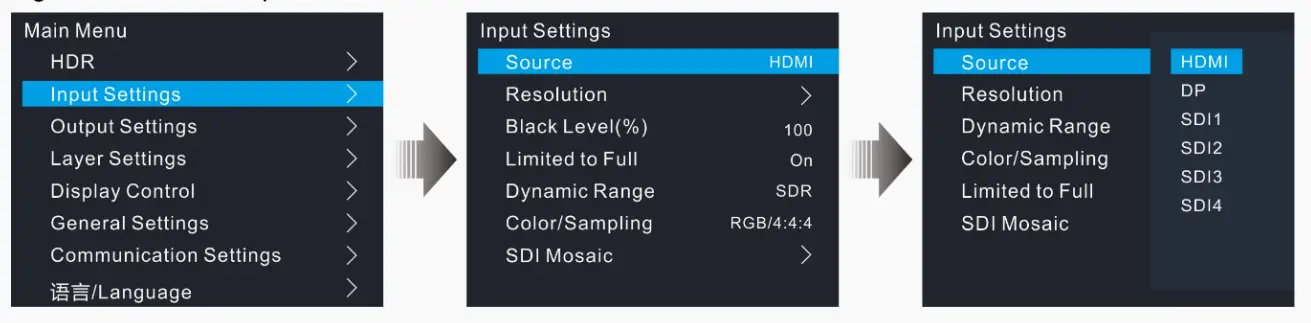
- In the Input Settings menu, verify or configure the resolution for each source. For graphics card inputs (HDMI/DP), you can set a custom or standard resolution.
- Adjust the Black Level to refine contrast in dark areas and enable Limited to Full range conversion if the source signal is RGB limited.
Output Configuration:
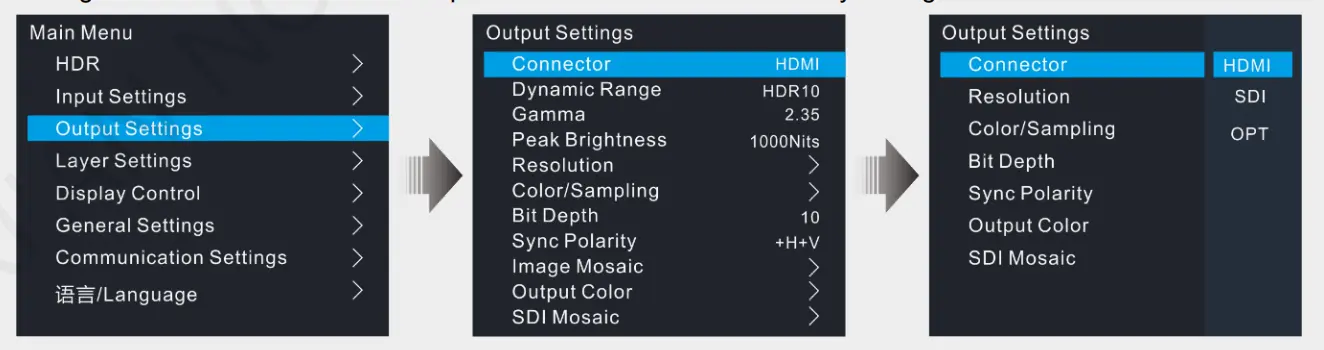
- Navigate to Output Settings to define the signal that will be sent to your display.
- Set the Dynamic Range to match your content and screen (SDR, HDR10, or HLG).
- Configure Peak Brightness (up to 4000 nits) to match your LED display’s capability for accurate HDR video highlights.
- Select the output resolution and color space (e.g., RGB 4:4:4 or YCbCr 4:2:2) that is compatible with your downstream equipment.
5.HDR Master 4K Video Processor Color Processing and Image Scaling
This section provides a step-by-step guide to practically using the color processing and image scaling tools of the HDR Master 4K to calibrate your HDR video output for the best on-screen result.
How to Adjust Output Color Parameters
You can fine-tune the overall look of your final output signal directly from the front panel or software.
- Navigate: From the main menu, go to Output Settings > Output Color and press the knob to enter.
- Select & Adjust: Rotate the knob to highlight a parameter (Brightness, Contrast, Saturation, Hue, Gamma). Press the knob to select it, then rotate to adjust its value in real-time.
- Apply: Press the knob again to confirm the new value. Your changes are applied immediately to the output signal.
- Reset: To revert all color settings to their defaults, select the Reset option in the same menu.
How to Adjust Color for a Specific Layer or Background
For targeted adjustments, you can modify the color of an individual input layer or the static background (BKG).
- Navigate: Go to Layer Settings.
- For a Layer: Select Layer > choose your source > Advanced > Color. Adjust parameters like Brightness, Saturation, or even apply Monochrome/Invert effects.
- For Background: Select BKG, turn it On, choose Pure Color BKG, and set individual R, G, B values to create a custom solid-color background.
How to Scale an Image or Crop an Input Source
Use these tools to perfectly fit your source content to your display canvas.
Basic Layer Scaling:
- Go to Layer Settings > Layer > Adjust.
- Set Unit to Pixel or Percentage.
- Adjust H Width and V Height. Use Keep Ratio (Lock/Unlock) to control proportional scaling.
- Use Initial X and Initial Y to reposition the layer.
Input Cropping (to zoom in on part of a source):
- In the same Layer menu, go to Crop.
- Set H Width and V Height to define the crop area size.
- Use Initial X and Initial Y to move the crop window across your source image. The cropped area will fill the layer.

Using the SCALE Button:
For a quick fit, press the front-panel SCALE button. When its LED is On (default), the active layer is automatically scaled to match the full output resolution.
6.How the HDR Master 4K Fits into a Novastar LED Control System
Designed to work natively with other Novastar hardware and software, HDR Master 4K ensures smooth signal flow, unified management, and consistent image quality across complex installations.
- Native Compatibility with Sending Controllers: Seamlessly pairs with Novastar sending units like the VX4S, MCTRL660, or Taurus series via dual-link DVI or 10G fiber, delivering processed 4K HDR video with frame-level synchronization.
- Centralized Management via NovaLCT: All settings—input source selection, HDR mode, scaling, and output mapping—can be configured and monitored through NovaStar’s NovaLCT software, enabling remote control and batch deployment.
- Unified Color & Brightness Calibration: Works in tandem with Novastar receiving cards to apply system-wide color correction and brightness uniformity, preserving HDR video integrity from processing to pixel output.
- No External Converters Needed: Eliminates the need for third-party scalers or format converters by supporting direct HDR-to-LED mapping within the Novastar ecosystem, reducing latency and signal degradation.
7.Typical Application Scenarios for the Novastar HDR Master 4K
Novastar processor HDR Master 4K delivers superior HDR video processing for applications where image quality is critical. Its core capabilities—low-latency 4K HDR signal handling, precise color reproduction, and seamless integration with Novastar control systems—make it the ideal solution for five key professional scenarios:
- Broadcast Studios & OB Vans: Handles live camera feeds in 4K HDR with frame-accurate synchronization, ensuring on-air displays match director-grade reference monitors without color shift or delay.
- Control Rooms & Command Centers: Maintains visual clarity across multi-screen video walls during 24/7 operation, with stable HDR video rendering even under high data loads from surveillance, GIS, or data visualization sources.
- High-End Corporate Lobbies & Digital Signage: Delivers cinematic-grade HDR content on large indoor LED displays, turning brand messaging into immersive visual experiences with deep blacks and vivid highlights.
- Live Events & Rental Stages: Supports flexible input switching (HDMI 2.0, DP 1.2, 12G-SDI) and real-time scaling for dynamic stage backdrops, ensuring consistent 4K HDR output regardless of source format.
- Post-Production & Color-Critical Review Environments: Enables accurate preview of HDR video on LED walls by preserving PQ/HLG curves and wide color gamuts (BT.2020, DCI-P3), bridging the gap between editing suites and large-format display.