Related Posts

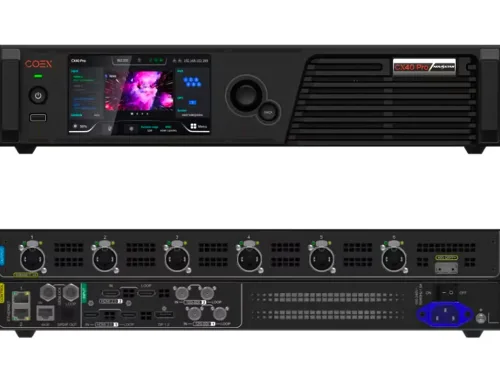
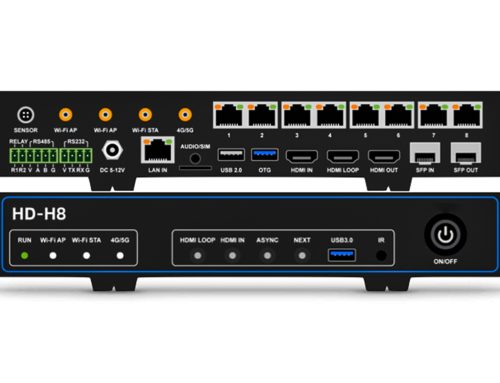
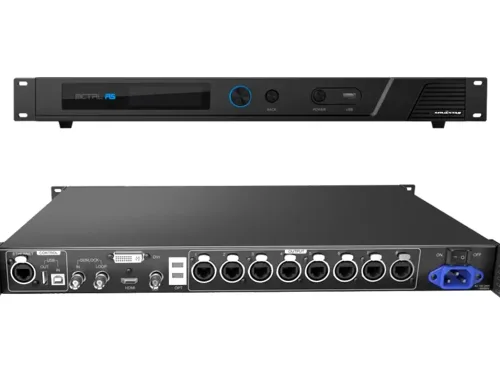
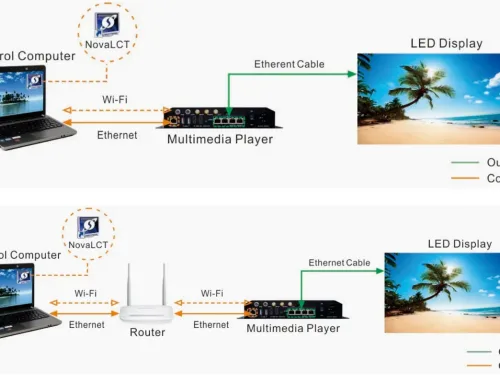




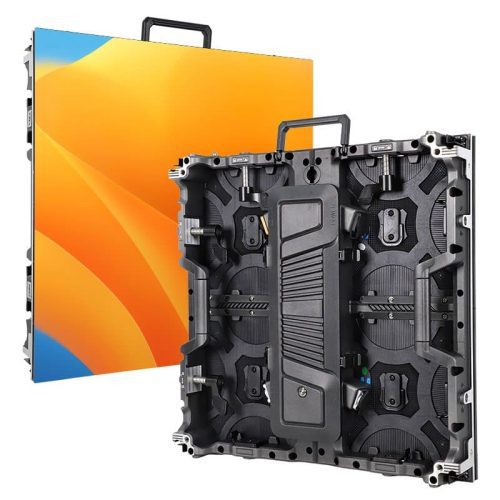
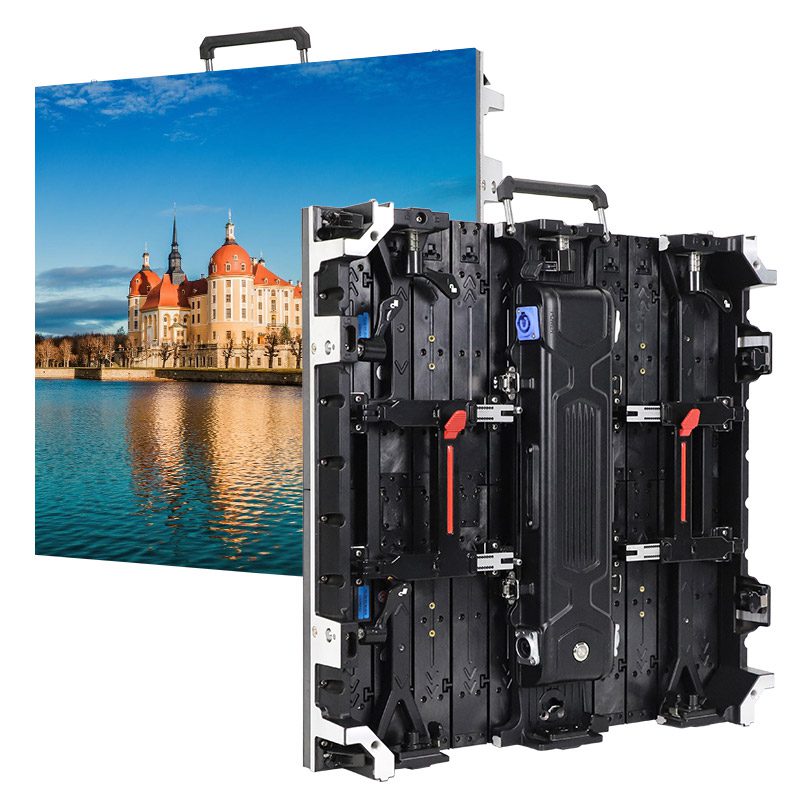
In high-performance LED display setups—live events, broadcast studios, or large-scale installations—stable, long-distance signal transmission is critical. Fiber optical converters like the Novastar CVT10 make it possible, but choosing and deploying the right one requires clarity. This guide breaks down everything you need to know: from key differences between CVT10 and CVT10 Pro, compatibility, 4K support, to real-world applications—so you can implement with confidence.
catalogue
- 1. Novastar CVT10 Glasfaser-Konverter – Übersicht
- 2. Warum sollte man in LED-Anzeigesystemen einen Glasfaserkonverter verwenden?
- 3. Novastar CVT10 vs. CVT10 Pro: Wichtigste Unterschiede in Leistung und Design
- 4. Installation und Konfiguration des Novastar CVT10 Glasfaserkonverters
- 5. Häufige Anwendungen des CVT10-Faseroptikkonverters
- 6. Kompatibilitätsleitfaden: Welche LED-Controller sind mit Novastar CVT10 kompatibel?
- 7. Wie CVT10 mit 4K und hohen Bildwiederholraten umgeht
- 8. FAQs
1.Novastar CVT10 Fiber Optical Converter overview
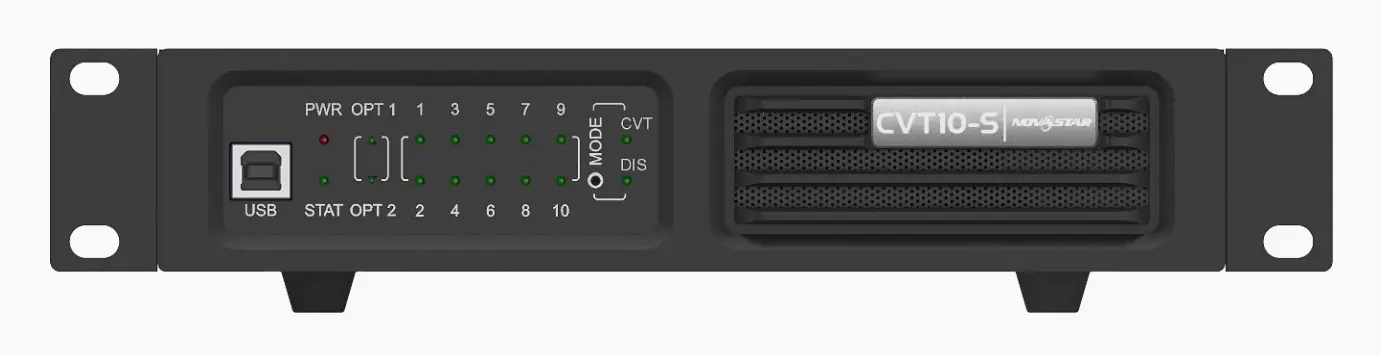
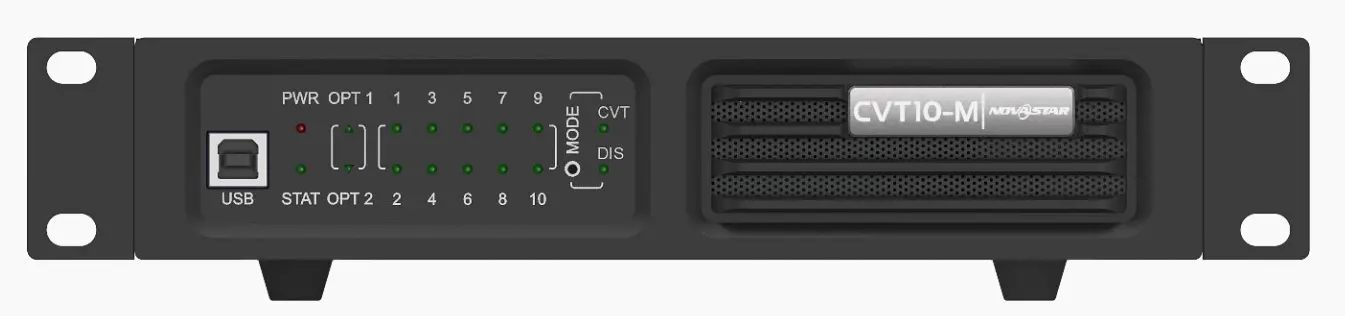
Novastar CVT10 is a high-performance, cost-effective fiber optical converter engineered to seamlessly bridge sending cards and LED displays over long distances. By converting electrical signals to optical—and vice versa—it enables stable, full-duplex data transmission with exceptional immunity to electromagnetic interference. Available in two variants—CVT10-S (single-mode) for extended reach and CVT10-M (multi-mode) for shorter-range applications—the CVT10 adapts to a wide range of installation scenarios without compromising signal integrity.
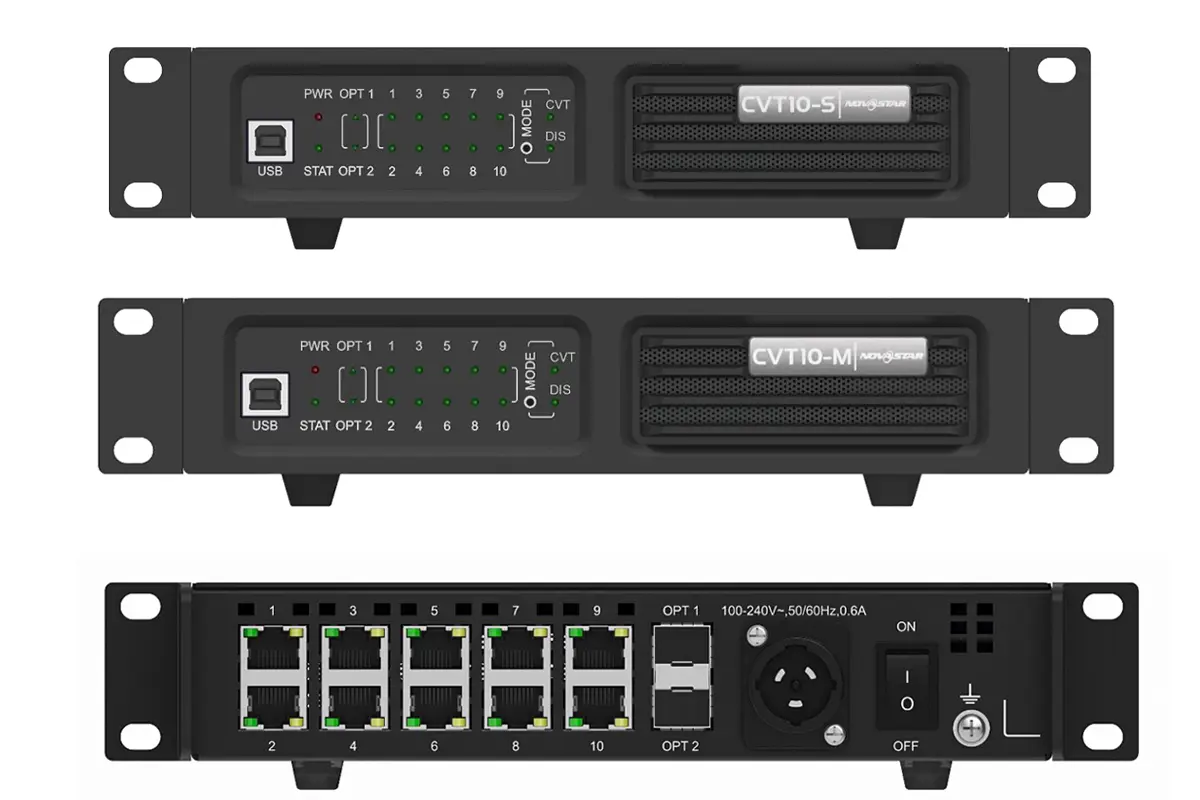
Novastar CVT10 fiber converter Key Features:
- Lossless Long-Distance Transmission: Supports up to 10 km (CVT10-S) or 300 m (CVT10-M) with low signal degradation—ideal for large venues where copper cables fail.
- Seamless Integration with Novastar Ecosystem: Plug-and-play compatibility with NovaLCT software and mainstream sending cards (e.g., VX4S, MCTRL660), reducing setup time and configuration errors.
- Dual Hot-Swappable 10G Optical Modules: Pre-installed SFP+ ports deliver up to 10 Gbit/s per channel for high-bandwidth video streams, including 4K@60Hz.
- Flexible Deployment & Space-Saving Design: Mount horizontally, suspend from truss, or install in a 1U rack (when paired)—perfect for touring shows or fixed installations with tight space constraints.
- Globally Certified for Safety & Reliability: Meets RoHS, FCC, CE, UL, CB, KC, and other international standards, ensuring stable operation in demanding environments worldwide.
2.Why Use a Fiber Converter in LED Display Systems?
Unlike traditional copper-based solutions, fiber converters solve three critical challenges that directly impact performance, scalability, and image quality.
Long-Distance, Interference-Free Transmission
Copper cables suffer from signal attenuation and electromagnetic interference (EMI), especially beyond 100 meters. Fiber optics eliminate these issues entirely. With the Novastar CVT10 fiber converter:
- CVT10-S (single-mode) supports transmission up to 10 km, ideal for large venues or distributed control rooms.
- CVT10-M (multi-mode) delivers stable performance up to 300 m, perfect for indoor arenas or rental staging.
Uncompromised Signal Integrity for High-Resolution Content
Fiber maintains pristine signal quality even at high bandwidths. This means low latency, no frame loss, and pixel-perfect clarity—critical when driving 4K, HDR, or high-frame-rate content where every millisecond counts.
Future-Ready Scalability
Equipped with ten Gigabit Ethernet ports and flexible topology support, the CVT10 easily scales from a single screen to complex multi-display arrays. You’re expanding an existing system or designing a new installation, the fiber converter ensures your infrastructure can grow without bottlenecks.
3.Novastar CVT10 vs CVT10 Pro: Key Differences in Performance and Design
While both the Novastar CVT10 and CVT10 Pro are high-performance fiber optical converters designed for seamless signal transmission in LED display systems, they serve distinctly different application needs. The choice between them depends on your environment, installation requirements, and operational demands.
Below is a detailed Novastar CVT10 vs CVT10 Pro comparison:
| Feature | CVT10 | CVT10 Pro |
|---|---|---|
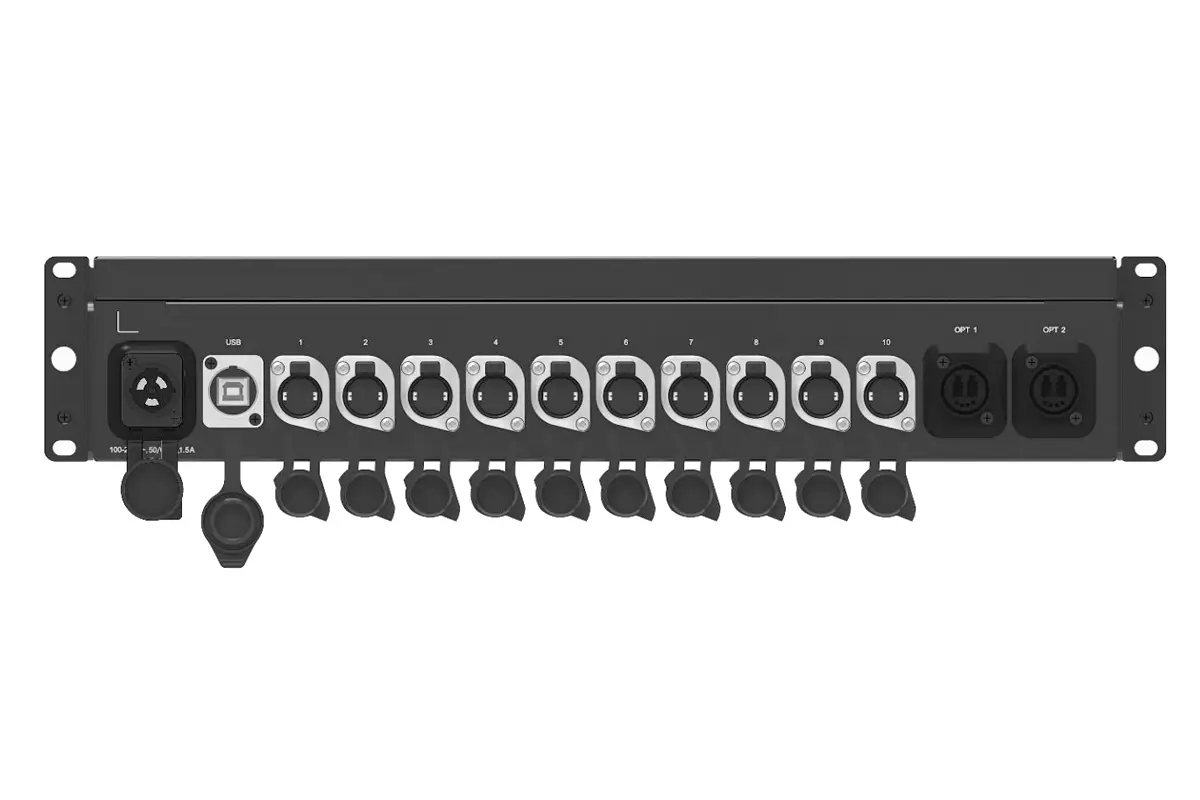
| Ports | 10x RJ45 | 10x Neutrik (EtherCon) |
| Power Input | T-Shape Socket | PowerCON Socket |
| Water Resistance | N/A | IP65 |
| Installation | Rack-mounted only | Rack-mounted or truss-mounted |
| Weight | 2.1 kg | 5.9 kg |
| Size | 1U (254.3 x 50.5 x 290.0 mm) | 2U (482.6 x 88 x 280.0 mm) |
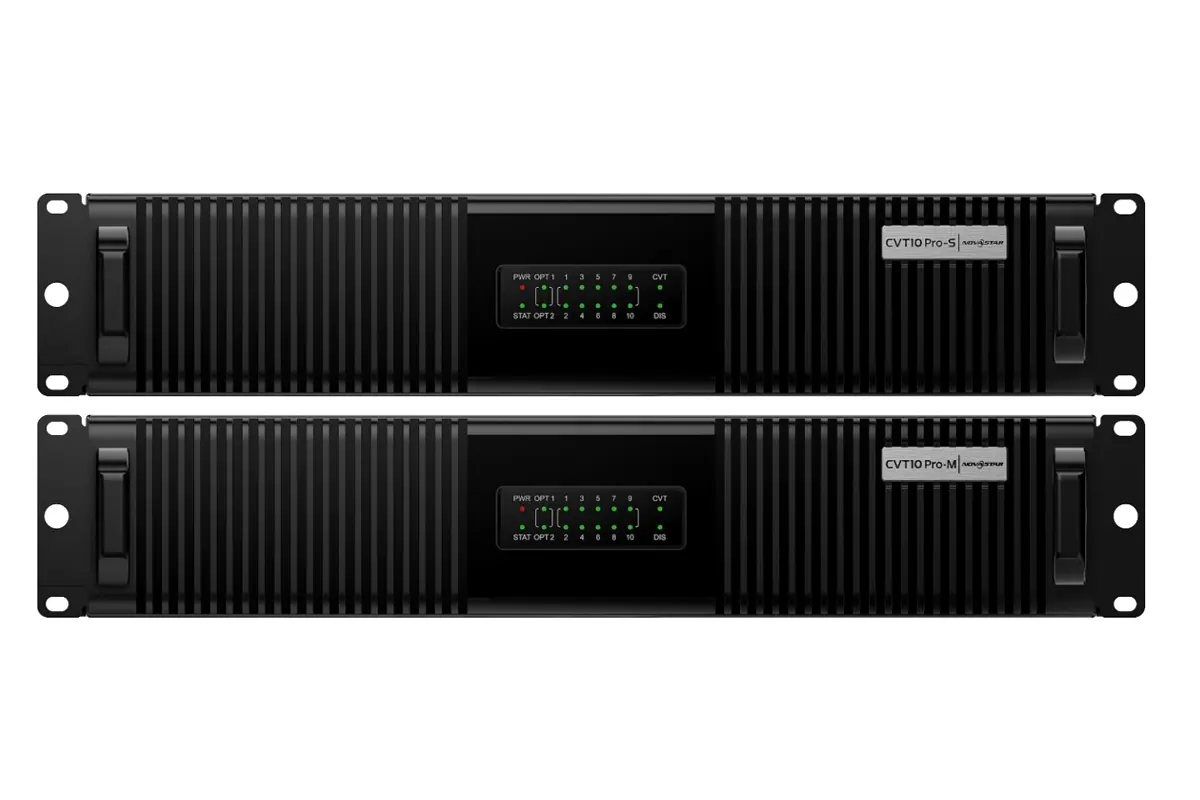
Choose the CVT10 if:
- You’re deploying in controlled indoor environments like studios, conference centers, or fixed installations.
- Your priority is compact size, lightweight design, and cost-efficiency.
- You’re using standard network cables and don’t require ruggedized connectors.
Choose the CVT10 Pro if:
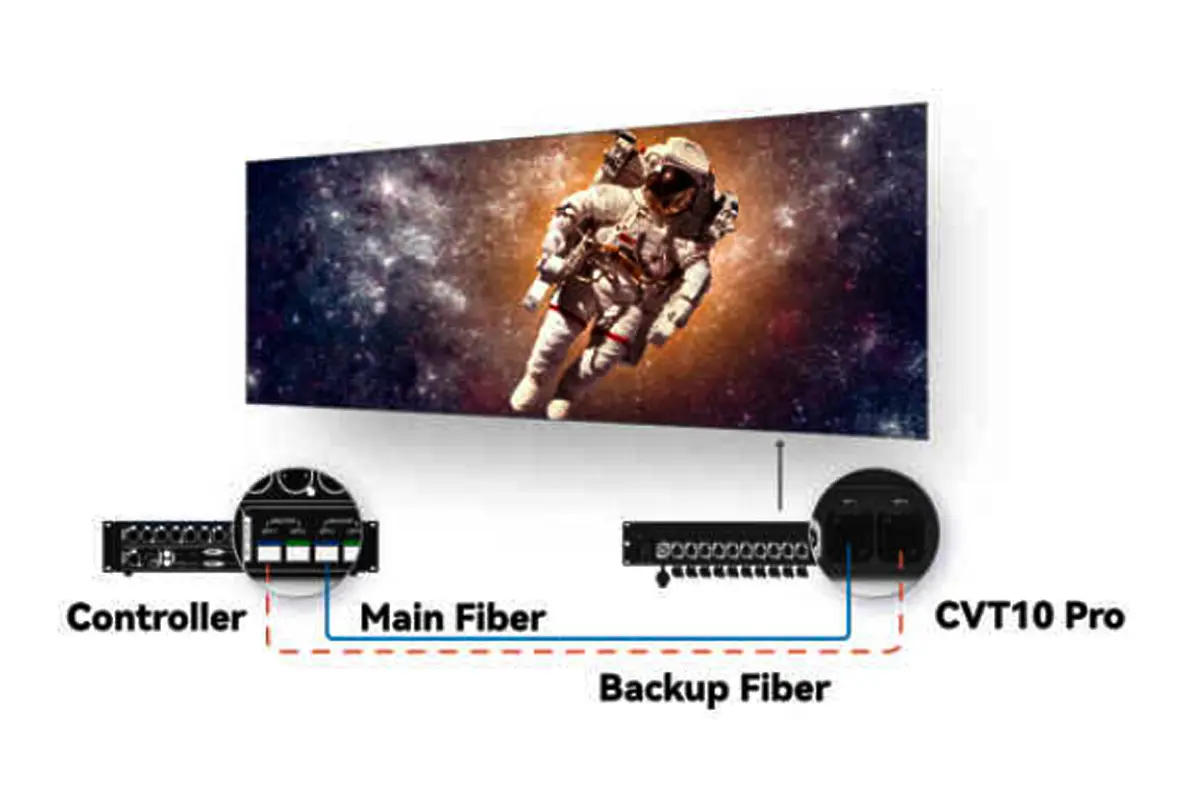
- Your setup involves outdoor or harsh conditions—such as stage rentals, touring events, or weather-exposed venues.
- You need IP65 protection against dust, water, and accidental spills.
- You want truss-mounting capability for flexible rigging and industrial-grade durability.
- Your system uses Neutrik EtherCon connectors for enhanced reliability and anti-vibration performance.
4.How to Install and Configure the Novastar CVT10 Fiber Converter
Proper installation and configuration are critical to maximizing the CVT10’s performance. Follow these steps:
Step 1: Choose the Right Mounting Method
The Novastar CVT10 fiber converter supports three flexible mounting options to suit different environments:
- Horizontal Mounting: Place the unit on a flat, stable surface using the included brackets—ideal for temporary setups or control rooms.
- Rack Mounting: Combine two CVT10 units (or one CVT10 with a dedicated connecting piece) to form a standard 1U rack assembly, saving space in permanent installations.
- Suspended Mounting: Use truss hooks or clamps to hang the device securely—common in stage or rental applications where floor space is limited.
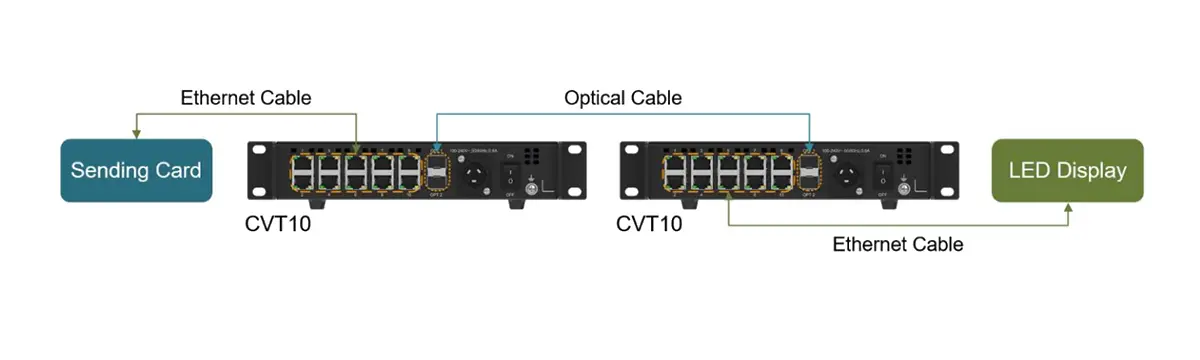
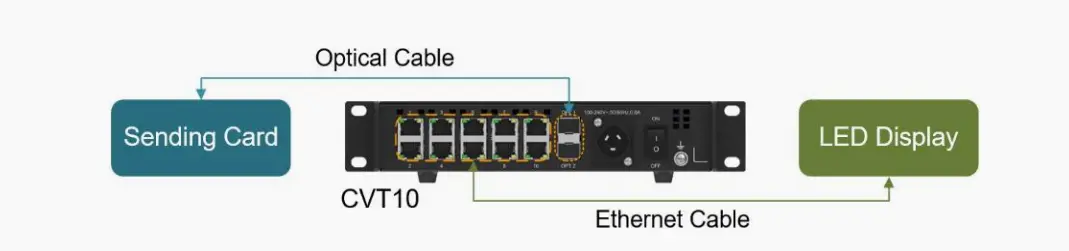
Step 2: Connect Cables Properly
- Fiber Optic Cables: Insert single-mode or multi-mode fibers into the OPT1 and OPT2 ports, matching the transceiver type (CVT10-S or CVT10-M).
- Ethernet Cables: Connect RJ45 cables from your sending card or switch to the 10 Gigabit Ethernet ports as needed.
- Power Supply: Plug the power cord into the T-shape socket—ensure the voltage matches your local standard.
Step 3: Basic Configuration
- The Novastar CVT10 operates in CVT mode by default (the only supported mode at this time).
- To update firmware or verify settings, connect the USB Type-B port to a PC running NovaLCT V5.4.0 or later.
- Use the MODE button to confirm operational status (LED indicators provide real-time feedback).
Cooling & Environmental Best Practices
- Ensure adequate airflow around the unit—maintain at least 10 cm of clearance on all sides.
- Do not stack multiple devices or install in enclosed cabinets without ventilation.
- Avoid high-temperature, humid, or dusty environments to prolong component life and maintain signal stability.
5.Common Applications of the CVT10 fiber optical converter
Thanks to its robust design, high-bandwidth capability, and immunity to electromagnetic interference, the Novastar CVT10 fiber optical converter is widely deployed across industries where signal reliability and visual fidelity are non-negotiable. Here’s how it powers real-world LED display solutions:
Live Events & Entertainment
In fast-paced environments like concerts, festivals, and award shows, signal stability can make or break a production. The CVT10 enables long-distance, low-latency transmission between control booths and stage displays—even over hundreds of meters—without dropouts or sync issues. Its compact form factor also simplifies integration into mobile racks and flyable truss systems.
Broadcast Studios & XR Stages
Modern broadcast and virtual production demand pixel-perfect accuracy at high frame rates. The Novastar CVT10 supports 4K@60Hz video streams with zero compression or latency, making it ideal for camera tracking systems, LED volume walls, and on-air graphics. Its full-duplex architecture ensures smooth communication between sending cards and processors in real time.
Outdoor Advertising & Digital Billboards
From city-center mega-displays to highway signage, outdoor LED screens face extreme temperatures, electrical noise, and long cable runs. The CVT10’s fiber-based transmission eliminates ground loops and EMI, delivering consistent brightness and color accuracy—even when the sending controller is located hundreds of meters away in a secure equipment room.
Corporate & Institutional Spaces
In boardrooms, university auditoriums, and command centers, clarity and uptime are critical. The CVT10 ensures crisp image quality and plug-and-play reliability for presentations, video walls, and emergency information systems—without the signal degradation that plagues copper-based extenders over distance.
6.Compatibility Guide: Which LED Controllers Work with Novastar CVT10?
Novastar CVT10 fiber optical converter is designed to work seamlessly within the broader Novastar ecosystem, acting as a high-performance signal bridge between sending cards, video processors, and LED displays—especially when direct optical output isn’t available.
The CVT10 integrates natively with a wide range of Novastar controllers, including:
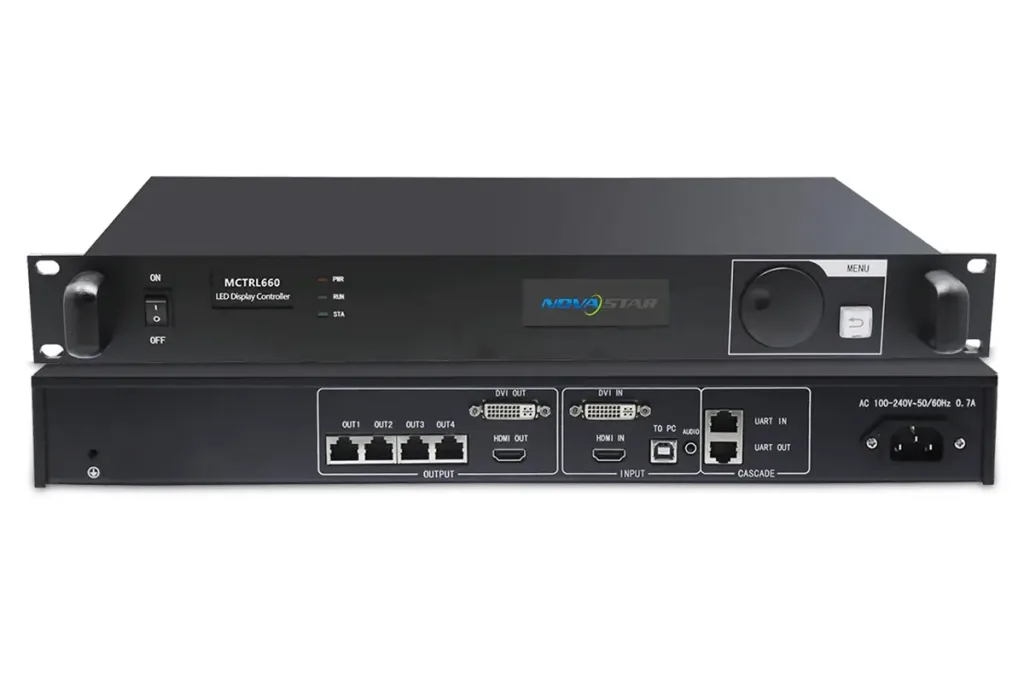
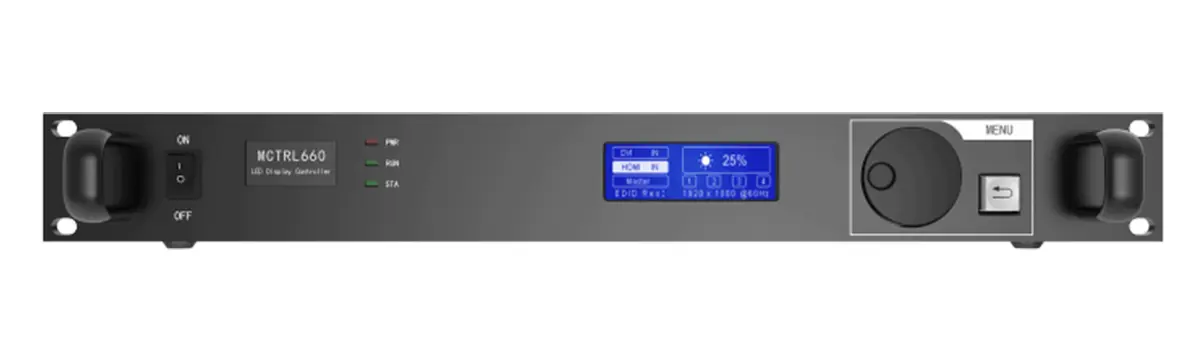
- MCTRL Series Sending Cards:MCTRL4K, MCTRL660, MCTRL600, MCTRL300
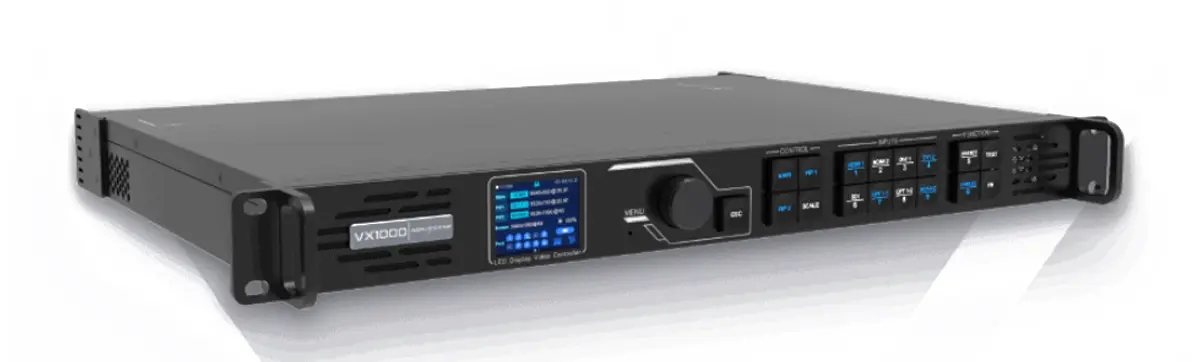
- VX Series Video Processors:VX4S, VX6S, VX1000 Pro
To determine compatibility:
- Check if the sending card has optical ports. If yes, connect directly via fiber.
- If not, use the CVT10 to bridge the gap between the sending card and the LED display.
Refer to the application diagram provided in the product specifications for detailed connection methods.
7.How CVT10 Handles 4K and High Frame Rates
One of the standout features of the CVT10 fiber converter is its ability to handle 4K resolution and high frame rates without compromising performance. Here’s how it achieves this:
High-Bandwidth Architecture for Uncompressed Video
The Novastar CVT10 leverages dual 10 Gbit/s SFP+ optical ports, providing ample bandwidth to transmit uncompressed 4K@60Hz video streams over fiber—far exceeding the capacity of traditional copper extenders. Its ten Gigabit Ethernet ports (1 Gbit/s each) further support flexible signal distribution to multiple receiving units or processors without bottlenecks.
Ultra-Low Latency via Efficient Line Coding
To maintain real-time performance, the CVT10 fiber optical converter employs industry-standard encoding schemes like 8b/10b and 64b/66b, which balance data integrity with transmission efficiency. This minimizes processing delay, ensuring sub-millisecond latency—critical for applications like live camera tracking, interactive displays, or multi-screen synchronization where even a single frame of lag is unacceptable.
Robust Error Correction for Flawless Playback
Fiber transmission isn’t just fast—it’s resilient. The Novastar CVT10 incorporates advanced forward error correction (FEC) and link-layer protocols that detect and correct bit errors on the fly. This prevents visual artifacts, flickering, or signal dropouts—even in electrically noisy environments or over maximum transmission distances.