

Related Posts
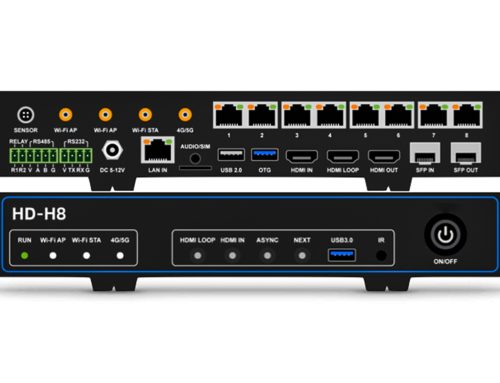
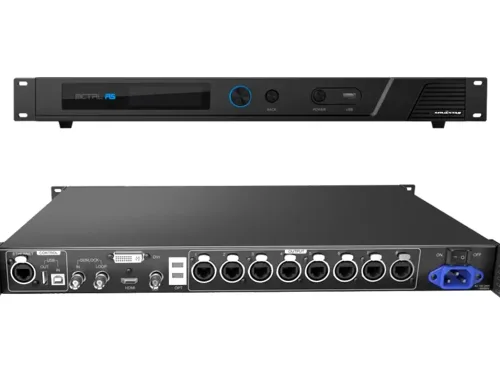
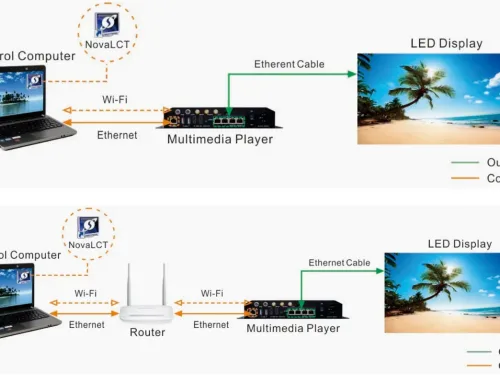
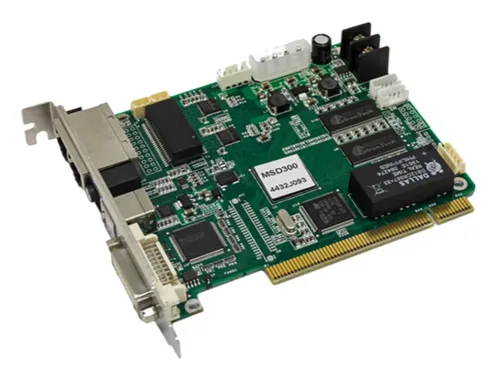




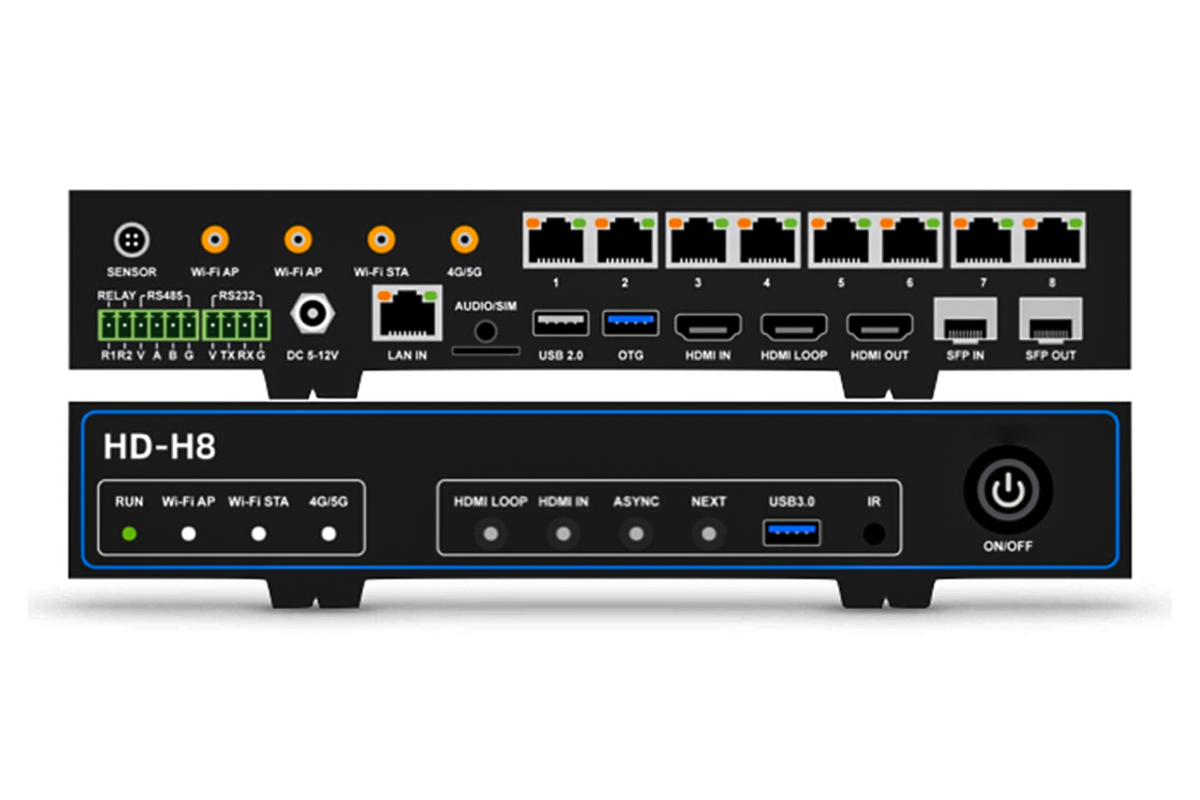
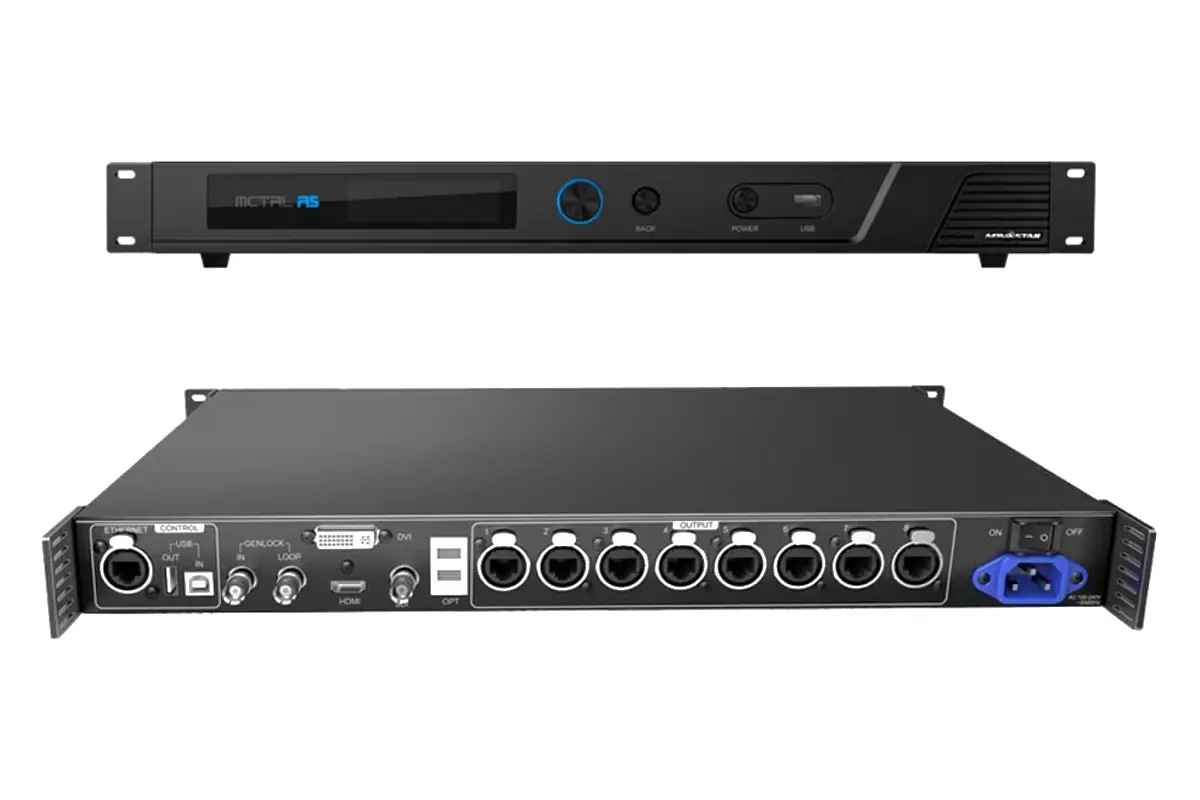
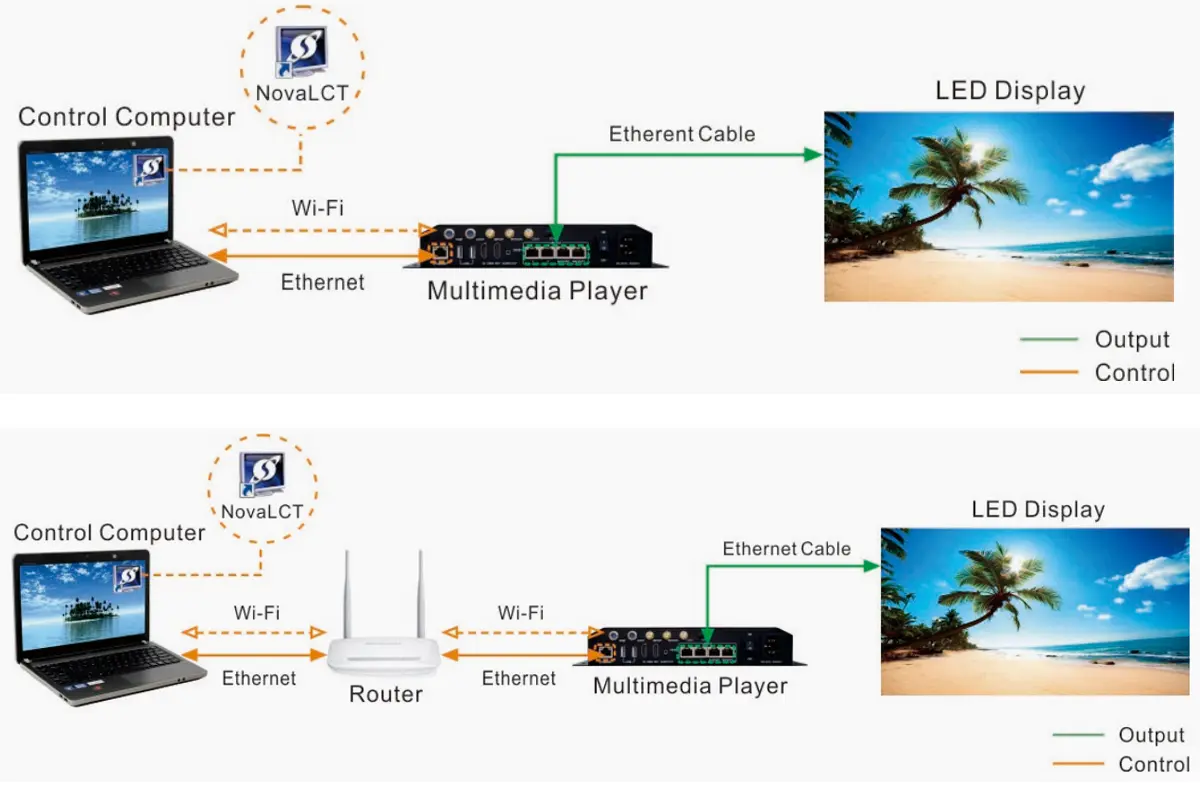
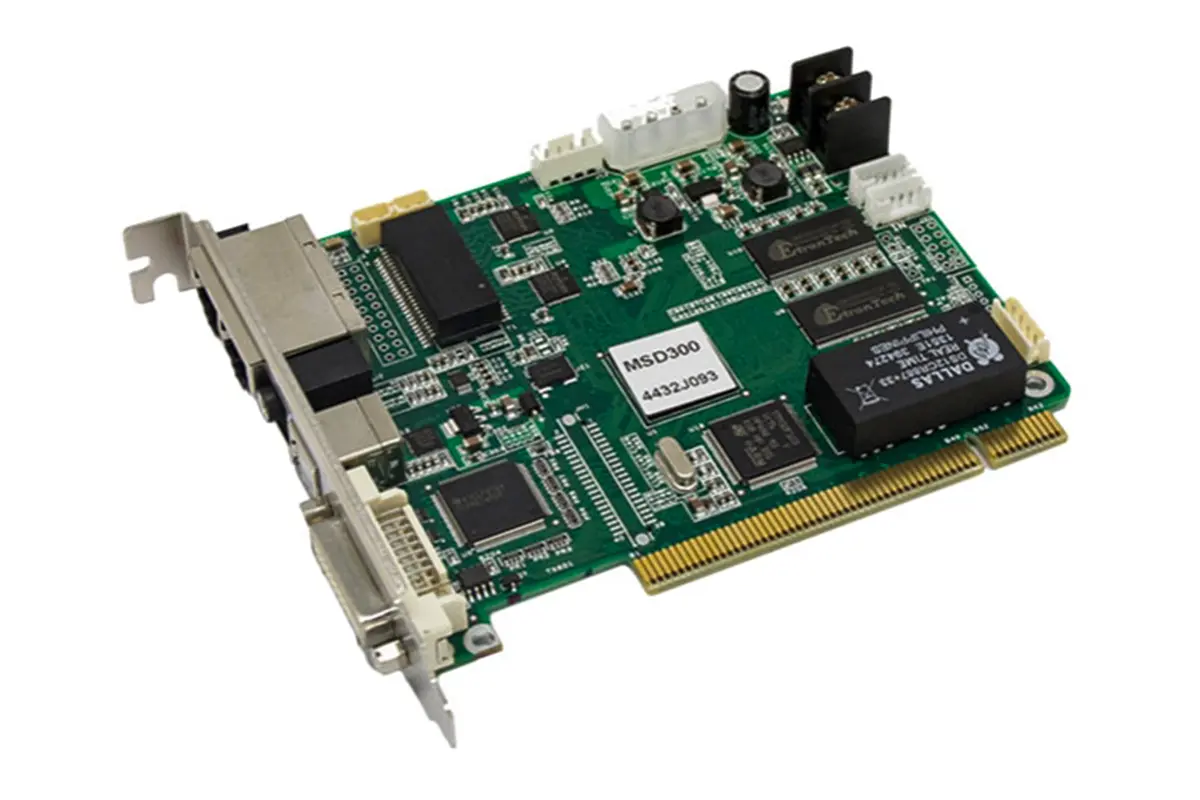
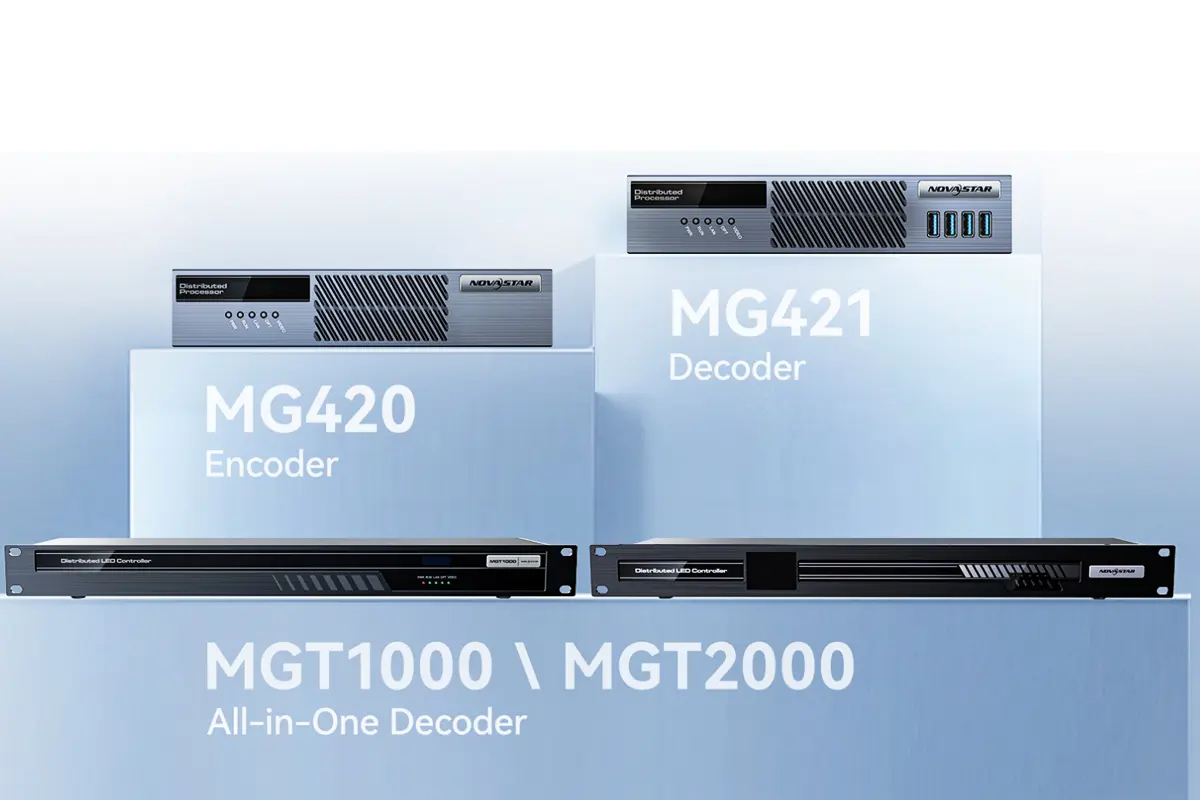
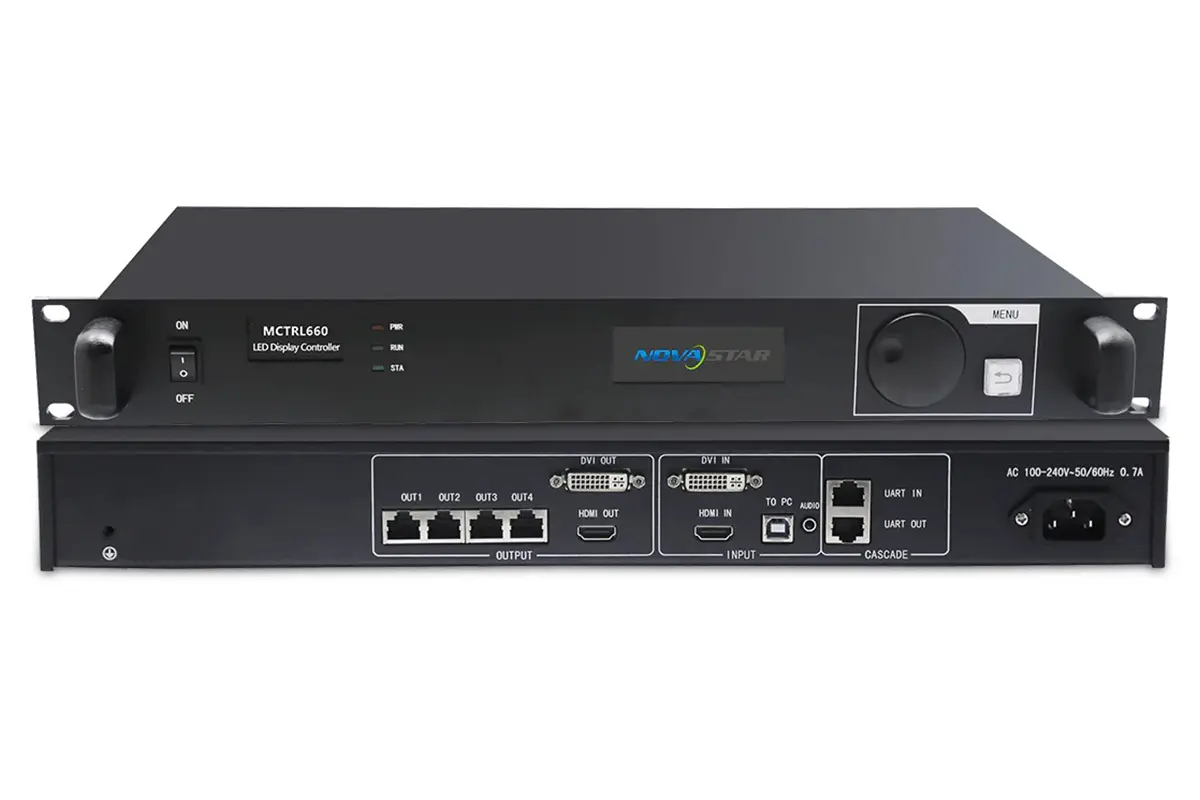
When building a large-scale LED display, the controller you choose determines not only image quality but also how smoothly your entire system runs. The NovaStar LED controller CX40 Pro has been making waves with its promise of 4K HDR processing and ultra-low latency—but how does it actually perform in real-world installations? In this article, we examine its processing capabilities, advanced features, and practical applications to help you decide if this all-in-one controller fits your next project.
catalogue
1.What Is the CX40 Pro LED Display Controller?
CX40 Pro is a NovaStar LED controller from the COEX series, engineered for medium to large LED displays. It supports up to 9 million pixels across six 5Gbps Ethernet ports, with maximum output width of 16,384 pixels—enough for 4K walls or creative layouts. A built-in 40Gbps optical port enables long-distance signal transmission without external converters.
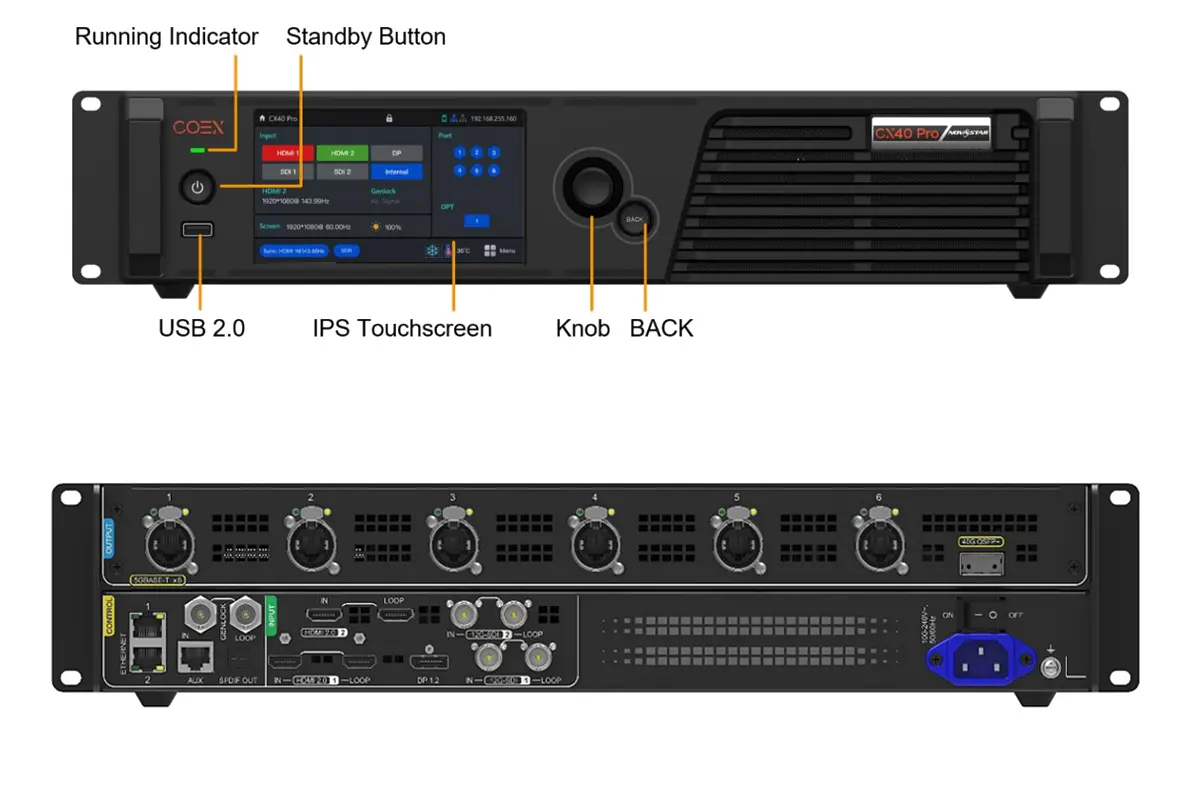
NovaStar CX40 Pro Key features include:
Input flexibility: Two HDMI 2.0 (with loop-through), DP 1.2, and two 12G-SDI (with loop-through) accept sources up to 4096×2160@60Hz or forced 8192×1080@60Hz for ultra-wide screens.
HDR processing: Handles HDR10 and HLG content with 12‑bit depth, preserving highlight and shadow detail for lifelike imagery.
Layer management: Three independent layers with adjustable Z‑order allow compositing multiple sources—ideal for overlays, PIP, or creative layouts.
Color accuracy: this Novastar coex controller supports 3D LUT files (up to 65×65×65) for precise color grading; 14‑channel color correction fine‑tunes hue, saturation, and brightness across primary and secondary colors.
Dynamic Booster: Real‑time analysis enhances contrast and detail in every frame while reducing power consumption.
Control options: On‑device 5.5‑inch touchscreen provides quick access; VMP software offers centralized configuration and monitoring for multi‑unit setups.
Dual operating modes: Switch between controller mode (full processing with layers and scaling) and send‑only mode (minimal latency) depending on project needs.
2.NovaStar LED controller CX40 Pro 4K HDR Processing Performance
NovaStar LED controller CX40 Pro handles 4K content with professional-grade precision. It supports HDR10 (compliant with SMPTE ST 2084 and ST 2086) for cinematic applications and HLG for broadcast and live production—no metadata negotiation required.
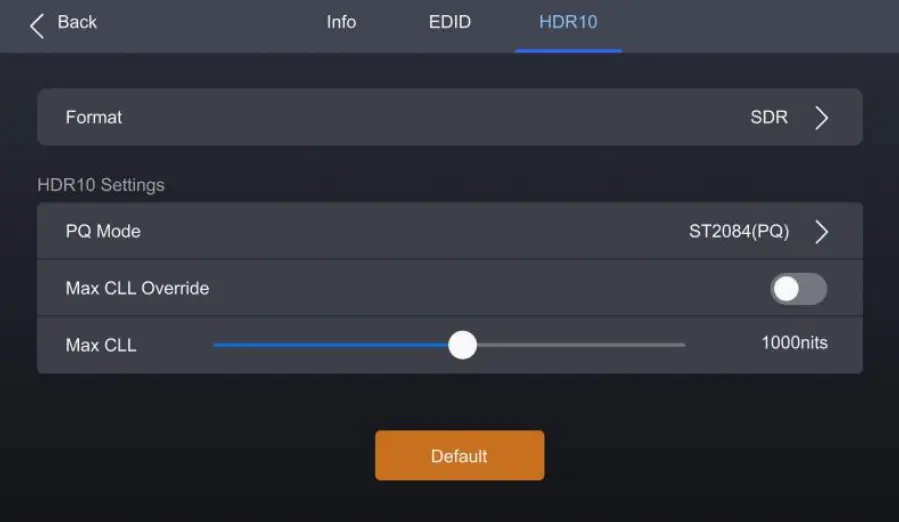
HDR flexibility: Two PQ modes give operators control over brightness mapping:
- ST2084 (PQ): 1:1 brightness mapping preserves the original creative intent.
- ST2086 (Linear Mapping): Global brightness scaling maintains proportional relationships between highlights and shadows.
Resolution & frame rates: Maximum input resolution reaches 4096×2160@60Hz via HDMI 2.0 and DP 1.2, with forced resolutions up to 8192×1080@60Hz for ultra-wide layouts. Frame rates extend to 240 Hz with full decimal support (23.98/29.97/59.94/119.88/143.86 Hz).
Color handling: Processes 8‑, 10‑, and 12‑bit depth with multiple color sampling options—RGB/YCbCr 4:4:4, 4:2:2, and 4:2:0—adapting to source requirements from graphics to bandwidth-efficient 4K distribution. EDID management accepts both standard and custom resolutions, ensuring source devices output correctly without manual negotiation.
| Feature | Description |
|---|---|
| Max Resolution | 4096×2160@60Hz |
| Bit Depth | 8-bit, 10-bit, 12-bit |
| Frame Rates | Up to 240 Hz |
| Color Sampling | RGB/YCbCr 4:4:4, 4:2:2, 4:2:0 |
3.Ultra-Low Latency Architecture of the Novastar coex CX40 Pro
For time-sensitive applications like eSports, virtual production, and live events, the NovaStar LED controller CX40 Pro delivers processing ultra-low latency —achieved without reducing pixel load or image quality.
NovaStar CX40 Pro Latency control features:
- Minimum processing latency: The all in one controller can achieve sub‑1ms delay in send‑only mode, ensuring real‑time responsiveness for interactive content and camera‑facing displays.
- Adjustable frame buffer: Users can add zero to two frames of additional latency when needed—useful for synchronizing with audio systems or matching downstream processing delays.
- Screen‑independent settings: Different screens connected to the same controller can have individual latency configurations, accommodating mixed requirements within a single installation.
- Genlock compatibility note: Low latency mode cannot be enabled simultaneously with Genlock—installers should prioritize based on application needs.
This architecture ensures the NovaStar CX40 Pro maintains real‑time performance whether driving stadium displays, virtual production walls, or multi‑screen corporate environments.
4.Advanced Layer and Image Processing Capabilities
NovaStar LED controller CX40 Pro goes beyond basic signal routing, offering a comprehensive suite of layer management and image enhancement tools that give operators fine-grained control over final output quality.
3 Independent Layers
The all in one controller supports up to three 4K layers with adjustable Z‑order priority, enabling complex compositing for overlays, picture‑in‑picture, or creative layouts. Each layer features multiple scaling modes—pixel‑to‑pixel for critical content, snap‑to‑canvas for seamless integration, and fill screen for full‑canvas coverage—adapting to diverse source requirements without external scaling hardware.
3D LUT Support
For color‑critical applications like virtual production or multi‑camera setups, the CX40 Pro accepts 3D LUT files with accuracies of 17×17×17, 33×33×33, or 65×65×65. This allows precise color matching between LED screens, cameras, and reference monitors, ensuring consistent visual identity across the entire signal chain.
14‑Channel Color Correction
Fine‑tune hue, saturation, and brightness across black, white, and 12 standard colors derived from the three primary colors (RGB). This level of control is invaluable for achieving accurate skin tones, brand colors, or creative looks without affecting unrelated parts of the image.
Dynamic Booster
Real‑time frame analysis dynamically enhances contrast and image detail while actively reducing power consumption. By optimizing brightness levels on the fly, this feature not only improves visual impact but also extends the operational lifespan of LED panels.
5.How to Set Up the Novastar coex CX40 for Your LED Display System
Setting up the CX40 Pro involves hardware installation, basic configuration, and software integration. Here’s a practical guide based on the all in one controller’s actual design and interfaces.
Hardware Installation
NovaStar CX40 Pro is a 1U rack-mountable unit measuring 482.6mm × 94.4mm × 472.0mm. When installing in a rack, use at least four M5×12 screws and ensure the rack can support 9kg.
Connecting Inputs and Outputs
Connect your video sources to the available inputs:
- HDMI 2.0 ports (two) with loop-through for daisy-chaining up to eight devices.
- DP 1.2 for computer sources.
- 12G-SDI ports (two) with loop-through for broadcast equipment.
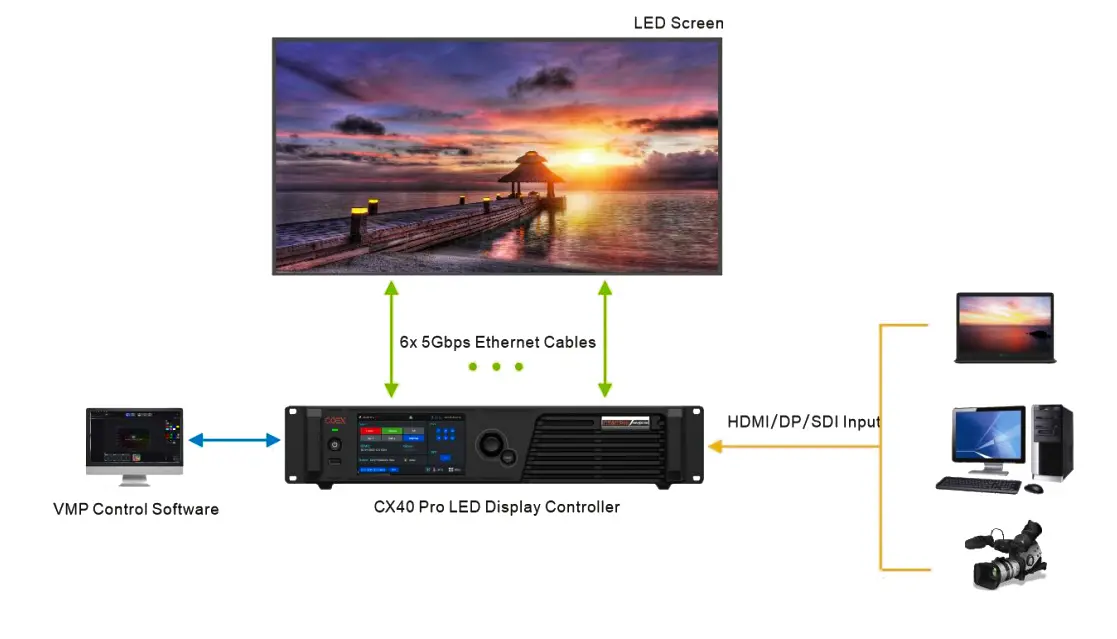
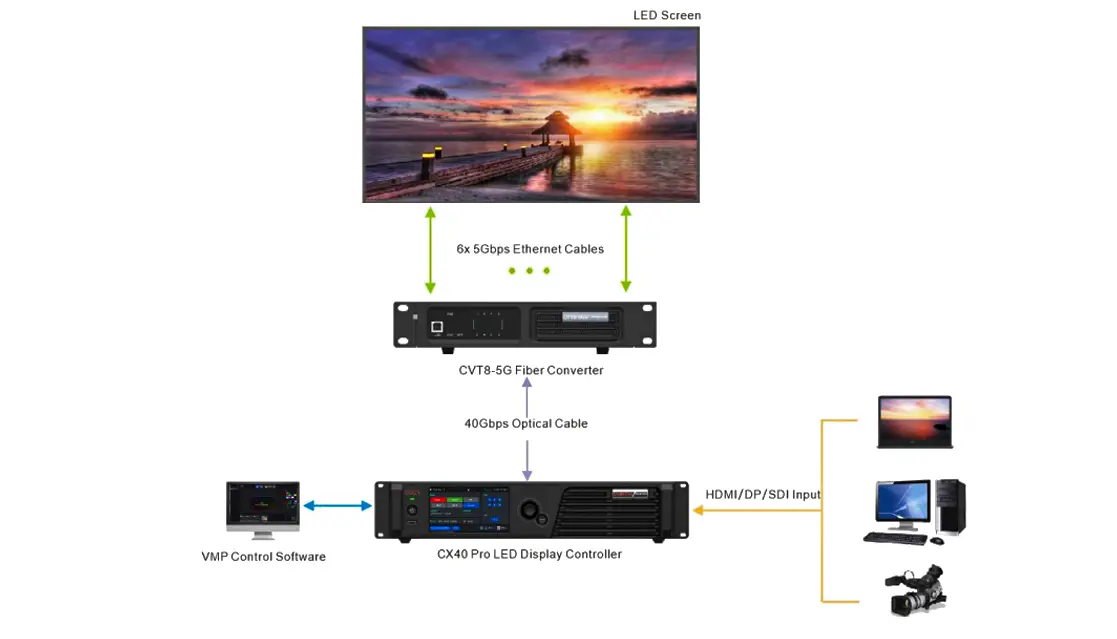
For output, connect Ethernet cables to the six 5GBASE-T ports, which drive receiving cards like XA50 Pro or CA50E. The 40G QSFP+ optical port enables long-distance transmission—note that the optical module is not included by default. If using SPDIF audio output, connect to the digital audio port using HDMI 2.0_2 as the source.
Ethernet Output
Long-Distance Transmission via OPT Ports
Initial Power-On and Basic Setup
After connecting power (100-240V~, 50/60Hz), press the standby button. The running indicator shows:
- Solid green: normal operation
- Solid red: standby
- Flashing red: abnormal operation
The 5.5‑inch touchscreen displays the home screen, showing input status, output connections, and device information. From here, you can:
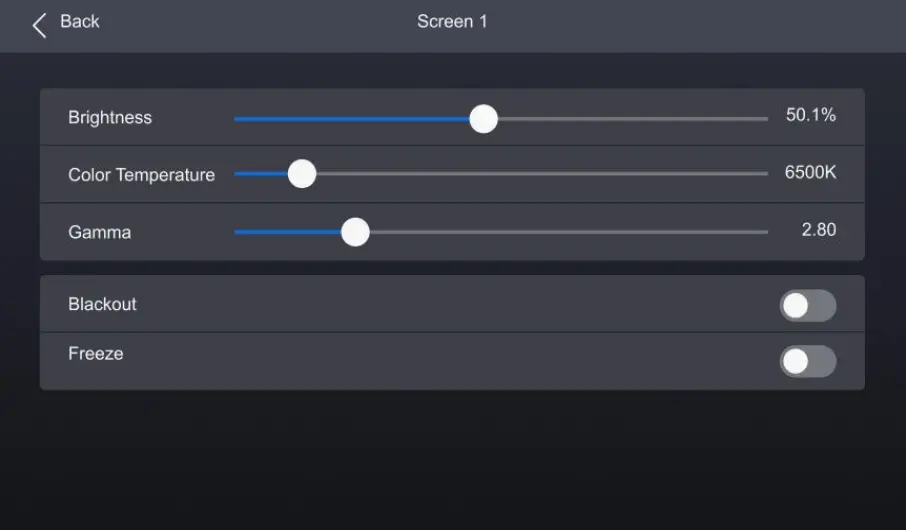
- Adjust screen brightness, color temperature, and gamma via the Screen menu
- Check input source information under Input
- Configure network settings in Communication (IP address, subnet mask, gateway)
Configuring Through the Front Panel
The touchscreen and knob provide complete control without external software:
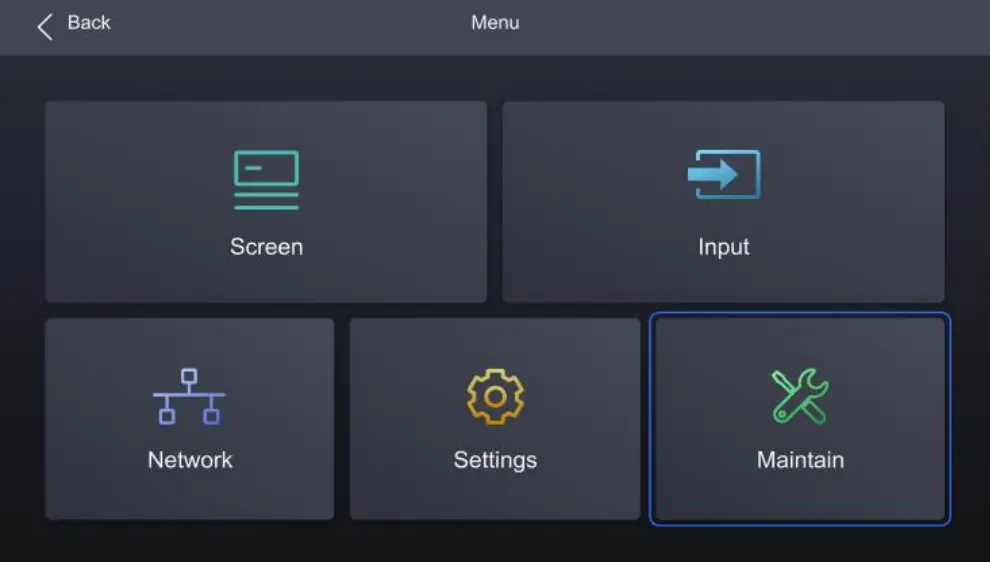
- Press the knob on the home screen to enter the main menu.
- Rotate to navigate, press to select.
- Hold knob and BACK simultaneously for 5 seconds to lock/unlock controls.
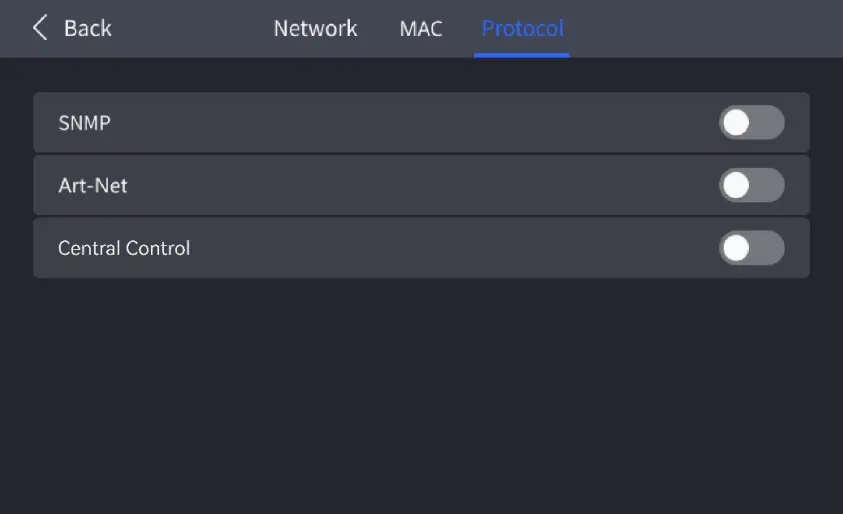
Key configurations accessible from the front panel include EDID settings, HDR format selection (Auto/HDR10/HLG/Close), PQ mode for HDR10, and protocol enabling (SNMP, Art-Net, central control).
Advanced Configuration with VMP
For comprehensive setup, install Vision Management Platform on a control PC. VMP enables:
- Project management and input source configuration
- Screen calibration and color processing
- Preset management (up to 128 customizable presets)
- Layer arrangement and scaling mode adjustment
- Real-time monitoring and diagnostics
The NovaStar CX40 Pro connects to VMP via the dual Gigabit Ethernet control ports, which support TCP/IP and can cascade up to 20 units without external switches.
Network and Protocol Configuration
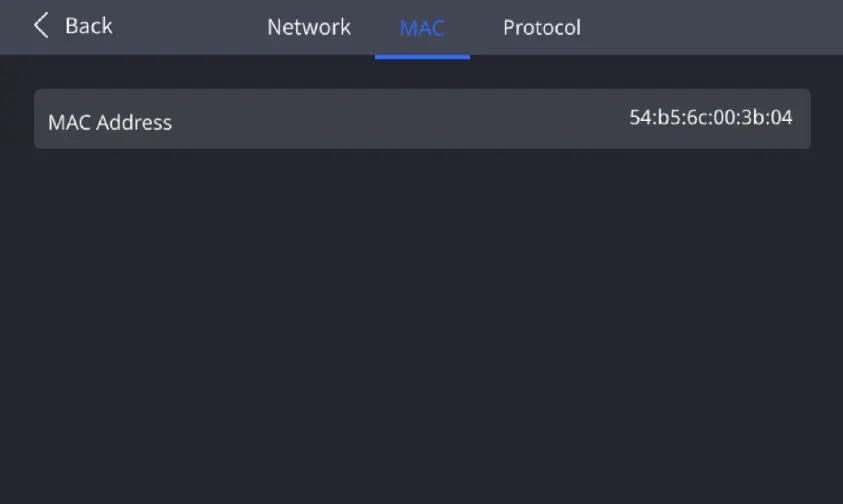
Navigate to Communication > Network to set IP addressing. Enable DHCP for automatic assignment or manually configure static IP, subnet mask, and gateway. Under Protocol, enable SNMP, Art-Net, or central control as needed for facility integration. The MAC address is viewable under Communication > MAC for device identification.
6.Typical Application Scenarios of NovaStar LED controller CX40 Controller
The NovaStar LED controller CX40 Pro adapts to diverse professional environments, with specific features addressing the unique demands of each application:
| Scenario | Key Features Utilized | Benefits |
|---|---|---|
| Virtual Production | Low Latency (<1ms), HDR10/HLG, Shutter Fit | Camera-sync eliminates black lines; real-time response matches LED to tracked cameras |
| Live Events & Concerts | Frame Multiplication (up to 480 Hz), 3D Support | Smooth high-frame-rate playback; immersive 3D effects with compatible glasses and emitter |
| Broadcast Studios | 3D LUT (65×65×65), 14‑Channel Color Correction | Consistent color across multiple cameras; precise skin tone matching |
| Large LED Walls | Cascading (up to 20 units), 40G Optical Output | Scalable pixel capacity beyond 9 million; long-distance placement without signal loss |
| Corporate AV & Control Rooms | Art-Net/SNMP Protocols, Dual Ethernet Control | Integration with building management systems; reliable 24/7 operation with remote monitoring |
7.FAQs
 Vunit 3000 Control Processor Guide For LED Display Control Systems