
An LED display is not automatically good or bad for eyes because of its technology label. LED display viewing comfort depends on the actual brightness, reflections, image detail, temporal behavior and viewing task. A product name, a high refresh-rate claim or a warmer color preset does not establish eye protection.
This guide is for integrators and commercial display buyers assessing an indoor meeting room, venue or public information wall. It separates everyday comfort questions from claims about health and optical safety. It does not rank OLED, Mini LED and direct-view LED as universally healthier alternatives.
Use a representative demonstration to compare the proposed system at its intended operating settings. For personal symptoms, seek advice from a qualified eye-care professional rather than using a display specification as a diagnosis. For procurement, ask what was measured, under which conditions and for which exact hardware.
On this page — open or close contents
1. LED Display And LCD: Eye-Health Claims
01. The display labels describe different things
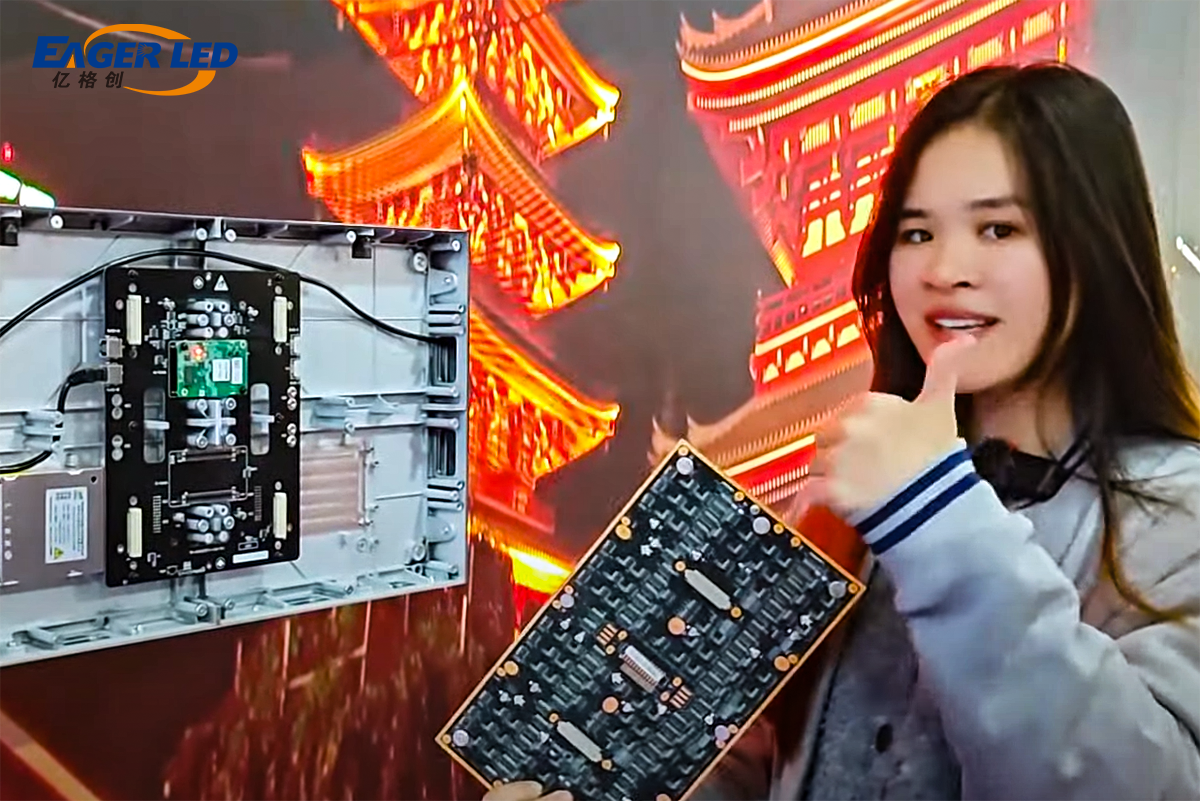
Many products sold as LED televisions are LCD panels illuminated by LEDs. Mini LED usually describes a smaller backlight used with an LCD layer. A direct-view LED wall uses light-emitting pixels without that LCD layer; OLED uses organic emitting material. Micro LED is another direct-emitting approach. These distinctions help explain construction, but they do not produce a reliable health ranking.
Likewise, COB and SMD describe aspects of LED packaging rather than a clinical outcome. Compare the proposed assembly, driver settings and operating mode. Do not infer lower blue-light exposure, absence of flicker or reduced symptoms from packaging alone. The Mini LED versus Micro LED comparison explains the terminology separately from LED display viewing comfort.
02. Blue light is not a complete explanation
The American Academy of Ophthalmology explains that ordinary computer-screen blue light has not been shown to damage eyes, while prolonged device use can cause temporary discomfort. Its advice includes breaks, reducing glare and adjusting brightness. This evidence about personal digital devices is not an optical-safety certification for a large, high-output installation.
The International Commission on Illumination distinguishes the technical blue-light-hazard concept from broad claims about well-being. Ask for relevant test documentation when a supplier makes a safety claim. Identify the tested model, operating conditions and applicable assessment; a diagram or marketing badge is not a substitute. LED display viewing comfort and documented optical safety answer different questions.
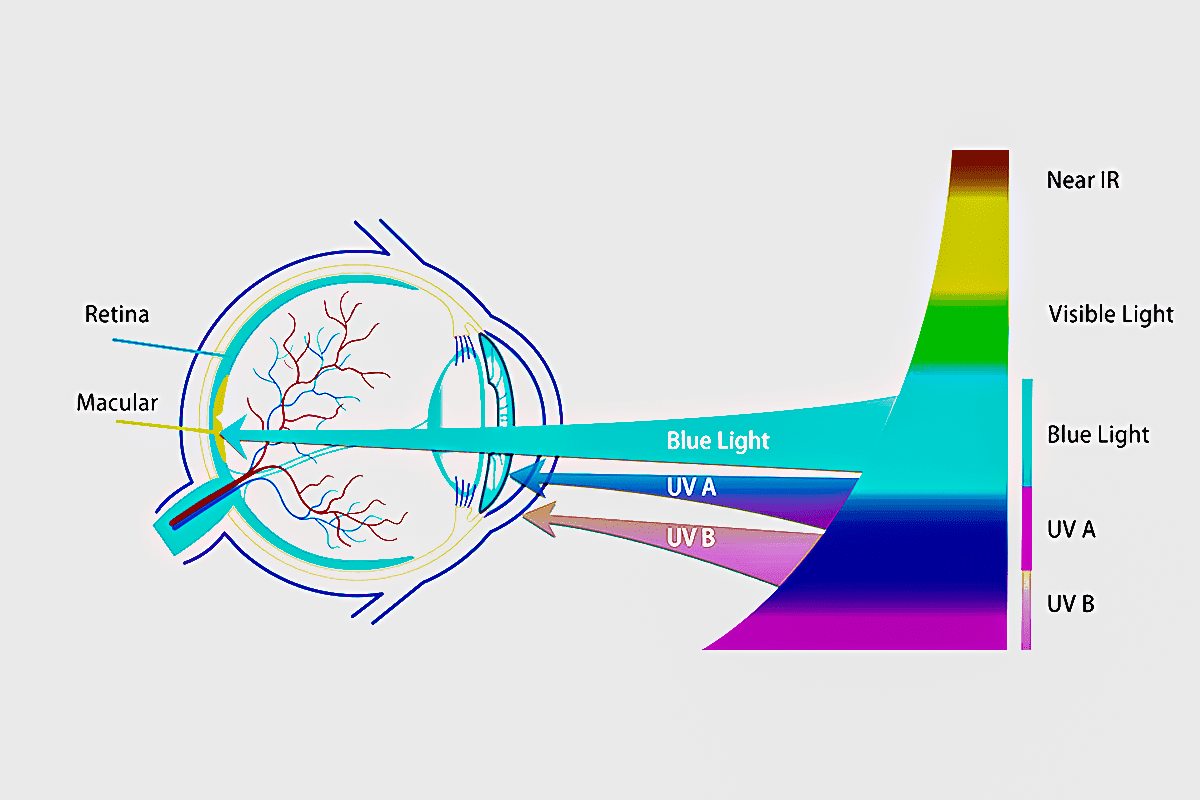
Original illustration of eye anatomy and wavelength bands retained for context. It is not a measured exposure assessment, evidence of damage from this installation or proof that one display technology protects eyesight.
A warmer preset changes the displayed color balance. It does not by itself establish a tested safety classification, a medical benefit or equivalent color accuracy. If accurate product colors matter, agree how color will be evaluated in the approved operating mode. Record any warmer preset separately so operators do not confuse it with the calibrated reference.
2. Evaluate The Installed Display
01. Match light output to the room
Assess LED display viewing comfort from the actual seats with the planned room lighting. A setting suited to a bright exhibition hall may be excessive in a dim meeting room. Conversely, reducing output until text becomes difficult to read is not a useful solution. Compare white slides, dark material and mixed content rather than approving only a colorful demonstration.
Check reflections on the display and surrounding surfaces. Include positions near windows and off-axis seats. Record the time, room-light state and control preset. If brightness changes automatically, check how it responds when room conditions change and whether staff can restore the approved setting. Avoid making a single universal nit value the comfort specification.
02. Test readable detail at the nearest seats
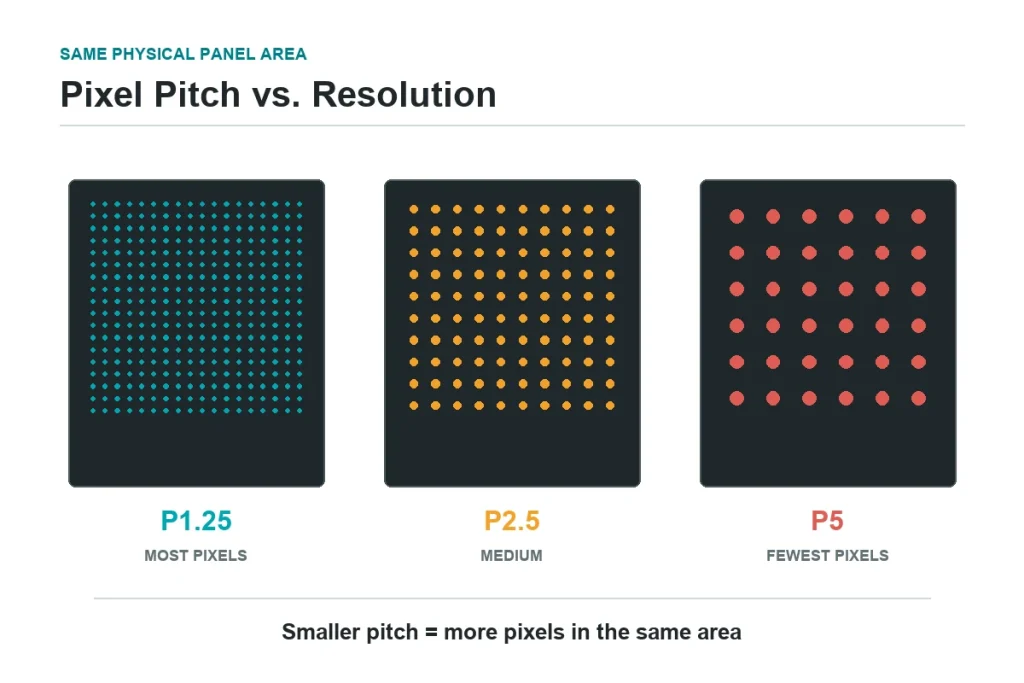
Choose pitch, canvas resolution and text design together. Small text can become difficult to interpret when scaled across an unsuitable pixel grid. Test the actual presentation, dashboard or signage file, including the smallest required text. The LED screen resolution guide covers pixel planning; LED display viewing comfort also requires observing the intended task.
03. Check dimming and temporal behavior
LED does not mean DC dimming or guaranteed flicker-free operation. The US Department of Energy describes how LED temporal behavior depends on driver and dimming design. Its lighting research explains the engineering issue, but it does not certify the proposed LED display. Request evidence for the exact display at the dimmed settings you will use.
A refresh number alone does not characterize the entire light-output waveform. Scan behavior, modulation depth, dimming mode and configuration can matter. A phone-camera recording may reveal an interaction with that camera, but cannot prove universal flicker safety. For filmed events, add a separate camera acceptance test; LED display viewing comfort and camera banding are not interchangeable measurements.
3. Record A Useful Acceptance Test
Bring representative users into the demonstration without promising that one response predicts everyone’s experience. Ask whether required content is easy to read and whether glare or uncomfortable brightness is apparent. Keep observations tied to the seat, task and settings. A brief positive reaction does not justify a claim that the product prevents eye strain.
| Check | Record | Follow-up |
|---|---|---|
| Content readability | Actual file, smallest text and viewing seats | Adjust canvas, type size or viewing layout |
| Room and brightness | Lighting, reflections, output setting and automatic controls | Approve an operating preset, not only maximum output |
| Dimmed behavior | Hardware identity, settings and relevant temporal measurements | Resolve the observed condition before acceptance |
| Safety claims | Tested model, report scope and stated conditions | Check that the report covers the supplied configuration |
| Handover | Approved presets, responsible operator and restore procedure | Recheck after a relevant hardware or firmware change |
For LED display viewing comfort, compare alternatives using the same content and lighting. Do not compare one unit at maximum output with another in a dimmed preset and then attribute the result to its display category. Ask the supplier to explain what changed during the demonstration. Keep the agreed configuration with the quotation and acceptance record.
Common Questions
Is LED or LCD always better for eyes?
No universal ranking follows from those labels. Compare the actual devices, task, lighting and operating settings. An LED-backlit LCD is also commonly marketed as an LED screen, which makes an unexplained comparison ambiguous.
Does a blue-light mode prove eye protection?
No. It changes the image but does not replace model-specific evidence or professional advice. Check what the claimed test assessed rather than treating a warmer picture as a medical outcome.
Does a high refresh rate prove flicker-free operation?
No. Request the relevant operating conditions and measurements. Test the installed system at its normal dimmed level; a single headline rate does not describe every temporal behavior.
Can we apply computer viewing distances to a video wall?
Not directly. Personal-monitor advice addresses a different viewing task. Plan the wall around screen dimensions, content detail, seats and room layout, then verify readability in person.
Discuss The Viewing Task
Prepare the screen dimensions, nearest seats, room lighting, required content and planned operating schedule. Tell the supplier whether the project also involves cameras or a specific documented safety requirement. These details support an appropriate proposal for LED display viewing comfort without turning a product label into a health promise.
Ask EagerLED to review your display requirements. Request a configuration and demonstration plan that can be checked against the real space.
 EagerLED Full-Color LED Display For Stunning Visuals
 HDR LED Display Technology: Formats, Benefits & Setup