

Is your LED display performing at its best? Behind every brilliant and reliable EagerLED screen, there is a powerful brain driving it – that’s LED Control System.Mooncell LED software is a good choice, as it has helped our clients achieve superb display effects on numerous occasions.
On this page, you’ll find everything you need to master the Mooncell ecosystem: direct software downloads, step-by-step tutorials, detailed specifications, and expert answers to your most common questions. We’ve compiled all the essential resources in one place to help you maximize your investment and simplify every project.
1.what’s Mooncell LED software?
Mooncell LED Software is a suite of professional programs used to control, manage, and content on LED displays. It is developed by Shenzhen Mooncell Electronics Co., Ltd., a national high-tech enterprise specializing in LED control systems.
For EagerLED customers, Mooncell softwares are the essential tool that brings your display to life. It works together with Mooncell’s hardware components (like sending and receiving cards) to form a complete and reliable control solution for your EagerLED product.
Here is what the softwares allows you to do:
- Content Management: Create playlists, add videos, images, and text, and schedule when they play.
- Display Configuration: Set up the screen size, adjust brightness and colors, and perform calibration for a consistent image.
- Operation & Monitoring: Control the display, send commands, and check its status for stable operation.
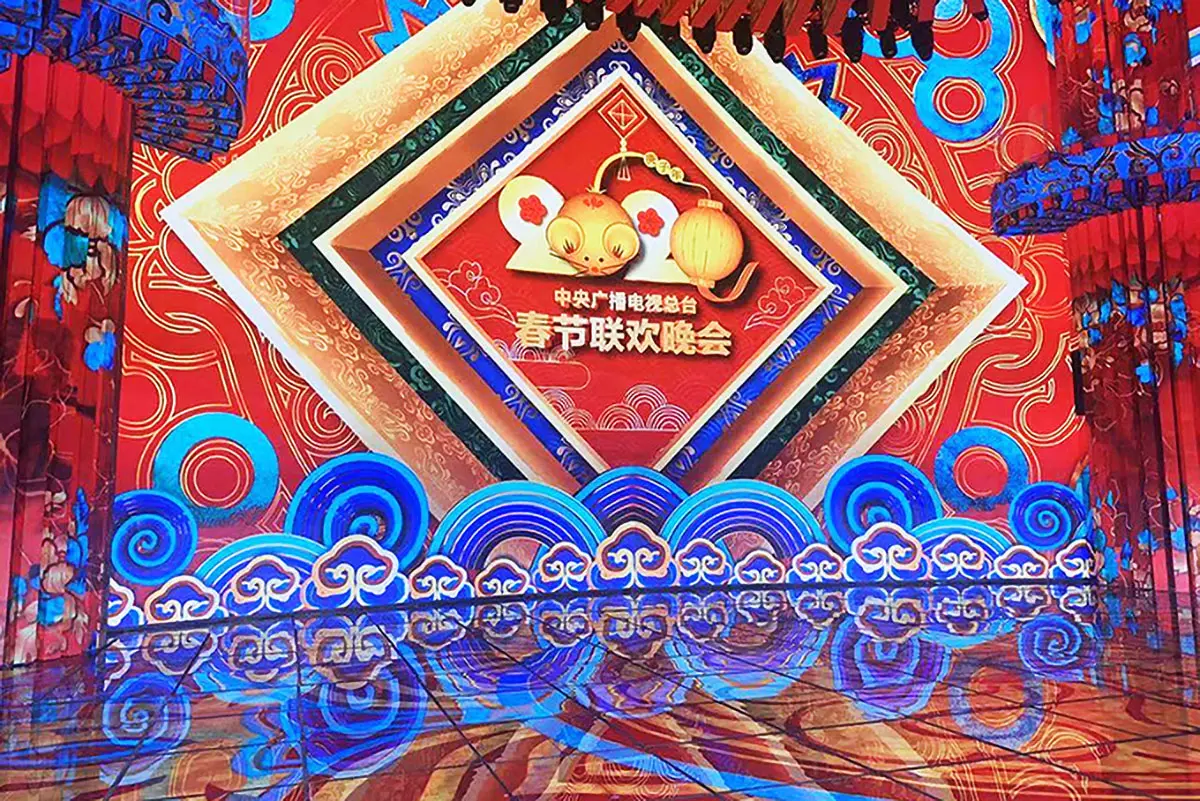
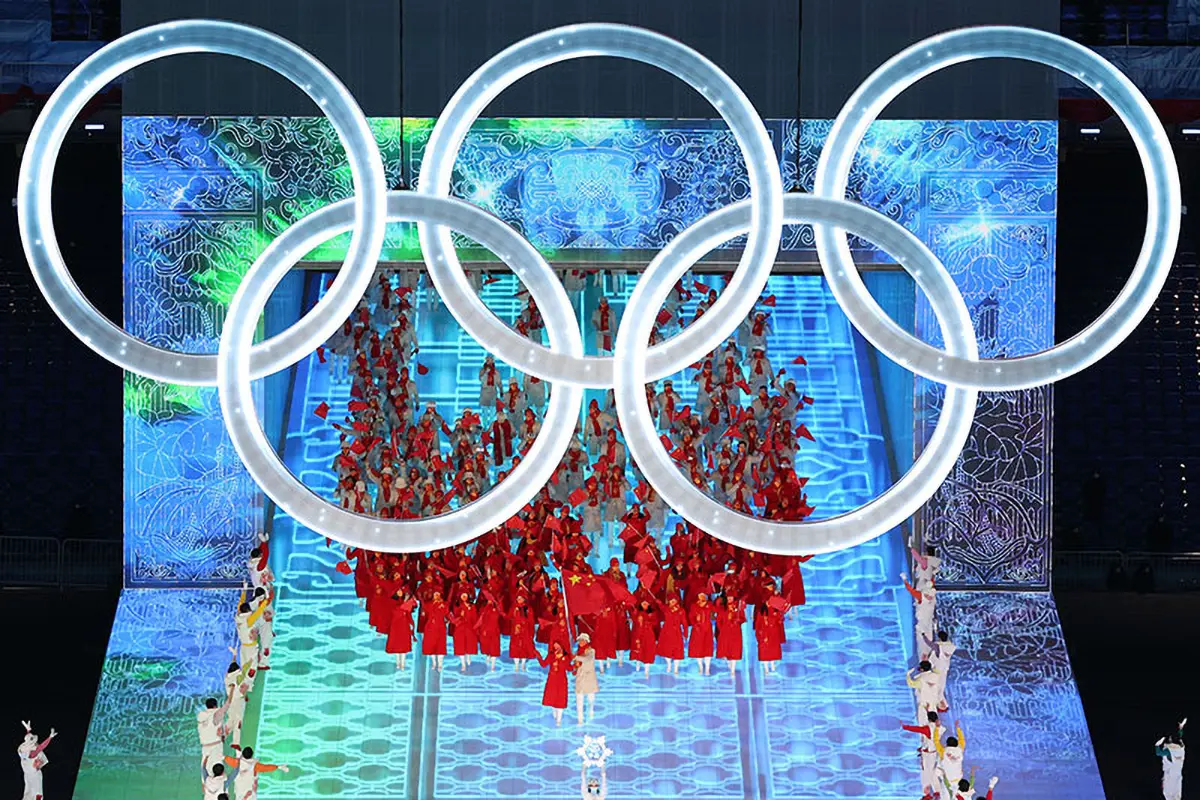
- We recommend and support Mooncell control systems because of their proven reliability in demanding applications. For years, Mooncell has been the control system behind major projects like the CCTV Spring Festival Gala,and 2022 Beijing Winter Olympics.
2.Mooncell LED software download
Here you can find the official Mooncell LED software required to run and control your LED display. Please carefully check the model of your Mooncell controller hardware (e.g., T6, M3, etc.) and your computer’s operating system before downloading to ensure you install the correct version.
Quick Guide: Which Software Do You Need?
- For basic content playback and scheduling: Use MCLEDPlayer or Ledmagic.
- For screen configuration, calibration, and setup: Use AutoLED, T6 Controller, or LED Display Controller.
- For mobile control: Use the Android App.
Important Note: We always recommend visiting the official Mooncell website for the most up-to-date software and drivers.
| Mooncell Asynchronous Software | |
|---|---|
| Ledmagic Setup 2.6.4 | Ledmagic Setup 2.5.11 (64) |
| Ledmagic Setup 2.5.11 (32) |
| Mooncell Synchronize Software | |
|---|---|
| AutoLEDSetupV3.72.12 | T6 Controller V3.1.26 |
| LED Display Controller V3.2.9(Chinese Simplified) |
| Mooncell Media Player Software | |
|---|---|
| MCLEDPlayerV2.9.166 (Multi-Language Release ) | MCLEDPlayer_Setup_1.0.5_03131715 |
| Mooncell Server | |
|---|---|
| C2 Server |
| Calibration Software | |
|---|---|
| Calibration Software Server |
3.How to use Mooncell LED Software
4.Mooncell Control Software User Manual Download
5.Mooncell Specifications Download:receiving card,video Processor,controller,Video Player
To ensure a perfect match and optimal performance for your EagerLED display, selecting the correct controllers and processors is crucial. This section provides the detailed technical specifications for all major Mooncell hardware components.
receiving card Specifications
| Sending Controllers | |
|---|---|
Mooncell MTB200 controller introduction video
Control Systems Specifications
| Commercial LED Display Series | |
|---|---|
| MBR16 Asynchronous Control Card | MC75E 2IN1 LED Display Controller |
6. FAQs
6.conclusion
This resource page has equipped you with the essential tools and knowledge—from software downloads and technical specifications to step-by-step guidance.
[Contact EagerLED Today] for a personalized consultation and let us help you select the ideal Mooncell control solution for your needs.
